
A free personalized inspiration hub
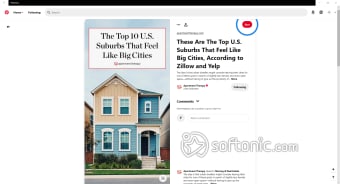
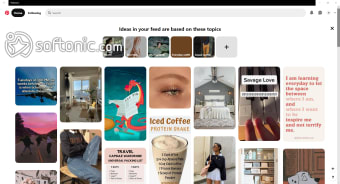
Pinterest is a free photo and video sharing application where inspiration takes flight and creativity flourishes. It offers users a visually rich and idea-driven experience. Unlike conventional social networks, it focuses on discovery, creativity, and organization, making it an essential tool for users seeking inspiration in various aspects of life, from home décor to fashion and beyond.

Unlock your creativity with Adobe Stock
Get 10 images or 1 video with a free trial
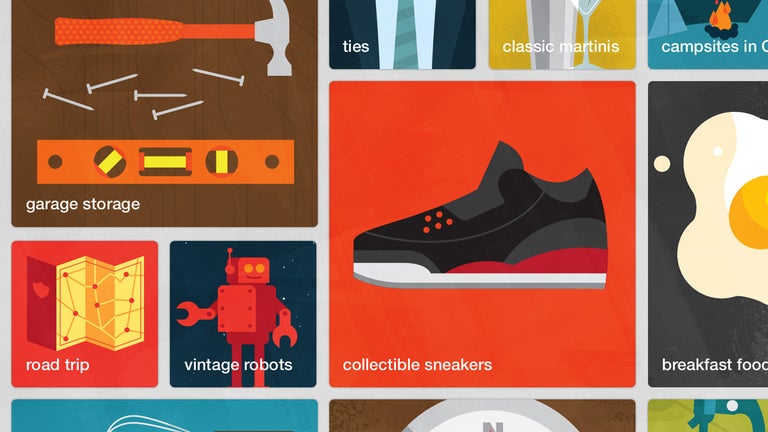
Pinterest allows users to collect and categorize images, videos, and articles that spark their interest. It’s a goldmine for creative professionals and DIY enthusiasts. Its ever-growing collection of user-generated content ensures that there is always something new to explore, making it a go-to platform for inspiration.
A personalized path to discovery
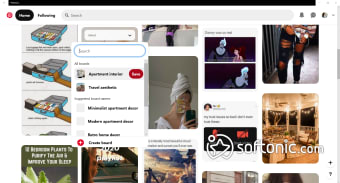
Pinterest functions as more than just a social media site—it acts as a powerful visual search engine where you can search for anything. By using keyword searches or its advanced image recognition technology, users can effortlessly discover related content tailored to their preferences. This feature makes the app an invaluable tool for individuals and businesses alike, aiding in trend research and creative planning.
For small businesses and content creators, the app provides excellent opportunities for exposure and engagement. With features like Rich Pins and Promoted Pins, brands can reach a targeted audience effectively. Since users often visit this program with the intent to act—whether it’s making a purchase or starting a project—businesses can see tangible benefits from a strong presence in the app.
However, the app does have its drawbacks too. While the app’s algorithm personalizes content well, it sometimes prioritizes trendy pins over fresh ideas, leading to repetitive suggestions in the inspirations that it generates. Additionally, the platform's reliance on external links means that broken or misleading links can occasionally disrupt the user experience, requiring extra caution when saving or following content.
Sharing ideas with Group Boards
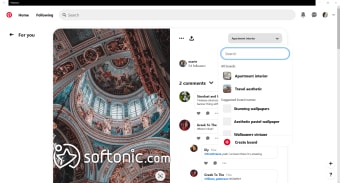
Pinterest makes it easy to work with others thanks to its Group Boards feature. Instead of spamming group chats with links or screenshots, all members can add Pins directly to a shared board. As the board owner, you can invite collaborators and control what they can do—whether that means giving full control to add, move, or delete Pins, or just limited permissions. You can also decide if people can request to join the board, keeping collaboration secure and organized.
Group boards are versatile, working well for both fun and practical purposes. Among friends, they’re perfect for sharing everything from outfit inspiration, weekend trips, and gift ideas to hairstyles, nail designs, or any random creative finds. For work or creative projects, collaborators can add concepts, mood boards, and visual references, making brainstorming, planning, and organizing ideas much more efficient. With so many possible uses, group boards are a simple yet powerful way to share and inspire.
A platform worth exploring
Despite minor drawbacks, Pinterest remains an outstanding platform for creativity and exploration. Its ability to curate content based on personal interests makes it highly engaging to its users, while its visual-first approach distinguishes it from other social networks. Whether you're a casual user seeking inspiration or a business looking to expand your reach, it offers a valuable and rewarding experience.