
Demos
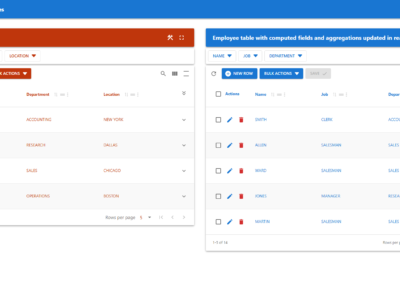
Demo – Dashboard With Multiple Tables
The dashboard and widgets can be displayed in full‑screen mode.
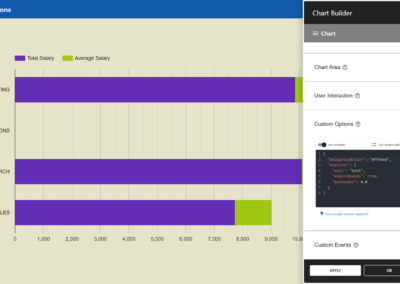
Demo – Advanced Chart Options
A chart using advanced custom options to modify Google Maps default settings.
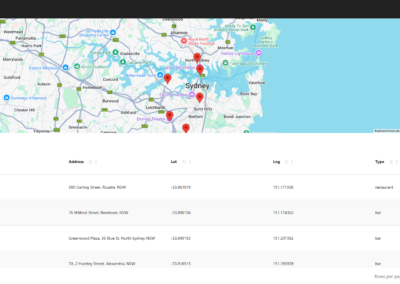
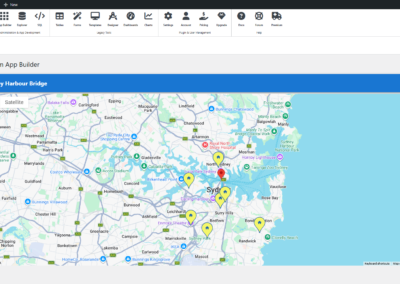
Demo – Location Data With Map
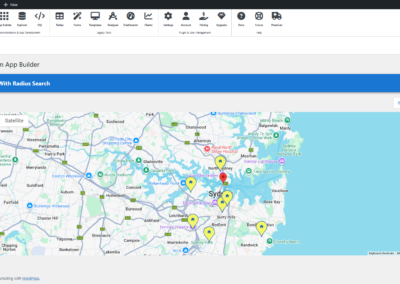
A data table with an embedded map based on location data from the markers table.
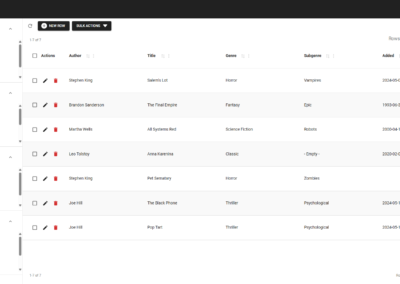
Demo – Advanced Custom Form
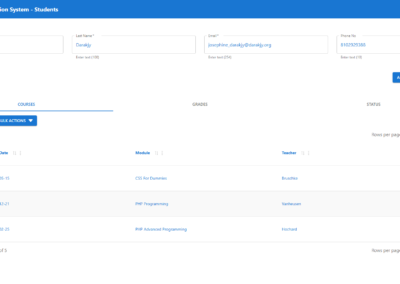
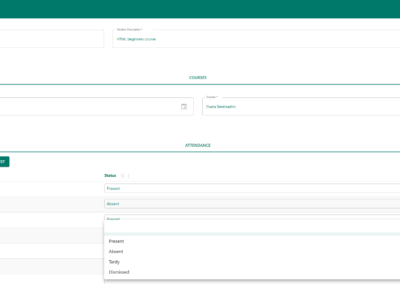
A complex student attendance form with server-side pre‑fill and inline updates.
Demo – Static and Dynamic Content
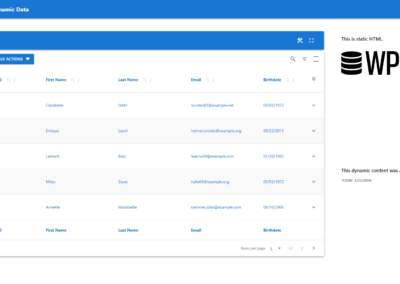
A dashboard combining static and dynamic data with programmatic content.
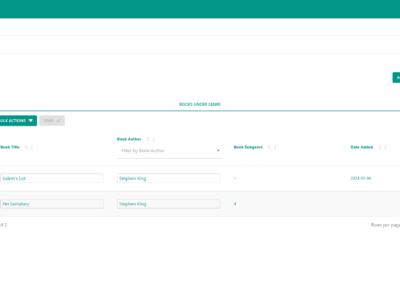
Demo – Advanced Detail Table
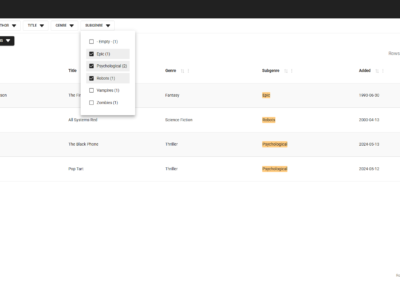
Groups books by genre using column filters for the detail table, with Excel-like editing.
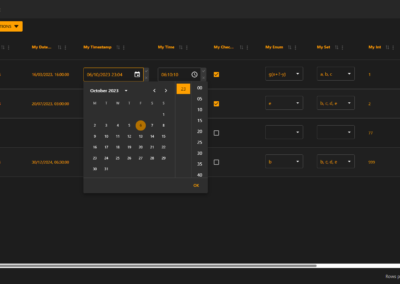
Demo – Excel-like Editing – Dark Mode
Supports Excel-like editing for all available database column types.
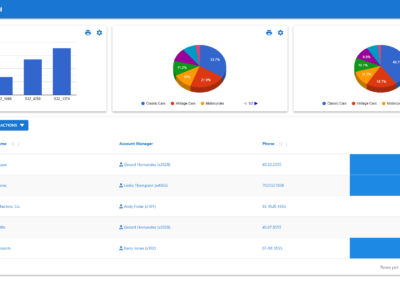
Demo – Dashboard With Table & Charts
Dashboard presenting customer data, stock, orders, and revenues.
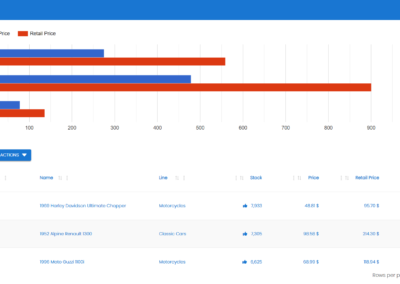
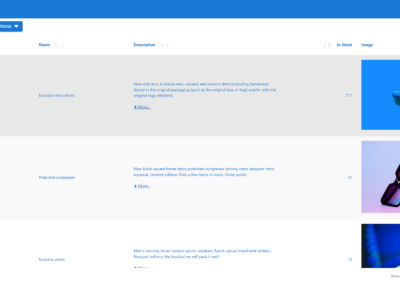
Demo – Table with Chart and BUY Button
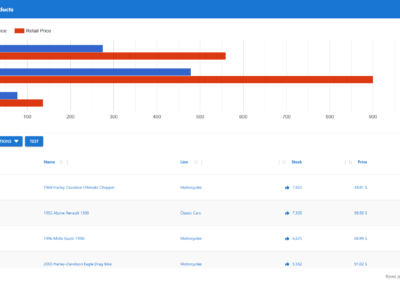
Product table from the Classic Model app with a chart and a BUY button.
Demo – Salary Per Department
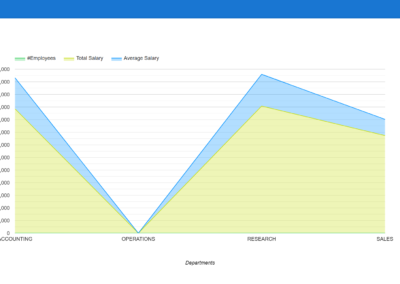
Initially displays a stacked area chart. Use the settings icon to change the chart type.
Demo – Interactive Aggregations
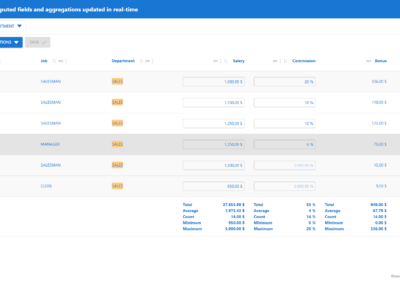
Features Excel-like field entry with real-time calculations and aggregations.
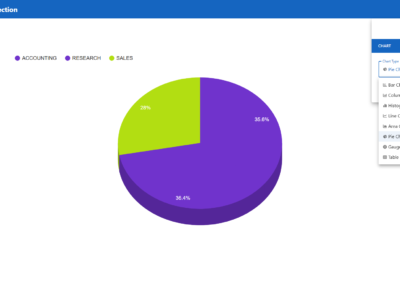
Demo – Interactive Chart Selection
Initially displays a 3D pie chart. Use the settings icon to change the chart type.
