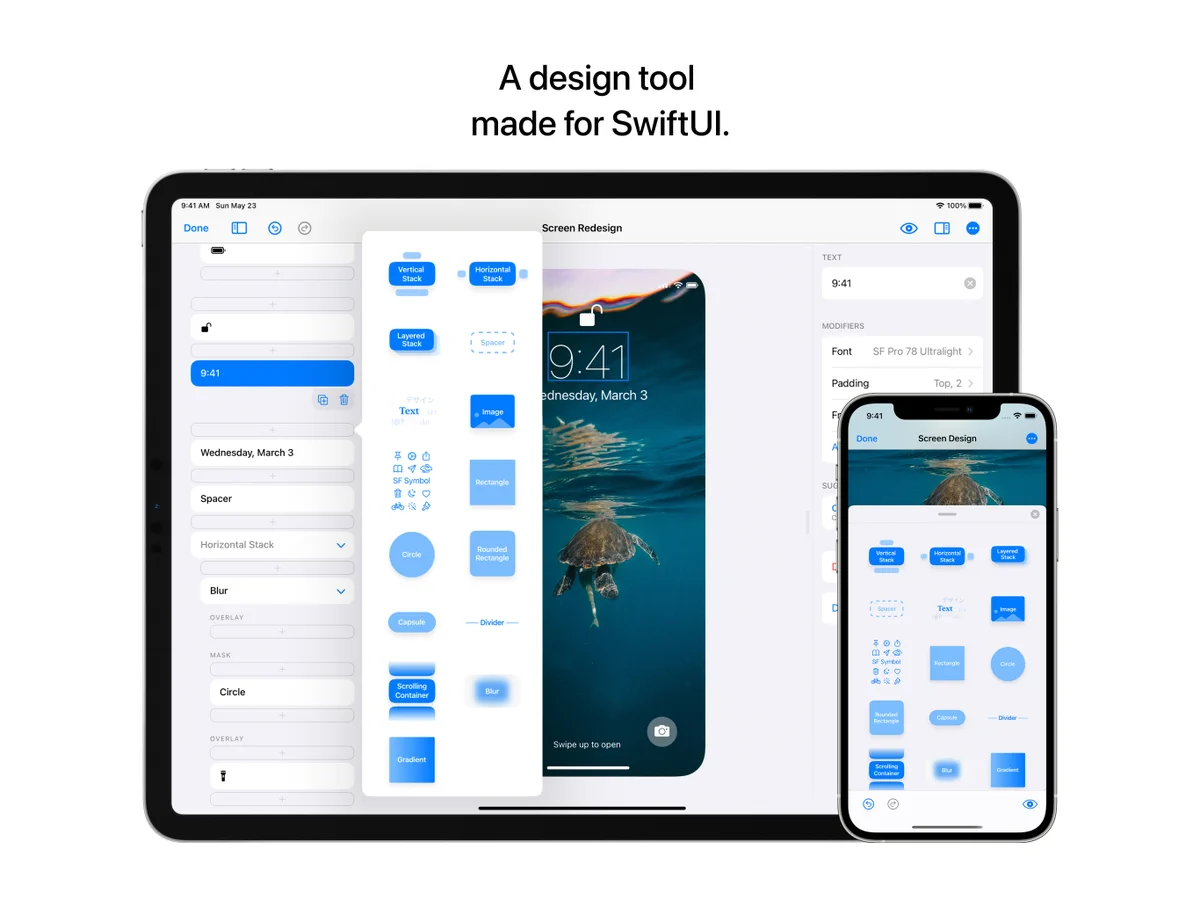
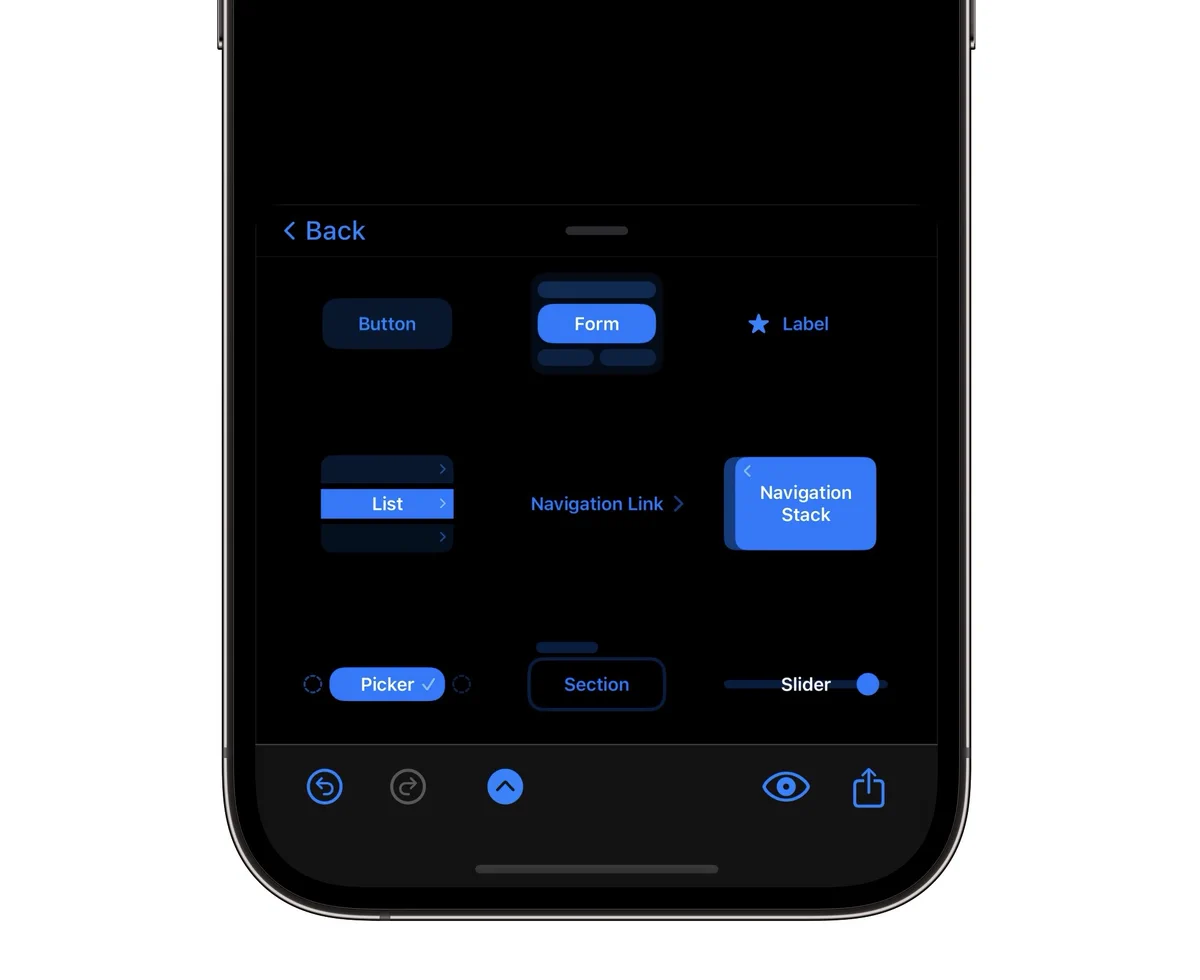
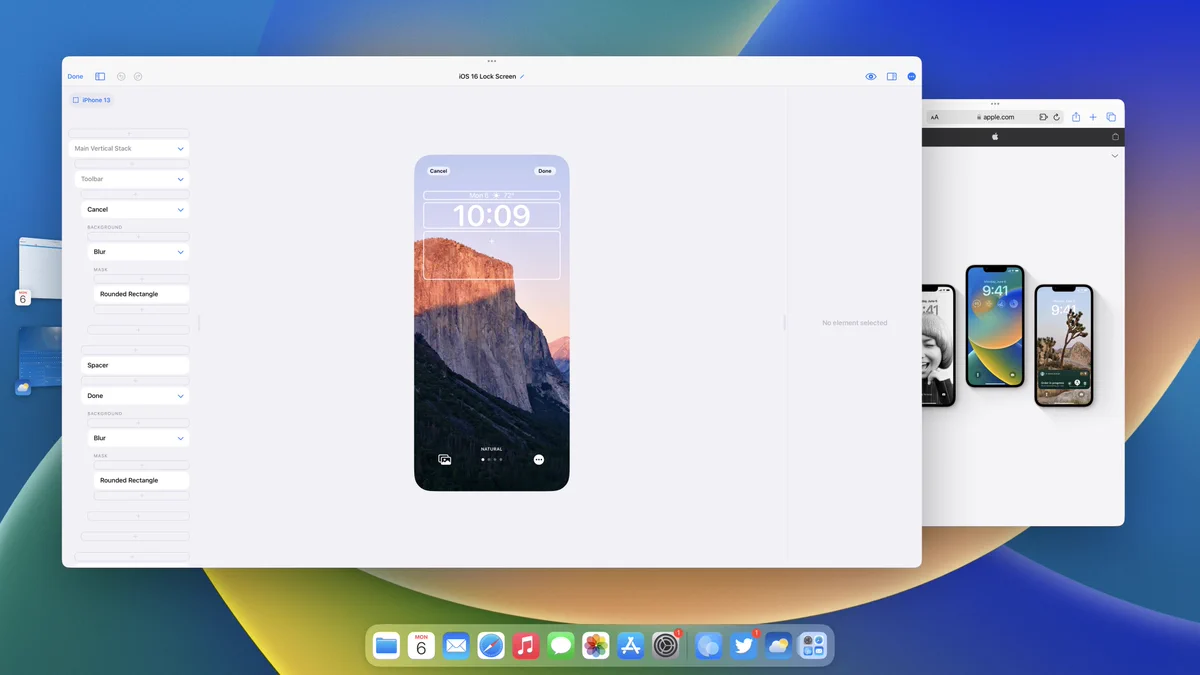
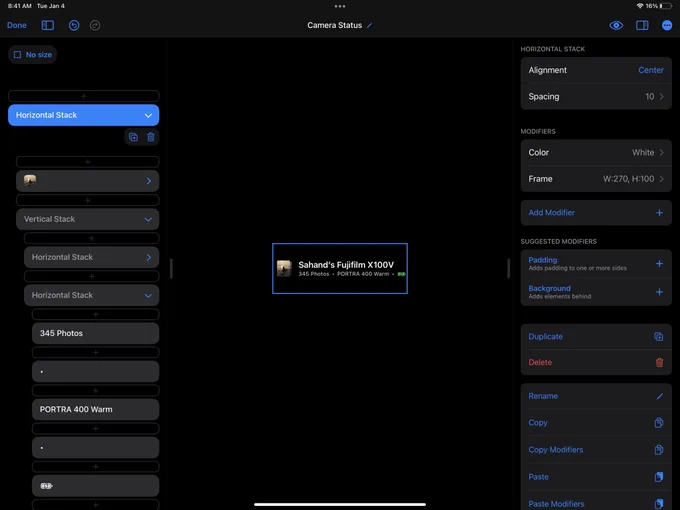
—New! Make beautiful & detailed SwiftUI designs in half the time with our newest invention: repeating elements.
In one move edit your content and SwiftUI designs together, as it should be. Design special cases, selection states, alternates and more made for Apple design.
Here’s
—Coming soon! Design with our new built-in Apple device frames that help you see your design as a real mockup every step of the way. Easily turn them on or off to suite your needs. And then, when you're ready to share your work, export your designs on Apple device frames.
—New! Here's how easy SwiftUI grids are in our next update:
1. Add Grid
2. Choose # of columns
3. Add element
4. Repeat it
5. Customize it
Your beautiful SwiftUI designs can be ready to go just like that. Can't wait to share more with you 😍
The future of DetailsPro brings you SwiftUI prototyping made for design.
Create real, live, beautiful designs from your iPhone, iPad, Mac, or Vision Pro. Preview on the same device or any other device—live.
Design has never been so fun. Coming soon.
The magic of Liquid Glass, SwiftUI, and DetailsPro ✨
Liquid Glass is already running as a modifier you can select for any view in your design, in our first build for iOS 26
TestFlight soon
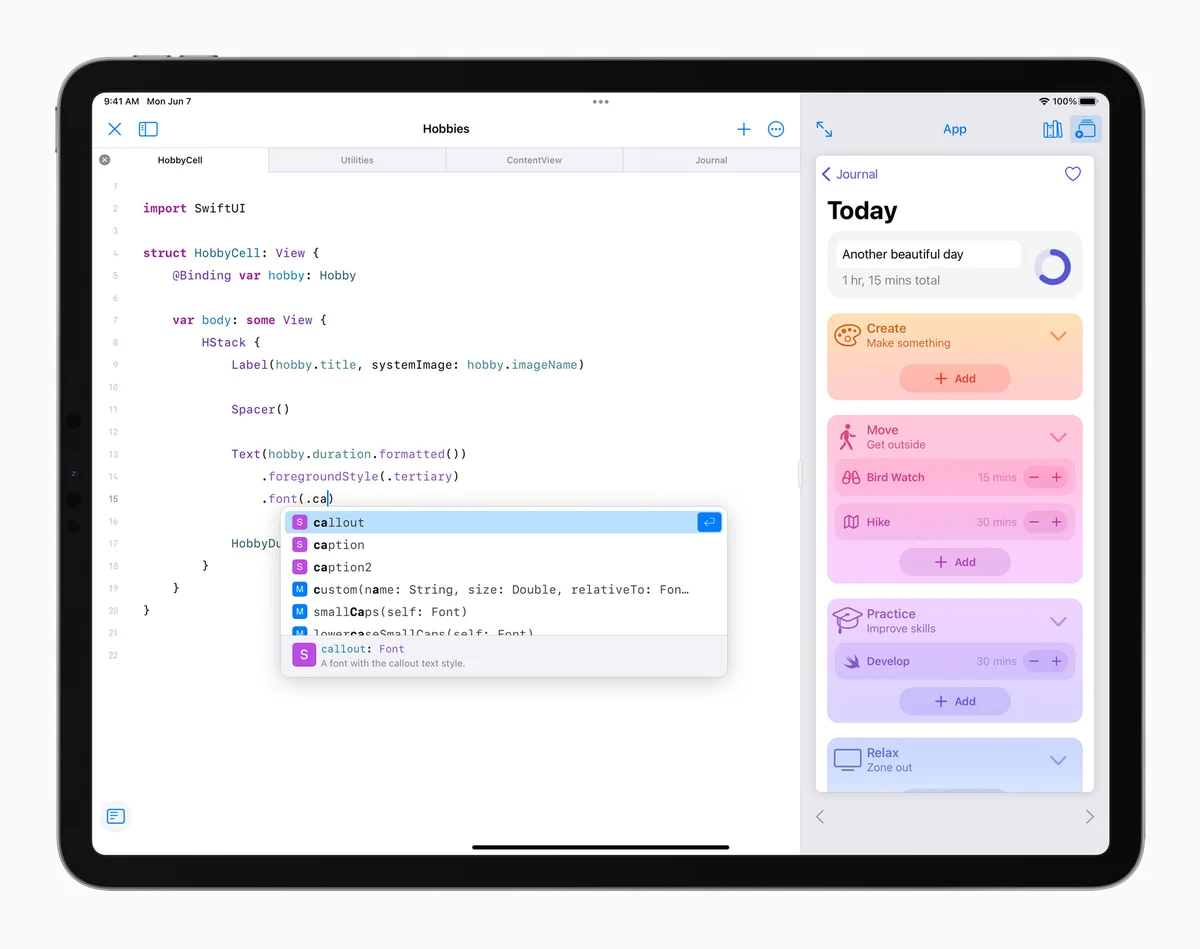
We're super excited to see Swift Playgrounds come out! Stay tuned for new video tutorials and updates on getting your DetailsPro designs into Playgrounds as easily as possible 😍
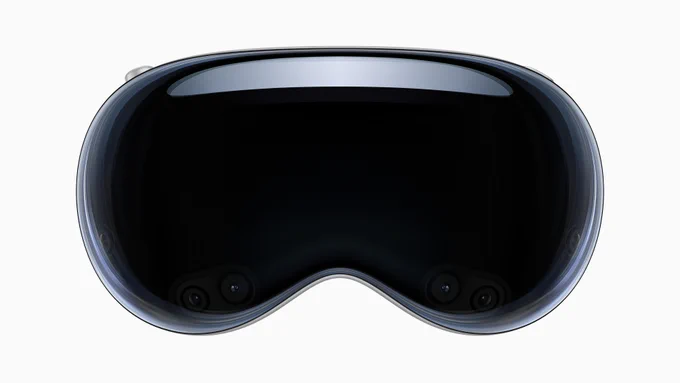
Congratulations to everyone @apple on the introduction of spatial computing! WWDC23 was an inspiring, thoughtful, and gorgeous presentation.
DetailsPro will support Apple Vision Pro on day one. We can't wait to get started! ❤️
—New! Export as a Swift Playgrounds app. Start a new app using one of your designs as the starting point with new support for Swift Playgrounds 4!
Get the update and make your first design into an app today: apple.co/2UZzAog
Designing in SwiftUI without code ✅
Designing in SwiftUI on iPad and iPhone ✅
Designing in SwiftUI without lifting your fingers 🔜
Keyboard shortcuts and our ⌘K Command Sheet are coming to DetailsPro! Stay tuned to learn how to use the new high-speed design shortcuts.
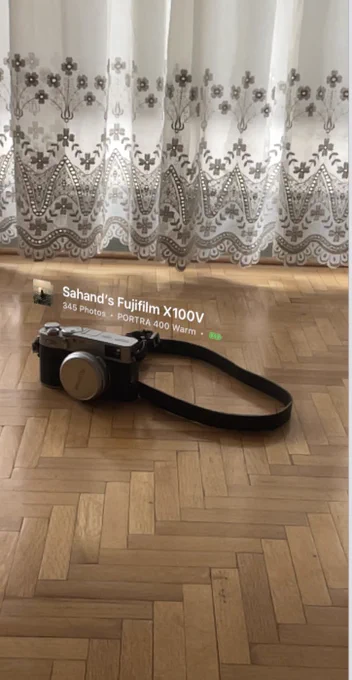
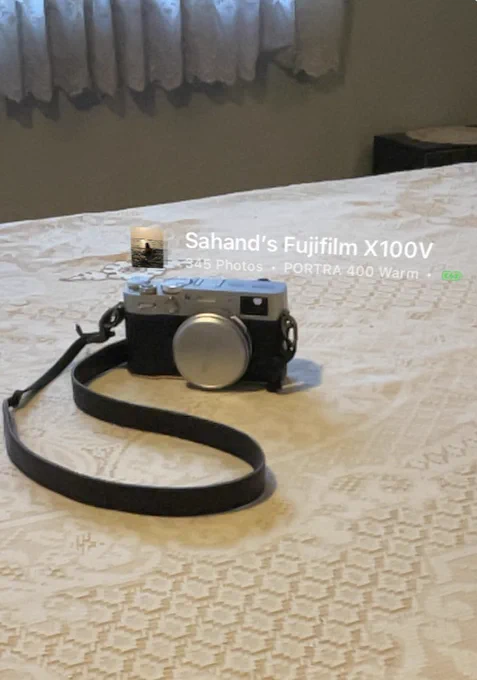
—Coming soon! DetailsPro AR Preview. Place any design in the world around you. Design anything, turn on AR mode, and then simply select your preferences for physical size and placement. DetailsPro takes care of the rest!