

Bit Connect Early Bird Offer

Ends in:
00
D D
00
H H
00
M M
00
S S
D D
H H
M M
S S
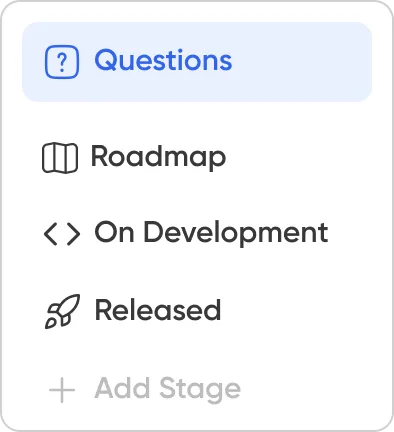

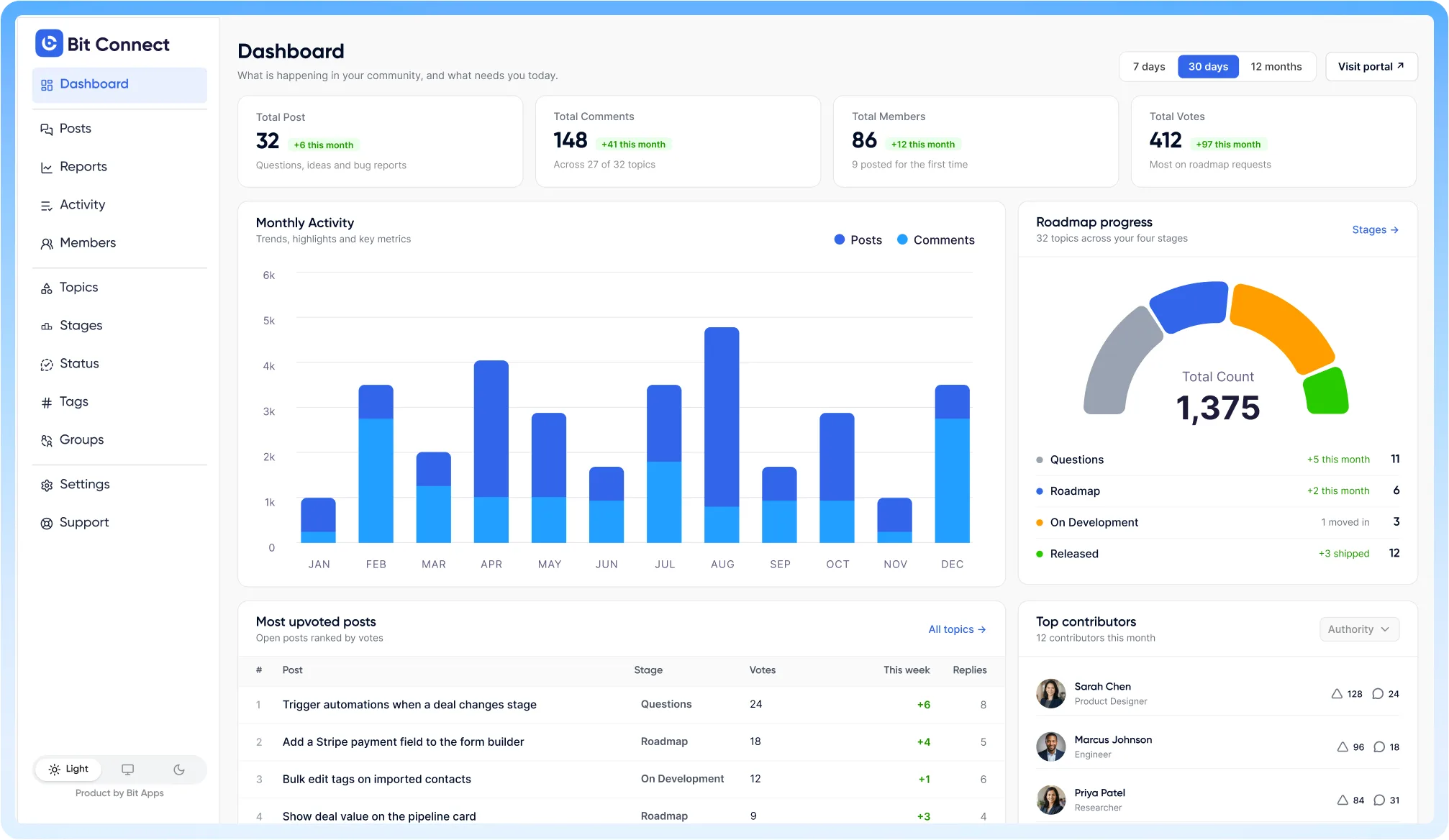
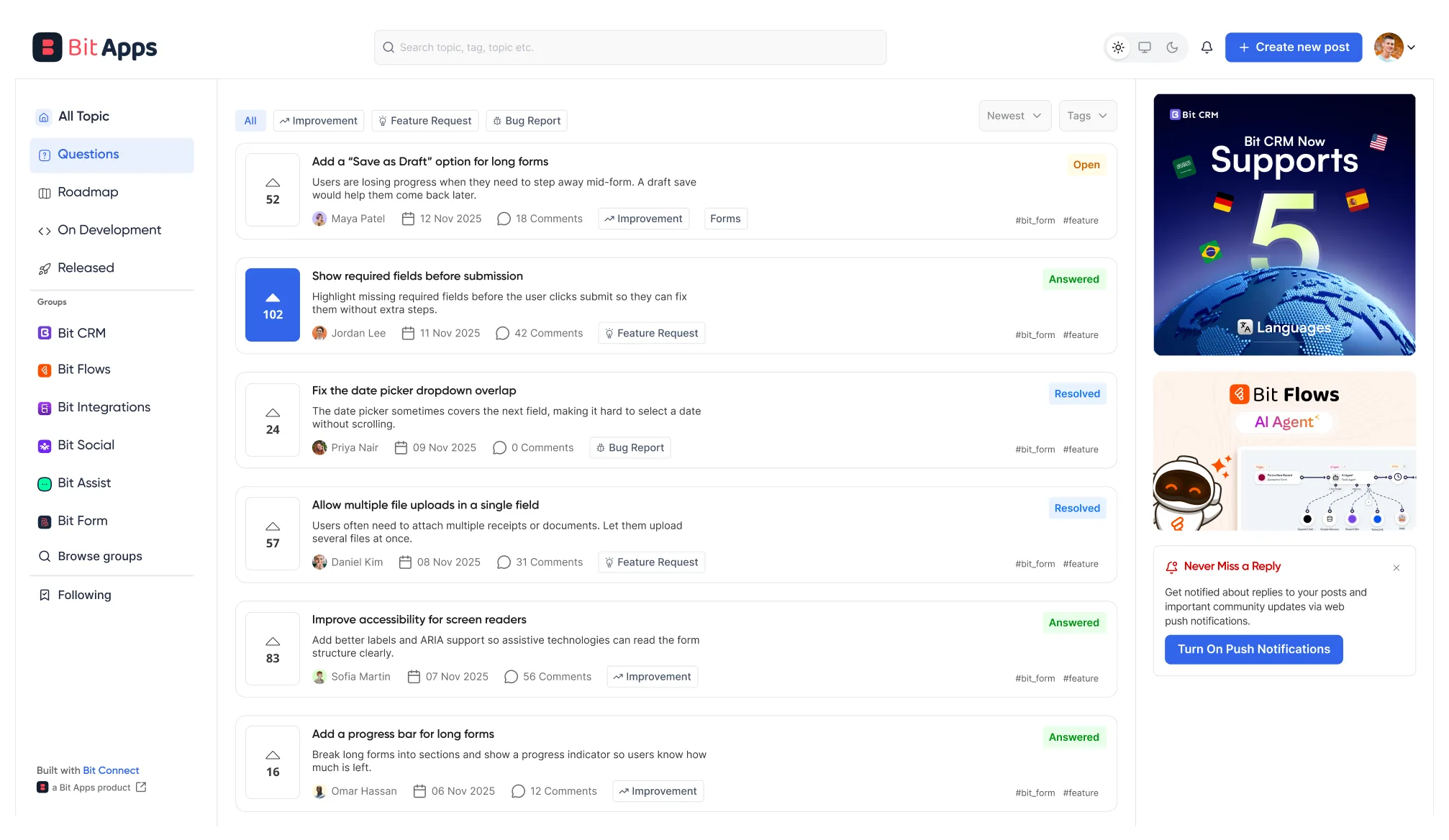









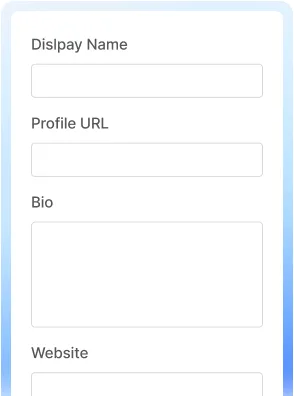
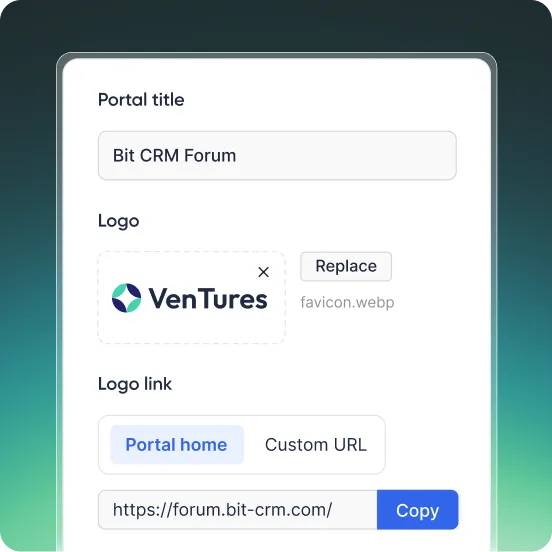
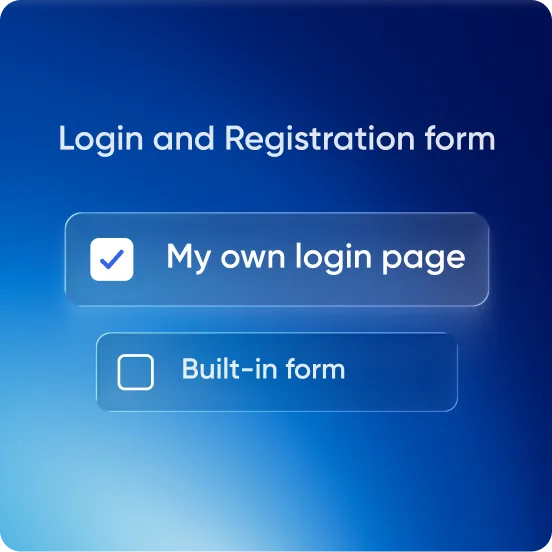
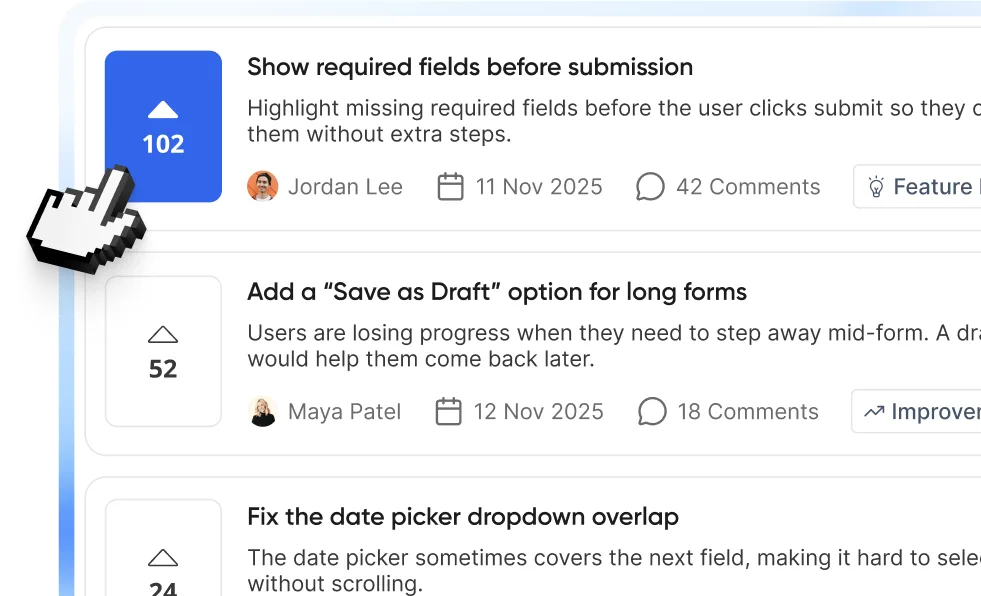
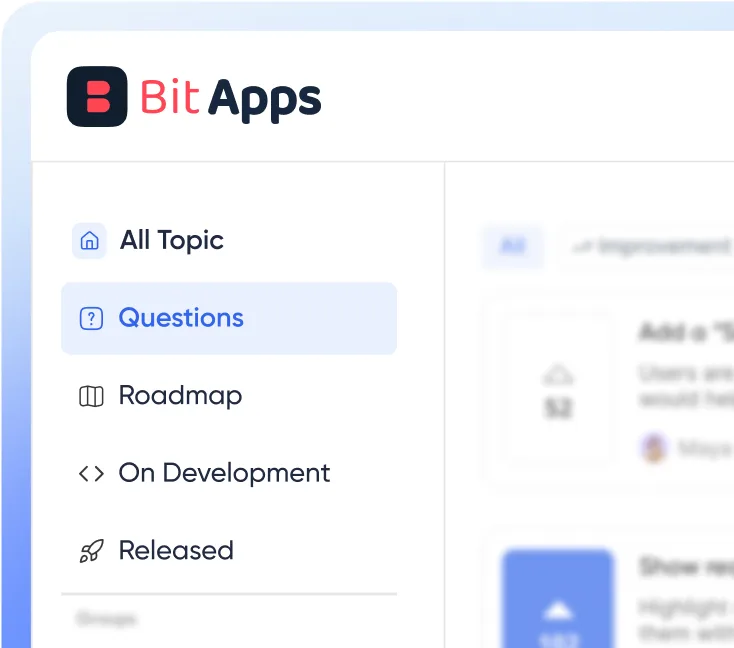
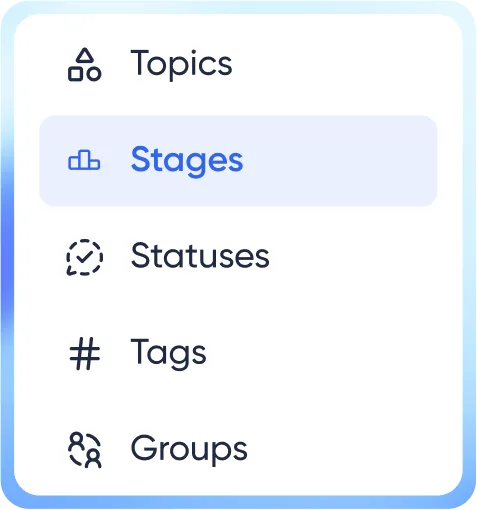









Install Bit Connect, choose where you want your community portal to appear, add your branding, and configure how members sign in. You can then create your own stages, statuses, topic types, departments, and tags before inviting members to join.
Yes. Skip the wizard's page-creation step and paste the [bit-connect] shortcode into any published page. That page becomes the portal.
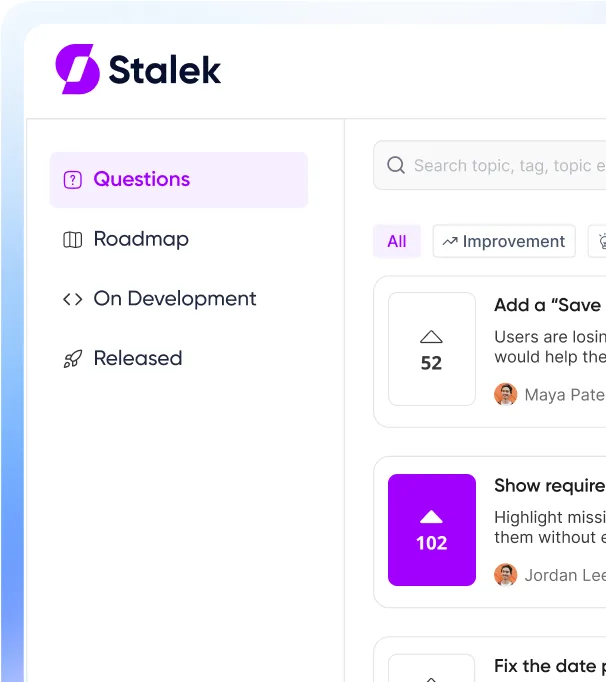
Yes. You can structure it around questions, bug reports, ideas, feedback, product discussions, support conversations, or any topic types you define yourself.
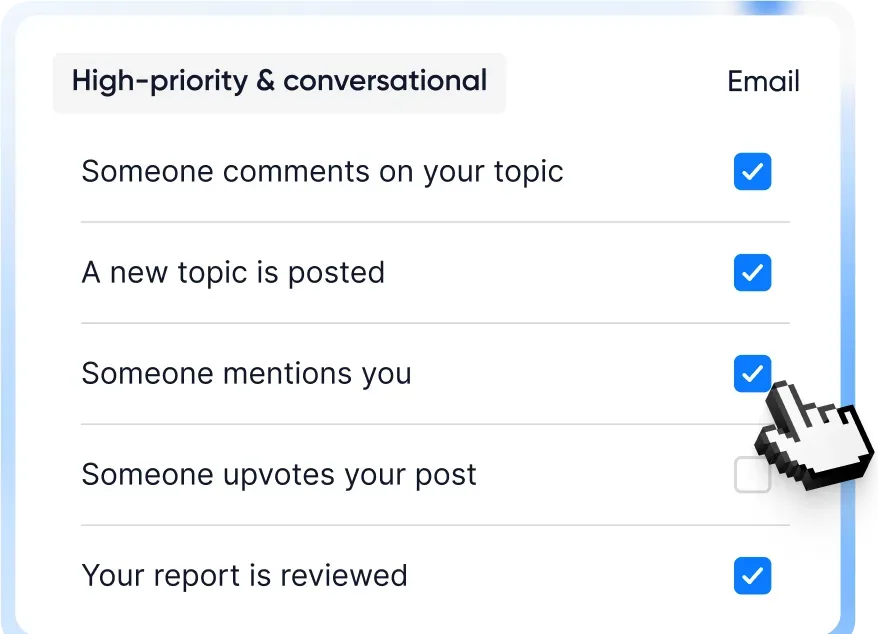
Yes. Bit Connect supports in-app and email notifications for community activity such as replies, mentions, votes, status changes, reports, and badges. Members can also choose instant, daily, weekly, or no email notifications.
Yes. Topics and comments can include attachments, and Bit Connect supports images, documents, and optional video uploads. You can control file types, file sizes, and posting limits from the admin settings.
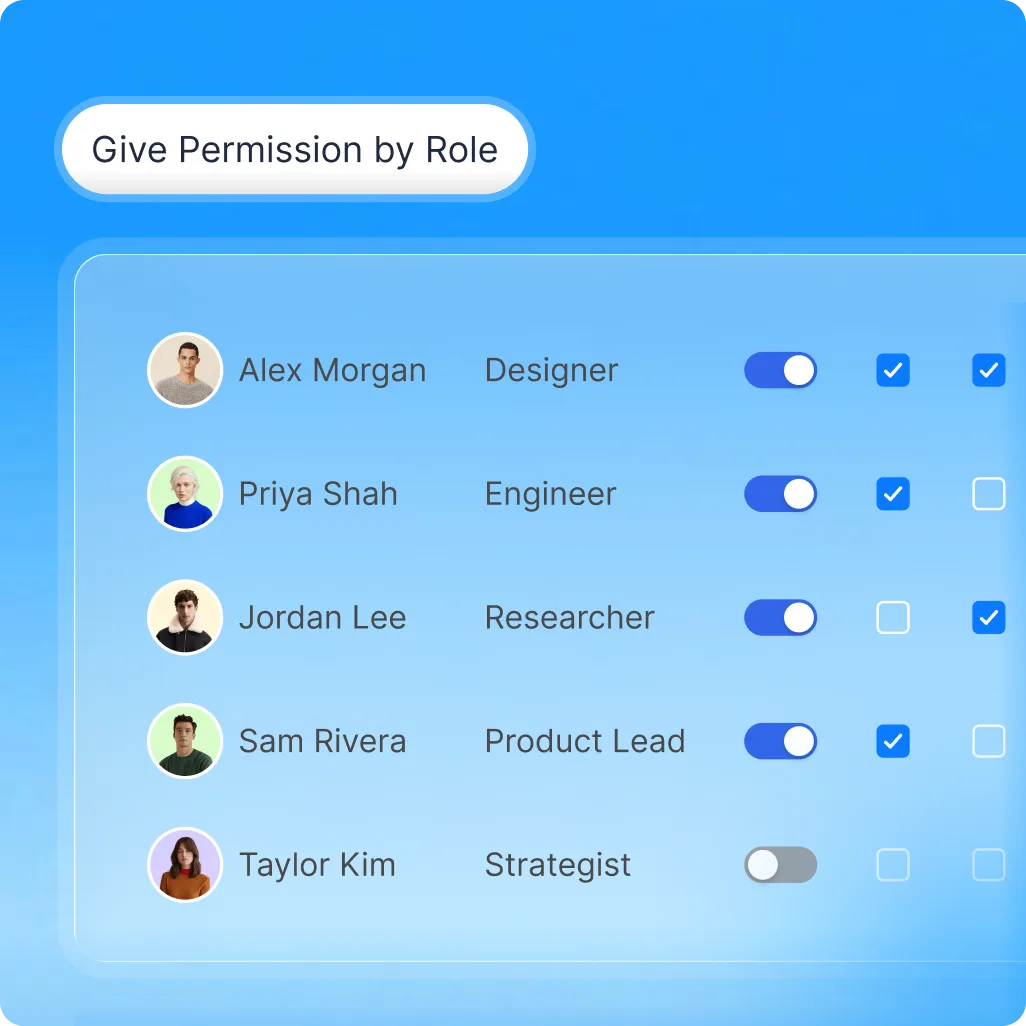
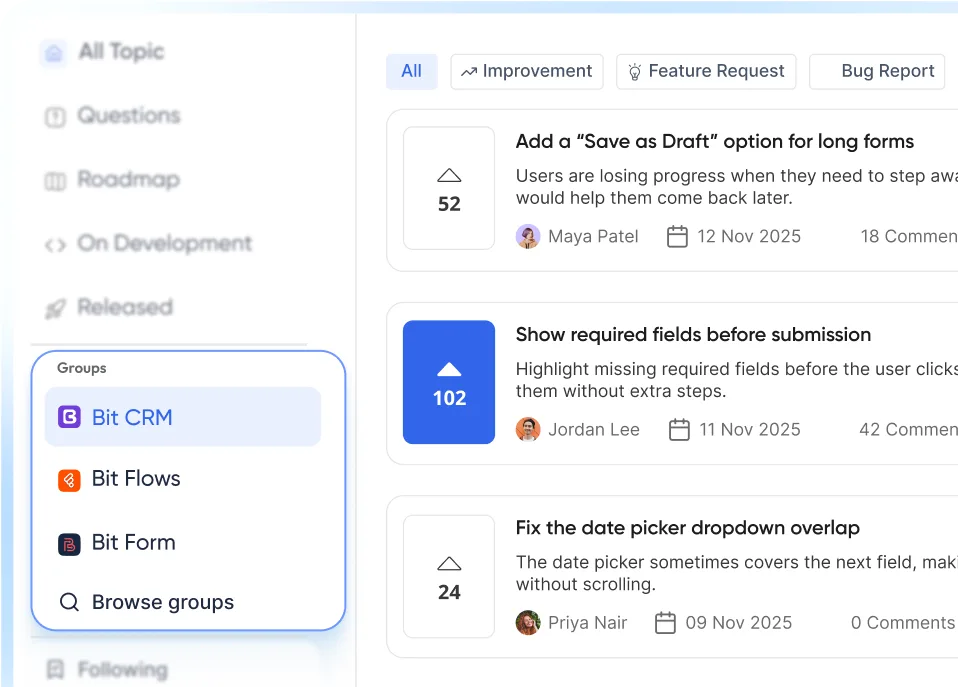
Yes. Make the full community public or members-only. With Bit Connect Pro, members can also create private posts visible to the author and moderators, or join dedicated public and private groups with their own access and membership controls, plus invite-only joining.
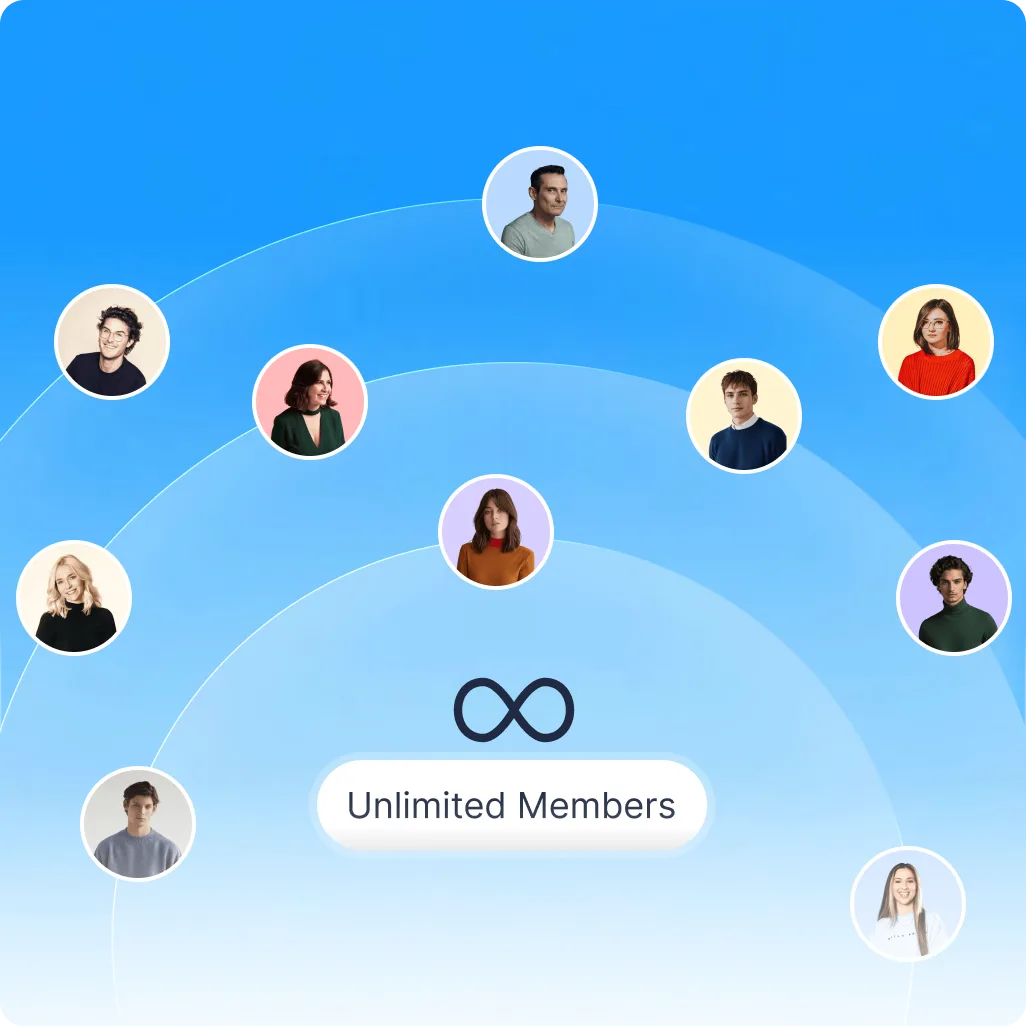
No limit and no per-seat extra costs. Bit Connect does not use a separate participant counter or hosted-user allowance. Members are based on your WordPress users, so the community is not structured around a SaaS-style tracked-member tier.
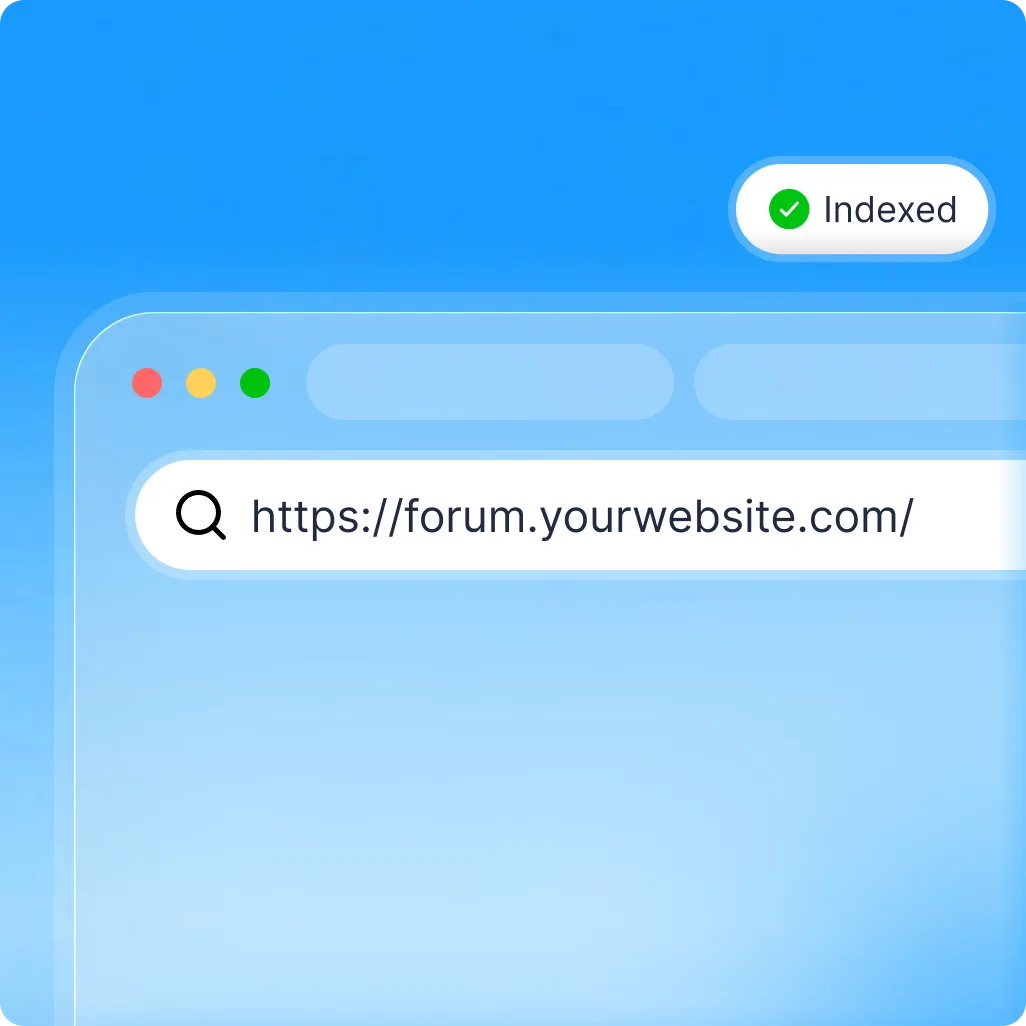
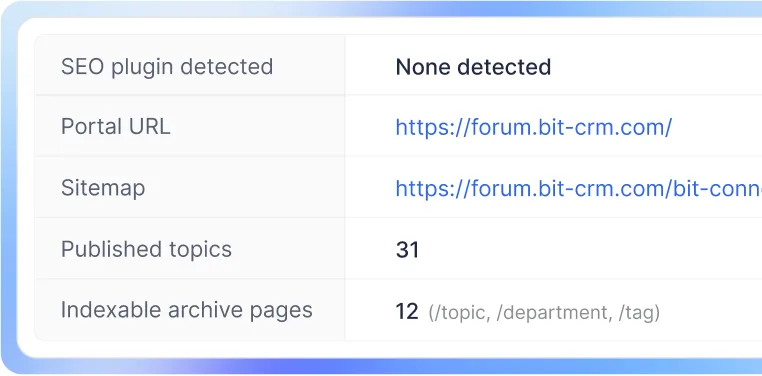
Public Bit Connect discussions can be made searchable from your own domain. Bit Connect includes sitemap support, schema, archive indexing controls, profile indexing options, and compatibility handling for major WordPress SEO plugins
Members can flag posts and comments for review, and moderators manage reports through a dedicated queue. Pro adds automatic hiding at a set report threshold, while the activity log tracks moderation actions for every case.
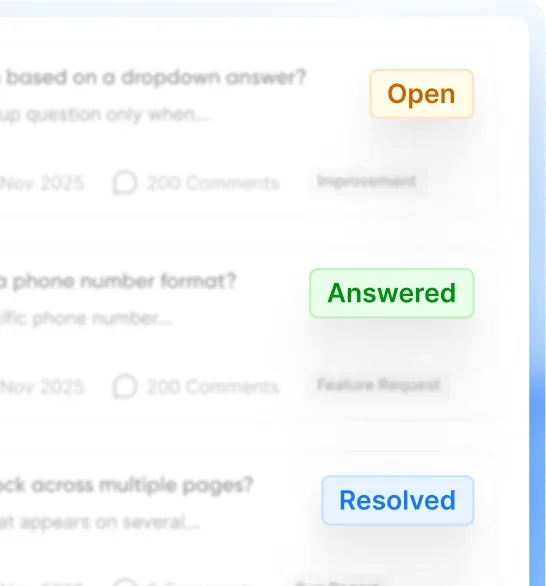
Yes. Bit Connect lets you organize topics using custom departments, topic types, tags, stages, and statuses. Departments can even be renamed to match your business terminology.

