La storia di WordPress
WordPress has come a long way since 2003. What started as a few lines of code and a mission to build a better web has become a prevalent web platform and thriving community. Explore major releases below.
Since the very beginning, WordPress release names have been inspired by jazz artists, an ode to the spirit of collaboration, experimentation, and creative freedom at the heart of open source.

Libri delle tappe fondamentali
Explore WordPress’s first twenty years through Milestones and Building Blocks.

Creative 3D Museum
Scopri la storia di WordPress attraverso il divertente museo in 3D realizzato dalla community.

State of the Word
Dal 2006, WordPress ha organizzato il suo keynote annuale State of the Word.
Versioni
7.1
Responsive styles, Admin bar in every editor, Inline notes with mentions
19 agosto 2026
7.0

6.9
6.8
6.7

6.6

6.5

6.4
6.3
6.2
6.1
6.0

5.9
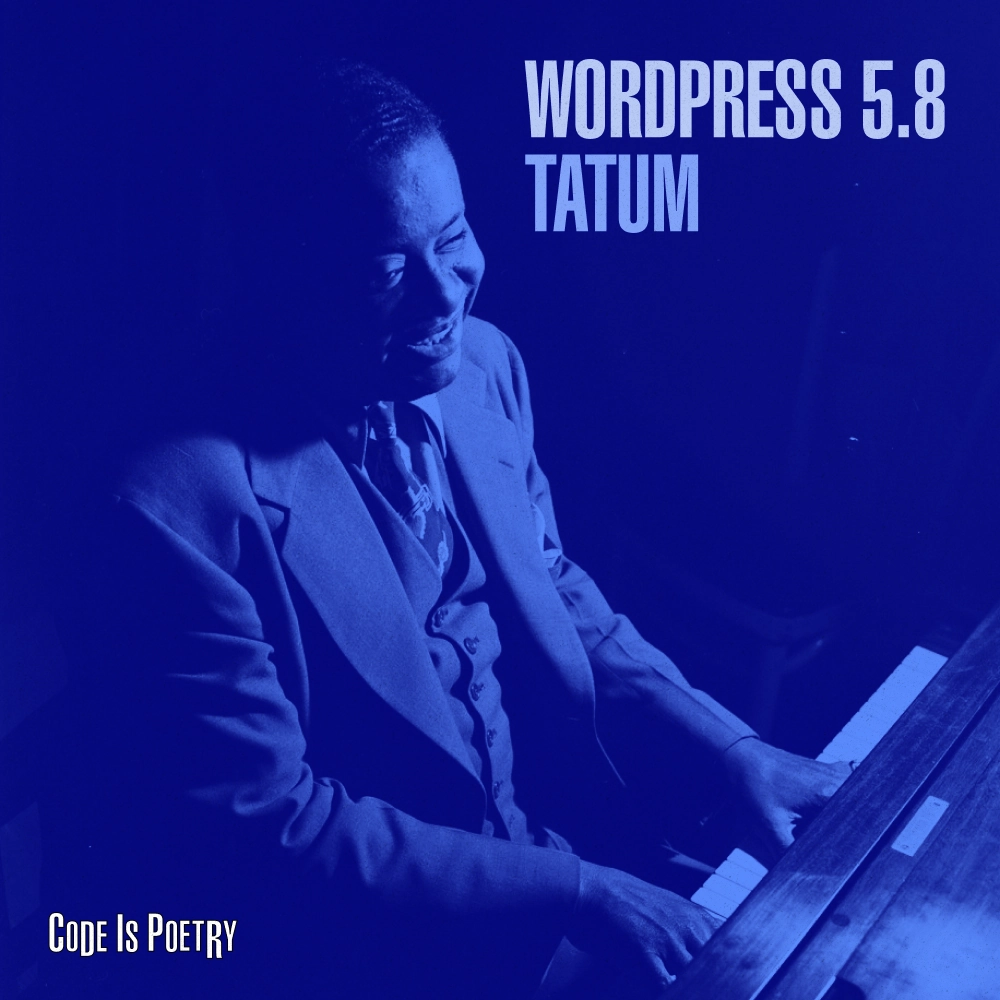
5.8
5.7

5.6
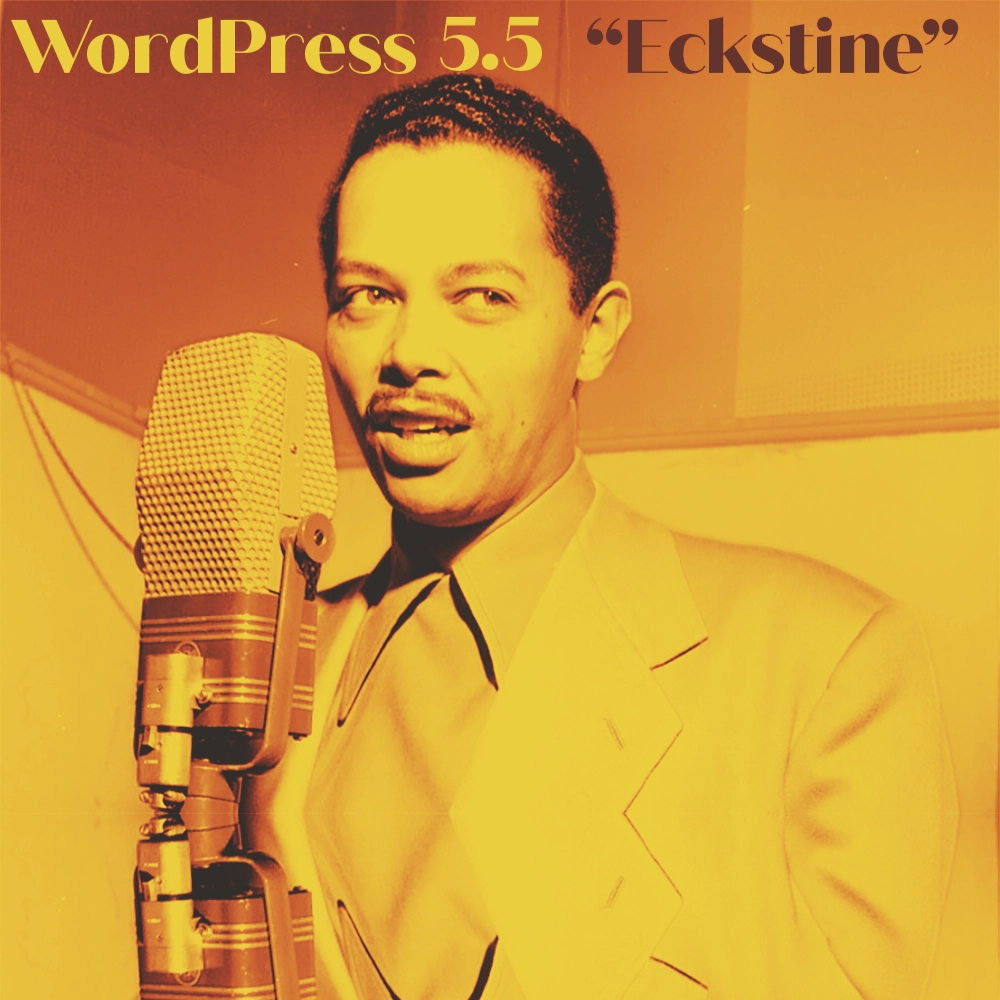
5.5
Pattern dei blocchi, directory dei blocchi, aggiornamenti automatici di plugin e temi
Versioni di manutenzione: 5.5.1, 5.5.2, 5.5.3, 5.5.4, 5.5.5, 5.5.6, 5.5.7, 5.5.8, 5.5.9, 5.5.10, 5.5.11, 5.5.12, 5.5.13, 5.5.14, 5.5.15, 5.5.16, 5.5.17, 5.5.18, 5.5.19, 5.5.20, 5.5.21, 5.5.22, 5.5.23
11 agosto 2020
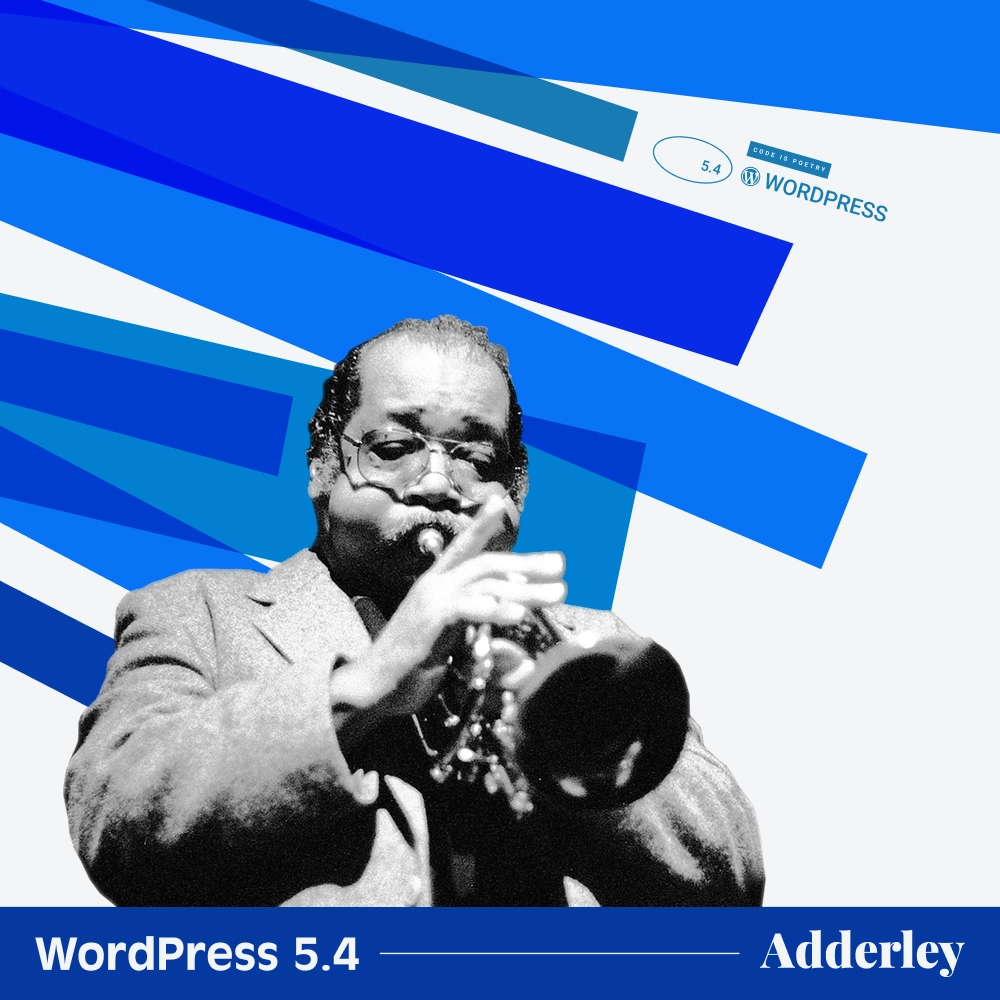
5.4
Buttons and Social Icons blocks, Cleaner editor interface, Custom fields for menu items
Versioni di manutenzione: 5.4.1, 5.4.2, 5.4.3, 5.4.4, 5.4.5, 5.4.6, 5.4.7, 5.4.8, 5.4.9, 5.4.10, 5.4.11, 5.4.12, 5.4.13, 5.4.14, 5.4.15, 5.4.16, 5.4.17, 5.4.18, 5.4.19, 5.4.20, 5.4.21, 5.4.22, 5.4.23, 5.4.24
31 marzo 2020

5.3
Twenty Twenty, rotazione automatica delle immagini, verifica dell'indirizzo email di amministrazione
Versioni di manutenzione: 5.3.1, 5.3.2, 5.3.3, 5.3.4, 5.3.5, 5.3.6, 5.3.7, 5.3.8, 5.3.9, 5.3.10, 5.3.11, 5.3.12, 5.3.13, 5.3.14, 5.3.15, 5.3.16, 5.3.17, 5.3.18, 5.3.19, 5.3.20, 5.3.21, 5.3.22, 5.3.23, 5.3.24, 5.3.25, 5.3.26
12 novembre 2019

5.2
Site Health Check, PHP error protection, Plugin compatibility checks
Versioni di manutenzione: 5.2.1, 5.2.2, 5.2.3, 5.2.4, 5.2.5, 5.2.6, 5.2.7, 5.2.8, 5.2.9, 5.2.10, 5.2.11, 5.2.12, 5.2.13, 5.2.14, 5.2.15, 5.2.16, 5.2.17, 5.2.18, 5.2.19, 5.2.20, 5.2.21, 5.2.22, 5.2.23, 5.2.24, 5.2.25, 5.2.26, 5.2.27, 5.2.28, 5.2.29
7 maggio 2019
5.1
Site Health, Faster editor performance, Multisite metadata
Versioni di manutenzione: 5.1.1, 5.1.2, 5.1.3, 5.1.4, 5.1.5, 5.1.6, 5.1.7, 5.1.8, 5.1.9, 5.1.10, 5.1.11, 5.1.12, 5.1.13, 5.1.14, 5.1.15, 5.1.16, 5.1.17, 5.1.18, 5.1.19, 5.1.20, 5.1.21, 5.1.22, 5.1.23, 5.1.24, 5.1.25, 5.1.26, 5.1.27
21 febbraio 2019
5.0
Editor a blocchi, Twenty Nineteen, plugin Classic Editor
Versioni di manutenzione: 5.0.1, 5.0.2, 5.0.3, 5.0.4, 5.0.6, 5.0.7, 5.0.8, 5.0.9, 5.0.10, 5.0.11, 5.0.12, 5.0.13, 5.0.14, 5.0.15, 5.0.16, 5.0.17, 5.0.18, 5.0.19, 5.0.20, 5.0.21, 5.0.22, 5.0.23, 5.0.24, 5.0.25, 5.0.26, 5.0.27, 5.0.28, 5.0.29, 5.0.30
6 dicembre 2018
4.9
Scheduled Customizer changes, Code syntax highlighting, Gallery widget
Versioni di manutenzione: 4.9.1, 4.9.2, 4.9.3, 4.9.4, 4.9.5, 4.9.6, 4.9.7, 4.9.8, 4.9.9, 4.9.10, 4.9.11, 4.9.12, 4.9.13, 4.9.14, 4.9.15, 4.9.16, 4.9.17, 4.9.18, 4.9.19, 4.9.20, 4.9.21, 4.9.22, 4.9.23, 4.9.24, 4.9.25, 4.9.26, 4.9.27, 4.9.28, 4.9.29, 4.9.30, 4.9.31, 4.9.32, 4.9.33, 4.9.34
15 novembre 2017
4.8
Media widgets, Rich Text widget, Nearby WordPress events
Versioni di manutenzione: 4.8.1, 4.8.2, 4.8.3, 4.8.4, 4.8.5, 4.8.6, 4.8.7, 4.8.8, 4.8.9, 4.8.10, 4.8.11, 4.8.12, 4.8.13, 4.8.14, 4.8.15, 4.8.16, 4.8.17, 4.8.18, 4.8.19, 4.8.20, 4.8.21, 4.8.22, 4.8.23, 4.8.24, 4.8.25, 4.8.26, 4.8.27, 4.8.28, 4.8.29, 4.8.30, 4.8.31, 4.8.32, 4.8.33
8 giugno 2017
4.7
Twenty Seventeen, Video headers, REST API content endpoints
Versioni di manutenzione: 4.7.1, 4.7.2, 4.7.3, 4.7.4, 4.7.5, 4.7.6, 4.7.7, 4.7.8, 4.7.9, 4.7.10, 4.7.11, 4.7.12, 4.7.13, 4.7.14, 4.7.15, 4.7.16, 4.7.17, 4.7.18, 4.7.19, 4.7.20, 4.7.21, 4.7.22, 4.7.23, 4.7.24, 4.7.25, 4.7.26, 4.7.27, 4.7.28, 4.7.29, 4.7.30, 4.7.31, 4.7.32, 4.7.33, 4.7.34, 4.7.35, 4.7.36, 4.7.37, 4.7.38
6 dicembre 2016
4.6
Streamlined updates, Native system fonts, Content recovery
Versioni di manutenzione: 4.6.1, 4.6.2, 4.6.3, 4.6.4, 4.6.5, 4.6.6, 4.6.7, 4.6.8, 4.6.9, 4.6.10, 4.6.11, 4.6.12, 4.6.13, 4.6.14, 4.6.15, 4.6.16, 4.6.17, 4.6.18, 4.6.19, 4.6.20, 4.6.21, 4.6.22, 4.6.23, 4.6.24, 4.6.25, 4.6.26, 4.6.27, 4.6.28, 4.6.29, 4.6.30
16 agosto 2016
4.5
Inline linking, Live responsive previews, Custom logos
Versioni di manutenzione: 4.5.1, 4.5.2, 4.5.3, 4.5.4, 4.5.5, 4.5.6, 4.5.7, 4.5.8, 4.5.9, 4.5.10, 4.5.11, 4.5.12, 4.5.13, 4.5.14, 4.5.15, 4.5.16, 4.5.17, 4.5.18, 4.5.19, 4.5.20, 4.5.21, 4.5.22, 4.5.23, 4.5.24, 4.5.25, 4.5.26, 4.5.27, 4.5.28, 4.5.29, 4.5.30, 4.5.31, 4.5.32, 4.5.33
12 aprile 2016
4.4
Twenty Sixteen, Responsive images, Embed everything
Versioni di manutenzione: 4.4.1, 4.4.2, 4.4.3, 4.4.4, 4.4.5, 4.4.6, 4.4.7, 4.4.8, 4.4.9, 4.4.10, 4.4.11, 4.4.12, 4.4.13, 4.4.14, 4.4.15, 4.4.16, 4.4.17, 4.4.18, 4.4.19, 4.4.20, 4.4.21, 4.4.22, 4.4.23, 4.4.24, 4.4.25, 4.4.26, 4.4.27, 4.4.28, 4.4.29, 4.4.30, 4.4.31, 4.4.32, 4.4.33, 4.4.34
8 dicembre 2015
4.3
Menus in the Customizer, Formatting shortcuts, Site icons
Versioni di manutenzione: 4.3.1, 4.3.2, 4.3.3, 4.3.4, 4.3.5, 4.3.6, 4.3.7, 4.3.8, 4.3.9, 4.3.10, 4.3.11, 4.3.12, 4.3.13, 4.3.14, 4.3.15, 4.3.16, 4.3.17, 4.3.18, 4.3.19, 4.3.20, 4.3.21, 4.3.22, 4.3.23, 4.3.24, 4.3.25, 4.3.26, 4.3.27, 4.3.28, 4.3.29, 4.3.30, 4.3.31, 4.3.32, 4.3.33, 4.3.34, 4.3.35
18 agosto 2015
4.2
Press This, Emoji support, Theme switching in the Customizer
Versioni di manutenzione: 4.2.1, 4.2.2, 4.2.3, 4.2.4, 4.2.5, 4.2.6, 4.2.7, 4.2.8, 4.2.9, 4.2.10, 4.2.11, 4.2.12, 4.2.13, 4.2.14, 4.2.15, 4.2.16, 4.2.17, 4.2.18, 4.2.19, 4.2.20, 4.2.21, 4.2.22, 4.2.23, 4.2.24, 4.2.25, 4.2.26, 4.2.27, 4.2.28, 4.2.29, 4.2.30, 4.2.31, 4.2.32, 4.2.33, 4.2.34, 4.2.35, 4.2.36, 4.2.37, 4.2.38, 4.2.39
23 aprile 2015
4.1
Twenty Fifteen, scrittura senza distrazioni, disconnessione da tutte le sessioni
Versioni di manutenzione: 4.1.1, 4.1.2, 4.1.3, 4.1.4, 4.1.5, 4.1.6, 4.1.7, 4.1.8, 4.1.9, 4.1.10, 4.1.11, 4.1.12, 4.1.13, 4.1.14, 4.1.15, 4.1.16, 4.1.17, 4.1.18, 4.1.19, 4.1.20, 4.1.21, 4.1.22, 4.1.23, 4.1.24, 4.1.25, 4.1.26, 4.1.27, 4.1.28, 4.1.29, 4.1.30, 4.1.31, 4.1.32, 4.1.33, 4.1.34, 4.1.35, 4.1.36, 4.1.37, 4.1.38, 4.1.39, 4.1.40, 4.1.41, 4.1.42
18 dicembre 2014
4.0
Media library grid, Visual embed previews, Improved plugin search
Versioni di manutenzione: 4.0.1, 4.0.2, 4.0.3, 4.0.4, 4.0.5, 4.0.6, 4.0.7, 4.0.8, 4.0.9, 4.0.10, 4.0.11, 4.0.12, 4.0.13, 4.0.14, 4.0.15, 4.0.16, 4.0.17, 4.0.18, 4.0.19, 4.0.20, 4.0.21, 4.0.22, 4.0.23, 4.0.24, 4.0.25, 4.0.26, 4.0.27, 4.0.28, 4.0.29, 4.0.30, 4.0.31, 4.0.32, 4.0.33, 4.0.34, 4.0.35, 4.0.36, 4.0.37, 4.0.38
4 settembre 2014
3.9
Improved visual editor, Drag-and-drop images, Live widget previews
Versioni di manutenzione: 3.9.1, 3.9.2, 3.9.3, 3.9.4, 3.9.5, 3.9.6, 3.9.7, 3.9.8, 3.9.9, 3.9.10, 3.9.11, 3.9.12, 3.9.13, 3.9.14, 3.9.15, 3.9.16, 3.9.17, 3.9.18, 3.9.19, 3.9.20, 3.9.21, 3.9.22, 3.9.23, 3.9.24, 3.9.25, 3.9.26, 3.9.27, 3.9.28, 3.9.29, 3.9.30, 3.9.31, 3.9.32, 3.9.33, 3.9.34, 3.9.35, 3.9.36, 3.9.37, 3.9.39, 3.9.40
16 aprile 2014
3.8
Modern admin design, Admin color schemes, Twenty Fourteen
Versioni di manutenzione: 3.8.1, 3.8.2, 3.8.3, 3.8.4, 3.8.5, 3.8.6, 3.8.7, 3.8.8, 3.8.9, 3.8.10, 3.8.11, 3.8.12, 3.8.13, 3.8.14, 3.8.15, 3.8.16, 3.8.17, 3.8.18, 3.8.19, 3.8.20, 3.8.21, 3.8.22, 3.8.23, 3.8.24, 3.8.25, 3.8.26, 3.8.27, 3.8.28, 3.8.29, 3.8.30, 3.8.31, 3.8.32, 3.8.33, 3.8.34, 3.8.35, 3.8.36, 3.8.37, 3.8.38, 3.8.39, 3.8.40, 3.8.41
12 dicembre 2013
3.7
Automatic background updates, Stronger password meter, Better language support
Versioni di manutenzione: 3.7.1, 3.7.2, 3.7.3, 3.7.4, 3.7.5, 3.7.6, 3.7.7, 3.7.8, 3.7.9, 3.7.10, 3.7.11, 3.7.12, 3.7.13, 3.7.14, 3.7.15, 3.7.16, 3.7.17, 3.7.18, 3.7.19, 3.7.20, 3.7.21, 3.7.22, 3.7.23, 3.7.24, 3.7.25, 3.7.26, 3.7.27, 3.7.28, 3.7.29, 3.7.30, 3.7.31, 3.7.32, 3.7.33, 3.7.34, 3.7.35, 3.7.36, 3.7.37, 3.7.38, 3.7.39, 3.7.40, 3.7.41
24 ottobre 2013
3.6
Twenty Thirteen, Revamped revisions, Post locking and autosave
Versioni di manutenzione: 3.6.1
1 agosto 2013
3.5
Nuovo gestore dei media, Twenty Twelve, bacheca ottimizzata per dispositivi Retina
11 dicembre 2012
3.4
13 giugno 2012
3.3
Drag-and-drop uploader, New toolbar, Hover navigation menus
12 dicembre 2011
3.2
Faster and lighter, Refreshed dashboard, Twenty Eleven
Versioni di manutenzione : 3.2.1
4 luglio 2011
3.1
23 febbraio 2011
3.0
2.9
18 dicembre 2009
2.8
2.7
New admin interface, Comment threading, One-click plugin installs
Versioni di manutenzione: 2.7.1
10 dicembre 2008
2.6
15 luglio 2008
2.5
Bacheca più ordinata, widget della bacheca, caricamento di più file
Versioni di manutenzione: 2.5.1
29 marzo 2008
2.3
24 settembre 2007
2.2
16 maggio 2007
2.1
22 gennaio 2007
2.0
1.5
1.2
22 maggio 2004
1.0
Permalink search-friendly, categorie multiple, moderazione commenti
Point releases: 1.0.2
3 gennaio 2004
0.7
Links manager, XHTML 1.1 compliance, Manual excerpts
Point releases: 1.0.2
27 maggio 2003
