History of WordPress
WordPress has come a long way since 2003. What started as a few lines of code and a mission to build a better web has become a prevalent web platform and thriving community. Explore major releases below.
Since the very beginning, WordPress release names have been inspired by jazz artists, an ode to the spirit of collaboration, experimentation, and creative freedom at the heart of open source.

Milestone Books
Explore WordPress’s first twenty years through Milestones and Building Blocks.

Creative 3D Museum
Explore WordPress history through the fun 3D Museum built by the community.

State of the Word
Since 2006, WordPress has hosted its annual State of the Word keynote.
Releases
7.1
Responsive styles, Admin bar in every editor, Inline notes with mentions
19 aogositra 2026
7.0

6.9
6.8
6.7

6.6

6.5

6.4
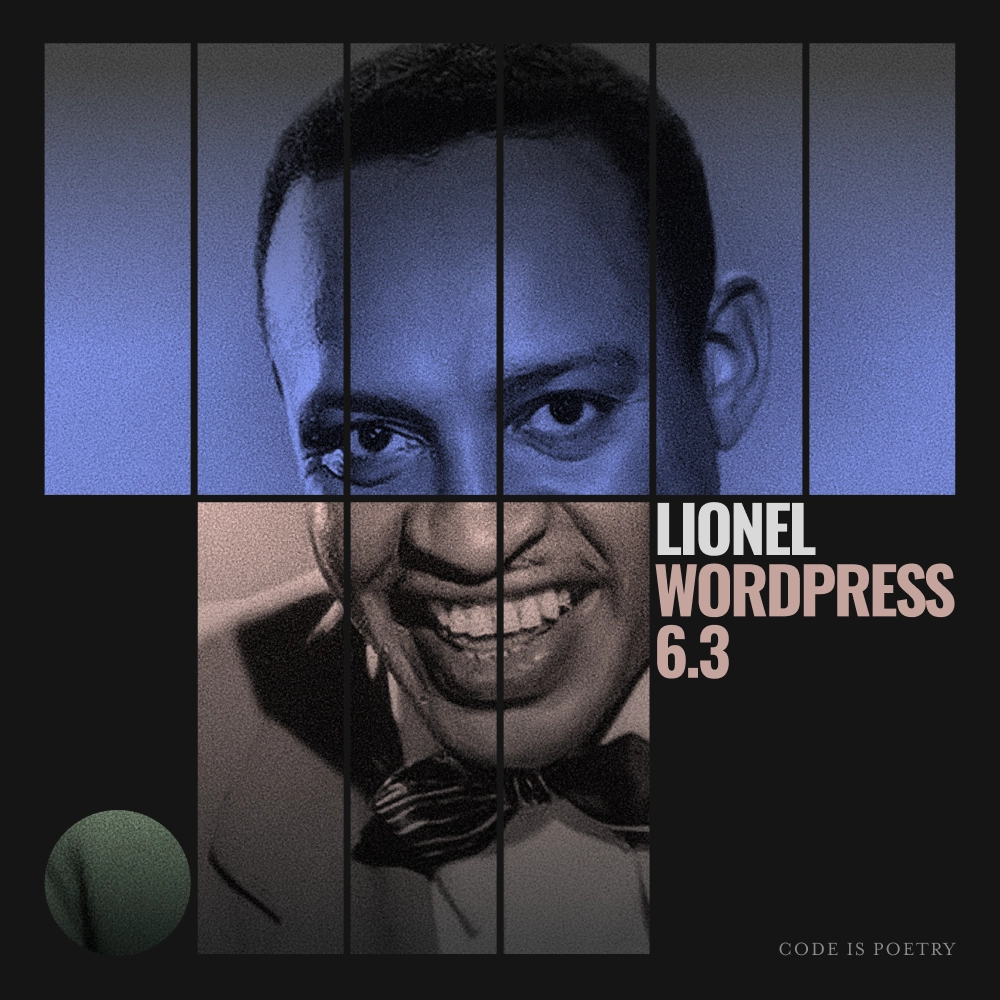
6.3
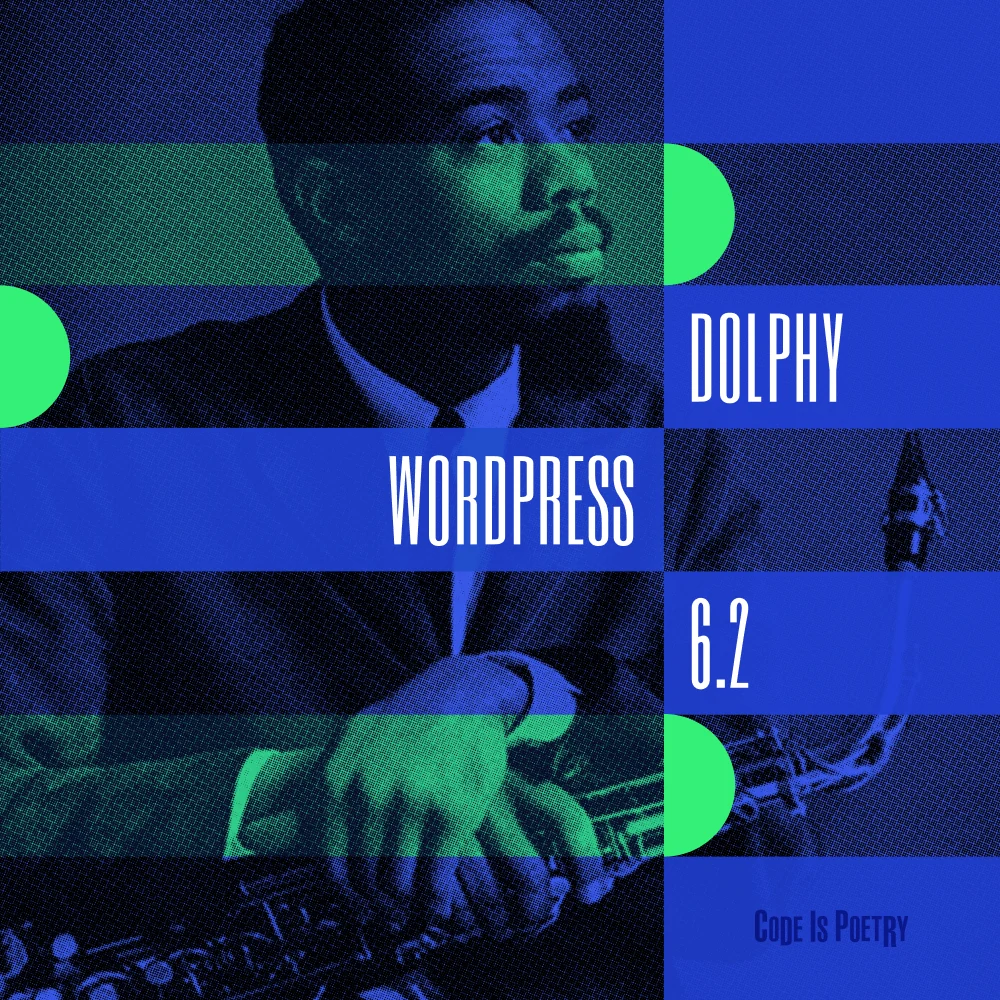
6.2
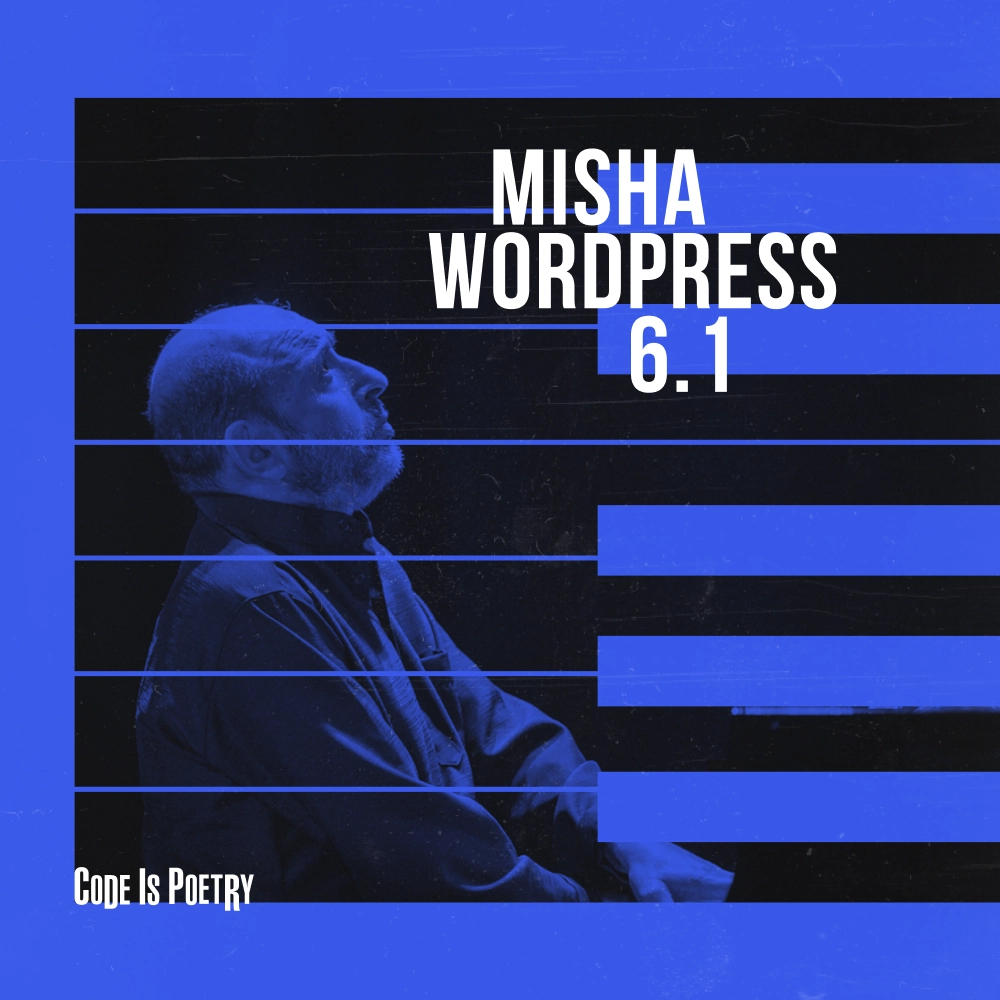
6.1
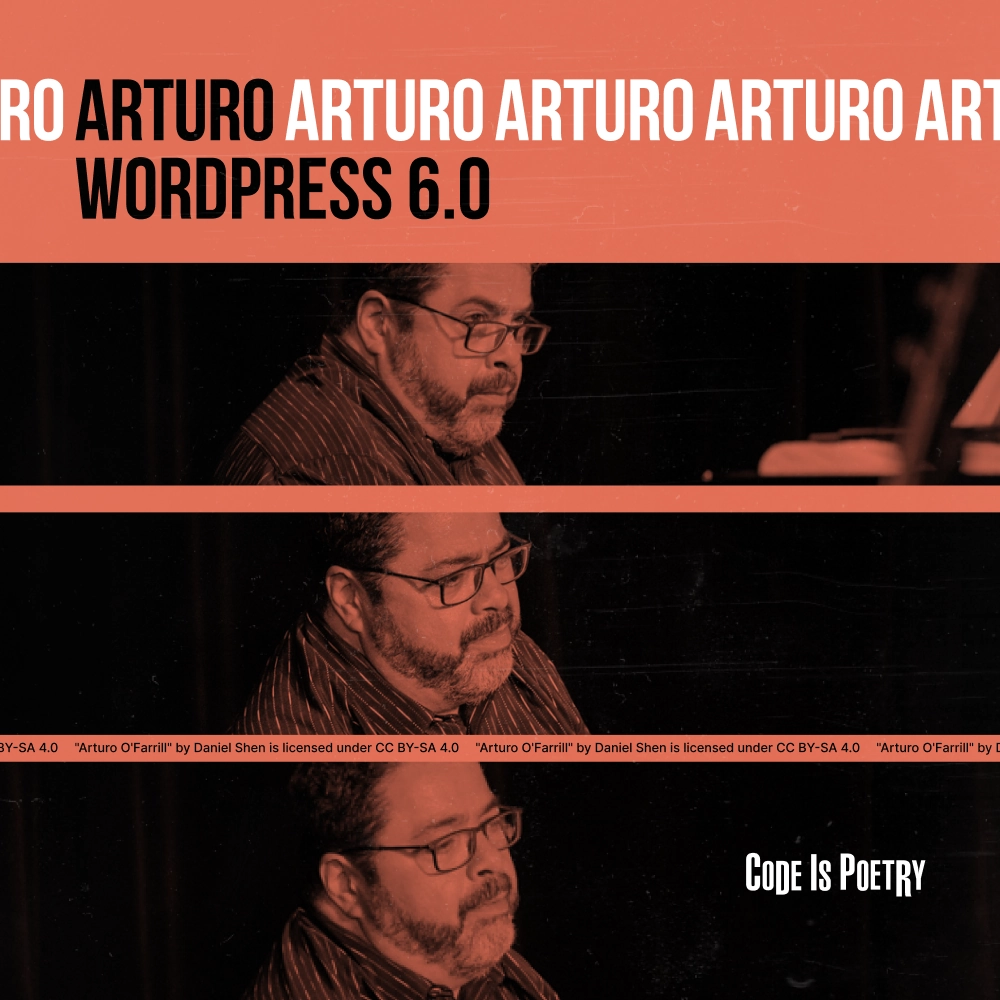
6.0

5.9
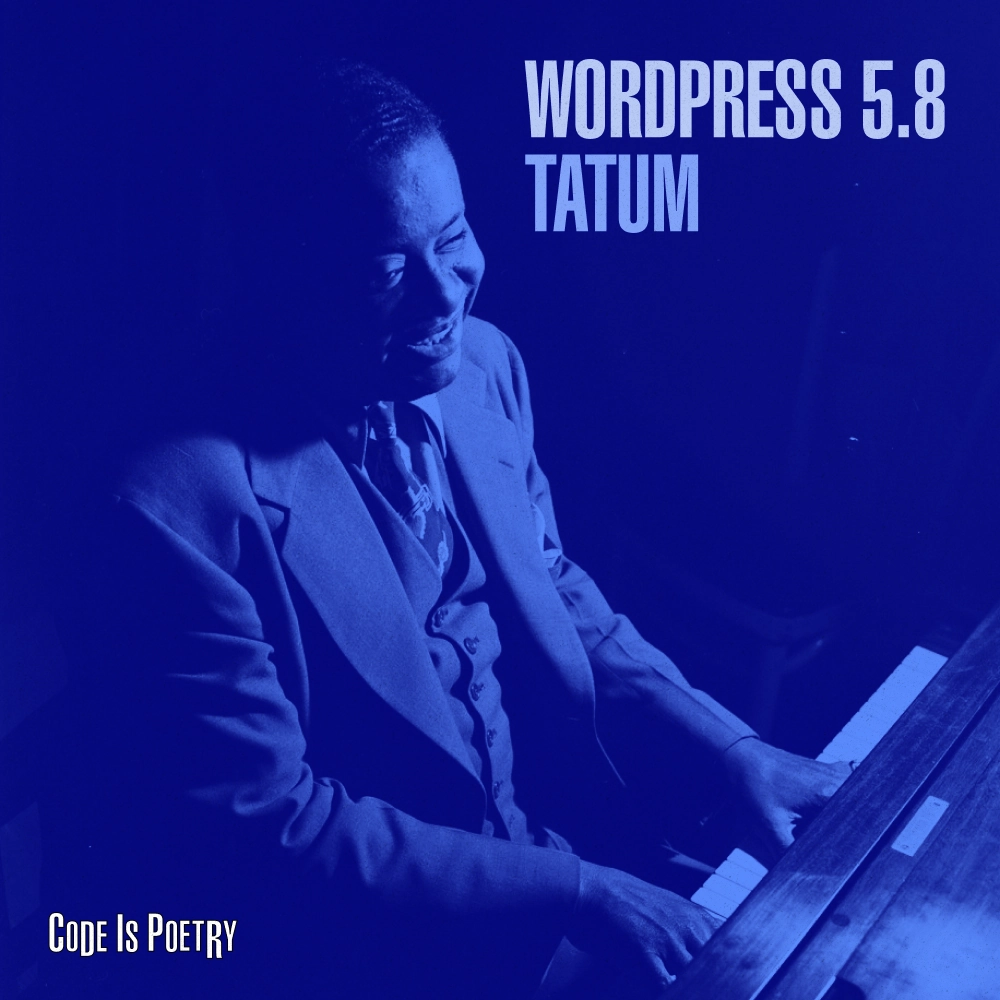
5.8
5.7

5.6
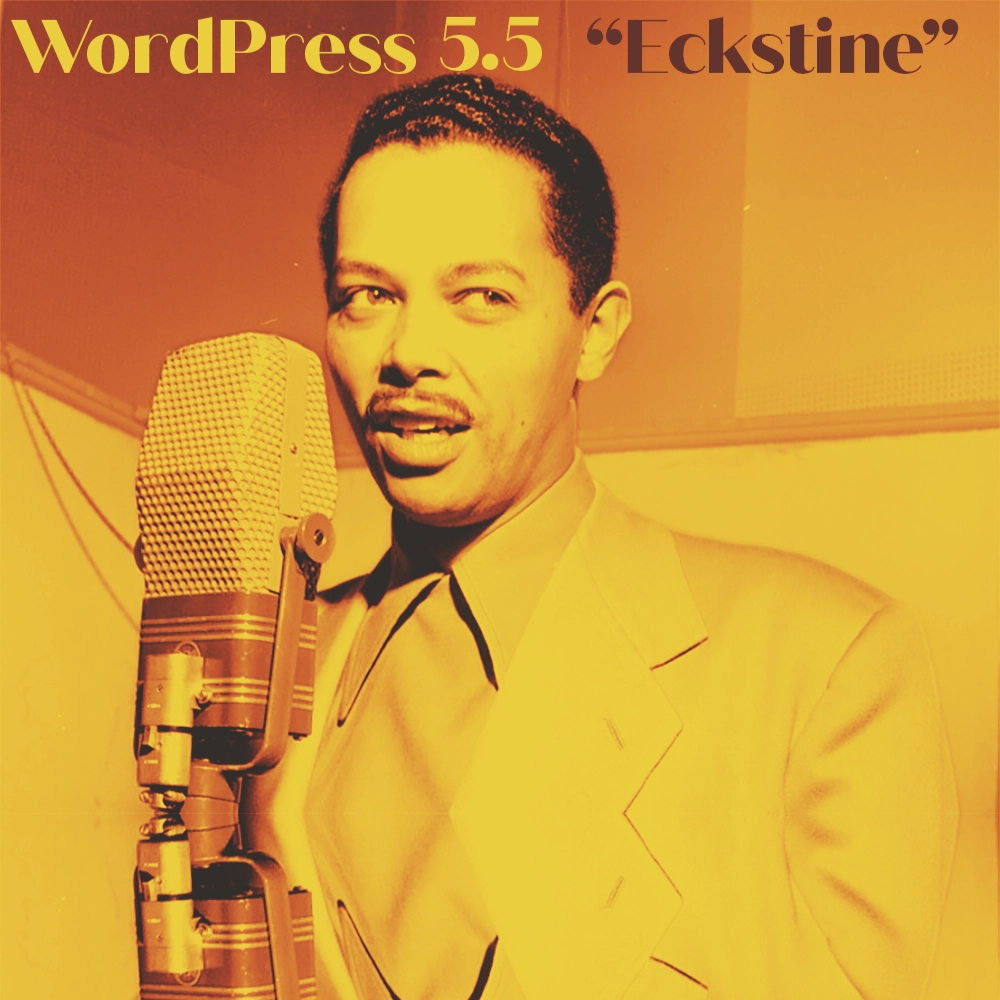
5.5
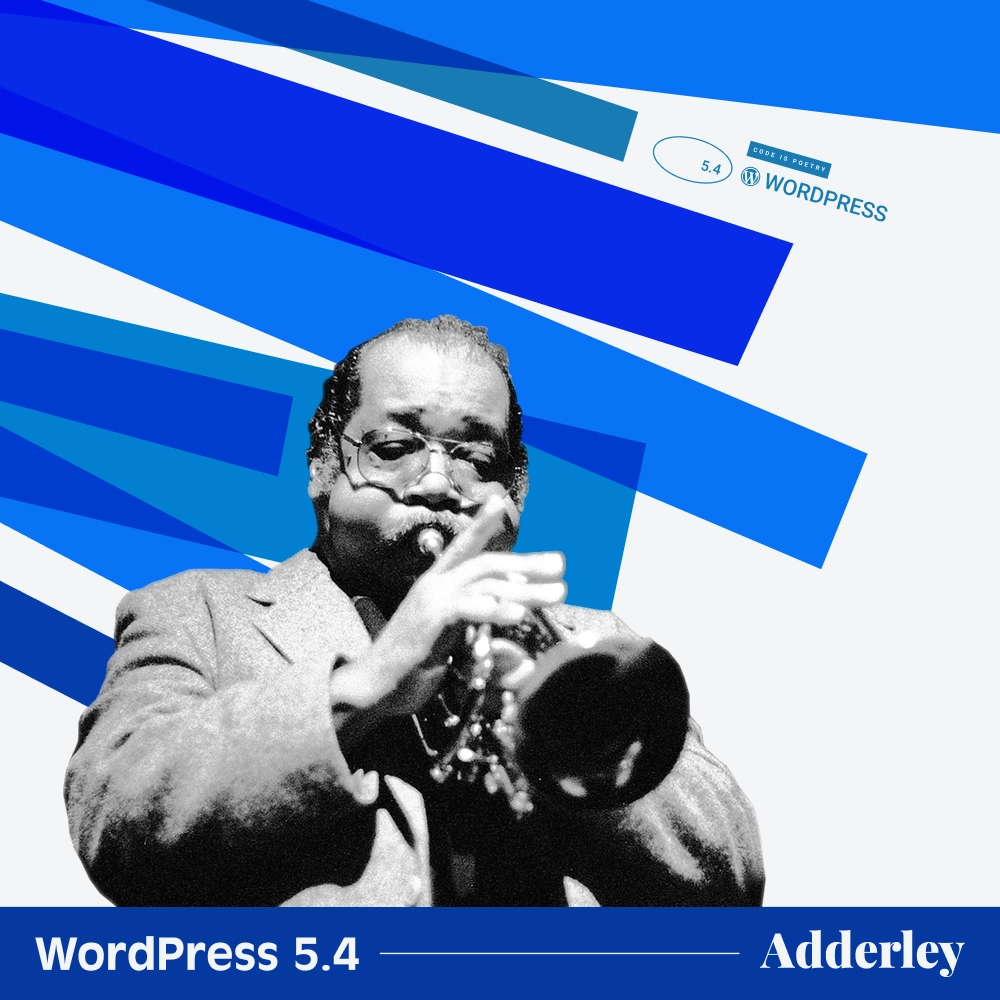
5.4
Buttons and Social Icons blocks, Cleaner editor interface, Custom fields for menu items
Point releases: 5.4.1, 5.4.2, 5.4.3, 5.4.4, 5.4.5, 5.4.6, 5.4.7, 5.4.8, 5.4.9, 5.4.10, 5.4.11, 5.4.12, 5.4.13, 5.4.14, 5.4.15, 5.4.16, 5.4.17, 5.4.18, 5.4.19, 5.4.20, 5.4.21, 5.4.22, 5.4.23, 5.4.24
31 martsa 2020
5.3

5.2
Site Health Check, PHP error protection, Plugin compatibility checks
Point releases: 5.2.1, 5.2.2, 5.2.3, 5.2.4, 5.2.5, 5.2.6, 5.2.7, 5.2.8, 5.2.9, 5.2.10, 5.2.11, 5.2.12, 5.2.13, 5.2.14, 5.2.15, 5.2.16, 5.2.17, 5.2.18, 5.2.19, 5.2.20, 5.2.21, 5.2.22, 5.2.23, 5.2.24, 5.2.25, 5.2.26, 5.2.27, 5.2.28, 5.2.29
7 Mey 2019
5.1
5.0
Block editor, Twenty Nineteen, Classic Editor plugin
Point releases: 5.0.1, 5.0.2, 5.0.3, 5.0.4, 5.0.6, 5.0.7, 5.0.8, 5.0.9, 5.0.10, 5.0.11, 5.0.12, 5.0.13, 5.0.14, 5.0.15, 5.0.16, 5.0.17, 5.0.18, 5.0.19, 5.0.20, 5.0.21, 5.0.22, 5.0.23, 5.0.24, 5.0.25, 5.0.26, 5.0.27, 5.0.28, 5.0.29, 5.0.30
6 desambra 2018
4.9
Scheduled Customizer changes, Code syntax highlighting, Gallery widget
Point releases: 4.9.1, 4.9.2, 4.9.3, 4.9.4, 4.9.5, 4.9.6, 4.9.7, 4.9.8, 4.9.9, 4.9.10, 4.9.11, 4.9.12, 4.9.13, 4.9.14, 4.9.15, 4.9.16, 4.9.17, 4.9.18, 4.9.19, 4.9.20, 4.9.21, 4.9.22, 4.9.23, 4.9.24, 4.9.25, 4.9.26, 4.9.27, 4.9.28, 4.9.29, 4.9.30, 4.9.31, 4.9.32, 4.9.33, 4.9.34
15 novambra 2017
4.8
Media widgets, Rich Text widget, Nearby WordPress events
Point releases: 4.8.1, 4.8.2, 4.8.3, 4.8.4, 4.8.5, 4.8.6, 4.8.7, 4.8.8, 4.8.9, 4.8.10, 4.8.11, 4.8.12, 4.8.13, 4.8.14, 4.8.15, 4.8.16, 4.8.17, 4.8.18, 4.8.19, 4.8.20, 4.8.21, 4.8.22, 4.8.23, 4.8.24, 4.8.25, 4.8.26, 4.8.27, 4.8.28, 4.8.29, 4.8.30, 4.8.31, 4.8.32, 4.8.33
8 jona 2017
4.7
Twenty Seventeen, Video headers, REST API content endpoints
Point releases: 4.7.1, 4.7.2, 4.7.3, 4.7.4, 4.7.5, 4.7.6, 4.7.7, 4.7.8, 4.7.9, 4.7.10, 4.7.11, 4.7.12, 4.7.13, 4.7.14, 4.7.15, 4.7.16, 4.7.17, 4.7.18, 4.7.19, 4.7.20, 4.7.21, 4.7.22, 4.7.23, 4.7.24, 4.7.25, 4.7.26, 4.7.27, 4.7.28, 4.7.29, 4.7.30, 4.7.31, 4.7.32, 4.7.33, 4.7.34, 4.7.35, 4.7.36, 4.7.37, 4.7.38
6 desambra 2016
4.6
Streamlined updates, Native system fonts, Content recovery
Point releases: 4.6.1, 4.6.2, 4.6.3, 4.6.4, 4.6.5, 4.6.6, 4.6.7, 4.6.8, 4.6.9, 4.6.10, 4.6.11, 4.6.12, 4.6.13, 4.6.14, 4.6.15, 4.6.16, 4.6.17, 4.6.18, 4.6.19, 4.6.20, 4.6.21, 4.6.22, 4.6.23, 4.6.24, 4.6.25, 4.6.26, 4.6.27, 4.6.28, 4.6.29, 4.6.30
16 aogositra 2016
4.5
Inline linking, Live responsive previews, Custom logos
Point releases: 4.5.1, 4.5.2, 4.5.3, 4.5.4, 4.5.5, 4.5.6, 4.5.7, 4.5.8, 4.5.9, 4.5.10, 4.5.11, 4.5.12, 4.5.13, 4.5.14, 4.5.15, 4.5.16, 4.5.17, 4.5.18, 4.5.19, 4.5.20, 4.5.21, 4.5.22, 4.5.23, 4.5.24, 4.5.25, 4.5.26, 4.5.27, 4.5.28, 4.5.29, 4.5.30, 4.5.31, 4.5.32, 4.5.33
12 aprily 2016
4.4
Twenty Sixteen, Responsive images, Embed everything
Point releases: 4.4.1, 4.4.2, 4.4.3, 4.4.4, 4.4.5, 4.4.6, 4.4.7, 4.4.8, 4.4.9, 4.4.10, 4.4.11, 4.4.12, 4.4.13, 4.4.14, 4.4.15, 4.4.16, 4.4.17, 4.4.18, 4.4.19, 4.4.20, 4.4.21, 4.4.22, 4.4.23, 4.4.24, 4.4.25, 4.4.26, 4.4.27, 4.4.28, 4.4.29, 4.4.30, 4.4.31, 4.4.32, 4.4.33, 4.4.34
8 desambra 2015
4.3
Menus in the Customizer, Formatting shortcuts, Site icons
Point releases: 4.3.1, 4.3.2, 4.3.3, 4.3.4, 4.3.5, 4.3.6, 4.3.7, 4.3.8, 4.3.9, 4.3.10, 4.3.11, 4.3.12, 4.3.13, 4.3.14, 4.3.15, 4.3.16, 4.3.17, 4.3.18, 4.3.19, 4.3.20, 4.3.21, 4.3.22, 4.3.23, 4.3.24, 4.3.25, 4.3.26, 4.3.27, 4.3.28, 4.3.29, 4.3.30, 4.3.31, 4.3.32, 4.3.33, 4.3.34, 4.3.35
18 aogositra 2015
4.2
Press This, Emoji support, Theme switching in the Customizer
Point releases: 4.2.1, 4.2.2, 4.2.3, 4.2.4, 4.2.5, 4.2.6, 4.2.7, 4.2.8, 4.2.9, 4.2.10, 4.2.11, 4.2.12, 4.2.13, 4.2.14, 4.2.15, 4.2.16, 4.2.17, 4.2.18, 4.2.19, 4.2.20, 4.2.21, 4.2.22, 4.2.23, 4.2.24, 4.2.25, 4.2.26, 4.2.27, 4.2.28, 4.2.29, 4.2.30, 4.2.31, 4.2.32, 4.2.33, 4.2.34, 4.2.35, 4.2.36, 4.2.37, 4.2.38, 4.2.39
23 aprily 2015
4.1
Twenty Fifteen, Distraction-free writing, Log out everywhere
Point releases: 4.1.1, 4.1.2, 4.1.3, 4.1.4, 4.1.5, 4.1.6, 4.1.7, 4.1.8, 4.1.9, 4.1.10, 4.1.11, 4.1.12, 4.1.13, 4.1.14, 4.1.15, 4.1.16, 4.1.17, 4.1.18, 4.1.19, 4.1.20, 4.1.21, 4.1.22, 4.1.23, 4.1.24, 4.1.25, 4.1.26, 4.1.27, 4.1.28, 4.1.29, 4.1.30, 4.1.31, 4.1.32, 4.1.33, 4.1.34, 4.1.35, 4.1.36, 4.1.37, 4.1.38, 4.1.39, 4.1.40, 4.1.41, 4.1.42
18 desambra 2014
4.0
Media library grid, Visual embed previews, Improved plugin search
Point releases: 4.0.1, 4.0.2, 4.0.3, 4.0.4, 4.0.5, 4.0.6, 4.0.7, 4.0.8, 4.0.9, 4.0.10, 4.0.11, 4.0.12, 4.0.13, 4.0.14, 4.0.15, 4.0.16, 4.0.17, 4.0.18, 4.0.19, 4.0.20, 4.0.21, 4.0.22, 4.0.23, 4.0.24, 4.0.25, 4.0.26, 4.0.27, 4.0.28, 4.0.29, 4.0.30, 4.0.31, 4.0.32, 4.0.33, 4.0.34, 4.0.35, 4.0.36, 4.0.37, 4.0.38
4 septambra 2014
3.9
Improved visual editor, Drag-and-drop images, Live widget previews
Point releases: 3.9.1, 3.9.2, 3.9.3, 3.9.4, 3.9.5, 3.9.6, 3.9.7, 3.9.8, 3.9.9, 3.9.10, 3.9.11, 3.9.12, 3.9.13, 3.9.14, 3.9.15, 3.9.16, 3.9.17, 3.9.18, 3.9.19, 3.9.20, 3.9.21, 3.9.22, 3.9.23, 3.9.24, 3.9.25, 3.9.26, 3.9.27, 3.9.28, 3.9.29, 3.9.30, 3.9.31, 3.9.32, 3.9.33, 3.9.34, 3.9.35, 3.9.36, 3.9.37, 3.9.39, 3.9.40
16 aprily 2014
3.8
Modern admin design, Admin color schemes, Twenty Fourteen
Point releases: 3.8.1, 3.8.2, 3.8.3, 3.8.4, 3.8.5, 3.8.6, 3.8.7, 3.8.8, 3.8.9, 3.8.10, 3.8.11, 3.8.12, 3.8.13, 3.8.14, 3.8.15, 3.8.16, 3.8.17, 3.8.18, 3.8.19, 3.8.20, 3.8.21, 3.8.22, 3.8.23, 3.8.24, 3.8.25, 3.8.26, 3.8.27, 3.8.28, 3.8.29, 3.8.30, 3.8.31, 3.8.32, 3.8.33, 3.8.34, 3.8.35, 3.8.36, 3.8.37, 3.8.38, 3.8.39, 3.8.40, 3.8.41
12 desambra 2013
3.7
Automatic background updates, Stronger password meter, Better language support
Point releases: 3.7.1, 3.7.2, 3.7.3, 3.7.4, 3.7.5, 3.7.6, 3.7.7, 3.7.8, 3.7.9, 3.7.10, 3.7.11, 3.7.12, 3.7.13, 3.7.14, 3.7.15, 3.7.16, 3.7.17, 3.7.18, 3.7.19, 3.7.20, 3.7.21, 3.7.22, 3.7.23, 3.7.24, 3.7.25, 3.7.26, 3.7.27, 3.7.28, 3.7.29, 3.7.30, 3.7.31, 3.7.32, 3.7.33, 3.7.34, 3.7.35, 3.7.36, 3.7.37, 3.7.38, 3.7.39, 3.7.40, 3.7.41
24 oktobra 2013
3.6
Twenty Thirteen, Revamped revisions, Post locking and autosave
Point releases: 3.6.1
1 aogositra 2013
3.5
11 desambra 2012
3.4
13 jona 2012
3.3
12 desambra 2011
3.2
Faster and lighter, Refreshed dashboard, Twenty Eleven
Point releases: 3.2.1
4 jolay 2011
3.1
23 febroary 2011
3.0
2.9
18 desambra 2009
2.8
2.7
New admin interface, Comment threading, One-click plugin installs
Point releases: 2.7.1
10 desambra 2008
2.6
15 jolay 2008
2.5
Cleaner dashboard, Dashboard widgets, Multi-file upload
Point releases: 2.5.1
29 martsa 2008
2.3
24 septambra 2007
2.2
16 mey 2007
2.1
22 janoary 2007
2.0
1.5
17 febroary 2005
1.2
22 mey 2004
1.0
Search-friendly permalinks, Multiple categories, Comment moderation
Point releases: 1.0.2
3 janoary 2004
0.7
Links manager, XHTML 1.1 compliance, Manual excerpts
Point releases: 1.0.2
27 mey 2003
