Rebooting a Windows PC via PowerShell is a routine administrative task. This guide will teach you how to use...
Tag Archive for: powershell beginner
4sysops - The online community for sys and AI ops
Understanding PowerShell Begin, Process, and End blocks
Windows PowerShell advanced functions have built-in control flow that helps both experienced and novice PowerShell developers maintain their code...
Make Visual Studio Code look and behave like PowerShell ISE
Microsoft is no longer actively developing the PowerShell Integrated Scripting Environment (ISE). In this tutorial, you'll quickly get up...
Displaying PowerShell members with my Format-Member function
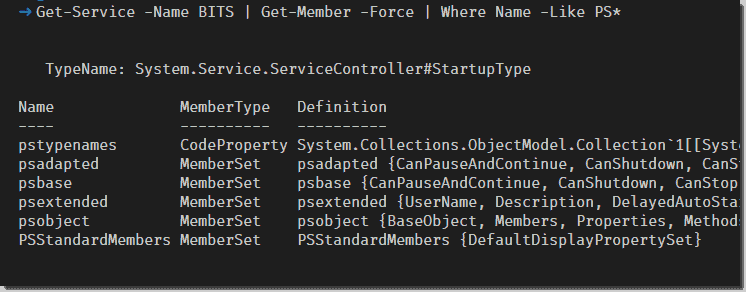
With the help of my Format-Member function, you can display members from PowerShell objects in a formatted way. This...
Using a local variable in a remote PowerShell session
While working with remote computers with PowerShell, you'll come across many scenarios where you may want to use local...
Managing disks with PowerShell
In this post you will learn how to perform various disk management tasks with PowerShell. I will explain how...
The PowerShell Here-String – Preserve text formatting
Like many other high-level languages, PowerShell gives us the ability to preserve line breaks, tabs, whitespace, and other text...
Parameter binding in the PowerShell pipeline
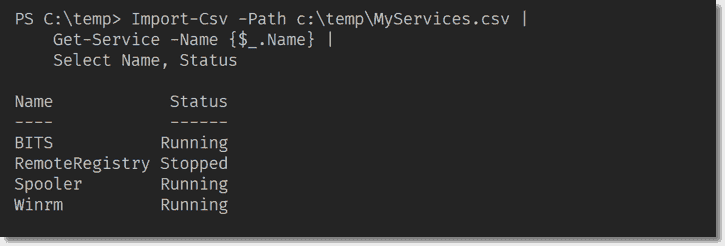
We know we can pass objects down the PowerShell pipeline, but how do we know which parameter accepts objects...
Using PowerShell implicit remoting
Implicit remoting is an excellent way to get access to commands in modules that you don't have installed locally.
camelCasing, PascalCasing, lowercase, and UPPERCASE in PowerShell
Capitalization rules for identifiers were created to help make types, members, and parameters easier to read. There are several...
Read all items in a PowerShell hash table with a loop
PowerShell hash tables are versatile constructs. Scripts use hash tables all the time to store key/value pairs. One common...
Using PowerShell providers
According to Microsoft's documentation, PowerShell providers "provide access to data and components that would not otherwise be easily accessible...
How to create an open file/folder dialog box with PowerShell
The open file/folder dialog box is a great way to receive input for your scripts interactively. It provides a...
PowerShell Strict Mode – Version 1.0 and 2.0
With the Set-StrictMode cmdlet you can turn PowerShell’s Strict Mode on, which ensures that you follow best practices in...
Stop or exit a PowerShell script when it errors
Unlike other programming languages, the PowerShell scripting language has two types of error scenarios: terminating and non-terminating. Both of...
Understanding the PowerShell $_ and $PSItem pipeline variables
PowerShell has a unique variable called the pipeline variable ($_ or $PSItem). Due to PowerShell's ability to pipe entire...
Set an IP address and configure DHCP with PowerShell
Setting an IP address on a Windows computer is a task most IT professionals have committed to muscle memory...
The PowerShell scriptblock
The scriptblock is a fundamental feature of the PowerShell language. Understanding the different ways to use scriptblocks is essential...
Measure the run-time of a PowerShell command with Measure-Command
Using the Measure-Command cmdlet in PowerShell is an easy way to measure the run-time or execution time of a command....
Measure-Object: Computing the size of folders and files in PowerShell
If you want to know the total size of all files in a particular folder, you can easily do...