
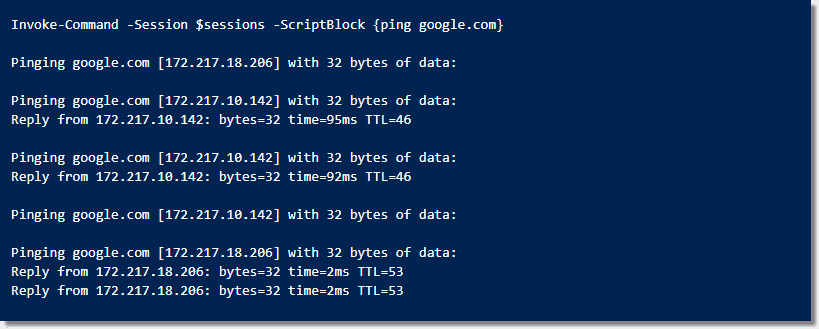
Sometimes, running remote code with the PowerShell cmdlet Invoke-Command can take a long time to run—and not for any...

It is well known that you can manage the Windows Firewall with the MMC snap-in and the command line...

Measure-Object: Computing the size of folders and files in PowerShell
 powershell, powershell beginner, powershell cmdlets 20
If you want to know the total size of all files in a particular folder, you can easily do...

Sometimes a PowerShell function needs to call itself to continue processing. Although we should avoid creating recursive functions (if...

Search Active Directory with the PowerShell cmdlet Get‑ADComputer
 powershell cmdlets, powershell, active directory 8
If you work with Active Directory (AD), Get-ADComputer is a PowerShell cmdlet you will use at some point to...
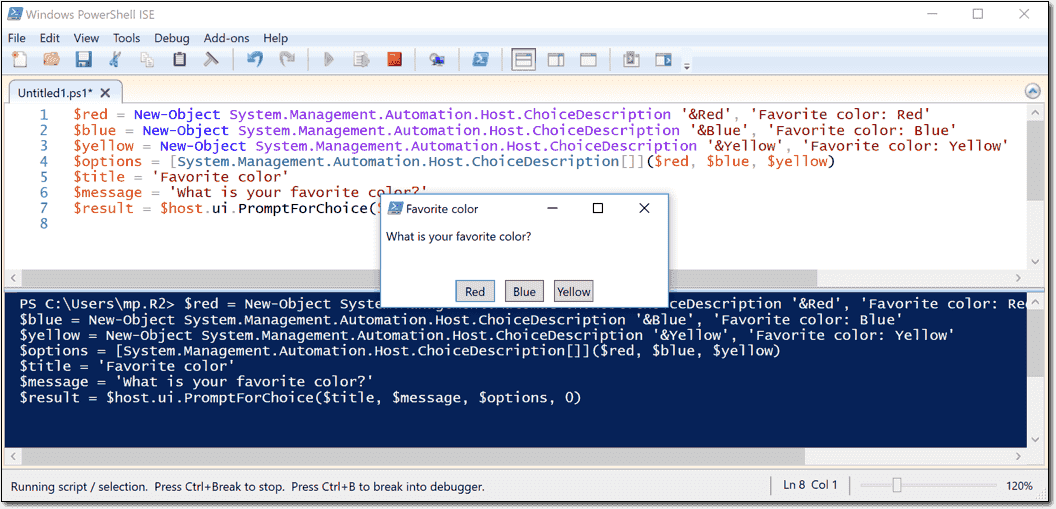
Read-Host and the ChoiceDescription class – Prompt for user input in PowerShell
 powershell, powershell beginner, powershell cmdlets 9
The Read-Host cmdlet allows prompting for user input in PowerShell. With the help of the .NET ChoiceDescription class, you...

Warning: Disabling the session configurations does not undo all the changes made by the Enable-PSRemoting or Enable-PSSession Configuration cmdlet....

Measure objects in PowerShell with the Measure-Object cmdlet
powershell, powershell beginner, powershell cmdlets 2
According to the help content, Measure-Object 'calculates the numeric properties of objects, and the characters, words, and lines in...

Like most command interpreters and script languages, PowerShell lets you sort file contents or command outputs. In addition to...

PowerShell transcript – Record a session to a text file
powershell beginner, powershell cmdlets, powershell 1
The Start-Transcript and Stop-transcript cmdlets let you record all of your activities in the PowerShell console to a text...

Import and export a CSV file to a PowerShell object
powershell, powershell beginner, powershell cmdlets 1
The PowerShell cmdlet Import-Csv allows you to import a CSV file to a custom PowerShell object easily. And with...

Add a calculated property with Select-Object in PowerShell
powershell, powershell beginner, powershell cmdlets 10
With the help of the Select-Object cmdlet, you can add a calculated property to the output of a PowerShell...

PowerShell has built-in functionality for all of its cmdlets and advanced functions, known as the WhatIf parameter. The WhatIf...
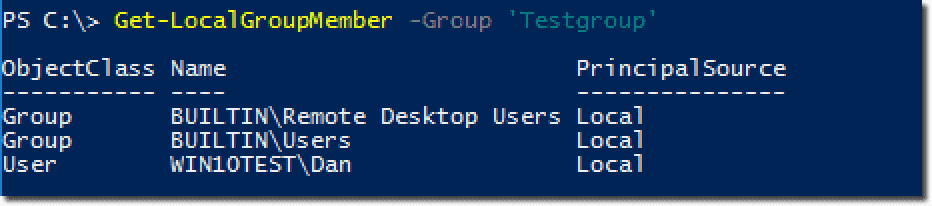

With the recent release of PowerShell 5.1—part of Windows Management Framework (WMF) 5.1—Microsoft introduced new cmdlets for working with...


The cmdlet Compress-Archive and Expand-Archive have been introduced in PowerShell 5 and allow you to easily zip (compress) and...

PowerShell offers multiple options to test whether files are identical or not. If you only need this kind of...

Copy-Item, Move-Item – Copy and move files with PowerShell
powershell, powershell beginner, powershell cmdlets 0
PowerShell offers a whole collection of file management cmdlets. To copy and move files, you can use Copy-Item and...

Cmdlets usually return a large collection of objects, but often you only need a few of them. In these...

Use PowerShell Invoke-Command to run scripts on remote computers
 powershell, powershell beginner, powershell cmdlets 57
The Invoke-Command cmdlet is one way to leverage PowerShell Remoting. In today’s post, I will give you an overview...

Display and search all variables of a PowerShell script with Get-Variable
powershell beginner, powershell cmdlets, powershell 8
If you have to debug a PowerShell script, it is helpful to display all its variables with their values....


