DesignerBoxCreative Intelligence
Generate, transform, branch, and deliver from one visual canvas. Build repeatable AI workflows your team can run, remix, and scale.
- Multi-model
- Reusable
- Collaborative

Build once. Branch forever — every node stays editable.
What you can create
From a single prompt to a finished campaign — pick a starting point.
Generate Image
Describe an image and click generate.
Start Creating
Generate Video
Create high-quality videos in seconds.
Seedance 2.0
Most advanced video model.
PremiumSora 2 Pro
Cinematic up to 20s with native audio.
NewStudio
Branching workflow canvas.
UnlimitedApps Hub
Production-ready creative apps.
Fashion Factory
Apparel ecommerce shoots at scale.
What will youcreate today?
Create authentic images and videos with natural texture and easy style.
Explore all tools


Use all AI models, together at last
AI models and professional editing tools in one node-based platform. Turn creative vision into scalable workflows without compromising quality.
Sora 2, Veo 3.1, Kling, Runway, all in one workflow
Switch between premium video models inside the same canvas. Pick the right model per shot, no separate accounts, no separate tools.
Veo 3.1
Highest quality with native audio
Open modelSora 2 Pro
Up to 20s with audio, premium motion
Open modelKling 2.6 Pro
Improved motion quality and consistency
Open modelRunway Gen-4.5
Image-to-video with strong aesthetic quality
Open modelSeedance 2.0
Up to 15s, multi-reference, native audio
Open modelVeo 3.1 Fast
Quick iterations with audio at moderate cost
Open modelWith all the professional tools you rely on
In one seamless workflow
Build once, branch infinitely, and run entire creative systems from a single canvas. Connect generation, enhancement, relighting, text overlays, and delivery steps into repeatable workflows your team can reuse at scale.
Chain tools together, keep the logic visible, and run the whole sequence without leaving the canvas.


16+ ONE-CLICK APPS, NO CANVAS NEEDED
Skip the node graph when you don't need it. Specialized AI tools for product ads, headshots, retouching, fashion, and more, built for what you make every day.


Maximize your team's ability by automatically generating a simplified UI
From Workflow
to Technique
A cinematic portrait with soft golden-hour lighting, shallow depth of field, and natural skin tones. The subject stands against an urban backdrop with bokeh lights. Professional color grading with warm highlights and cool shadows.
The most advanced AI
visual generator
DesignerBox uses cutting-edge AI to generate professional-quality images and videos from simple text prompts—helping creators, brands, and businesses produce unlimited visual content without traditional photography costs.


EVERY VISION BROUGHT
TO LIFE
Explore AI-generated images across styles, from product design to digital art.
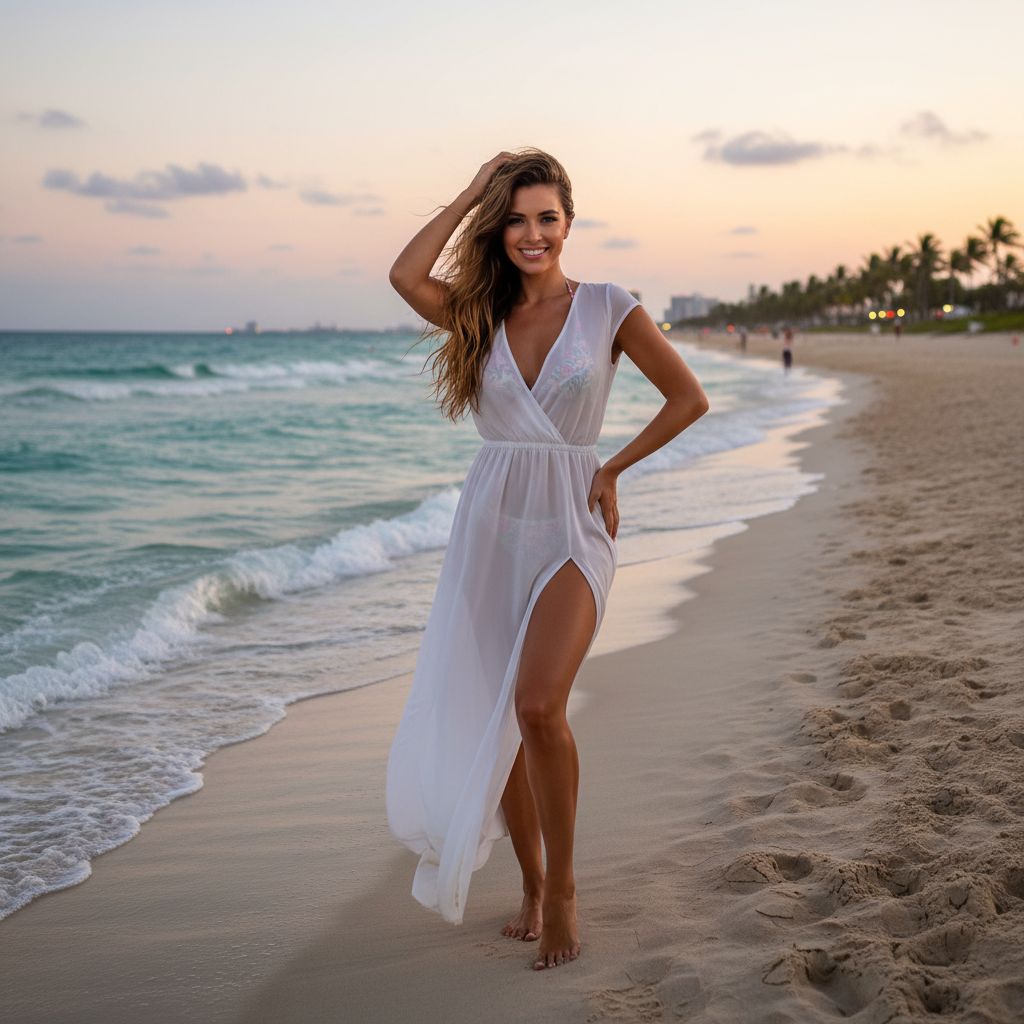
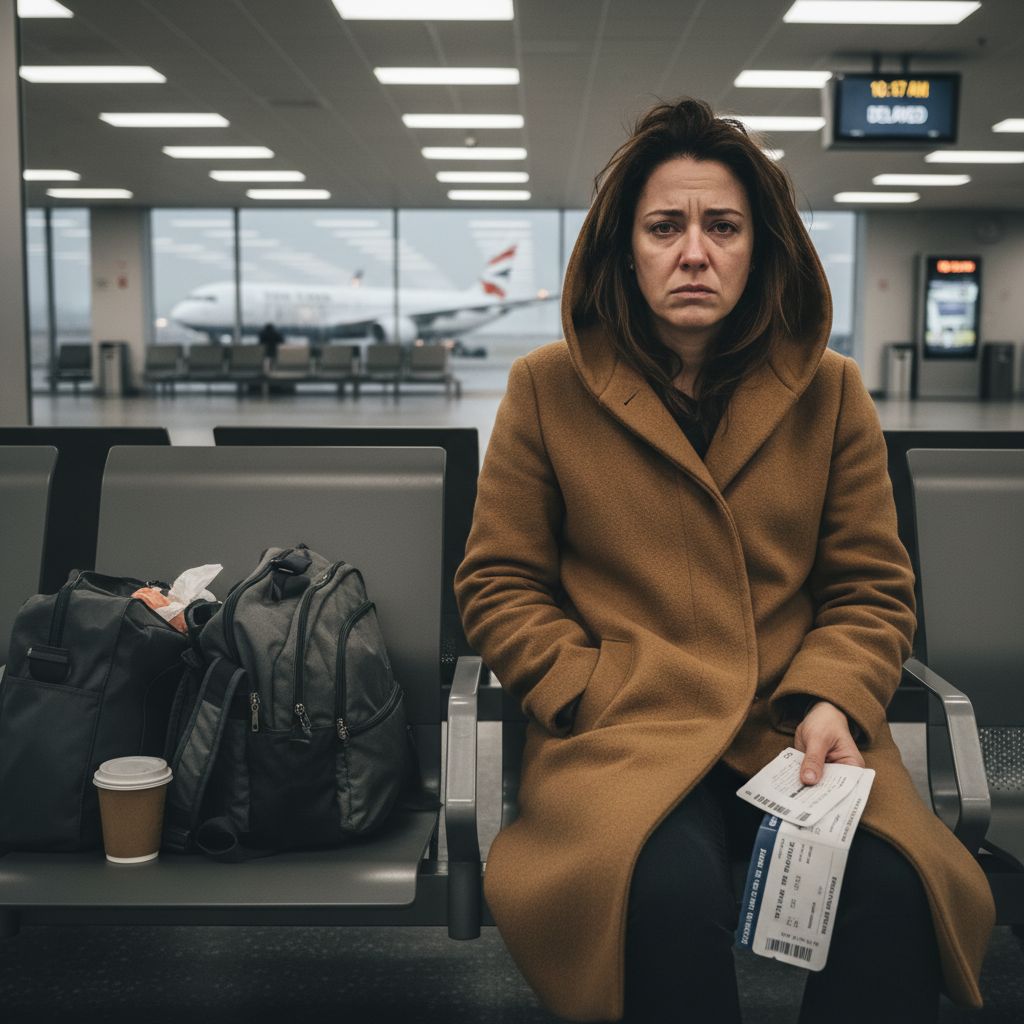
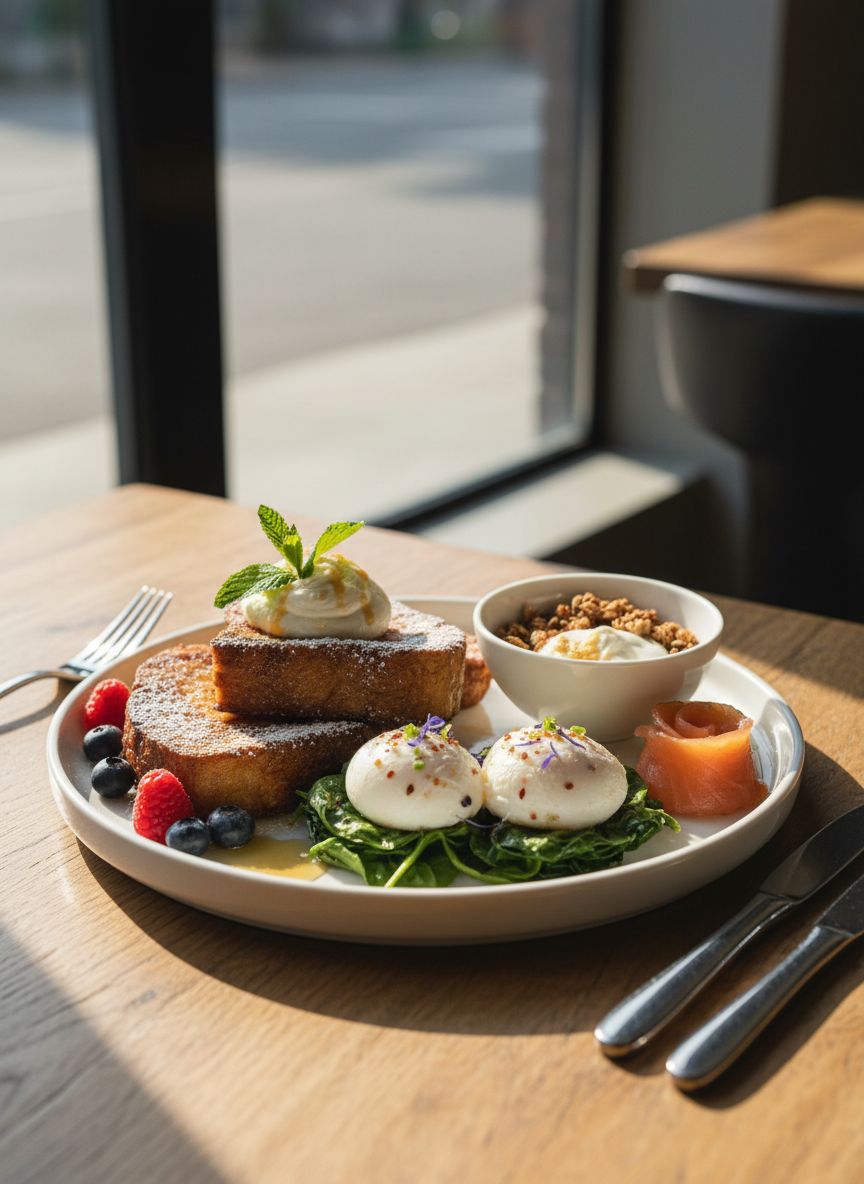
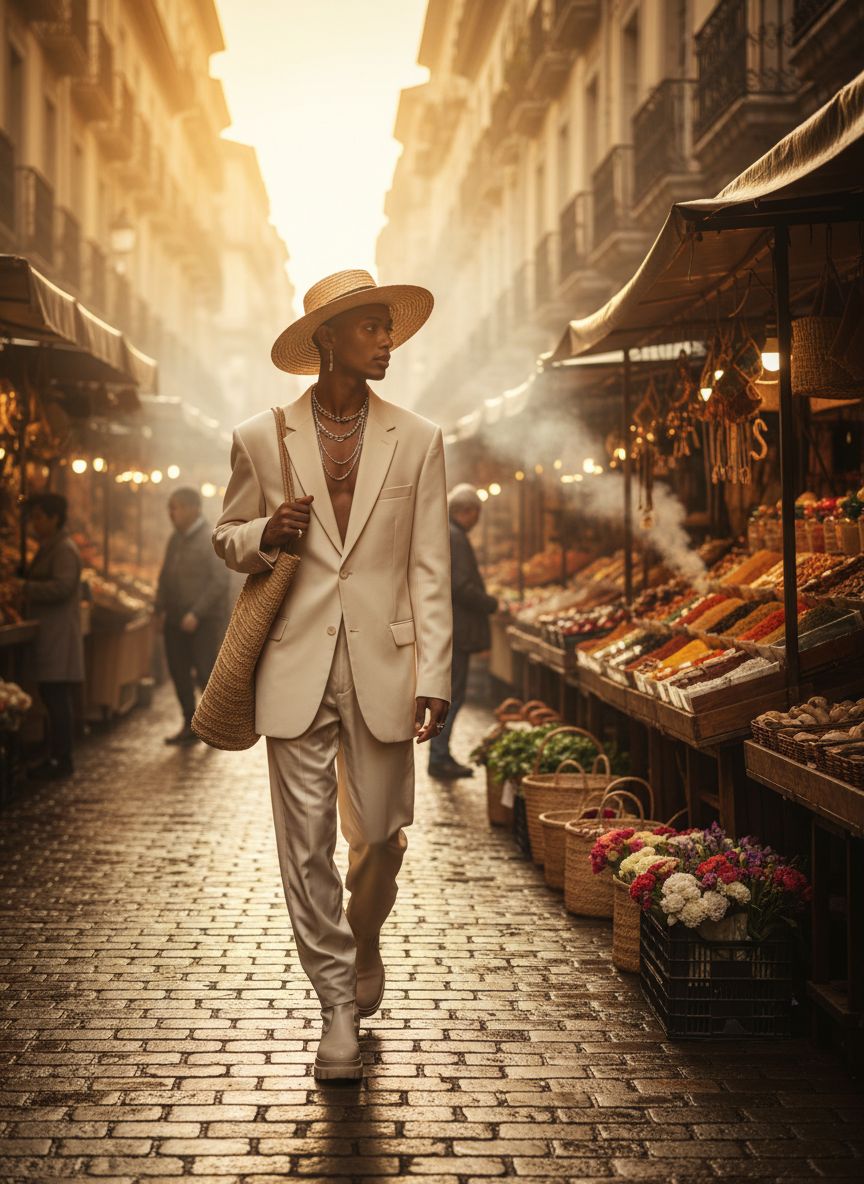
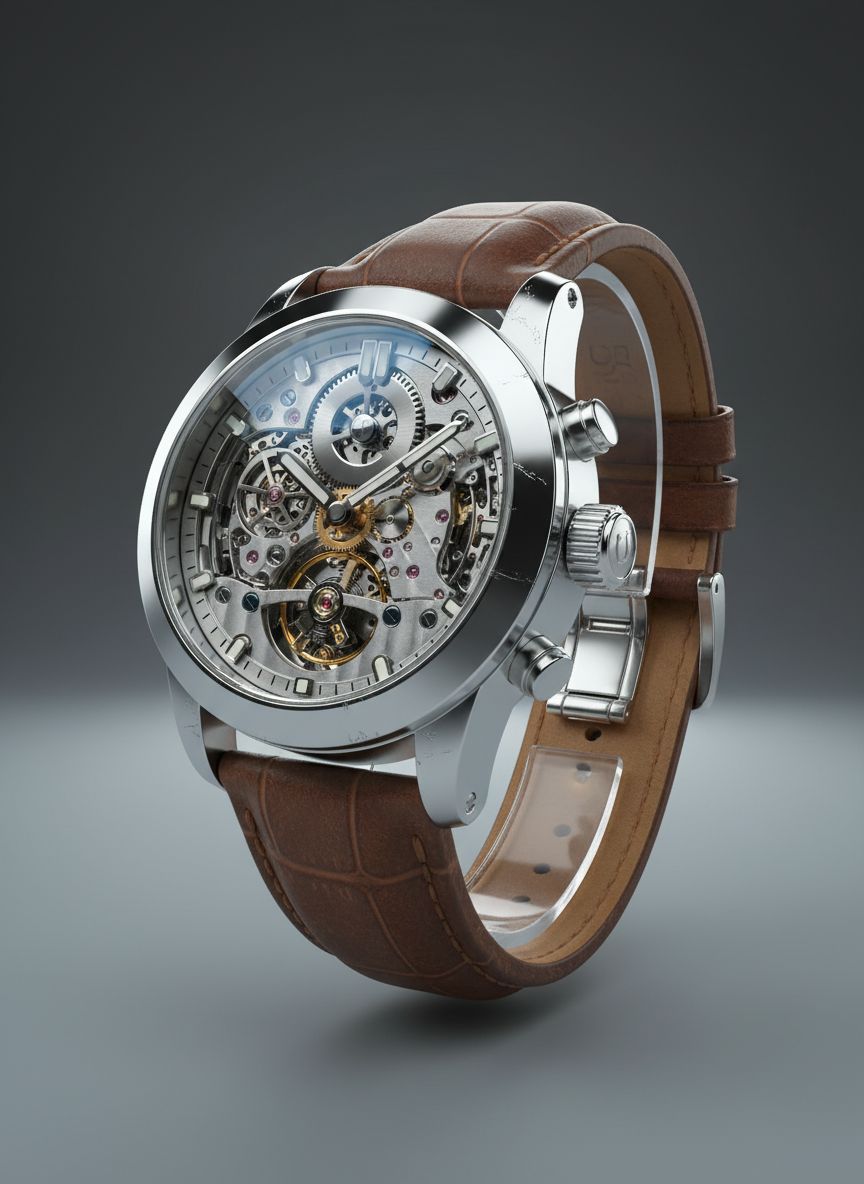
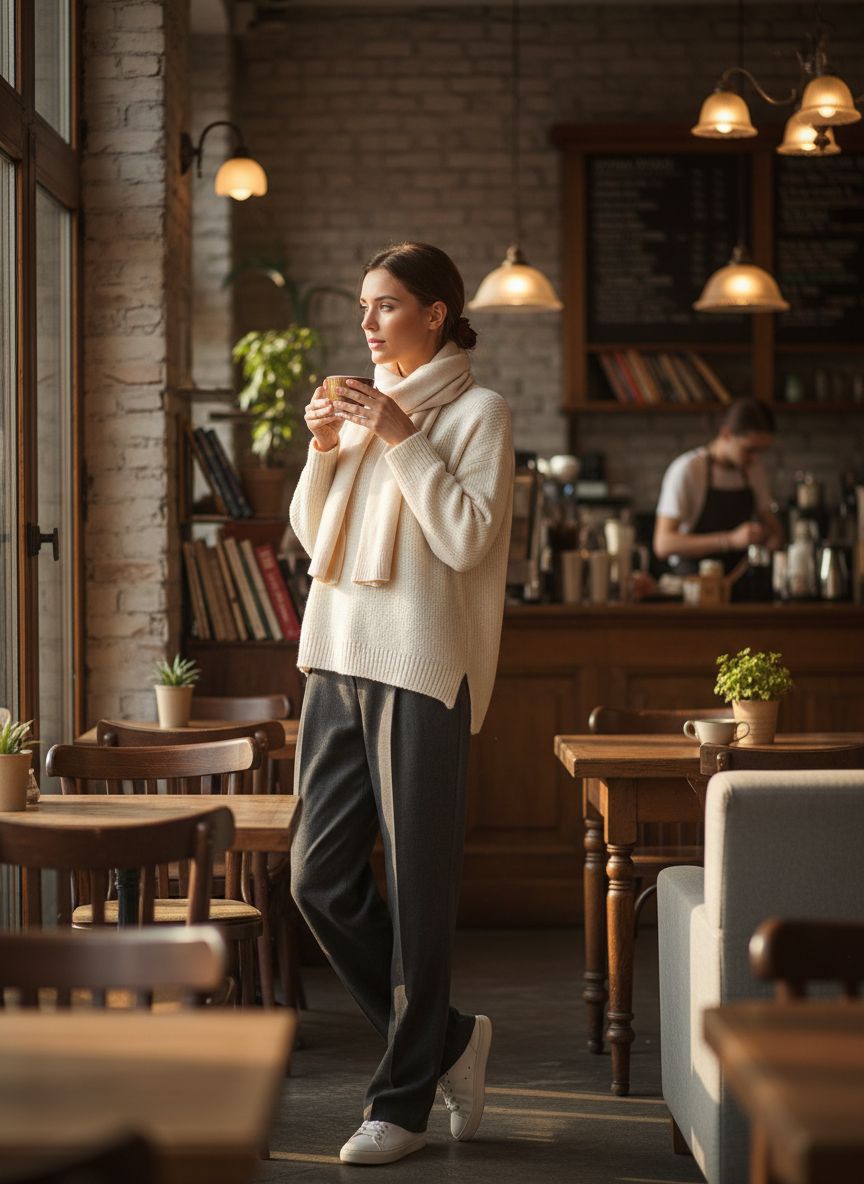
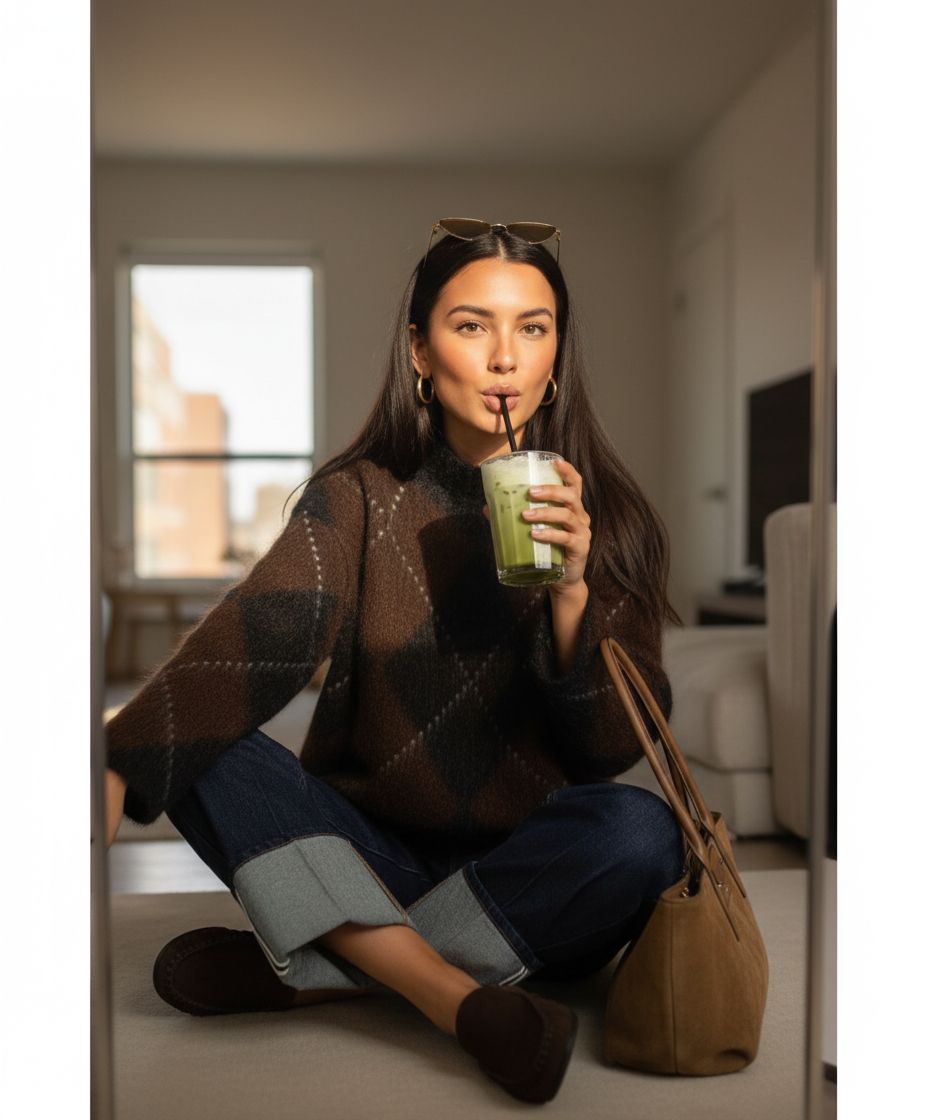
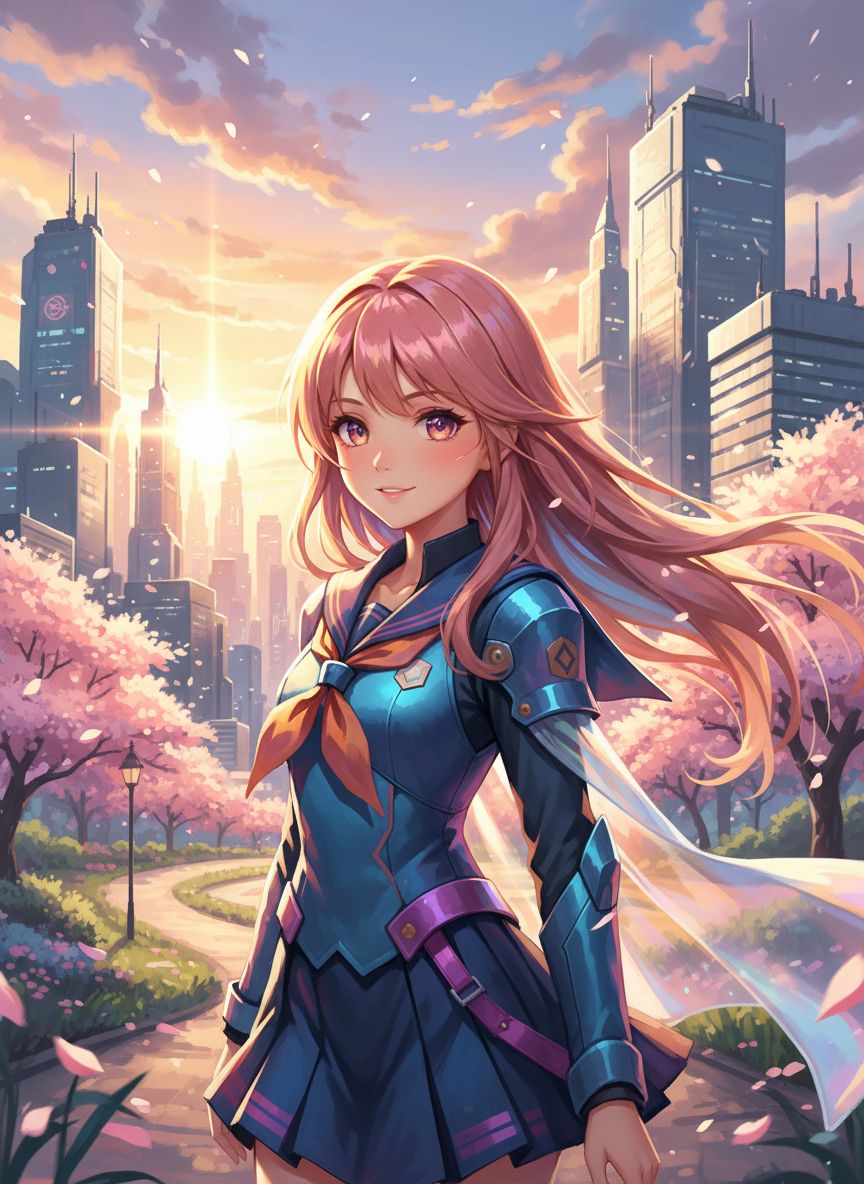
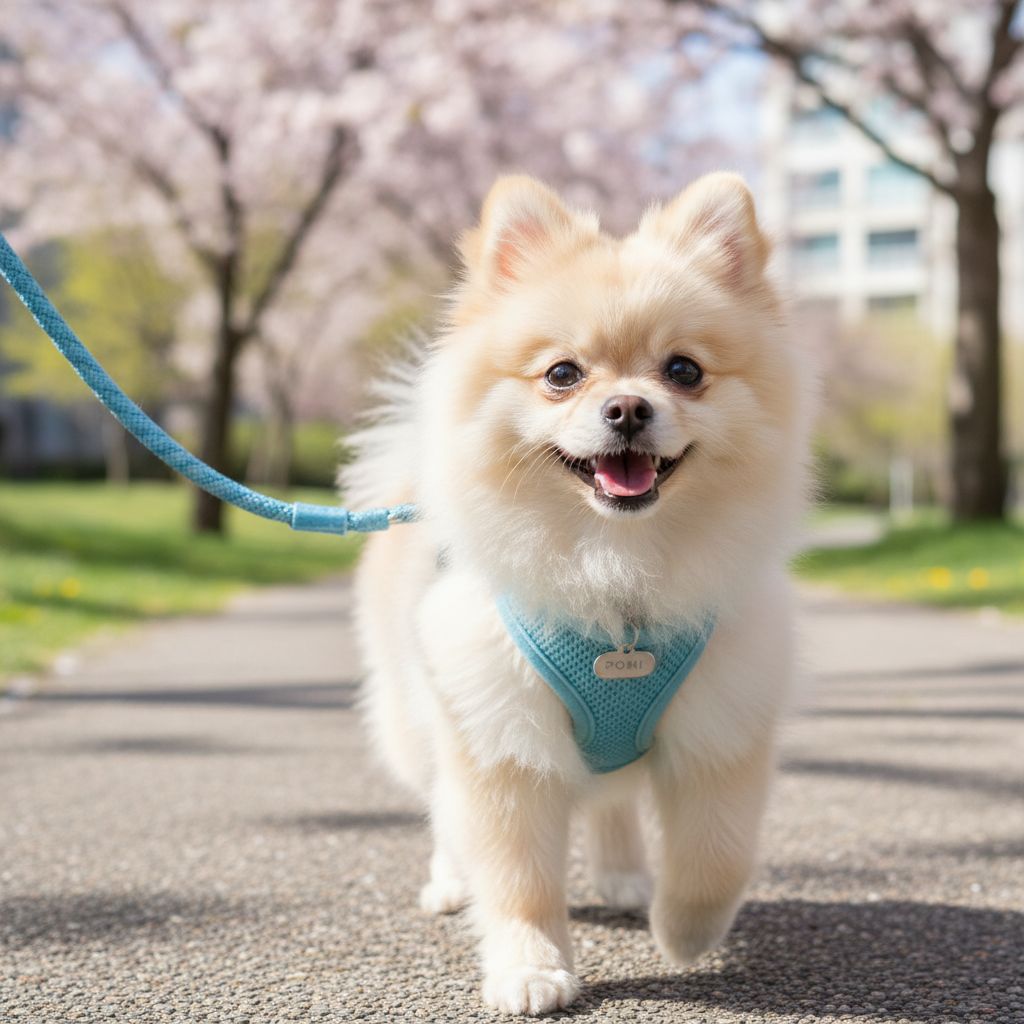
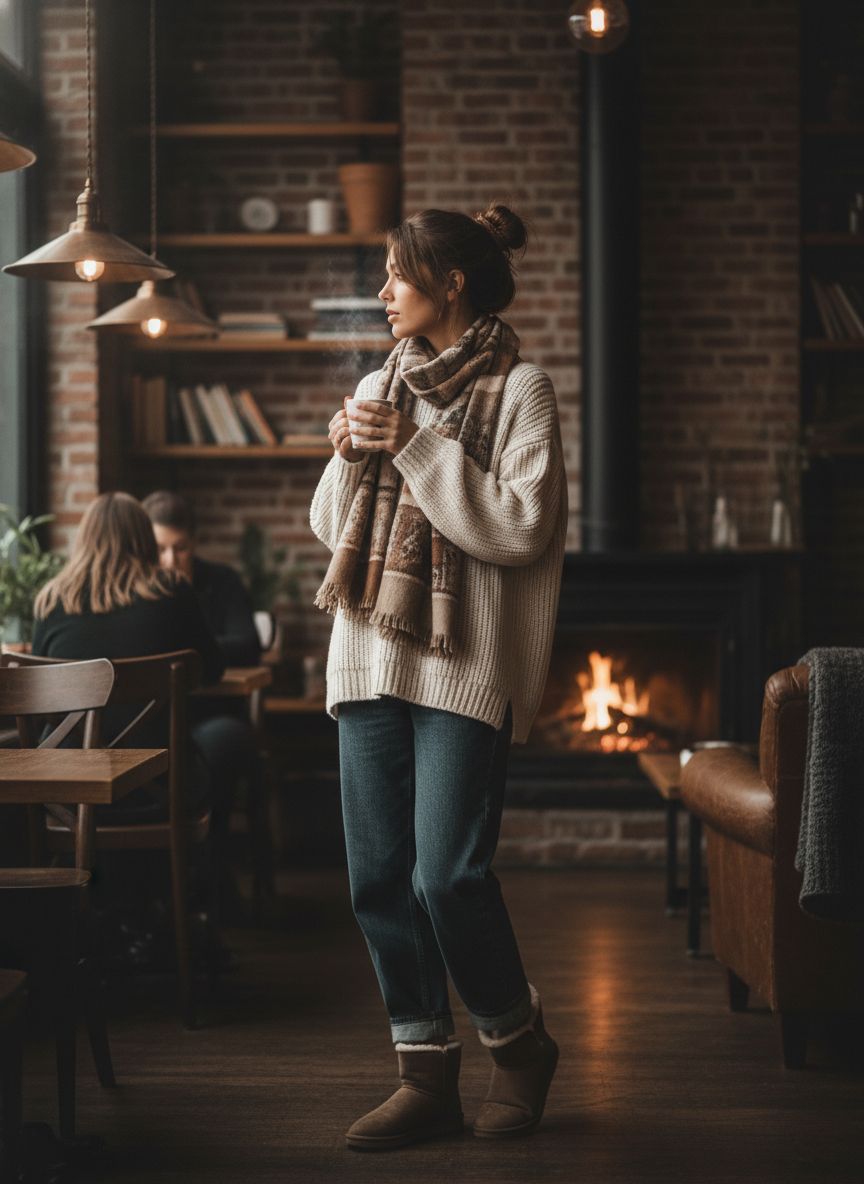
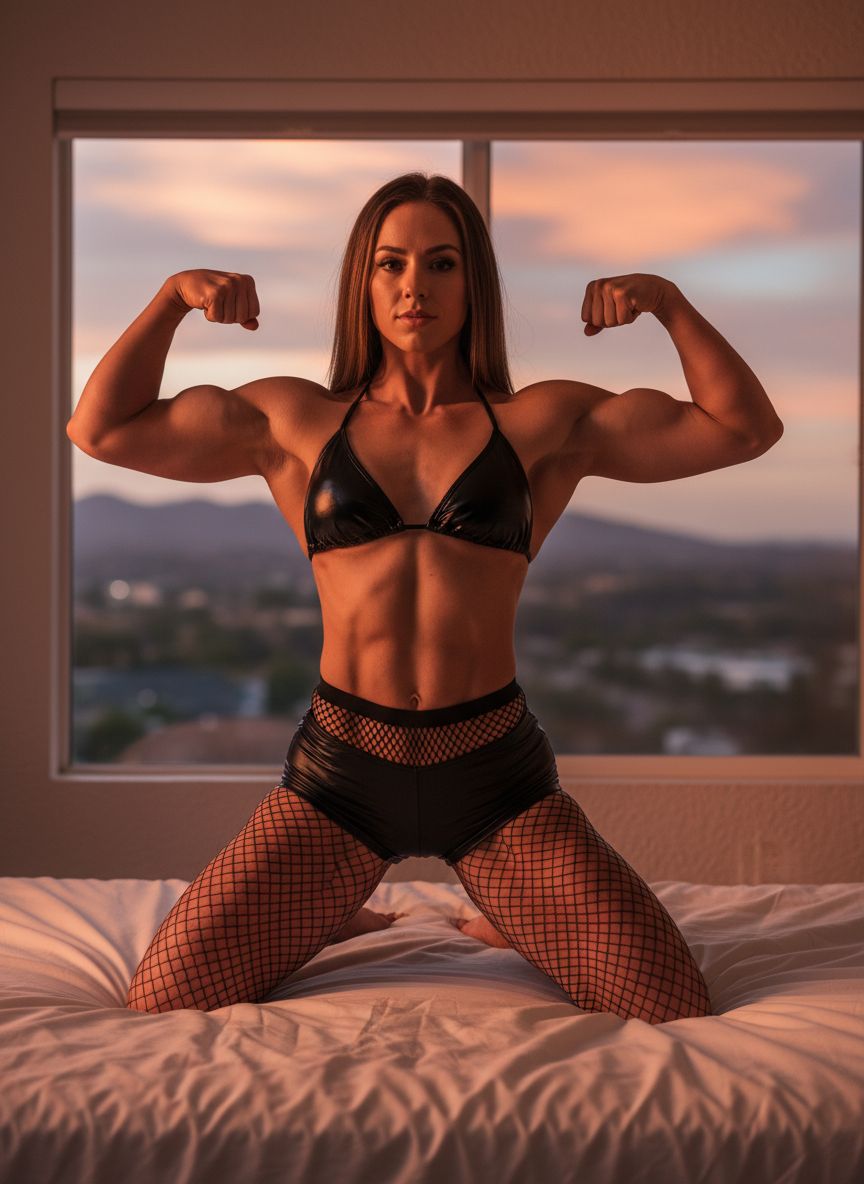
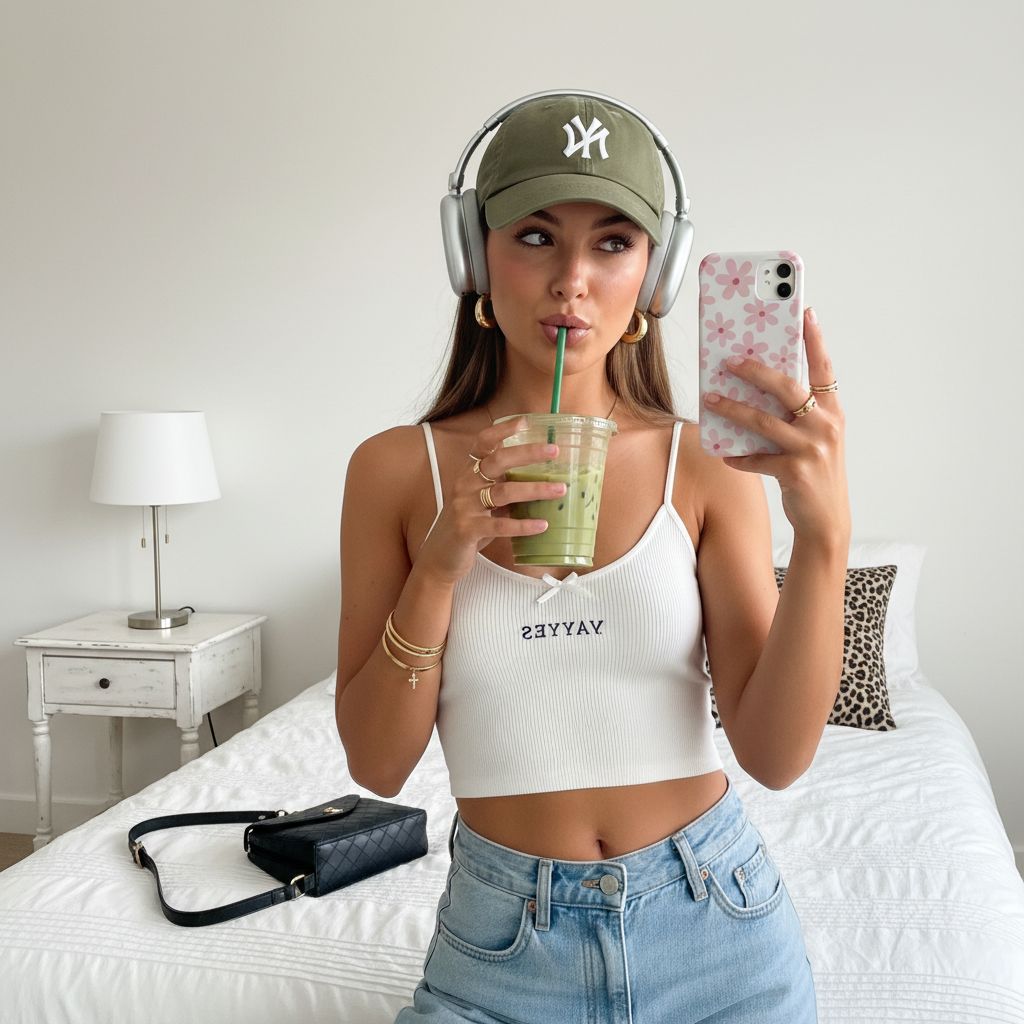
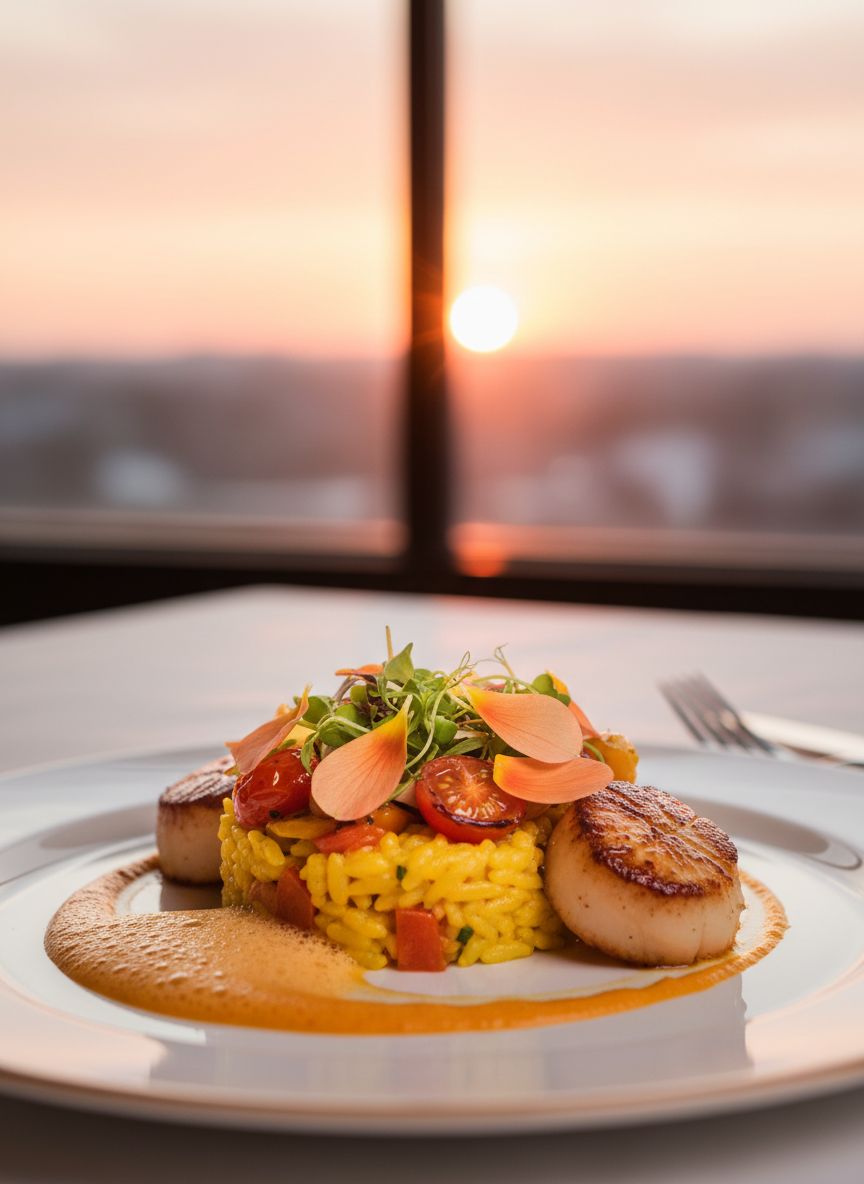
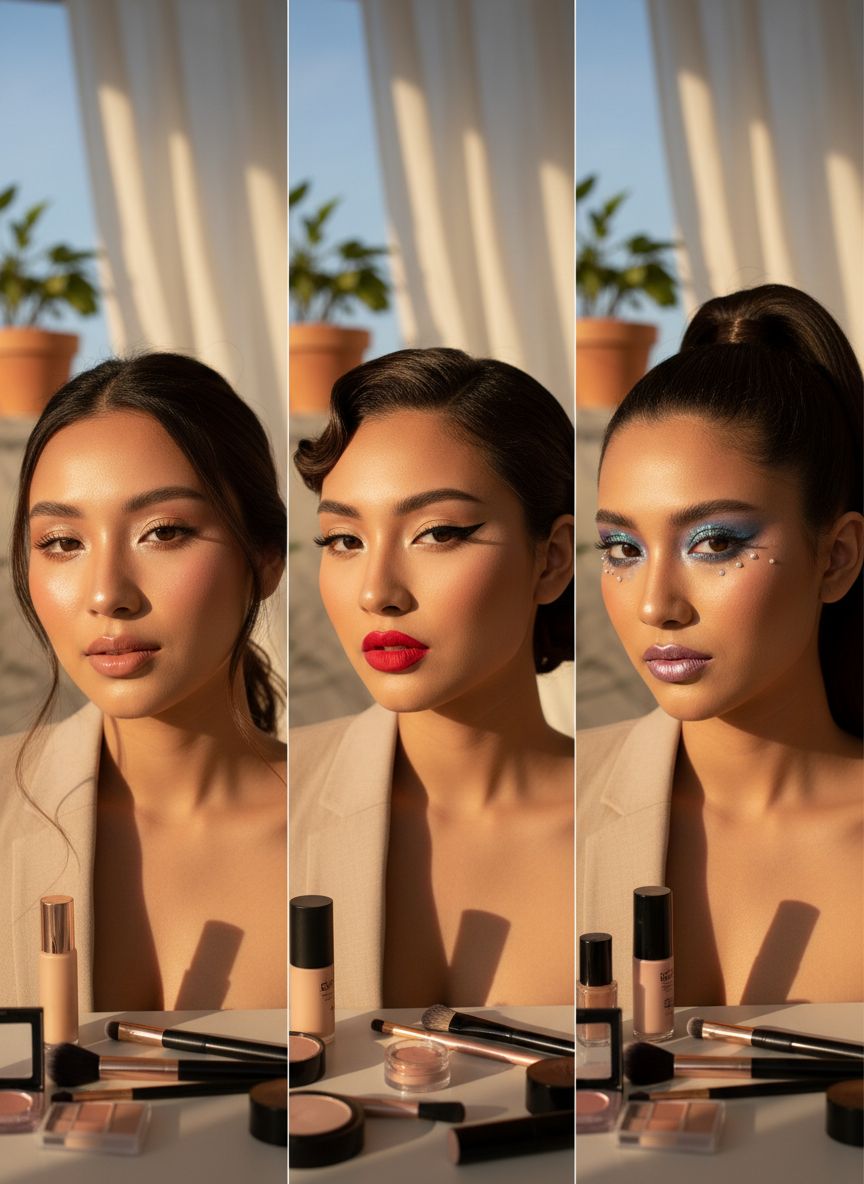
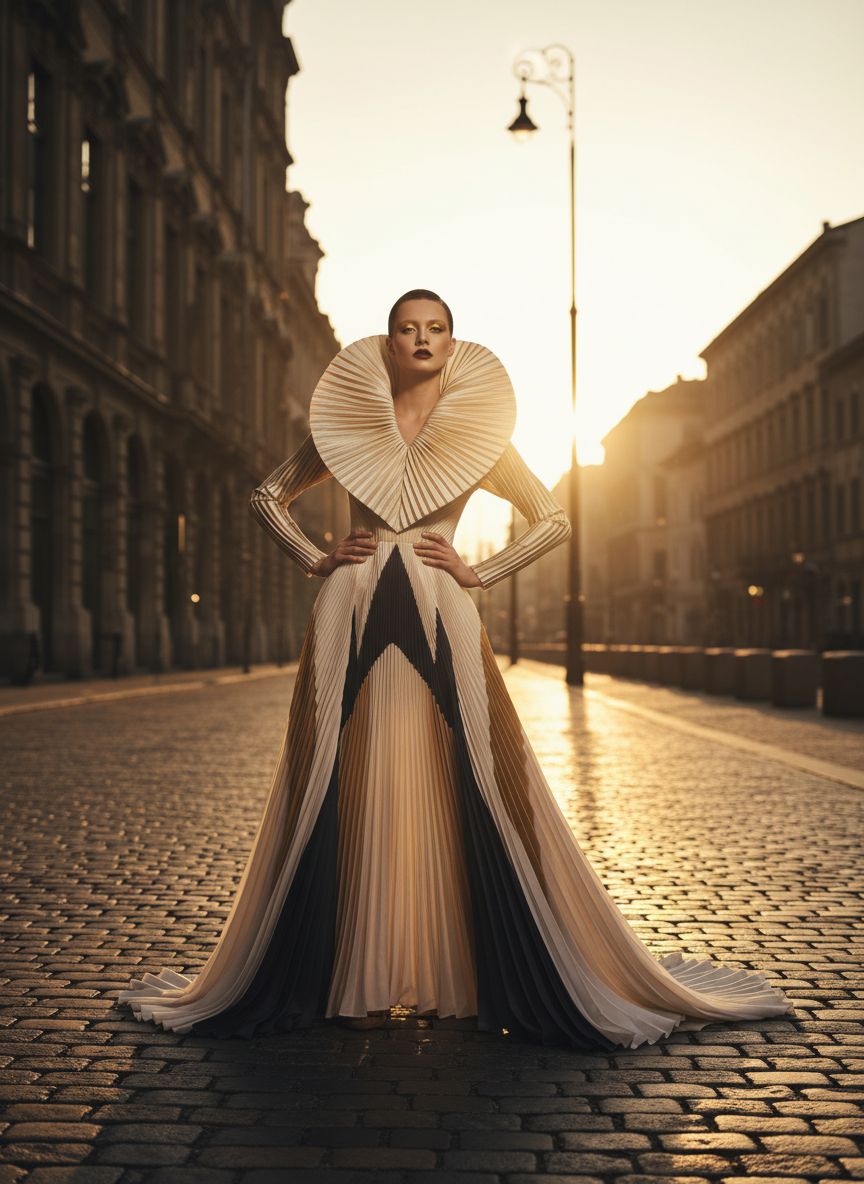
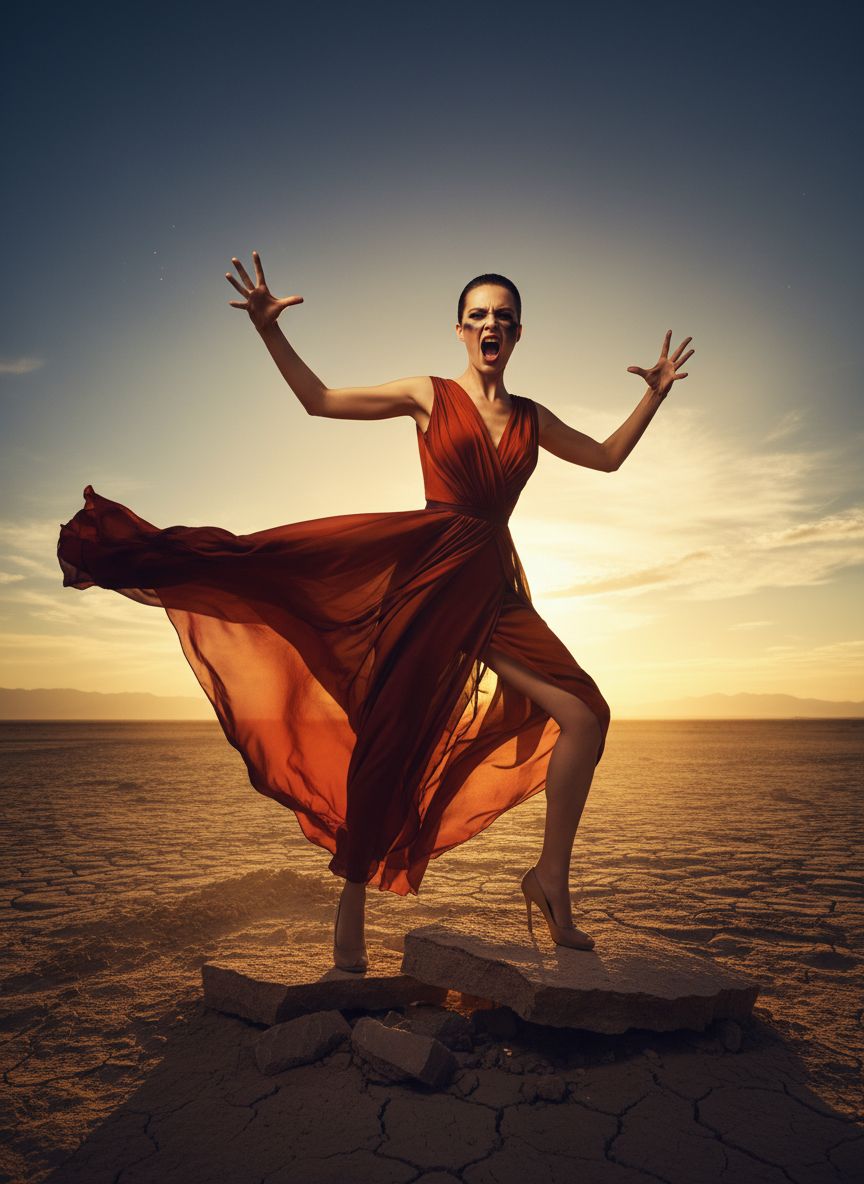
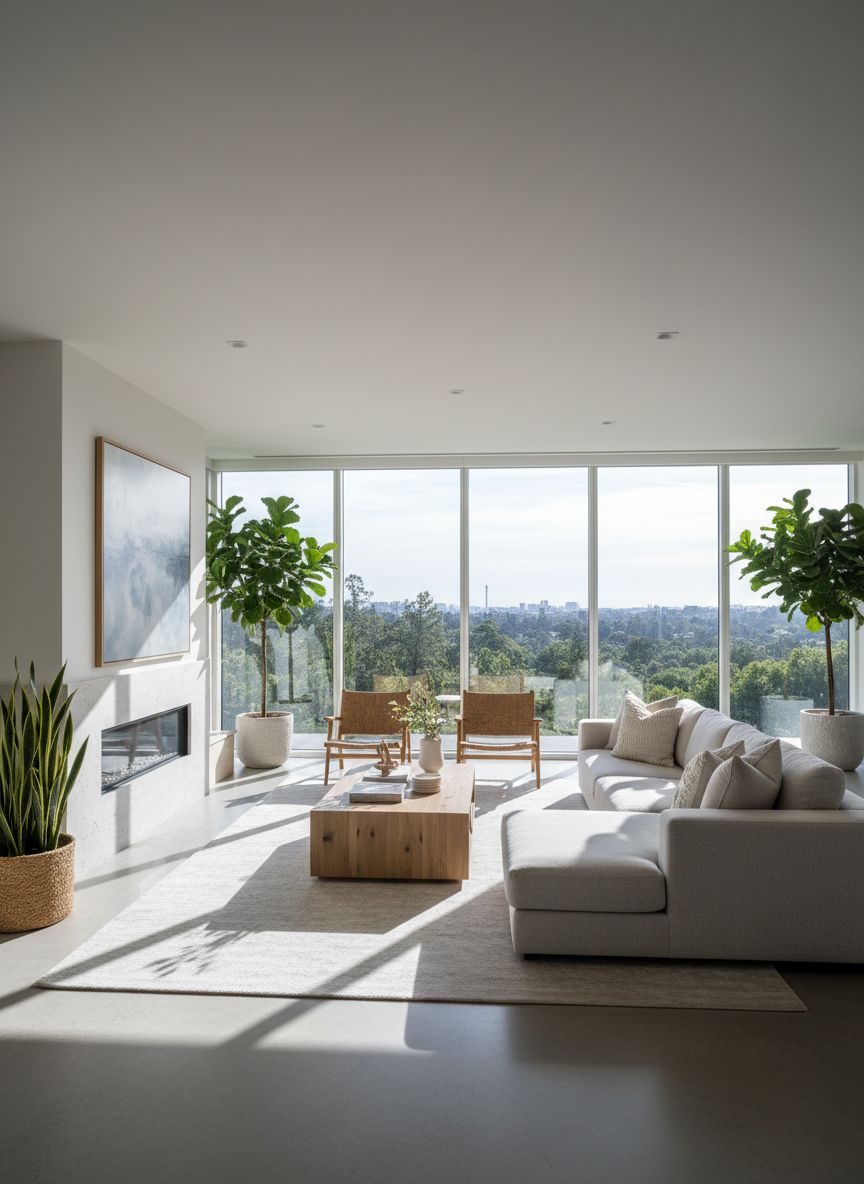
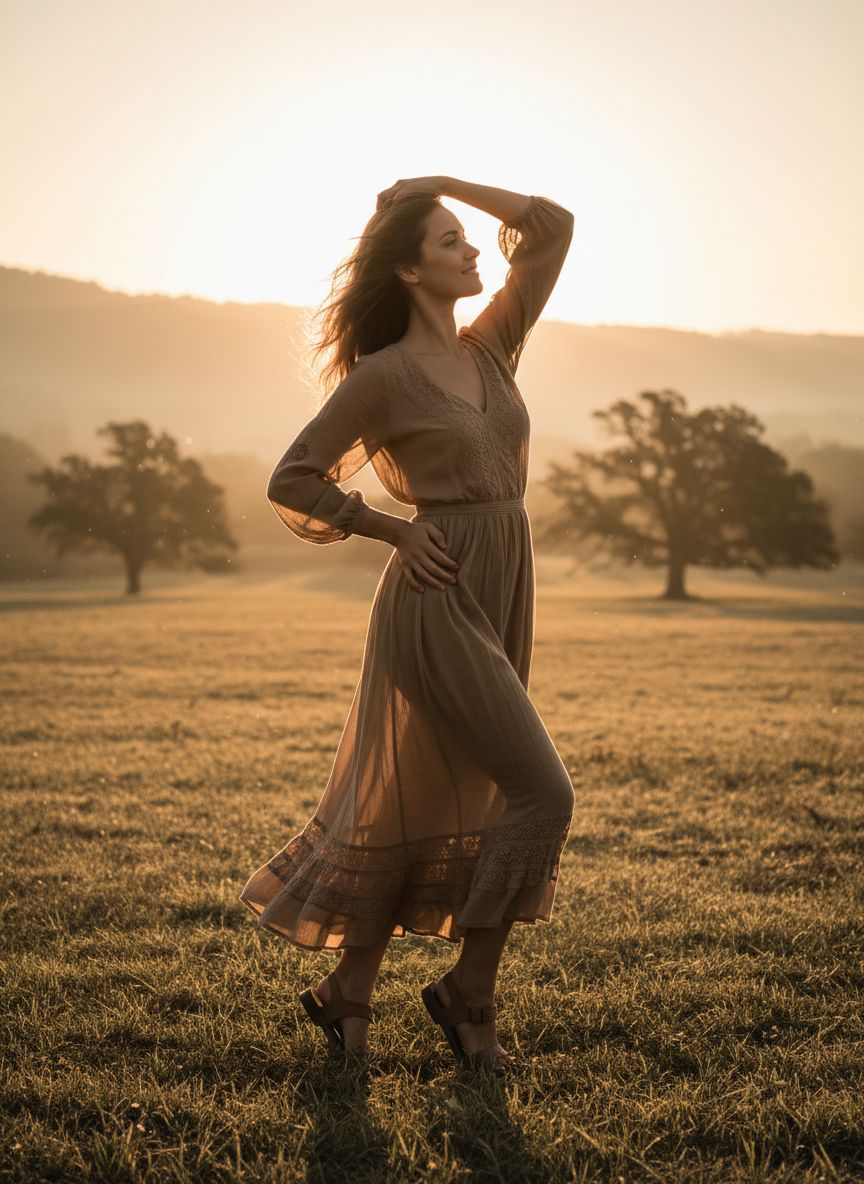
Elegant Simplicity
Every detail is intentional. From color harmony to composition, AI transforms your creative vision into pixel-perfect reality.
The complete fashion stack, in one tool
From try-on to lookbook to runway video. End-to-end fashion production without studios or photoshoots.
Virtual Try-On
See any outfit on any model in seconds. Skip the physical fitting room and the photoshoot.
Open toolFashion Factory
Generate full lookbooks and seasonal collections with consistent models, styling, and on-brand mood.
Open toolFashion Video Creator
Turn one product shot into runway, campaign, and social-ready video. Native audio, brand-consistent.
Open toolGenerate here. Publish to every channel with PostNext.
Most AI tools stop at the export button. DesignerBox plugs into PostNext so the same asset goes from prompt to scheduled post across X, Instagram, TikTok, LinkedIn, and Threads.
Generate the asset
Prompt once. Get image, video, and 1:1 / 4:5 / 9:16 variants ready to ship.
Schedule across channels
Drop into the calendar. Caption, hashtags, and per-channel formatting handled automatically.
Publish and measure
Posts go live on schedule. Engagement and reach feed back in one dashboard.
