Create Stunning Images with AI
Generate professional images from text prompts or transform existing photos. 7 editing modes, AI prompt enhancement, and automatic asset library storage.
- Text-to-Image and Image-to-Image generation
- 7 professional editing modes
- AI prompt enhancement for better results
- Auto-save to your asset library
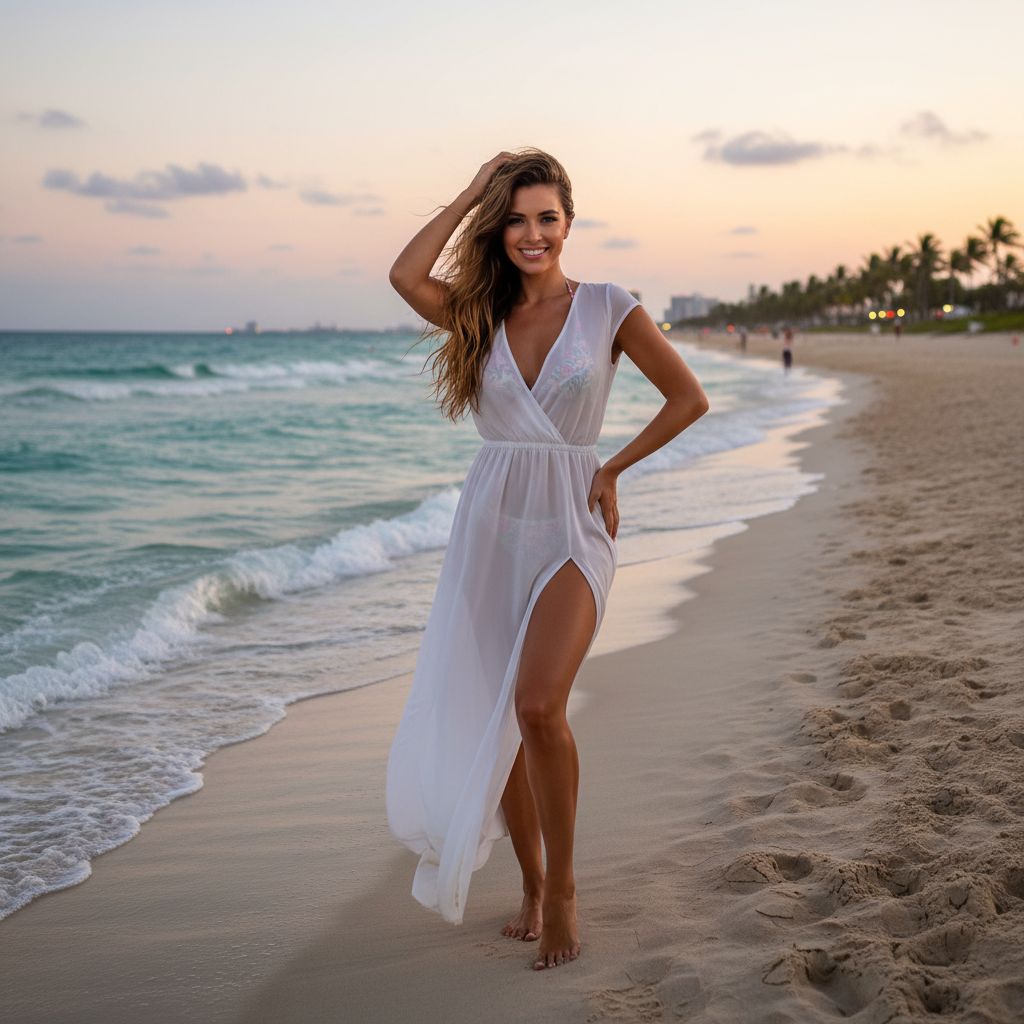
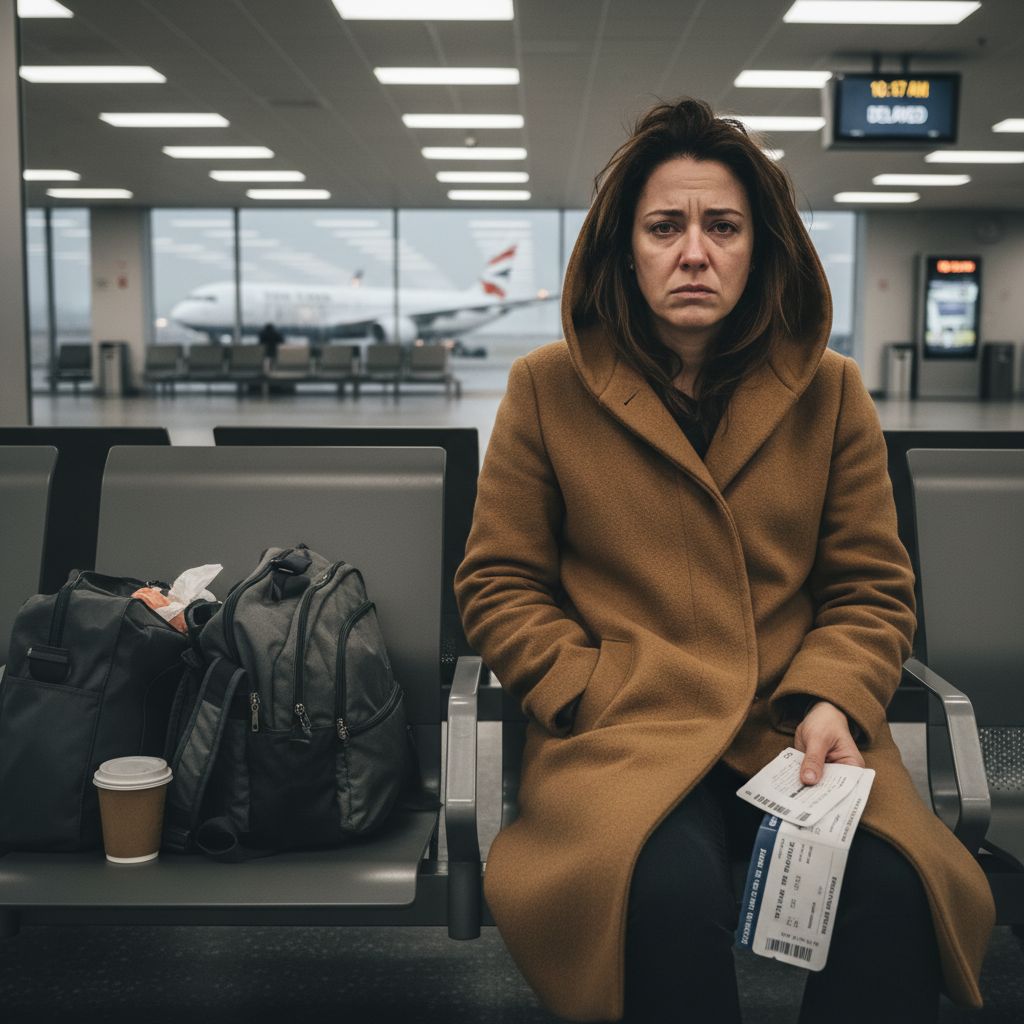
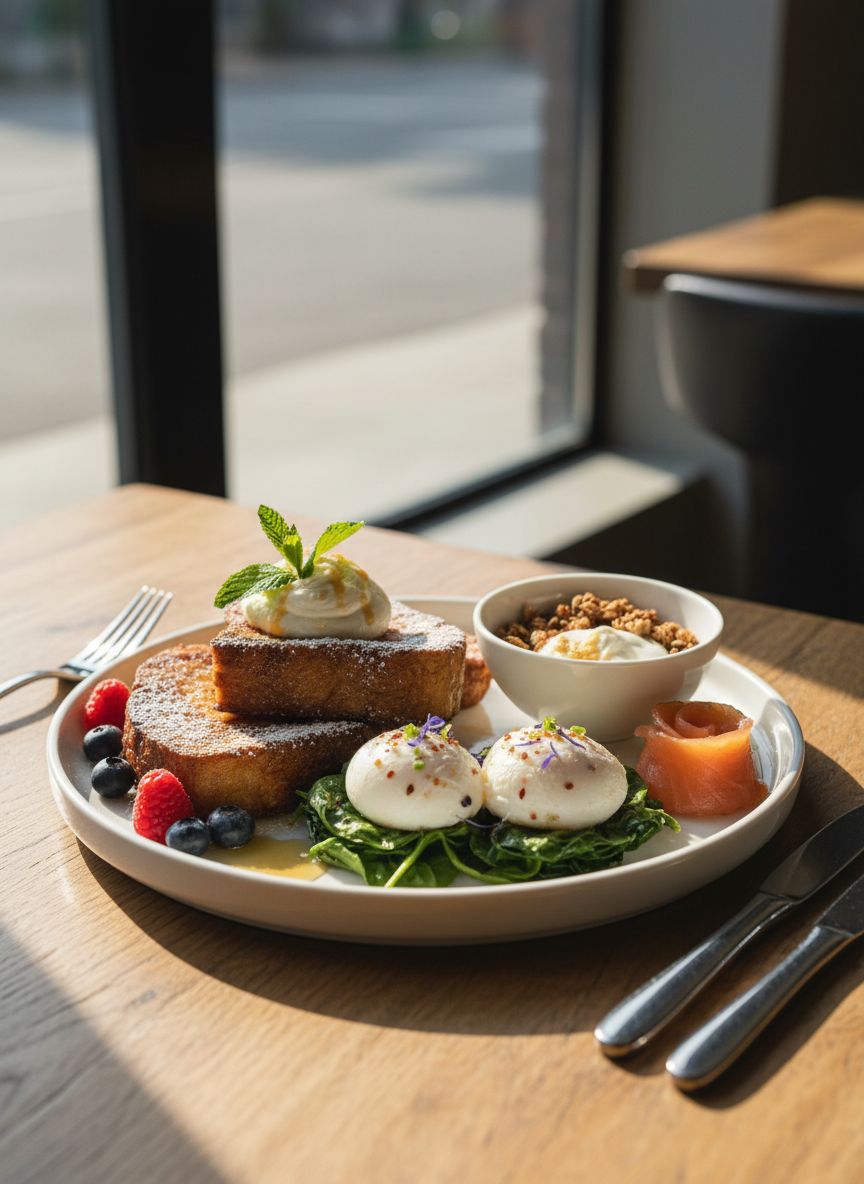
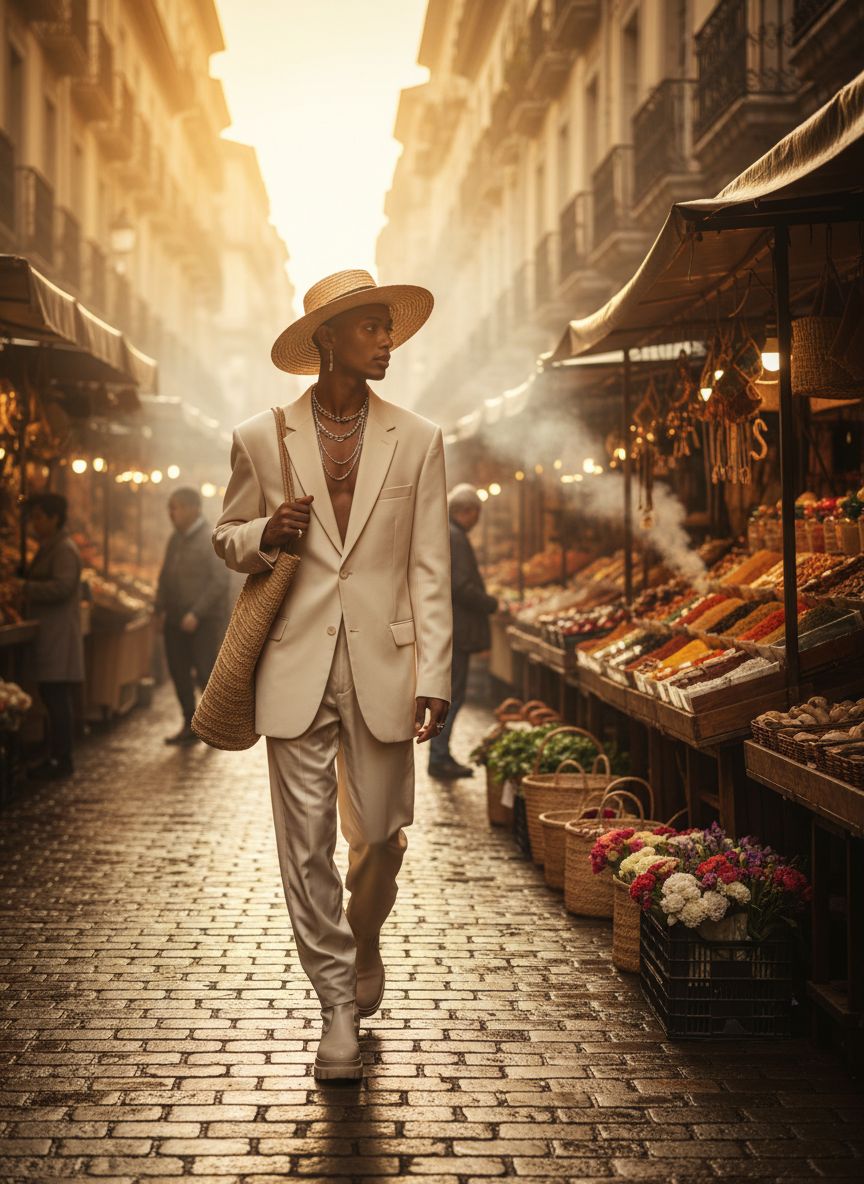
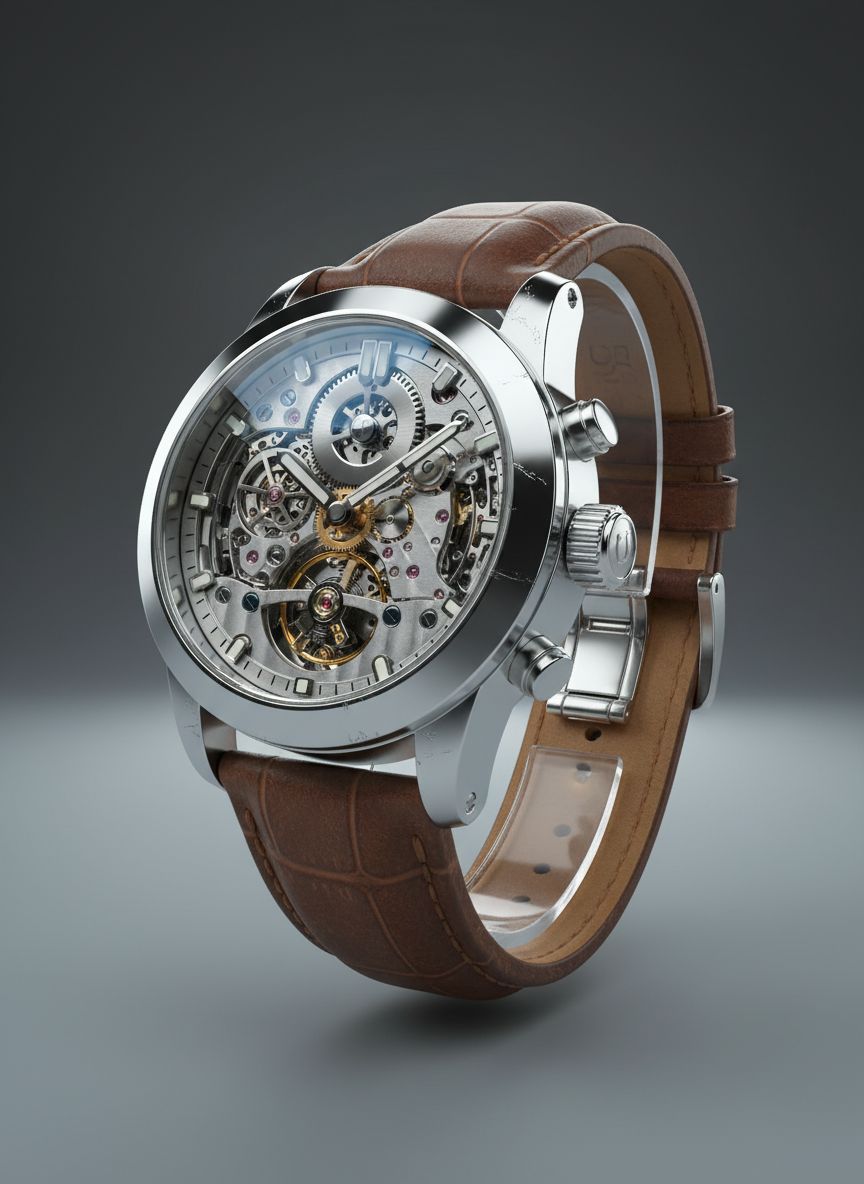
Text-to-Image and Image-to-Image generation with 7 professional editing modes
Text-to-Image
Create images from text descriptions. Describe your vision and AI generates professional photos in seconds.
Image-to-Image
Transform existing images with AI. Upload a photo and apply editing modes, style transfers, or background swaps.
7 Editing Modes
Default, Inpaint Removal, Inpaint Insertion, Outpaint, Style Transfer, Background Swap, and Product Image.
7 Professional Editing Modes
Powerful tools for every type of image editing task
Default Generation
Standard AI image generation from your text prompt. Describe any scene, subject, or concept and get professional results.
Inpaint Removal
Remove unwanted objects, people, or elements from your images. AI fills the area naturally to match the surrounding context.
Inpaint Insertion
Add new elements into specific areas of an image. Paint the area you want to modify and describe what to insert.
Outpaint
Extend an image beyond its original borders. AI generates new content that seamlessly continues the scene in any direction.
Style Transfer
Apply artistic styles to existing images. Transform photos into paintings, illustrations, or any visual style you describe.
Background Swap
Replace the background of an image while preserving the subject. Perfect for product shots, portraits, and marketing content.
Product Image
Generate professional product photography. Place products in studio settings, lifestyle scenes, or custom backgrounds.
How It Works
Features & Capabilities
Advanced tools for professional image creation
Style Selection
Choose from Photorealistic, Artistic, or Creative styles to match your vision.
Aspect Ratios
Generate in 1:1, 16:9, 9:16, 4:3, or 3:4 to fit any platform.
Batch Generation
Generate 1 to 4 images per request for more options.
Advanced Prompt Fields
Fine-tune with Space, Materials, Furniture, Lighting, Depth of Field, Color Palette, Atmosphere, and Negative Prompt fields for granular control.
Reference Images
Upload from your asset library, Unsplash stock photos, or local files. Choose reference types: Raw, Subject, Style, or Mask to guide generation.
Image Upscaling
Upscale with 2x, 4x basic or Premium Magnific upscaling for high-resolution output.
AI Prompt Enhancement
Boost your prompts with AI. Choose from 4 enhancement levels (minimal to extensive) and 4 styles (photographic, artistic, technical, creative).
Creativity Control
Adjust the creativity/temperature slider to control how random or precise your AI generations are. Find the perfect balance for your project.
Generation Gallery
Browse, manage, and revisit all previously generated images. Download, delete, upscale, or copy any result from your generation history.
Frequently Asked Questions
Everything you need to know about AI image generation
What AI models power the image generation?
DesignerBox uses advanced AI models including Flux for high-quality image generation across all editing modes.
How many images can I generate at once?
You can generate 1 to 4 images per request using the batch generation feature.
What editing modes are available?
7 modes: Default generation, Inpaint Removal, Inpaint Insertion, Outpaint, Style Transfer, Background Swap, and Product Image.
How does AI prompt enhancement work?
The AI enhancer improves your prompt with 4 levels (minimal to extensive) and 4 styles (photographic, artistic, technical, creative).
What image formats and resolutions are supported?
Images are generated in standard web formats. You can upscale with 2x, 4x, or Premium Magnific upscaling for higher resolution.
How are credits consumed for image generation?
Credit costs vary by operation type (generation, upscaling, prompt enhancement) and are displayed before each action.
Ready to Create with AI?
Join thousands of creators generating professional images with AI.
Get Started