Essential Tools for Designers and Creators
From color palettes to QR codes, these tools help you move faster, explore ideas, and make more informed design choices—right inside Figma.
Color Contrast Checker
Easily check your color contrast.

Color Meanings
Browse the list of colors and learn about color meanings.
Color Palette Generator
Discover endless inspiration with our color palette generator.
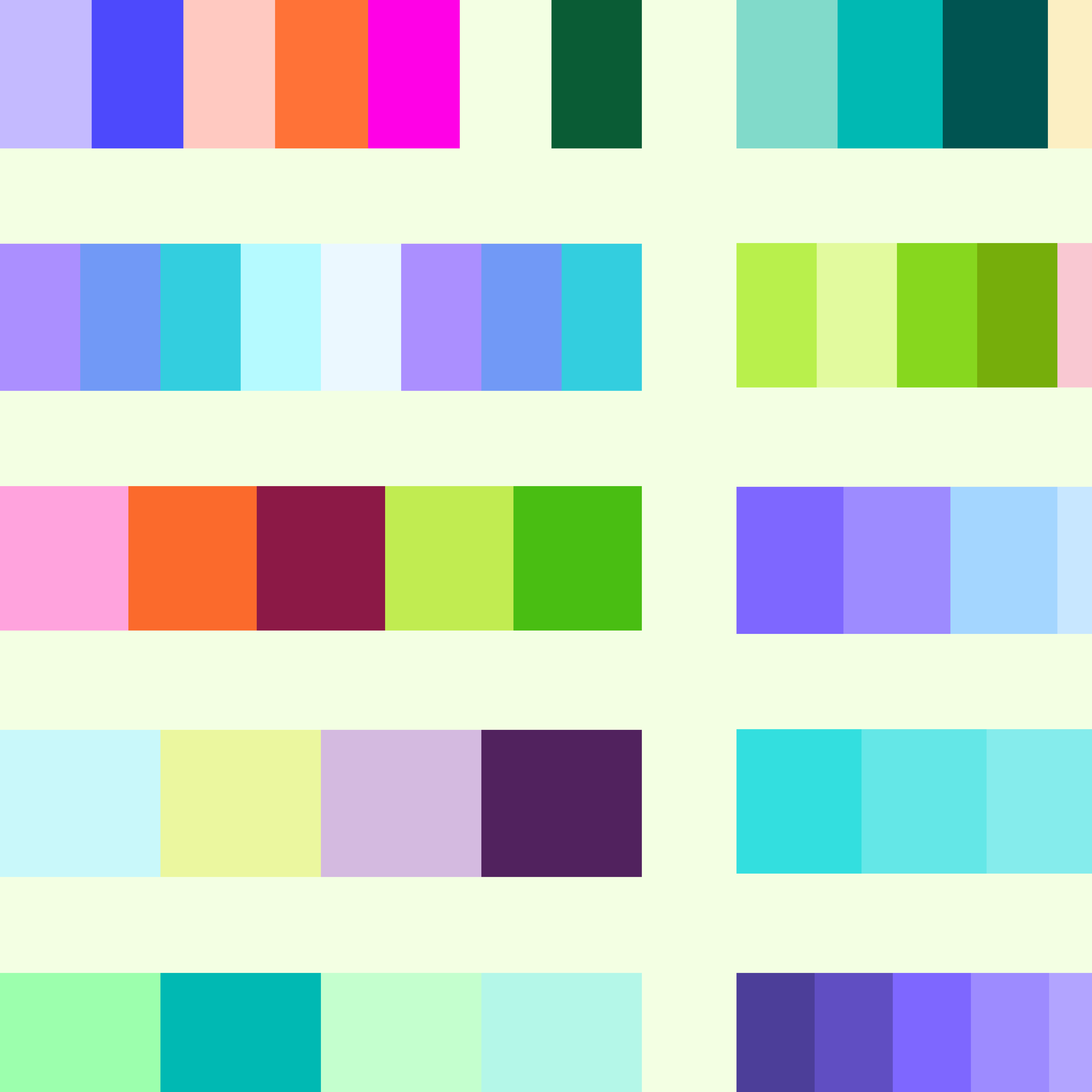
Color Palette Library
Browse an expansive list of color palettes and find inspiration for your next project.
Color Wheel
Easily generate a custom color palette with Figma.

Font Library
Find the perfect font for your next design project.

GIF Maker
Turn images and frames into smooth, shareable GIFs.
Gradient Generator
Explore, customize, and export beautiful gradients for any project.
Gradient Library
Find the perfect gradient for your project.
Image Color Picker
Create custom color palettes from any image.

Lorem Ipsum Generator
Create and insert custom Lorem Ipsum into your designs.
QR Code Generator
Create QR codes for websites, text, Wi-Fi, calls, and messages with custom styles.
Type Scale Generator
Build a type scale from one base size and one ratio.
