              :
        . :   : :
        ; . : ' : ;
        : : : . : ;
        ; . : ' : ;
        ____________
      _/_/_.______/ \
     | \__________\_/
     |______   _                         _     _
          | \ | |__   ___ _ __ ___   ___| |__ | |_ __
          | | | '_ \ / _ \ '_ ` _ \ / _ \ '_ \| | '__|
          | | | | | |  __/ | | | | |  __/ |_) | | |
          [_] |_| |_|\___|_| |_| |_|\___|_.__/|_|_|

          Build Bootstrap Stuff the Right Way!
Whether building a Bootstrap 4 theme or a brand new CSS toolkit, Themeblr has your back. Themeblr provides an easy way to extend Bootstrap 4 styles and plugins using Bootstrap 4 Grunt system. Brimer, Ant Strap and Semantic Strap are examples of using Themeblr to build brand new CSS toolkits. Huge thanks to the creators and authors of Bootstrap for creating such a magnificent framework and build system.
To build a new project from Themeblr, go through the following steps,
- Clone or fork Themeblr repository into your new project,
my_project
git clone https://github.com/websemantics/themeblr my_project- Install Node packages,
npm i- Run the
rebrandscript to customize your new project,
-
Replace instances of the word
themeblrthroughout the project files (includingpackage.json,composer.json) with the name of the current project,my_project,npm run rebrand -- themeblr my_project
-
Replace all instance of
websemanticswith your Githubusername,npm run rebrand -- websemantics username
-
Reset the project release number to
1.0.0as follows,npm run rebrand -- 1.0.1 1.0.0
Notice that the first number is Themeblr's current version, and
1.0.0is the initial release of the new project, -
Rename
scss/themeblr.scsstoscss/my_project.scss
-
Change project details in
_config.ymlas appropriate, -
Remove
distfolder from.gitignore,
This is required so that when the project is released as a Node package, the dist folder can this be used to access the compiled release of the toolkit. Themeblr itself does not need to keep this folder in version control.
- Start building a fancy brand new CSS framework or a new Bootstrap 4 theme,
This can be done by overriding Bootstrap components inside the scss folder, and or creating new jQuery/Bootstrap plugins inside js folder.
Bootstrap provides a great level of freedom changing its look and feel with a comprehensive list of variables. Copy variables from node_modules/bootstrap/scss/_variables.scss to
the theme variables file at scss/_variables and apply the desired changes,
Override the individual components styles by adding new style rules to the components files at scss folder,
- Compile the
docsfolder into project pages,
npm run prep-releaseThe will generate the docs site at _gh_pages,
- If you have Travis setup, run the
deployscript
npm run deploy- Optionally, add new jQuery/Bootstrap plugins inside
jsfolder. These plugins along-side Bootstrap's will be compiled and distributed when thebuildscript is executed,
npm run buildOr simply run the default grunt task,
gruntThis will generate distribution files at dist\css and dist\js. It will also copy the distribution files to the docs folder, docs\dist and copy Font Awesome to dist\fonts.
10.g Finally, for seamless development run the watch script,
npm run watchThis will recompile and sync with the browser when changes in the project pages are detected,
There are other Grunt targets with support for generating docs, publishing and deployment can be found in Gruntfile.js.
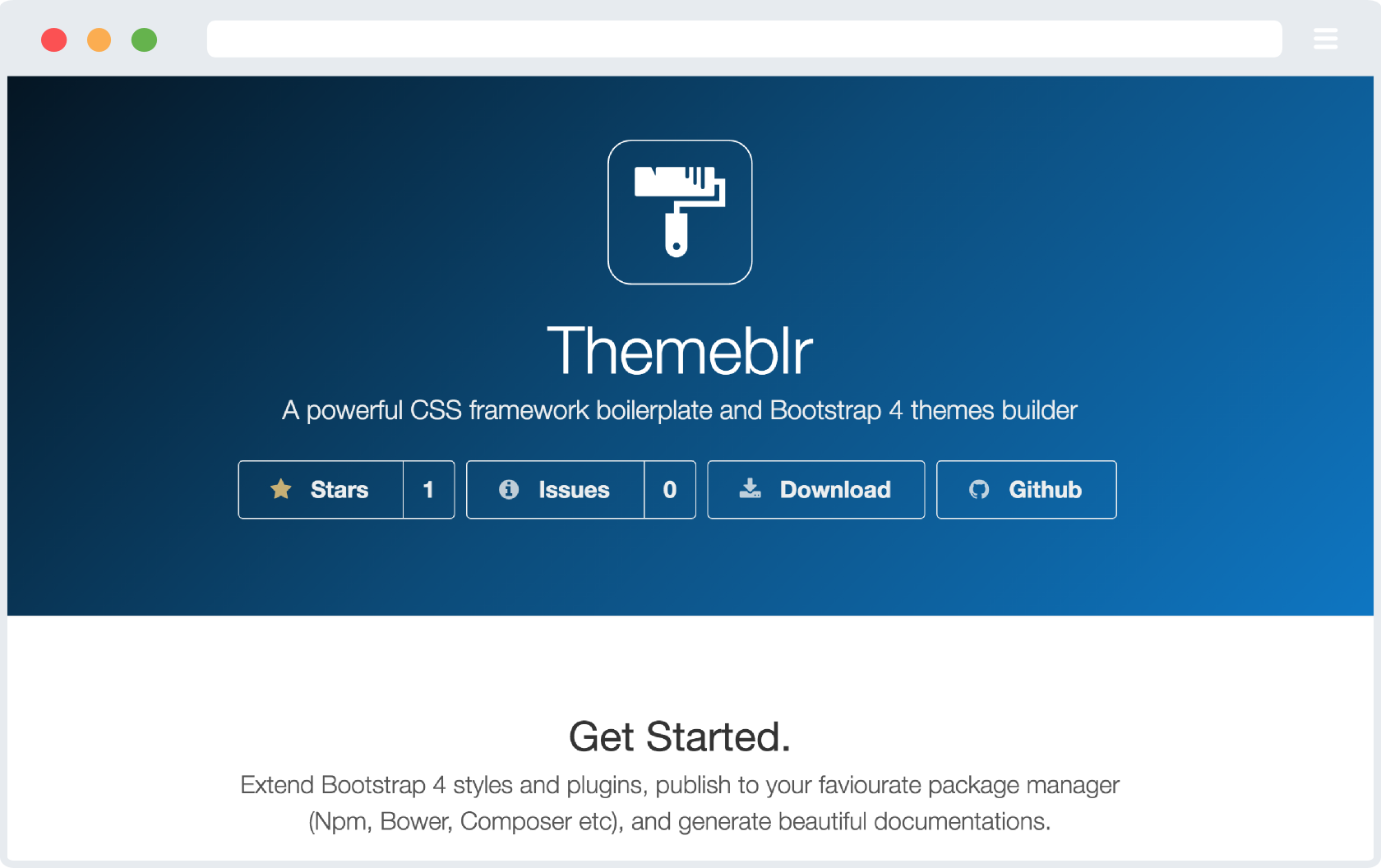
Love the Github repository buttons used and want to use them to showcase your own GitHub repositories? the name is Bragit, Brag It.
Themeblre brings Bootstrap 4 prepackaged with over 634 Font Awesome icons that can be styled with any CSS you desire, obviously.
This project supports generating static content for Github Pages. The original Bootstrap project used this feature to generate documentation,
Grunt copies the theme built css and js files to docs/dist and processes any scss / js files in docs/assets/scss / docs/assets/js into docs/assets/css and docs/assets/js respectively . You might also want to uncomment postcss-docs script in package.js to enable docs postcss processing.
To build the docs pages run,
npm run prep-release
The following section provides examples of projects using this feature to generate project static pages.
These are few projects built on Themeblr,
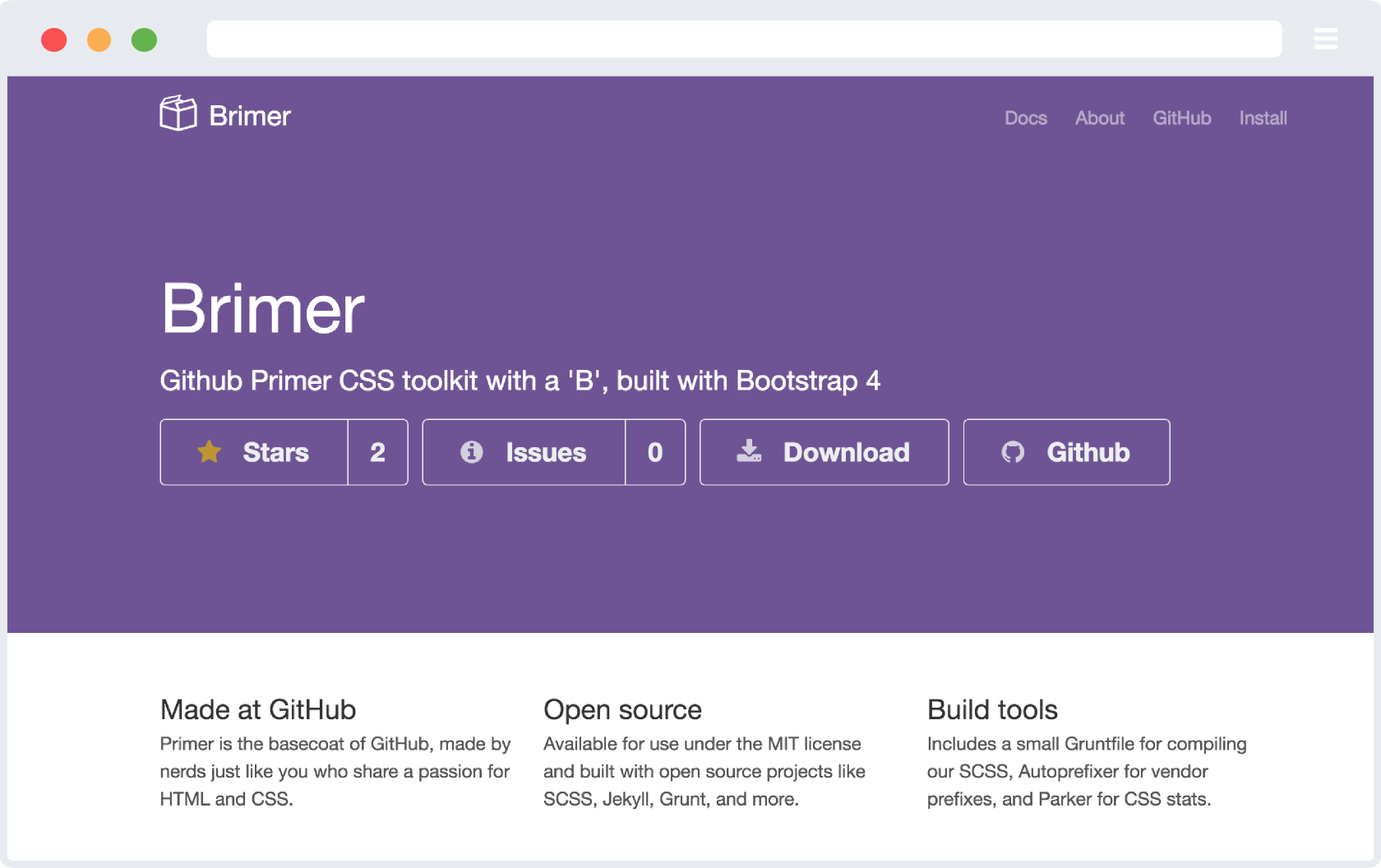
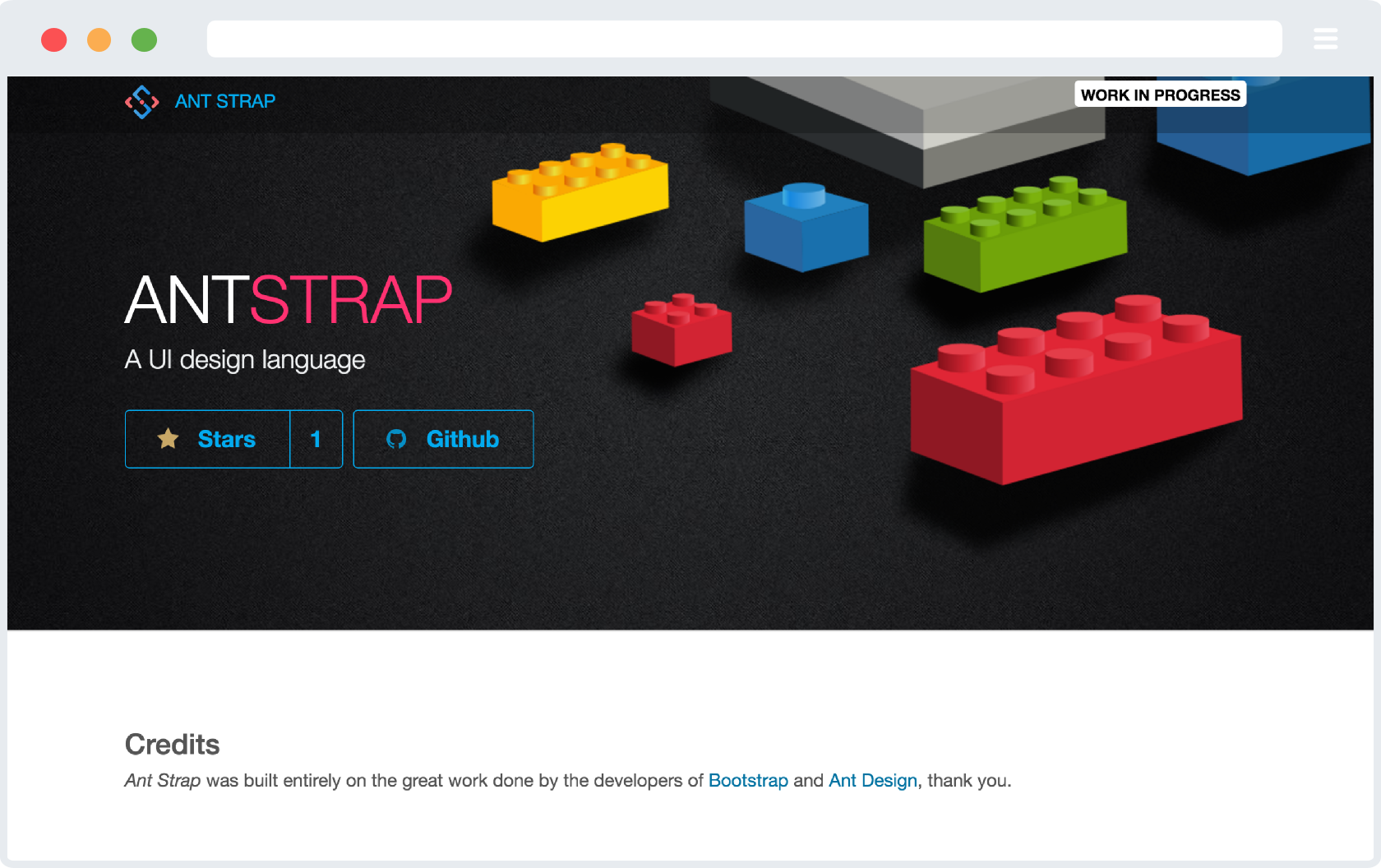
| BRIMER | ANT STRAP | SEMANTIC STRAP |
|---|---|---|
 |
 |
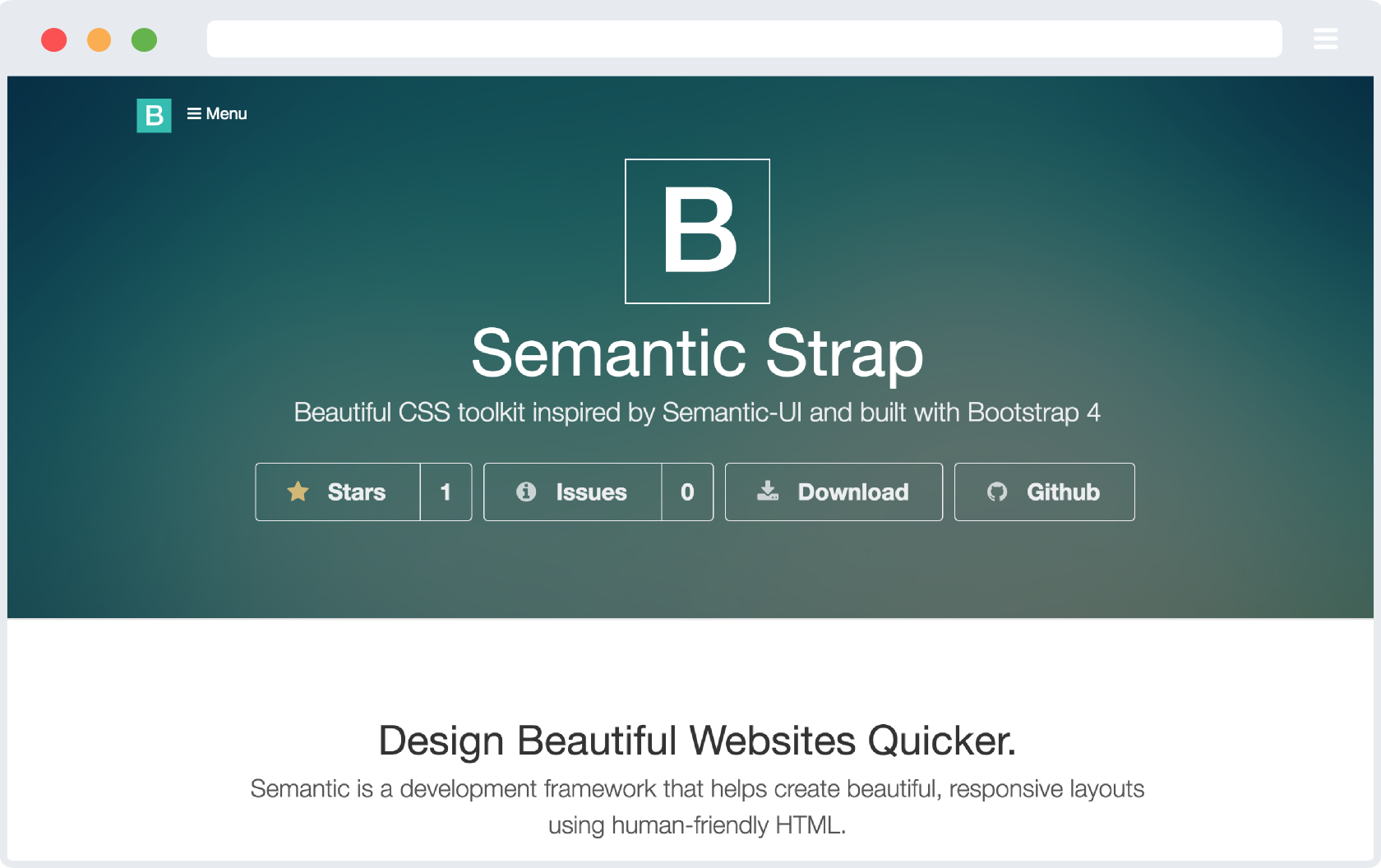 |
| The base coat of GitHub, Primer built from Bootstrap 4 | Bootstrap 4 CSS toolkit inspired by Ant Design | Bootstrap 4 CSS toolkit inspired by Semantic-UI |
| View | View | View |
Bootstrap 4, the most popular HTML, CSS, and JS framework in the world for building responsive, mobile-first projects on the web.
Bootstrap 4 Cheatsheet, a quick reference for Bootstrap v4.0.0-alpha.3.
Flat Colors, list of flat colors to use with your designs.
Color calculator, sass color function for calculating the Sass color function required to get from one color to another.
Need help or have a question? post a questions at StackOverflow
Please don't use the issue trackers for support/questions.
We are more than happy to accept external contributions to the project in the form of feedback, bug reports and even better - pull requests :)
g There are quite a number of steps to get a Themeblr instance customized to your requirements. An app generator, perhaps using Yeoman can make this process less painful. Oh well, maybe one day!
This project was built using the original Grunt system from Bootstrap including, generating distributions for code, styles and docs. We tried to leave all copyright statements throughout this projects and mentions of the project authors but please feel free to correct any unintended inaccuracies or incorrect reuse of the code/materials; Thank you.
Code and documentation copyright 2016 the Bootstrap Authors, Twitter, Inc. Code released under the MIT license. Docs released under Creative Commons.
MIT license Copyright (c) Web Semantics, Inc.
