Free Elementor Countdown Timer Widget for Sales, Launches and Events
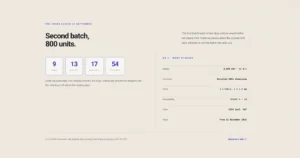
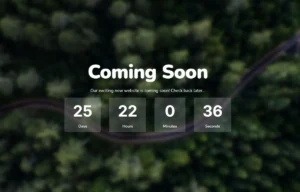
Countdown Timer is a free Master Addons widget that counts down to a date and time you pick. Show any mix of years, months, days, hours, minutes and seconds, rename the labels, and choose from four layouts and the free Default and Card presets. Master Addons Pro adds eight more presets, such as Flip, Circle and Neon, plus a repeating countdown. Use it for sales, product launches, webinars and coming soon pages.

How to add a countdown timer in Elementor
The widget drops in with a working timer, so you only need to change what differs.
- Search the Elementor widget panel for “Countdown Timer” and drag the Master Addons widget onto the page.
- In the Timer section, pick the end date and time.
- In Countdown Settings, choose a layout and style preset, set a separator and turn off the units you don’t need.
- Rename the labels if you want shorter or translated text.
- Style the numbers, labels and separators in the Style tab, then publish.
Building a launch page? Our guide to an Elementor coming soon page puts the timer to work.
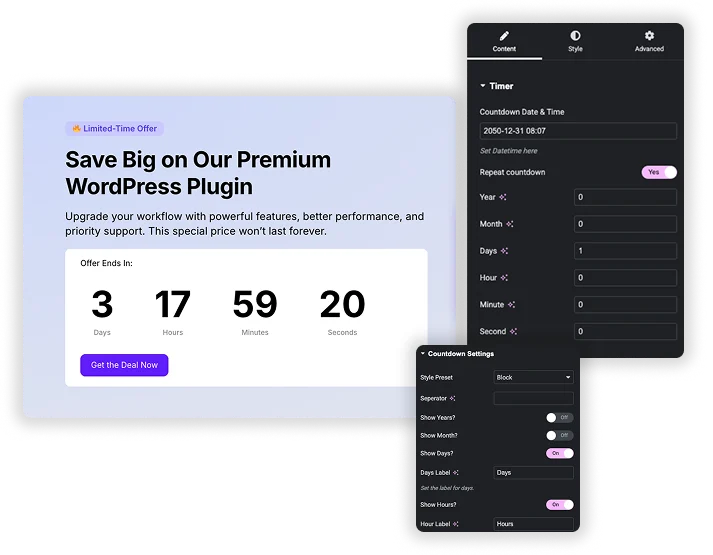
Time units, layouts and style presets
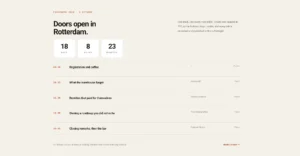
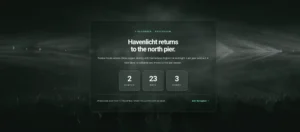
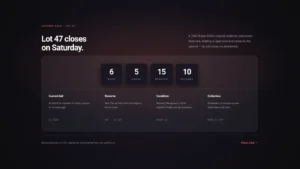
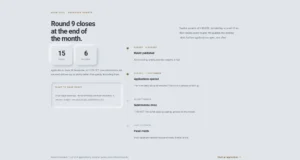
Turn each unit on or off, from years down to seconds, and give it your own label, like “Hrs” instead of “Hours”. Pick one of four layouts: Block, Inline, Block Table or Inline Table. Then choose a Style Preset. Default and Card are free, and Pro adds Flip, Circle, Gradient, Neon, Glassmorphism, Minimal, Outline and Neumorphic.
- Show only the units you need, such as days, hours and minutes for a sale.
- Four layouts: Block, Inline, Block Table and Inline Table.
- Default and Card presets free, eight more with Pro.
Style each time unit separately
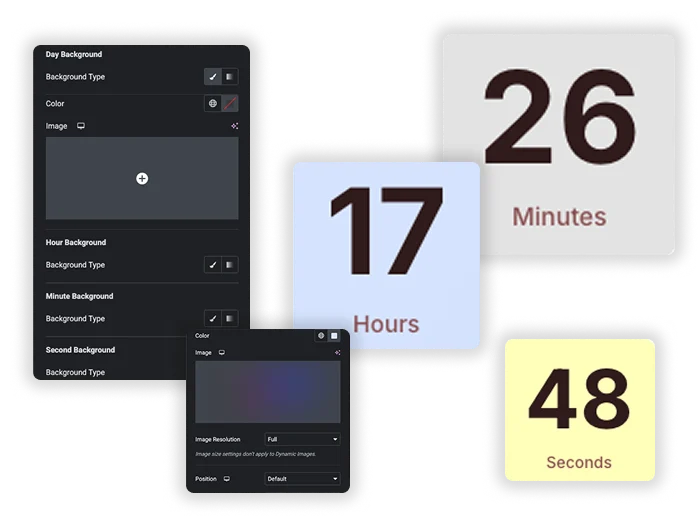
Every unit, from years to seconds, can have its own background, so the days can stand out in a different color from the hours and minutes. The numbers share one color, hover color and text shadow setting, and the Box Style section adds a background, border, radius and shadow around each unit.
- A separate background for years, months, days, hours, minutes and seconds.
- Number color, hover color and text shadow.
- Box background, border, border radius and box shadow.
Container, separator and label styling
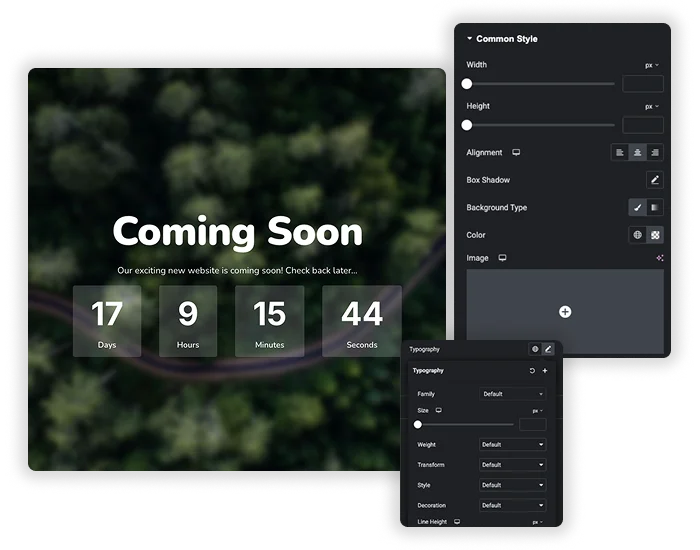
Common Style sets the width, height, alignment, background, box shadow, border radius, margin and padding of the timer. The separator, which can be a colon, a slash or any character you type, and the labels each get their own colors and text shadow, plus padding and margin controls.
- Width, height and alignment for the whole timer.
- Separator and label colors with hover states and text shadow.
- Margin and padding at each level for balanced spacing.
Elementor Pro Countdown vs Master Addons Countdown Timer
Elementor’s own Countdown widget is only in Elementor Pro. Here is how the two compare.
| Elementor Pro Countdown | Master Addons Countdown Timer | |
|---|---|---|
| Price | Elementor Pro | Free, with extra presets and repeat in Pro |
| Timer type | Due date or evergreen per visitor | Due date, or a repeating cycle with Pro |
| Units | Days, hours, minutes, seconds | Years, months, days, hours, minutes, seconds |
| When time runs out | Redirect, hide or show a message | Stops at zero |
| Layouts and presets | Block or inline | 4 layouts and 10 presets (2 free) |
| Per-unit backgrounds | No | Yes |
Need an evergreen timer or a redirect when it ends? Elementor Pro handles that. For a free, highly styled timer with years and months, use Master Addons. For opening times instead of deadlines, try the free Business Hours widget.



Frequently Asked Questions For Countdown Timer
Can I set the timer to a specific date and time?
Yes. Pick the exact end date and time in the Countdown Date & Time field. The timer reads it in each visitor’s local time zone.
What happens when the countdown reaches zero?
The numbers stop at zero. The widget has no built-in message or redirect, so update or remove the timer when your offer ends.
Is the timer responsive on mobile devices?
Yes. Use Elementor’s responsive mode to set smaller numbers, width and padding for tablets and phones so the timer stays readable.
Can I use this for a recurring daily countdown (like a daily deal)?
Yes, with Master Addons Pro. Turn on Repeat countdown and set the cycle length, for example one day. The timer starts a new cycle each time one ends, up to the main end date, and every visitor sees the same cycle.
Will the countdown work for visitors in different time zones?
The end time is read in each visitor’s local time zone. A deadline of 18:00 ends at 18:00 on each visitor’s own clock, so people in different time zones reach zero at different moments.
What’s the best layout for a large, prominent timer in a hero section?
Block or Block Table. They show each unit as its own box, which is easy to read from a distance. Increase the number size and padding to make the timer the focal point of the section.
Trending Elementor Widgets & Extensions
Build sophisticated websites in less time.

Glassmorphism

Container Extras

Patterns
![Master Addons Post/Page Duplicator extension for Elementor: MA Duplicator row link in the WordPress Pages list creating a Landing Page - [Duplicated #128] draft](https://d1asvmc6qcowgk.cloudfront.net/wp-content/uploads/2026/09/15102930/post-page-duplicator-768x403.webp)
Post/Page Duplicator