

Elementor Skill Bars Widget: Multiple Progress Bars in One List
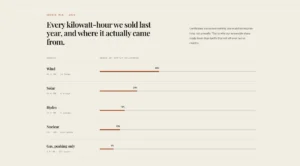
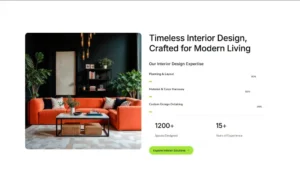
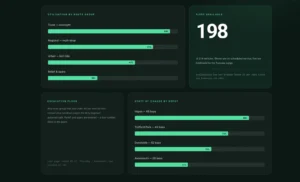
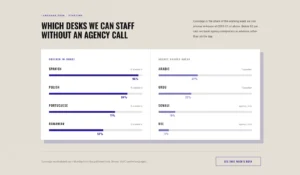
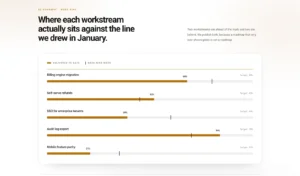
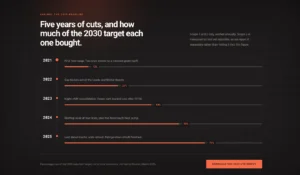
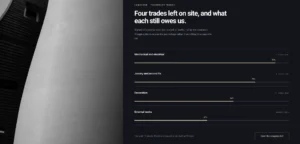
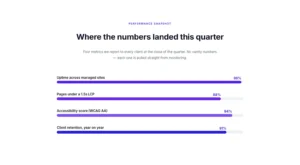
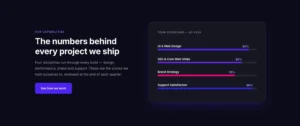
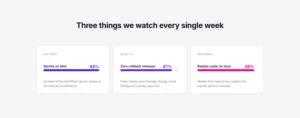
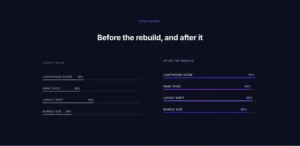
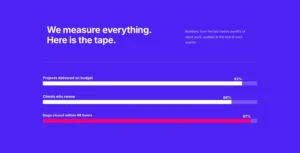
The Master Addons Progress Bars widget stacks several horizontal skill bars in one widget. It is free. Add a bar for each skill, service or goal, give it a title and a percentage from 1 to 100, and pick a color per bar if you like. The bars fill from zero when they scroll into view, with the percentage shown inside each bar. Use it for skills on an about page, project status or survey results. Looking for a single circle or gauge instead? Use the Progress Bar widget with its Circle and Fan presets. For a bar that fills as visitors scroll through a post, use Reading Progress Bar.
How to Add Skill Bars in Elementor
You need Elementor and the free Master Addons plugin. Check out this Progress bars docs.
- Check that Progress Bars is switched on under Master Addons, Widgets.
- In the Elementor editor, search for Progress Bars and drag it onto the page.
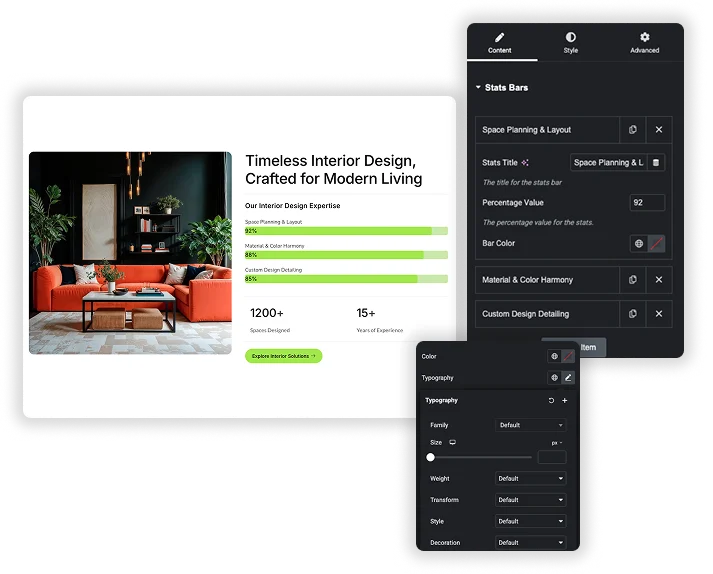
- In Stats Bars, edit the three sample bars and click Add Item for more.
- Set a title and a percentage for each bar, and a Bar Color if you want different colors.
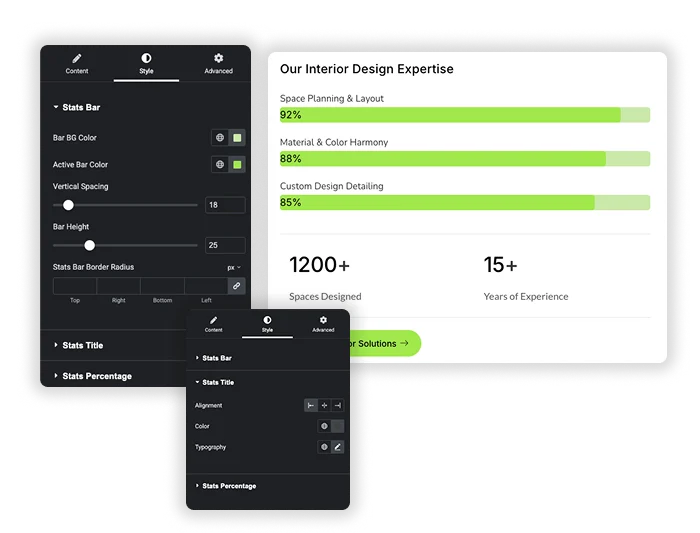
- In the Style tab, set the track and fill colors, bar height, spacing and radius.
- Style the titles and percentages, then preview the page and scroll to the widget.

Add as Many Skill Bars as You Need
Bars live in the Stats Bars repeater in the Content tab. Click Add Item for each bar, then set the Stats Title (for example “Web Design”), the Percentage Value from 1 to 100, and an optional Bar Color for that bar. Drag items to reorder them. The title field accepts Elementor dynamic tags.
- Any number of bars in one widget.
- Each bar has its own title, percentage and color.
- Bars without their own color use the Active Bar Color from the Style tab.
Style the Bars, Titles and Percentages
The Stats Bar style section sets Bar BG Color (the empty track), Active Bar Color (the fill), Vertical Spacing between bars (5 to 128px), Bar Height (1 to 96px) and Stats Bar Border Radius for square or pill shaped bars. Stats Title has alignment, color and typography, and Stats Percentage has color and typography for the number inside the bar.
- Separate colors for the track and the fill.
- Border radius in px or % for rounded bars.
- Fill animation plays once when the widget scrolls into view; higher values take longer to fill.

Elementor Progress Bar vs Master Addons Progress Bars
Elementor has a free Progress Bar widget that shows one bar. Here is how the two compare.
| Feature | Elementor Progress Bar | Master Addons Progress Bars |
|---|---|---|
| Bars per widget | One | As many as you add |
| Color per bar | One widget, one color | Yes, per repeater item |
| Text inside the bar | Yes, custom inner text | Percentage only |
| Animate when scrolled into view | Yes | Yes |
| Dynamic tags | Yes | Title only |
| Cost | Free | Free |
For one bar with custom inner text, Elementor’s own widget is enough. For a list of skills, one Progress Bars widget keeps them aligned. Related: Progress Bar for circles and gauges, Reading Progress Bar for scroll progress, and Counter Up for animated numbers.


Frequently Asked Questions For Progress Bars
Do the bars animate when they scroll into view?
Yes. Each bar fills from zero to its value once the widget enters the viewport. The fill takes about 20 milliseconds per percentage point, so a 90% bar takes under two seconds. There is no setting to change the speed or turn the animation off.
Is the Progress Bars widget free?
Yes. Progress Bars is part of the free Master Addons plugin with every content and style control. There is no Pro version of this widget.
Are the progress bars responsive on mobile?
Yes. The bars take the full width of their column, so they shrink with the screen. Bar Height and Vertical Spacing are not responsive controls, but the title and percentage typography can use smaller font sizes on tablet and mobile.
Can I use a gradient for the active bar color instead of a solid color?
No. Bar BG Color, Active Bar Color and each bar’s own color take a solid color only. If you need a gradient fill, contact us and we can suggest a CSS snippet.
Trending Elementor Widgets & Extensions
Build sophisticated websites in less time.

Glassmorphism

Container Extras

Patterns
![Master Addons Post/Page Duplicator extension for Elementor: MA Duplicator row link in the WordPress Pages list creating a Landing Page - [Duplicated #128] draft](https://d1asvmc6qcowgk.cloudfront.net/wp-content/uploads/2026/09/15102930/post-page-duplicator-768x403.webp)
Post/Page Duplicator