
Themes, blocks & starter sites
Build better WordPress sites, faster.
Pair the Customify theme with Blocksify’s native blocks, then start from complete site structures for business, booking, and ecommerce projects.


Theme controls + editor blocks
Set the site. Build the pages.
Use Customify for headers, layout, color, and typography. Use Blocksify for sections, forms, loops, and product grids.
Site-wide theme controls
Set the site rules.
Headers, footers, menus, colors, typography, and WooCommerce layout stay in the theme.
Explore Customify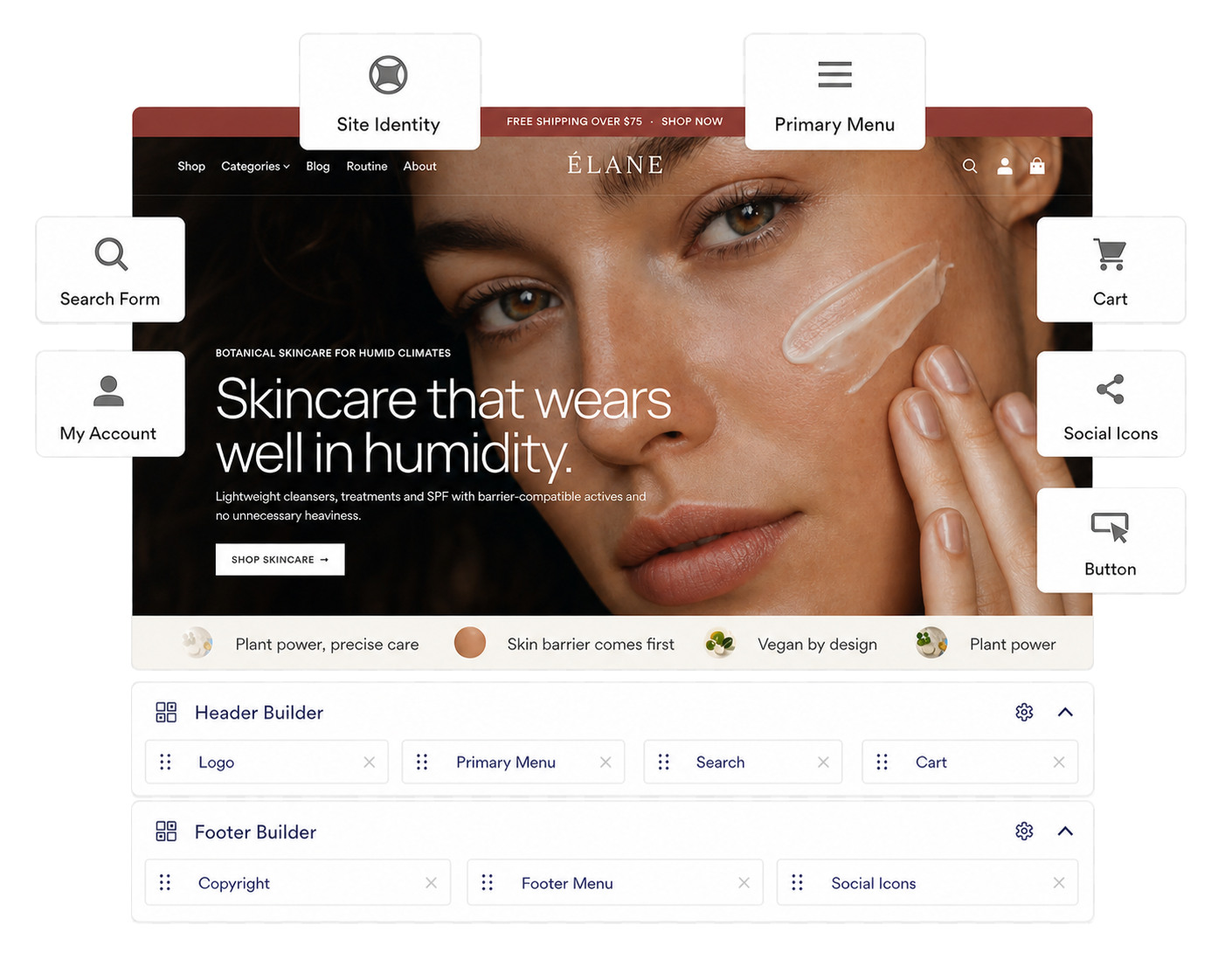
Editor blocks
Build the page content.
Add sections, forms, product loops, filters, and reusable layouts in the block editor. Assets load only where those blocks are used.
Explore Blocksify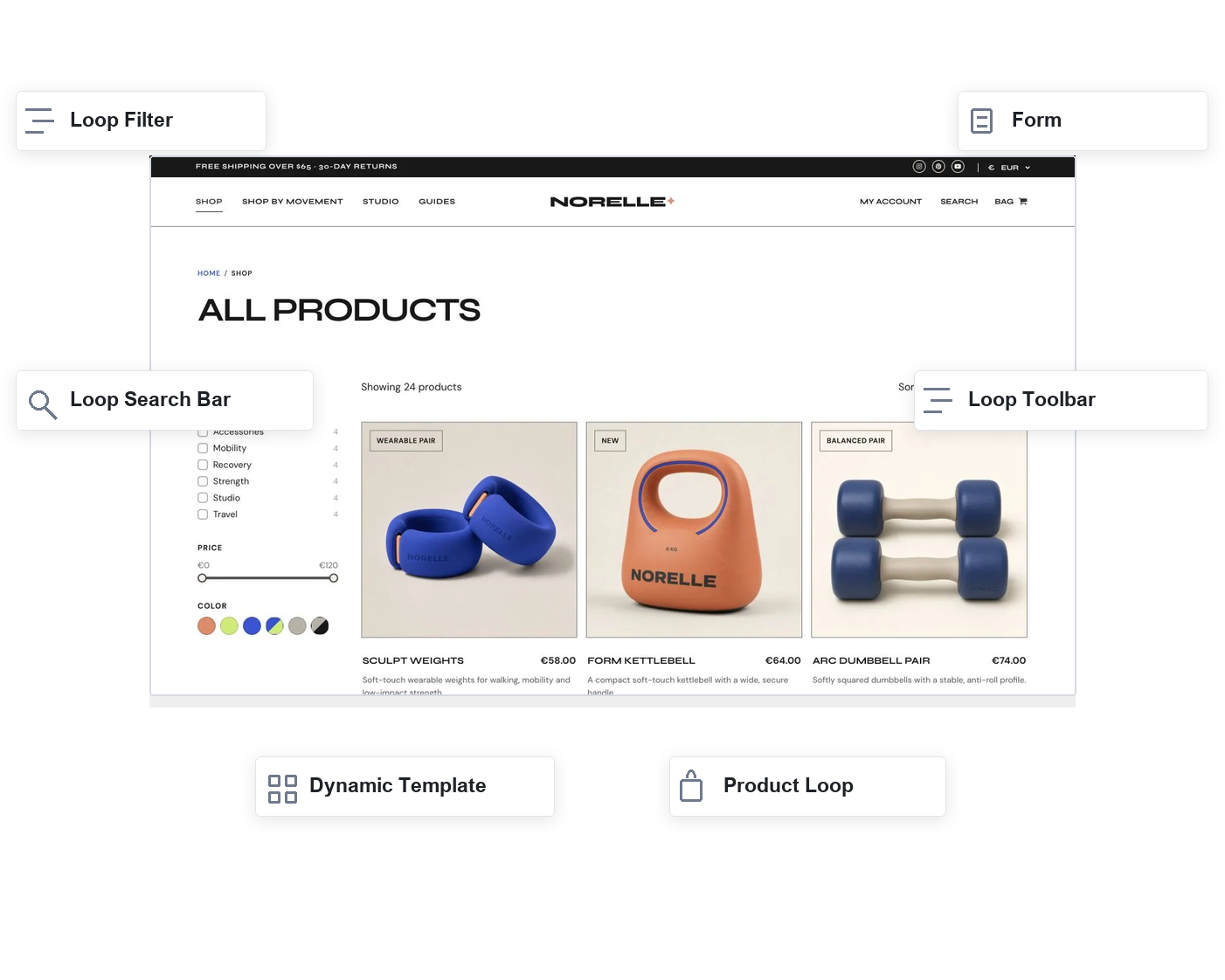
Starter sites
Choose a starting point.
Complete layouts for business, booking, retail, and ecommerce.
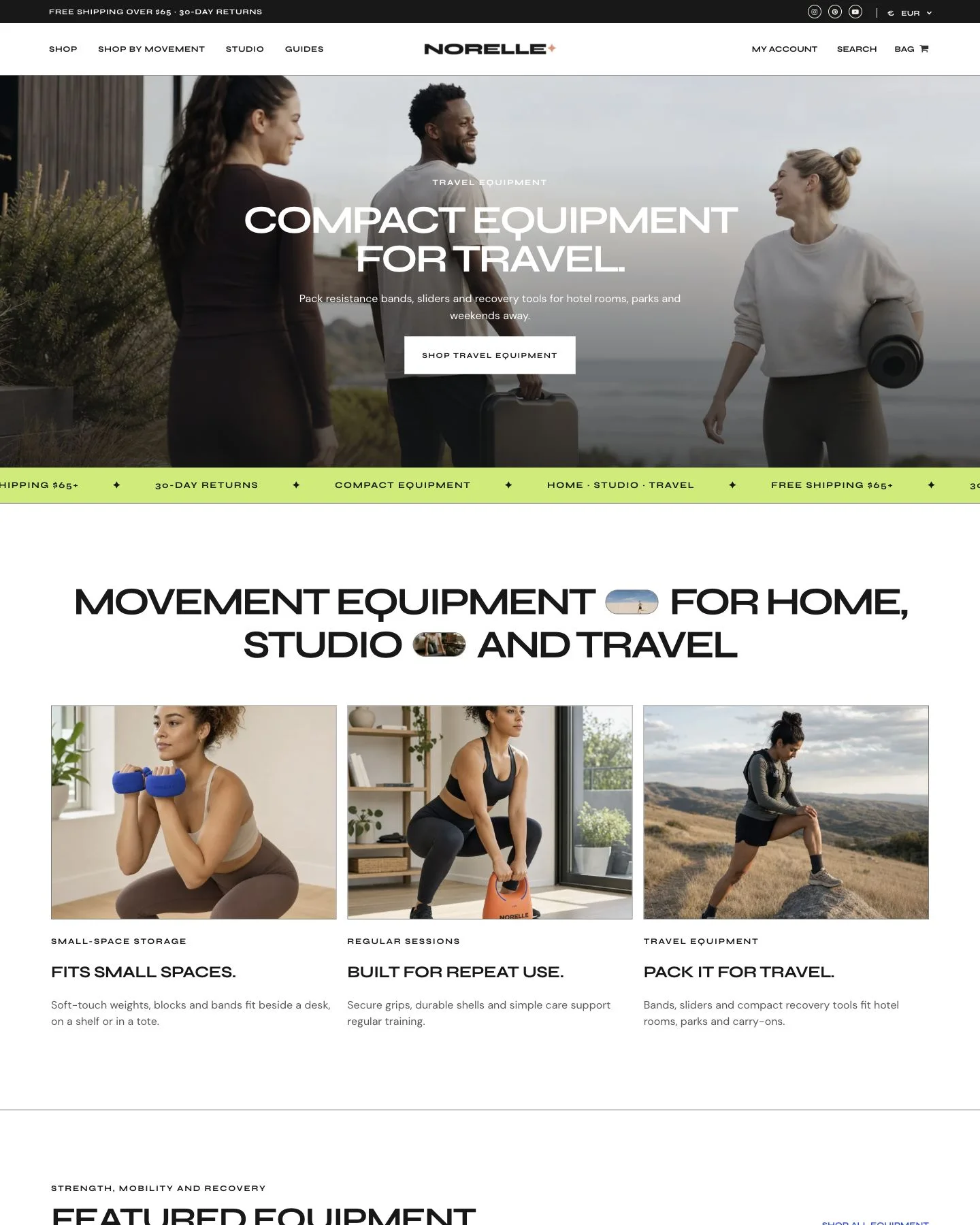
Norelle
A bold WooCommerce starter site for compact fitness equipment, movement accessories and recovery products.
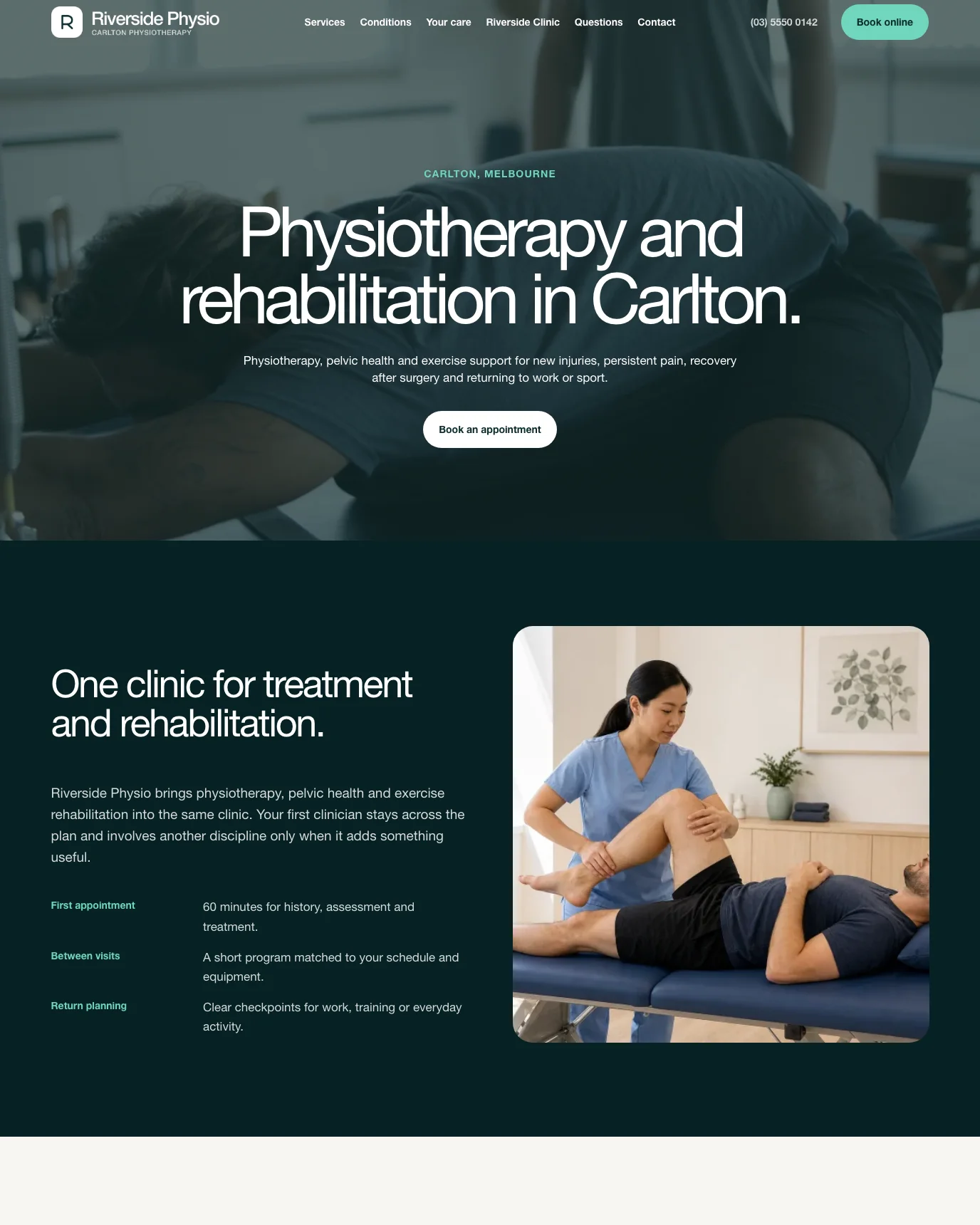
Riverside Physio
A calm, multi-page physiotherapy clinic starter site for patient care, rehabilitation services and appointment requests.
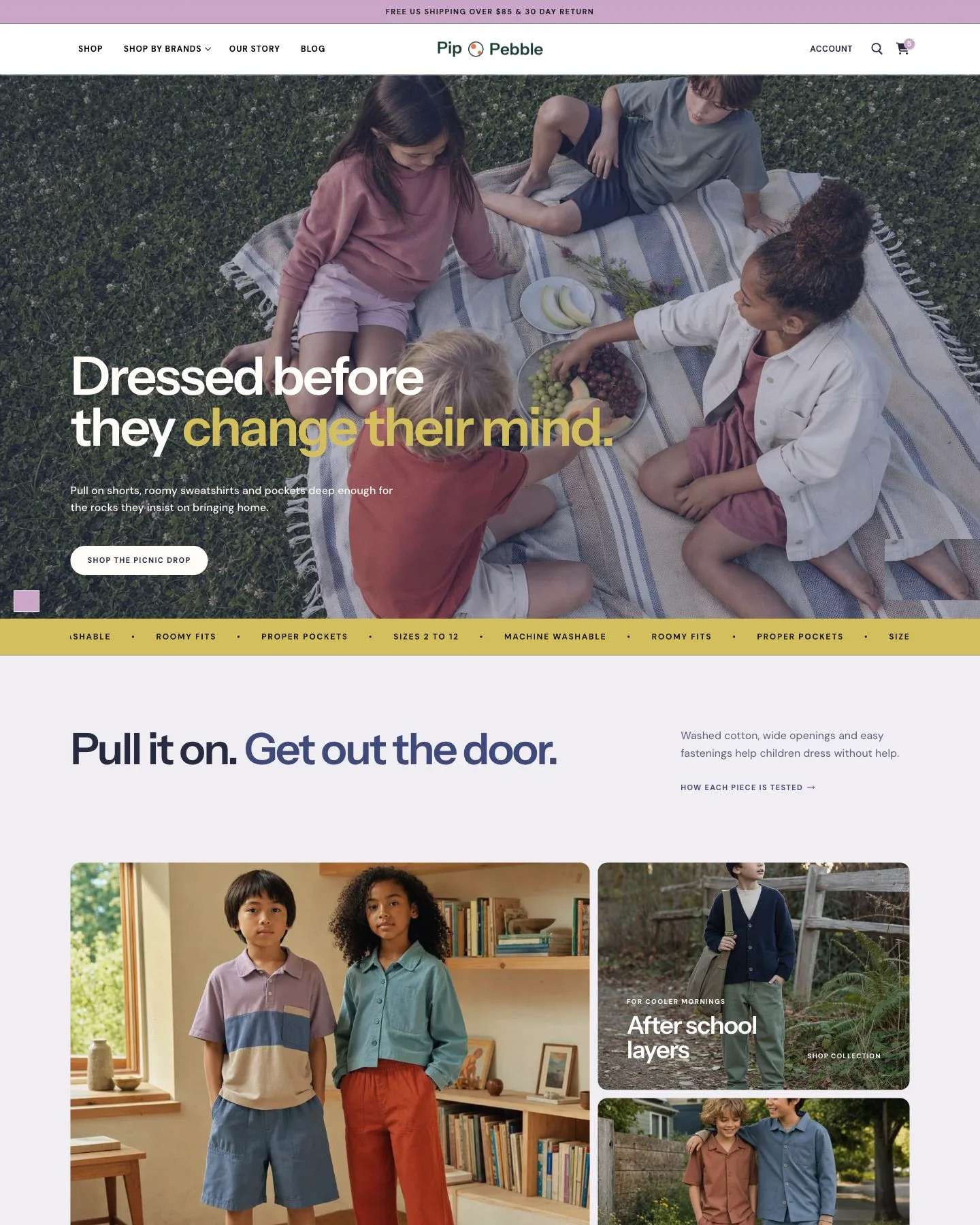
Pip & Pebble
A playful WooCommerce starter site for independent children’s clothing stores, durable playwear and parent-friendly shopping.
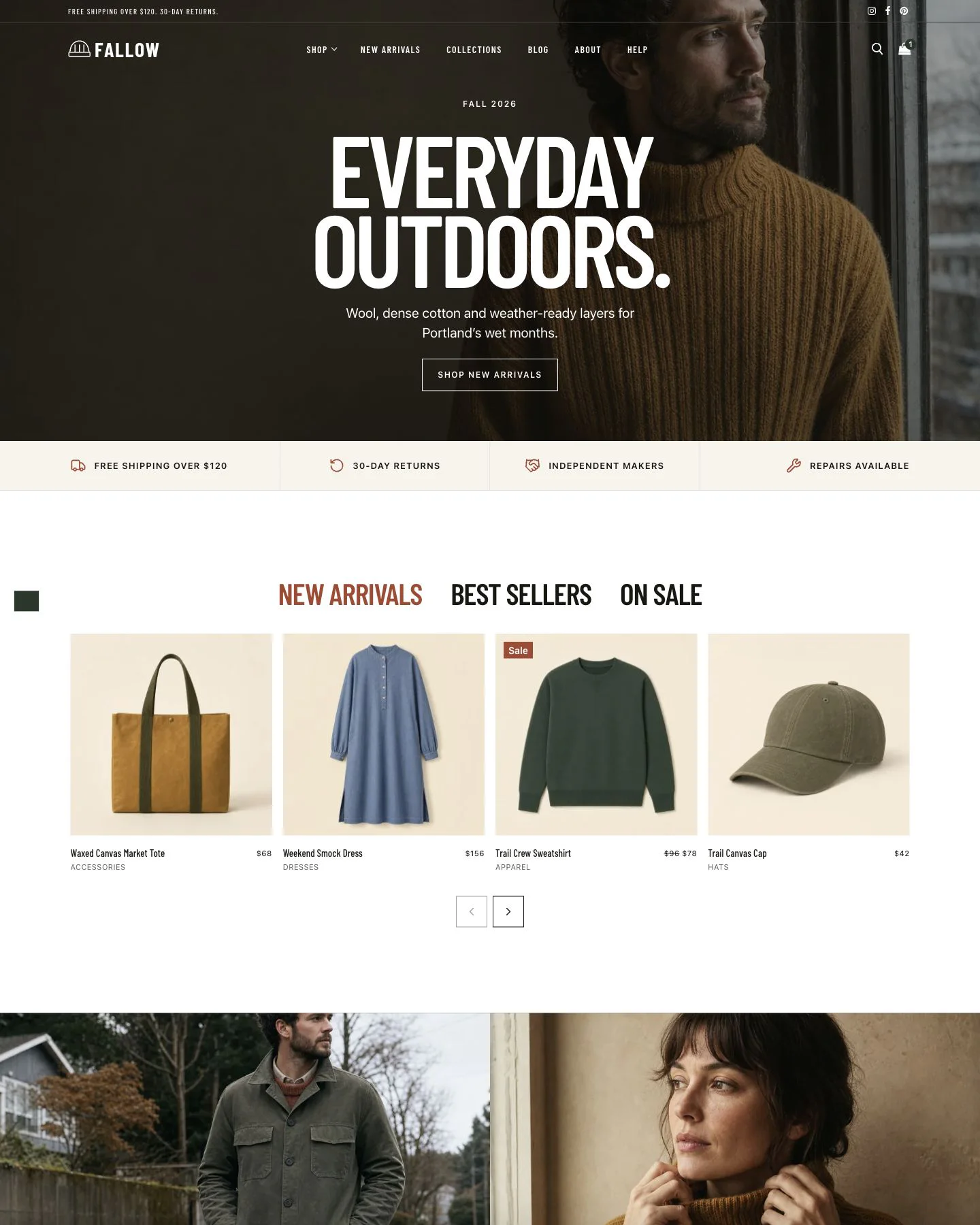
Fallow
An editorial WooCommerce starter site for independent clothing stores, weather-ready layers and repairable apparel.
CUSTOMIFY REVIEWS
What WordPress builders say.
Real feedback from WordPress professionals and Customify users.
★★★★★
“I had a chance to try this theme out few days back and I really love their innovative approach for header builder especially.”

Ionut Neagu
CEO of CodeinWP
★★★★★
“When I did try out in real was so easy. I would have loved such a solution 5 years ago or so.”

David Decker
WordPress educator · Deckerweb
★★★★★
“Nothing but ease so far! I’m new to the theme but it’s been a breeze to get started and customize.”

Normdebra
Customify user · WordPress.org review
Support paths
Find the answer or contact us.
Use the docs first. If setup is still blocked, check the forum or send a support request.
Documentation
Check the setup steps.
Find the setting, field, or block option before opening a ticket.
Open docs →
Community forum
Search known issues.
Look for fixes from other users and past support threads.
Visit forum →
Product support
Send a support request.
Use this for account, license, billing, or setup issues that need the team.
Contact support →
Install the free products.
Start with the theme, the blocks plugin, or both.
