
Blocksify WordPress Plugin
Build dynamic WordPress sites in the native block editor.
Design responsive pages, content-driven layouts, forms, WooCommerce experiences, and reusable templates in the native block editor.
32 block types
Free and GPL
WordPress 6.8+
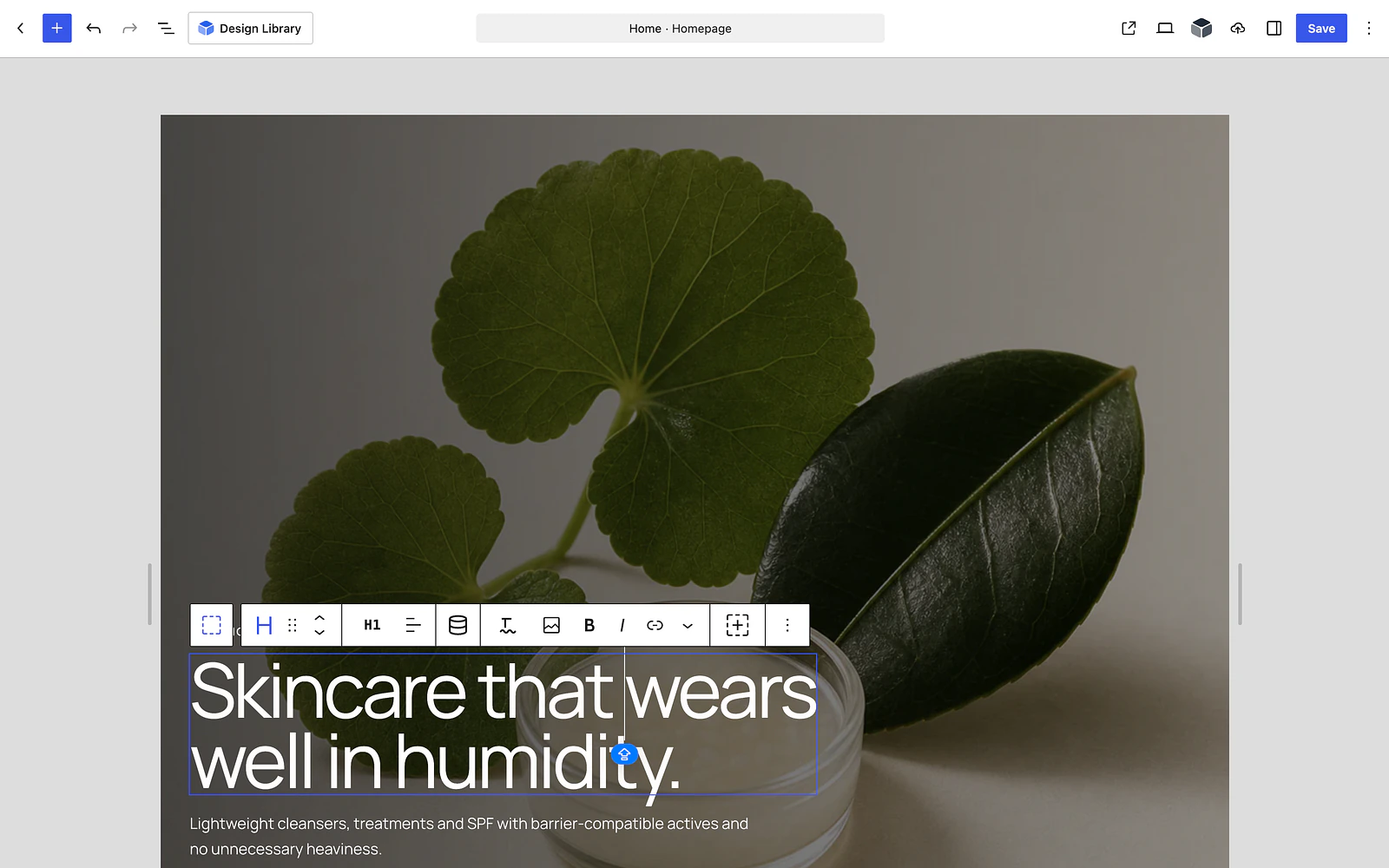
Build it all in the block editor.
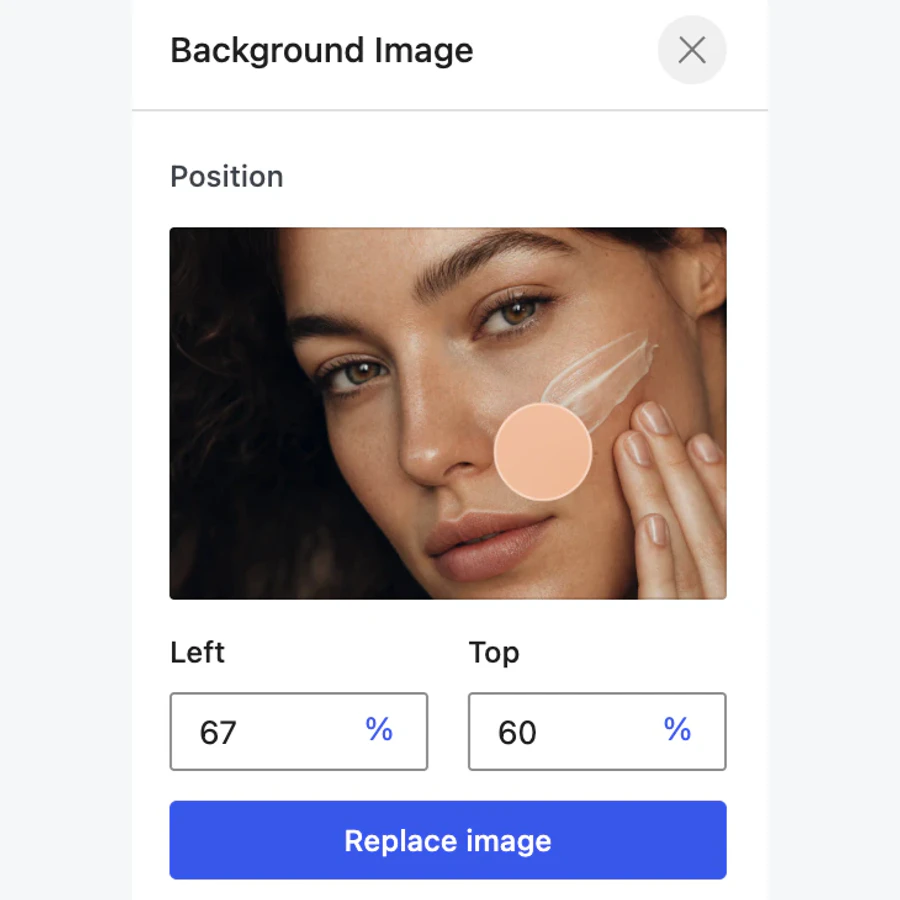
Control every detail visually.
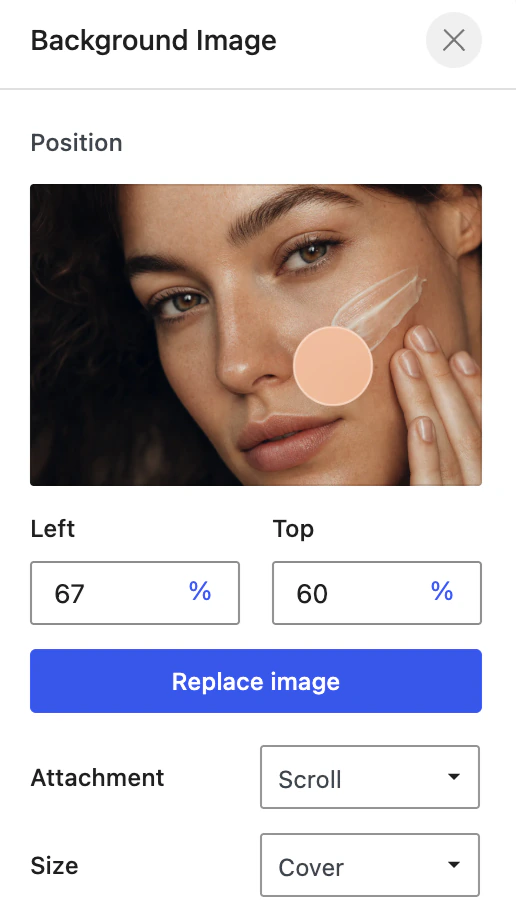
Adjust backgrounds, overlays, spacing, borders, sizing, and visibility from one inspector.
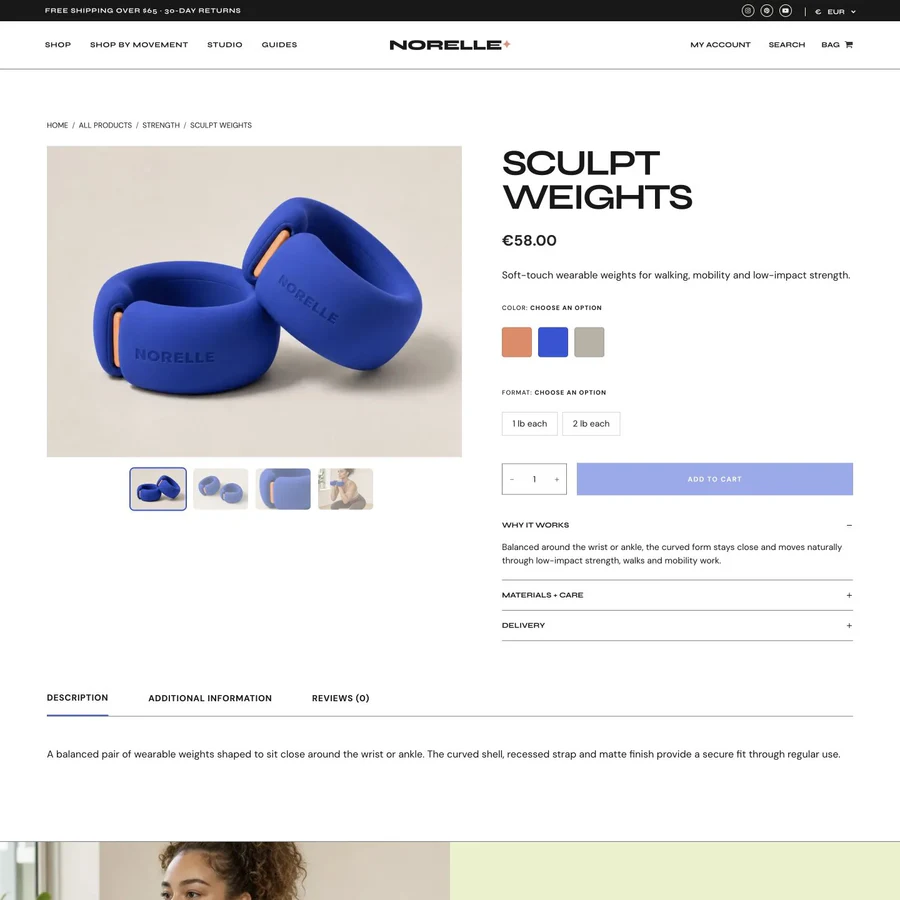
Build complete WooCommerce layouts.
Compose product pages with native gallery, price, stock, cart, tabs, and review blocks.
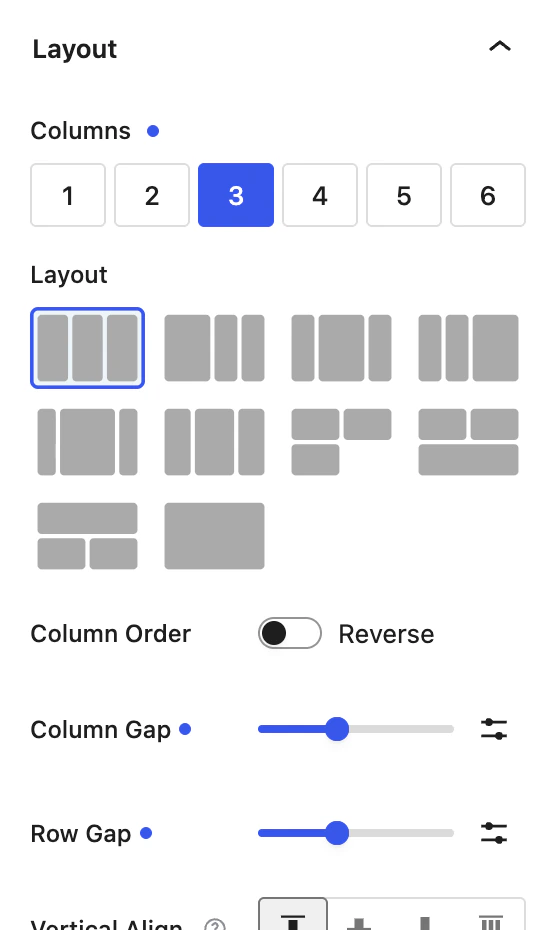
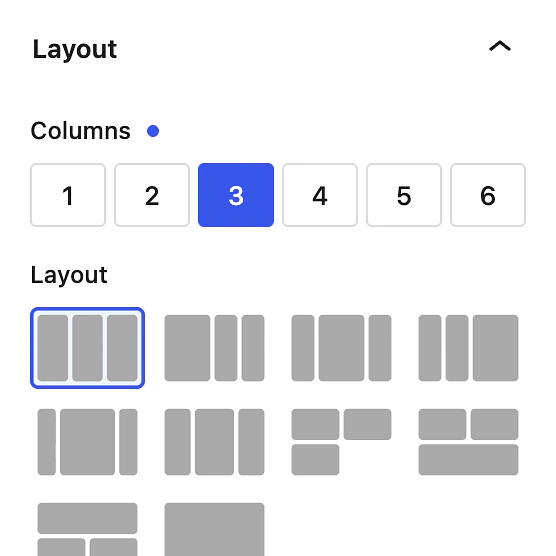
Design for every breakpoint.
Tune columns, gaps, order, alignment, and content width for desktop, tablet, and mobile.
Shared visual controls. Backgrounds, spacing, borders, sizing, and visibility follow the same system.
Native WooCommerce blocks. Build product galleries, pricing, stock, cart, tabs, and reviews in the editor.
Per-device controls. Tune layout and content width independently at each breakpoint.
Start with a layout
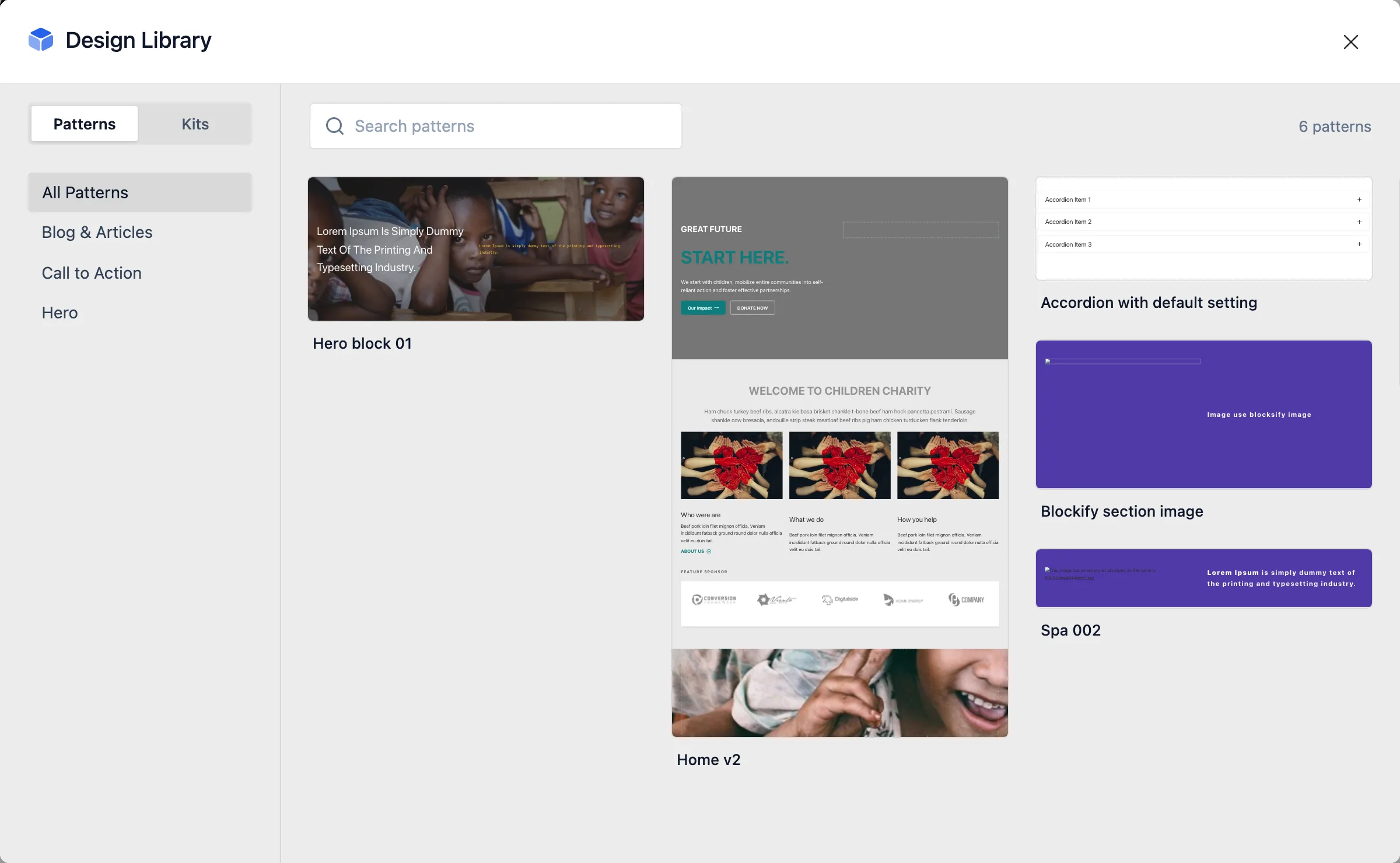
DESIGN LIBRARY
Insert a complete page or section pattern inside the editor, then keep building with the same native Blocksify blocks.
✓ Full pages and individual sections.
✓ Responsive controls stay editable.
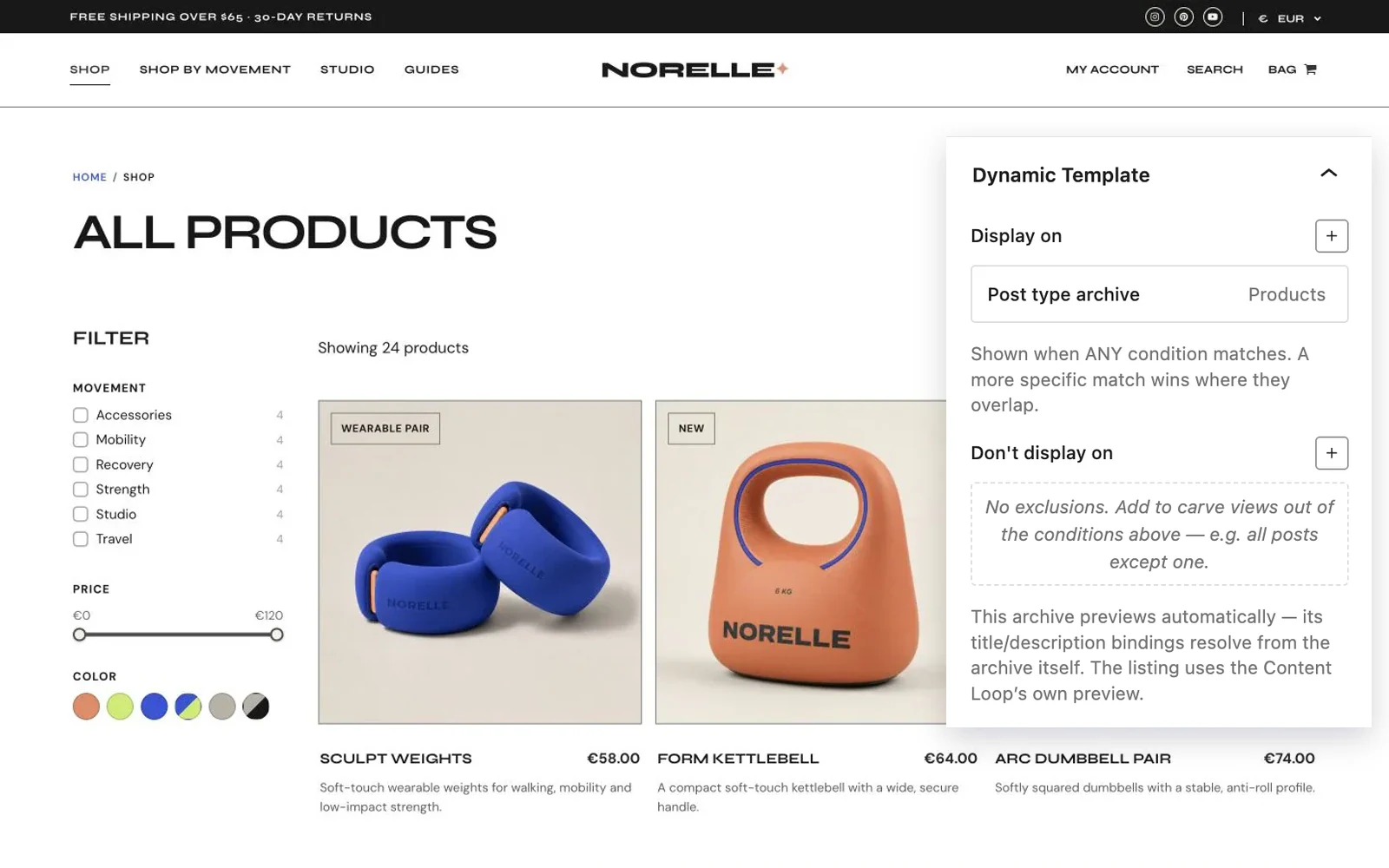
Build dynamic templates.
DYNAMIC TEMPLATES
Design reusable layouts for single posts, archives, and other site views, then choose where each template appears.
✓ Build the whole template with Blocksify blocks.
✓ Set display conditions without touching theme files.
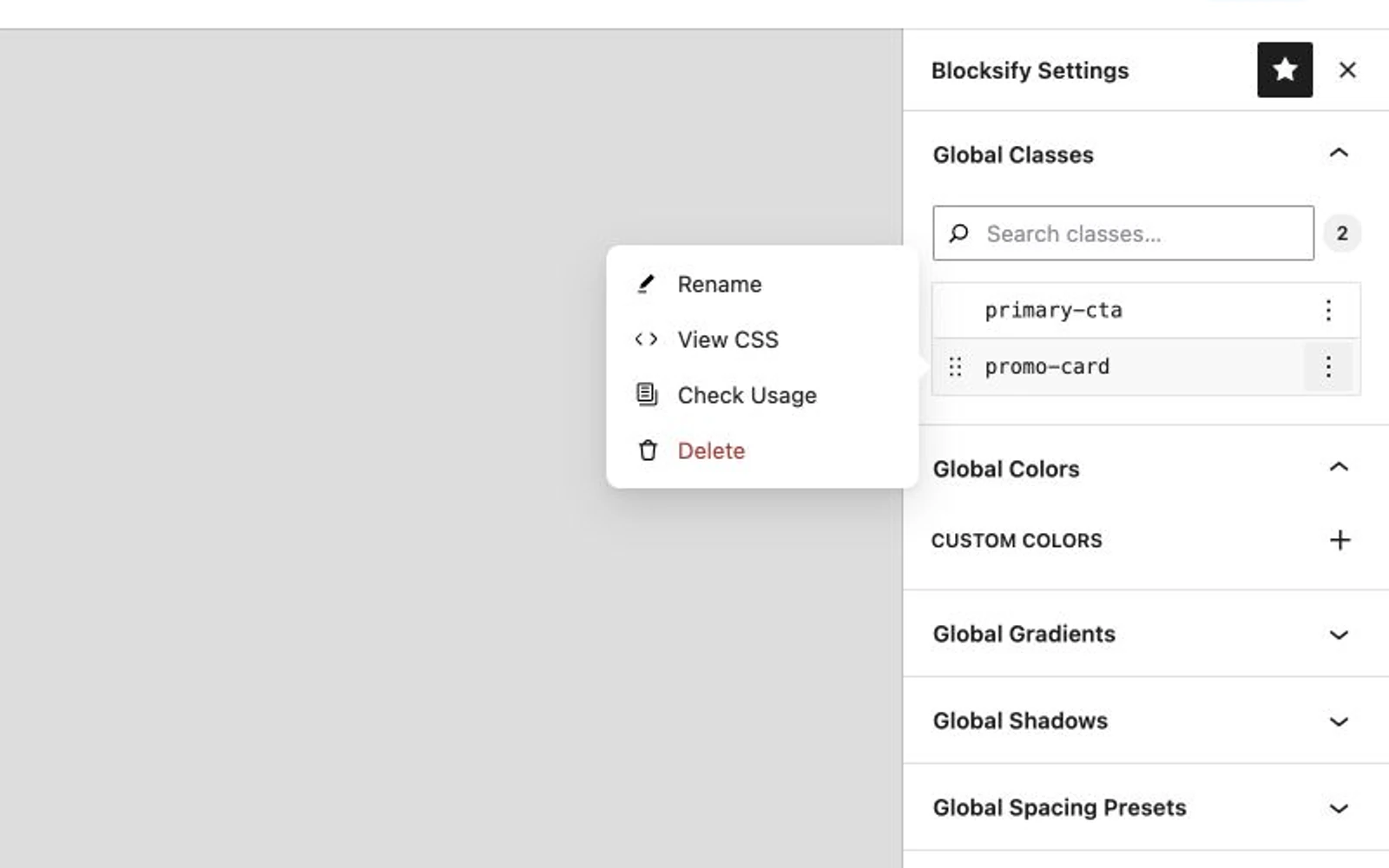
Reuse styles across the site
GLOBAL CLASSES
Create reusable block classes, inspect their CSS, and see where each one is used before you change it.
✓ Reuse the same class across pages and sections.
✓ Manage shared colors, gradients, and shadows in one place.
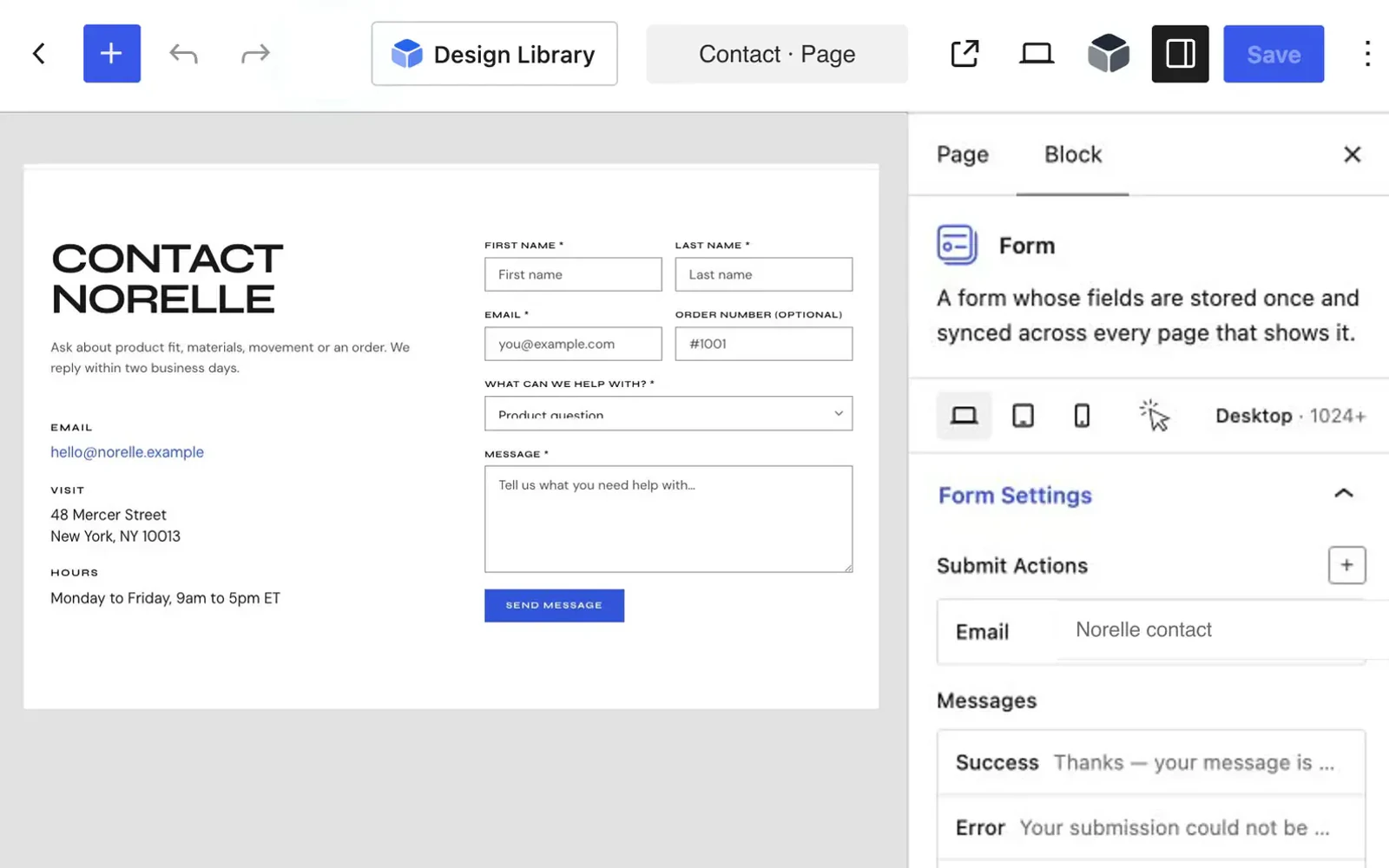
Build forms in the editor
FORM BLOCK
Create forms with native fields, then configure submissions, messages, and styling without leaving WordPress.
✓ Control success, error, and validation messages.
✓ Style the form wrapper, labels, and inputs visually.
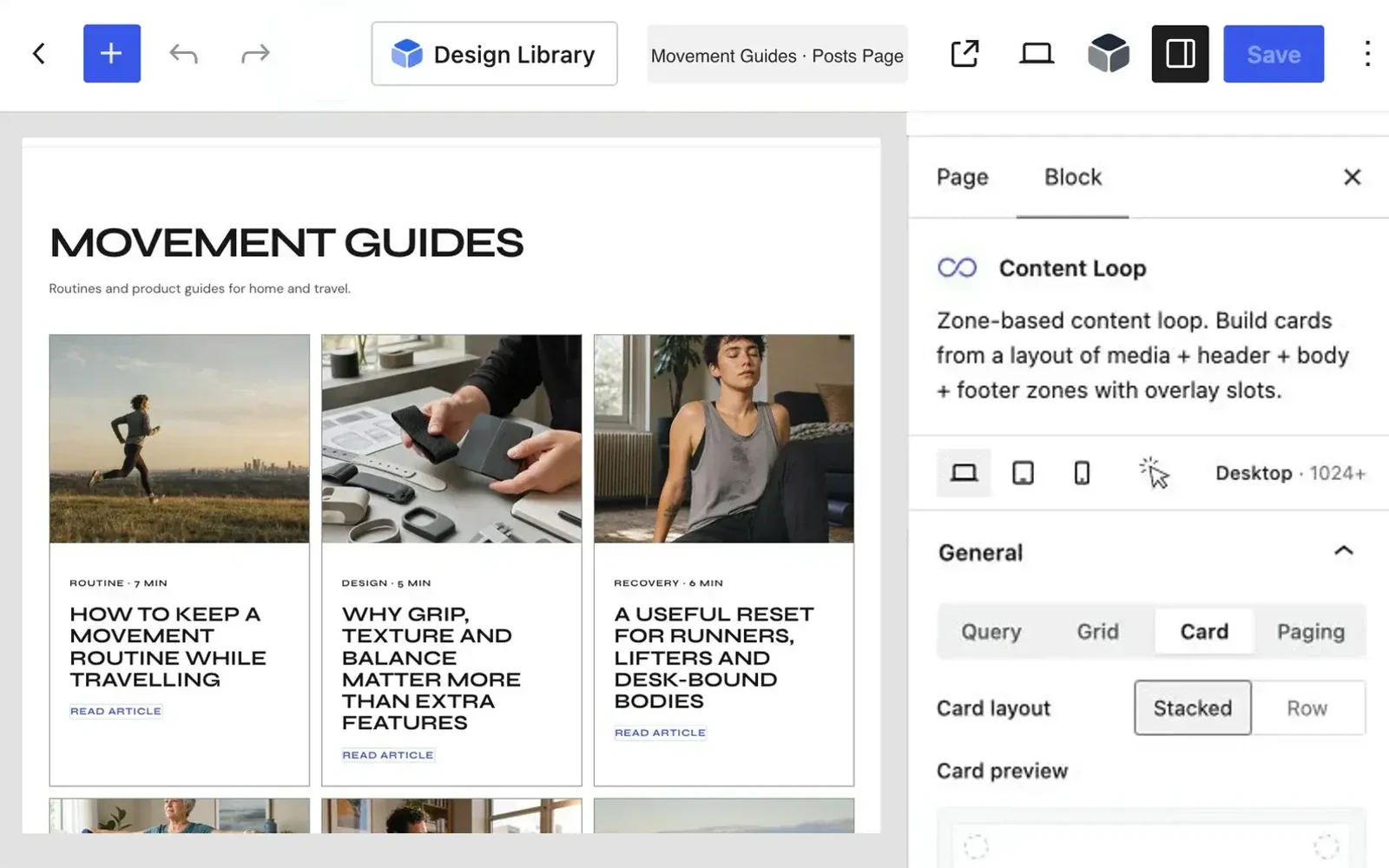
Create flexible content grids
CONTENT LOOP
Query posts, pages, products, or any custom post type, then shape the card and grid visually in one block.
✓ Control the query, columns, gaps, and paging.
✓ Arrange media, title, excerpt, and post meta.
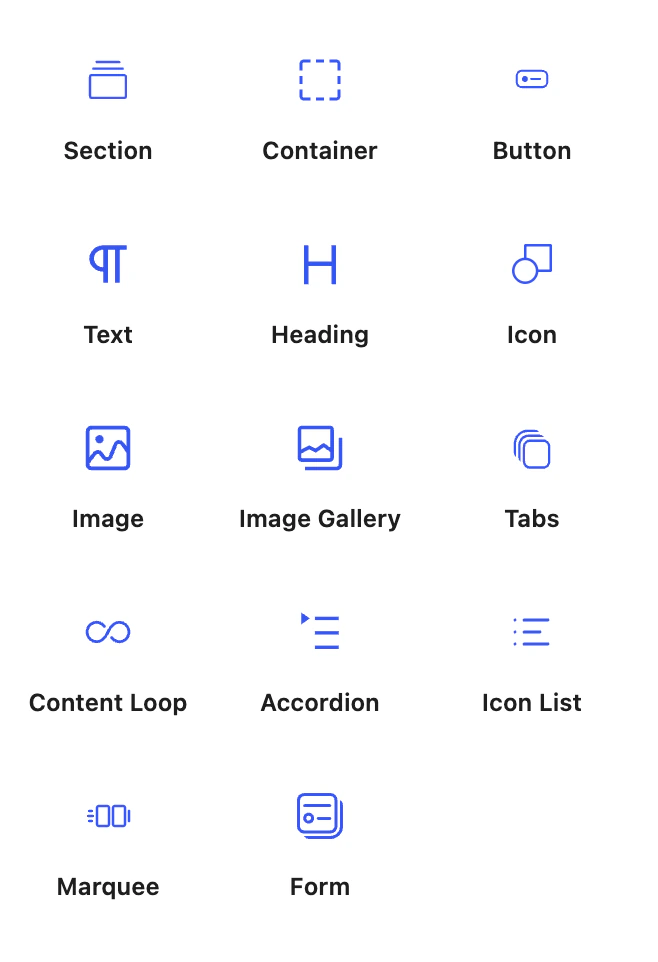
Meet the blocks behind the workflow.
Every parent block in the inserter shares one responsive design system. WooCommerce blocks are grouped together; Pro loop tools use a separate surface.
Section
Build full-width page regions with theme or custom content widths.
Container
Arrange content with responsive flex layouts and direction controls.
Button
Build links and actions with visual controls.
Text
Write paragraphs and connect dynamic text.
Heading
Structure pages with responsive, dynamic headings.
Icon
Use bundled libraries or your own SVG.
Image
Add responsive media from static or live sources.
Image Gallery
Build responsive galleries from media or fields.
Tabs
Switch related content inside one compact view.
Content Loop
Turn posts and products into reusable grids.
Accordion
Organize answers into expandable content panels.
Icon List
Create structured lists with configurable icons.
Marquee
Move logos, announcements, and content continuously.
Form
Build native forms with validation and actions.
WooCommerce
Loop Filter
Add live facets and filters to a Content Loop.
Loop Search Bar
Search loop results without reloading the page.
Loop Toolbar
Show counts, sorting, and active filters.
Search Kit
Search Tabs, live result counts, and a designed empty state.
Slider
Arrange Blocksify content into responsive, swipe-ready slides.
WooCommerce groups Product Price, Rating, Stock, Reviews, Meta, Additional Information, and Add to Cart. Form fields remain nested inside Form.
Start free, then add Pro for complex data.
Free covers the full building workflow.
Pages, Content Loop, Dynamic Templates, forms, WooCommerce blocks, and design tools. No license key required.
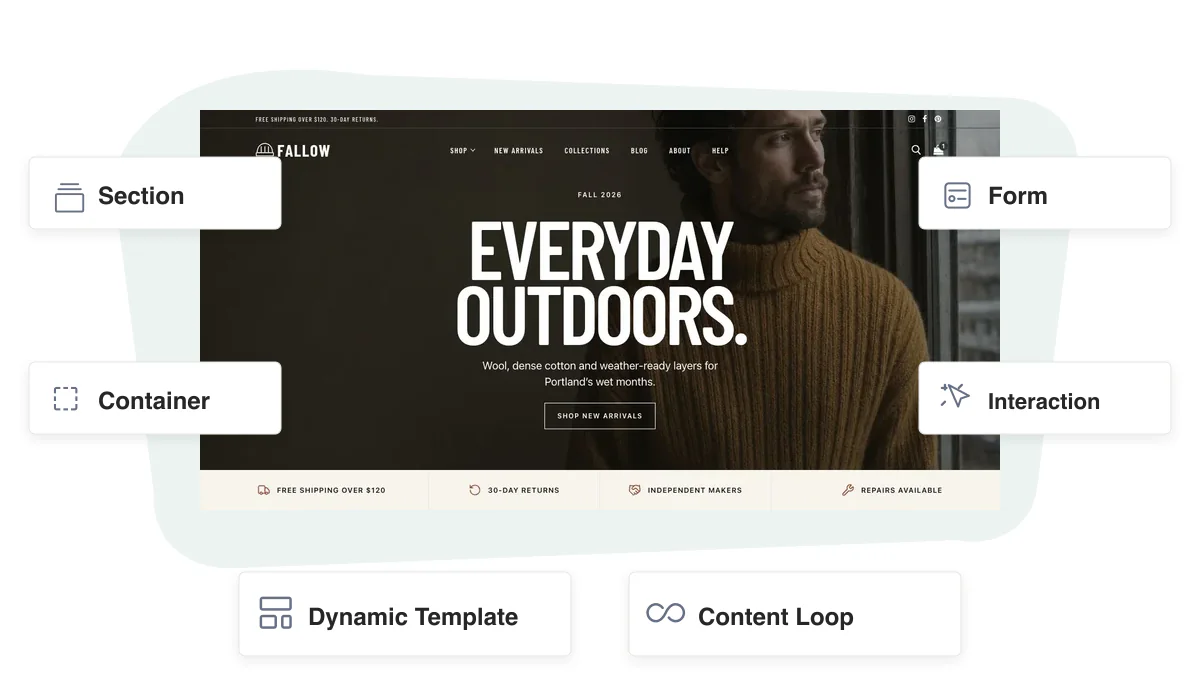
Pro unlocks custom data and live filtering.
Add custom post types, field sources, facets, richer queries, Woo filters, and interaction triggers.
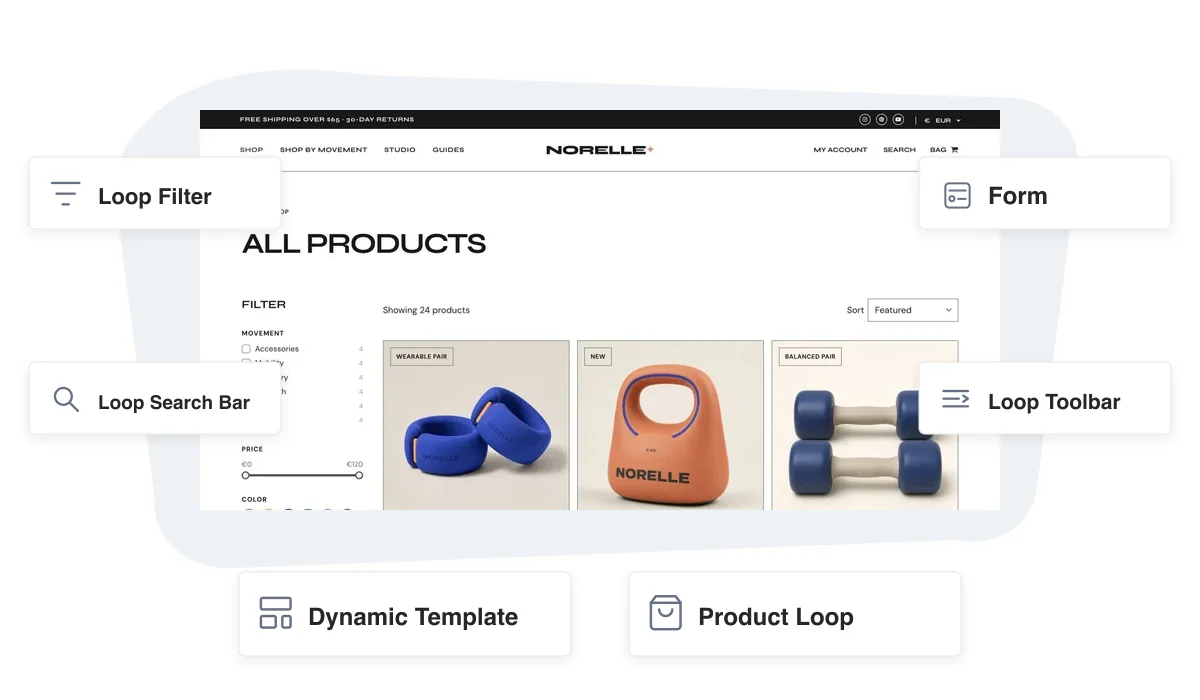
Need the site shell too? Customify handles headers, footers, global styles, and theme layouts.
Start free. Go Pro when the project needs more.
Download Blocksify Free for the complete building foundation, or unlock advanced data, filtering, search, and interactions with Blocksify Pro.
