How to Use the Pomodoro Technique in FocusCommit
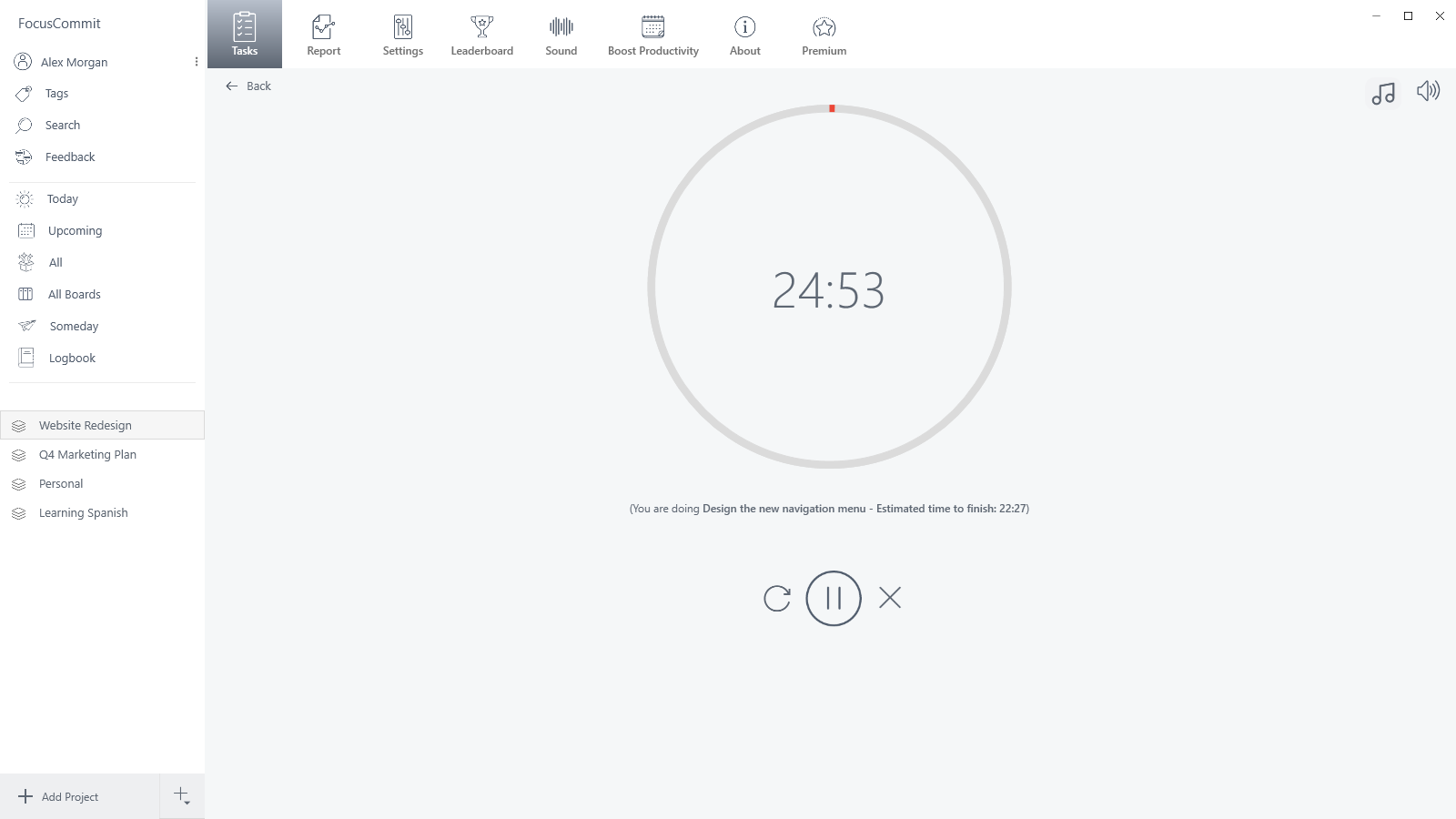
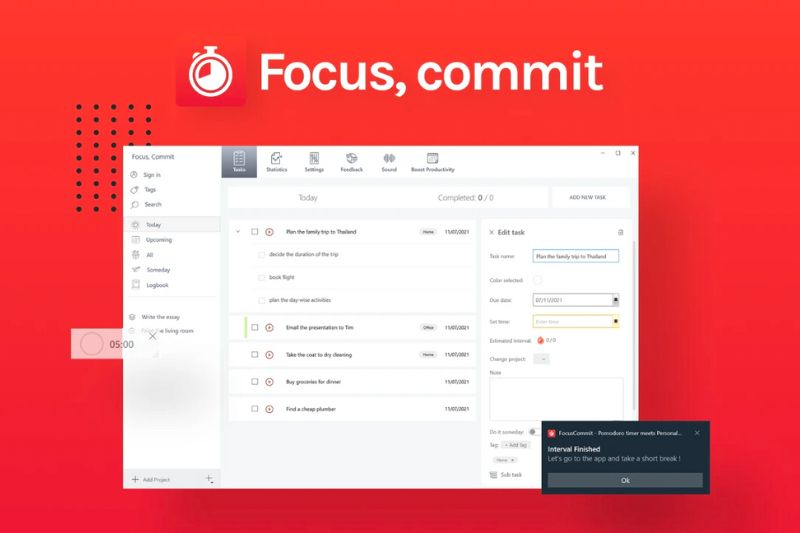
FocusCommit Pomodoro timer counting down a 25-minute interval

The Pomodoro Technique is simple: work on one task for 25 minutes, take a 5-minute break, and take a longer break after four rounds. FocusCommit runs that cycle for you and records every interval, so at the end of the day you can see where your focus went. This guide shows how to set it … Read more
How to Integrate FocusCommit with RescueTime

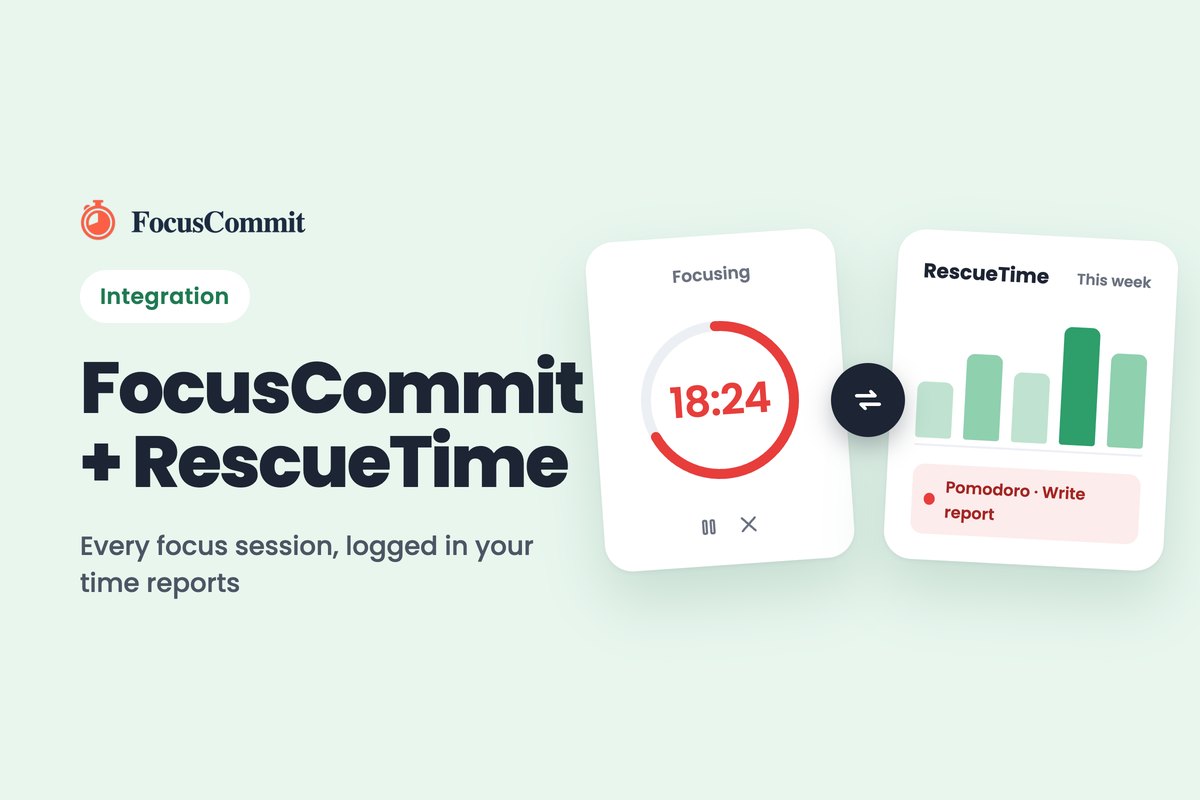
FocusCommit Pomodoro timer syncing a focus session to a RescueTime weekly report

FocusCommit users, we’re excited to announce that our productivity tool now integrates seamlessly with RescueTime! This powerful combination will help you gain even more insights into your productivity habits and make the most of your time Why Integrate FocusCommit with RescueTime? Before we dive into the integration process, let’s quickly highlight the benefits: Integration Steps … Read more

How to Use a Kanban Board for Your Microsoft To Do Tasks

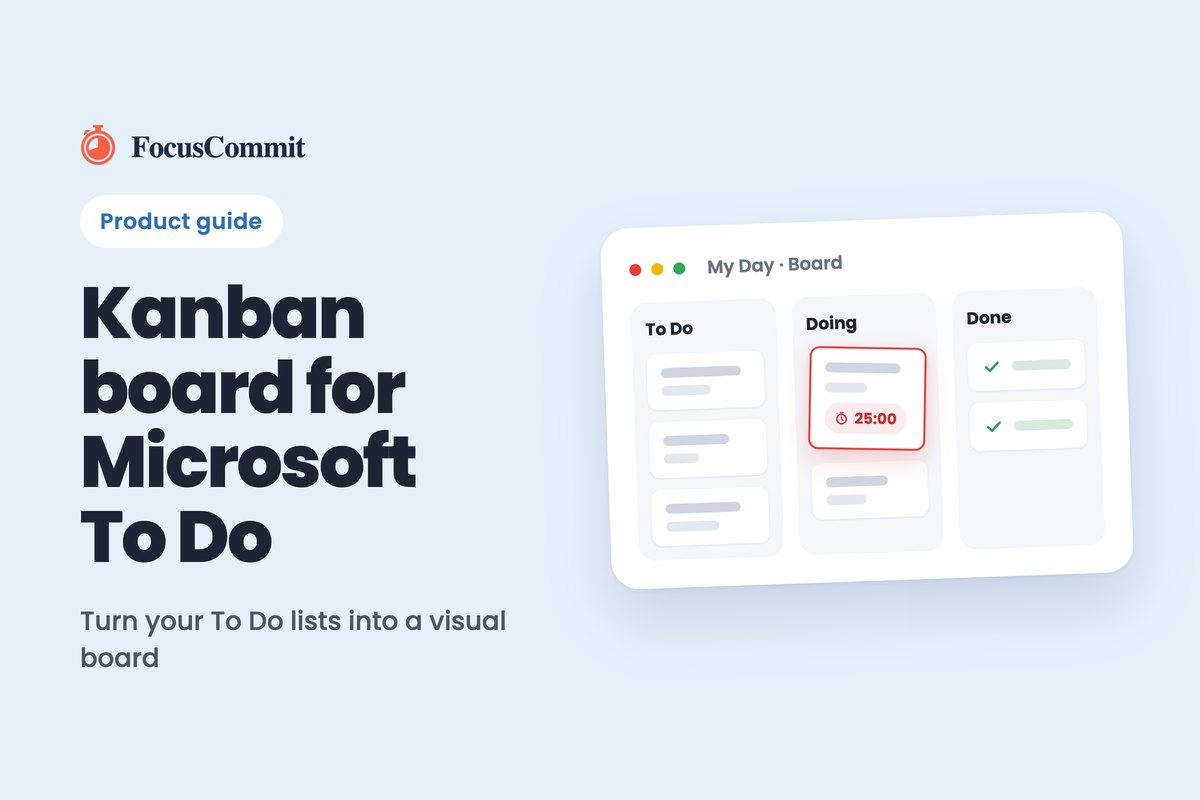
Kanban board for Microsoft To Do: To Do, Doing and Done columns with a running Pomodoro timer

Microsoft To Do keeps your tasks in lists, but it has no Kanban board. FocusCommit adds one: import your Microsoft To Do lists and each list becomes a board with To Do, Next Action, Doing and Done columns, synced both ways with Microsoft To Do. The video below walks through the setup. Step-by-Step Guide 1. … Read more

How to Cancel Your FocusCommit Membership

How to cancel FocusCommit membership

You cancel a FocusCommit Premium subscription where you bought it. Purchases made in an app store (Apple, Google Play or Microsoft Store) are billed and managed by that store, so FocusCommit cannot cancel them for you. Purchases made on focuscommit.com are handled by our payment provider, Paddle. Cancelling stops the next renewal. You keep Premium … Read more

How FocusCommit Works: Getting Started Guide

How FocusCommit works

FocusCommit works in three steps: put your work into a project, start a 25-minute interval on one task, and focus on that task until the timer ends. This guide walks through your first session, from creating a project to taking your first break. You don’t need an account to start. 1. Create a project Click … Read more

Pomodoro Timer for Microsoft To Do: Import and Sync Your Lists

Start a Pomodoro timer with Microsoft To Do

FocusCommit imports your Microsoft To Do lists as projects, so you can start a Pomodoro timer on any task without copying it by hand. Changes sync both ways: complete or edit a task in FocusCommit and Microsoft To Do updates too. Importing lists is a Premium feature. How to import your Microsoft To Do lists … Read more

Pomodoro Timer for Google Tasks: Import and Sync Your Lists

Start a Pomodoro timer with Google Tasks

FocusCommit imports your Google Tasks lists as projects, so you can start a Pomodoro timer on any task without copying it by hand. Edits, completions and deletions you make in FocusCommit are sent back to Google Tasks. Importing lists is a Premium feature. How to import your Google Tasks lists How to start a Pomodoro … Read more

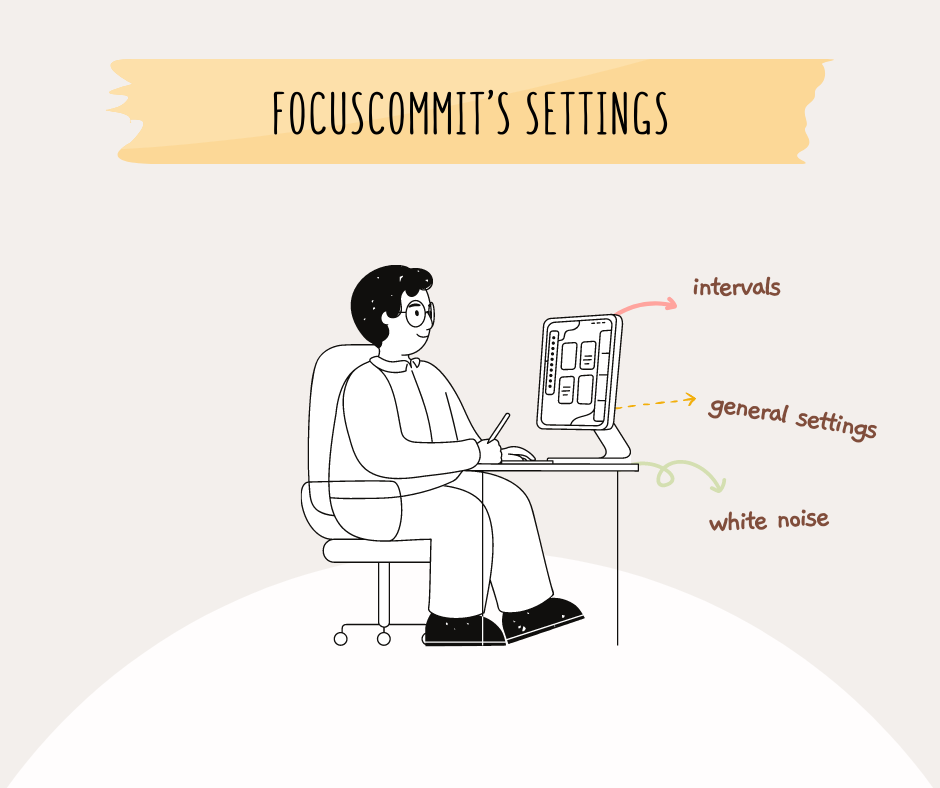
FocusCommit Settings: Interval Length, Mini Timer and Notifications

FocusCommit’s settings

Interval config In Pomodoro Technique, by default, the interval is 25 minutes. However, if you feel it’s too long or too short for a task, you can change it at Settings. Small screen settings After starting an interval, you don’t need to look at the timer all the time. Instead, open your working window then … Read more

Does a 5-Minute Break Break Your Flow State?

Do the 5 minutes break flow state?

Do The 5 Minutes Break Flow State? There is a lot of talk about the 5-minute break flow state. Does it actually exist? Some people seem to think so, and there are even apps designed to help you achieve it. But does this short burst of productivity actually work, or is it just a myth? … Read more