

NEXTION INTRODUCTION
What’s HMI Nextion
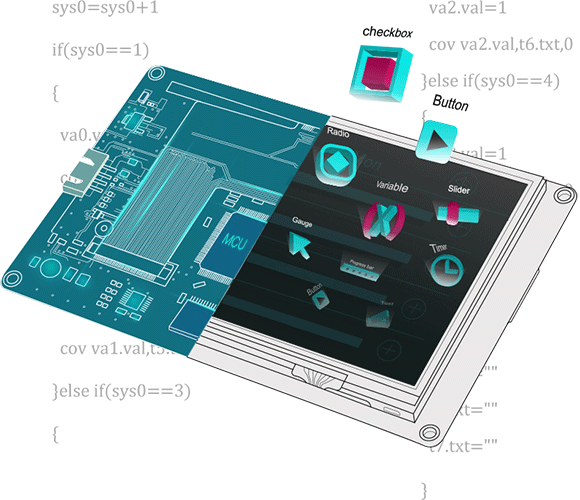
HMI Nextion is a Human Machine Interface (HMI) solution combining an onboard processor and memory touch display with Nextion Editor software for HMI GUI project development.
Using the Nextion Editor software, you can quickly develop the HMI GUI by drag-and-drop components (graphics, text, button, slider, etc.) and ASCII text-based instructions for coding how components interact on the display side.
Nextion HMI display connects to peripheral MCU via TTL Serial (5V, TX, RX, GND) to provide event notifications that peripheral MCU can act on, the peripheral MCU can easily update progress, and status back to Nextion display utilizing simple ASCII text-based instructions.
Our mission is to reduce the HMI development workloads.
What’s Open Nextion
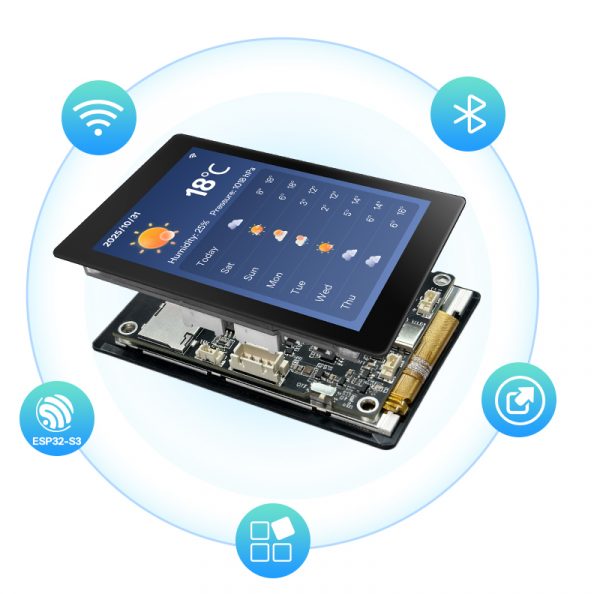
Open Nextion is an ESP32-S3 hardware development board with an integrated display, combining high-performance computing, wireless connectivity, and rich graphical interaction capabilities.
It serves as a smart terminal prototyping solution, designed to help developers quickly build IoT products with human-machine interfaces. Suitable for embedded developers, maker enthusiasts, and beginners in smart hardware projects, it requires a certain level of development expertise.


- 90

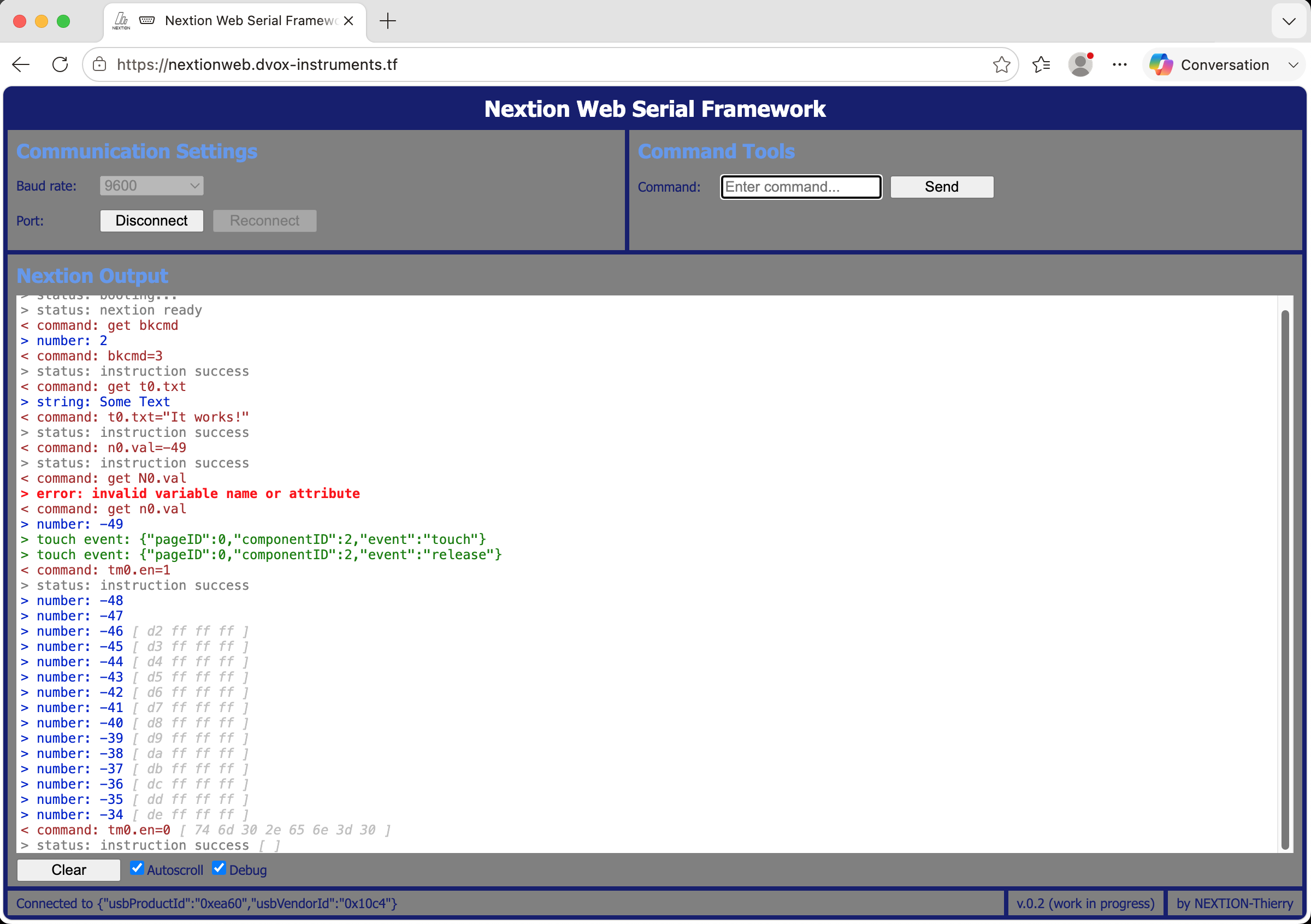
The Nextion Web Serial Framework is alive – and online!
As promised in my last blog, here a first release of the Nextion Web Serial Framework! It allows to interact with all "classic" Nextion HMIs, be it the Basic, the Enhanced, the Intelligent, the Discovery, or the Edge series without having to install the Nextion Editor. A computer running Windows, macOS, or Linux and a web browser with Serial Api support. The current releases of Mozilla Firefox, Google Chrome, Microsoft Edge, and Opera will do the job. I understand that you can't wait to try it out, but please continue reading, first, I'll give you the URL of the live version and the GitHub repo below!
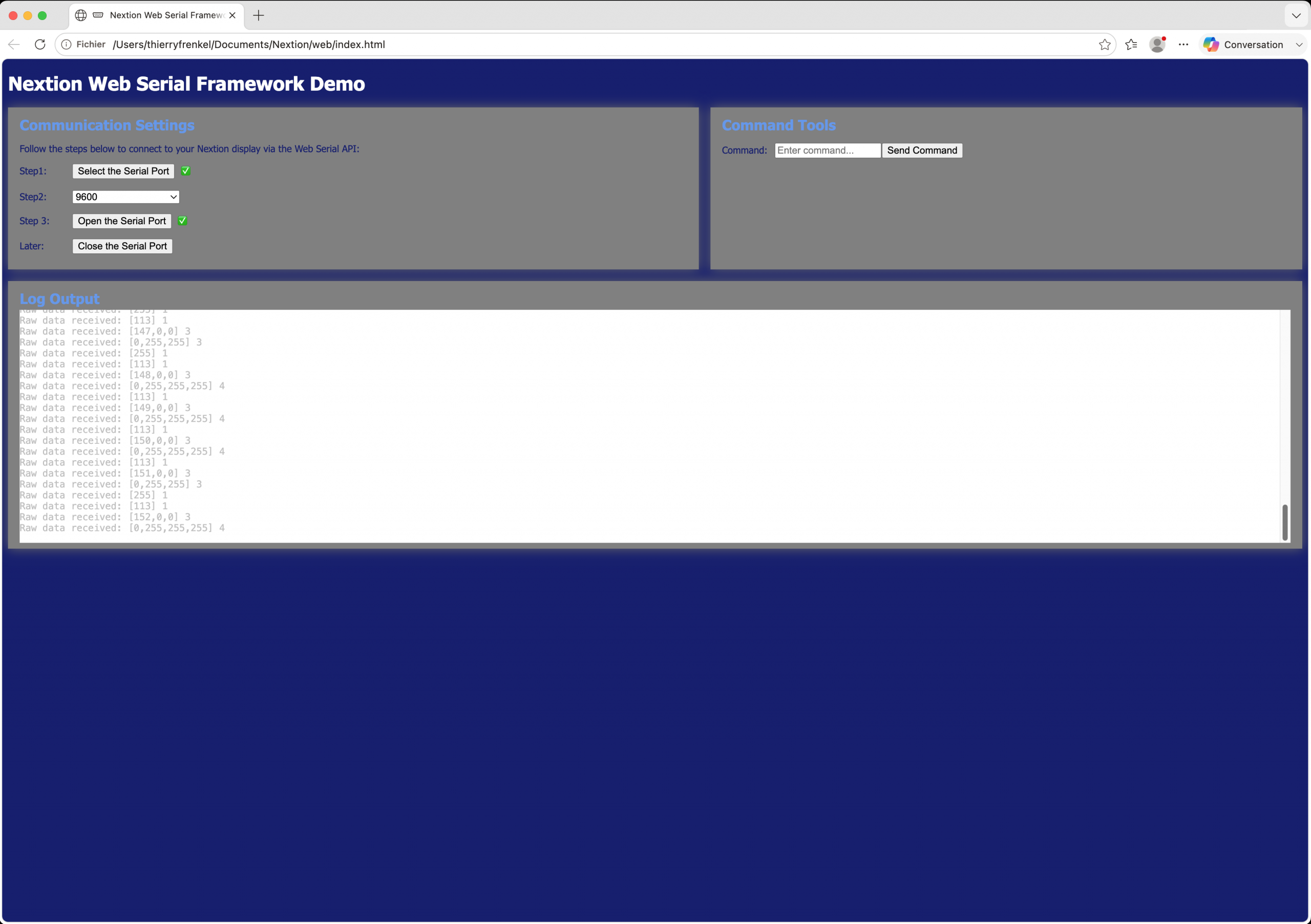
Control your Nextion HMI from (almost) any web browser
In the beginning, there was an email from a reader who asked if there was a stand-alone version of the Nextion upload tool, which is normally integrated in the Nextion Editor. The reader had created a commercial project around a Nextion HMI, and sold several hundreds worldwide. The problem now is updates. Many of his customers are not really ok with installing the whole Nextion Editor just for flashing a new tft file. Thus his request, which we couldn't yet satisfy. But recently, I stumbled over an amazing thing which is in the world for some time. It's called the Web Serial API which allows to access local serial ports from a web page via Javascript. In the beginning, there was not much browser support, but now, there are Chrome, Edge, Opera, and Firefox which support it. And the initial security concerns (access local resources from the web???) are also solved: the user has to select and authorise the serial port access each time the page with the web serial application is loaded.
How to develop Open Nextion projects natively on Mac
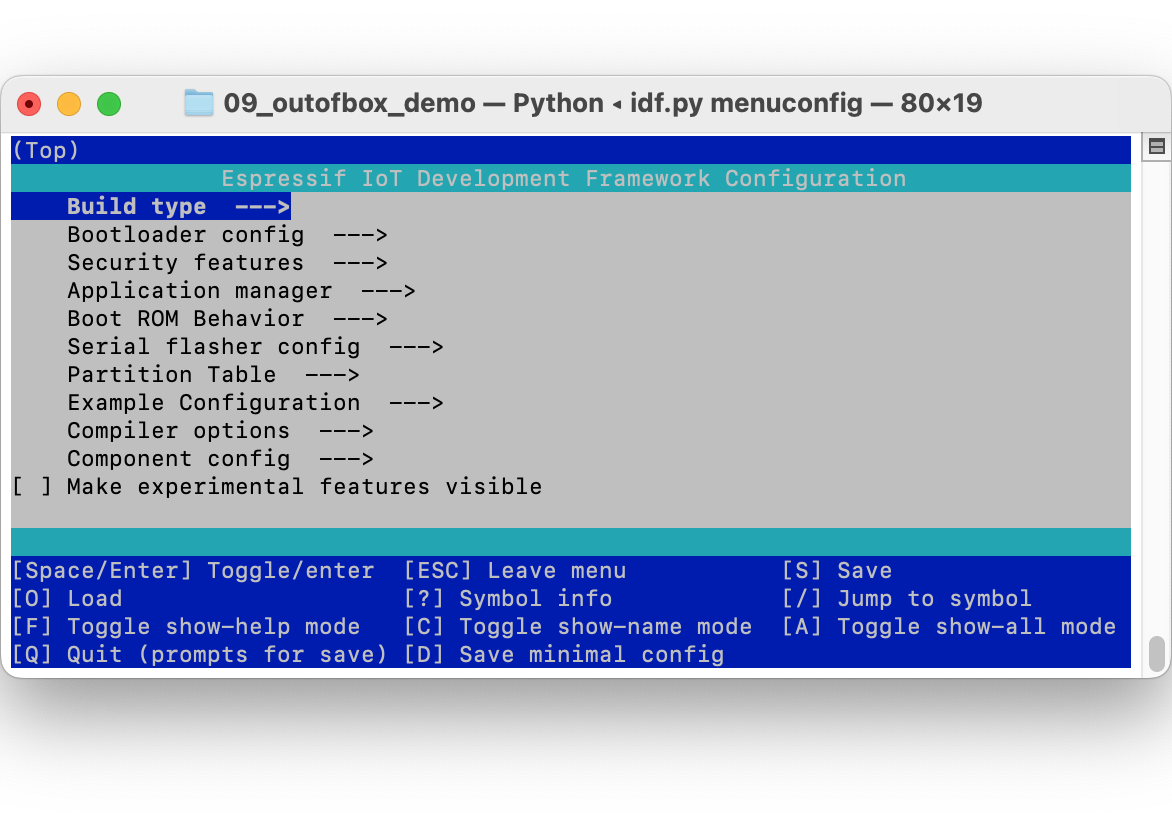
Most Nextion enthusiasts are used to developing with a comfy IDE, that's why I started blogging about the Genius series HMI and the underlying Open Nextion standard using the Arduino IDE and VS Code (part II here), using the corresponding plugins. The underlying framework, the ESP-IDF, provided by Espressif, the manufacturer of the ESP32s3, the heart of the Genius series HMI, is a huge collection of command line software, comprising libraries, compiler, linker and additional tools. Thus, the side behind the mirror for most of us. Nevertheless, I learned how to deal with it and wrote about my experience under Windows here. Afterwards, I found that it was less complicated as I had feared, and I decided to repeat the experience on one of my Macs.
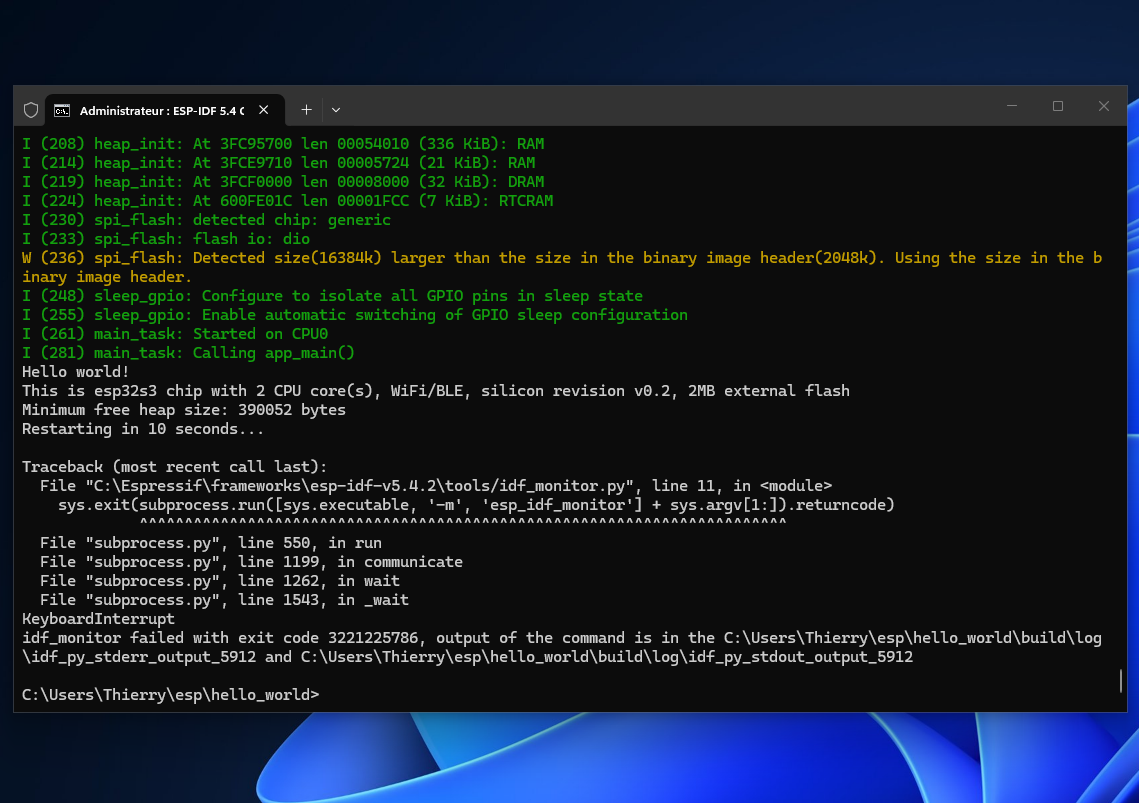
“Bare Metal” coding for Open Nextion with the ESP-IDF
The new Open Nextion programming model and the new Genius series HMI have come to market a few weeks ago, and the user community doesn't stop asking questions... Again, Open Nextion and the Genius series HMI will NOT replace the other series and their easy and convenient developing with the Nextion editor. These will remain in production as promised by the long term availability guarantee. Open Nextion and Genius are an extension of the product range. If you are unsure what to choose, depending of your project specifications, read my blog from last Sunday!

Your questions about Open Nextion – and my answers
Since I started writing about Open Nextion and the new Genius series HMI, I got many emails from readers of this Nextion Sunday blog, all asking more or less similar questions. So, I allow today to publish this compilation of your questions and my answers. If you are unsure if you should move over from the classic Nextion HMI to Open Nextion, please read the conclusion towards the end of this article, after the questions and answers.
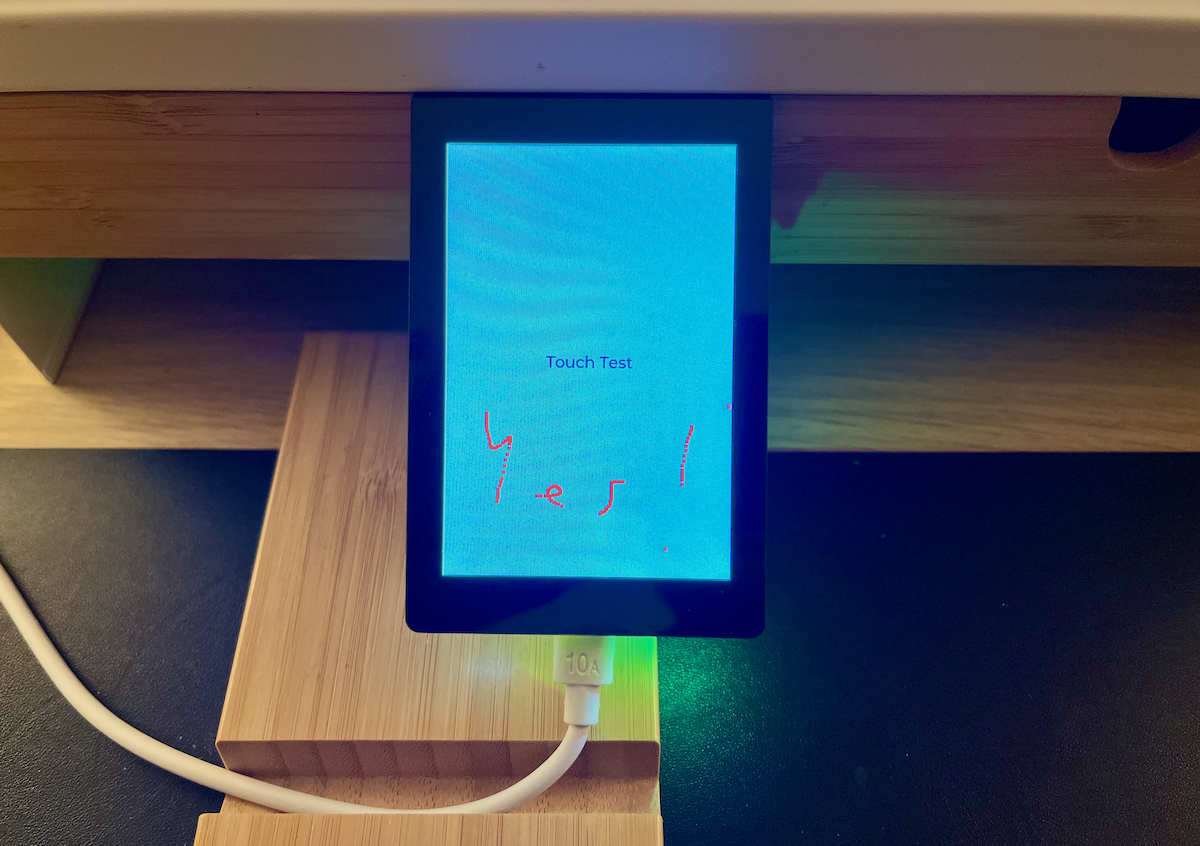
Coding for Open Nextion on the next level: VS Code – Part II – getting ready!
Coding for Open Nextion on the next level: VS Code – Part II - getting ready! In last week's blog, we started installing the free VS Code IDE and to add the ESP IDF extensions. It's a long process at the beginning, but almost everybody who moved from the Arduino
- Topic
- Voices
- Last Post
- How to Create a New Thread
Started by:
in: Forum
- 1
- 4 years, 5 months ago
- This is not a Sonoff forum, Sorry.
Started by:
in: Forum
- 1
- 8 years, 6 months ago
- Welcome to the Nextion Forum: Login to use.
Started by:
- 1
- 8 years, 9 months ago
- How to Create a New Thread
Subscribe to our Newsletter
