Say hello to Slackbot, your AI teammate
Slack is where work happens. Slackbot is how it happens, giving everyone an AI teammate to help them get more done.


Trusted by the world’s most innovative companies





Hi, I’m Slackbot 👋
Most AI agents only know what you tell them. I already know how your business works — the conversations, decisions, and data built up over years. And I don't just answer questions, I work with every app and agent connected to Slack.

Ask me anything.
I’ll take care of the rest.

Find answers with Slackbot. Ask in your own words and Slackbot will find what you need across messages, channels, files, and connected apps.
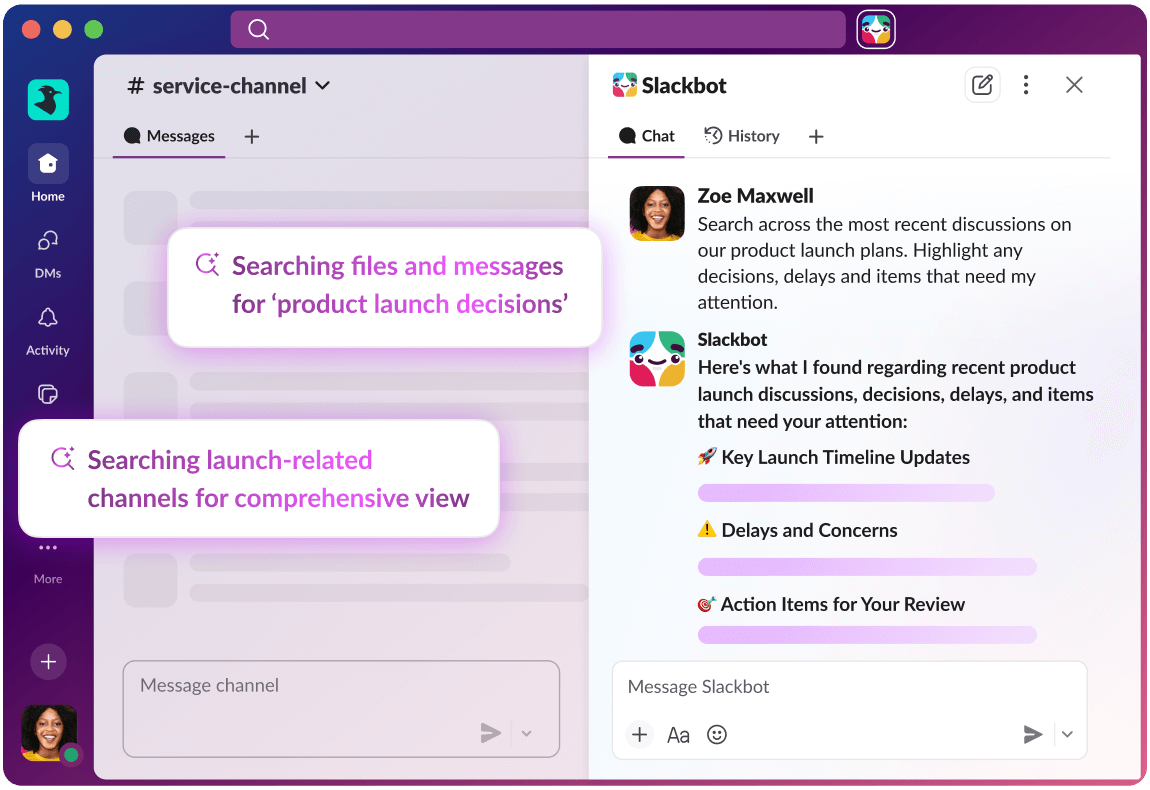
Prepare for meetings with Slackbot. Summarize channel activity with context-rich content pulled from your messages, calendar, files, and more.

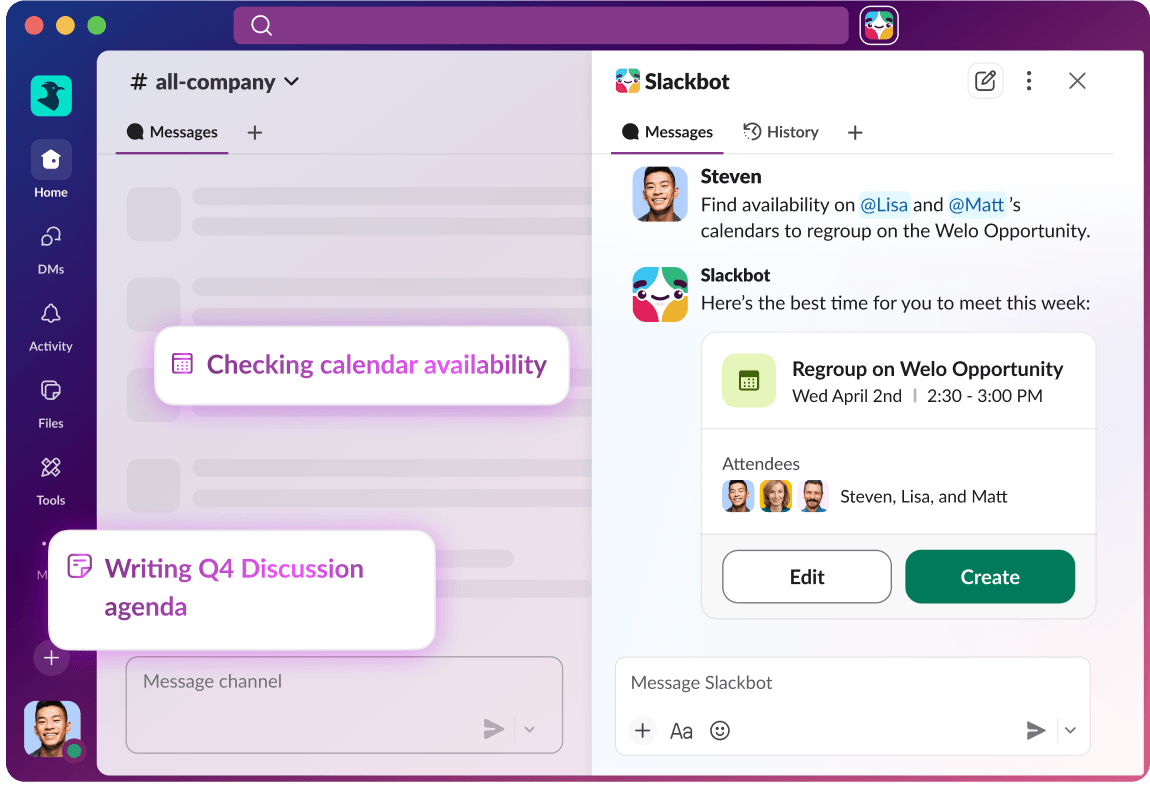
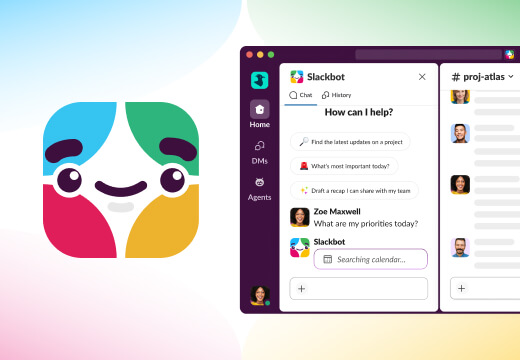
Find and schedule meeting times with Slackbot. Get automatic suggestions based on openings in everyone’s Google or Outlook calendars.
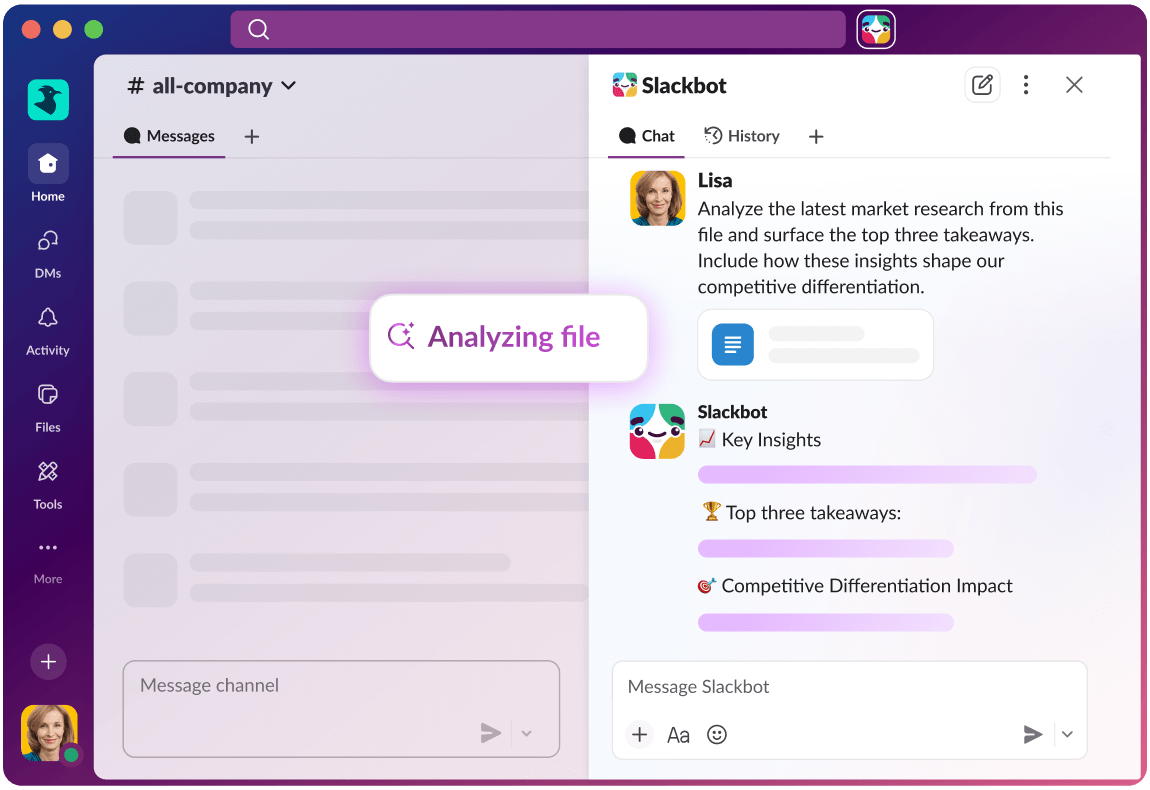
Analyze documents with Slackbot. Summarize PDFs, analyze spreadsheets, interpret charts, and extract action items from slides.
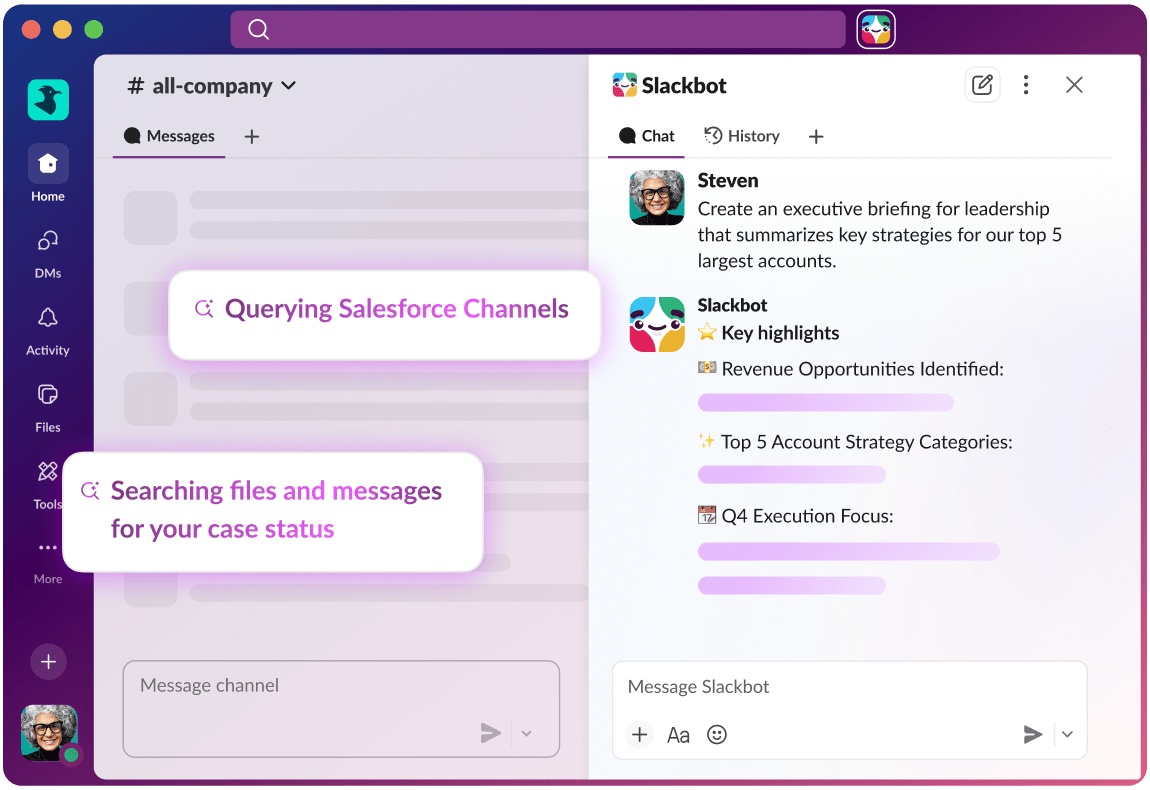
Draft content with Slackbot. Create professional documents and briefs (in your tone of voice) in seconds, all with a simple prompt.

I work across all your apps so you don’t have to
While you’re hard at work in Slack, I’ll work alongside your apps and agents. Ask about pipeline risk, a product launch, or an IT issue, and I’ll find who and what you need to solve the problem. Soon I’ll be able to work across Agentforce, Tableau, MuleSoft, and Salesforce data, too. No tool-switching. No re-explaining yourself.

I’m your personalized AI,
right where you work
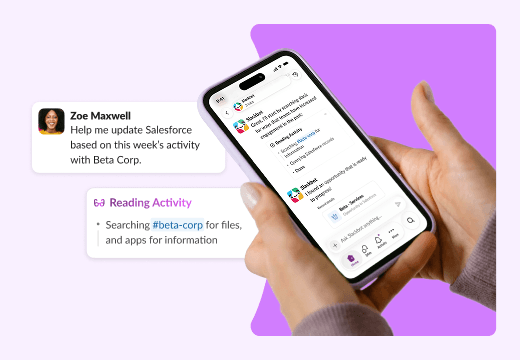
Manage customers with Slack CRM
I help small businesses manage customers with ease. Ask me to create accounts, update records, prep for meetings, log calls and notes, generate summaries, or draft follow-ups. Managing your accounts is as easy as messaging a teammate.
Learn moreTeach Slackbot new skills
Turn your best workflows into repeatable conversational tools, with no coding or tools required. With a few simple instructions, I’ll pull in the right data and format the outcome to your specifications.
Work with any app
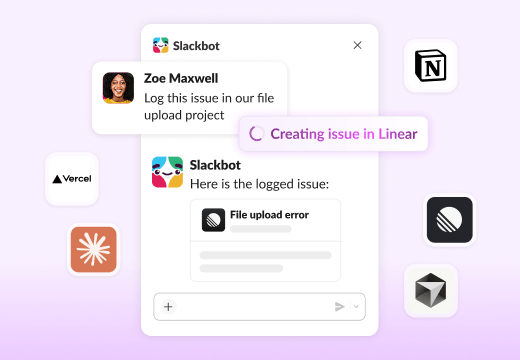
I take action in your most used apps, without you ever leaving the conversation. You ask right where you’re working, and the work gets done.
Every meeting, fully coveredComing soon
Any tool can take notes. I know your work. I’m connected to your data, and your entire ecosystem so every insight, action item, and follow-up is already in context.
Always there, always readyComing soon
I extend across your entire desktop, taking action across your apps and browser. Built on enterprise-grade security and permissions, you control exactly what I can see, touch, and do.
Think it, say it, knock it outComing soon
I’m ready to help even when you’re on the move, running between meetings, or in the car with your phone in hand. Just talk to me to keep work moving. Record a thought, send a message, or trigger an action using just your voice — no typing, no stopping, and no friction.
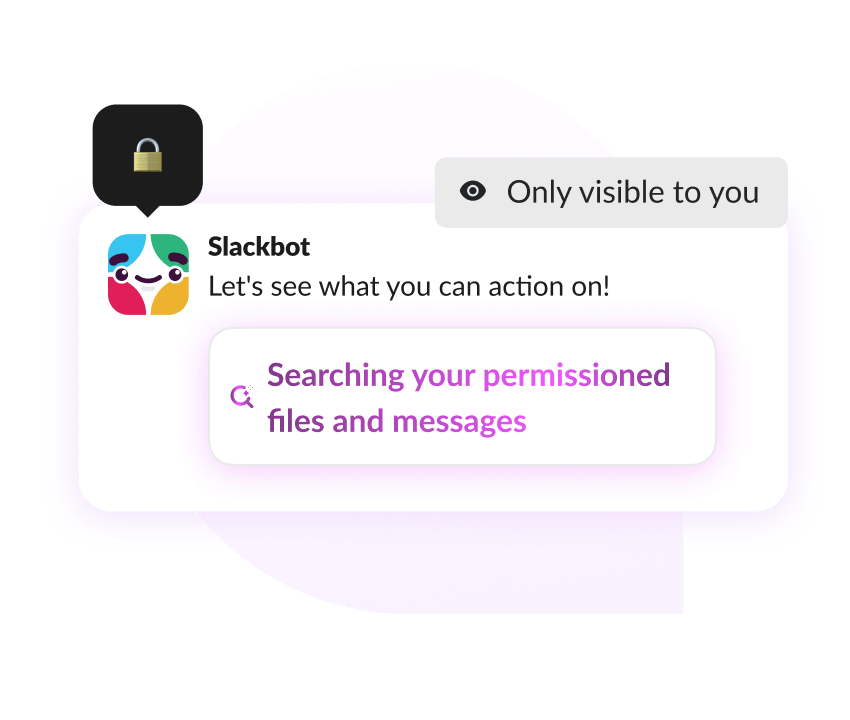
Consider all your work secured
What’s shared with me stays with you. I only surface what you have access to, your interactions are private, and your data is never used to train AI. Slack’s security and compliance standards apply to every request.
Slackbot helps MrBeast create viral videos
The world’s most innovative companies use Slackbot




Frequently asked questions
Slackbot isn’t just another standalone agent — it works where your teams already collaborate. Because it lives directly inside Slack, it can use your organization’s shared history, files, and conversations to provide relevant, high-quality answers without switching apps or losing context. Slackbot brings AI into the natural flow of work so teams can get value instantly.
Slackbot is now your single agent for every task in Slack. It can summarize files and threads, surface insights, draft content, and answer questions based on information you already have access to in Slack and the connected ecosystem of apps and agents. It’s designed to help with everyday workflows across every function, so whether you’re updating Salesforce records or taking action across your connected systems, Slackbot does this all from a single conversation.
Slackbot runs entirely within Slack’s trusted boundary and follows the same security practices and compliance standards that customers expect from Slack itself. It respects your organization’s permissions and access controls, meaning it will only surface information you are already allowed to view. Customer data is never used to train large language models. LLM providers do not have access to customer data and the models are run within Slack’s virtual private cloud infrastructure, ensuring that your data stays within Slack’s secure environment.
Yes. Slackbot can be used anywhere Slack is available. It also respects your Slack language settings and can generate responses in the language you use in Slack.
Slackbot makes customer management conversational with Slack CRM. Instead of switching to a separate tool, just ask Slackbot to add contacts, update deals, log notes from a call, prep for meetings, or draft follow-up emails. Slackbot turns your everyday conversations into organized customer records — so your lean team stays focused on relationships, not busywork. Learn more.
Slackbot can find answers in seconds, help you prep for meetings, align calendars to find meeting times, analyze files, and create rich content such as project briefs, meeting agendas, and more. With app and agent orchestration, Slackbot can orchestrate work across sales, customer service, marketing, IT, engineering, legal and more.
Soon, Slack users across every plan will be able to try Slackbot. Demand has been extraordinary, and we are opening access so every team can experience an agent built directly into their flow of work. Slack Free and Pro users will have the chance to explore Slackbot's capabilities firsthand through a limited trial experience. Ongoing Slackbot access will continue to be available to Business+ and Enterprise+ customers, and coming soon, Salesforce CRM customers who connect their accounts to Slack will also receive ongoing access to Slackbot!
