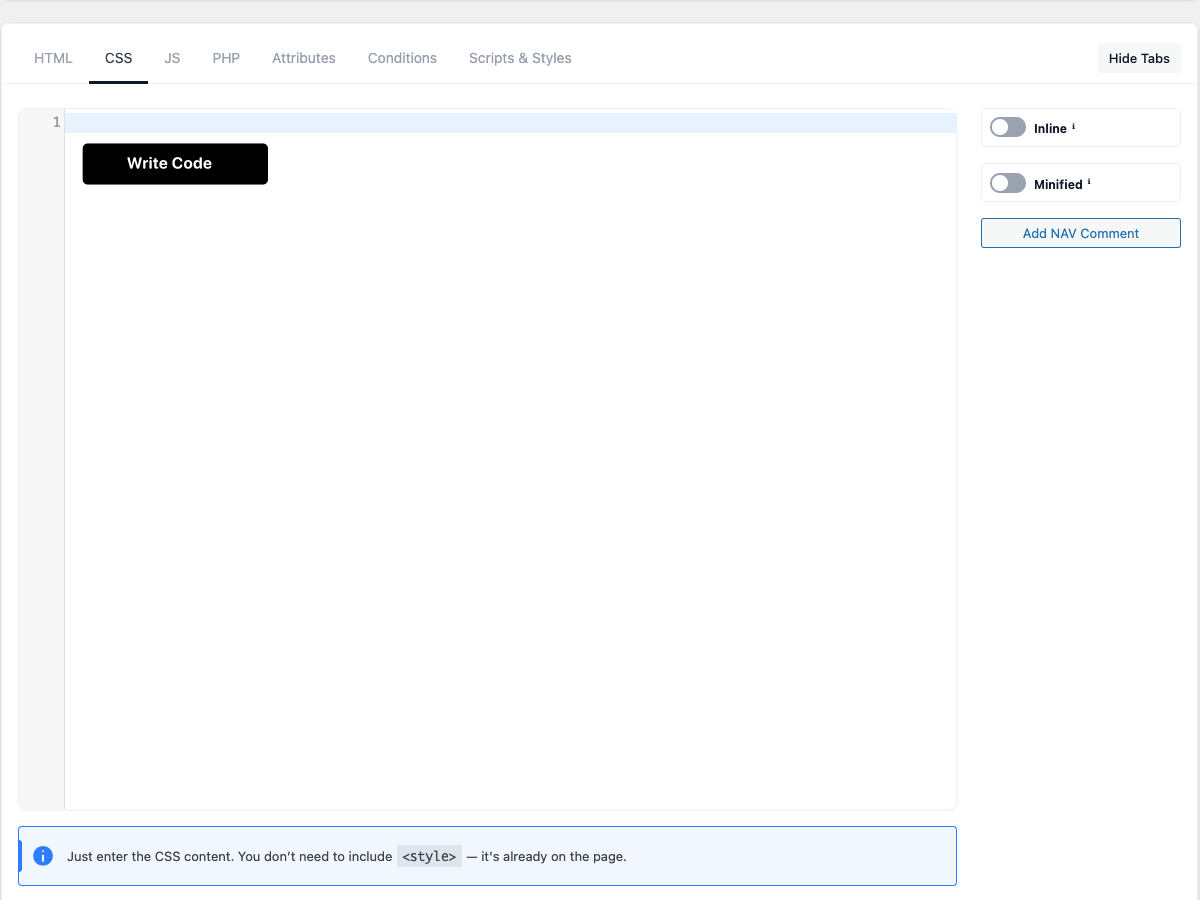
The CSS tab is where you write the styles for your snippet.
Tip: enter only the style rules — you don’t need a
<style>wrapper.
Code editor
The CSS area is a full code editor with syntax highlighting, line numbers and bracket matching. All
sidebar buttons insert text at your cursor.
Inline
Outputs the CSS directly in a <style> tag on the page instead of loading it from a separate file.
⚠ Attribute variables ({{$name}}) and Global Variables ({{global.name}}) are replaced
only in Inline mode — in file mode the placeholders are left as-is.
Minified
Compresses the CSS by removing spaces and line breaks for smaller output.
Combine
Merges this snippet’s CSS into a single per-page stylesheet, so a page with several snippets loads
one combined file instead of many.
⚠ Combine and Inline can’t both be on — turning on Combine switches Inline off. After enabling it,
re-save the post/page so the combined file is rebuilt.
Add NAV Comment
Inserts a /* NAV: */ marker at your cursor. The editor turns these markers into a clickable
outline so you can jump between sections of a long stylesheet.
Media Queries
A helper panel that inserts ready-made @media blocks at your cursor.
-
The max-width checkbox sets the direction: checked →
max-width(desktop-first), unchecked →
min-width(mobile-first, the default). -
Four buttons insert a breakpoint:
Button Breakpoint Mobile 40rem (640px) Tablet 48rem (768px) Desktop 64rem (1024px) Wide 80rem (1280px)
This is just an editor convenience — it writes standard CSS into your code.
CSS Help
The CSS Help button opens a quick reference (no <style> tags, how to use the Media Queries
panel, the Combine/Inline rule) plus a table of your snippet’s attribute variables.
Attribute variables & CSS file URL
- Attribute variables — use
{{$name}}in your CSS to insert an attribute’s value. They are
replaced only in Inline mode. See Attributes. - CSS File URL — once the snippet has saved CSS, a read-only field shows the generated file URL,
handy for reference or external linking.
