Features
WPCore shows the versions, plugins and themes of every WordPress site you connect. WPCore also stores lists of WordPress plugins called collections. The WPCore plugin installs a collection on any WordPress site.
Sites
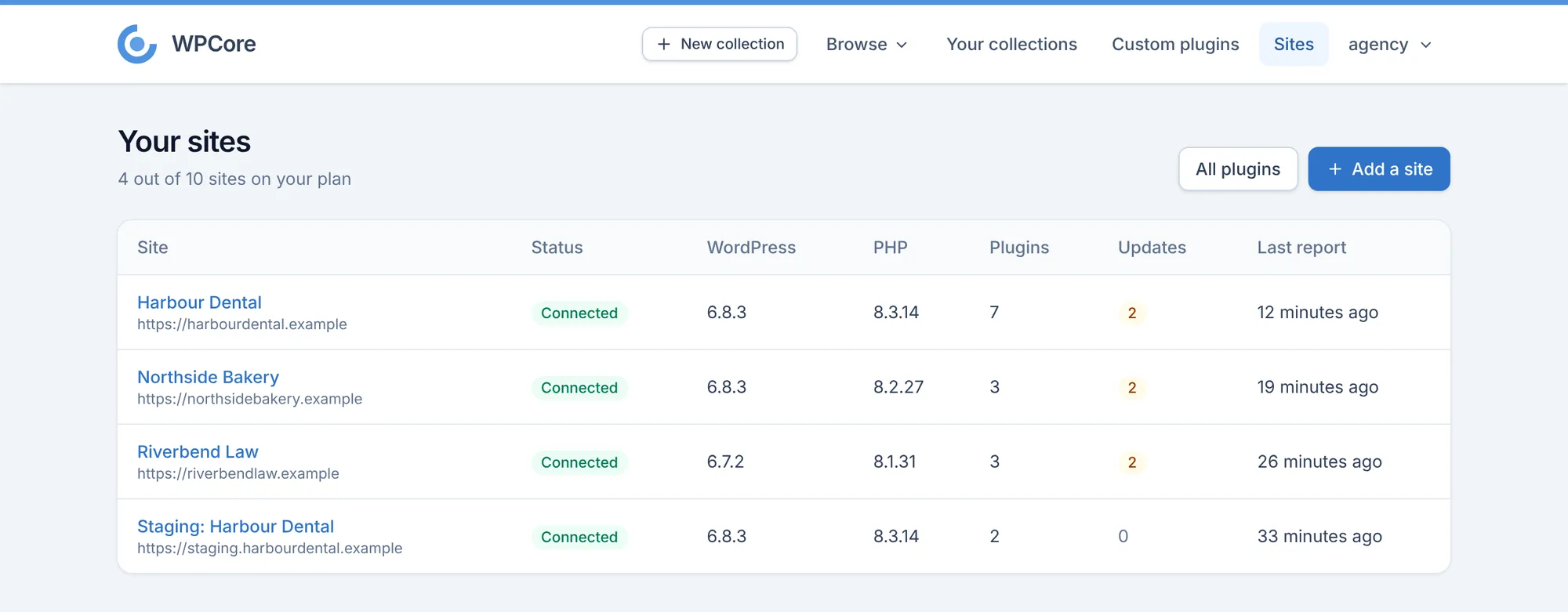
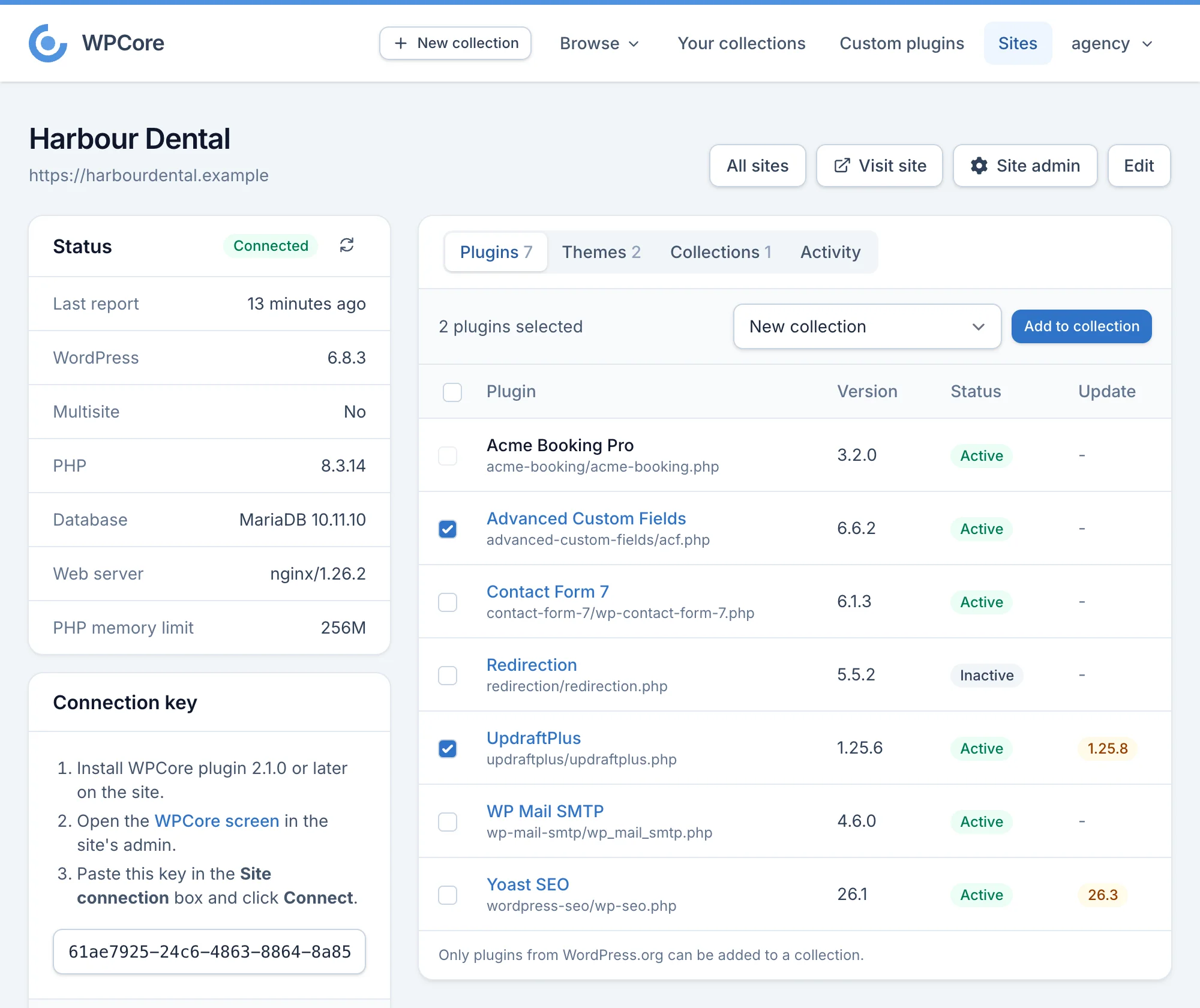
Connect your WordPress sites to WPCore.com and see every site in one list. Each site page shows the site's versions, plugins and themes.
- WordPress, PHP, database and web server versions of each site.
- Every installed plugin and theme, including plugins from outside WordPress.org, with its version, status and available update.
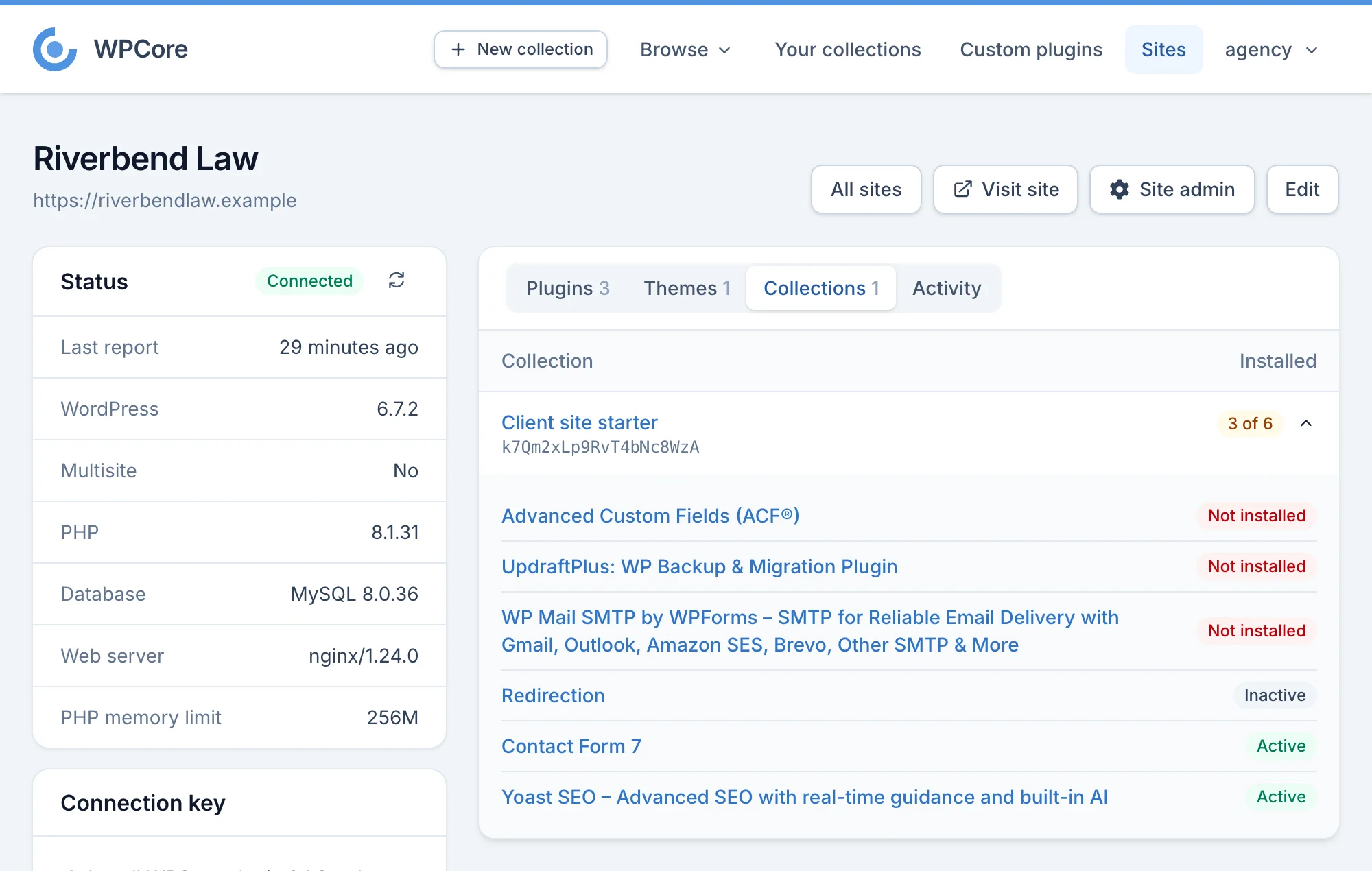
- Collections assigned to each site, and the collection plugins that are missing or inactive there. The WPCore plugin on the site installs them.
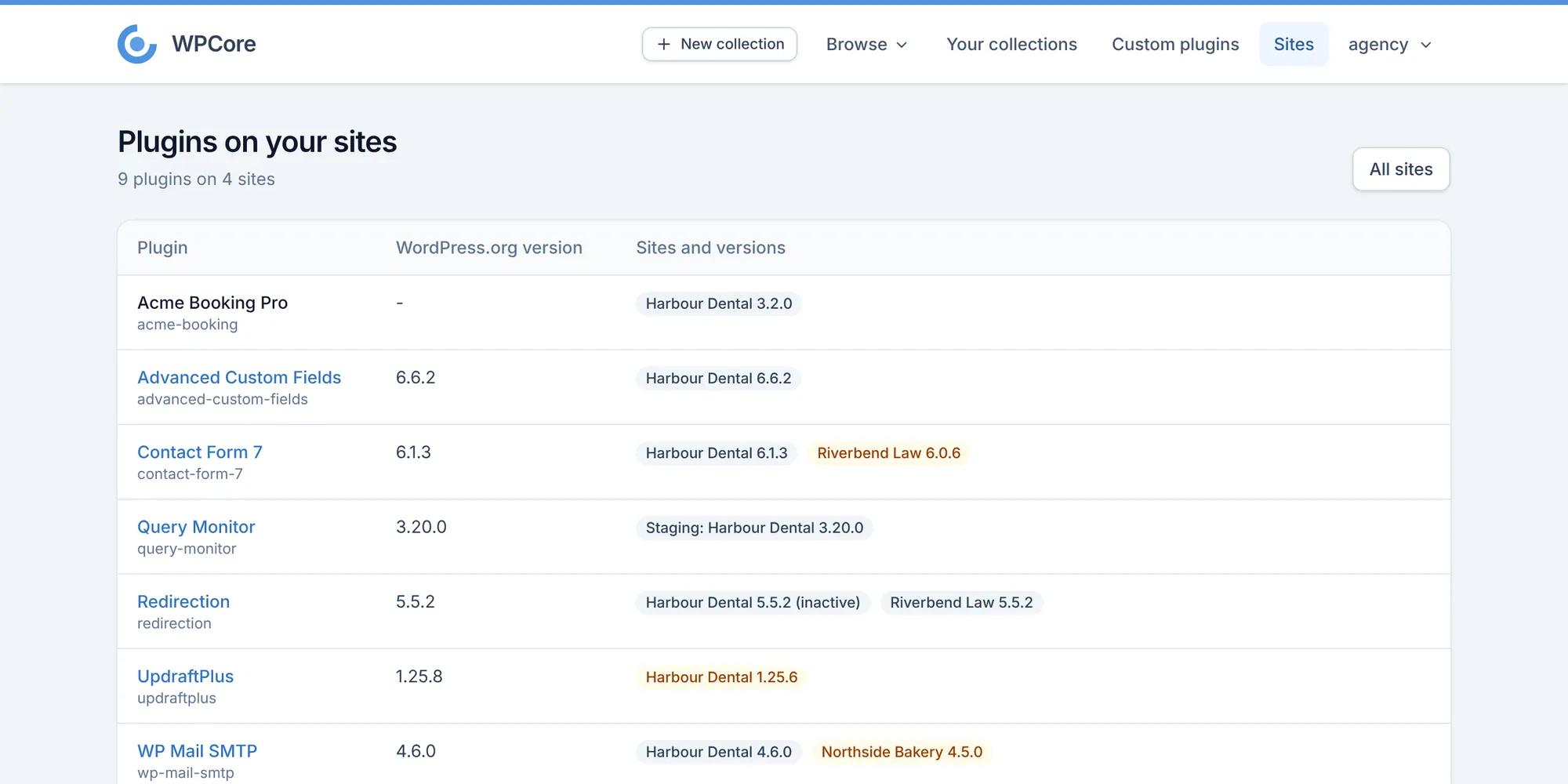
- One table of every plugin across your sites, with the version on each site.
- Site details update after plugin and theme changes, every 6 hours, and when you click Refresh now.
Collections
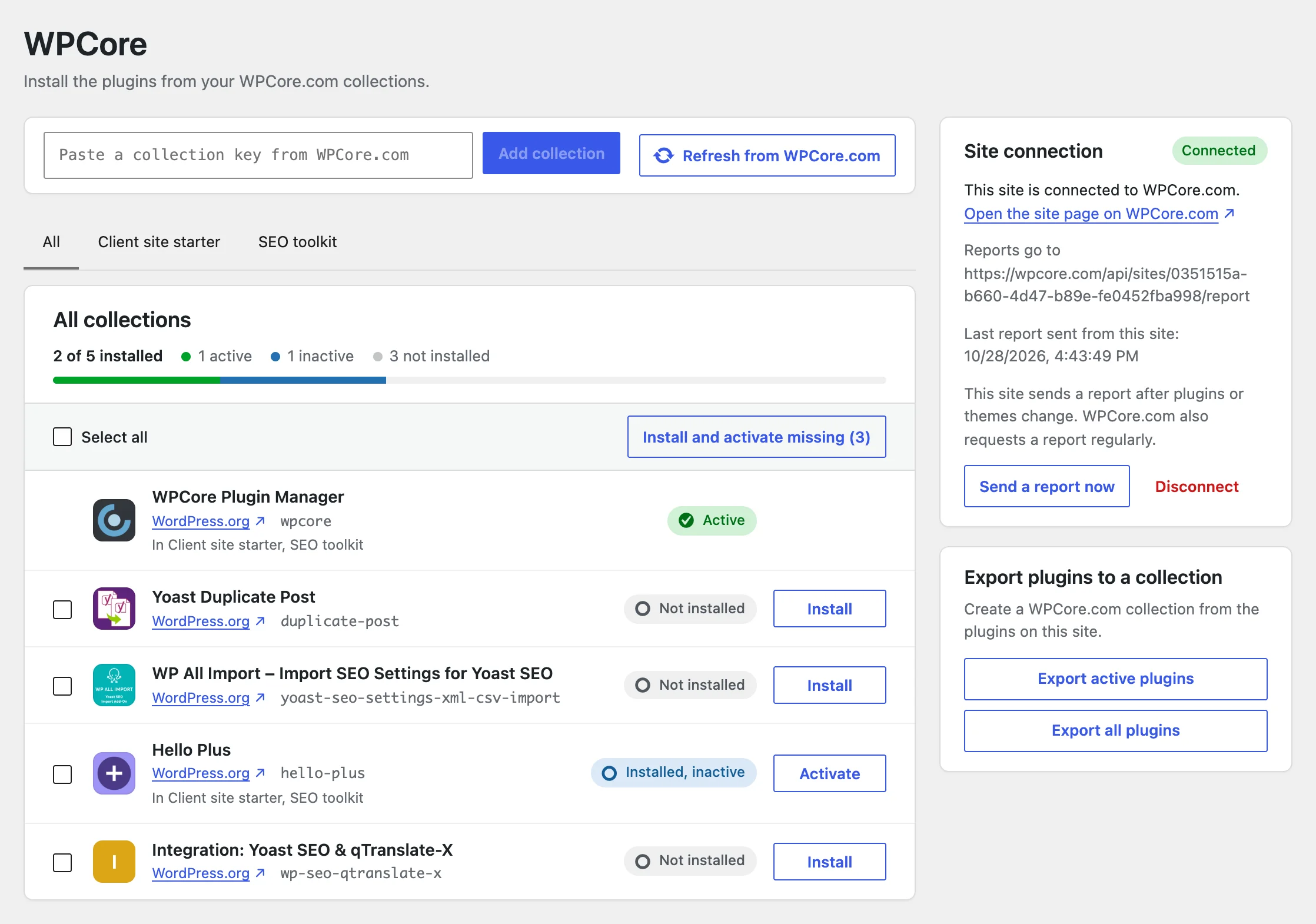
A collection is a list of WordPress plugins. Each collection has a key. Paste the key into the WPCore plugin to install the collection on a site.
- Search the WordPress.org plugin directory and add plugins to a collection.
- Make a collection public or private. Browse other users' public collections, clone them and save them as favourites.
- Pro: add custom plugins from your own ZIP files.
- Pro: get an email when a plugin in one of your collections is updated.
AI apps
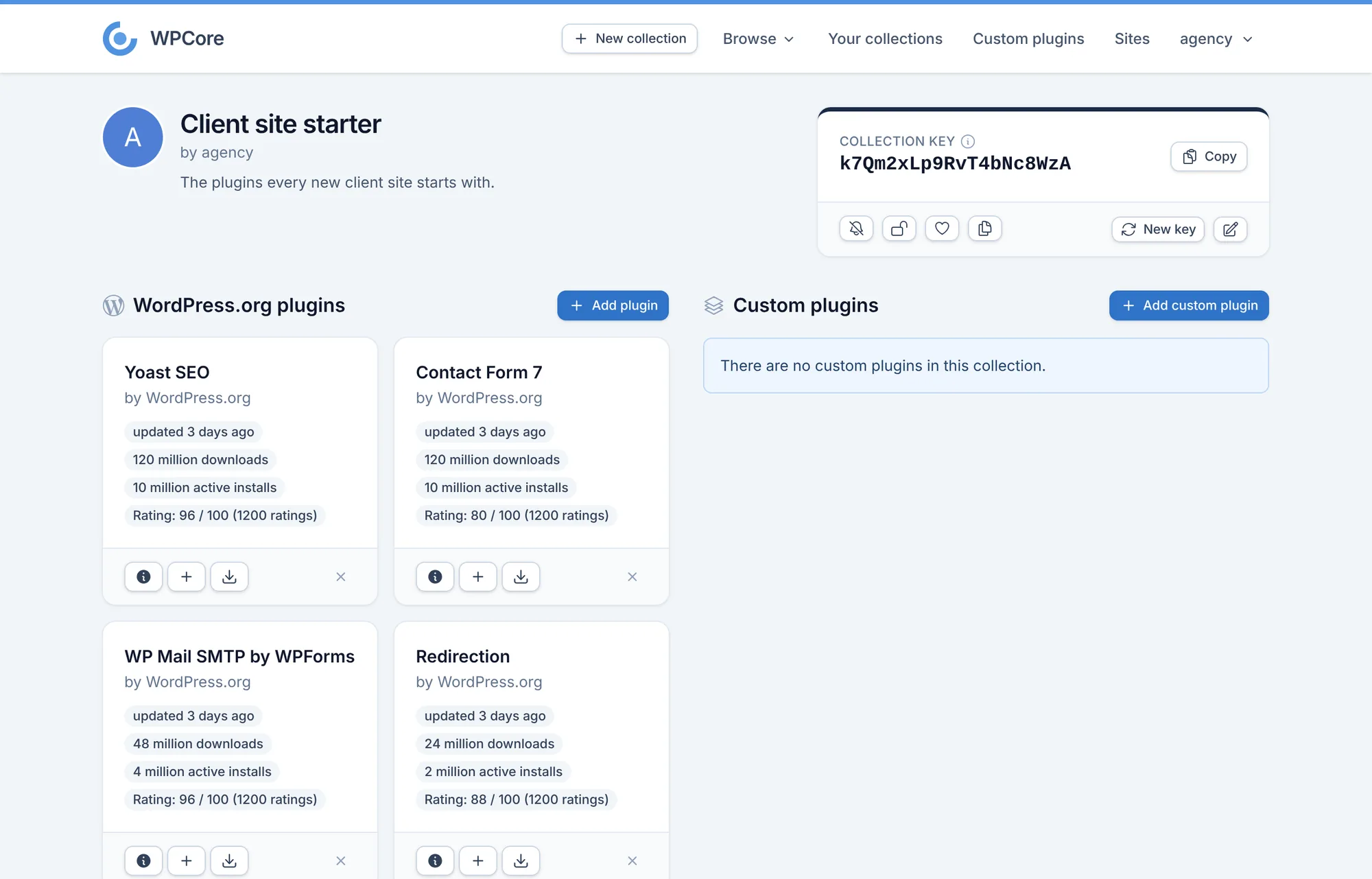
Pro: connect Claude, Claude Code or ChatGPT to your WPCore account, then ask for what you need in a chat. Add a custom connector in the app with the address https://wpcore.com/mcp and log in to WPCore to approve it.
- Search the plugin directory, create collections and add plugins to them.
- Browse and clone public collections, and manage your custom plugins.
- Add sites, assign collections to them and ask questions across all your sites, such as which plugin updates need a newer PHP version or which production sites show debug output.
- The app cannot change your account, your plan or your payment details. Disconnect it at any time on the Connected apps page of your account.
The WPCore plugin
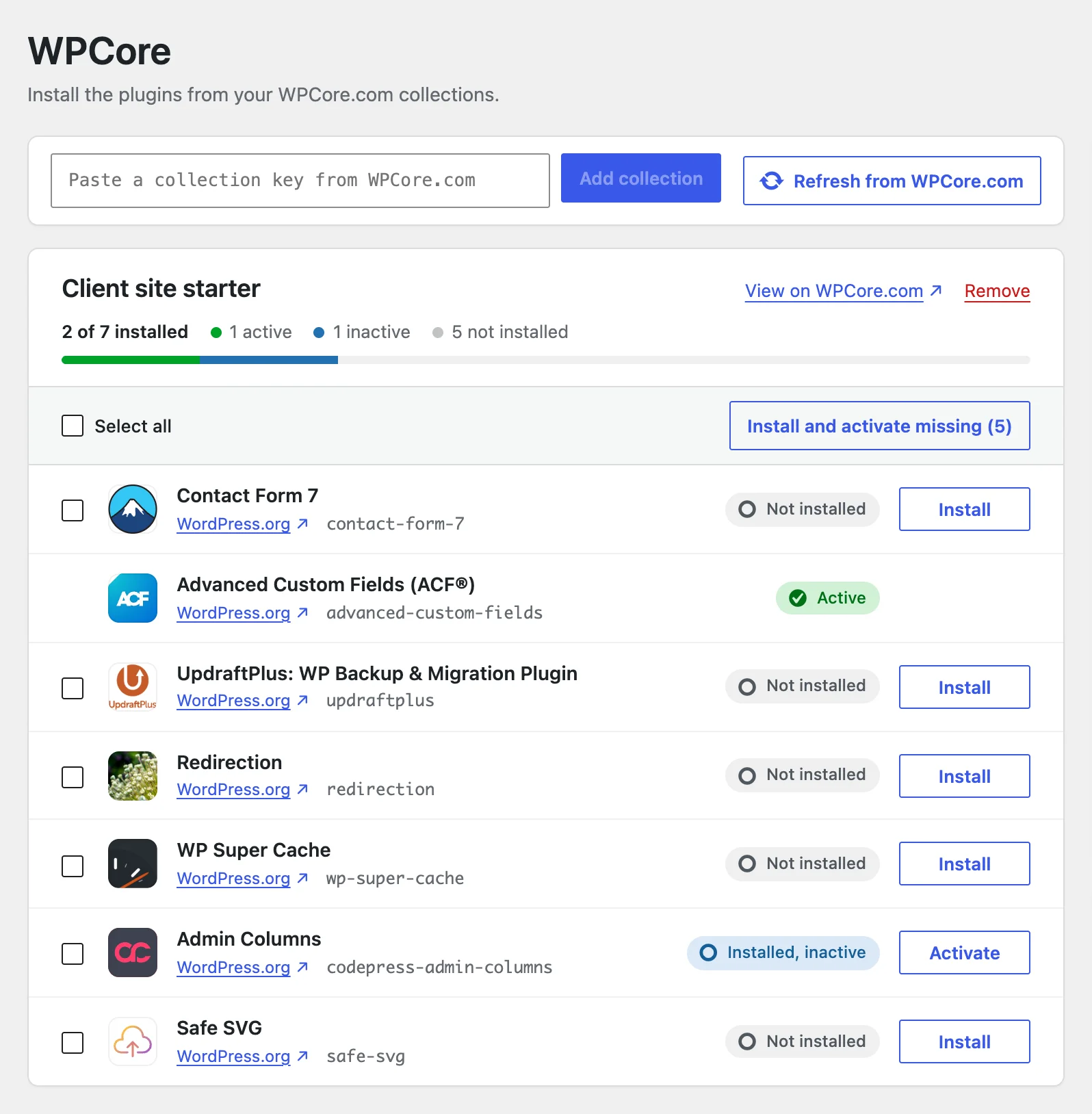
The WPCore plugin is free on WordPress.org. It adds a WPCore screen to the WordPress admin.
- Install and activate WPCore Plugin Manager from Plugins > Add New.
- Connect the site and assign collections on its site page, or paste a collection key on the WPCore screen of a site that is not connected.
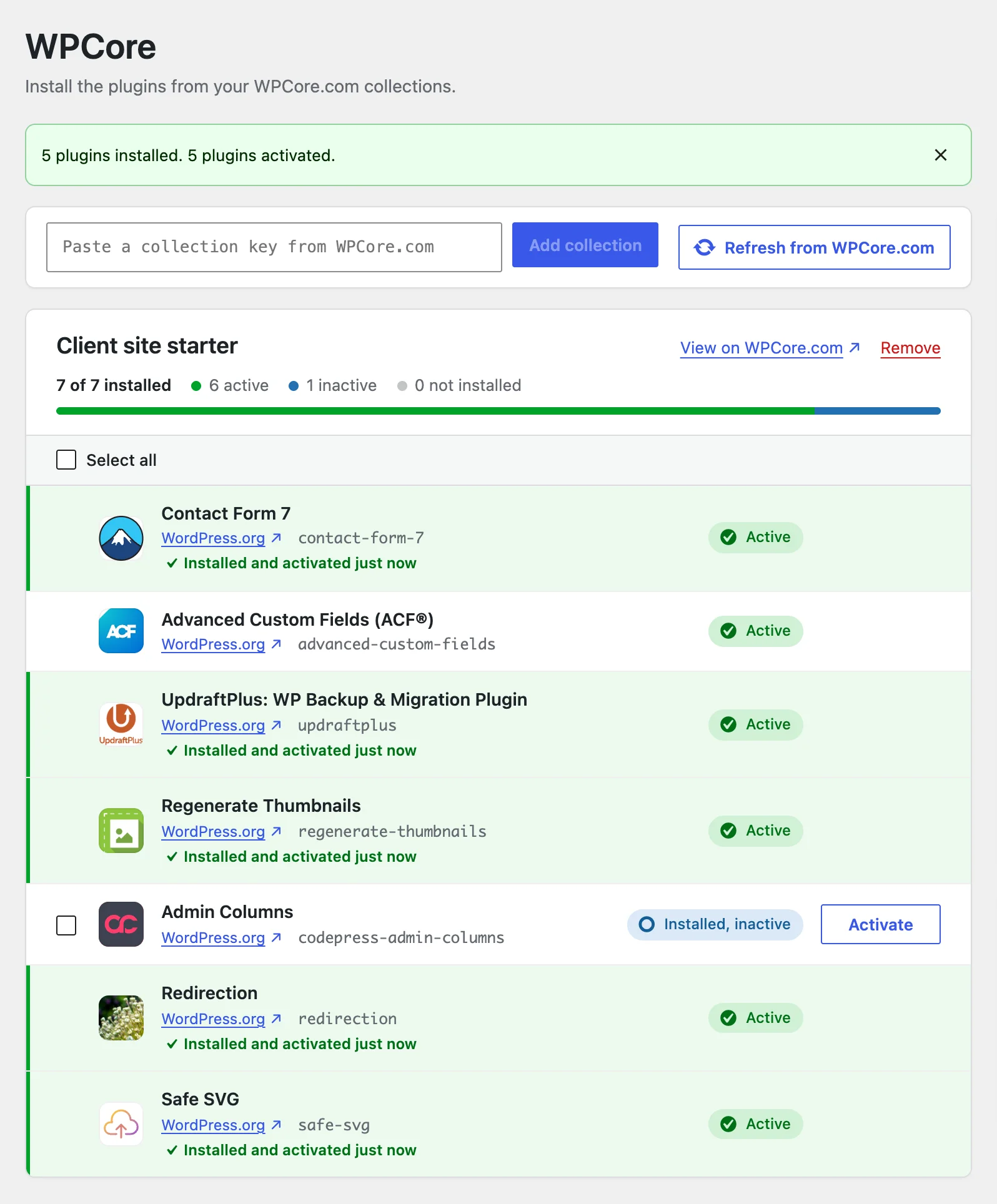
- Select plugins, or click Install and activate missing. Each plugin row shows its result.
A plugin that is listed in several collections installs once. wp wpcore install <key> installs a collection from WP-CLI. The WPCore screen also links to a new WPCore.com collection that holds the plugins already on the site.
Start with a free account
Create collections, install them with the WPCore plugin, and upgrade to Pro for higher limits.
