

Reference
Project Settings
Configure the current repository path, environment behavior, generated files, cleanup, review policy, and activity coverage.
Project folder
Project Settings shows the repository folder used by the current window. Change points the launcher record and project window at a different local folder after the new path is validated.
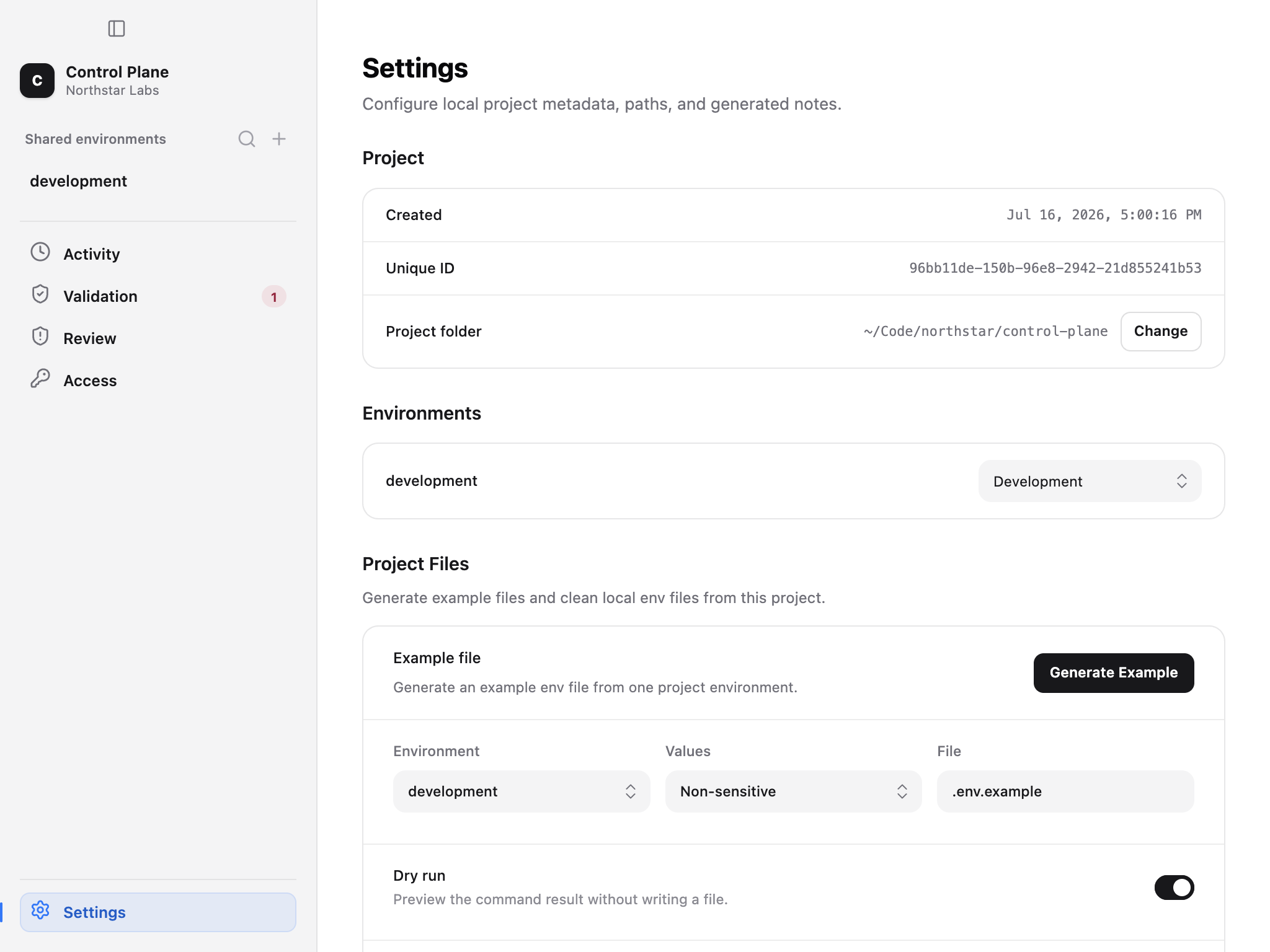
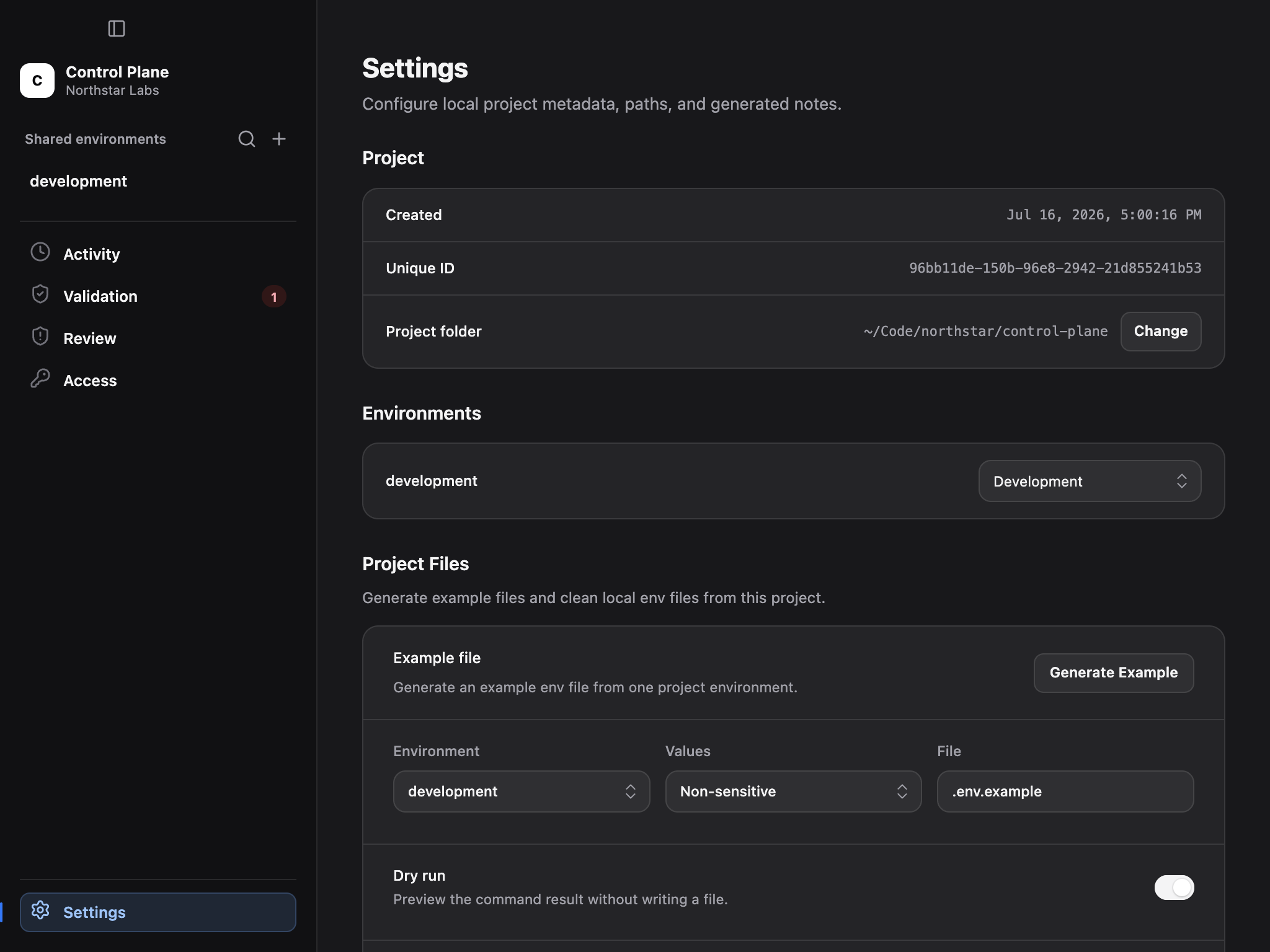
Project settings scope file generation, cleanup, Review, and Activity to one repository.
Environment types
Assign each shared environment a type that reflects its operational role. Types help project policy and review distinguish disposable development configuration from staging or production configuration.
Renaming or retyping an environment is repository state. Review access grants, validation overrides, automation credentials, and deployment references that target the previous name or type.
Generate an example file
Choose a source environment and preview how Ghostable would generate .env.example. The dry run reports which keys would be included and which values would be kept or blanked.
Replace mode writes the result to disk. Inspect the existing example file first, because handwritten comments or framework instructions may need to be preserved manually.
Clean local files
Cleanup discovers plaintext environment files using the project's supported patterns. Run a dry preview, inspect every candidate, then remove only files you no longer need.
The option to include the example file broadens the cleanup scope to .env.example. Leave it disabled for routine secret-file cleanup unless deleting or regenerating the example is intentional.
Review settings
Select the repository scan level—relaxed, standard, or strict—and maintain ignored paths. These settings affect the Review surface and are shared through project configuration.
Review ignored-path changes as carefully as source changes. A broad ignore can hide future hard-coded credentials, while an unnecessarily strict level can create noise that trains reviewers to dismiss findings.
Activity settings
Choose off, minimal, or full activity and select environments that deserve audit coverage. Save the settings, inspect the generated project diff, and communicate retention changes to the team.
See Activity for signature semantics and purge limitations.
