
Manage your Windows drivers efficiently
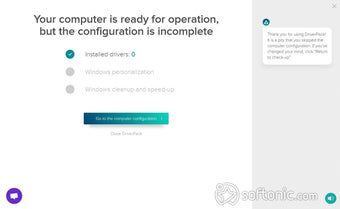
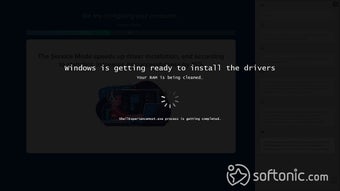
DriverPack Solution Online is a free, automated tool designed to help you manage your Windows drivers. It aims to fix common issues like crashes or slow performance caused by outdated drivers. Created to simplify manual updates, it efficiently diagnoses problems and installs necessary drivers, making it easy for you to use.
Top Recommended Alternative
DriverPack Solution Online’s main use is its automation, which is great for beginners. Plus, it boasts a huge driver database, one of the largest available, which also makes it a practical choice if you're a professional. This broad coverage means it likely has the drivers you need, streamlining your system maintenance.
Great compatibility, but not for beginners
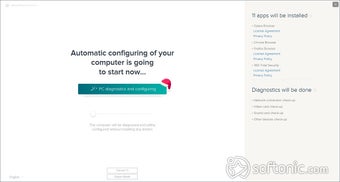
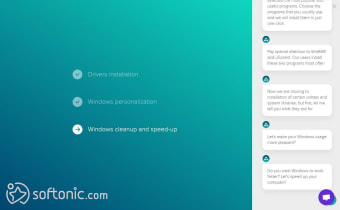
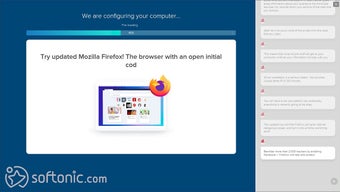
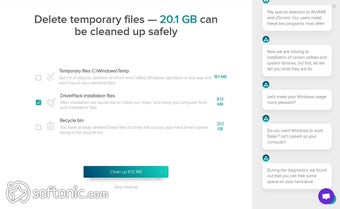
DriverPack Solution Online’s software is broadly compatible, supporting various Windows versions with over a million drivers in its database. If an offline driver isn't available, it can search online for you. Beyond just drivers, it offers system cleanup and disk defragmentation. The latest version even lets you select and manage your drivers, though you should choose "drivers only" to avoid unwanted programs.
However, despite its convenience, you might face some drawbacks. The initial download can be quite slow due to its large size, and updating often requires you to reinstall it completely. A significant concern is its recommendation to temporarily disable your antivirus during installation, which can feel risky given today's security landscape, but if you know what you’re doing, then it’s probably going to be fine.
Furthermore, while it automates well, you won't get in-depth driver information, unlike some other tools. Its "recommended" software bundles can also lead to unwanted programs if you're not careful. Still, its free nature and easy interface make it a popular choice, but you have other options like Snappy Driver or Driver Booster to consider if you want an easier and more user-friendly option.
What’s new in version 17.11.108?
The latest version of DriverPack Solution Online, version 17.11.108, has improved its diagnostic tools to give you a better look at how your computer is actually running. Instead of just looking for missing drivers, the software now monitors things like your hardware temperature and how much of your processor's power you’re using in real-time. This is helpful because it lets you see if your PC is overheating or struggling before you start installing new software.
Another crucial enhancement in this 2026 update is how the application handles its massive database of drivers. To keep up with the newest hardware, the developers have optimized the way the software connects to its cloud servers for faster scanning. This means it can identify the specific needs of the latest Windows 11 builds without making you wait through a long, drawn-out search process.
If you prefer to have more control over what gets installed, you'll notice that the Expert Mode has been cleaned up to be more transparent. The interface now does a better job of separating essential system drivers from the extra software bundles that often come with free tools. This makes it much easier to go through the list and uncheck anything you don't want, keeping your system lean and clutter-free.
A good enough program
DriverPack Solution Online provides a free, automated tool for managing Windows drivers, offering broad compatibility and a vast database. While it simplifies updates and includes useful utilities, be aware of slow downloads, the need for full reinstallation for updates, and the antivirus conflict. It's a solid choice if you're comfortable with its quirks, but alternatives exist if you prefer a different approach.