
Your all-in-one file sharing solution
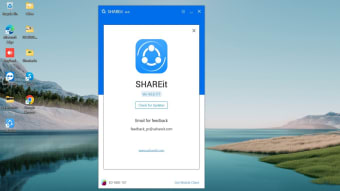
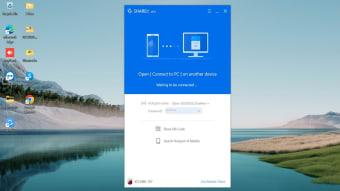
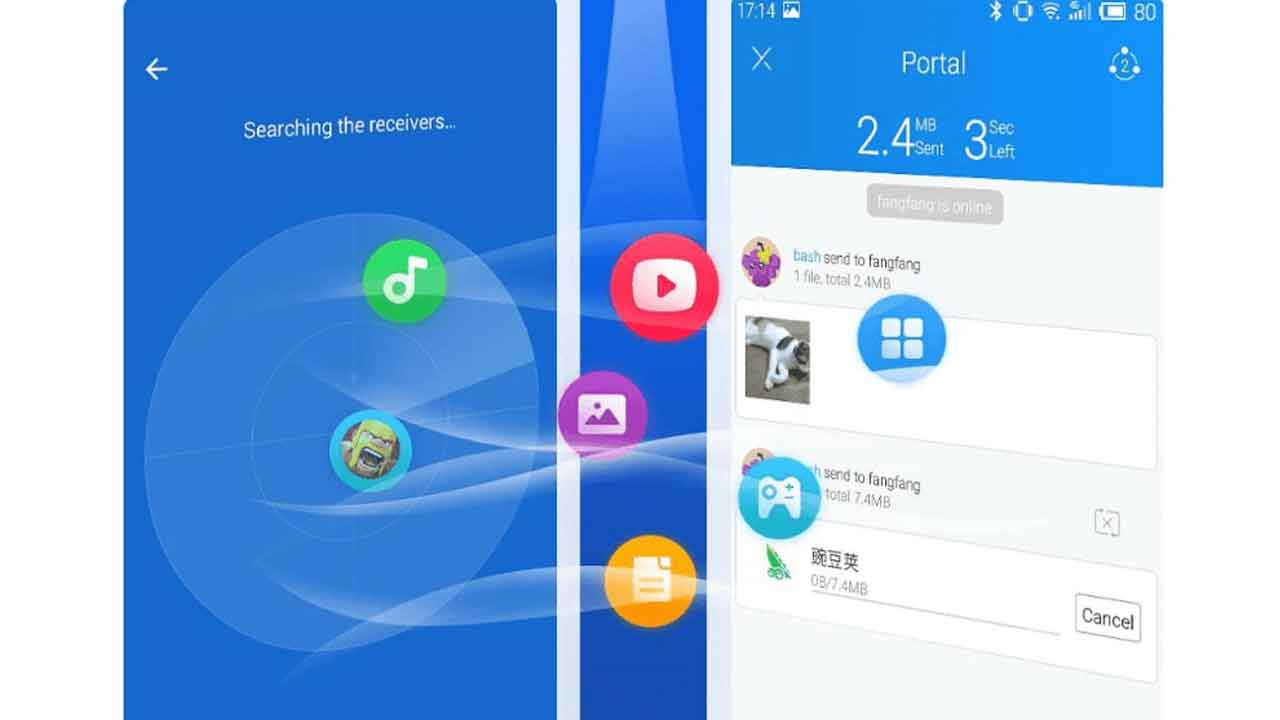
SHAREit, developed by Smart Media4U Technology Pte. Ltd. is a peer-to-peer file-sharing tool that simplifies the transfer of various media types, including files, apps, games, and media. As a secure, super-fast, and free application, it allows you to share and receive files without any data consumption or quality loss. The highest speed reaches up to 42MB/s, making it 200 times faster than Bluetooth. For desktop users, the program is now a web version that you can access through your browser. To link your PC and phone for transfers, you must use the mobile app to scan a QR code.
Top Recommended Alternative

A smarter way to handle transfers
SHAREit provides a solution for managing your transfers with no size limitations, allowing you to send large files without any frustration. The platform is designed for cross-platform transferring and supports many file types. It also includes a user-friendly File Manager to help you manage and organize your files on your phone, making it easier to move or delete the biggest files. You can also download videos and photos directly to your device with the built-in Fast Downloader.
Multimedia features for an enhanced experience
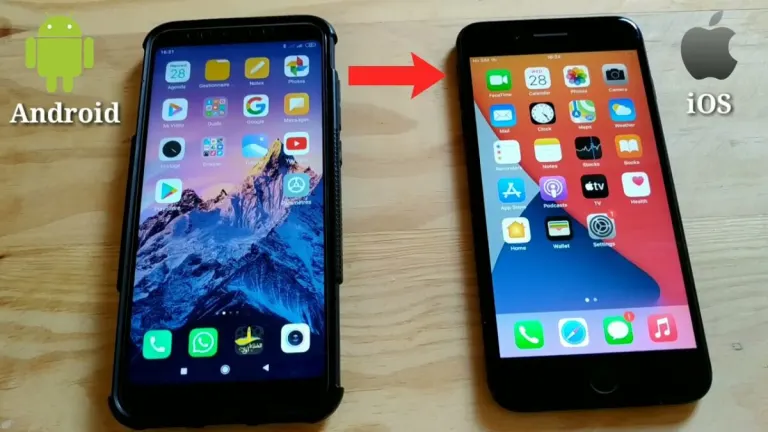
Beyond its core file sharing functionality, SHAREit offers a variety of multimedia features to enhance your experience. The app includes an elegant music player for listening to your favorite songs. For video content, you can watch online videos every time you open the app. The app also features a Phone Clone function, a very handy data migration tool that allows you to easily transfer contacts, apps, media, and documents from an old phone to a new one.
Security and versatility with a caveat
SHAREit is designed with high privacy and data security in mind, ensuring your information is protected while you transfer files for free. However, the user experience can be disrupted by excessive ads in the form of pop-ups and videos, some of which you must watch to get a free file transfer.
The Safebox feature allows you to easily hide and encrypt photos and videos, while PDF Conversion enables conversions between PDF and images. For gamers, there is the One Click Transmission feature that allows you to transfer large game apps without needing to download the game's cache file.
Faster transfers and improved device connectivity
Recent versions of SHAREit have focused heavily on improving transfer reliability and overall speed. New updates introduced enhanced device discovery, allowing phones, tablets, and PCs to detect each other faster even on crowded networks. The app’s transfer engine has also been optimized for more stable large-file transfers, reducing interruptions during movies, games, and app sharing sessions. According to recent update notes, newer builds can deliver transfers that are up to 25% faster than older versions while improving connection consistency across multiple devices.
Modern file management and storage tools
Beyond simple sharing, SHAREit has gradually evolved into a more complete file management platform. Recent updates added useful features such as Duplicate Photo Cleaner, which helps users quickly remove repeated images and free up storage space. Another addition is video compression, allowing large videos to shrink in size while preserving visual quality, making transfers and storage more efficient. These newer tools make the app more practical for users who frequently manage media-heavy devices filled with photos, recordings, and downloaded content.
Enhanced privacy and personal storage features
SHAREit has also expanded its privacy-focused utilities through the addition of Private Space, an encrypted storage area where users can secure sensitive files, videos, and personal photos. Combined with the existing Safebox functionality, this creates a stronger emphasis on protecting personal media during transfers. The app’s latest visual redesign also improves navigation, making important security and storage tools easier to access without cluttering the interface. These updates reinforce SHAREit’s role as more than just a transfer app, transforming it into a broader digital management utility.
Cross-platform convenience still stands out
One of SHAREit’s biggest strengths continues to be its cross-platform flexibility. Unlike many built-in sharing tools restricted to specific ecosystems, SHAREit still supports transfers between Android devices, iPhones, tablets, and PCs. This versatility remains especially useful for users moving large games, APK files, videos, or folders between completely different operating systems. Community discussions also show that many users still rely on SHAREit for transferring large files that other services occasionally struggle with, particularly during offline sharing situations or when handling game-related files.
Built for convenience
SHAREit continues to stand out as a multifunctional file-sharing platform that combines fast transfers, media tools, storage management, and cross-device convenience into one package. Its ability to handle large files without cables or internet usage remains highly practical for everyday use. While ads can sometimes interrupt the experience, the app’s expanding set of features, strong transfer speeds, and ongoing improvements help maintain its popularity among users looking for a flexible and dependable sharing solution.
for daily use
SHAREit provides an effective and powerful solution for anyone looking to share files across devices easily and securely. With its features—from fast file sharing and a user-friendly music player to a file manager and a phone clone function—it aims to provide a comprehensive and practical experience. Its focus on speed, security, and versatility makes it a reliable choice for your file sharing and data management needs, though the frequent ad interruptions can be a drawback.