
A reliable and familiar operating system
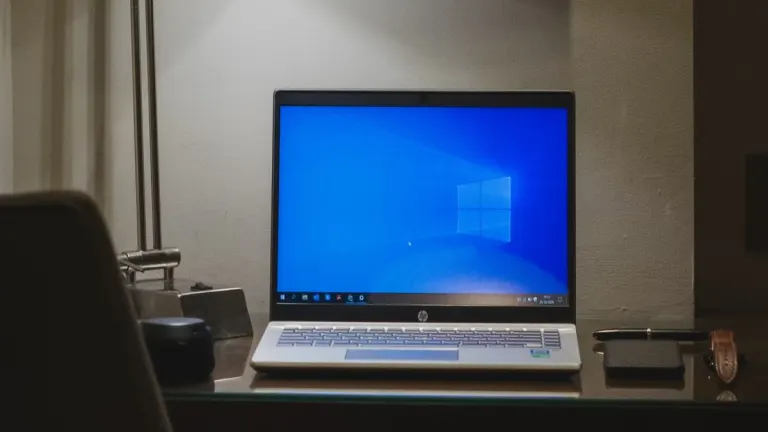
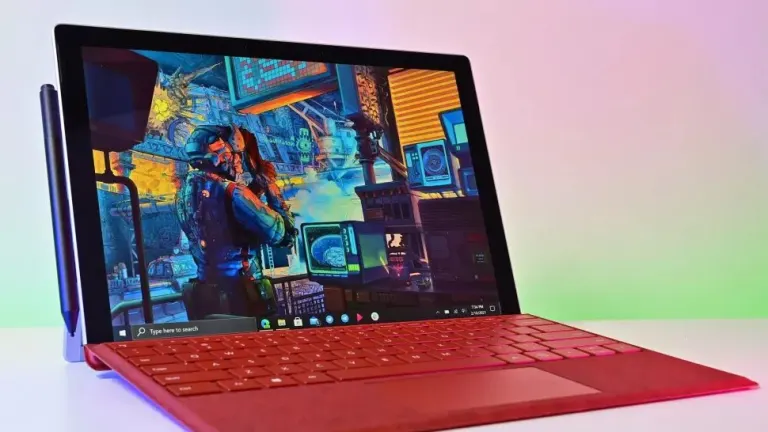
When it launched in 2015, Windows 10 wasn't just a new operating system; it was a promise. Microsoft aimed to unify the PC, tablet, and mobile experience with a single, versatile platform. Known for striking a balance between old and new, the utility has been a reliable companion for work, school, and entertainment.
Top Recommended Alternative
A range of built-in features
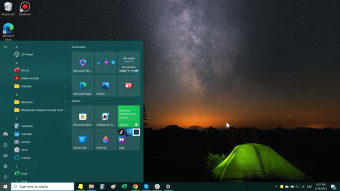
Beyond its foundational design, Windows 10 includes a suite of practical tools that simplify everyday tasks. You can manage your documents and pictures with the Photos app, perform quick calculations with the Calculator, and browse the web with Microsoft Edge, a modern browser built on the Chromium engine for speed and compatibility. Its familiar Start Menu and dynamic Live Tiles give you immediate access to your most-used apps and information, while the Action Center neatly organizes notifications and quick settings in one convenient place.
It's important to understand, however, that while Windows 10 provides a platform for Microsoft's broader ecosystem, it does not come with seamless, pre-configured integration with services like Microsoft 365. Access to essential tools like Word, Excel, and PowerPoint requires a separate license, and deep syncing and advanced features are reliant on a user's subscription and account login rather than being a default part of the operating system itself.
Performance and device flexibility
Windows 10's core architecture was built for adaptability. Whether you're on a traditional desktop, a lightweight laptop, or a touch-enabled tablet, the operating system fluidly adjusts to your hardware, maintaining a consistent user experience. For multitasking power users, the Timeline and Clipboard History features are invaluable. Timeline allows you to scroll back through your activity to easily find a document or web page you were working on days ago, while Clipboard History lets you paste from a list of recently copied items. Furthermore, the Task Manager provides a comprehensive look at your system's performance, allowing you to monitor CPU, memory, disk, and GPU usage in real time, giving you the power to manage your resources effectively.
Security at the forefront
Windows 10 prioritizes user security through multiple layers of protection. With Windows Hello, biometric login options such as facial recognition and fingerprint scanning make sign-ins faster and more secure. Additional measures within Security Settings help safeguard files and defend against unauthorized access. Microsoft continues to roll out security updates until the official end-of-support date, reinforcing the operating system’s reliability.
Ongoing updates and extended security support
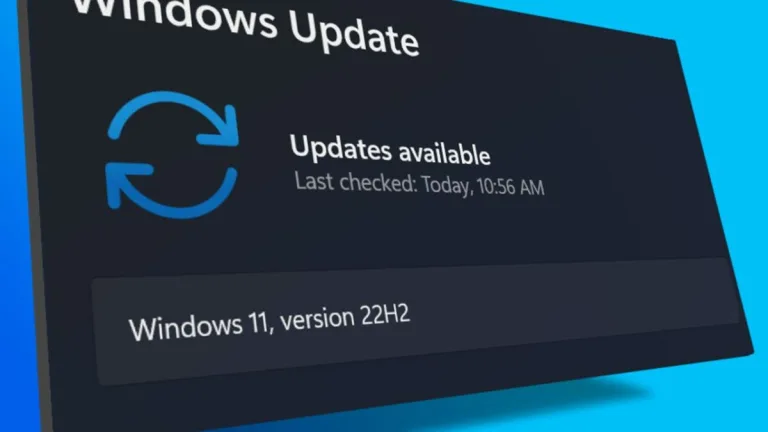
Even after its official end-of-support milestone, Windows 10 continues to receive attention through Microsoft's Extended Security Updates (ESU) program. Devices running Windows 10 version 22H2 can remain protected with additional security patches beyond October 2025, giving users more time to transition without immediately abandoning familiar hardware. This extension is especially valuable for businesses, schools, and individuals whose devices do not fully meet Windows 11 requirements.
Microsoft has also introduced new enrollment options for consumer users, including methods tied to Microsoft accounts and cloud synchronization. These efforts help extend the lifespan of existing PCs while maintaining a degree of protection against emerging security threats. However, the ESU program only provides security updates rather than new features or major system improvements, making it more of a bridge solution than a permanent replacement for upgrading.
Why Windows 10
One reason Windows 10 remains highly regarded is its reputation for balancing familiarity, performance, and compatibility. Many users continue to rely on it because of its strong support for older software, extensive hardware compatibility, and mature ecosystem developed over a decade. Compared to newer operating systems, Windows 10 often feels more comfortable for longtime PC users who prefer a traditional desktop experience without significant interface changes.
Its continued popularity is also reflected in the large number of organizations still running Windows 10 across offices, schools, and specialized workstations. Enterprise and LTSC editions remain particularly important in environments where stability and long-term support outweigh the need for frequent feature updates. This enduring adoption highlights Windows 10’s status as one of Microsoft’s most widely used and trusted operating systems.
A lasting legacy
As newer Windows versions push deeper into AI-powered features and cloud integration, Windows 10 stands as a defining chapter in Microsoft’s modern computing history. Its decade-long lifecycle introduced features such as Windows Hello, Timeline, virtual desktops, and an improved Start Menu while maintaining compatibility across a broad range of devices. Even as support phases out, its influence continues to shape the design and functionality of future Windows releases.
For users who value stability, broad software support, and a familiar workflow, Windows 10 remains a dependable platform. While upgrading will eventually become the recommended path for long-term security and feature access, Windows 10’s combination of reliability, flexibility, and accessibility ensures that its impact on the PC landscape will be remembered long after its official lifecycle concludes.
Looking ahead
While its reign is nearing its end, Windows 10 will remain functional after October 14, 2025. It will not, however, receive critical security patches or new feature updates unless you opt into a paid Extended Security Updates (ESU) program. For now, it remains a capable and versatile operating system, a testament to its decade-long run as a reliable platform for a diverse range of users.











.png)