Craft AI-Powered SalesMarketingBusinessEducational
Presentations
Craft AI-Powered
SalesMarketingBusinessEducational
Presentations
Slidecast’s innovative AI presentation maker lets you easily create beautiful presentations without a designer, effortlessly share them with a wider audience, and fully track presentation performance. Now upgraded with powerful AI presentation tools, making it all that much easier.
Upgrade Your Presentations with Slidecast + AI Presentation Maker
With Slidecast’s AI Presentation maker, the process of creating, sharing, and tracking world-class presentations is faster than ever!
Slidecast’s AI Presentation Maker Features
Fully AI-Generated Presentations
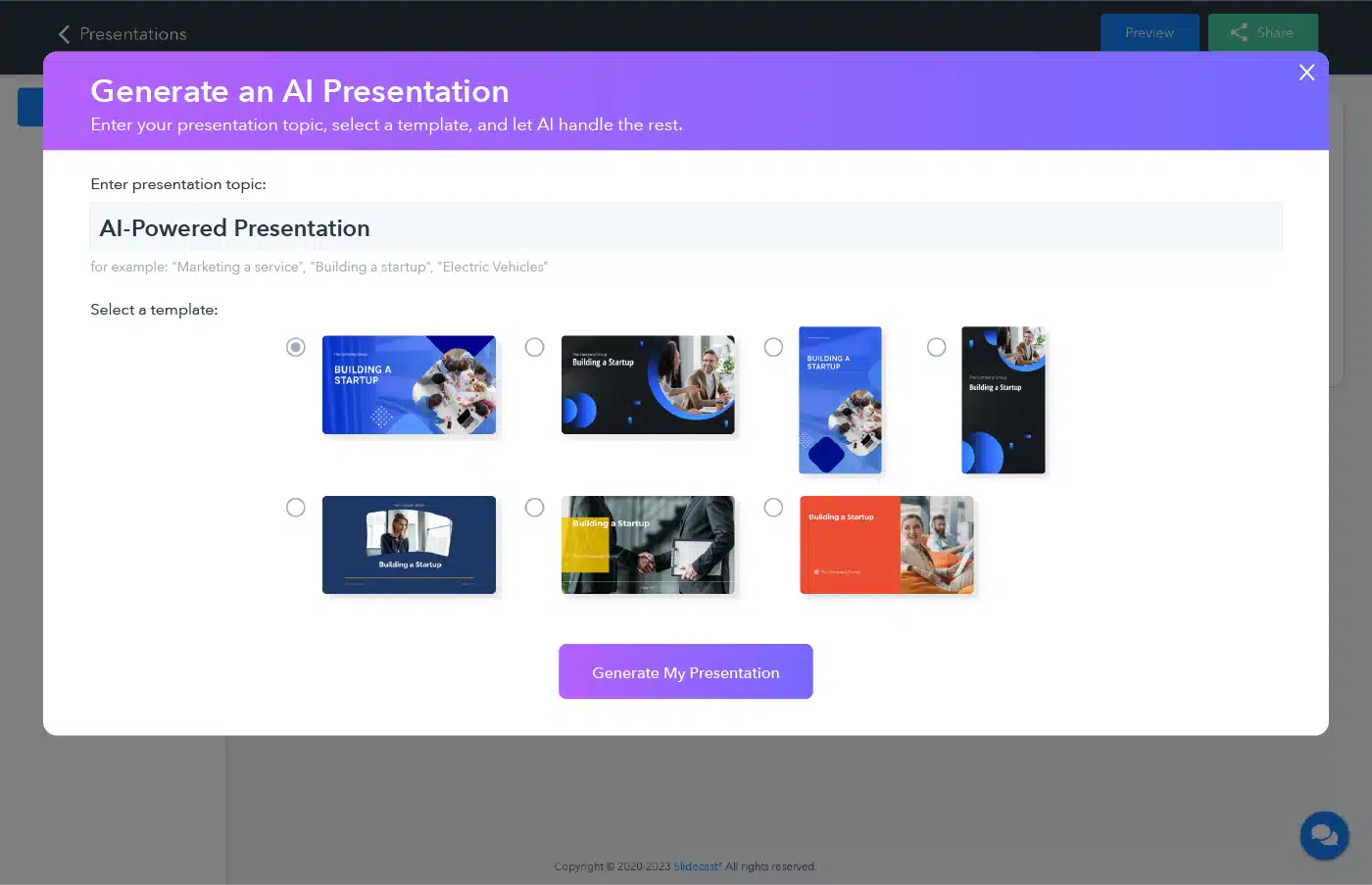
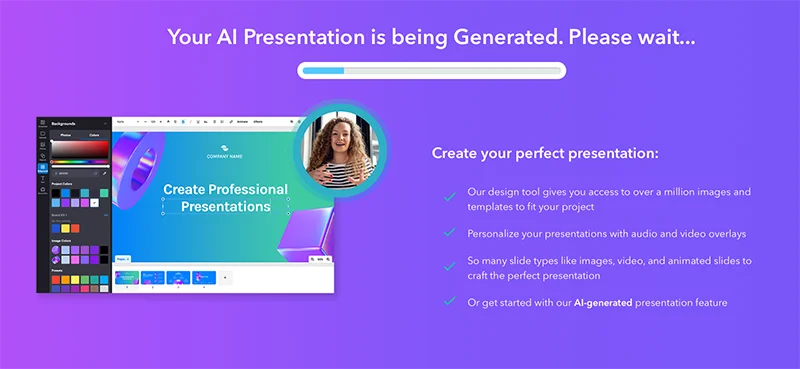
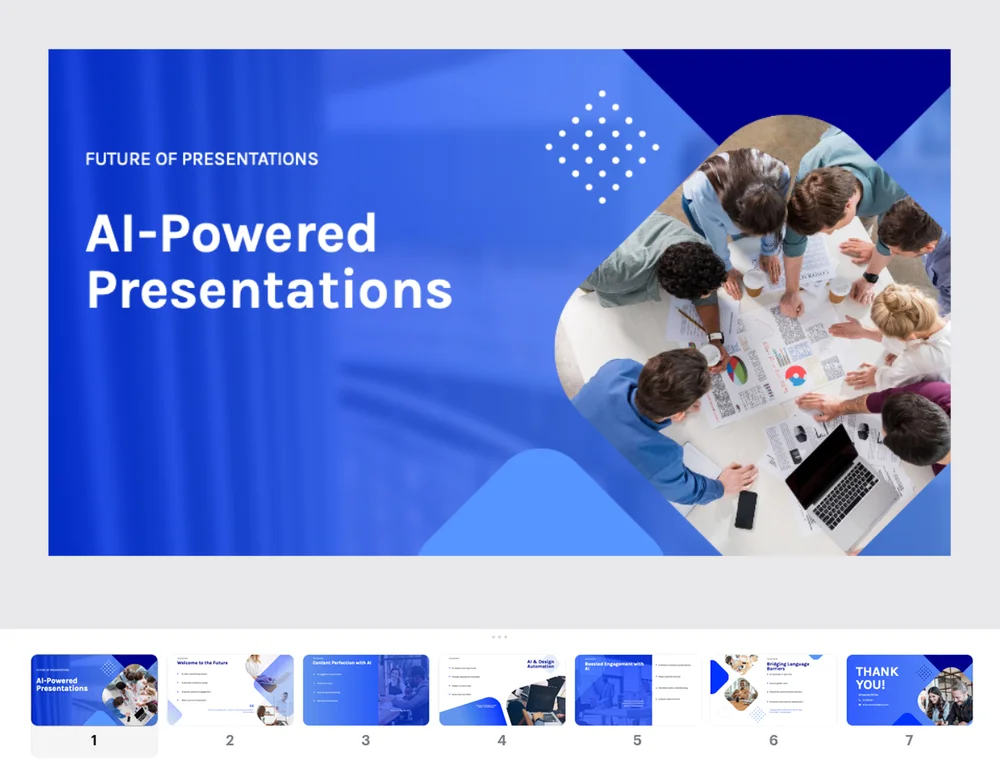
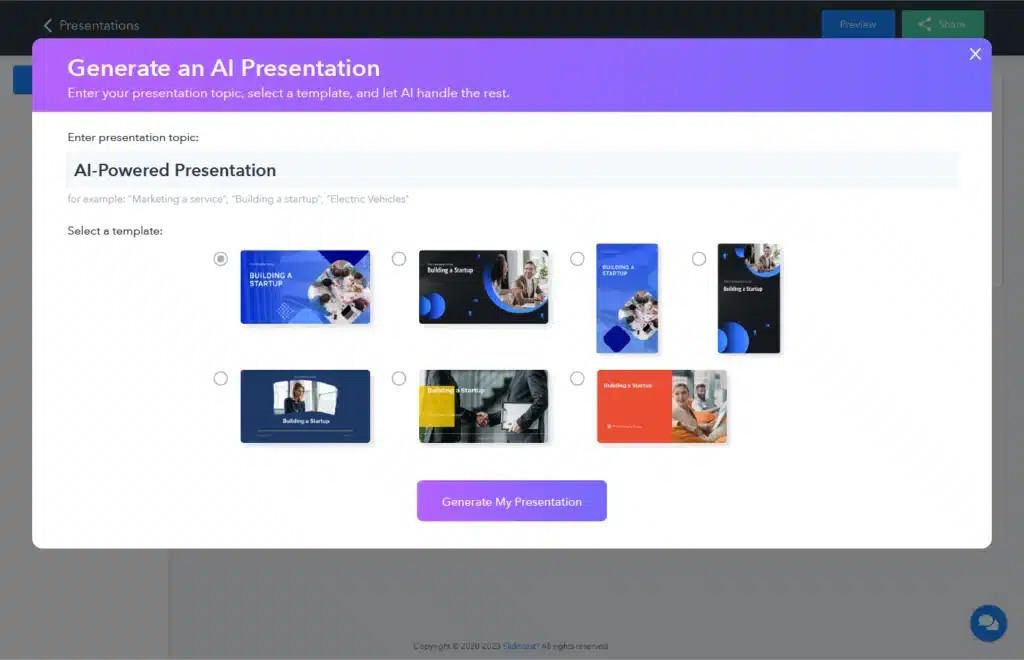
Create your new pitch deck in seconds. Simply describe the topic, and watch it work - you’ll get a 7-slide presentation, including both slide text and design elements.
Add AI-Generated Voiceovers
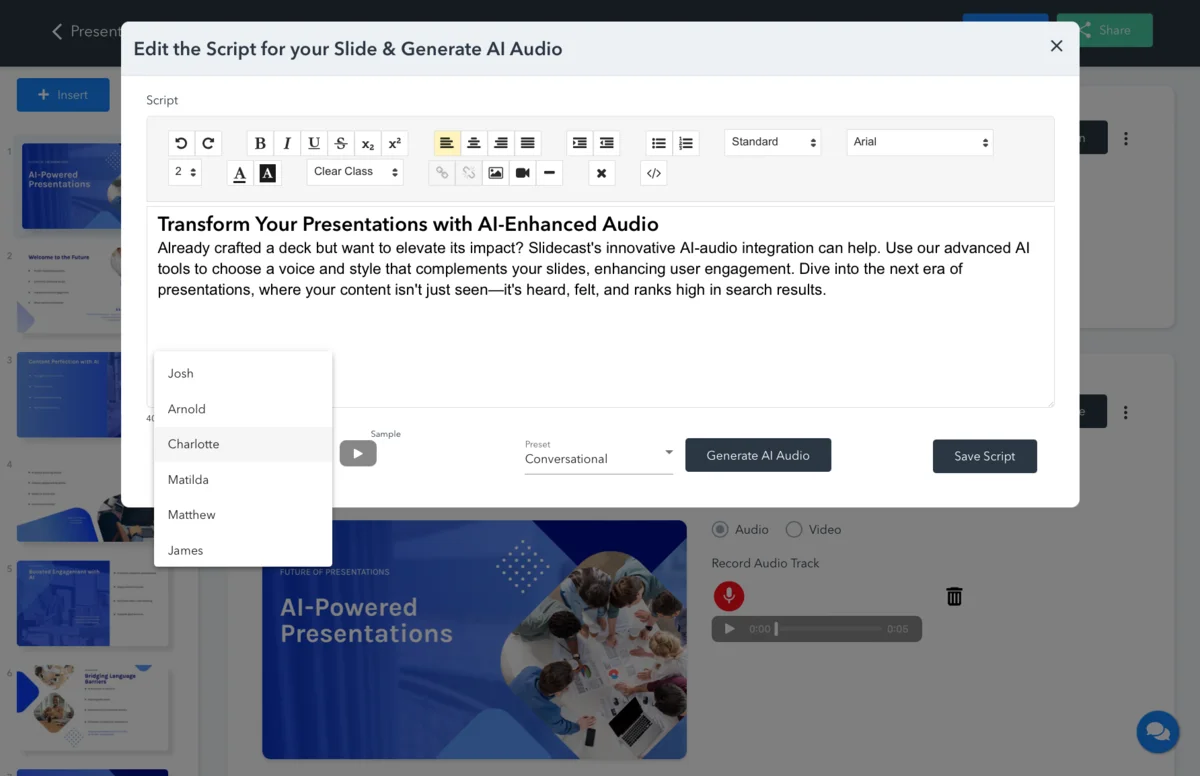
Enhance your presentations by merging striking visuals with memorable auditory experiences, captivating your audience from start to finish. Skip the recording studio and automatically create audio voiceovers for your slides with Slidecast’s pioneering AI-audio integration. Simply give Slidecast the text script for your slides, choose from 35 unique voices, and hear your new professional voiceover for the presentation.
Fully Automated Slide Formatting
No more stressing about individual slide layouts or your lack of a graphic designer. Our AI Presentations put the formatting of your slides on autopilot.

Leverage Core Slidecast’s Features For Your AI Presentation
Easily Customize Your AI Presentation To Perfection
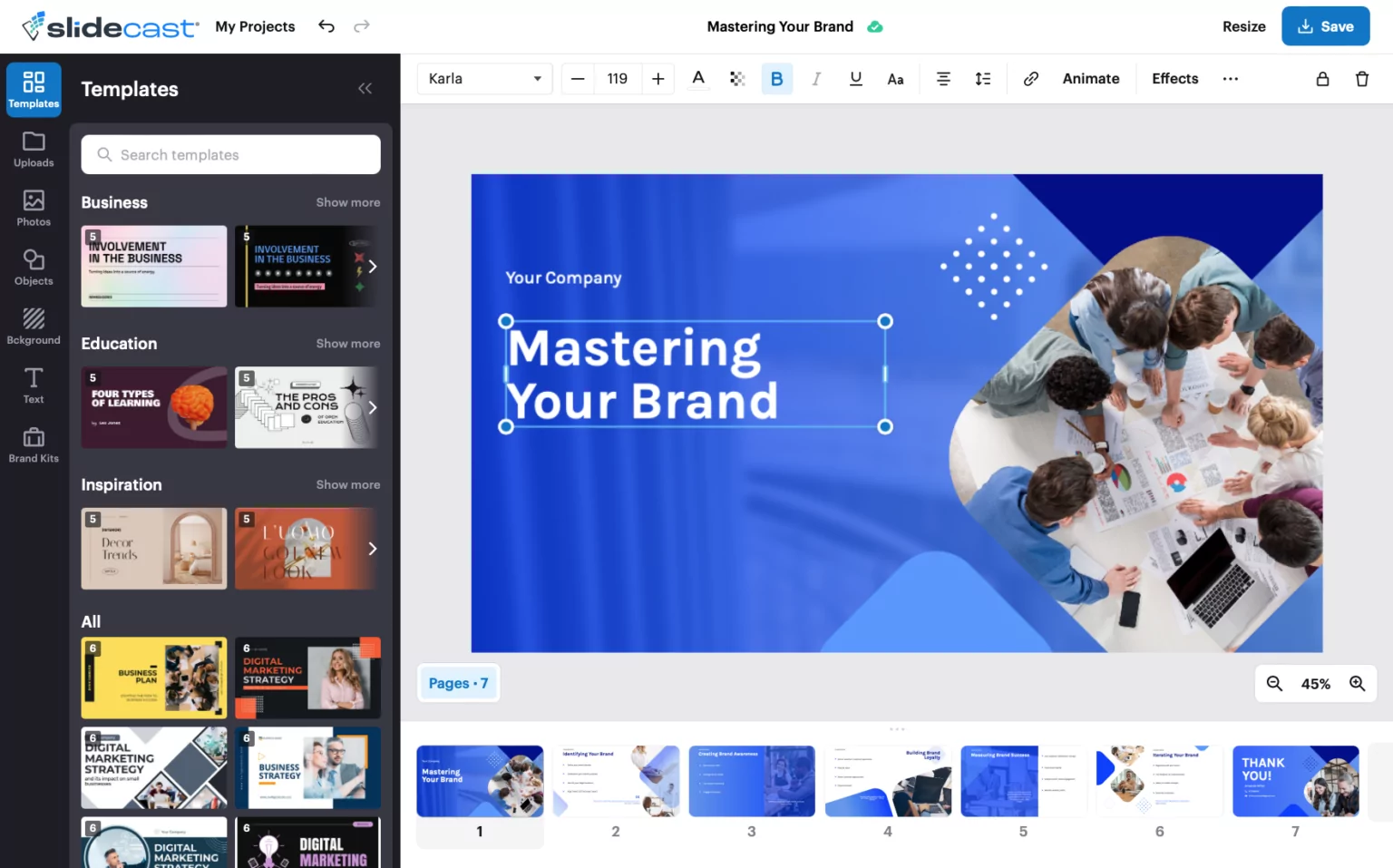
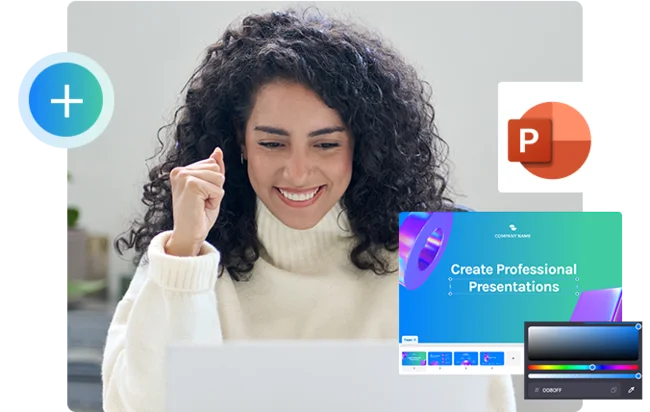
Use AI-generated elements for your slides (including both text and graphics) or quickly make adjustments with our intuitive drag-and-drop builder and massive graphics library.
Effortless Share Your AI Presentation
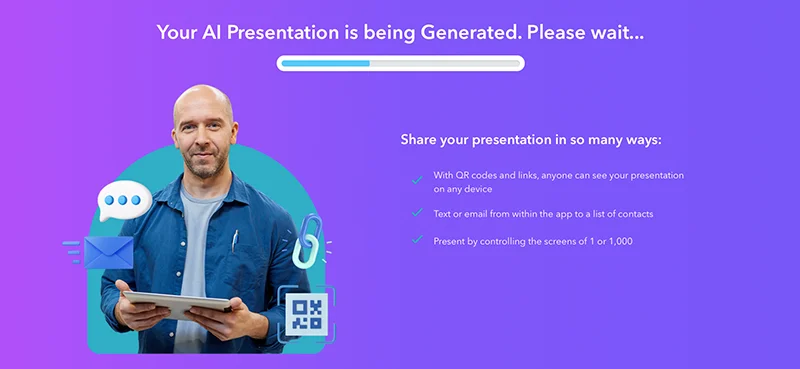
Present to anyone, anywhere, on any device, without logins or downloads. Engage prospects in real-time or send pre-recorded presentations. Instantly share presentations via email, text messages, URLs, and QR codes.
Track Your AI Presentation’s Engagement
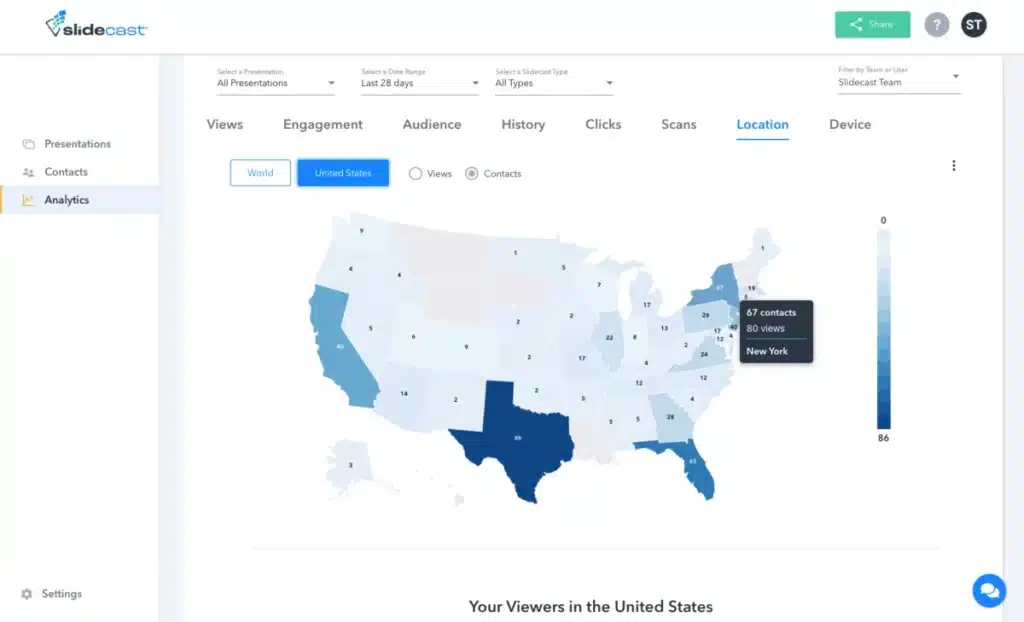
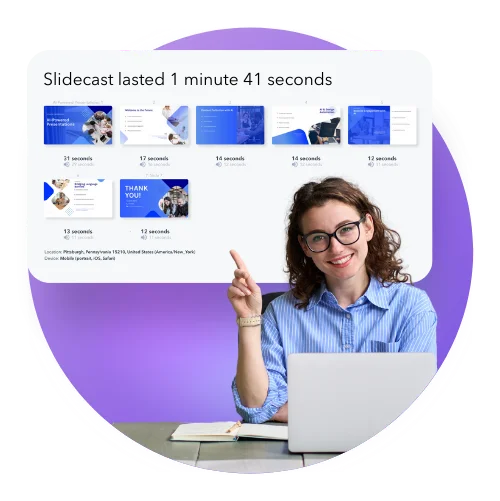
Gain valuable insights to ensure your presentations truly resonate, while driving the results you need for your business. Utilize advanced analytics like viewing duration, geographic location, QR code scans, completion rates, and more. Watch real-time analytics, track a prospect’s progress, customize your approach, and ultimately close the deal.
Start Your AI Presentation
Choose from standard and mobile-first sized templates, and a library of million+ high-quality photos
Why Slidecast AI Presentation Maker Is A Game-Changer
Easily build and share impressively professional presentations, then use deep engagement insights to track performance.


Watch Slidecast Generate an AI Presentation in 30 Seconds
Ready to Transform Your Presentations with AI?
FAQ
What is an AI-generated presentation?
An AI-generated presentation is a set of slides created using artificial intelligence. Slidecast AI presentation maker analyzes your topic and automatically crafts a presentation, complete with text and design elements. You can choose from 35 unique voiceovers to add AI-generated voiceovers, too! This innovative approach simplifies the process, making it ideal for quickly creating professional presentations.
Can I make changes to my presentation even after it's created?
Absolutely! Slidecast AI presentations are fully customizable. After the initial creation, you can use our intuitive drag-and-drop builder to tweak or overhaul any aspect of your presentation, ensuring it perfectly aligns with your needs and style.
Can I upload files into my presentations?
Yes, you can upload various types of files to enhance your presentations. With the ability to import images, narration, GIFs, forms, and more, This AI presentation maker is designed to be flexible and user-friendly.
How can I share and download my presentations?
Sharing and downloading are designed to be super simple with Slidecast. You can share your presentations via email, text messages, URLs, and QR codes, and you can also save your presentation locally to your computer.
Can I print my presentations?
Slidecast presentations can be printed, ensuring you have physical copies for meetings, conferences, or personal records. Be sure to adjust any interactive elements for print compatibility.
Can I add my own images?
Yes, you can use our library of over 1 million high-quality photos, or you can import your own images into Slidecast presentations. With Slidecast, you have full customization capabilities.
How can Slidecast AI assist you in delivering engaging presentations effortlessly?
Slidecast AI streamlines the presentation creation process. From AI-generated voiceovers and automatic slide formatting to a vast template library and intuitive customization tools, it makes crafting engaging, professional presentations effortless.
Can I trust Slidecast?
Slidecast prioritizes user trust and security. Our platform is designed to be reliable and user-friendly, while giving you sharing control over your presentation materials.
Can I use Slidecast with PowerPoint?
Slidecast can serve as a great complement to PowerPoint presentations (or as a complete replacement for PowerPoint). You can import PowerPoint presentations into Slidecast, so you can still utilize the platform’s sharing and tracking capabilities that are unique to Slidecast.
Can I use Slidecast AI with my team?
Slidecast is perfect for teams! Similar to how you can collaborate with teams on Google Docs, Slidecast lets you collaborate on your presentations, regardless of whether you import a presentation, use Slidecast AI, or the drag and drop presentation builder.
Are there more presentation designs available?
Slidecast offers thousands of presentation templates with a wide variety of designs, continuously expanding to include more styles and themes.
Is Slidecast AI presentation maker free?
Slidecast AI presentation maker offers free a account with limited access to many of our presentation-making tools. Paid accounts with more complete access start at $15/mo. Full pricing options here.
