Elevate Your Presentation Game with Slidecast's CREATE Suite
Slidecast’s CREATE suite includes an arsenal of tools for crafting visually stunning and interactive presentations, offering powerful functionality inside a user-friendly platform. Easily create multimedia experiences that engage attention and leave an impact.
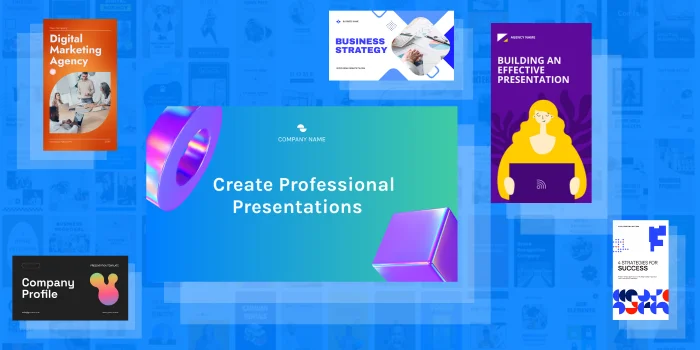
Kickstart your next presentation with access to over 110,000 templates included in Slidecast - including options optimized for both mobile and desktop use cases.
Massive Media Library Included
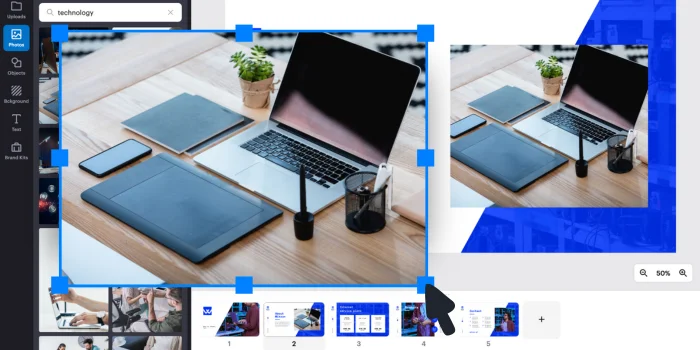
Inspire greater creativity in your presentation designs by pulling from a library 1 million royalty-free photos, designed to ensure your slides are visually stunning.
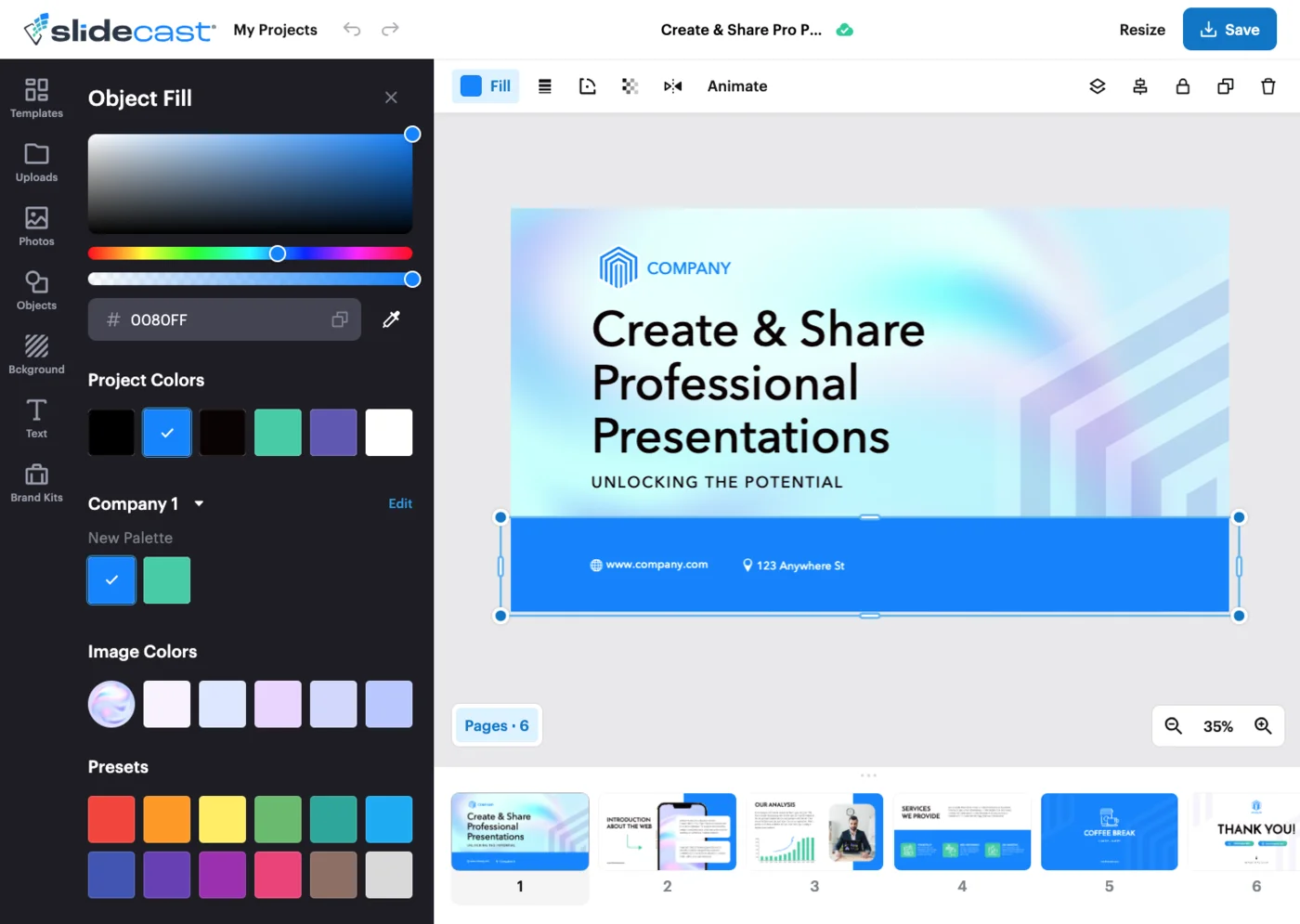
Intuitive Drag-and-Drop Editor
Slidecast’s powerful drag-and-drop editor simplifies the presentation design process. Quickly customize slides and templates through both mobile and desktop devices.
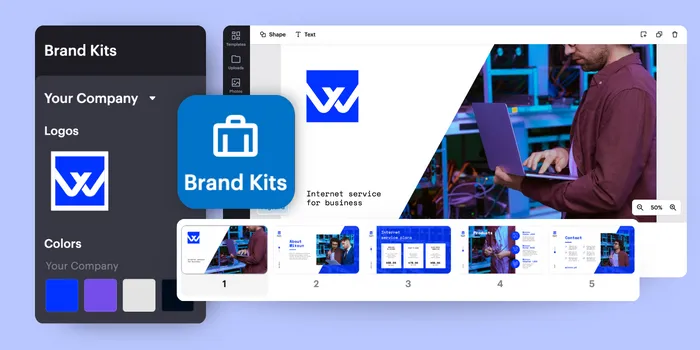
Ensure Consistency with Brand Kits
Utilize the Brand Kit feature within the drag and drop editor to further save on design time and to maintain aesthetic consistency across multiple presentations.
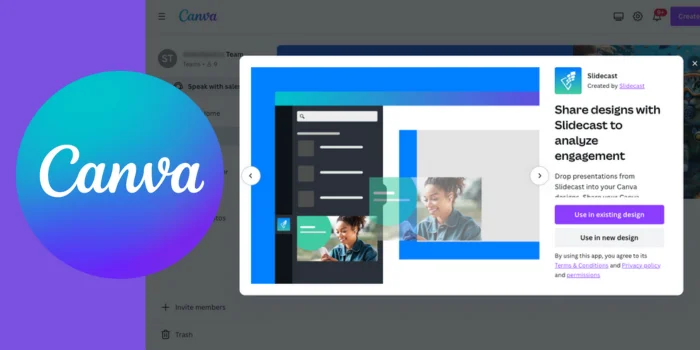
Import Canva Designs
Prefer to design slides in Canva? Seamlessly import your Canva designs Design as image slides for easy inclusion in your Slidecast presentations.
Import Existing PowerPoints & PDFs
Import PowerPoint slides into Slidecast files to automatically create image slides, ready to upgrade and customize with audio, video, and more. Start sharing and tracking presentations that much faster if you’ve already got a deck you love.
Create Truly Interactive Experiences
Embed Images
Quickly create new slides from .png and .jpg files. Use our bulk upload feature to generate dozens or hundreds of slides in moments.
Use .png or .jpg images
Bulk upload to create slides en masse
Embed Videos
Embed videos into your slides from platforms like Vimeo, YouTube, Wistia, and Loom, or upload mp4 files for shorter clips. Record full-screen videos in-app whenever you need to create something new.
Upload mp4 files onto slides
Vimeo, YouTube, Wistia, Loom embedding
Record full-screen video in-app
Embed Audio
Enhance your slides by embedding audio to guide the audience through your presentation. Upload mp3 files or easily record new audio clips in-app.
Upload mp3 files
Record new audio in-app
Embed AI-Generated Voiceovers
Hate the sound of your own voice? Don’t have a good microphone? Don’t have time to record? Simply input your script, choose from 35 AI voices, and generate compelling audio voiceovers to narrate your slides.
Generate completed voiceovers from a script
Select from 35 unique AI voices
Design Like a Pro with Multimedia Tools
Video Bubbles
Easily add a video bubble to any slide for a more personalized experience, while customizing its shape and location on the slide.
Add anywhere on slides
Customize size and shape
Upload or record in-app
Animate Slide Elements
Add animations to dynamically grab attention with slide text and images, or add animated GIFs.
Add Fillable Forms
Create customizable, fillable forms to incorporate into slides. Collect contact information or feedback from leads. Seamlessly integrate a signup form into your client onboarding experience. Record and add videos to a fillable form to walk recipients through it.
AI-Generated Presentations
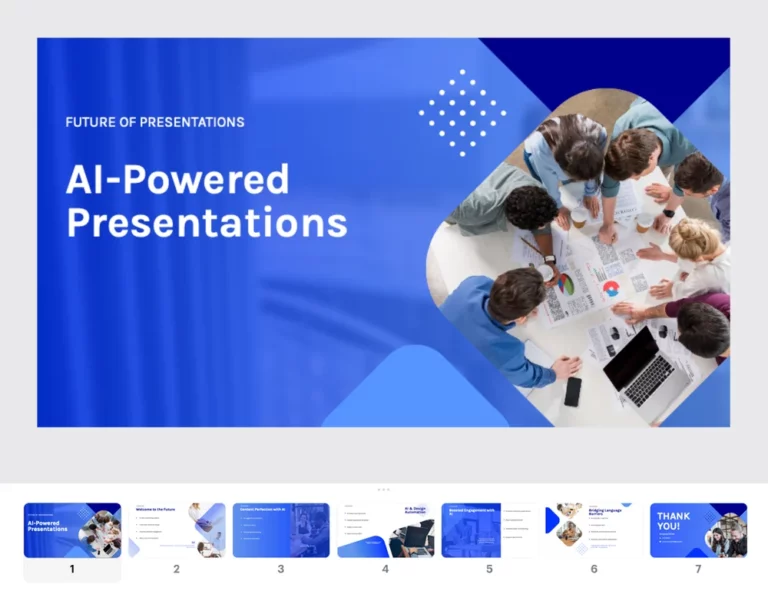
Using ChatGPT, Slidecast will take a prompt for a presentation and generate a fully editable 7 slide presentation, complete with audio voice overs. Use our Prompt-to-Presentation feature as a starting point to save time on your next project.
Slidecast Integrations Ensure Uninterrupted Work
HubSpot
Utilize HubSpot with Slidecast for streamlined presentation distribution while tracking comprehensive presentation analytics.
Zoho
Pair Zoho with Slidecast to automate your lead engagement process, while using presentation analytics to fine-tune your strategy.
Zapier
Use Zapier to link Slidecast with a vast ecosystem of apps, enabling customizable workflow automations for every area of your business.
Salesforce
Streamline lead engagement in Salesforce by integrating with Slidecast, enabling direct presentation sharing with leads while leveraging insights from presentation analytics.
Bring Your Presentation to Life with Slidecast
Slidecast’s CREATE suite is your gateway to producing presentations that both look professional and deeply resonate with your audience. Build captivating presentations that engage, inform, and inspire with Slidecast.