CreateShareAnalyze
the Perfect Presentation
Slidecast is the easiest way to build, share, and track beautiful presentations – no design skills are required. Use Slidecast’s presentation software to create dynamic content, unlock new ways of sharing your presentations, and leverage advanced presentation analytics to track performance and drive optimal results.


The All-in-One Presentation Software
Transform the way you create, present, and share your ideas with Slidecast, the ultimate presentation software that’s packed with features for any business that uses slides.
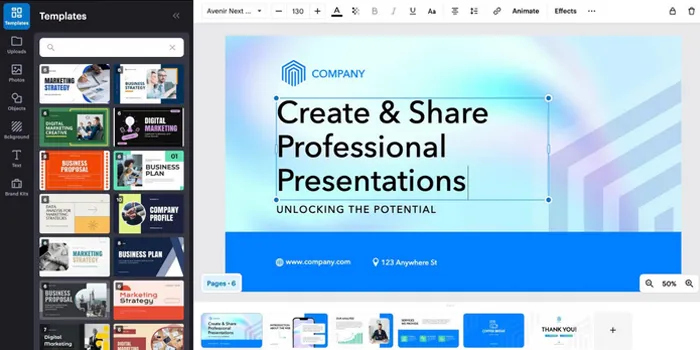
Create Beautiful Presentations in Minutes
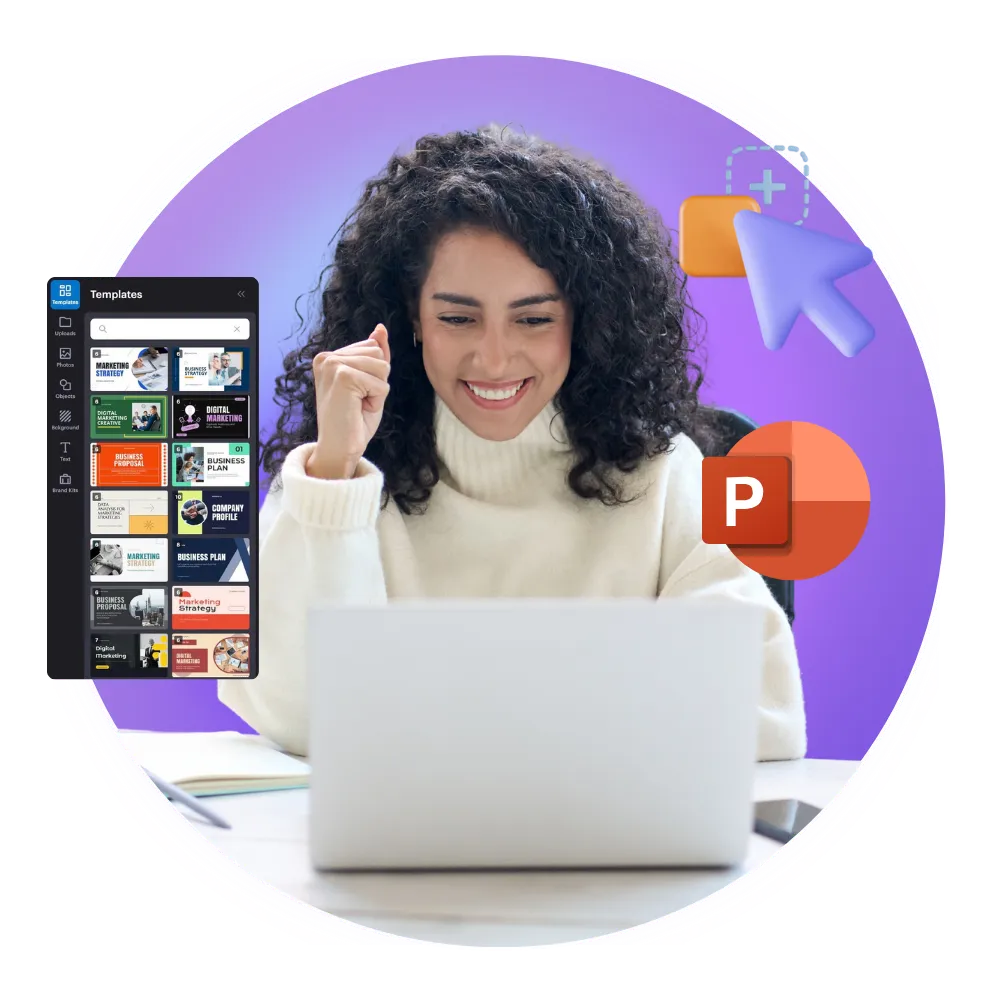
- Dive into a vast collection of over 110k professionally crafted templates.
- Unleash your creativity with access to over a million images.
- Customize effortlessly using our intuitive drag-and-drop builder.
- Import or record audio and video to breathe life into your slides.

Boost Engagement through Versatile Delivery Options
- Share and present on a multitude of devices seamlessly.
- No cumbersome logins or downloads required for viewing.
- Leverage various sharing options, including via email, text message, or embedded online.
- Use QR codes to share in offline formats.
- Present live, record your narration, or leverage AI voiceovers for your presentation delivery.
- Guide presentations directly from your mobile device. Easily navigate slides no matter where you're presenting from.
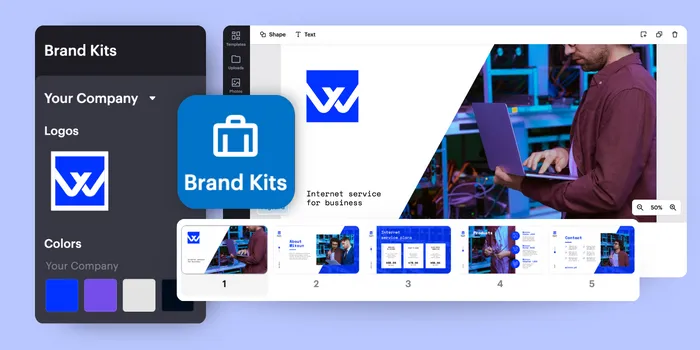
Use Brand Kits to Keep Presentations On-Brand
- Utilize Slidecast’s Brand Kits to maintain brand integrity and keep every slide on theme with the right fonts, colors, and logos.
- Avoid the chaotic and unprofessional appearance of mismatched slides. Amplify your message without design distractions.
Build Dynamic Presentation Content
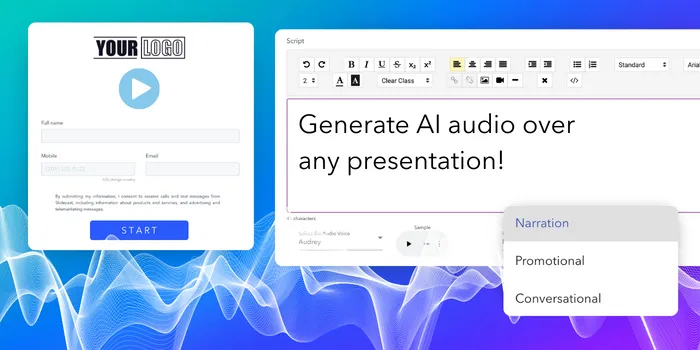
- Breathe new life into your presentations with dynamic elements like animations, embedded forms, videos, voiceovers, and music.
- Embed interactive elements and forms inside your presentation, creating a more dynamic audience experience.
- Customize viewing permissions, requiring emails for access, allowing you to maintain control and exclusivity over who views your presentation.
Empower Your Presentations with Artificial Intelligence
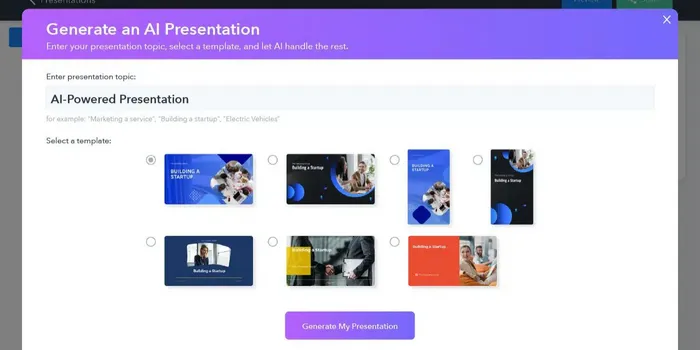
- Utilize Slidecast AI presentation software to auto-generate impressive presentations from scratch.
- Let AI automate your design, formatting, and slide text.
- Generate professional presentation voiceovers with AI, choosing from 35 different voice options.
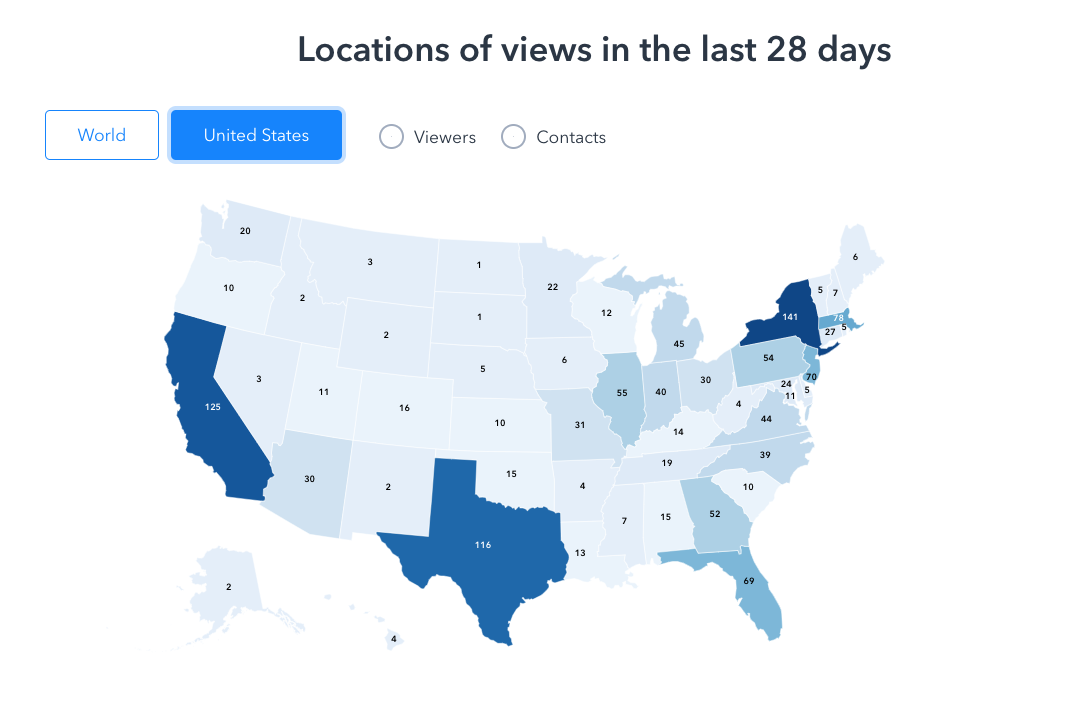
Gain Powerful Insights with Presentation Analytics
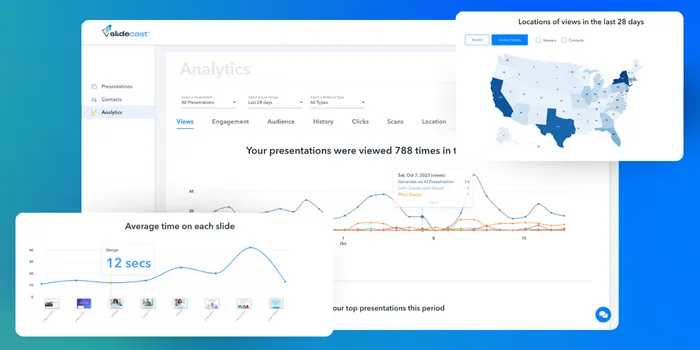
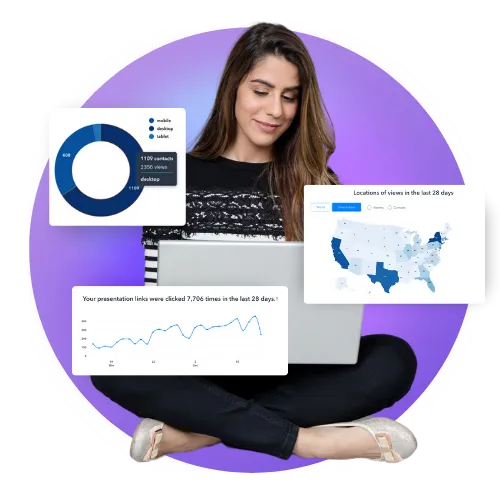
- Dive deep into audience engagement with comprehensive slide analytics.
- See what’s working, and what needs work.
- Fine-tune your strategies based on real-time viewer interactions.
- Upgrade your presentations to enhance efficacy and audience impact.

Use Workflow Automations to Save Time
- Elevate your presentation process with powerful automations.
- Customize prospect communications based on their engagement.
- Seamlessly integrate with your CRM for streamlined operations.
- Track engagement from the initial view to the final close.
QR Codes for Easy Access from Anywhere
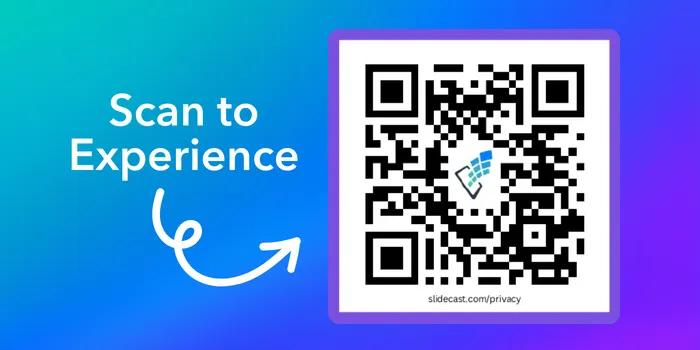
- Generate custom QR codes for instant access to your presentation from anywhere.
- Add QR codes to marketing collateral and offline materials to easily share your presentation in new ways.
- Track QR code usage, and optimize your strategy for maximum engagement.
Tools for Any Type of Presentation
Start Your Presentation Now
Start inspired. Jumpstart your next presentation by choosing a free template that you can customize in a few clicks.
Simply The Best Presentation Software, See It In Action
Learn how Slidecast presentation software eliminates the slowest parts of presentations, so you can build fast, share quickly, track results, and engage your clients like never before.



Ready to Upgrade Your Presentations with Slidecast?
FAQ
1. Will my presentation be displayed properly on different devices?
Yes, Slidecast presentations are designed to be fully responsive and optimized for every kind of device. Whether a presentation is viewed on a smartphone, tablet, or desktop, your slides will maintain their quality and formatting for a consistent viewing experience.
2. Is Slidecast’s presentation software free?
Slidecast offers a range of features for free, including access to over 110k templates and a million images. However, certain advanced features may be available under a paid plan, starting at $15/mo. Full pricing options here – Pricing
3. How do I order the Pro version of Slidecast?
To order the Pro version of Slidecast, simply select Pro from the pricing list when creating your account you can typically navigate to the subscription. Or once logged in, change your subscription type to Pro under your account settings.
4. Will I receive free upgrades and premium support as a Pro user?
As a paid user, you can expect to receive all upgrades to the Slidecast platform, and you will always receive premium customer support. This ensures that you always have access to the most up-to-date presentation tools along with industry-leading support.
5. What if I already use PowerPoint?
6. Can I add text, images, and videos to my presentation?
Yes, with Slidecast, you can easily add and customize text, images, and videos in your presentations (as well as other elements like GIFs and forms and more) making it easy to create dynamic and engaging slides.
7. What are the benefits of using presentation software?
Presentation software like Slidecast simplifies the process of creating professional and engaging presentations. It offers time-saving templates, intuitive design tools, multimedia integration, and the ability to track audience engagement.
8. What are the different types of presentation software?
Presentation software options vary from basic slide creators to advanced platforms offering AI generation, multimedia integration, and analytics. Slidecast, for instance, offers a wide range of features including presentation design tools, AI tools, comprehensive analytics, and versatile sharing options.
9. How do I share my Slidecast presentation with others?
Slidecast allows you to share your presentations through various channels including email, text messages, embedded online formats, and QR codes. Presentations can also be shared live or with pre-recorded narration.
10. How do I track the performance of my Slidecast presentation?
Slidecast provides comprehensive analytics to track your presentation’s performance. You can monitor viewer engagement, interaction with slides, and derive actionable insights to refine your content.
11. Can I present my Slidecast presentation live?
Yes, Slidecast enables live presentation delivery, either in person or from a device. You can control and navigate your slides in real-time, even directly from your mobile phone, providing a seamless experience for both you and your audience.
