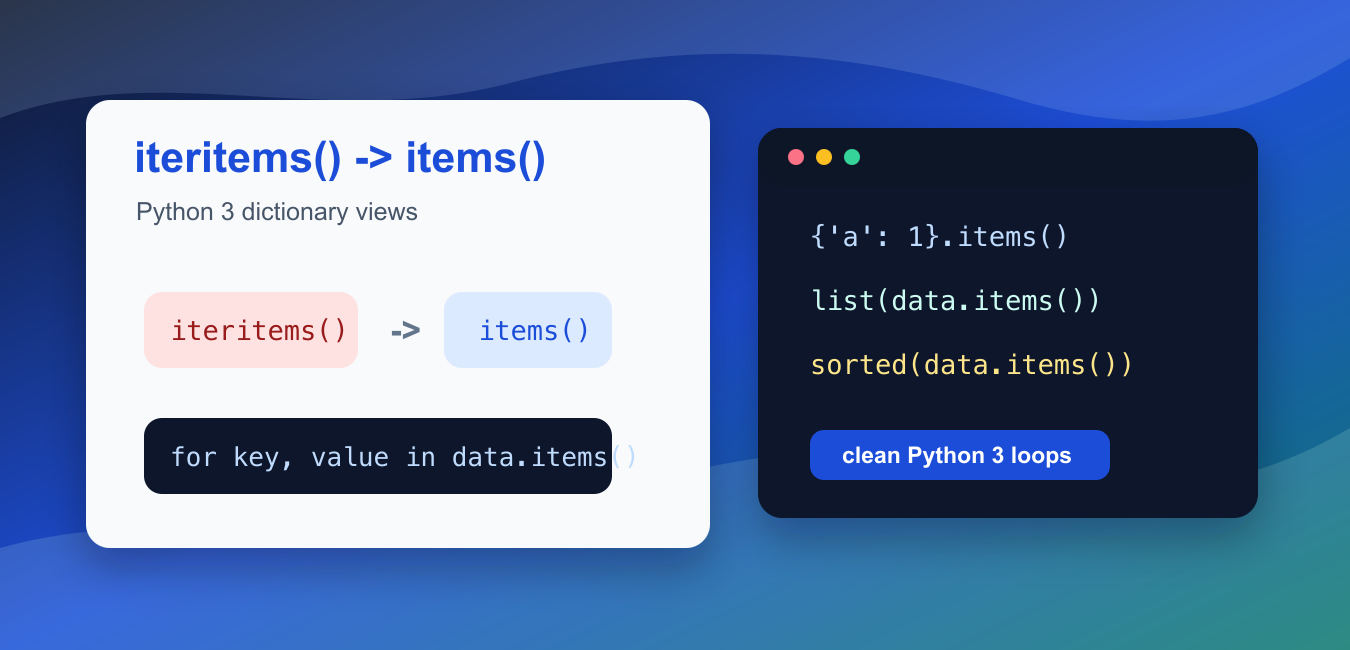
Quick answer: Python 3 replaces the Python 2 dict.iteritems() method with dict.items(). The modern method returns a dynamic view, so convert it to list() only when the program needs a materialized snapshot.
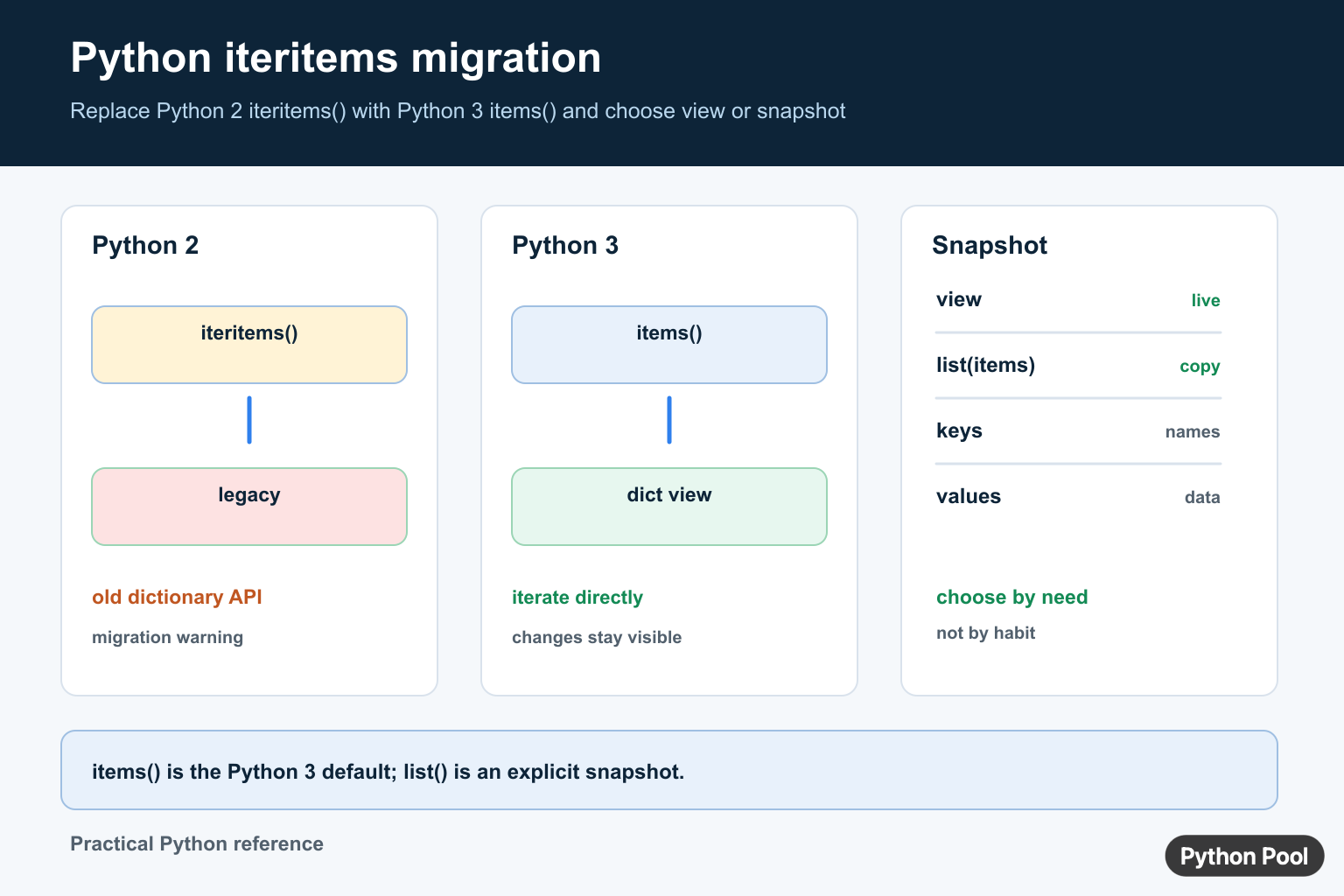
iteritems() was a Python 2 dictionary method. In Python 3, dictionaries no longer have iteritems(). Use dict.items() instead when you need to loop over key-value pairs.
The Python 3 version is not the same as Python 2’s list-returning items(). In Python 3, dict.items() returns a dictionary view. The view is iterable, efficient for loops, and reflects later changes to the dictionary. If you need a fixed list, wrap it with list().
The official Python documentation covers dict.items(), dictionary view objects, the Python tutorial section on dictionaries, and the Python 2 to Python 3 porting guide.
The usual fix is direct: change for key, value in data.iteritems(): to for key, value in data.items():. That works because the Python 3 view is already iterable. Do not add extra conversion unless the code truly needs a list.
Old migration bugs often come from assuming that items() always returns a list. A view is usually better for looping, but it behaves differently when the dictionary changes or when code expects list methods such as append() or indexing.
When modernizing older files, update the loop and then run the surrounding tests. The replacement is normally mechanical, but nearby code may rely on Python 2 details such as list concatenation, slicing, or changing the dictionary while looping. Those behaviors need a deliberate Python 3 version, not just a method rename.
Use clear names during migration. A name such as item_view communicates that the result is a live view, while pair_list communicates that the code intentionally created a snapshot. That small naming choice makes later reviews easier.
See The Python 3 Error
Calling iteritems() on a Python 3 dictionary raises AttributeError.
data = {"name": "Ada", "score": 98}

try:
    pairs = data.iteritems()
except AttributeError as error:
    print(type(error).__name__)
    print("use data.items() in Python 3")
The error means the method is not available on the dictionary object. The dictionary itself is fine; the method name is the part that belongs to older Python 2 code.
When updating a codebase, search for .iteritems(), .iterkeys(), and .itervalues(). Python 3 replacements are .items(), .keys(), and .values().
If a dependency still calls iteritems(), upgrade that dependency or isolate the old compatibility layer. Adding a fake method to dictionaries is not a normal Python 3 repair.
Loop With dict.items()
Use items() directly in a for loop. It yields key-value pairs.
data = {"red": 3, "blue": 5, "green": 2}

for color, count in data.items():
    print(color, count)
This is the normal Python 3 replacement for iteritems(). It does not build a separate list before the loop starts.
For large dictionaries, direct iteration over the view is usually the right choice because it avoids a copy.
Do not change this loop to for key in data unless you only need keys. Iterating over a dictionary directly yields keys, while items() yields key-value pairs.
Create A Fixed List When Needed
If code needs indexing, slicing, repeated stable passes, or list-only methods, convert the view to a list.
data = {"alpha": 1, "beta": 2, "gamma": 3}
pairs = list(data.items())

print(pairs[0])
print(len(pairs))
This makes a snapshot of the key-value pairs at that moment. Later dictionary changes do not change that list.
Use this only when list behavior is required. For simple loops, for key, value in data.items() is cleaner.
Snapshots are helpful before mutating the dictionary. If you need to delete or add keys while processing current pairs, iterate over list(data.items()) so the loop is not tied to a changing view.
Understand Dictionary Views
A dictionary view reflects later changes to the dictionary. This can be useful, but it can also surprise old code that expected a list.
data = {"a": 1, "b": 2}
view = data.items()

data["c"] = 3

print(list(view))
print(("c", 3) in view)
The view sees the new pair because it remains connected to the dictionary. A list snapshot would not update after data["c"] = 3.
When behavior must stay fixed for a later comparison, create a list snapshot immediately.
Use A Small Compatibility Helper
Most modern code should target Python 3 only. If you are cleaning a mixed code path, a small helper can keep loop code readable while the migration is underway.
def dictionary_items(mapping):
    return mapping.items()

settings = {"debug": False, "retries": 3}

for key, value in dictionary_items(settings):
    print(f"{key}={value}")
This helper does not restore Python 2 behavior. It gives one place to adjust loop policy if a project still has old compatibility layers.
Once the project is fully on Python 3, using data.items() directly is simpler than keeping a helper that adds no behavior.
Compatibility helpers are most useful during staged ports. Remove them once the codebase has a single supported Python version, because extra wrappers can hide simple dictionary behavior from new contributors.
Sort Items For Stable Output
When display order matters, sort the items explicitly. Do not depend on an old iteritems() habit to define ordering.
data = {"b": 2, "a": 1, "c": 3}

for key, value in sorted(data.items()):
    print(key, value)
Python 3 dictionaries preserve insertion order, but sorting is still better when alphabetical or numeric order is the requirement.
For custom ordering, pass a key function to sorted(). That keeps ordering policy in the loop instead of depending on how the dictionary was built earlier.
In short, replace iteritems() with items(), loop over the view directly for normal use, call list() when a fixed list is needed, and sort the items when output order should be explicit. That gives Python 3 code the same practical key-value iteration without carrying old Python 2 method names forward.
Replace iteritems() With items()
Python 2 dictionaries exposed iteritems() for iteration. Python 3 removed that method and made items() the normal interface for iterating over key-value pairs. The usual migration is a direct replacement, but code that indexes, sorts, or stores the result may need an explicit list.
scores = {"Ada": 91, "Grace": 97}

for name, score in scores.items():
    print(name, score)
Views Versus Lists
The result of items() is a dictionary view. It reflects later dictionary changes and supports iteration. A list creates a snapshot at the moment it is built. Prefer the view for one pass and use list(scores.items()) when you need indexing, serialization, or a stable snapshot.
data = {"a": 1, "b": 2}
view = data.items()
snapshot = list(view)
data["c"] = 3

print(view)
print(snapshot)
Migration Checks
Search for iteritems() in the project, then check whether the surrounding code expects a list, a one-shot iterator, or a live collection view. Update related Python 2 assumptions such as itervalues(), iterkeys(), and dictionary-ordering comments. Tests should cover empty dictionaries, mutation timing, sorting, and indexing.
For related dictionary migrations, compare Python OrderedDict and the guide to dictionary size before choosing a list or view representation.
Frequently Asked Questions
What replaces iteritems() in Python 3?
Use dictionary.items() in Python 3. It returns a view that can be iterated without the Python 2 iteritems() method.
Is dict.items() a list in Python 3?
No. It returns a dynamic dictionary view; wrap it in list() when a concrete snapshot or list indexing is required.
How do I loop over a dictionary’s keys and values?
Use for key, value in data.items(): when both parts are needed, or iterate over data.keys() or data.values() when only one side matters.
Why does my Python 2 iteritems code fail?
Python 3 removed iteritems() from dictionaries, so update the call to items() and check whether the old code relied on a list-like result.
