
Quick answer: A RecursionError means recursive calls kept growing without reaching a valid base case. Trace the state passed into each call, prove that every branch moves toward termination, and switch to an iterative design when depth can be large. Raising the recursion limit is only appropriate after the algorithm is correct.
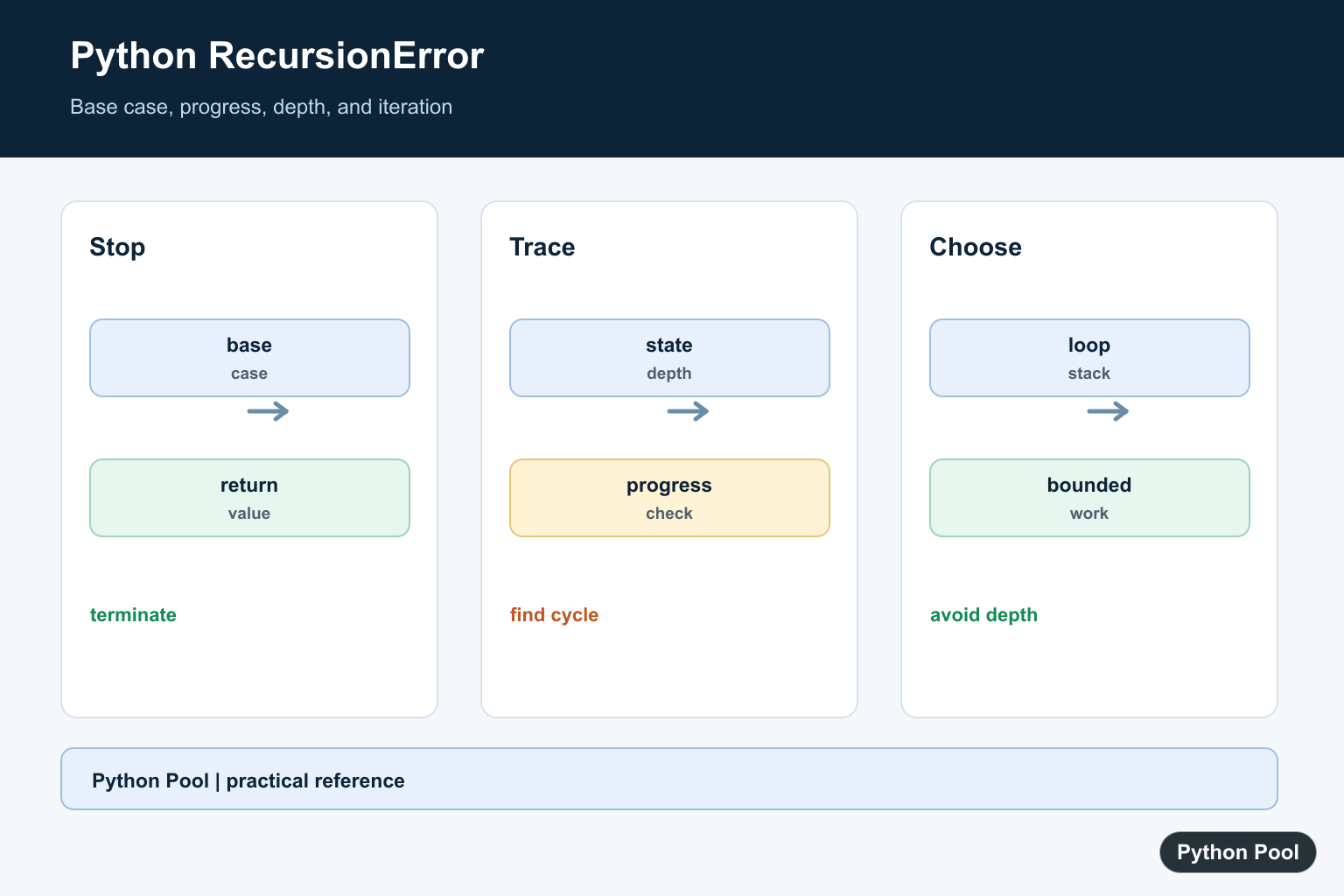
RecursionError: maximum recursion depth exceeded while calling a Python object means a recursive call chain kept growing until Python stopped it. Python raises this exception to protect the interpreter from an uncontrolled stack of function calls.
The fix is not usually to raise the recursion limit first. Start by checking the recursive function’s stopping condition, the input that reaches it, and whether every call moves closer to a clear base case. Only adjust the limit after you prove the recursion depth is expected and safe for the program.
The official Python docs explain RecursionError, sys.getrecursionlimit(), and sys.setrecursionlimit().
Use the traceback to find the function that repeats. If the same function name appears many times, it is direct recursion. If two or more functions alternate, it is mutual recursion. In both cases, the repair is the same: define a base case, make progress toward it, and avoid recursive work for input sizes that are naturally large.
See The Error Safely
This example uses a temporary low limit and catches the exception. It demonstrates the failure mode without leaving the interpreter in a changed state.
import sys

old_limit = sys.getrecursionlimit()
sys.setrecursionlimit(60)

def repeat(count=0):
    return repeat(count + 1)

try:
    repeat()
except RecursionError as error:
    print(type(error).__name__)
    print("caught safely")
finally:
    sys.setrecursionlimit(old_limit)
Never leave a demonstration like this uncaught in a real program. The useful lesson is that Python is stopping an endless call chain, not that the limit itself is always wrong.
Add A Base Case
A base case is the condition that returns without making another recursive call. Without it, the function can never finish.
def countdown(number):
    if number <= 0:
        return "done"
    return countdown(number - 1)

print(countdown(3))
This version stops when the number reaches zero. The recursive call also subtracts one each time, so every step moves toward the base case.
When fixing existing code, check both pieces. A base case that can never be reached is just as broken as having no base case at all.
Make Each Step Smaller
Recursive code should pass a smaller problem to the next call. For a short list, that can mean handling the first item and recursing on the remaining items.
def total(items):
    if not items:
        return 0
    return items[0] + total(items[1:])

print(total([2, 4, 6, 8]))
This pattern is readable for teaching and small input. For large lists, slicing creates new lists and recursion adds one stack frame per item, so an iterative form is often better.
Use A Loop For Large Input
If the input may contain thousands of items, a loop avoids the recursion limit entirely and usually uses less memory.
def total_iterative(items):
    result = 0
    for item in items:
        result += item
    return result

print(total_iterative(range(10_000)))
Changing recursion to iteration is often the simplest production fix. Use recursion when the data is naturally tree-shaped or when the depth is small and controlled. Use a loop when the task is a plain sequence walk.
Check Mutual Recursion
Two functions can call each other until the limit is reached. Each function still needs its own stopping rule, and the argument must move toward that rule on every hop.
def is_even(number):
    if number == 0:
        return True
    return is_odd(number - 1)

def is_odd(number):
    if number == 0:
        return False
    return is_even(number - 1)

print(is_even(10))
print(is_odd(7))
If mutual recursion fails, inspect the transition between functions. A missing decrement, a value that resets, or a branch that skips the base case can make the call chain grow forever.
Raise The Limit Only When Appropriate
sys.setrecursionlimit() can be useful for carefully bounded tree traversal, parsers, or academic examples. It is not a general repair for endless recursion.
import sys

original_limit = sys.getrecursionlimit()

try:
    if original_limit < 1200:
        sys.setrecursionlimit(1200)
    print(sys.getrecursionlimit() >= 1200)
finally:
    sys.setrecursionlimit(original_limit)
Set a higher limit only after testing the maximum expected depth. A limit that is too high can crash the process, so keep the change local, documented, and covered by tests.
Practical Fix Checklist
First, read the traceback from the bottom and identify the repeated function names. Then inspect the arguments in the recursive path and confirm that the base case is reachable for the failing input.
Next, add or correct the base case. Make every recursive call move closer to it. For lists and counters, that usually means a smaller list, a smaller number, or a shorter remaining path. For trees, it means stopping at empty children or leaf nodes.
Finally, decide whether recursion is still the right shape. If the task walks a long sequence, rewrite it as a loop. If it walks nested data with a known safe depth, recursion can stay, and a small limit adjustment may be acceptable. Keep the exception handler narrow while debugging so unrelated errors still surface.
The reliable fix for RecursionError is a terminating algorithm. The recursion limit is a guardrail; the base case and shrinking input are what make the program correct.
Write A Base Case First
A recursive function needs a stopping condition that is reached for the smallest valid input. Keep that condition close to the function contract and test it directly.
def countdown(value):
    if value <= 0:
        return []
    return [value] + countdown(value - 1)

print(countdown(3))
Prove The State Changes
The recursive argument must move toward the base case. Passing the same value, changing the wrong field, or recursing through a cycle can all make depth grow forever.
def sum_values(values, index=0):
    if index == len(values):
        return 0
    return values[index] + sum_values(values, index + 1)

print(sum_values([2, 4, 6]))
Trace A Small Failing Input
Log depth or a compact state rather than dumping the whole object. The smallest input that fails usually reveals which branch does not make progress.
def visit(node, depth=0):
    print("depth", depth, "node", node)
    if node is None:
        return
    visit(node.get("next"), depth + 1)

visit({"next": None})
Choose Iteration When Depth Is Large
An explicit stack or loop avoids consuming Python’s call stack and makes maximum work easier to bound. This is often clearer for deeply nested or user-controlled data.
def flatten(values):
    pending = list(reversed(values))
    result = []
    while pending:
        value = pending.pop()
        if isinstance(value, list):
            pending.extend(reversed(value))
        else:
            result.append(value)
    return result

print(flatten([1, [2, [3]]]))
Python’s RecursionError documentation defines the exception, and sys.setrecursionlimit() explains the limit. Related references include memory pressure, testing failure paths, and iteration.
For related reliability decisions, compare memory pressure, failure-path testing, and iterative loops when choosing recursion.
Frequently Asked Questions
What causes maximum recursion depth exceeded?
A recursive call does not reach a base case, or the input state does not move toward one, so the call stack grows until Python stops it.
Should I increase Python’s recursion limit?
Only after proving the recursion is correct and the required depth is intentional; increasing it can turn a logic bug into a crash.
How do I debug recursive code?
Log a compact state or depth value, test the smallest input that fails, and verify every branch makes progress toward the base case.
When should I replace recursion with a loop?
Use iteration when depth can be large, the algorithm is naturally stateful, or stack usage is not part of the design.
