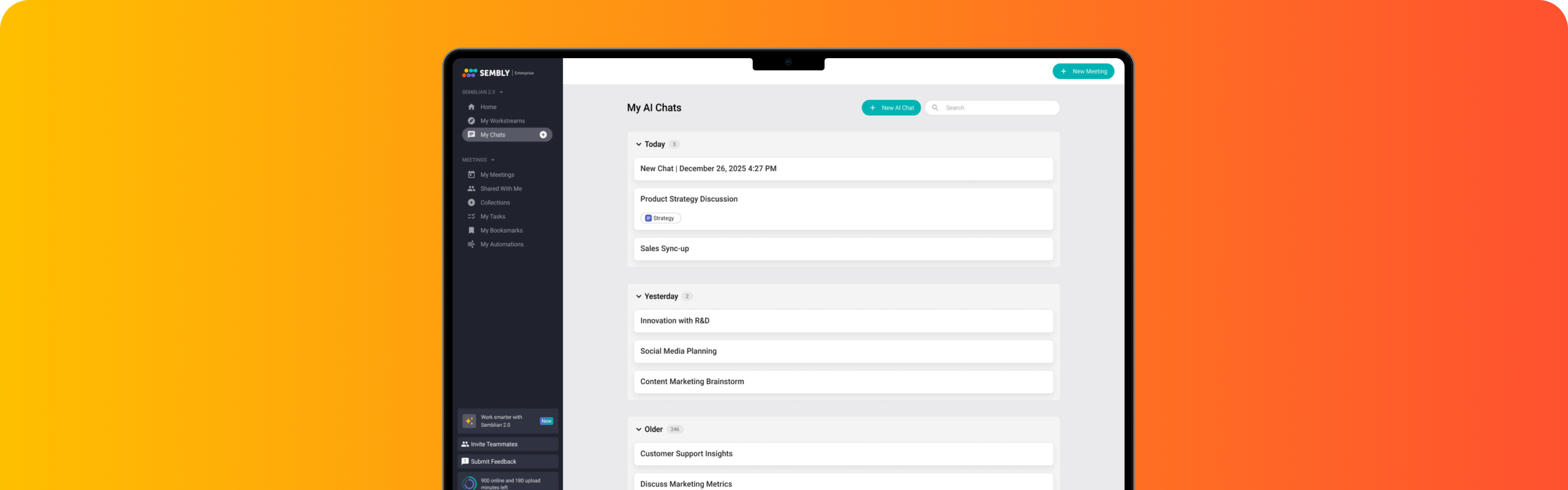
Explore advanced AI meeting intelligence. Query conversation history, draft professional documents, analyze patterns, and extract actionable insights through natural dialogue.
Execute faster with AI that understands you and your meetings.
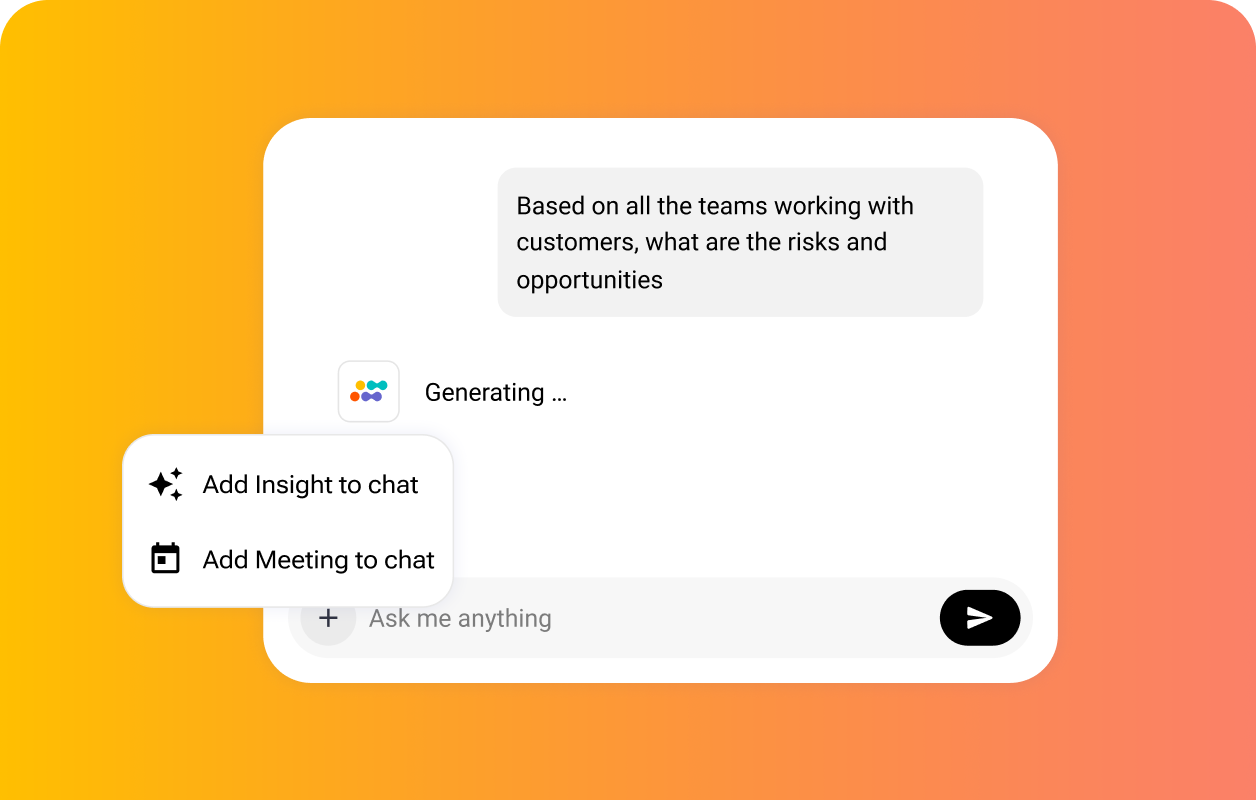
Query across every meeting and get instant answers
Convert conversations into strategic intelligence guiding business decisions. Maintain visibility into customer sentiment, project health, and team dynamics. Prevent miscommunication from delaying plans or damaging deals. Surface cross-functional patterns and coordinate action across the organization.
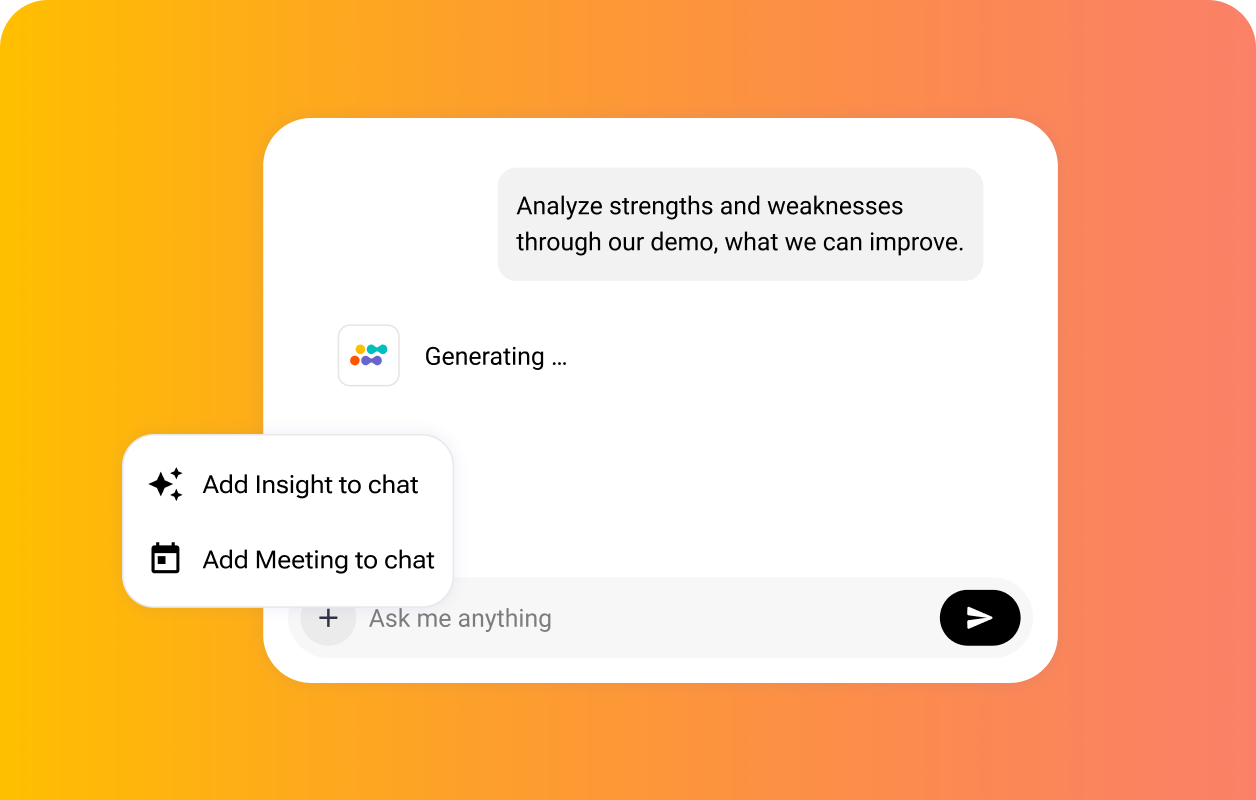
Analyze patterns across all meetings to predict project success, identify revenue risks, and spot team bottlenecks before they escalate. Make proactive decisions with complete visibility and intervene early.
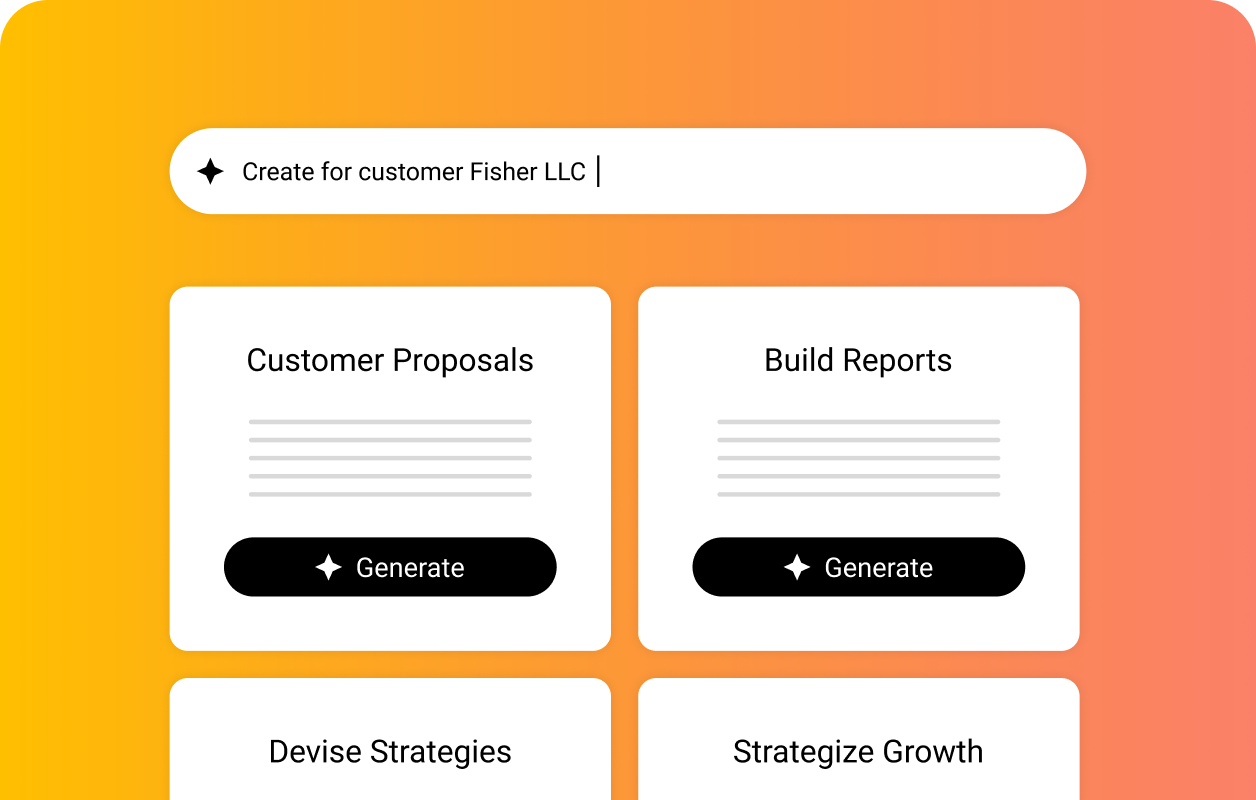
Draft documentation
Create customer proposals reflecting their pain points and requirements. Build status reports with real progress metrics, or draft personalized growth strategies that reference specific conversation points.
Strengthen client relationships
Generate personalized follow-up emails that reference specific conversation moments. Address every concern the customer has raised, and match your email with the sentiment of your discussion.
Improve business operations
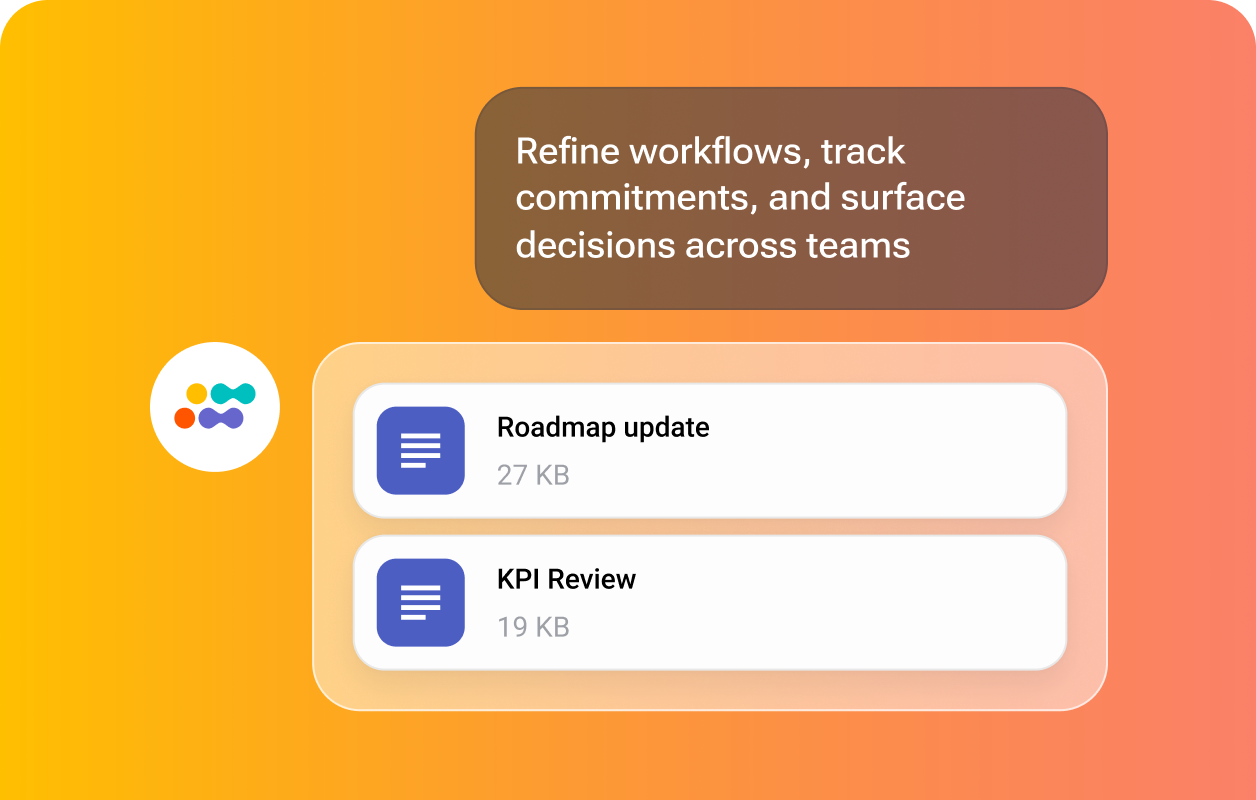
Refine execution workflows across distributed teams. Surface every commitment, deadline, and dependency across all conversations. Maintain complete visibility and process weeks of decisions in seconds.
Capture every decision, commitment, and risk across steering committee meetings, project reviews, and stakeholder calls. Sembly generates the documentation your team needs to deliver on time.
Generate status reports with real progress metrics
Build risk logs and decision registers
Extract action items and deadlines across all calls
Draft program updates and stakeholder summaries
Surface blockers and dependencies before they escalate
Turn user research sessions, sprint retrospectives, and stakeholder reviews into structured product documentation. Sembly extracts what matters and drafts it immediately after every call.
Draft user research summaries with key findings
Generate briefs grounded in stakeholder syncs
Create release notes and prioritization documents
Extract open questions and unresolved decisions
Build retrospective reports with recurring themes and action items
Document every client requirement, technical decision, and project milestone across discovery sessions, workshops, and sprint reviews. Sembly keeps your delivery teams aligned and your clients informed.
Write SOWs and briefs from discovery sessions
Generate client requirement documents
Create sprint review summaries with next steps
Draft professional post-implementation reports
Track commitments and dependencies across client and internal calls
Capture every client briefing, marketing review, campaign discussion, and approval call in full. Sembly analyzes conversations and generates deliverables your team can act on before the next meeting starts
Auto-generate creative briefs from client briefing calls
Draft change registers with rationale and approvals
Compile status updates grounded in review meetings
Build approval records from sign-off conversations
Analyze client sentiment across multiple calls and projects that you manage
Record and analyze candidate interviews, client briefings, and employee performance reviews. Sembly generates structured HR documentation with full speaker identification so nothing gets missed.
Draft interview summaries with candidate evaluation
Build onboarding documentation covering policies
Create candidate profiles and shortlist rationales
Document LP updates, portfolio reviews, deal sourcing calls, and board meetings with full accuracy. Sembly generates the investor-grade materials your team needs without the manual effort.
Sembly AI is an agentic AI platform that automates client deliverables for professional teams. With Sembly, you can draft sales proposals, competitor comparisons, client Q&As, onboarding documents, and status reports directly from your meeting data.
Aside from advanced AI functionality, it also records meetings across Zoom, Google Meet, Webex, and Teams, transcribes conversations in 45+ languages, generates meeting notes and summaries, as well as extracts action items, risks, notable events, and decisions.
How is Sembly different from AI assistants like ChatGPT?
AI assistants like ChatGPT, Claude, or Copilot generate answers based on publicly available information. Sembly, on the other hand, generates answers using both web and context from your meetings, including actual names, decisions, dates, and workstreams.
How does Sembly learn from my meetings?
Sembly analyzes every conversation to understand context, intent, and meaning. It identifies key speakers, important decisions, future steps, and unresolved issues.
It connects this information across meetings to detect recurring blockers, track whether commitments were followed through, and surface patterns that span weeks or months of conversations.
Can Sembly attend meetings without me?
Yes. Sembly acts as your proxy in any meeting on your calendar. It joins, records, and analyzes the full conversation on your behalf. After the meeting, you will receive a complete breakdown of everything discussed, decided, and committed to, as if you were present.
What workflows can Sembly automate?
Sembly automates the full range of post-meeting work. It creates documents, such as proposals, change requests, and QBRs, analyzes conversations, extracts action items, creates transcripts, meeting minutes, and notes, as well as drafts follow-up emails.
It also syncs transcripts, notes, and tasks directly to your CRM or other connected tools the moment your meeting ends.
Which platforms does Sembly integrate with?
Sembly connects to project management tools, such as Jira, Asana, Linear, ClickUp, Notion, and Monday; CRMs, including Salesforce, HubSpot, Pipedrive, and Zoho; communication tools, like Slack, Microsoft Teams, and Confluence; and document storage, including Google Drive, Dropbox, OneDrive, and SharePoint.
Sembly also connects to thousands of additional apps through Zapier and supports custom integrations via webhooks.
Which conference apps does Sembly support?
Sembly supports key conferencing platforms, including GoogleMeet, MicrosoftTeams, Zoom, and Cisco Webex, with no downloads or installations required.
Is Sembly secure and GDPR compliant?
Yes. Sembly is SOC 2 Type II and Microsoft 365 certified, and fully GDPR compliant. It offers US and EU data residency, configurable retention policies, and role-based access controls to eliminate data loss risks.
Full certifications and compliance details are available in the Sembly Trust Center.
Does Sembly offer enterprise deployment options?
Yes. Sembly supports flexible enterprise deployment options, including cloud, private cloud, and on-premise setups for organizations with strict data residency or security requirements.
Enterprise plans also include dedicated support, SSO, and custom integrations.
Still have questions?
Connect with our team to learn which plan is right for you.