
Build better websites – faster and without limitations
Bricks offers countless powerful features that make building your dream website not just possible, but effortless. Build what you envision with Bricks.
Unleash creative freedom with visual full site editing
Drag and drop elements around the canvas and structure panel. Create headers, sections, single posts/pages, archives, menus, WooCommerce products, cart, checkout, and popups. All through the same interface. Enjoy the intuitive live text editor, unlimited responsive editing with custom breakpoints, and the flexibility of a desktop or mobile-first approach.
Craft highly customizable menus
Design fully customizable & accessible desktop and mobile menus with our nestable nav menu builder. Tweak your menus to your exact requirements, providing seamless site navigation for every device.
Explore the menu builder

Design your entire WooCommerce store visually
Craft visually stunning WooCommerce stores with ease. Enhance user experience and boost sales with seamless store designs.
Explore the WooCommerce builderEngage audiences with targeted popups
Create captivating popups without relying on additional plugins. Deliver the right message at the right time by designing attention-grabbing popups that captivate your audience.
Explore the popup builder

Visualize and query data effortlessly
Unlock the power of data with the Query Loop Builder. Query any data from your WordPress database visually, including posts, users, media, and custom fields. Easily retrieve and display the information you need.
Explore the query loop builderPowerful features for highly efficient & modern workflows
CSS classes & variables for modular & scalable websites
Combine the power of CSS classes and variables for streamlined, scalable designs.
Use externally defined classes or create your own directly in the builder. Manage classes with tools like search, rename, duplicate, and copy&paste—even between websites. Any pseudo element and pseudo class is supported, too.
Easily manage your CSS classes and variables utilizing the Class & Variable Manager. Duplicate, rename, lock, or categorize them individually or in bulk. Import/export and resolve naming conflicts during the import with ease.
Enable experimental CSS Sync to keep supported Custom CSS properties and visual controls in sync across breakpoints and pseudo-classes.

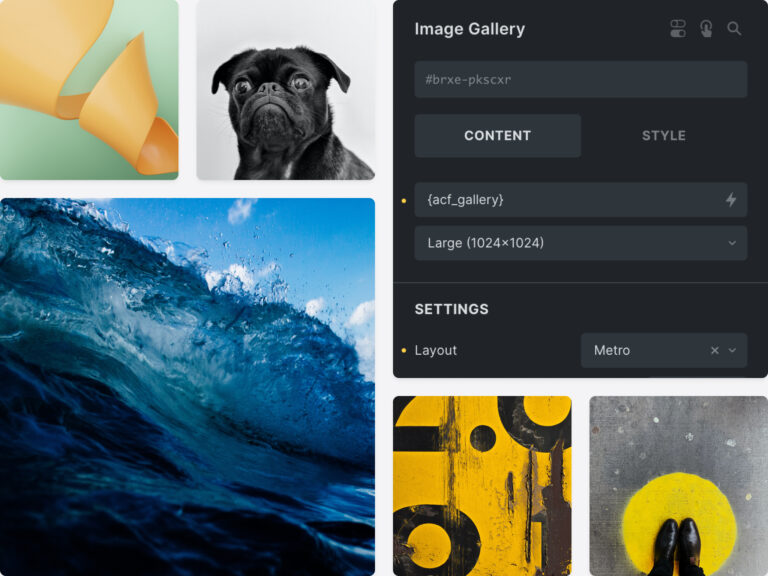
Dynamic content and custom fields supercharged
Populate any part of your website with custom fields. Bricks’ dynamic content support is unparalleled and deeply integrates with the most popular custom field plugins such as Advanced Custom Fields (ACF), Meta Box, JetEngine, Toolset, Pods, and ACPT.
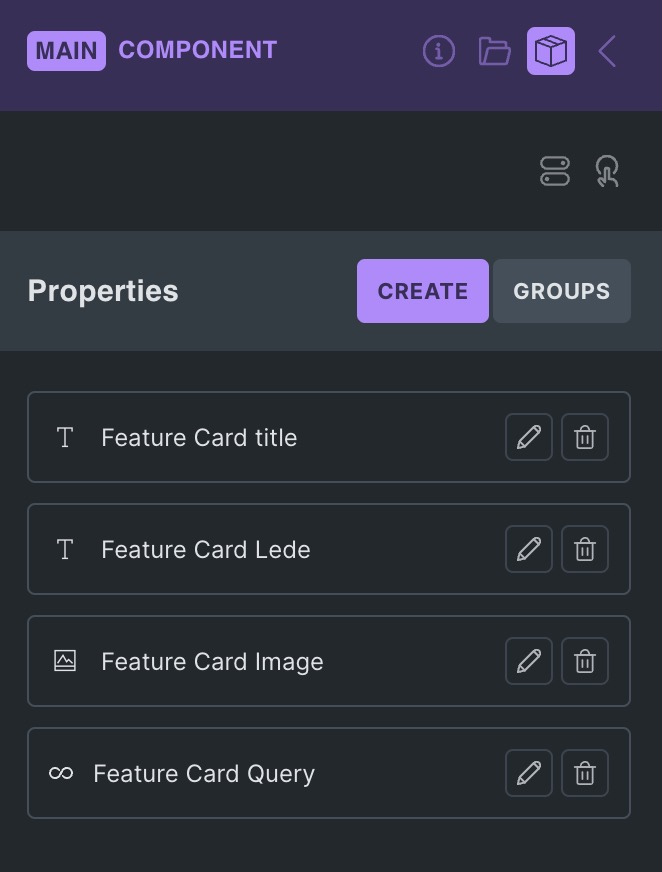
Build once. Reuse across your site.
Create reusable components with editable properties, slots, and style variants. Update the main component to keep its instances consistent across your site.
Find where components are used across your site and preview components that aren’t on the current page.
Bring components from a remote library into your next project, including their dependencies. Imports become local components; source changes can be brought in with a later import.
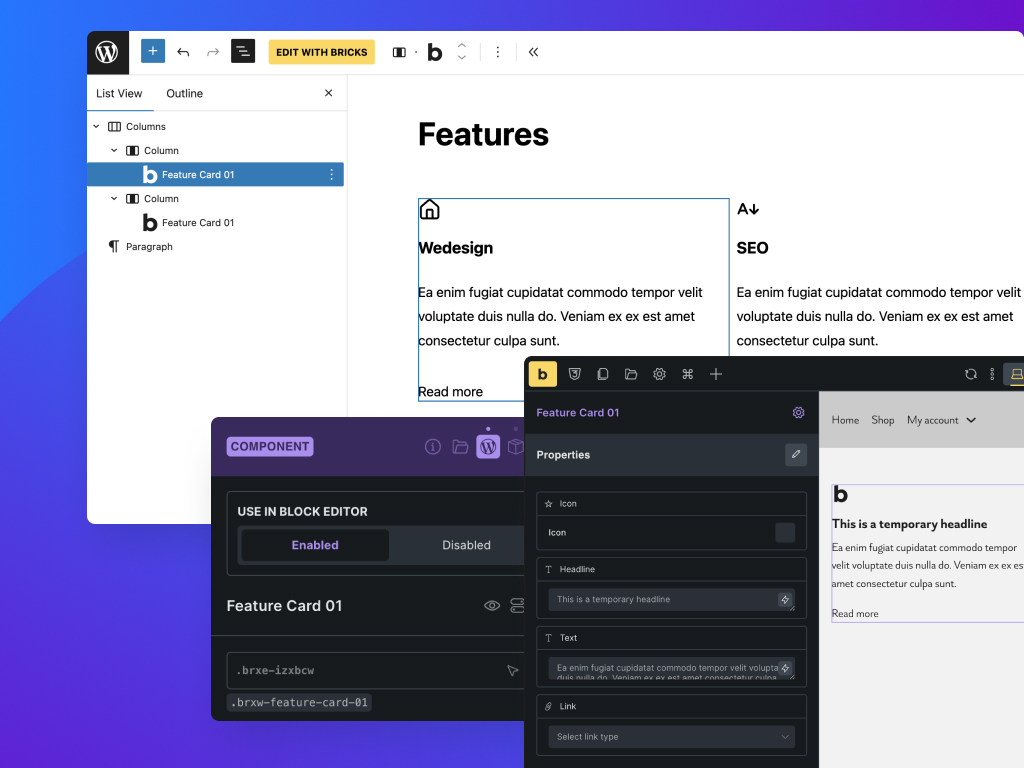
Build custom Gutenberg Blocks with Bricks
Bridge the gap between designers and editors. Build complex, reusable components in Bricks, then let content editors insert and configure them in Gutenberg—no canvas access needed. Maintain consistent design while giving clients a familiar editing experience.
Build and edit Bricks sites with AI Experimental
Connect Cursor, Claude Code, Copilot, and other MCP clients to create pages, edit elements, manage design systems, and automate Bricks workflows.
All details in the Bricks AcademyTurn static code into fully editable Bricks layouts
Paste HTML & CSS code directly into the builder. Bricks intelligently converts your HTML structure into native elements and applies your CSS as styles—giving you a fully functional, editable layout in seconds.
Customizable breakpoints & mobile-first support
Craft pixel-perfect sites that look stunning on every device. Use & customize default breakpoints. Extend your site's responsiveness by adding your own breakpoints. Desktop or mobile-first approach. Preview your design changes in real-time, right in the builder. Improving SEO & user experience, and ensure maintainability and scalability as your site adapts to future devices automatically.
Copy, move, paste, or reset styles across breakpoints, selectors, and pseudo-classes—without accidentally overwriting the rest of your design.
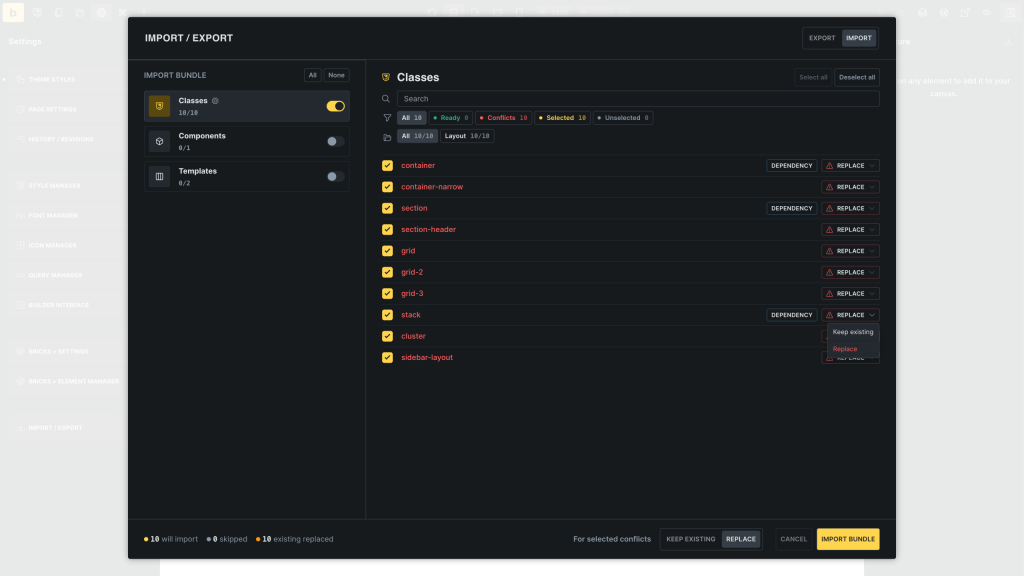
Bring your design system to your next project
Move classes, variables, styles, components, templates, and other Bricks resources between sites in one package. Review dependencies and choose which conflicting items to keep or replace before importing.
149+ ready-to-use elements
Build websites faster than ever with an extensive library of 149+ pre-built elements.
Incorporate professionally designed headings, texts, images, galleries, sliders, post grids, breadcrumbs, pagination, and more into your layouts.
Disable certain elements for a more streamlined, productive workflow or to remove the elements that you won’t want to be used on your site.
Effortless content refinement
Enjoy real-time content filtering and sorting without additional plugins and page refreshes. Create advanced facets to filter WordPress content by taxonomy terms or custom fields, enhancing your shop archives, listings, custom post type archives, and more.
All details in the Bricks Academy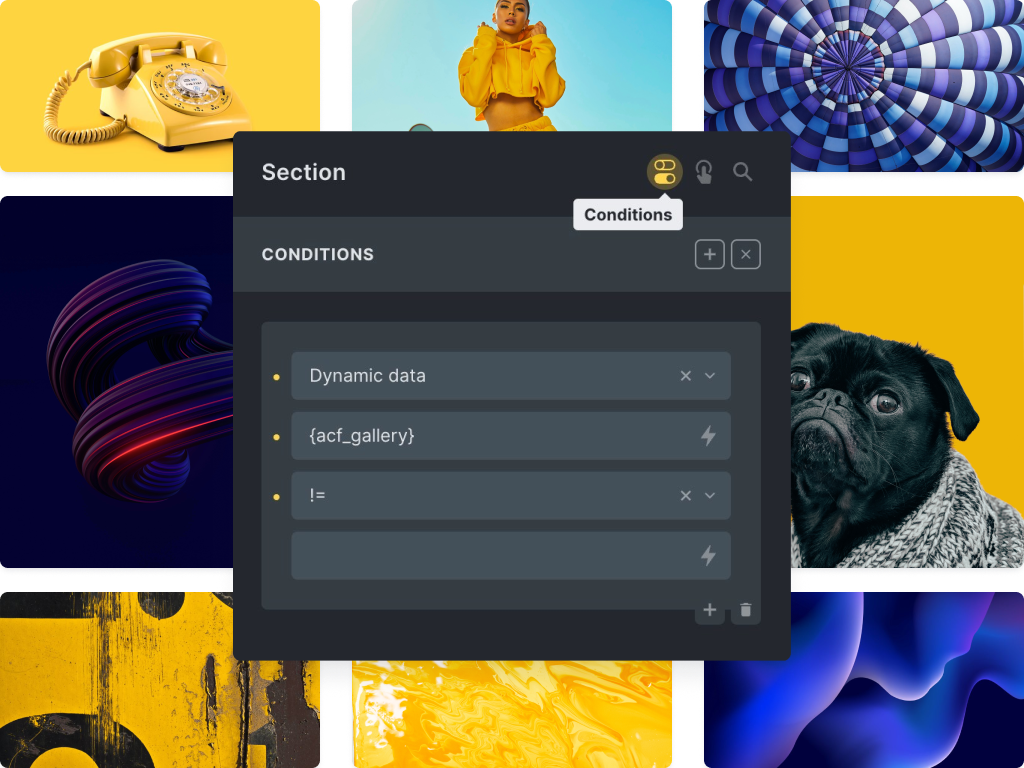
Create dynamic and interactive websites with conditions and interactions
Customize your website’s behavior with Bricks’ flexible conditions and interactions. Personalize content visibility based on various criteria and incorporate interactive elements for a dynamic user experience.
Speed up your search results
Live search provides instant, real-time results as users type, significantly enhancing the overall user experience by eliminating page reloads and accelerating the search process.
At the same time, it offers complete control over how search operates on your site. With advanced Search Criteria, you can precisely define which data sources are included—posts, terms, users, or custom meta fields—and assign weighted relevance to prioritize the most important results.
All details in the Bricks Academy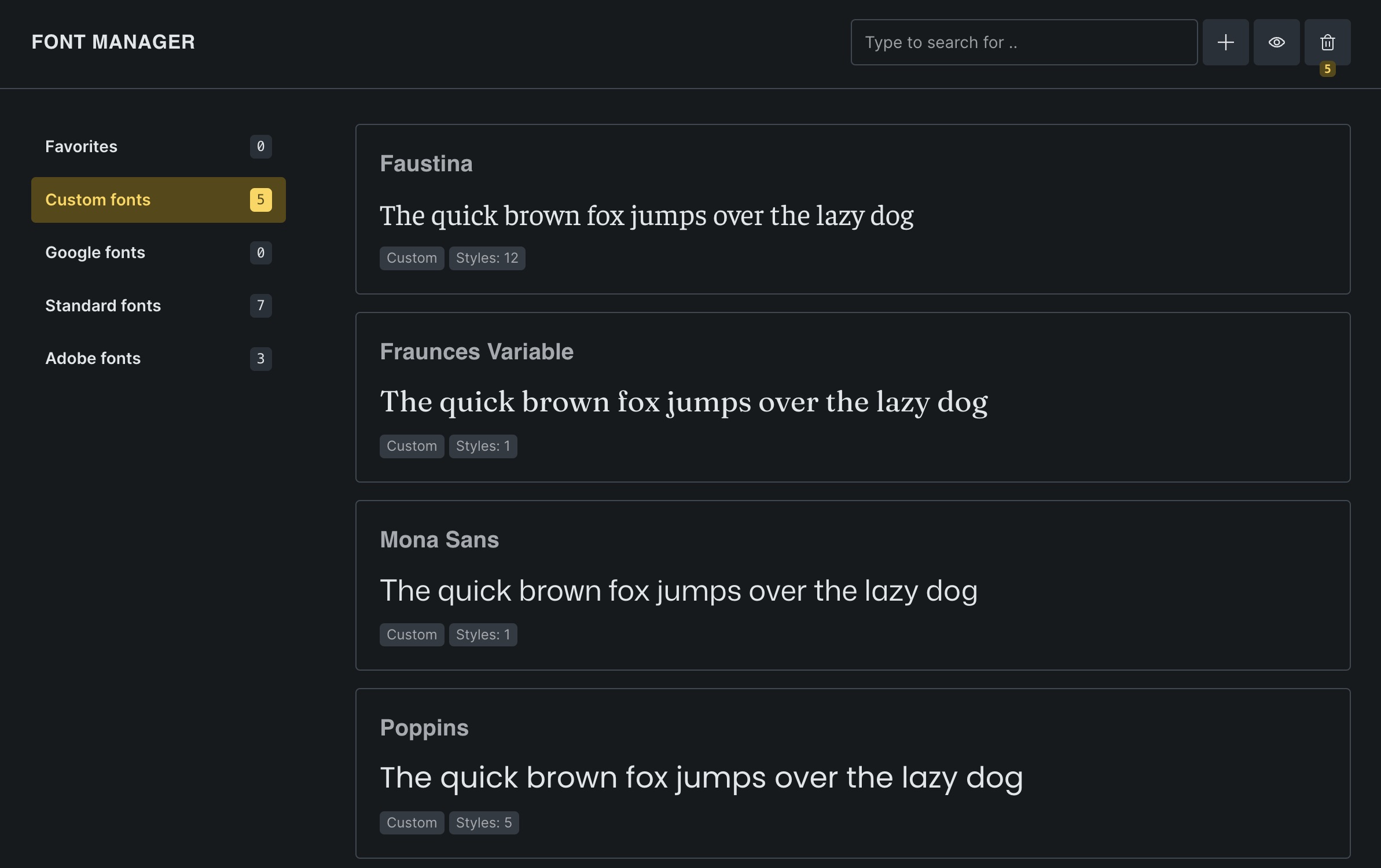
Elevate your website designs with advanced typography
Revolutionize your website’s visual appeal with cutting-edge font integrations.
Seamlessly integrate Google Fonts & Adobe Fonts, or upload your own custom fonts through the font manager. All with variable font support.
Elevate your design with limitless type flexibility and GDPR conformity.
Fast, flexible icon management
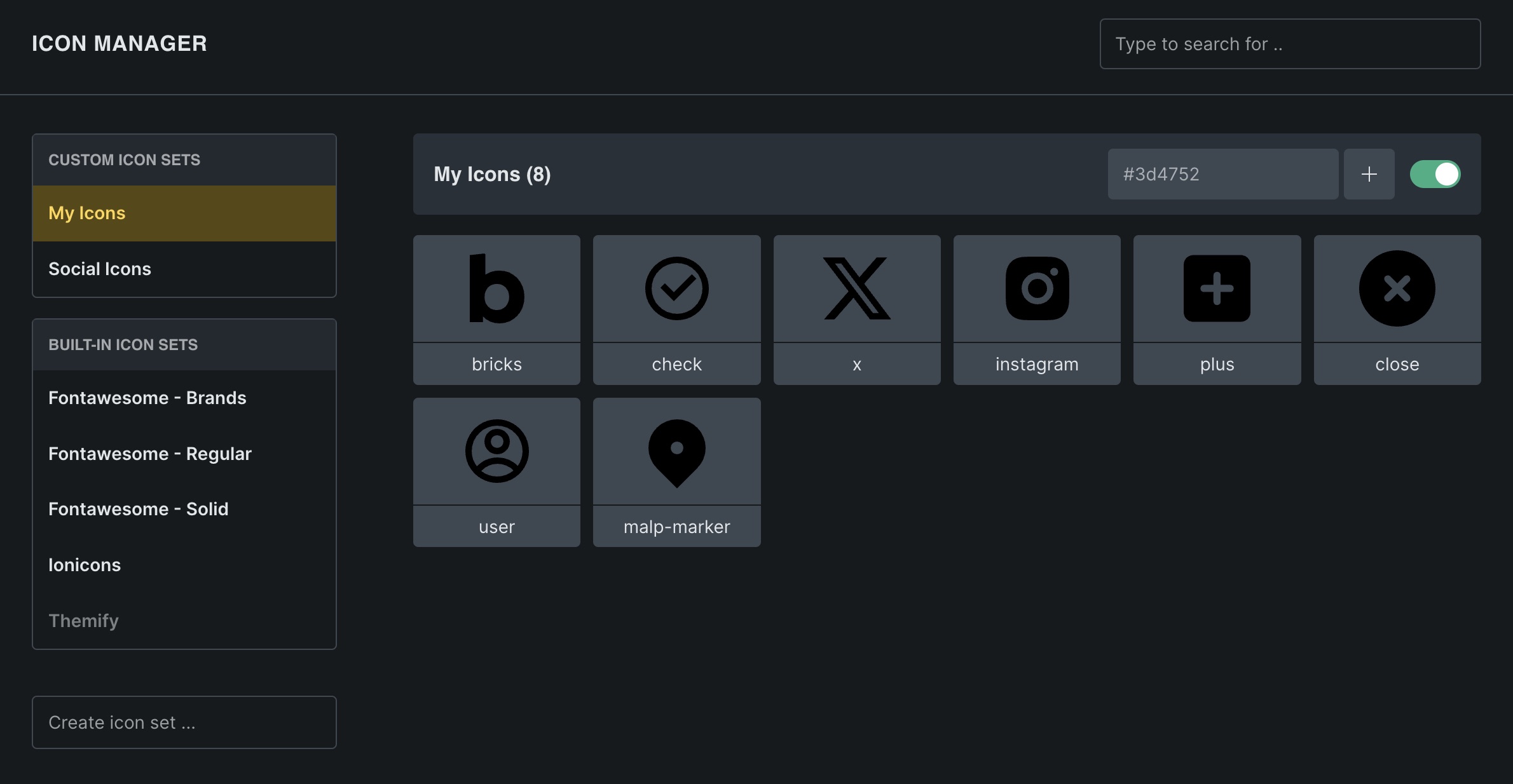
Build a tailored icon set without extra plugins. Bulk-add SVGs, group them into categories, and search in seconds.
SVGs stay razor-sharp at any size, load lightning-fast, and keep file sizes tiny.
Perfect for modern, responsive, and high-performance websites.
Craft tailored login experiences
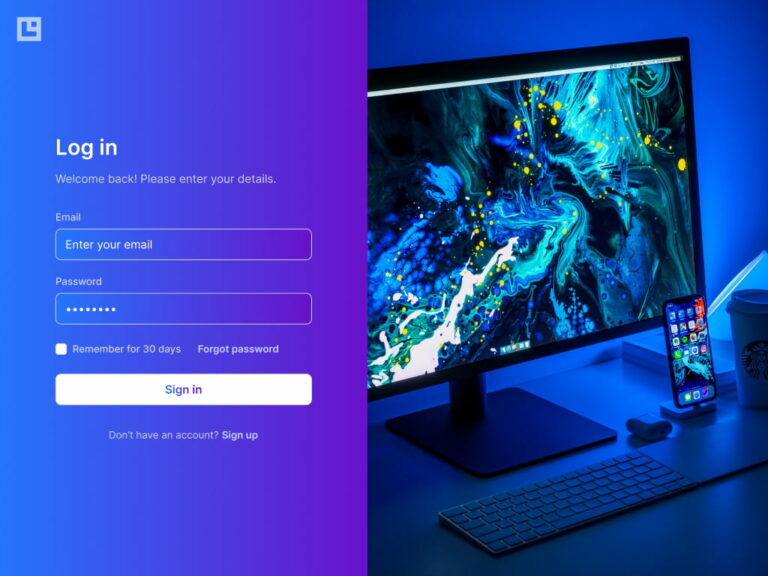
Craft unique login experiences tailored to your brand with personalized authentication pages for a seamless user journey.
Explore all form features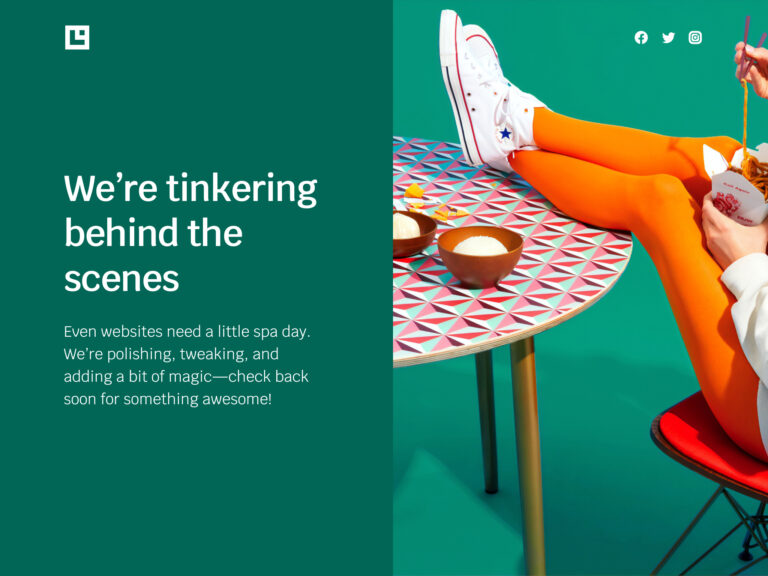
Maintenance & coming soon pages
Craft “under construction” and “coming soon” pages without extra plugins. Control site availability during updates or construction through role-based access and HTTP status codes.
Built-in Google Maps & OpenStreetMap
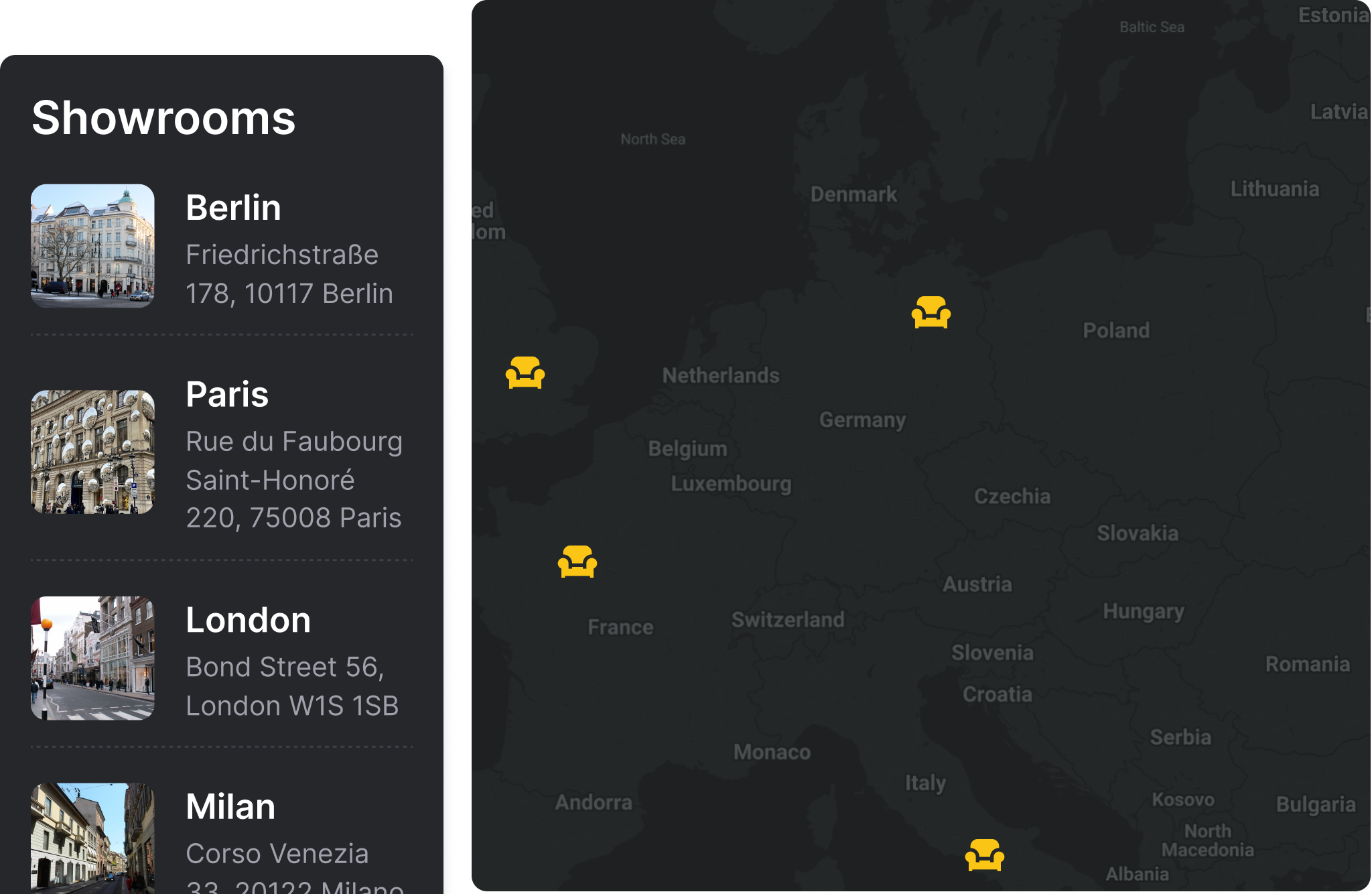
Display single or multiple locations with your choice of mapping solution—Google Maps for a familiar, feature-rich experience, or Leaflet (OpenStreetMap) for a fast, free, and privacy-friendly alternative. Customize markers, popups, and styling directly inside the builder and keep performance in your control.
Start your next project with ready-made layouts
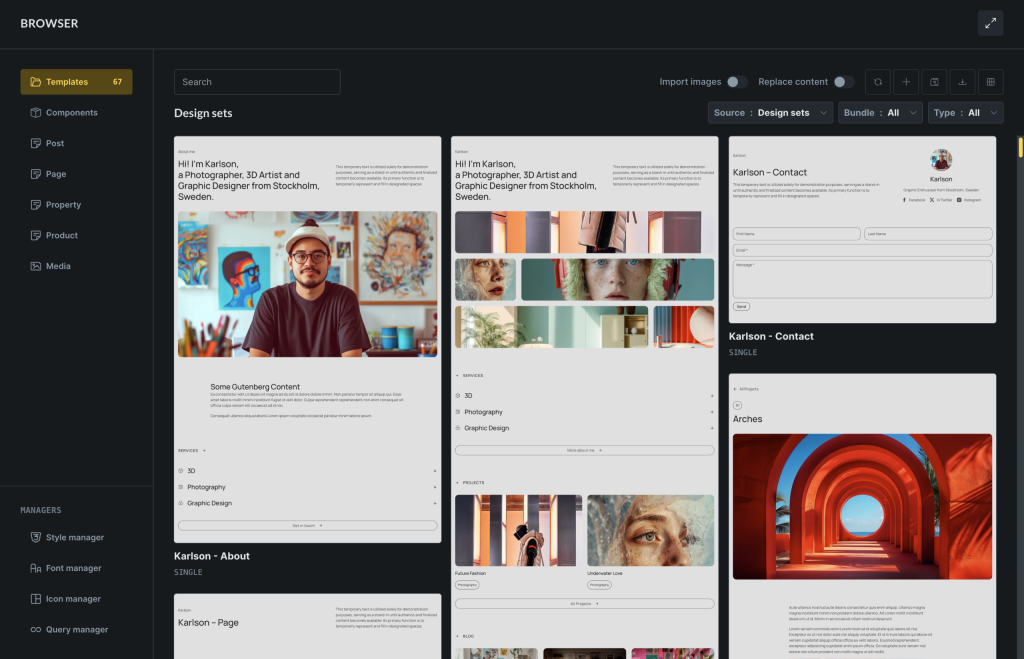
Choose a complete design set or use wireframe templates to build out your page structure. Start with ready-made pages, headers, footers, and sections, then customize them in the builder. Both collections are included in every Bricks plan.
Keep your layouts ready to reuse
Save layouts as templates and organize them with categories, tags, and screenshots. Connect another Bricks website as a remote template source to reuse your layouts across projects. Browse local and remote libraries in the Builder Browser, then insert a template and adapt it to the current page.

Save time with automated template screenshots
Automatically generate full-page screenshots of your templates every time you save. Need to do it in bulk? No problem—just a few clicks, and you’re set!
Create & edit content from the front end
Let users or clients create and update posts right from the front end—no WP-admin access or custom code required. With Create Post & Update Post actions plus new Rich Text and Image fields, you can map inputs to titles, content, taxonomies, or custom fields. Empower safe, structured publishing for directories, job boards, or any user generated content driven site.
Explore front end forms in the AcademyInject section templates across your site
Effortlessly integrate 'Section' templates at any point within your website's layout using any WordPress hook, whether it's before the header, within your plugin markup or after the content.
All details in the Bricks AcademyCreate your own custom elements
Use Bricks Element API to programmatically create your own, unique elements for all your website projects using PHP, HTML, CSS, and JavaScript.
All details in the Bricks AcademyUse and tweak our ready-made templates to get started in no time
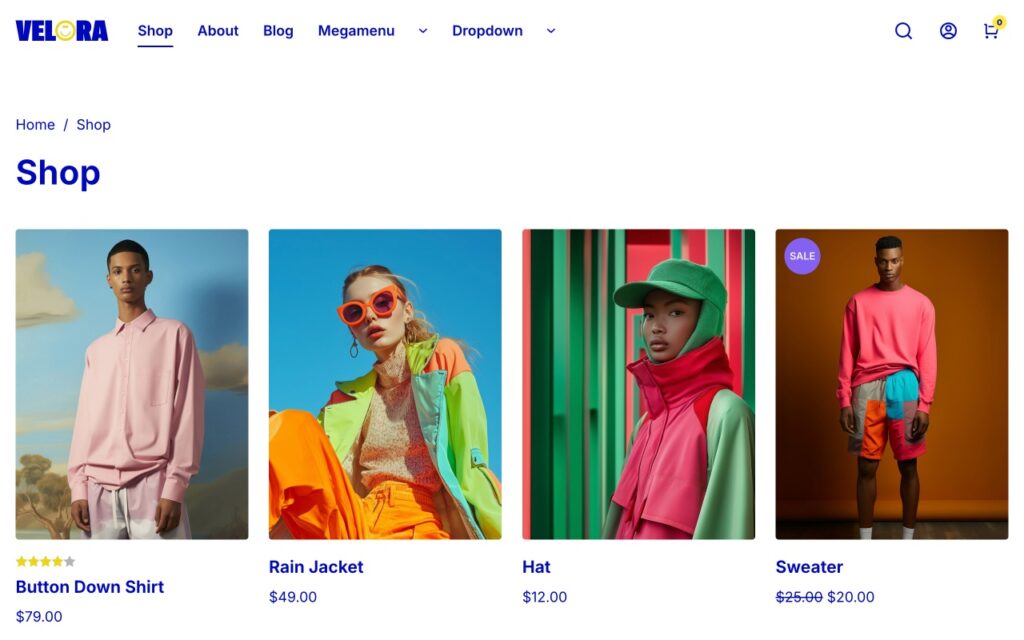
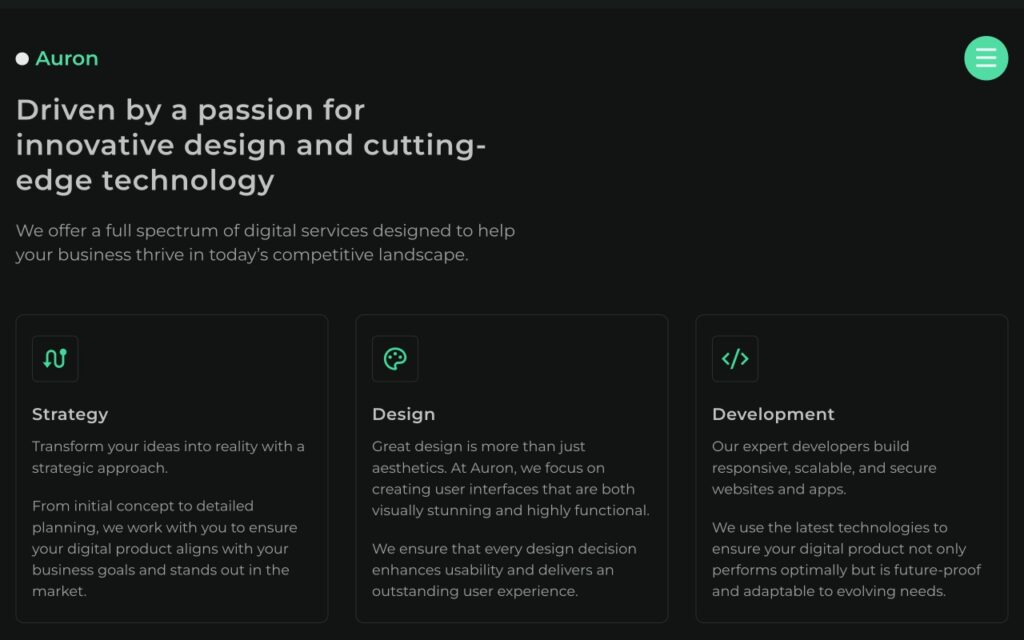
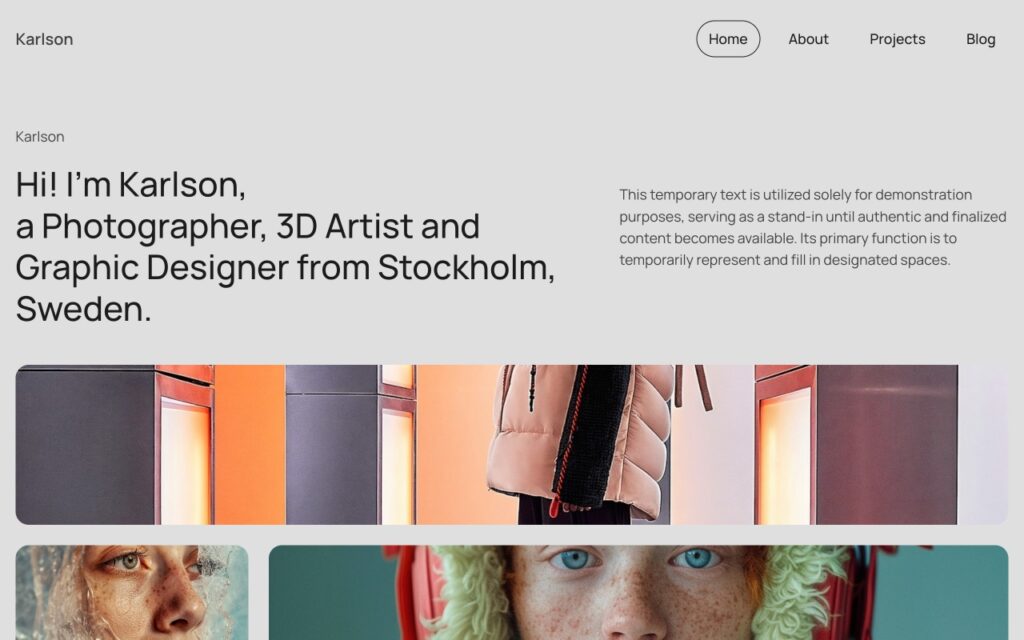
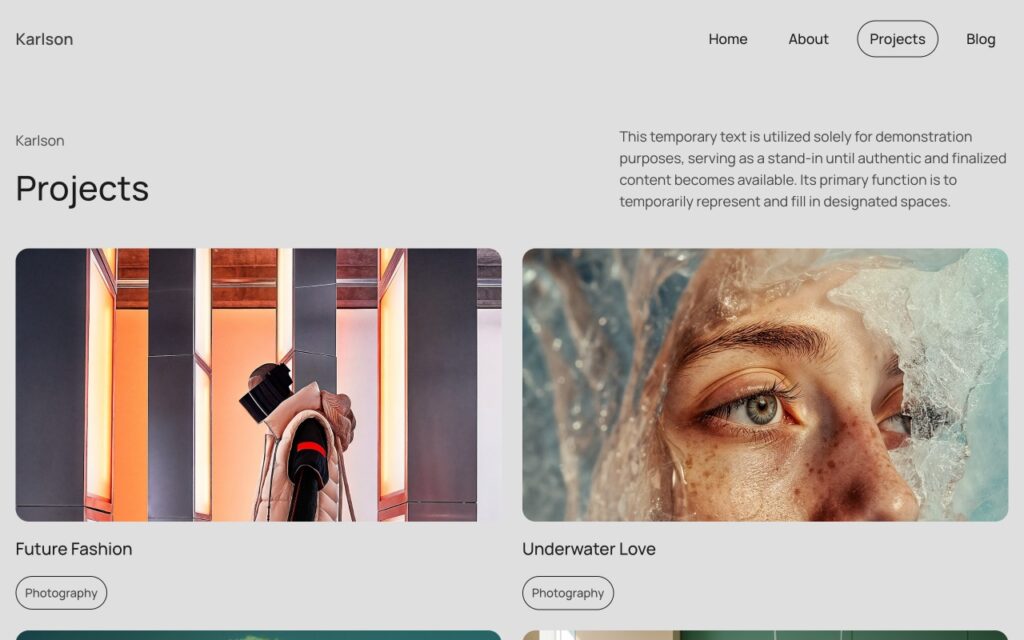
Jumpstart projects with pre-made wireframes and design sets – free of charge in every Bricks plan. Adjust them to your needs and embark on a swift creative journey.



There are many more features to explore
Build sites that rank
Optimize your website’s visibility and social media presence with SEO and Open Graph functionality built right into the builder.
Utilize SEO settings to enhance your search engine rankings while leveraging custom Open Graph tags to optimize your website’s appearance and performance on various social media platforms. Without having to rely on yet another plugin.
Native SVG support
Explore new design possibilities through native SVG support. Add custom icons and graphics in scalable, retina-ready SVG format while optimizing file sizes for exceptional website performance.
Never lose your progress again
Safeguard and browse through your work in time with revisions and customizable autosave.
Undo/redo steps, customize autosave settings, and access revision history from the toolbar for added peace of mind.
Connect your website with powerful API integrations
Supercharge your website with API integrations. Connect to popular services such as Adobe Fonts, Google Maps, Google reCaptcha, Unsplash, Facebook, Mailchimp, and SendGrid to unlock enhanced functionality.
Make the builder interface your own
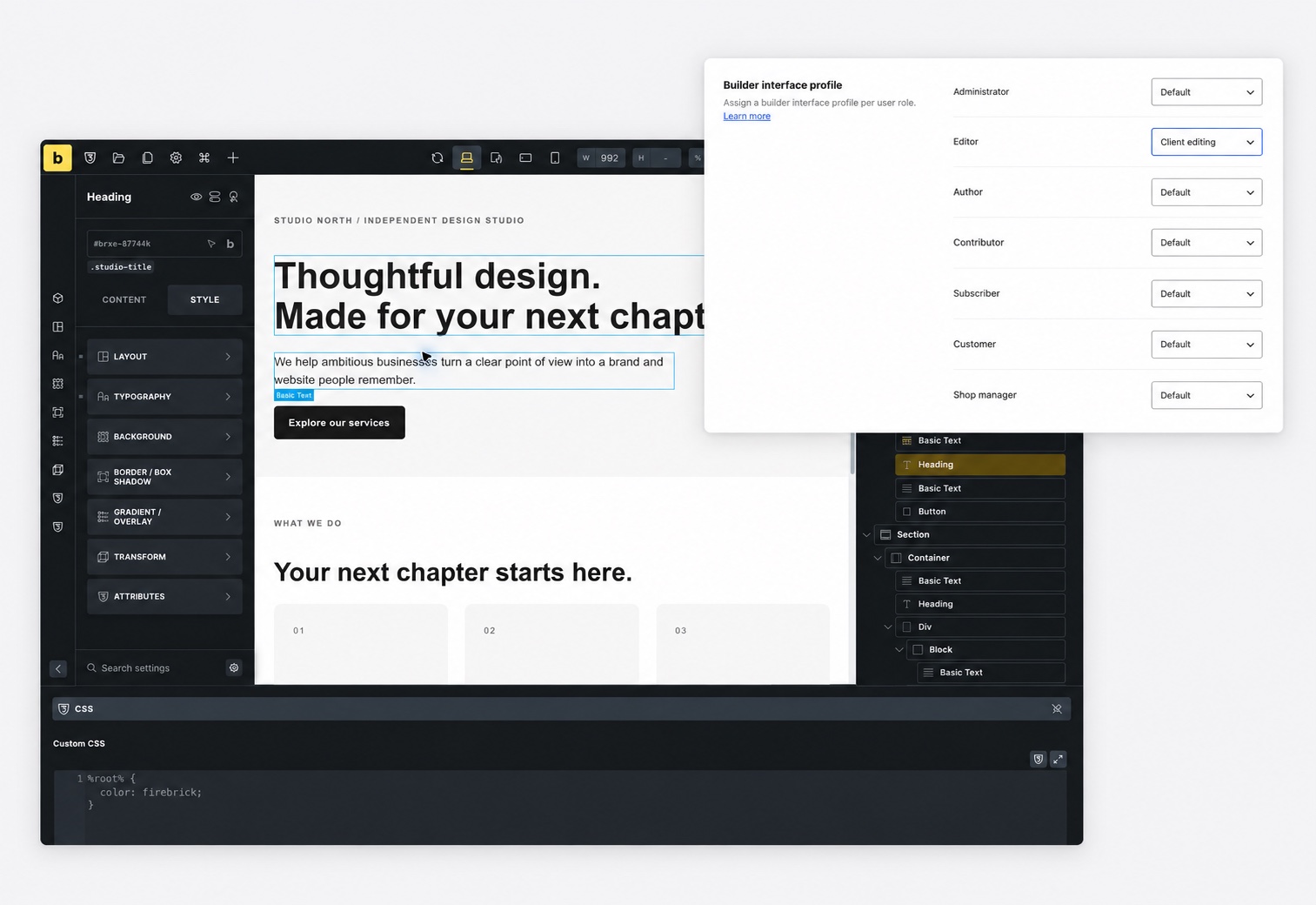
Arrange panels and toolbar items around the way you work. Save layouts as profiles and assign them to users or roles, giving designers and editors the workspace they need. Choose a light, dark, or custom builder theme.
Import and export profiles and personal interface settings to bring your workspace to another site.
Lock down your content with ease
Tailor individual pages
Craft unique and engaging landing pages through page-specific settings. Incorporate custom code, one-page navigation, and specific body classes. Disable headers & footers as needed.
Go global with a multilingual site
Seamlessly translate your entire website into multiple languages with full integration for WPML and Polylang plugins. Effortlessly localize strings, media, and content.
Translated into 35+ languages
Available in the most popular languages, and with full RTL support. Translate Bricks into any language thanks to its full localization. Language & direction can be set individually for the builder.
Full control with builder access levels
Set builder access levels to maintain control over your layouts. Define specific access permissions for user roles or individual users to allow for collaboration while safeguarding the integrity of your designs.
Fine-tuned control with builder capabilities
Create your own builder capabilities where you can fine-tune permissions for a specific user or user role in a visual interface.
Time-saving features to speed up your workflow
Keyboard-first control for power users
Open pages, jump to settings, and access builder managers from your keyboard. Insert elements and components, or use Emmet-like syntax to add a whole element structure in one action.
All details in the Bricks AcademyYour controls, always within reach
Meet your new productivity sidekick: the Quick Access Bar. Switch between Content, Layout, or Typography in an instant—either by clicking an icon or using handy keyboard shortcuts. Setting indicators keep you informed on what’s active at each breakpoint, making your workflow smoother than ever.
Move between content without leaving the builder
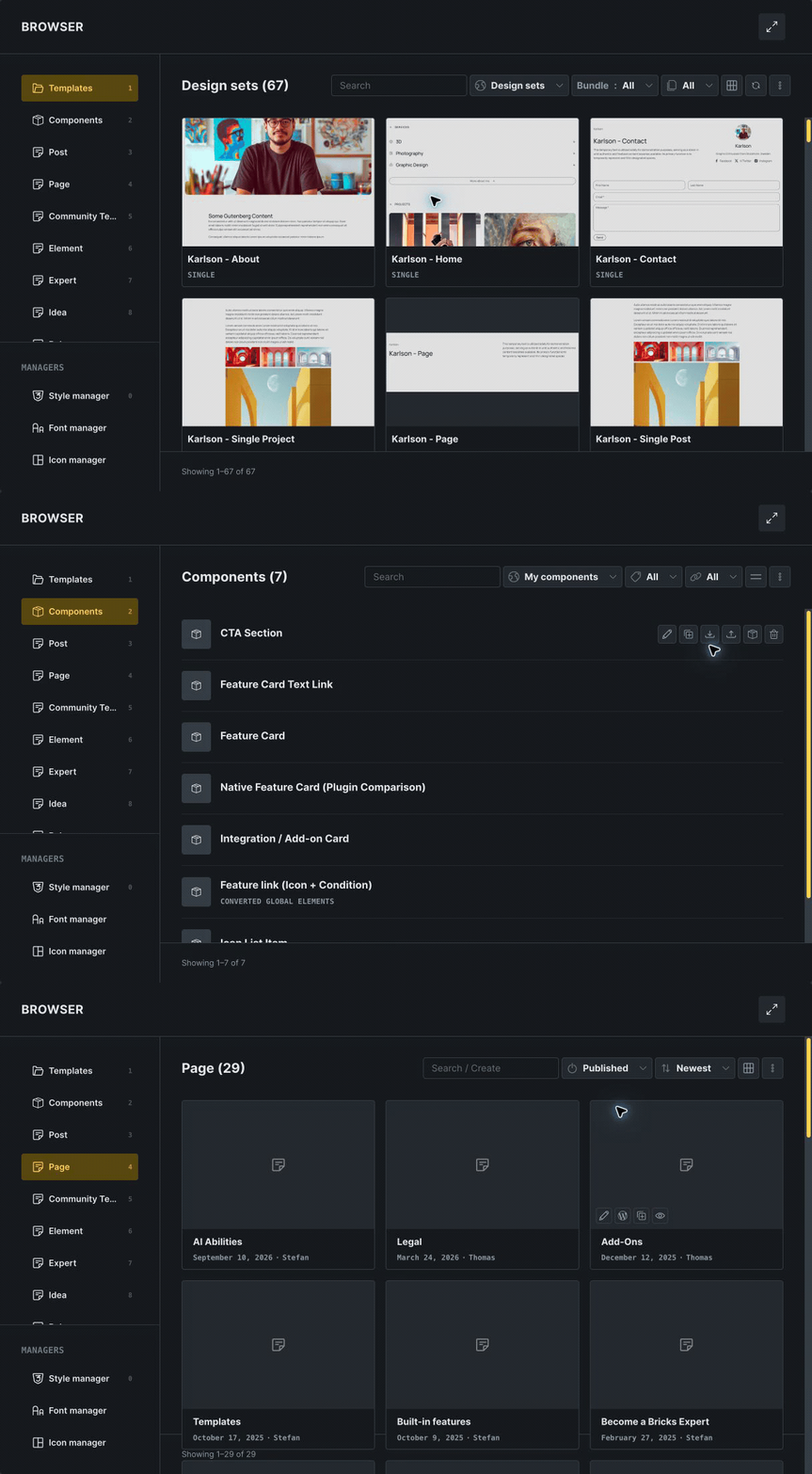
Find pages, templates, and components in one place. Search and filter your content, create new posts, inspect details, and open the item you want to edit without leaving your workspace.
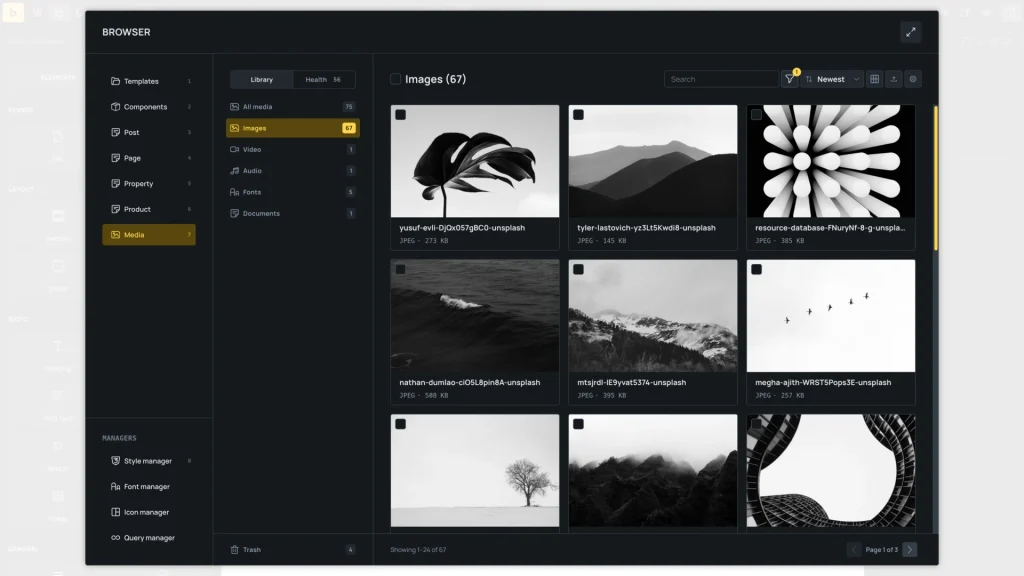
Find, edit, and check your media
Search, filter, and select files from your WordPress media library inside the builder. Edit attachment details individually or in bulk, and use Media Health to find missing alt text, broken files, and missing image sizes.
Cross-domain copy and paste
Copy and paste elements, classes, or entire layouts across pages or websites, streamlining your process and saving valuable time.
Keyboard shortcuts
Add, delete, copy, paste, save, undo/redo and navigate between breakpoints, elements, and classes.
All with a few single keystrokes.
Duplicate anything instantly
Bulk actions
Apply changes to multiple selected items at once. In the Media Browser, update attachment details, download files, or regenerate image sizes in batches.
Custom context menu
Not a fan of keyboard shortcuts? No problem. Access the most common actions by right-clicking on an element in the canvas and structure panel.
Quick search
Use Bricks' keyboard-shortcut accessible element & settings search instead of navigating through the entire interface.
Pinned elements
Pin your most used elements at the top of the elements panel to access them even faster.
Real-time preview
Visualize your final designs in real-time with auto-reloading preview tabs or right in the builder with a single click.
Built-in documentation
Browse the built-in Bricks Academy, how-to guides, videos, and insightful tips to enhance your skills right inside the builder.
