Quick Answer
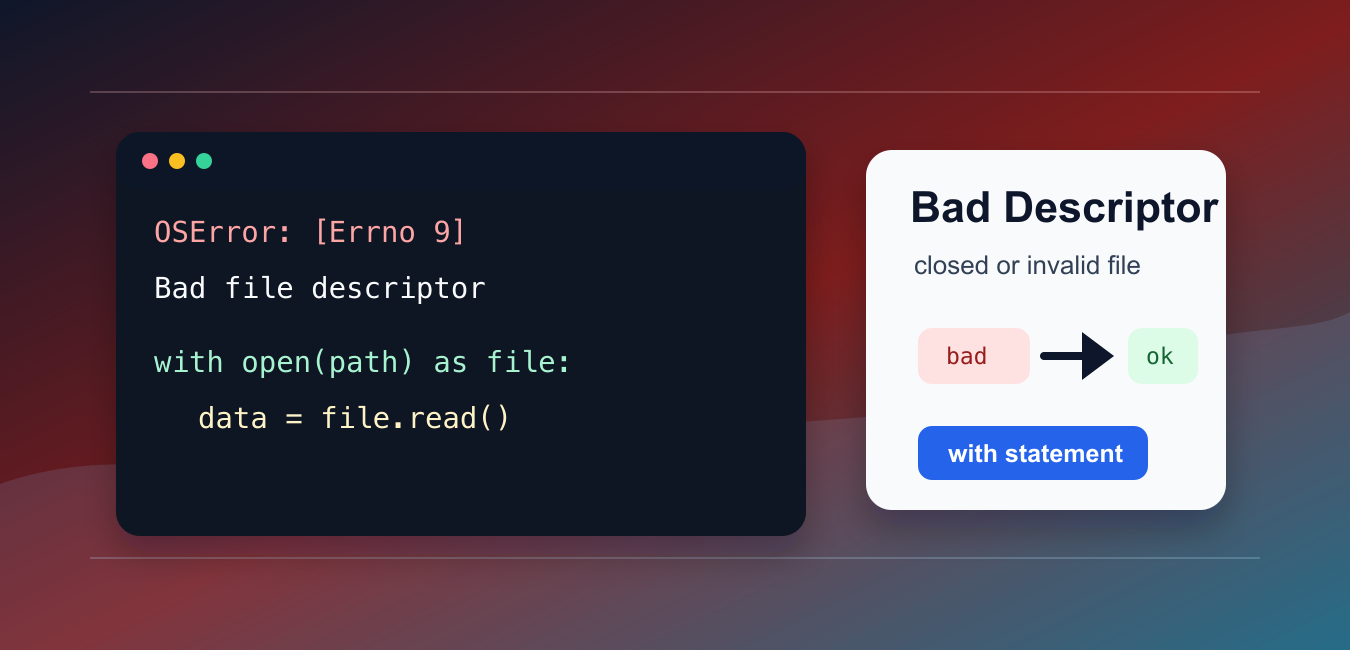
OSError: [Errno 9] Bad file descriptor means an operating-system file descriptor is invalid, closed, or being used with the wrong operation. Keep files inside a with open(...) block, avoid using the object after it closes, do not close it twice, and check whether a low-level descriptor was already consumed or replaced.
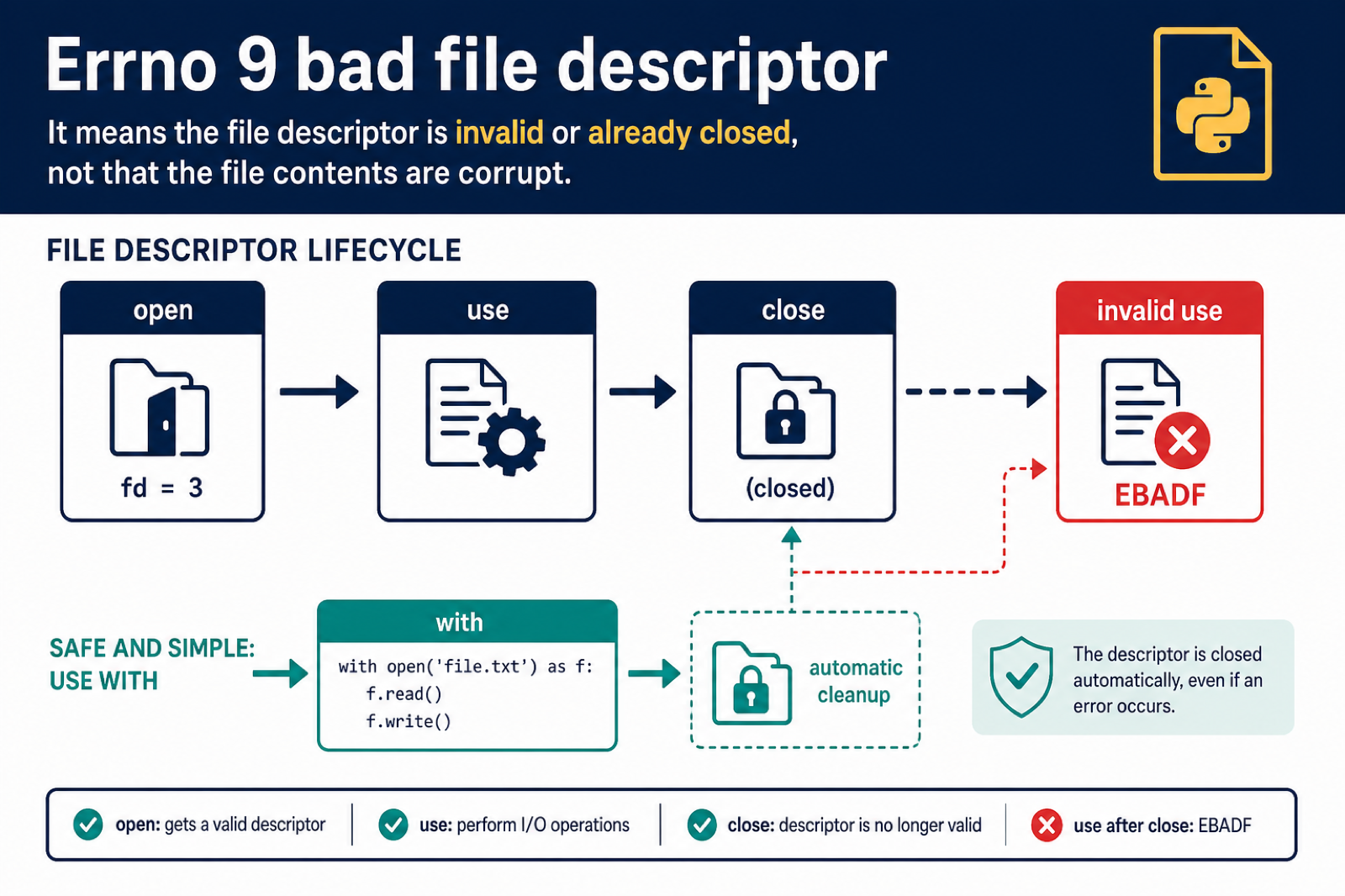
OSError: [Errno 9] Bad file descriptor means Python tried to use a file descriptor that is closed, invalid, or not usable for the requested operation.
The main references are Python’s OSError documentation, the file reading and writing tutorial, and the os file descriptor documentation.
The most common cause is using a file after it has already been closed. It can also happen when low-level descriptor functions from os are mixed with high-level file objects incorrectly.
The fix is to keep file operations inside the correct lifetime, use the right file mode, and avoid closing the same descriptor twice.
A file object is a high-level wrapper. A file descriptor is the low-level integer handle used by the operating system. You usually do not need to manage descriptors directly unless you are working with pipes, sockets, subprocesses, or advanced file APIs.
Most application code should stay with open() and with. That keeps ownership obvious and reduces the chance of using a handle after it is closed.
Do Not Read After Closing
Reading from a closed file object can raise this error or a closely related file operation error.
path = "example.txt"

file_obj = open(path, "w", encoding="utf-8")
file_obj.write("Python")
file_obj.close()

print(file_obj.closed)
Once a file is closed, do not call read(), write(), or fileno() on it.
Open the file again if you need another operation after closing it.
If the close happens inside a helper function, return the data you need instead of returning a closed file object to the caller.
Use with For File Lifetime
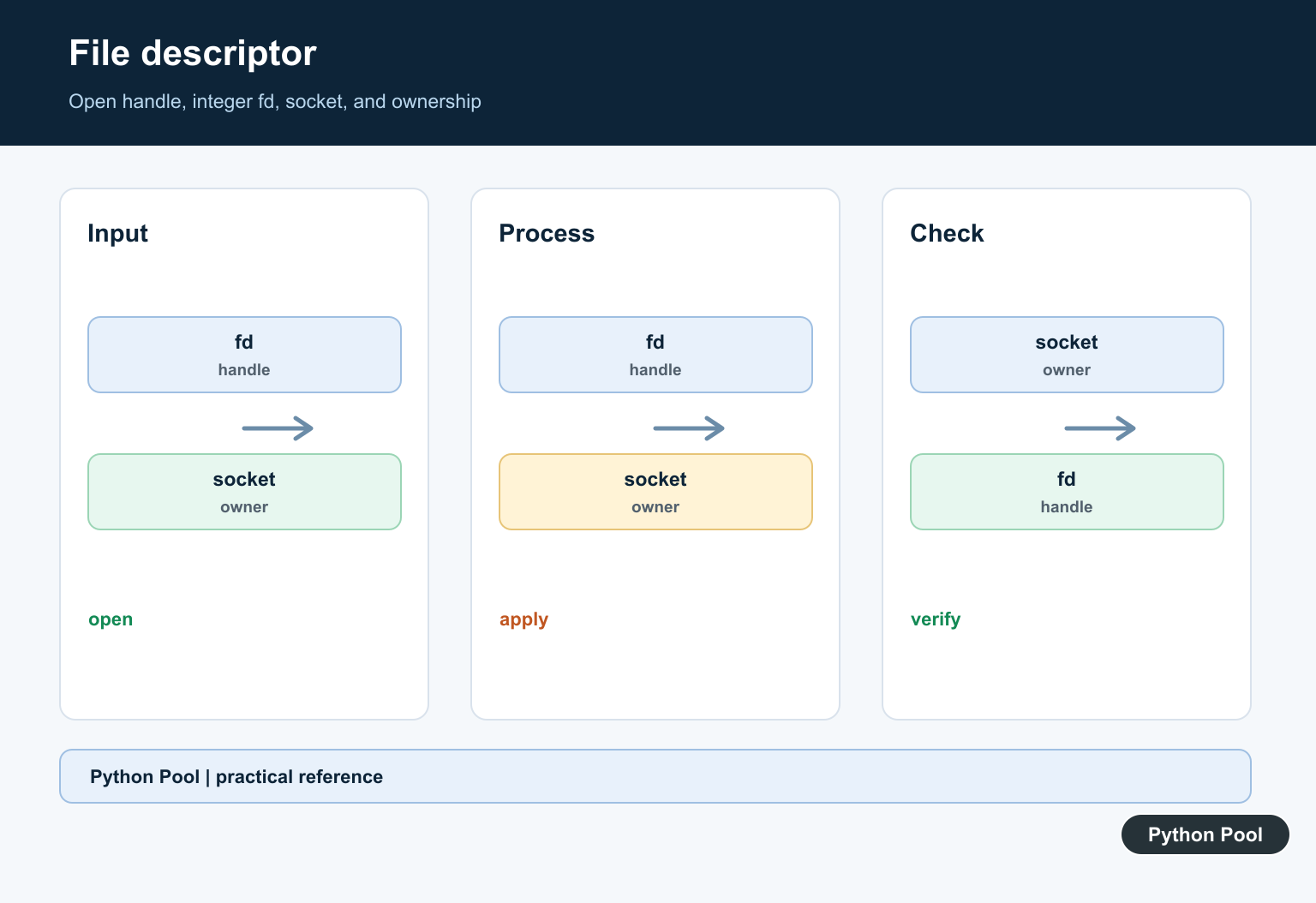
The with statement keeps file use inside a clear block and closes the file automatically afterward.
path = "example.txt"

with open(path, "w", encoding="utf-8") as file_obj:
    file_obj.write("Python Pool")

with open(path, "r", encoding="utf-8") as file_obj:
    text = file_obj.read()

print(text)
This is the preferred pattern for normal file reading and writing.
Keep all operations that depend on the open file indented inside the matching with block.
Open Files With The Right Mode
A file opened for reading cannot be written to, and a file opened for writing may not be readable unless the mode allows both.
path = "example.txt"

with open(path, "w+", encoding="utf-8") as file_obj:
    file_obj.write("hello")
    file_obj.seek(0)
    text = file_obj.read()

print(text)
w+ opens the file for reading and writing, while w is write-only.
Pick the narrowest mode that matches what your code actually does.
Wrong modes normally raise clear read or write errors, but they often appear near descriptor mistakes in the same code. Check both the lifetime and the mode when debugging.
Avoid Closing The Same Descriptor Twice
Low-level descriptor calls are powerful but easier to misuse than normal file objects.
import os

fd = os.open("example.txt", os.O_CREAT | os.O_WRONLY)
try:
    os.write(fd, b"Python")
finally:
    os.close(fd)
Do not call os.close(fd) again after the descriptor has already been closed.
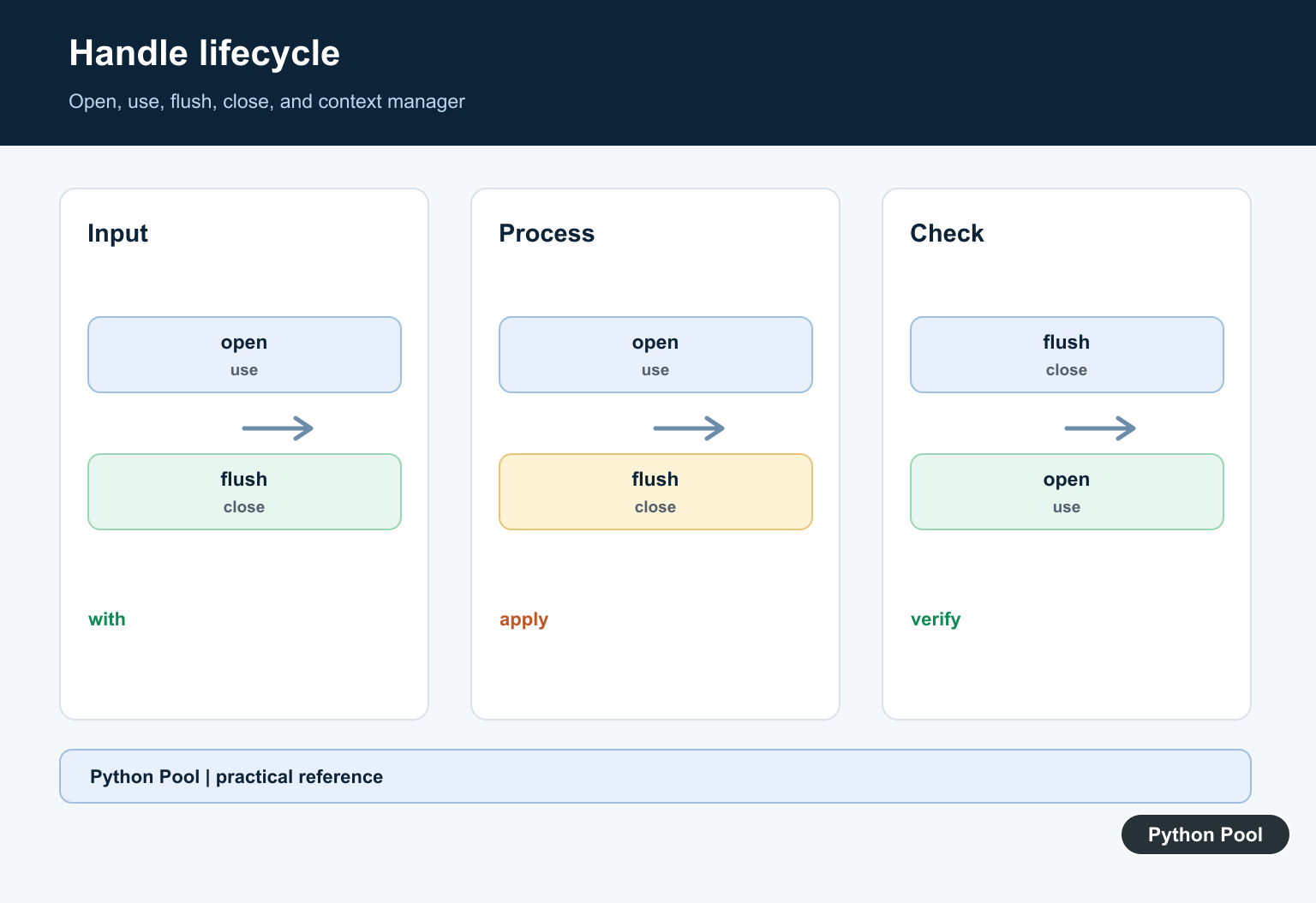
If you wrap a descriptor in a file object, be clear about which layer owns closing it.
Use os.fdopen Carefully
os.fdopen() creates a file object from a descriptor. Closing the file object closes the descriptor too.
import os

fd = os.open("example.txt", os.O_CREAT | os.O_WRONLY)

with os.fdopen(fd, "w", encoding="utf-8") as file_obj:
    file_obj.write("managed by file object")

print("closed by with block")
After the with block, the descriptor should not be used with os.write() or os.close().
This ownership rule prevents double-close mistakes.
Do not mix os.close() with a file object created by open() unless you understand the ownership boundary. Closing the descriptor underneath a live file object can leave that object in a broken state.
Check File State When Debugging
When a traceback points to a file operation, inspect the file state near that line.
path = "example.txt"

with open(path, "r", encoding="utf-8") as file_obj:
    print(file_obj.closed)
    print(file_obj.mode)
    print(file_obj.fileno())

print(file_obj.closed)
closed, mode, and fileno() can help identify whether the code is outside the valid file lifetime.
The practical rule is to prefer with open(...) for normal file work. Use low-level descriptors only when you specifically need operating-system descriptor behavior.
If the error happens in larger code, follow the traceback to the first file operation that fails, then look backward for a close, context exit, wrong mode, or descriptor handoff.
Keeping file ownership simple is the best prevention: one owner opens the file, one owner closes it, and operations happen while it is open.
In tests, include a small file-read or file-write case that exercises the helper fully. That catches accidental early closes before the code reaches production.
When subprocesses or sockets are involved, document which function owns each descriptor. Clear ownership makes cleanup predictable even when errors occur.
If you cannot find the close call, add temporary logging around every open, close, and handoff point. The log usually reveals where the descriptor lifetime ends.
Keep the Descriptor Alive for the Whole Operation
The most reliable pattern is a context manager. It opens the file, performs the I/O, and closes it when the block exits, including when an exception occurs.
with open("example.txt", "w+", encoding="utf-8") as file_obj:
    file_obj.write("Python")
    file_obj.seek(0)
    print(file_obj.read())

# file_obj is closed here; do not read from it again.
Do not return a file object from a function after the context that owns it has ended unless the caller also owns a still-open resource by design.
Distinguish File Objects From Raw Descriptors
Low-level calls such as os.read(fd, size) use an integer descriptor, while a Python file object wraps a descriptor and manages buffering. Mixing os.close(fd) with a still-live file object can invalidate the wrapper.
import os

fd = os.open("example.txt", os.O_RDONLY)
try:
    data = os.read(fd, 100)
finally:
    os.close(fd)
When diagnosing the error, record where the descriptor is opened, closed, duplicated, passed to a child process, or used by another thread. Catching and ignoring EBADF usually hides a lifetime bug rather than fixing it.
For file-lifetime problems, compare copying files and diagnosing operations on a closed file before changing close behavior. Read python copy file and solved valueerror i o operation on closed file for the related workflow.
Frequently Asked Questions
What does Errno 9 bad file descriptor mean?
The operating system received an invalid file descriptor, often because it was closed, never opened successfully, or used after its owner released it.
How do I prevent bad file descriptor errors in Python?
Use with blocks for file objects, keep ownership clear, avoid double close calls, and do not mix raw os.close() calls with a live wrapper unexpectedly.
Can reading after close cause Errno 9?
Yes. Reading, writing, or seeking through a file object after it has closed can raise a bad file descriptor or another I/O error.
How do I debug a low-level file descriptor error?
Trace where the descriptor is opened, duplicated, passed, and closed, then check thread or subprocess ownership and the exact operation that raises OSError.
