Quick Answer
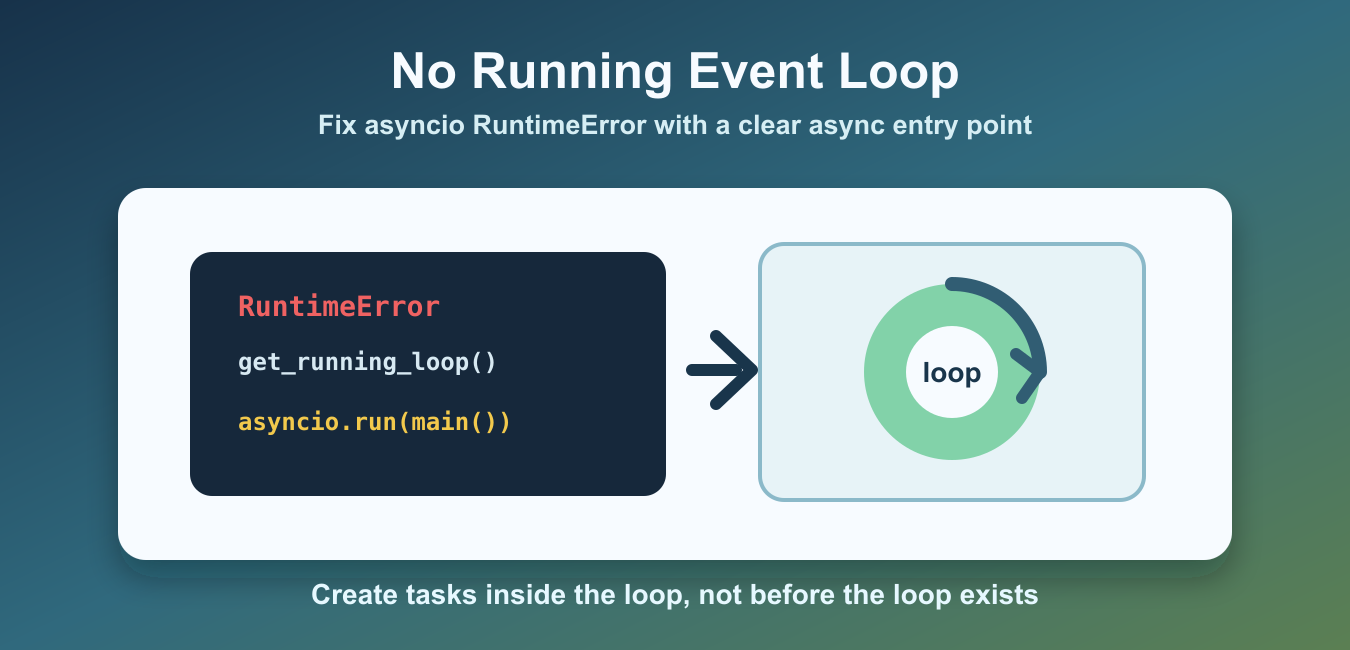
In a normal script, put async work in async def main() and call asyncio.run(main()) once. In a notebook or async web handler, a loop may already be running, so await the coroutine or use the framework’s supported entry point instead of starting a second loop.
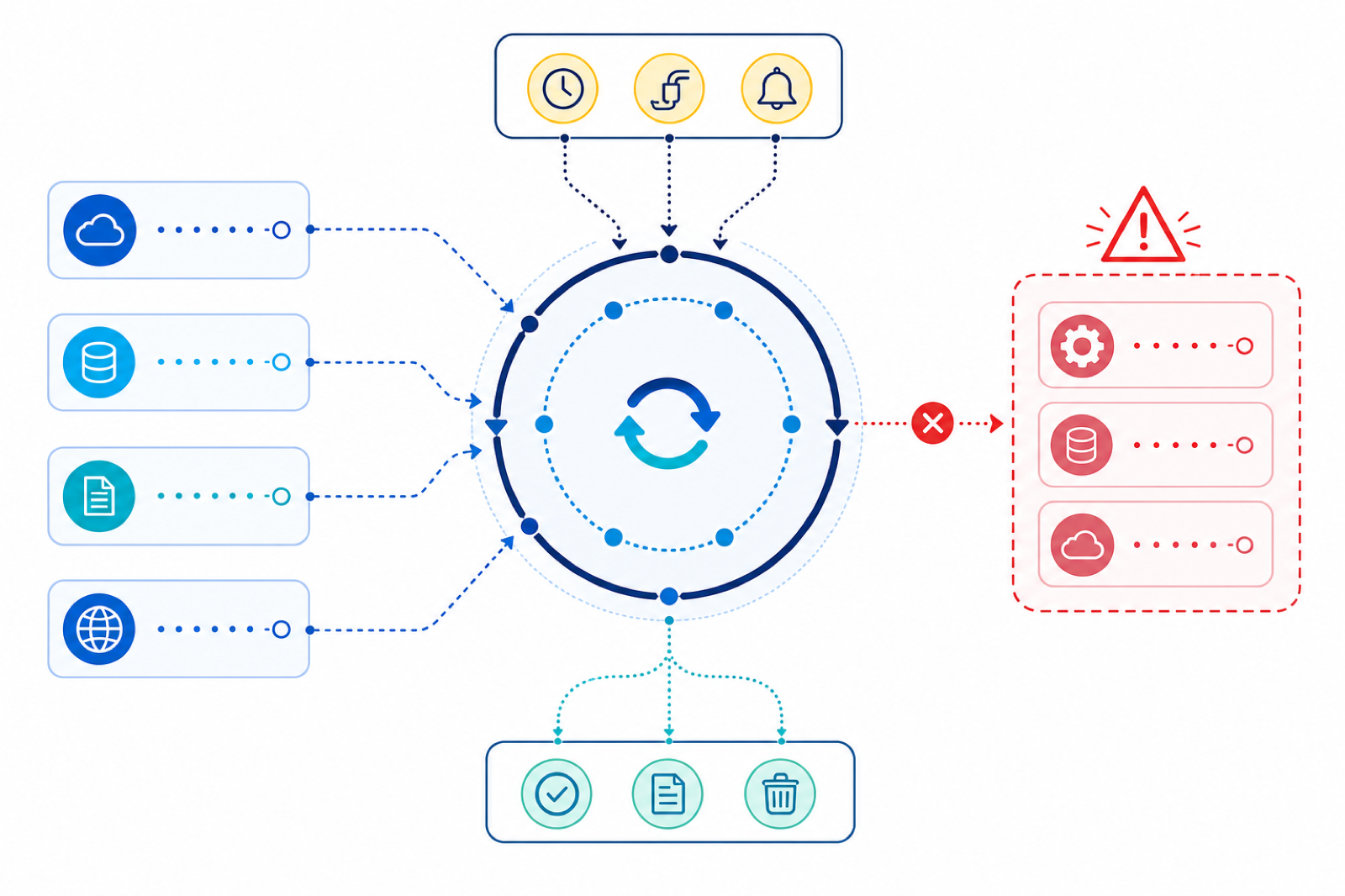
RuntimeError: no running event loop appears when asyncio code asks for the currently running event loop but no loop is active in that thread. The most common trigger is calling asyncio.get_running_loop(), asyncio.create_task(), or library code that expects to be inside an async context. When reusable async code may run under more than one event-loop backend, Sniffio Python Guide for Async Libraries shows how a library can detect the active runtime.
The usual fix is to put async work inside an async def function and start it with asyncio.run(). That creates an event loop, runs the coroutine, finalizes async generators, and closes the loop when it finishes.
Do not fix the error by randomly creating loops in several places. A Python process should have a clear async entry point. Once that entry point is running, helper functions can await coroutines, create tasks, and ask for the active loop safely.
The official asyncio.run documentation and get_running_loop documentation describe the behavior. For related file examples used in async programs, see the Python read file line by line guide.
What Causes The Error?
This short example asks for a running loop from normal synchronous code. Since no loop is running there, Python raises the error.
import asyncio

try:
    loop = asyncio.get_running_loop()
except RuntimeError as error:
    print(type(error).__name__)
    print(str(error))
This code is syntactically valid, but it is in the wrong context. get_running_loop() should be called from code that is already running inside an event loop.
The error message is therefore literal. Python is not saying asyncio is missing. It is saying there is no currently running loop attached to the code path that asked for one.
Use asyncio.run() For Top-Level Async Code
For scripts and command-line tools, the cleanest fix is usually asyncio.run(main()).
import asyncio

async def main():
    print("async work finished")


asyncio.run(main())
Only call asyncio.run() once at the top level of the program. Do not call it from inside another running event loop.
For scripts, this pattern is usually enough. Put setup code before asyncio.run(), put async network or scheduling work inside main(), and let asyncio.run() own loop startup and shutdown.
Call get_running_loop() Inside A Coroutine
If you need the active loop, ask for it inside a coroutine or callback that is already running in that loop.
import asyncio

async def main():
    loop = asyncio.get_running_loop()
    print(loop.is_running())


asyncio.run(main())
Here, asyncio.run() starts the loop before main() calls get_running_loop(), so the lookup succeeds.
Create Tasks Only Inside A Running Loop
asyncio.create_task() schedules a coroutine on the current running loop. Call it from inside async code, then await the task or gather multiple tasks.
import asyncio

async def fetch_name(index):
    return f"name-{index}"


async def main():
    tasks = [asyncio.create_task(fetch_name(index)) for index in range(3)]
    results = await asyncio.gather(*tasks)
    print(results)


asyncio.run(main())
This avoids creating tasks before the loop exists. It also keeps task lifetime tied to the top-level coroutine.
A common mistake is creating a task at module import time. Importing a file is synchronous, so there may be no running loop yet. Move task creation into main() or into an async function called from main().
Keep Library Calls Inside Async Functions
Some libraries call asyncio.get_running_loop() internally. If you call them from synchronous setup code, they can raise the same error. Move those calls into an async function that is reached from main().
import asyncio

async def open_connection():
    return "connected"


async def main():
    status = await open_connection()
    print(status)


asyncio.run(main())
This keeps loop-dependent work inside the active event loop. It also makes startup order clearer because the async call happens after asyncio.run() has created the loop.
Manual Event Loop Fallback
Most modern code should prefer asyncio.run(). Manual loop creation is mainly for embedded runtimes, frameworks, or compatibility code that needs explicit loop control.
import asyncio

async def main():
    print("manual loop finished")


loop = asyncio.new_event_loop()
try:
    asyncio.set_event_loop(loop)
    loop.run_until_complete(main())
finally:
    loop.close()
    asyncio.set_event_loop(None)
If you create a loop manually, close it in a finally block. That keeps resources from leaking if the coroutine raises an exception.
Common Places This Happens
This error often appears when old examples use asyncio.get_event_loop() patterns, when async tasks are created at import time, when a library expects to be called from a coroutine, or when code moves from a script into a notebook, web server, or background thread.
The key question is always the same: is there a running event loop in this thread right now? If the answer is no, start the async program with asyncio.run() or move the loop-dependent call into an active coroutine.
In notebooks and some interactive tools, an event loop may already be running. In that case, do not wrap the call in asyncio.run(). Await the coroutine directly in the notebook cell or use the environment’s supported async entry point.
Web frameworks also manage loops for you. In those cases, follow the framework’s startup hooks and async handler patterns instead of starting another loop inside the handler.
For normal Python scripts, the reliable pattern is simple: define async def main(), create tasks inside it, await the work, and call asyncio.run(main()) once from synchronous top-level code.
Identify Which Environment Owns the Event Loop
The same line can need different fixes in a script, notebook, web server, or background thread. First identify the execution context. A normal script can own a loop through asyncio.run(); a notebook or framework usually owns one already.
import asyncio

async def main():
    await asyncio.sleep(0)
    return 'done'

if __name__ == '__main__':
    print(asyncio.run(main()))
Keep loop creation at the application boundary. Library functions should generally expose async functions and let the caller decide how the event loop is managed.
Frequently Asked Questions
What causes no running event loop?
A loop-dependent asyncio call ran in a thread or synchronous context where no event loop is active. This often happens when code is moved out of an async function.
How do I fix it in a normal Python script?
Define an async main() coroutine and call asyncio.run(main()) once at the synchronous entry point.
Can I call asyncio.run() inside a Jupyter notebook?
Usually not when the notebook already has a running loop. Await the coroutine directly in the cell or use the notebook’s supported async integration.
Why should libraries avoid creating their own event loop?
The application or framework should own loop lifetime. A library that starts another loop can conflict with an existing loop and make cancellation and cleanup harder.
