
Quick answer: Sniffio lets reusable asynchronous Python libraries detect the currently running async ecosystem, such as asyncio, Trio, or Curio. Call current_async_library() inside an async context, branch only where behavior truly differs, and handle AsyncLibraryNotFoundError outside a supported runner.
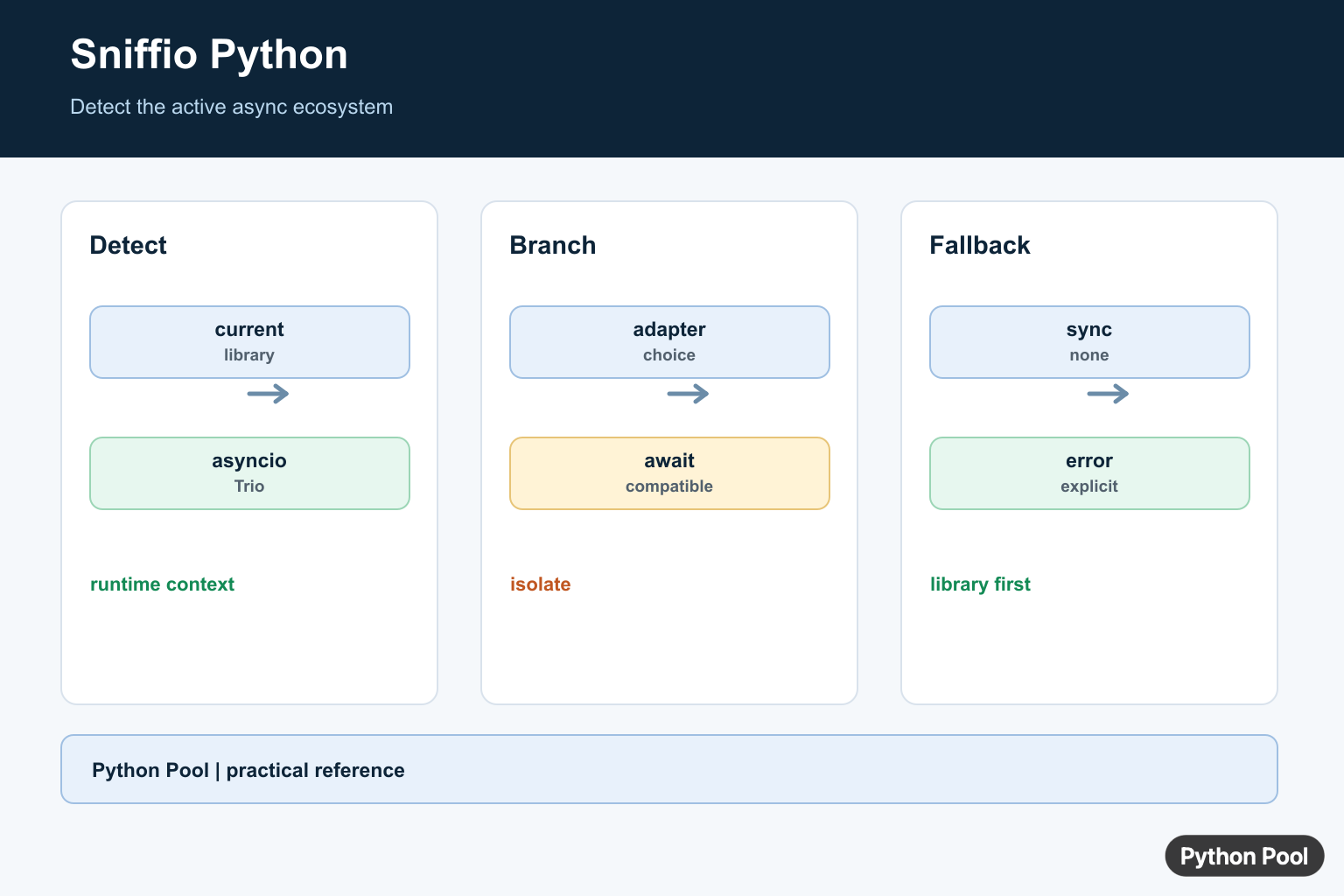
sniffio is a small Python package that detects which async library is currently running. It is used by libraries that can work with asyncio, Trio, Curio, or other async backends without forcing every user into one framework.
The package is most useful for library authors. Application code usually knows whether it is using asyncio.run(), Trio, or another runtime. Shared libraries, HTTP clients, test helpers, and adapters may not know that until they are called from inside an async context.
This distinction matters because async frameworks expose similar ideas with different APIs. Each one can schedule tasks, sleep without blocking, cancel work, and handle timeouts, but the exact function calls are not identical. A reusable package needs a small decision point before it can choose the correct implementation.
The sniffio documentation explains the core API. For related setup topics, see how to check your Python version and how notebooks handle running multiple Jupyter cells.
Check The Current Async Library
The main function is sniffio.current_async_library(). It returns a string such as asyncio, trio, or curio when called from a recognized async runtime.
import sniffio

try:
    library_name = sniffio.current_async_library()
except sniffio.AsyncLibraryNotFoundError:
    library_name = "no async library"

print(library_name)
In normal synchronous code, there may be no active async library. Catch AsyncLibraryNotFoundError when your helper can be called from either sync or async code.
The exception is useful because it separates two cases that often get confused. It does not mean sniffio is broken or that async support is missing from Python. It only means the call happened outside a recognized async runtime.
Detect asyncio From An Async Function
When the code runs under asyncio.run(), sniffio can detect that the active library is asyncio.
import asyncio
import sniffio

async def main():
    print(sniffio.current_async_library())

asyncio.run(main())
This is different from checking whether the asyncio module is installed. The module can exist even when no event loop is currently running.
That is why sniffio is a runtime detection tool rather than an import checker. It answers the question, “What async library is active right now for this call?” That answer can change depending on how the same helper is reached.
Write A Small Detection Helper
A helper function keeps backend checks in one place. That makes the rest of the library easier to read and easier to test.
import sniffio

def current_backend(default="sync"):
    try:
        return sniffio.current_async_library()
    except sniffio.AsyncLibraryNotFoundError:
        return default

print(current_backend())
Returning a default value is helpful for diagnostics, logging, and error messages. It also avoids repeating exception handling throughout your codebase.
If your function truly requires async execution, do not hide the missing-library case. Raise a clear error instead. A default is best for optional diagnostics, while strict library code should fail loudly when it cannot safely continue.
Branch For Backend-Specific Behavior
Some features need different implementations depending on the async runtime. In that case, branch on the detected backend name and keep each branch narrow.
import sniffio

async def describe_sleep_strategy():
    backend = sniffio.current_async_library()

    if backend == "asyncio":
        return "use asyncio.sleep"
    if backend == "trio":
        return "use trio.sleep"

    return f"custom handling for {backend}"
Avoid scattering backend checks across many files. Prefer one adapter layer that selects the correct behavior and exposes a simple function to the rest of the package.
This keeps the project easier to maintain as support changes. If you later add Trio support or remove Curio support, the change belongs in the adapter layer instead of every caller that needs a timeout, lock, sleep, or cancellation helper.
Reject Unsupported Backends Clearly
If your library only supports specific runtimes, fail early with a useful message. That is better than letting a lower-level error appear later.
import sniffio

SUPPORTED_BACKENDS = {"asyncio", "trio"}

async def require_supported_backend():
    backend = sniffio.current_async_library()

    if backend not in SUPPORTED_BACKENDS:
        raise RuntimeError(f"Unsupported async backend: {backend}")

    return backend
This pattern is useful in adapters, clients, and test utilities. It tells users exactly which async backend was detected and which ones the package supports.
Use sniffio In Tests
Tests should cover the behavior that depends on the backend name. Keep the backend decision in a small function so tests can call that function directly.
def choose_timeout_message(backend):
    if backend == "asyncio":
        return "asyncio timeout handling"
    if backend == "trio":
        return "trio cancel scope handling"
    return "generic timeout handling"

assert choose_timeout_message("asyncio").startswith("asyncio")
assert choose_timeout_message("trio").startswith("trio")
This test does not need to start an event loop. It checks your own branching logic while leaving a smaller number of integration tests to confirm sniffio detection inside real async runtimes.
When To Use sniffio
Use sniffio when your code is called from unknown async environments. It is a good fit for reusable packages, plugin systems, transport layers, and compatibility helpers. It is usually unnecessary in a small application that has already chosen one async framework.
Do not use sniffio as a replacement for understanding your runtime. It only reports the active async library; it does not manage event loops, create tasks, schedule timeouts, or make blocking code safe.
It also should not be used to guess package availability. Detecting asyncio at runtime does not prove that a separate Trio dependency is installed, and detecting Trio does not mean your code can call asyncio functions safely. Keep runtime detection and dependency checks separate.
The reliable pattern is to keep detection small and explicit. Detect the backend at the boundary, choose the correct adapter, and keep the rest of your code written against a simple internal interface. That gives you compatibility without filling the whole project with backend checks.
Detect The Current Async Library
Sniffio reports a short library name from the context that is driving the coroutine. This is useful for a library that supports more than one async framework without forcing one framework on its users.
import asyncio
import sniffio

async def show_library():
    print(sniffio.current_async_library())

asyncio.run(show_library())
Choose A Compatible Implementation
After detection, keep framework-specific branches small and isolate them behind one adapter. Do not import or await incompatible APIs merely because a different library is installed in the environment.
import asyncio
import sniffio

async def sleep_once():
    library = sniffio.current_async_library()
    if library == "asyncio":
        await asyncio.sleep(0)
    else:
        raise RuntimeError(f"unsupported async library: {library}")

asyncio.run(sleep_once())
Handle Synchronous Contexts
Calling the detector from ordinary synchronous code or an unsupported runner can raise AsyncLibraryNotFoundError. Decide whether the library should require an async context, provide a synchronous fallback, or return a clear application error.
import sniffio

try:
    library = sniffio.current_async_library()
except sniffio.AsyncLibraryNotFoundError:
    library = None

print(library or "no async library active")
Keep Library State Correct
Sniffio uses context-local state to identify the active library while a coroutine runs. A library integrating a new async framework must set and restore that state around coroutine driving, and should add tests for nested or delegated execution.
from sniffio import current_async_library

async def generic_operation():
    library = current_async_library()
    if library not in {"asyncio", "trio", "curio"}:
        raise RuntimeError("unsupported async library")
    return library
The official Sniffio documentation describes supported libraries, current_async_library(), and AsyncLibraryNotFoundError. Use runtime detection for reusable libraries, not as a substitute for choosing a framework in a simple application.
For related asynchronous runtime issues, compare missing event-loop fixes, thread locks, and unbuffered output when debugging code that crosses concurrency boundaries.
Frequently Asked Questions
What is Sniffio used for?
Sniffio detects which asynchronous library is currently driving a coroutine, such as asyncio, Trio, or Curio.
How do I use sniffio.current_async_library()?
Call it from an async context and branch on the returned library name, while handling AsyncLibraryNotFoundError when no supported library is active.
Why does Sniffio fail in synchronous code?
There may be no active async library in a synchronous context, so detection cannot identify an event loop.
Should an application use Sniffio directly?
It is primarily useful for reusable async libraries that support multiple ecosystems; an application committed to one framework may not need runtime detection.
