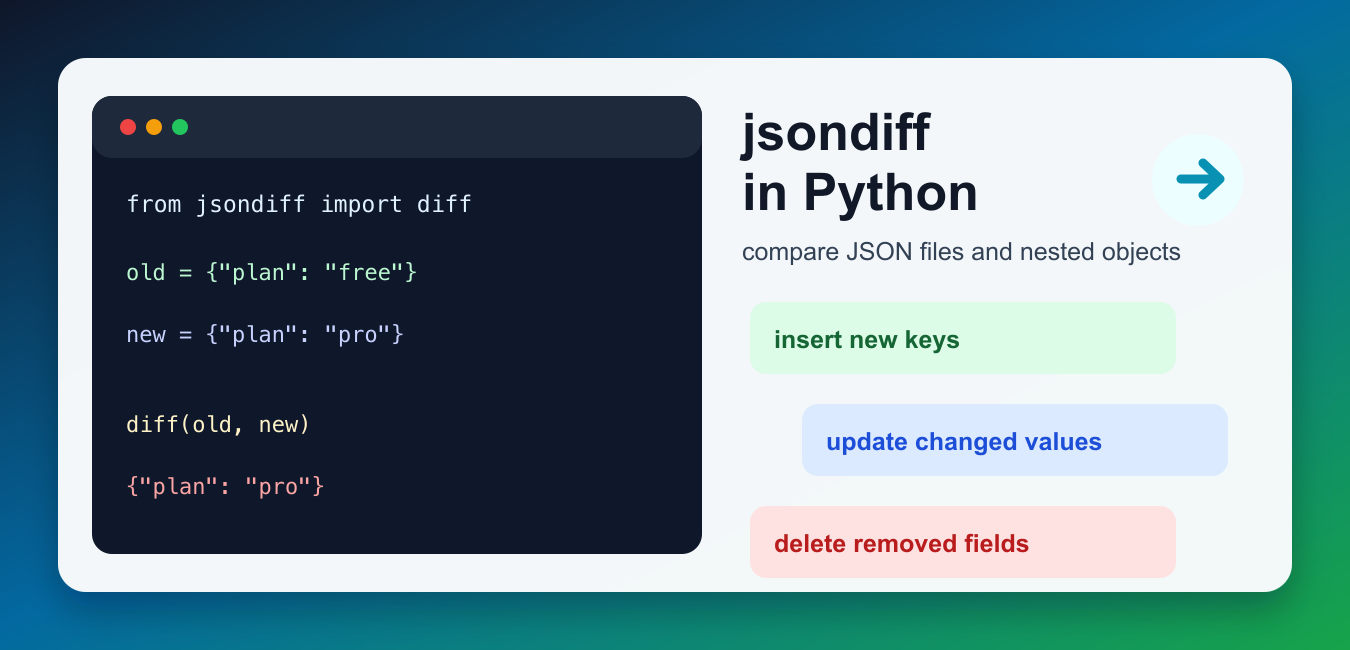
Quick answer: jsondiff compares parsed JSON-like Python objects and reports additions, deletions, and changes in nested structures. Parse JSON before diffing when formatting should not matter, inspect the diff as structured data, use JSON-safe output options when serializing it, and verify patch round trips against an expected target.
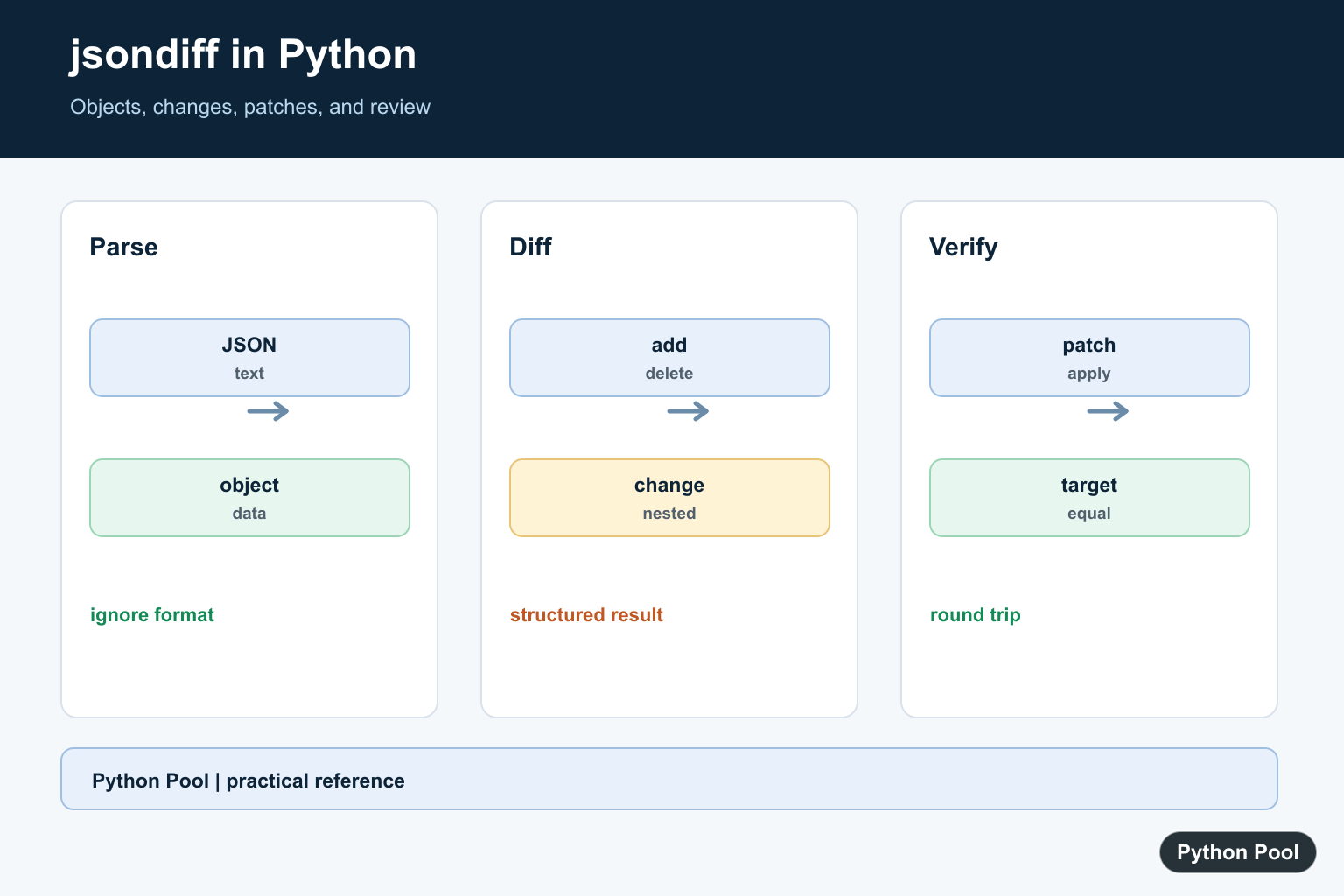
jsondiff in Python helps you compare JSON files, dictionaries, lists, and other JSON-like structures without writing nested comparison logic by hand. It is useful for API regression tests, configuration reviews, data migrations, cache validation, and any workflow where you need to see exactly what changed between two structured payloads.
The current jsondiff project documentation describes the package as a tool to diff JSON and JSON-like structures in Python. The PyPI page lists the install command and current release information. The important point for day-to-day use is that jsondiff returns a structural diff, not a plain text diff. Changed keys, inserted list items, deleted values, and nested updates are represented as Python objects that you can inspect or apply later. For human-readable text and sequence differences rather than structured JSON patches, compare this approach with Python difflib Text Comparison Guide.
Install jsondiff
Install jsondiff into the interpreter that runs your script or test suite. This keeps notebooks, virtual environments, CI jobs, and local terminals from using different package sets.
import subprocess
import sys

subprocess.check_call([
    sys.executable,
    "-m",
    "pip",
    "install",
    "-U",
    "jsondiff",
])
After installation, import diff for most comparisons. If your data begins as JSON text, parse it with Python’s json module first, or use jsondiff’s load=True option when that is the simpler fit.
Compare two dictionaries
The simplest use case is comparing two dictionaries. jsondiff reports only the values that changed, plus special symbols for inserts and deletes where needed.
from jsondiff import diff

source = {
    "service": "billing-api",
    "version": 1,
    "features": ["invoices", "customers"],
}
target = {
    "service": "billing-api",
    "version": 2,
    "features": ["invoices", "customers", "exports"],
    "active": True,
}

changes = diff(source, target)
print(changes)
This kind of comparison is clearer than looping through keys yourself because it keeps nested structure intact. It also works naturally with Python dictionaries and lists, which makes it a good match for API responses. If you need a refresher on dictionary basics, see our guide to Python key-value pairs.
Use marshal=True for JSON-safe keys
By default, jsondiff uses symbol objects such as delete and insert in the diff result. That is convenient in Python, but it can surprise you if your original JSON also has a string key named delete. Use marshal=True when you want the special operations returned as string keys prefixed with a dollar sign.
from jsondiff import diff

before = {
    "delete": "this is a real field",
    "role": "reader",
}
after = {
    "delete": "this is a real field",
    "role": "admin",
    "enabled": True,
}

changes = diff(before, after, marshal=True)
print(changes)
The marshaled output is easier to serialize, log, or send through a queue because the diff operation names are regular strings. It is also safer when the source data may contain keys that overlap with jsondiff’s operation names.
Patch an object with a diff
jsondiff can also apply a diff to the original object. This is useful for tests where you want to prove that the calculated diff can transform the old value into the expected value.
from jsondiff import diff, patch

before = {
    "retries": 2,
    "timeout": 10,
    "headers": {"Accept": "application/json"},
}
after = {
    "retries": 3,
    "timeout": 10,
    "headers": {"Accept": "application/json"},
}

changes = diff(before, after)
patched = patch(before, changes)

assert patched == after
This pattern works well in regression tests. You can keep a known baseline object, compare it to a new payload, and fail the test only when the structural diff contains changes you did not expect. For API payload examples, our requests JSON guide pairs naturally with this workflow.
Compare JSON strings
If your inputs are JSON strings, jsondiff can load them and dump a JSON-safe diff. That keeps quick scripts short, although larger applications are usually clearer when they parse files explicitly with json.load.
from jsondiff import diff

left = '{"items": ["a", "b", "c"]}'
right = '{"items": ["a", "c", "d"]}'

changes = diff(left, right, load=True, dump=True)
print(changes)
Use this for small command-line utilities or one-off checks. For production code, prefer explicit parsing, validation, and error handling so malformed JSON raises a useful message before the comparison step.
Use the jdiff command-line client
The package also installs a command-line client named jdiff. It can compare two JSON or YAML files, change syntax output, and indent the result. Use it when you want a quick terminal diff before writing Python code.
import subprocess

result = subprocess.run(
    ["jdiff", "old.json", "new.json", "-i", "2", "-s", "symmetric"],
    text=True,
    capture_output=True,
    check=True,
)

print(result.stdout)
The symmetric syntax is useful when reviewers need to see both the old and new values. The compact syntax is shorter and better for automated checks where you only care about what the target object should contain.
Practical tips
- Normalize dynamic fields such as timestamps, IDs, and request IDs before diffing.
- Use
marshal=Truewhen storing or transmitting diff results. - Use
patchin tests to prove a diff actually recreates the target object. - Prefer structural diffs for JSON data and plain text diffs for documents where line order is the main signal.
Summary
Use jsondiff when you need a structural comparison of Python JSON-like data. Install the package in the active environment, call diff for dictionaries, lists, or parsed JSON, use marshal=True for serializable operation keys, and reach for patch when you need to verify that a diff can recreate the target object. That gives the article a current, practical path for comparing JSON without stale links or vague examples.
Compare Parsed Objects
Parsing first makes whitespace and key-order formatting irrelevant. It also lets the diff library reason about nested dictionaries and lists as data rather than comparing raw characters.
import json
from jsondiff import diff

left = json.loads('{"name": "Ada", "score": 10}')
right = json.loads('{"name": "Ada", "score": 12}')

changes = diff(left, right)
print(changes)
Keep The Difference Machine-readable
A diff is useful when downstream code can inspect it. Avoid converting it to a display string too early; preserve additions and deletions until logging, review, or patch application has finished.
from jsondiff import diff

old = {"enabled": True, "limit": 10}
new = {"enabled": False, "limit": 10, "mode": "safe"}
changes = diff(old, new)
print(type(changes).__name__)
print(changes)
Test A Patch Round Trip
When the package and workflow support patch application, apply the generated change to a copy of the original and compare the result with the expected object. Test deletions and nested lists as well as simple scalar updates.
from jsondiff import diff, patch

old = {"items": [1, 2], "active": True}
new = {"items": [1, 3], "active": False}
changes = diff(old, new)
recreated = patch(old, changes)
print(recreated == new)
Separate Semantic And Text Diffs
If whitespace, key order, or number formatting is meaningful, compare the original JSON text as text. If the question is whether the data changed, parse both documents and diff their objects instead.
import json

text = '{"b": 2, "a": 1}'
data = json.loads(text)
canonical = json.dumps(data, sort_keys=True)
print(canonical)
Use the current jsondiff documentation for its diff and patch API, and Python’s json module documentation for parsing and serialization. Related guides include JSON in requests and safe literal parsing.
For related structured data workflows, compare JSON in requests, safe literal parsing, and dictionary inspection when reviewing changes in nested payloads.
Frequently Asked Questions
What is jsondiff used for?
jsondiff compares JSON-like Python objects and reports additions, deletions, and changes in nested structures.
Should I compare JSON strings directly?
Parse valid JSON into Python objects first when formatting differences should be ignored; compare strings only when exact text, whitespace, or key order is part of the requirement.
How do I make a jsondiff result JSON-safe?
Use the package’s JSON-safe or marshal option when the diff contains special key representations that need to be serialized for an API or file.
How do I verify a diff patch?
Apply the diff to a copy of the original object and compare the result with the expected target, including nested lists and deletion cases.
