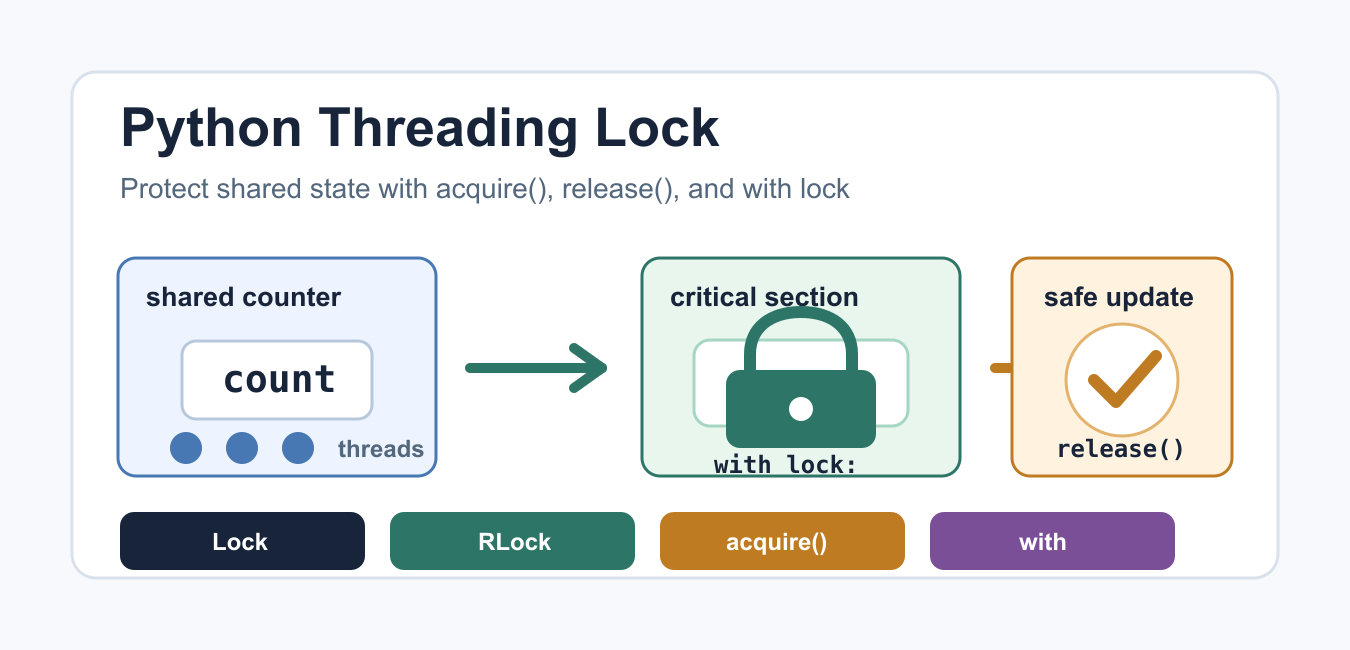
Quick answer: Use threading.Lock to make access to shared mutable state mutually exclusive. Keep the protected section small, acquire the lock with a context manager, and make every access to the invariant follow the same policy.
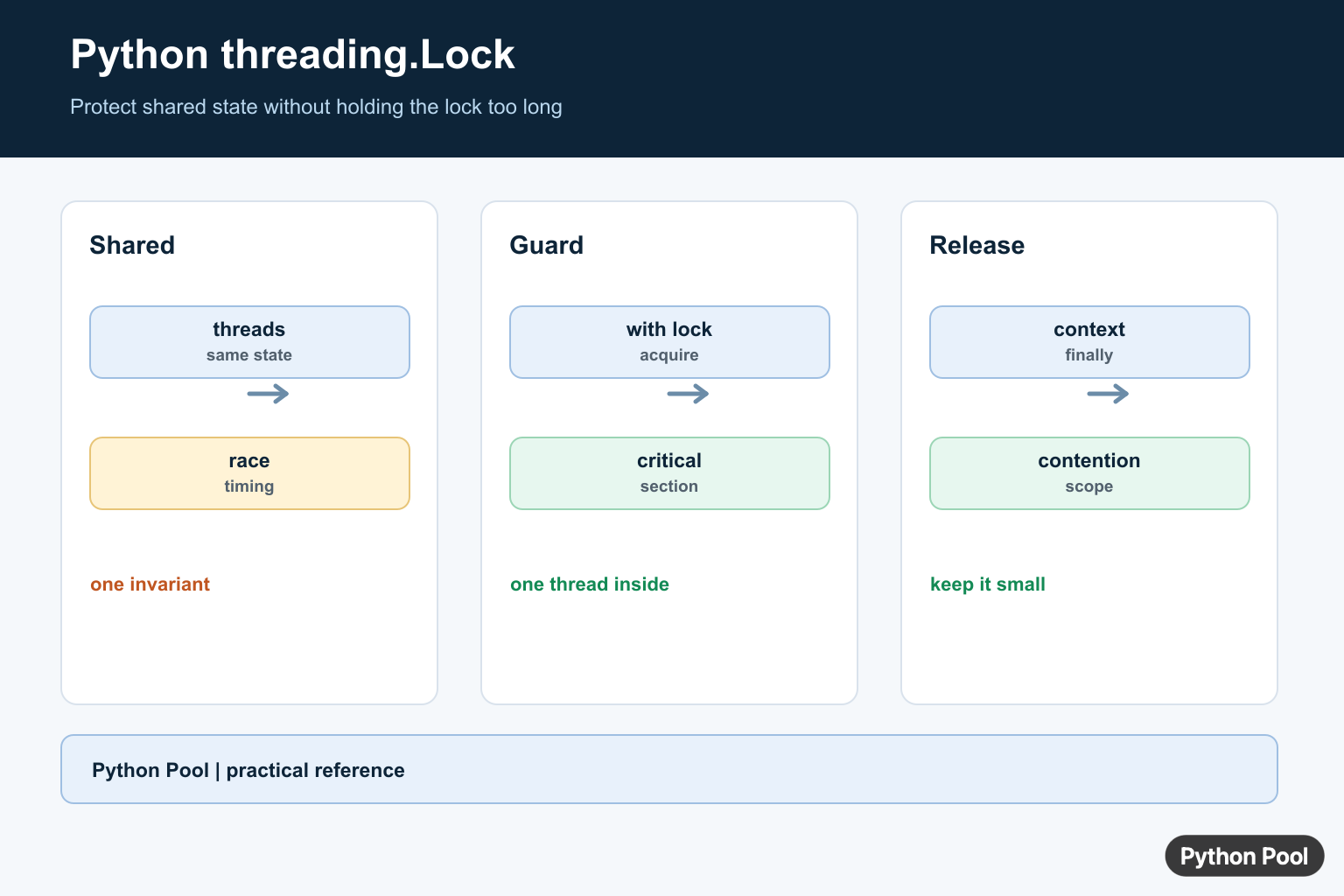
Threading lets a Python program run several pieces of work in the same process. It is most useful when the work spends time waiting for files, network calls, queues, timers, or other I/O. A lock is the standard tool for protecting shared state when more than one thread can read or change the same object.
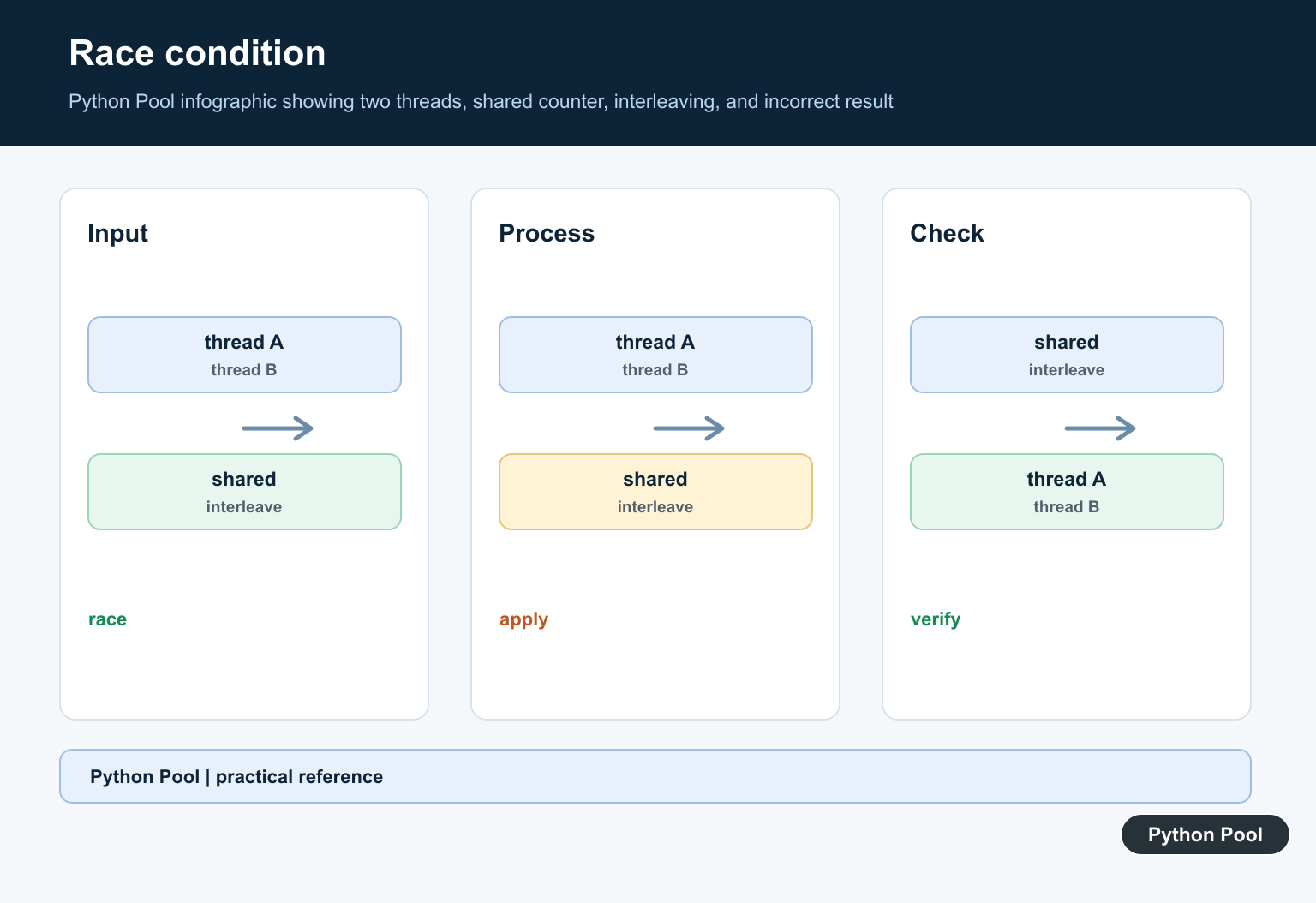
A race condition happens when the final result depends on timing. One thread may read a value, another thread may change it, and the first thread may then write back an outdated result. The bug can be hard to repeat because a small change in CPU scheduling, logging, or input size can hide it.
Python’s threading documentation describes a primitive lock as an object with two states: locked and unlocked. It starts unlocked. When acquire() succeeds, the lock becomes locked. When release() runs, the lock becomes unlocked again and one waiting thread may continue. The selected waiting thread is not specified, so code should never depend on a particular wake-up order.
Race condition without a lock
The example below has several threads changing the same counter. The code can look harmless because each line is short, but the read-update-write operation is still a sequence of steps. A thread switch in the middle can lose an update.
import threading

counter = 0

def increment():
    global counter
    for _ in range(1000):
        counter += 1

threads = [threading.Thread(target=increment) for _ in range(4)]
for thread in threads:
    thread.start()
for thread in threads:
    thread.join()

print(counter)
The expected total is 4000. In real programs the shared object is often a cache entry, a file handle, an in-memory queue, a metrics counter, or a connection state object. The fix is to make the sensitive section small and guard only the lines that must not overlap.
Protect the critical section with with lock
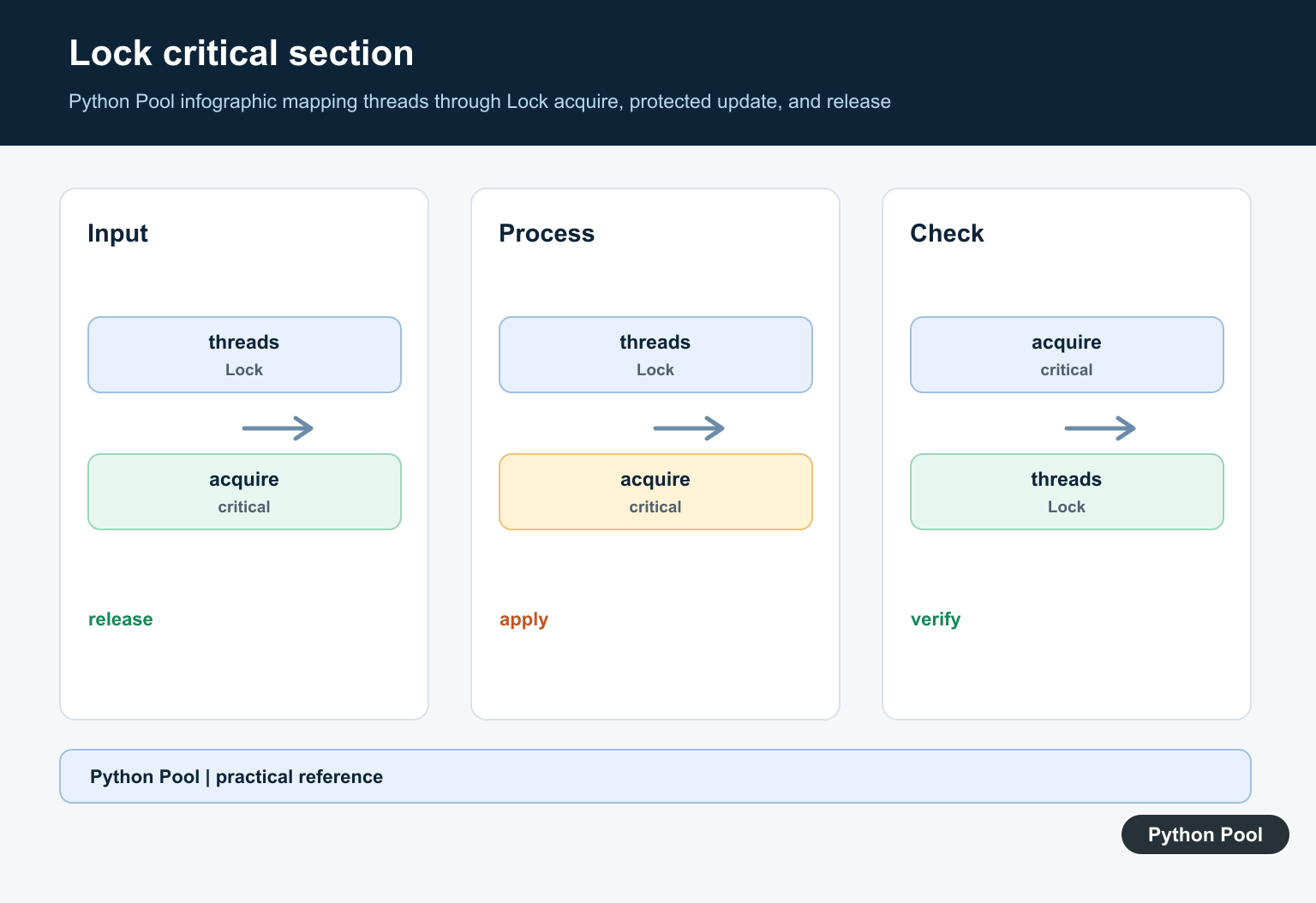
The preferred pattern is a context manager. with lock: calls acquire() before the block and release() when the block exits, including when an exception is raised. That keeps cleanup reliable and keeps the protected code easy to spot during review.
import threading

counter = 0
lock = threading.Lock()

def increment():
    global counter
    for _ in range(1000):
        with lock:
            counter += 1

threads = [threading.Thread(target=increment) for _ in range(4)]
for thread in threads:
    thread.start()
for thread in threads:
    thread.join()

print(counter)
Keep the lock around the smallest practical section. Holding it while doing slow network work, sleeping, or heavy parsing can turn concurrent code into a bottleneck. For workloads that are mainly CPU-bound, compare the thread approach with processes in the Python threading vs multiprocessing guide.
Manual acquire and release
Manual locking is still useful when the guarded section cannot be expressed cleanly as one indented block. Use try and finally so the lock is released even if the protected operation fails. Calling release() on an unlocked lock raises RuntimeError, so every manual acquire path needs a matching release path.
import threading

lock = threading.Lock()
items = []

lock.acquire()
try:
    items.append("task")
finally:
    lock.release()

print(items)
The standard Lock does not track ownership in the same way as RLock. Python permits release from any thread, but code is usually clearer and safer when the thread that acquires the lock also releases it. If nested code in the same thread must acquire the same guard again, use RLock instead.
Try a non-blocking acquire
Sometimes a thread should do alternate work instead of waiting. Pass blocking=False to acquire(). The call returns True when the lock was obtained and False when it was already held.
import threading

lock = threading.Lock()

if lock.acquire(blocking=False):
    try:
        print("lock acquired")
    finally:
        lock.release()
else:
    print("lock busy")
This pattern fits polling loops, optional maintenance work, and background updates where stale data is acceptable for a short time. For task coordination, a queue is often cleaner than many shared objects; see the Python priority queue guide for one structured option.
Use a timeout when waiting
A timeout gives the thread a bounded wait. This is helpful in services where a blocked worker should log a problem, retry later, or return a controlled error instead of hanging forever.
import threading

lock = threading.Lock()

if lock.acquire(timeout=1.0):
    try:
        print("updated shared state")
    finally:
        lock.release()
else:
    print("timed out")
Timeouts do not make unsafe code safe by themselves. They are a recovery tool around a protected section. If your program also depends on timers or operation deadlines, the Python timer guide and func_timeout guide are useful follow-up reads.
Use RLock for nested locking
RLock is a reentrant lock. The same thread can acquire it more than once, and it must release it the same number of times. Use it when public methods call helper methods that need the same guard. Do not use it just to hide broad lock scopes; if a plain lock deadlocks, first check whether the design can be simpler.
import threading

lock = threading.RLock()

def outer():
    with lock:
        inner()

def inner():
    with lock:
        print("nested lock acquired")

outer()
For a short comparison of lock objects and synchronization basics, read the Python lock guide. If you are mixing threads with event loops, also watch for async runtime errors such as RuntimeError: no running event loop.
Best practices
Use one lock for one clear piece of shared state. Name the lock near the object it protects. Prefer with lock: for ordinary updates. Keep I/O outside the protected section when possible. Avoid acquiring several locks in different orders, because that is a common deadlock path. When several locks are unavoidable, document and follow one fixed order.
A threading.Lock is small, explicit, and reliable when the problem is shared mutable state inside one Python process. It is not a speed tool for CPU-heavy code, and it is not a replacement for queues, processes, database transactions, or async primitives. Use it where it makes the critical section obvious and keeps the rest of the program free to run concurrently.
Protect The Shared Invariant
A race condition occurs when the result depends on timing between threads. Protect the smallest group of reads and writes that must be consistent together, not just one assignment. A lock does not make unrelated state safe automatically.
import threading

lock = threading.Lock()
count = 0

def increment():
    global count
    with lock:
        count += 1

increment()
print(count)
Prefer The Context Manager
with lock acquires before the block and releases afterward, including when the block raises. Manual acquire and release can be appropriate for a multi-step protocol, but then use try and finally so an exception cannot strand the lock.
lock = threading.Lock()

lock.acquire()
try:
    update_shared_state()
finally:
    lock.release()
Choose Scope And Contention Carefully
A lock held across network I/O or expensive computation blocks unrelated threads and makes latency harder to reason about. Move slow work outside the critical section when possible, then commit the short shared-state update under the lock. For producer-consumer data, queue.Queue may express the ownership transfer better than a hand-built lock.
def next_value(shared):
    with lock:
        value = shared.pop()
    return value

items = [1, 2, 3]
print(next_value(items))
Python’s Lock documentation and its context-manager guidance define acquisition, release, and safe scope.
For related concurrency choices, compare threading versus multiprocessing, lock patterns, and queue coordination when shared state crosses worker boundaries.
Frequently Asked Questions
What does threading.Lock do in Python?
A Lock allows one thread at a time to enter a protected section, coordinating access to shared mutable state.
How should I use a Python lock?
Use it as a context manager with `with lock:` so the lock is released reliably after the protected block.
Can a lock prevent every race condition?
Only when every access to the shared invariant follows the same synchronization policy; locking one write while leaving another access unprotected is not enough.
Does threading.Lock make CPU-bound code faster?
No. Locks coordinate threads but add contention, and CPU-bound Python work may still be limited by the interpreter’s execution model.
