
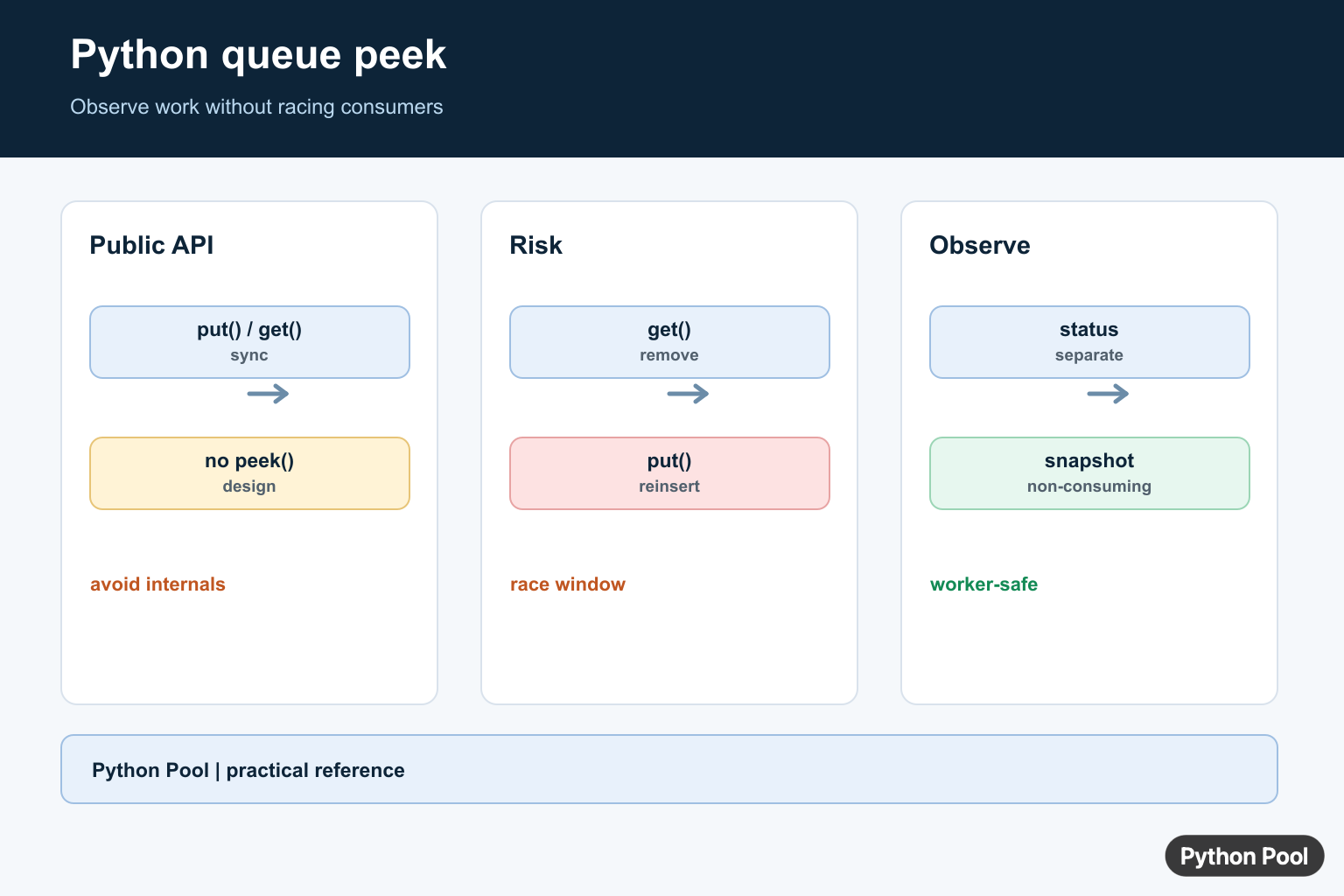
Quick answer: queue.Queue has no public peek method. Directly inspecting its internal deque is an implementation detail, and get-then-put-back can race with workers; prefer a separate status channel or an explicit non-consuming protocol.
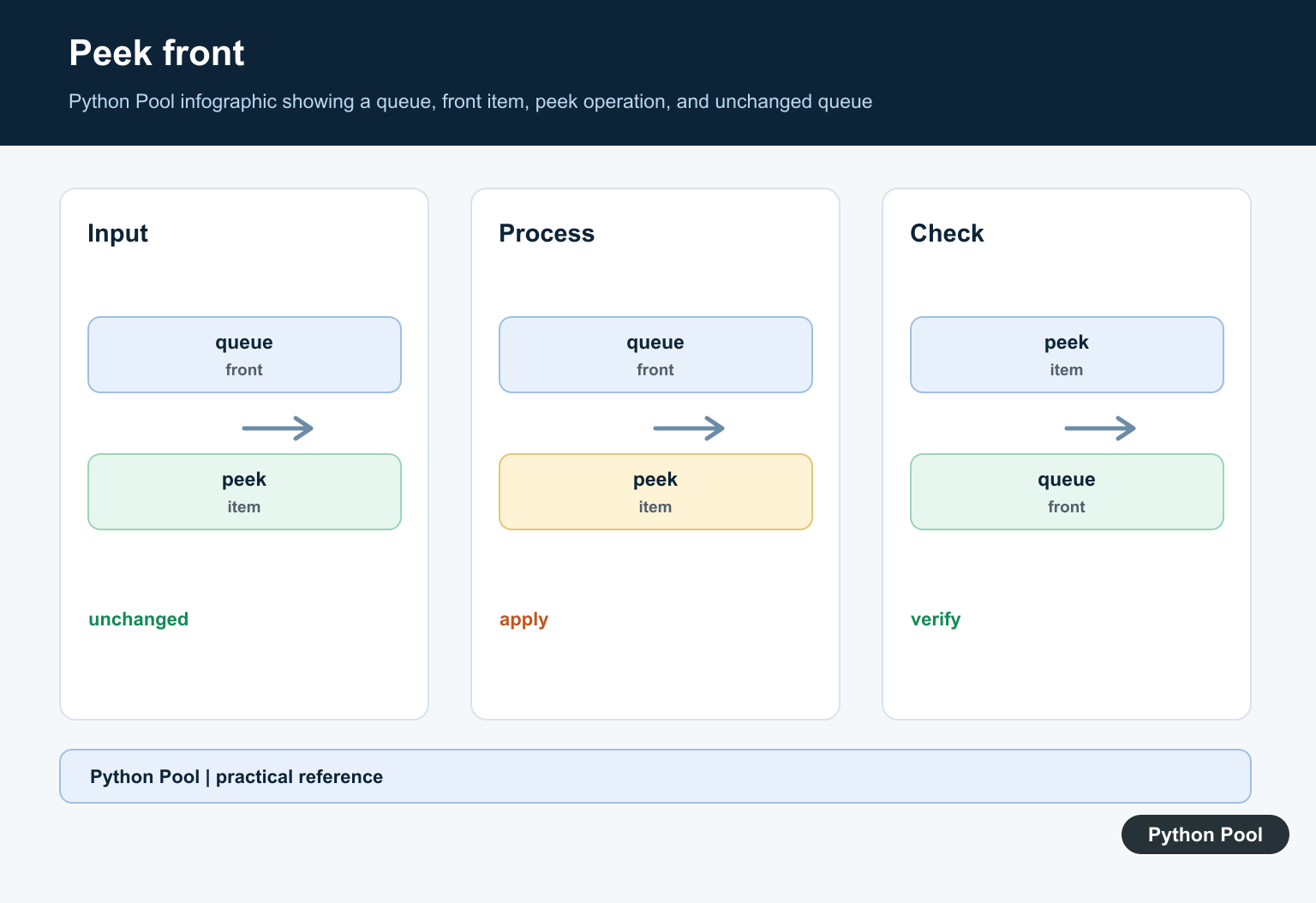
Queue peek means reading the front item without removing it. In a FIFO queue, the front item is the one that would be removed next.
The main references are Python’s collections.deque documentation, the queue module documentation, and Python’s list-as-queue note.
Python does not expose one universal peek() method for every queue type. The right implementation depends on the backing structure: deque, list, or queue.Queue.
For most single-process FIFO code, collections.deque is the cleanest choice because it supports fast appends and pops from both ends.
Peek is useful for validation, logging, preview screens, and routing decisions. It should not replace removal when a worker is ready to process an item. If the item must be consumed, pop or get it instead.
Also be clear about which end is the front. In these examples, items are appended on the right and removed from the left, so index 0 is the next item.
Document that convention if your project has more than one queue helper.
Consistent naming prevents front and back from being swapped during maintenance.
Peek With deque
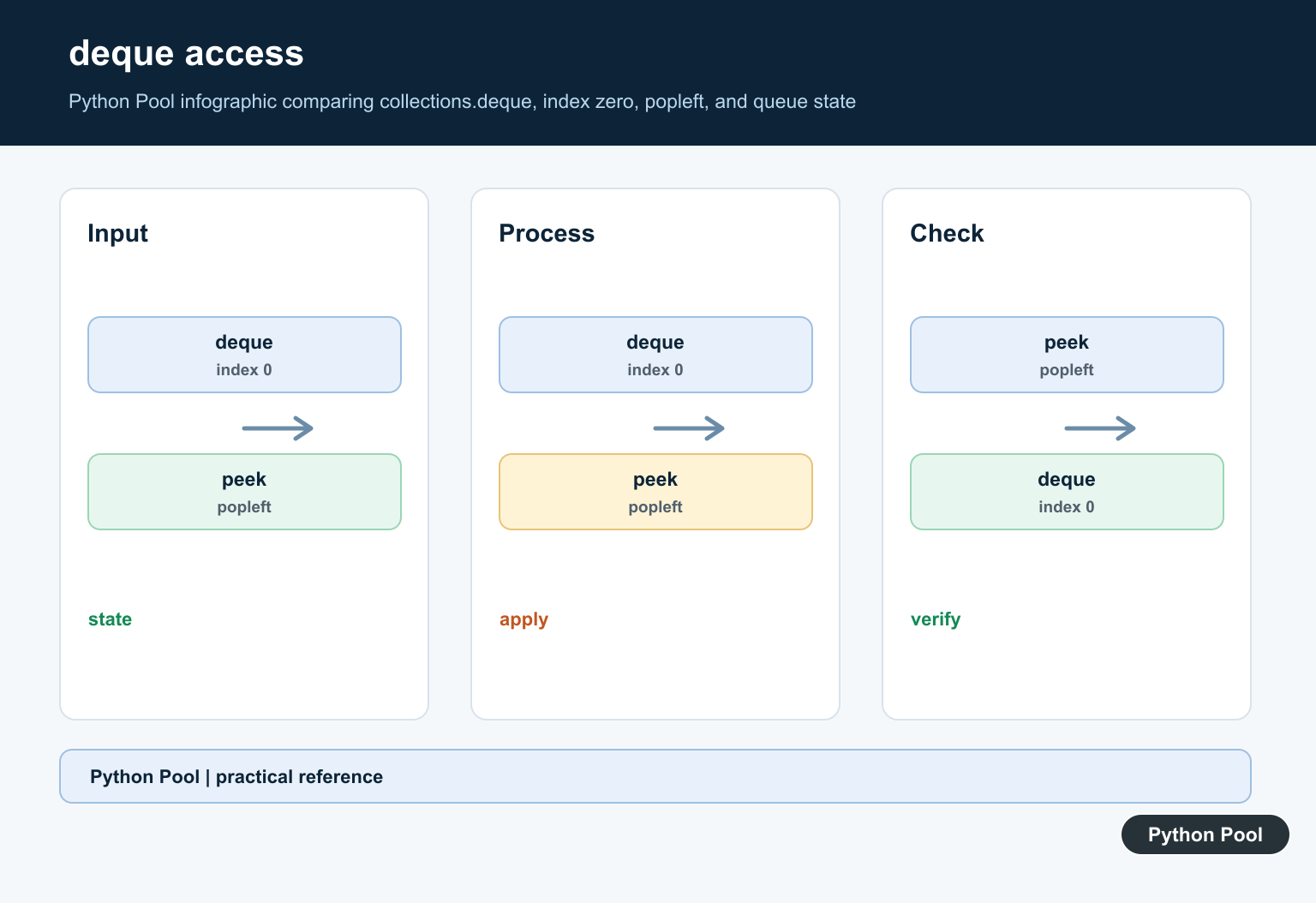
Use index 0 to inspect the front item in a deque.
from collections import deque

tasks = deque(["parse", "validate", "save"])

front = tasks[0]

print(front)
print(tasks)
The queue still contains every item after the peek. Nothing is removed.
If the deque is empty, tasks[0] raises IndexError. Check first when empty input is allowed.
A direct index is the simplest peek when the queue is known to contain at least one item. It is also easy to review because it does not hide a removal.
Write A Safe Peek Helper
A helper can return a fallback when the queue is empty.
from collections import deque

def peek(queue, default=None):
    if not queue:
        return default
    return queue[0]

tasks = deque()
print(peek(tasks, "empty"))
This keeps the empty case explicit at the call site.
If None could be a real item, pass a clearer fallback or raise an exception instead of returning None.
Choose the empty-queue behavior deliberately. Returning a fallback is convenient for optional work, while raising an exception is better when an empty queue means a caller made a mistake.
Peek And Pop Are Different
popleft() removes the front item. Indexing only reads it.
from collections import deque

items = deque(["A", "B", "C"])

print(items[0])
print(items.popleft())
print(items)
The first print peeks at "A". The second print removes "A". The final queue starts with "B".
Use peek when a decision depends on the next item but the item should remain available for later processing.
A common mistake is peeking first and then assuming the next pop must return the same item. That is only true while no other code can modify the queue between the two operations.
Peek With A List
A list can support peek, but it is not ideal for heavy FIFO work.
items = ["A", "B", "C"]

front = items[0]
removed = items.pop(0)

print(front)
print(removed)
print(items)
Reading items[0] is fast, but pop(0) shifts the remaining items. For large queues with many removals, use deque.
Lists are fine when the queue is tiny or when you mostly need indexed access rather than FIFO removal.
If code uses a list for teaching purposes, mention the performance tradeoff. That prevents readers from copying a small example into a high-volume queue.
Peek Inside queue.Queue Carefully
queue.Queue is designed for synchronized producer-consumer code. It has put() and get(), but no public peek method.
from queue import Queue

jobs = Queue()
jobs.put("build")
jobs.put("test")

with jobs.mutex:
    front = jobs.queue[0] if jobs.queue else None

print(front)
print(jobs.qsize())
This inspects the internal deque while holding the queue mutex. Use it only when you control the code and understand the synchronization tradeoff.
In many threaded programs, a peek can become stale immediately after the lock is released. A worker should usually call get() when it is ready to process the item.
If you need a public peek operation in threaded code, consider wrapping Queue in a small class that owns the lock policy. That keeps private internals from spreading through the project.
Build A Small Queue Class
If peek is a core operation, wrap the behavior in a small class.
from collections import deque

class PeekQueue:
    def __init__(self):
        self._items = deque()

    def push(self, item):
        self._items.append(item)

    def peek(self):
        if not self._items:
            raise IndexError("peek from an empty queue")
        return self._items[0]

queue = PeekQueue()
queue.push("first")
print(queue.peek())
This keeps queue rules in one place and gives callers a clear method name.
The practical rule is: use deque[0] for normal FIFO peek, avoid list.pop(0) for large queues, and treat queue.Queue peek as an advanced synchronized inspection rather than a normal public API.
For a production queue abstraction, add matching methods such as push(), pop(), peek(), and __len__(). Keeping all access behind methods makes the front-end rule consistent.
Why Queue Does Not Peek
Queue is designed around synchronized producers and consumers. Its public operations coordinate put(), get(), task_done(), and join(); a peek operation would need a synchronization contract for what happens while the observed item is visible. Do not assume a private attribute is portable.
from queue import Queue

work = Queue()
work.put("compile")
print(work.qsize())
item = work.get()
work.task_done()
print(item)
Avoid Get And Reinsert
Removing an item to inspect it gives another worker an opportunity to take work or changes the scheduling order when you reinsert it. Exceptions can also lose the item. In a single-threaded test, a temporary get may be acceptable, but it is not a general concurrent peek.
from queue import Queue

work = Queue()
work.put({"priority": 1, "task": "build"})
item = work.get()
try:
    print(item["task"])
finally:
    work.task_done()
Use An Observation Channel
If a UI or monitor needs the next task, store task metadata separately, use a worker-owned status object, or send a non-consuming event to observers. For priority work, make the selection policy explicit in the producer rather than allowing a monitor to compete with consumers.
status = {"queued": 3, "running": 1}
def snapshot():
    return status.copy()

print(snapshot())
Python’s queue documentation defines the public synchronization API; private internals should not be a cross-version contract.
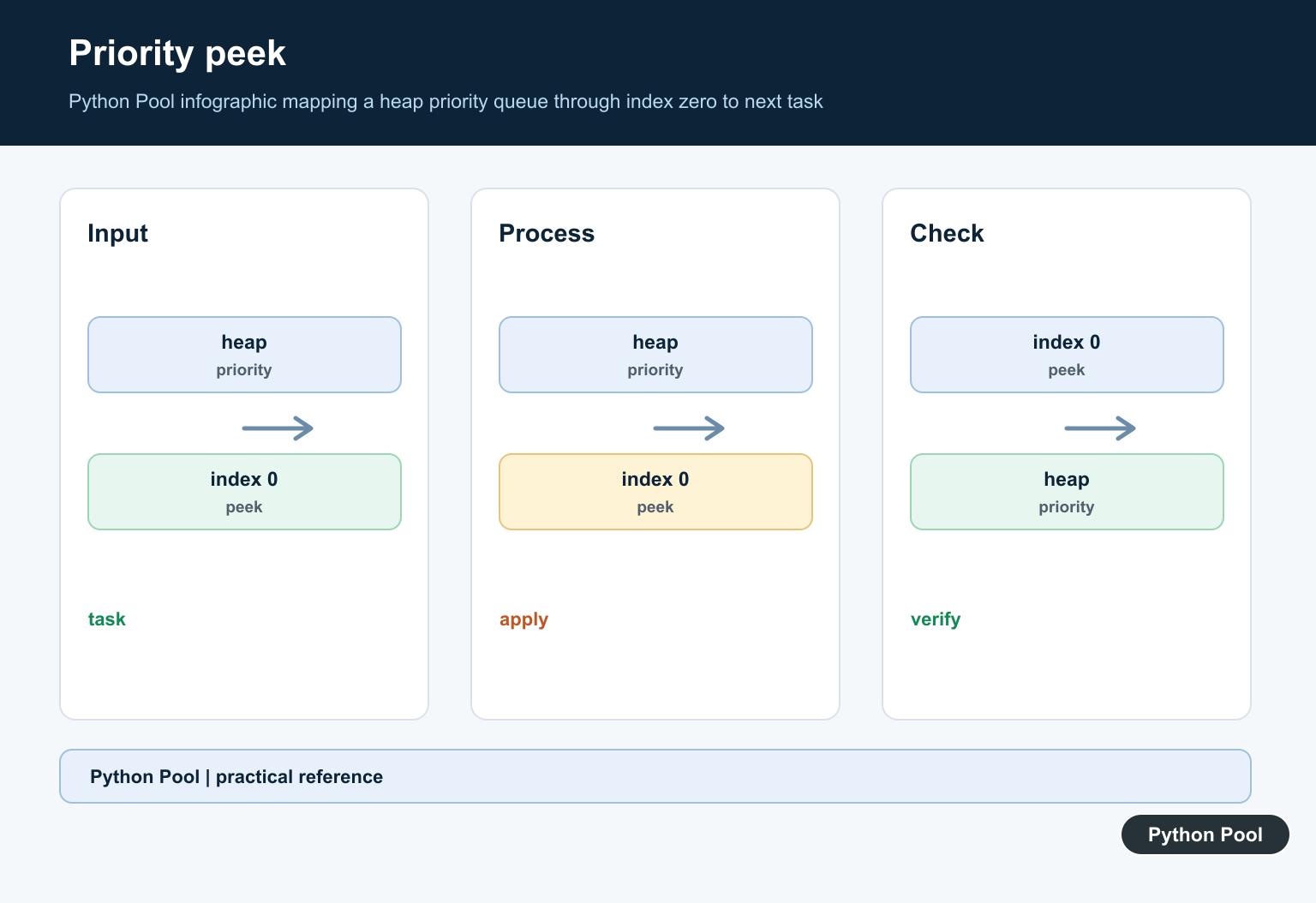
For queue design choices, compare priority queues and heapq before adding observation behavior to workers.
Frequently Asked Questions
Does queue.Queue have a peek method?
No. queue.Queue provides synchronized put and get operations but does not expose a public peek method.
Can I inspect queue.queue directly?
You can see the underlying deque in CPython, but it is an implementation detail and direct access is not a safe synchronization protocol.
Why is get then put back risky?
Another worker can consume or reorder work between operations, and the item may be lost if an exception occurs before reinsertion.
What is a safer design than peeking?
Use task metadata, a separate status channel, or a non-consuming coordination message so observers do not compete with workers.

Hope your articles would have a time/date stamp. It would be helpful for people who needs to credit and put up bibliography. 🙂
Hi, thank you for your concern. Unfortunately, we do not display the published date on the frontend. If you want, you can inspect the page source and find the string “article:published_time” to get the exact time of publishing.