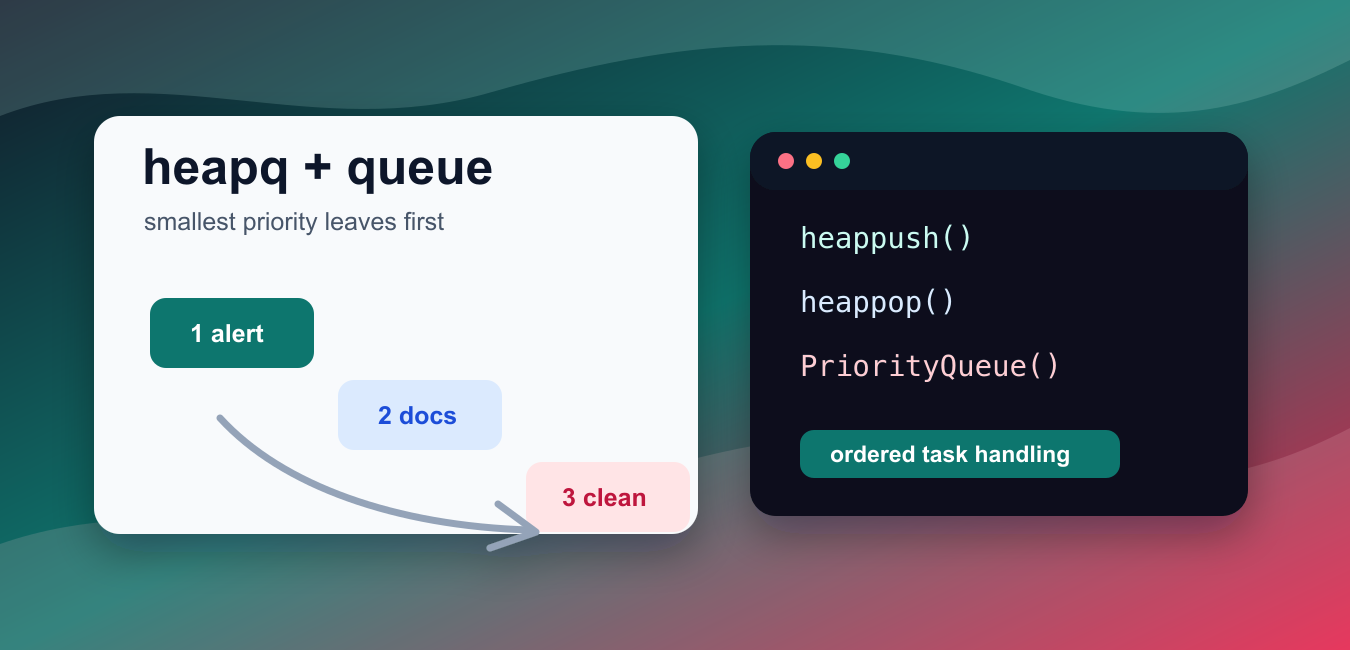
Quick answer: Use heapq for a lightweight min-heap and queue.PriorityQueue for synchronized producer-consumer workflows. Store a sequence number with equal-priority entries when payload objects are not naturally comparable.
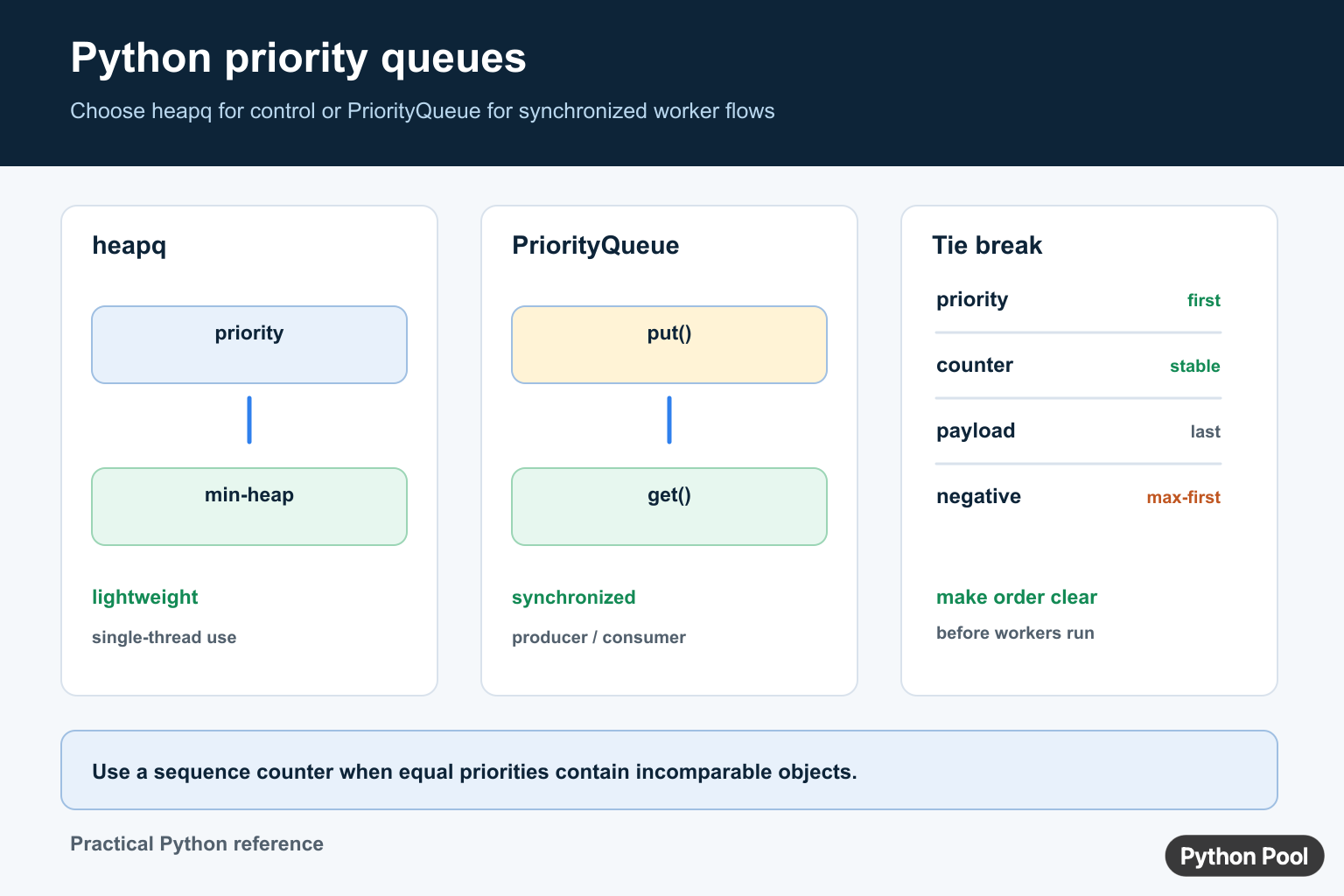
A priority queue returns items by priority instead of by insertion order. In Python, the standard library tools you usually want are heapq for fast heap operations and queue.PriorityQueue for thread-safe task queues.
The official Python documentation covers heapq, queue.PriorityQueue, and itertools.count().
The key rule is simple: smaller priority values come out first when you store pairs like (priority, task). A task with priority 1 is processed before a task with priority 3.
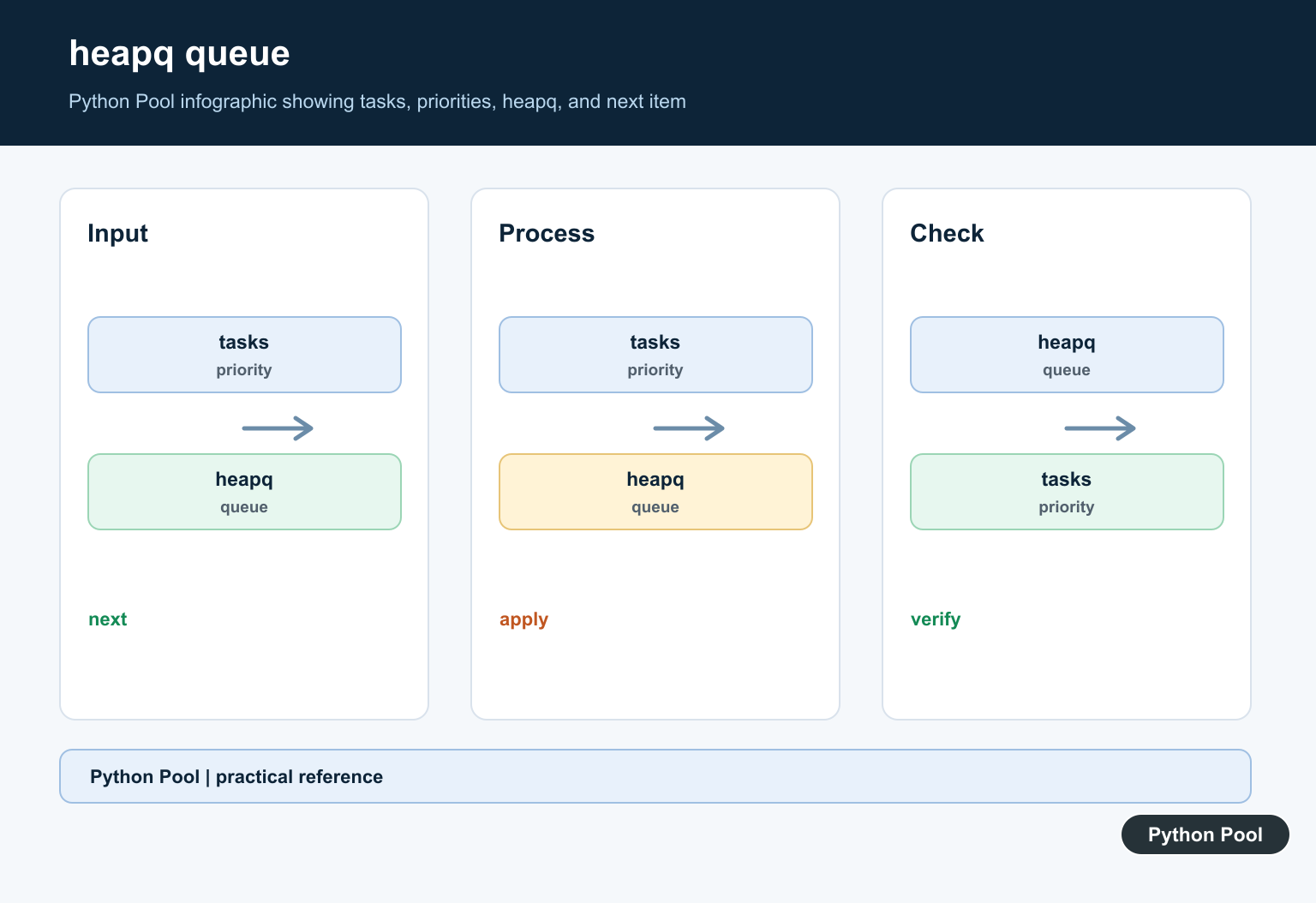
heapq works on a plain list and keeps the smallest item at index zero. Use heappush() to add work and heappop() to remove the lowest-priority tuple according to Python’s normal tuple ordering.
Use a plain list plus sorting only for tiny examples. Sorting after every insert is easy to understand but inefficient for repeated updates. A heap keeps push and pop operations efficient without fully sorting the list every time.
When two priorities are equal, tuple comparison moves to the next field. If the task objects are not directly comparable, add a monotonic counter between the priority and the task. That counter also preserves insertion order for ties.
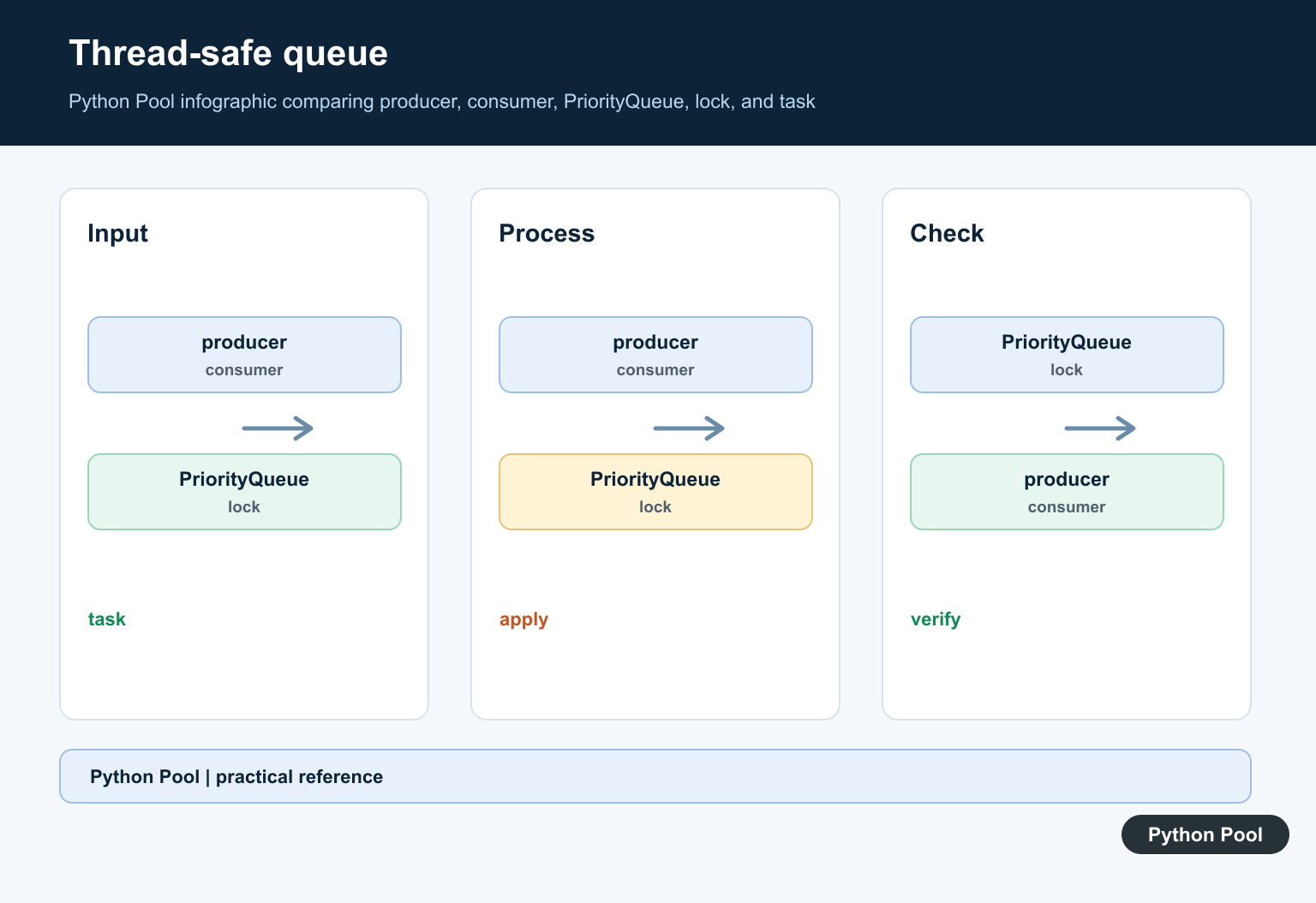
Use queue.PriorityQueue when multiple threads need to put and get tasks safely. It adds locking around the queue operations. For single-threaded scheduling, heapq is usually simpler and faster.
For max-priority behavior, store negative scores or priorities. The heap still returns the smallest tuple, but the most important positive score becomes the smallest negative number.
A heap is not a sorted list. Only the next item is guaranteed to be at the front. If you print the internal list, the order may look unusual, but heappop() still returns items in priority order.
Priority queues also do not automatically update an item that is already inside the heap. For simple scripts, push a new entry and ignore the old one when it comes out. For larger systems, keep a separate lookup table so stale entries can be detected.
This distinction matters in path-finding, schedulers, retry systems, and background workers. The queue decides what should be handled next; the rest of the program still decides whether that item is current, canceled, or already completed.
Build A Priority Queue With heapq
Store each item as a tuple of priority and task name.
import heapq

tasks = []
heapq.heappush(tasks, (2, "write tests"))
heapq.heappush(tasks, (1, "fix bug"))
heapq.heappush(tasks, (3, "update docs"))

while tasks:
    print(heapq.heappop(tasks))
The task with priority 1 comes out first.
The heap does not keep the whole list in sorted order, but it always keeps the next item ready at the front. A priority queue exposes its next item without FIFO ordering; Implement Queue Peek in Python compares safe peek operations for list, deque, queue, and heap implementations.
This is the standard pattern for small schedulers, search algorithms, and ordered work lists.
Turn A List Into A Heap
Use heapify() when you already have a list of priority items.
import heapq

items = [(3, "low"), (1, "high"), (2, "medium")]
heapq.heapify(items)

print(heapq.heappop(items))
print(items[0])
heapify() rearranges the list in place into heap order.
After popping the first item, the next smallest priority is at index zero.
This is better than pushing items one by one when the full list is already available.
Keep Tie Order Stable
Add a counter when two items can have the same priority.
import heapq
from itertools import count

order = count()
tasks = []
heapq.heappush(tasks, (1, next(order), "alpha"))
heapq.heappush(tasks, (1, next(order), "beta"))
heapq.heappush(tasks, (0, next(order), "urgent"))

while tasks:
    priority, _, task = heapq.heappop(tasks)
    print(priority, task)
The counter breaks ties without comparing task values.
It also keeps equal-priority tasks in the order they were added.
This pattern avoids errors when tasks are custom objects, dictionaries, or other values that Python should not compare directly.
Use dataclass Items
A dataclass can make the queue item structure clearer.
import heapq
from dataclasses import dataclass, field

@dataclass(order=True)
class PrioritizedTask:
    priority: int
    task: str = field(compare=False)

items = [
    PrioritizedTask(2, "email"),
    PrioritizedTask(1, "deploy"),
]
heapq.heapify(items)

print(heapq.heappop(items).task)
The dataclass is ordered by priority.
The task text is excluded from comparison with compare=False.
This is useful when queue entries need named fields but only priority should decide order.
Use PriorityQueue For Threads
PriorityQueue wraps priority ordering with thread-safe operations.
from queue import PriorityQueue

work = PriorityQueue()
work.put((2, "write docs"))
work.put((1, "handle alert"))
work.put((3, "clean up"))

while not work.empty():
    print(work.get())
Like heapq, lower priority numbers are returned first.
Use this class when worker threads share a queue.
For ordinary single-threaded code, heapq usually has less overhead and more direct control.
Create A Max-Priority Queue
Store negative scores when the largest score should come out first.
import heapq

scores = []
for score, name in [(10, "small"), (50, "large"), (30, "middle")]:
    heapq.heappush(scores, (-score, name))

score, name = heapq.heappop(scores)
print(name, -score)
The largest original score becomes the smallest stored value after negation.
When you pop from the heap, multiply by -1 again to show the original score.
This approach is compact and avoids writing a custom heap wrapper for common max-priority needs.
In short, use heapq for fast single-threaded priority queues, use a counter for equal-priority ties, use dataclasses when queue entries need structure, use PriorityQueue for threaded producers and consumers, and negate scores when the largest priority should be processed first.
Use heapq For A Lightweight Heap
heapq turns a list into a min-heap where the smallest priority is removed first. Store tuples such as (priority, task) when tasks are comparable. For arbitrary task objects, add a monotonic counter so ties are resolved without comparing the payload.
import heapq

work = []
sequence = 0

def add_task(priority, name):
    global sequence
    sequence += 1
    heapq.heappush(work, (priority, sequence, name))

add_task(2, "write")
add_task(1, "test")
add_task(1, "document")

while work:
    priority, _, name = heapq.heappop(work)
    print(priority, name)
Use PriorityQueue For Threads
queue.PriorityQueue provides synchronized put() and get() operations for producer-consumer designs. It is heavier than direct heapq operations, but the locking behavior is the important feature when multiple threads share the queue.
from queue import PriorityQueue

queue = PriorityQueue()
queue.put((2, "write"))
queue.put((1, "test"))

priority, task = queue.get()
print(priority, task)
queue.task_done()
Define Priority And Tie Rules
Python compares tuple fields from left to right. A numeric priority followed by a sequence number makes the result deterministic. Decide whether low numbers mean urgent work, whether priorities can be negative, and whether tasks need a shutdown sentinel before building the worker loop.
Frequently Asked Questions
How do I create a priority queue in Python?
Use heapq for a list-based min-heap, or queue.PriorityQueue when thread-safe put and get operations are required.
Does Python’s priority queue return the smallest or largest item first?
The standard heapq and PriorityQueue behavior returns the smallest priority value first; negate numeric priorities when you need max-first behavior.
How do I avoid comparison errors when priorities tie?
Store entries as (priority, sequence_number, item) so equal priorities are resolved by a numeric counter instead of comparing unrelated payload objects.
When should I use queue.PriorityQueue instead of heapq?
Use PriorityQueue for synchronized multi-threaded producers and consumers; use heapq when you need lower-level, lightweight heap operations in one thread.
