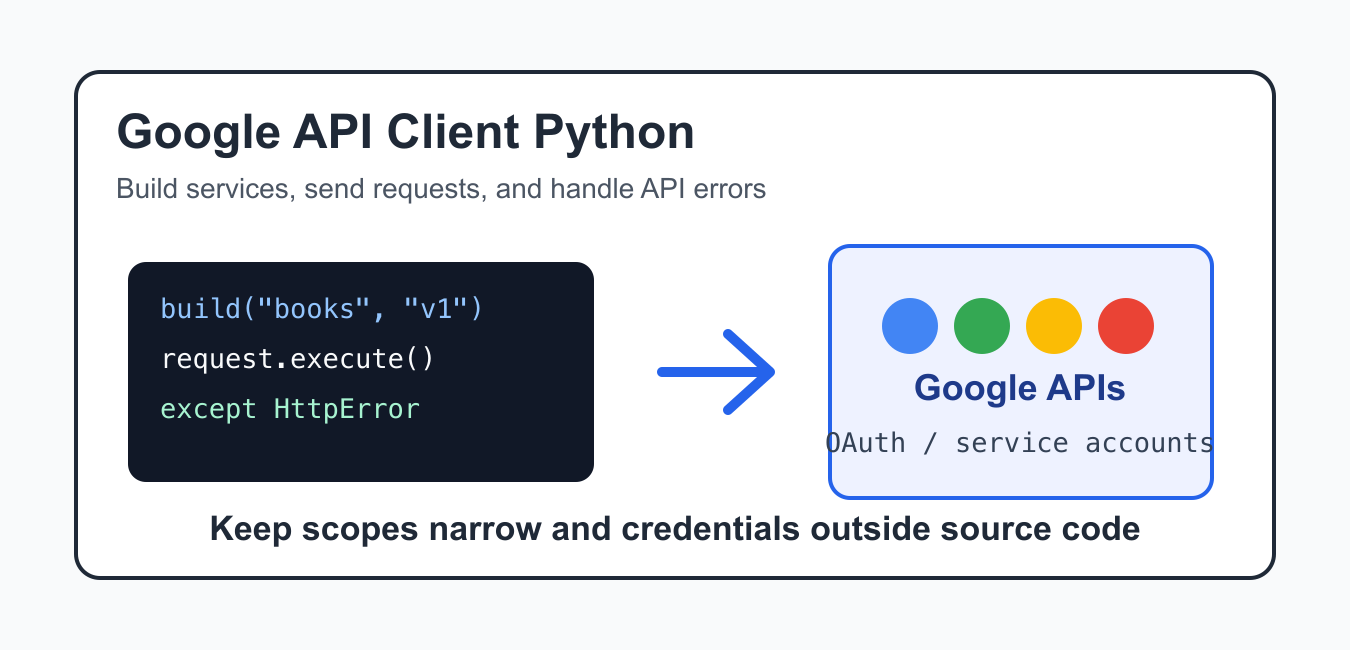
Quick answer: The Google API client for Python turns an authenticated API description into a service object whose resources and methods can be called from Python. The reliable workflow is to isolate a virtual environment, select the correct credential type, build the service, execute small requests, and handle permissions, quotas, pagination, and retries deliberately.
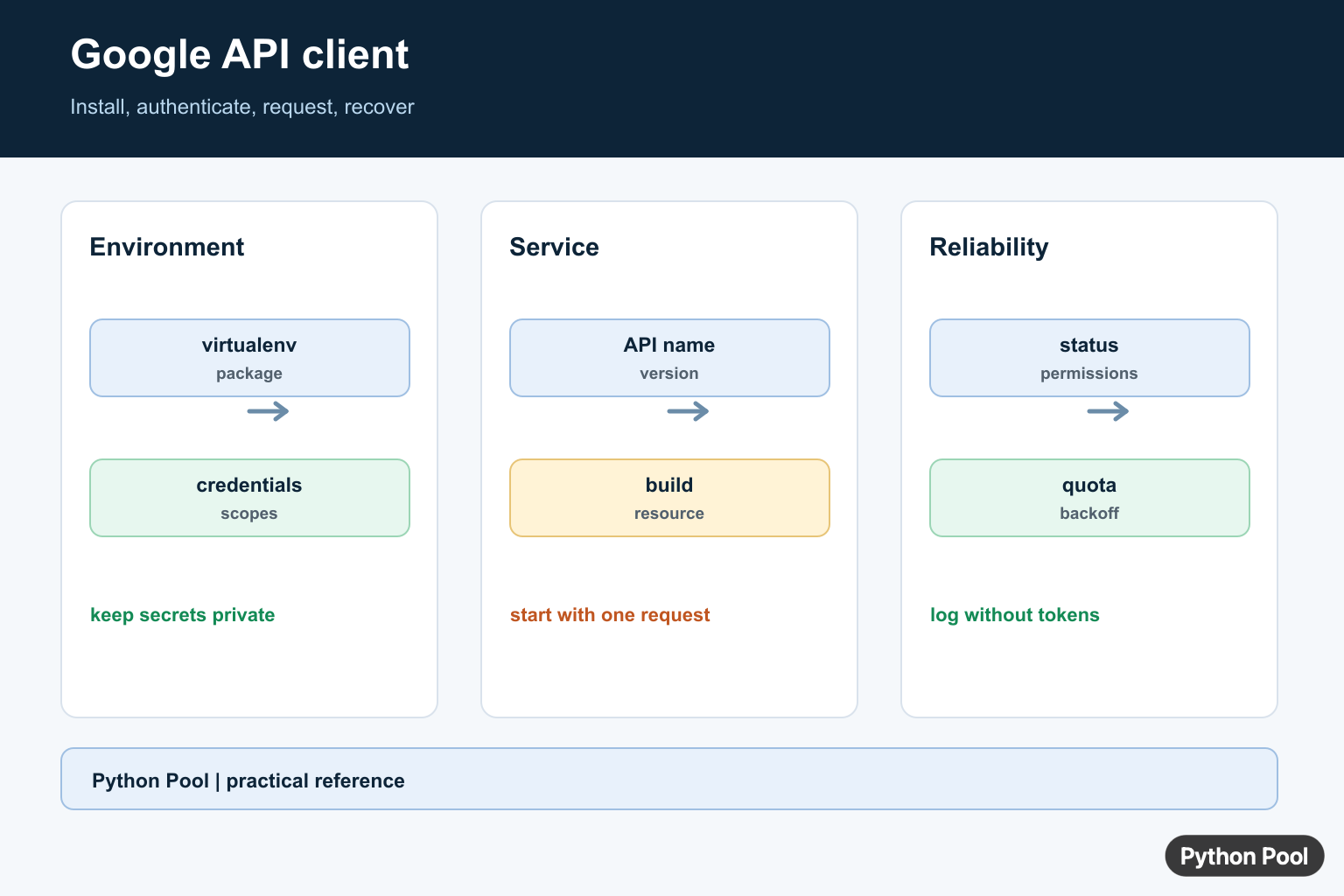
Google API Client Python usually refers to the google-api-python-client package. It helps Python programs call Google APIs through generated service objects, request builders, and structured responses. It is useful when a script needs to read Google Calendar events, query Drive files, call Books data, or work with another supported Google service. Brokerage integrations need stricter support and credential checks than a general API client; Robinhood API Python Guide: Crypto and robin-stocks separates Robinhood’s official crypto API from unofficial wrappers.
The client library does not replace Google Cloud setup. You still need an enabled API, a project in Google Cloud, and the right authentication method for the service you call. The Python code is the last step after permissions and scopes are already clear.
A good implementation starts by deciding what kind of identity the program needs. Public lookups can often use an API key. Personal automation usually needs OAuth consent. Backend jobs commonly use service accounts. Making that choice early prevents a common mistake: writing working local code that later fails in production because the identity has no access to the target Google resource.
The official Google API Python Client getting started guide, library documentation, and Google Auth documentation are the primary references. For related Python setup issues, see fix No module named google, Python calendar examples, and Python at Google.
Install The Client Libraries
Install the API client and common authentication helpers in the same environment that runs your script. Using the current Python executable helps avoid installing packages into a different environment.
import subprocess
import sys

packages = [
    "google-api-python-client",
    "google-auth-httplib2",
    "google-auth-oauthlib",
]

subprocess.check_call([
    sys.executable,
    "-m",
    "pip",
    "install",
    *packages,
])
For application projects, add these packages to the project’s dependency file instead of installing them manually on every machine. That keeps development, CI, and production environments aligned.
If imports fail after installation, confirm that the script, terminal, notebook kernel, and deployment job all use the same Python environment. Package confusion is common when multiple Python versions are installed on the same machine.
Create A Service With An API Key
Some public APIs support an API key. This is the simplest form because it does not represent a signed-in user. Keep the key outside source code and load it from environment settings.
import os
from googleapiclient.discovery import build

api_key = os.environ["GOOGLE_API_KEY"]

service = build(
    "books",
    "v1",
    developerKey=api_key,
)
An API key is appropriate for public data and quota tracking. It is not enough when the program needs private user data, private workspace data, or write access.
Restrict API keys in Google Cloud where possible. Limits by API, application, or network source reduce damage if a key is copied accidentally. The Python code should treat the key as configuration, not as a value to print during debugging.
Call A Google API Method
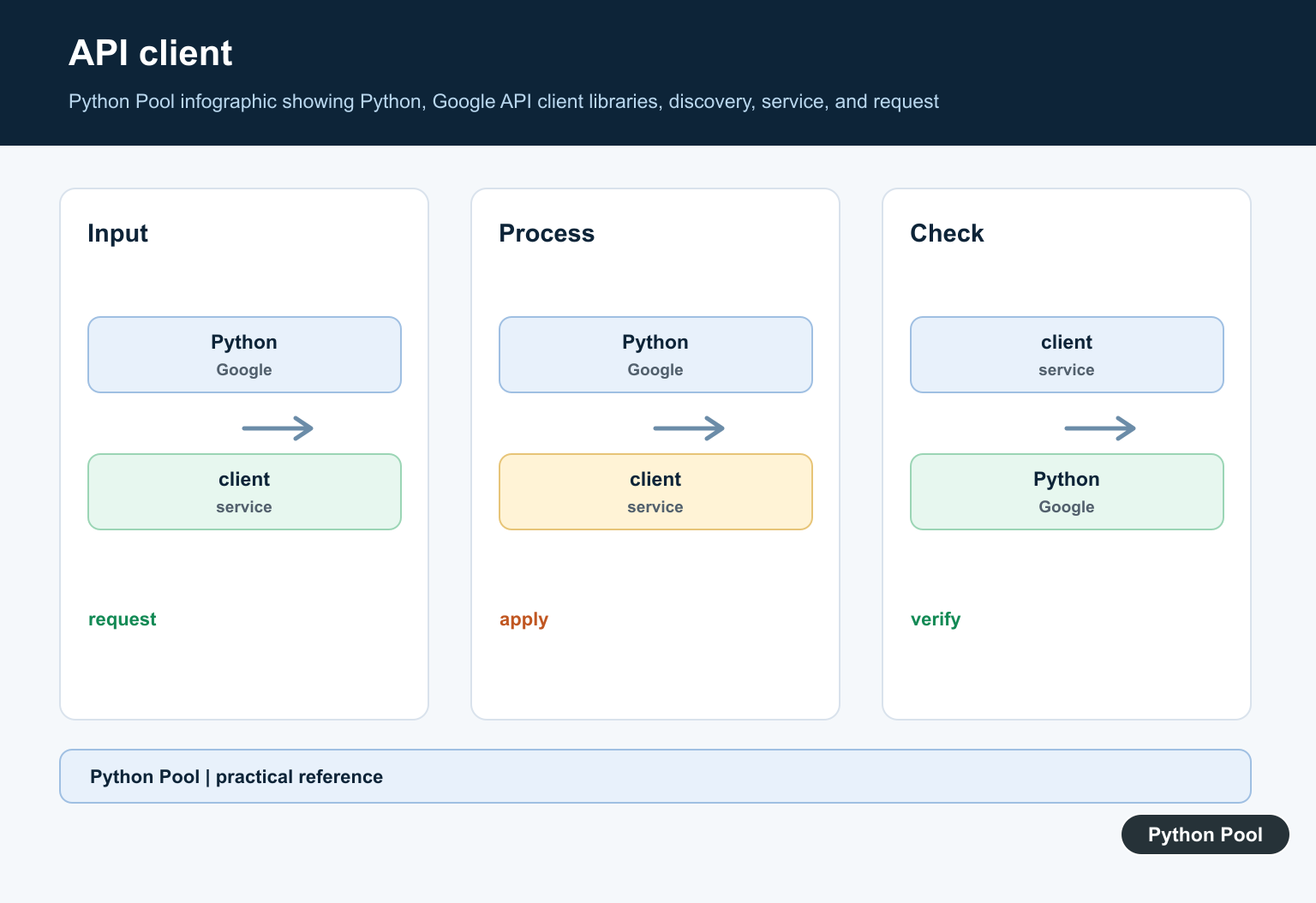
After building a service object, choose the resource and method from that API. The request object is executed only when you call execute().
request = service.volumes().list(
    q="python programming",
    maxResults=5,
)

response = request.execute()

for item in response.get("items", []):
    info = item.get("volumeInfo", {})
    print(info.get("title", "Untitled"))
This pattern appears across many Google APIs: build the service, create a request, execute it, and read fields from the response dictionary. The exact resource names and response fields depend on the API.
When learning a new API, start with one read-only request and print a small response. After that works, add pagination, filters, writes, or batching. Small request examples make permission errors easier to separate from data-shape errors.
Use OAuth For User Data
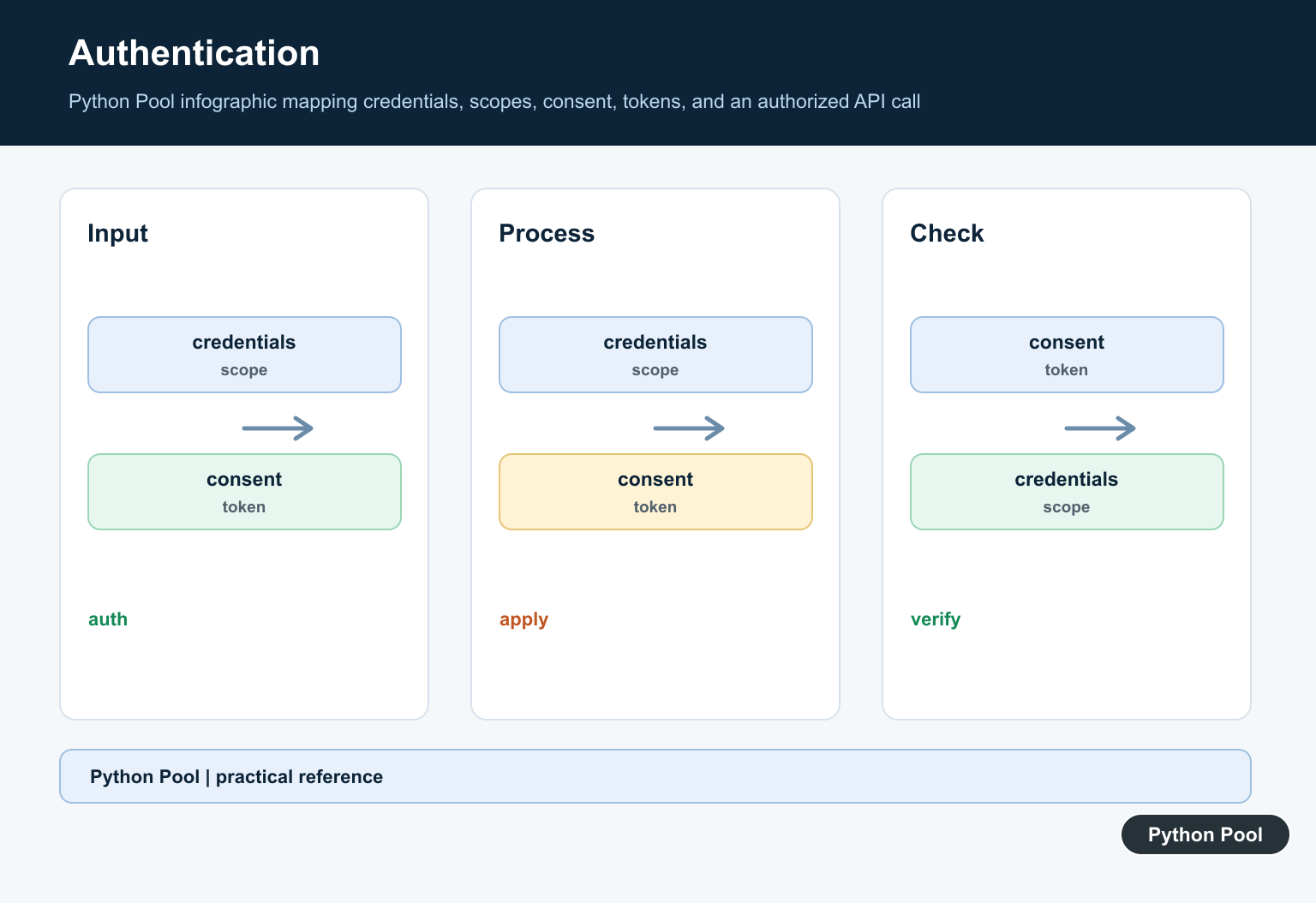
Use OAuth when the script acts on behalf of a Google user. The scope list should be as narrow as possible, because scopes define what the user is asked to approve.
from google_auth_oauthlib.flow import InstalledAppFlow

SCOPES = ["https://www.googleapis.com/auth/calendar.readonly"]

flow = InstalledAppFlow.from_client_secrets_file(
    "oauth-client.json",
    SCOPES,
)
credentials = flow.run_local_server(port=0)
Desktop scripts often use an installed-app OAuth flow. Web applications should use a server-side OAuth flow and store tokens according to the application’s security policy.
Use A Service Account
Service accounts are useful for server-to-server workloads where a job, not an interactive user, owns the operation. The service account must still have access to the target resource.
from google.oauth2 import service_account
from googleapiclient.discovery import build

SCOPES = ["https://www.googleapis.com/auth/drive.metadata.readonly"]

credentials = service_account.Credentials.from_service_account_file(
    "service-account.json",
    scopes=SCOPES,
)

drive = build("drive", "v3", credentials=credentials)
For Google Workspace resources, administrators may also configure domain-wide delegation. Treat that as an administrative decision, not a default coding shortcut.
Handle API Errors
Google API calls can fail because of invalid scopes, disabled APIs, quota limits, missing permissions, bad request data, or temporary service issues. Catch HttpError where you execute the request.
from googleapiclient.errors import HttpError

try:
    response = request.execute()
except HttpError as error:
    status = getattr(error.resp, "status", None)
    print(f"Google API request failed: {status}")
    print(error.reason)
else:
    print(response)
Error handling should log the operation name and status code without exposing credentials or sensitive response data. Retry only when the failure is temporary and the operation can safely run again.
Practical Checklist
Before writing code, confirm the Google API is enabled in the correct project, the authentication method matches the data being accessed, and the scopes are minimal. Also check whether the API supports API keys, OAuth, service accounts, or more than one option.
Keep credentials outside source control, use separate projects for development and production when appropriate, and monitor quota usage. Many API bugs are configuration bugs, so record which project, API, scope, and account the script uses.
The reliable pattern is to install the client library, build a service with the right authentication method, execute focused requests, handle HttpError, and keep permission choices explicit. That makes Google API Client Python code easier to debug and safer to operate.
Install The Client In The Right Interpreter
Install google-api-python-client in the same environment that will run the application. Keep authentication packages separate from the client itself, pin versions in a lock or requirements file, and verify sys.executable and the package location before diagnosing an API problem as a code bug.
import sys
import googleapiclient

print(sys.executable)
print(googleapiclient.__file__)
Build A Service With Credentials
A discovery-based client needs an API name, version, credentials, and usually a project with the API enabled. Do not put JSON keys or refresh tokens in source control. Load them from a secret store or a protected environment path, and give the identity only the scopes and permissions it needs.
from googleapiclient.discovery import build
from google.oauth2 import service_account

SCOPES = ["https://www.googleapis.com/auth/drive.readonly"]
credentials = service_account.Credentials.from_service_account_file(
    "service-account.json", scopes=SCOPES
)
drive = build("drive", "v3", credentials=credentials)
Make A Small Request First
Start with one resource and a small page size. Many Google APIs return a response object containing a list and a next-page token, so inspect the response shape instead of assuming every endpoint returns the same fields. Keep request construction separate from business logic so it can be tested with a fake service.
response = drive.files().list(
    pageSize=10,
    fields="nextPageToken, files(id, name, mimeType)",
).execute()

for item in response.get("files", []):
    print(item["id"], item["name"])
Handle Permissions, Quotas, And Retries
A successful authentication does not guarantee authorization for a resource. Check the API’s error body and HTTP status, distinguish a missing permission from a transient rate limit, and use bounded exponential backoff only for errors that are safe to retry. Log request context without logging tokens or private payloads.
from time import sleep

def retry_delay(attempt, base=1.0, limit=32.0):
    return min(base * (2 ** attempt), limit)

for attempt in range(4):
    try:
        result = drive.files().list(pageSize=1).execute()
        break
    except Exception:
        if attempt == 3:
            raise
        sleep(retry_delay(attempt))
Google’s Python client guide and the official client repository document installation, discovery services, credentials, and supported usage. Treat the API’s own reference as the authority for scopes, resource names, quota behavior, and pagination.
For related API and environment work, compare Google import troubleshooting, a Python network client, and documentation tools when choosing credentials, service boundaries, and request diagnostics.
For the authoritative API and current behavior, consult the Google API Python client source repository.
Frequently Asked Questions
What is the Google API client for Python?
It is Google’s Python library for calling discovery-based Google APIs with generated service clients, credentials, and HTTP requests.
How do I install the Google API client for Python?
Install google-api-python-client in the active virtual environment, then install the authentication library required by the credential flow you choose.
How do I authenticate a Google API request?
Use the credential flow required by the API, keep secrets outside source control, and pass the resulting credentials when building the service.
Why does a Google API request return 403 or 429?
A 403 can indicate missing permissions, disabled APIs, or quota restrictions; a 429 usually means rate limits were reached, so inspect the response and retry with backoff when appropriate.
