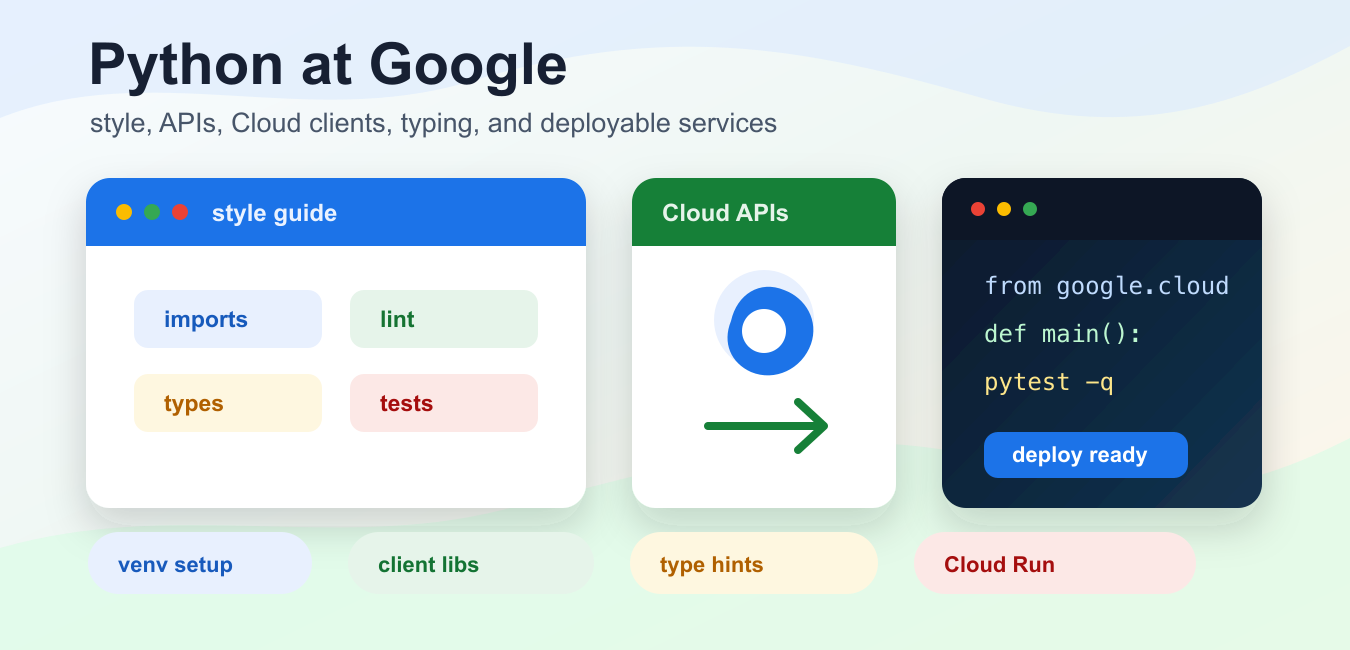
Quick answer: Python is widely useful in large engineering organizations for readable automation, testing, data processing, infrastructure tooling, and machine learning workflows. It is usually one part of a polyglot system, not a replacement for every language or service.
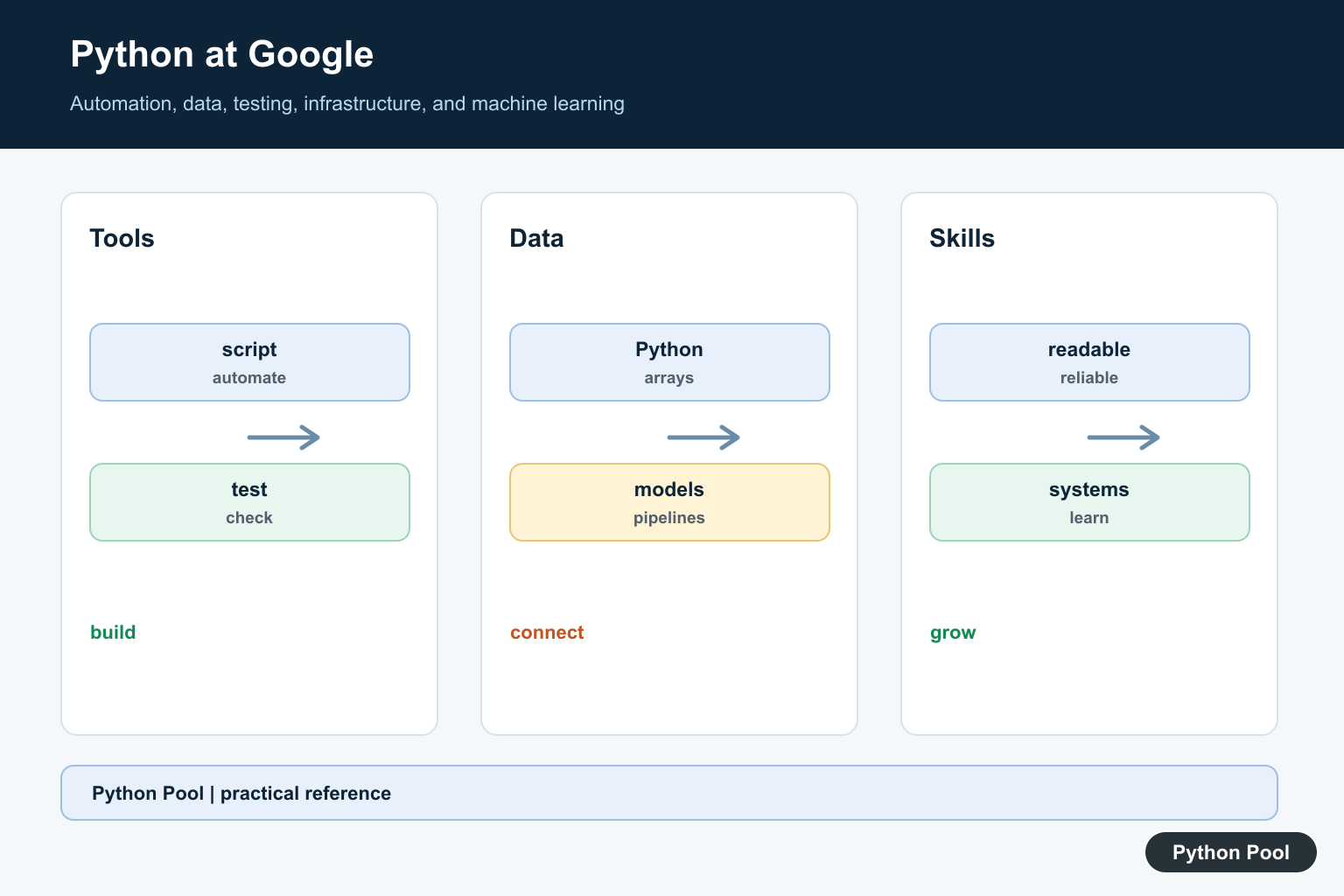
Python at Google is best understood from the public engineering material Google maintains today, not from old folklore about one product team or one internal tool. The official Google Python Style Guide says Python is the main dynamic language used at Google, and it documents the coding habits Google expects in large Python codebases: clear imports, careful exception handling, type annotations, linting, docstrings, and readable module structure. For historical context behind the language and engineering conventions discussed here, see History of Python Programming Language.
That makes the topic useful for two audiences. Learners can use Google’s public training material, including Google’s Python Class, as a structured way to practice. Working developers can use Google’s style and Cloud documentation as a checklist for building maintainable scripts, service clients, command-line tools, and production services.
Python also has a practical place in Google’s developer ecosystem. The Google Cloud Python client libraries are the recommended way to access Google Cloud APIs programmatically, while the Google API Client Library for Python covers many discovery-based Google APIs. The broader Google API Client Libraries page lists Python alongside other supported languages for product APIs.
Set Up Python Like A Project, Not A Scratch File
The official Python venv documentation describes virtual environments as isolated Python installs with their own site packages. That matters in Google-related work because the same machine may contain Cloud SDK tools, notebooks, deployment helpers, and several application projects. Keep the service code in its own environment, then install only the packages that project needs.
from pathlib import Path
import sys

project = Path("google_python_service")
python_bin = project / ".venv" / "bin" / "python"

commands = [
    [sys.executable, "-m", "venv", str(project / ".venv")],
    [str(python_bin), "-m", "pip", "install", "--upgrade", "pip"],
]

for command in commands:
    print(" ".join(command))
The example prints reproducible setup commands instead of installing anything. In a real repository, document the command once, keep dependency names in a file, and run the same setup in local development and CI. That keeps the project easy to rebuild after a laptop change, a runner change, or a Cloud deployment update.
Pin The Google Packages You Actually Use
Google has more than one Python library family. A Cloud Storage app, a Gmail automation script, and a Books lookup tool may use different packages and authentication flows. A clean dependency list should make that choice visible. Avoid a broad install command copied from a tutorial if the project only calls one service.
requirements_text = """
google-cloud-storage>=2.16
google-api-python-client>=2.0
google-auth>=2.0
pytest>=8.0
""".strip()

requirements = [
    line.strip()
    for line in requirements_text.splitlines()
    if line.strip()
]

google_packages = [
    line
    for line in requirements
    if line.startswith("google-")
]

print("\n".join(google_packages))
For Google Cloud services, start with the service-specific Cloud Client Library when one exists. For discovery-based APIs, the Google API Python client can be the right fit. Either way, put package choices under review just like application code. It is easier to audit a small explicit dependency list than a global environment assembled over months.
Choose The API Layer Before Writing Calls
The Cloud Client Libraries are designed to reduce boilerplate and expose higher-level Python-friendly APIs. The Google API Python client is different: it builds service objects for many Google APIs, then you call resource methods and execute requests. Pick the layer from the API and workload, not from habit.
from urllib.parse import urlencode

def build_books_query(term, limit=5):
    params = urlencode({
        "q": term,
        "maxResults": limit,
    })
    return f"https://www.googleapis.com/books/v1/volumes?{params}"

print(build_books_query("python programming", 3))
This sample does not call the network; it shows the shape of a small API request. Production code should keep credentials outside source files, choose narrow OAuth scopes, and log status information without exposing tokens or private response data. The public Google API docs should be the source of truth for which authentication method a product API supports.
Follow Google’s Python Style Where It Improves Review
The Google Python Style Guide is not just formatting. It encourages full package imports, useful docstrings, exceptions with clear meaning, type annotations where feasible, and a main entry point for executable modules. Those habits are useful in any team codebase because reviewers can find dependencies, understand input shapes, and test behavior without reading the whole program.
from dataclasses import dataclass
from typing import Any

@dataclass(frozen=True)
class ApiResult:
    name: str
    payload: dict[str, Any]

def summarize(result: ApiResult) -> str:
    keys = ", ".join(sorted(result.payload)) or "no fields"
    return f"{result.name}: {keys}"

sample = ApiResult(
    "books.volumes.list",
    {"items": [], "totalItems": 0},
)
print(summarize(sample))
The exact formatter is less important than consistency. Google notes that teams may use Black or Pyink to avoid style arguments. For an external project, the practical lesson is to automate the style layer, then spend human review time on API design, tests, error behavior, and security boundaries.
Handle Google API Failures Deliberately
Google APIs can fail for quota limits, disabled APIs, invalid scopes, missing permissions, bad request bodies, or temporary service issues. Treat those cases differently. A permission failure needs a setup fix; a temporary service failure may be retried; a bad request needs code or data correction.
import time

class TemporaryApiError(Exception):
    pass

def call_with_retry(operation, attempts=3):
    delay = 0.01
    for attempt in range(1, attempts + 1):
        try:
            return operation()
        except TemporaryApiError:
            if attempt == attempts:
                raise
            time.sleep(delay)
            delay *= 2

tries = {"count": 0}

def flaky_operation():
    tries["count"] += 1
    if tries["count"] < 2:
        raise TemporaryApiError("try again")
    return "ok"

print(call_with_retry(flaky_operation))
Keep retry logic narrow. Retry only operations that are safe to repeat, and record enough context to debug the failure later. That context can include the API name, method name, status code, request identifier, and project setting, but it should not include secrets or private payloads.
Prepare For Cloud Deployment Early
Google Cloud supports Python across managed runtimes and container workflows. The Cloud Run Python runtime documentation and supported Python versions page are better references than old runtime examples. Check them before choosing a Python version for a new service or before upgrading an existing one.
import json
from pathlib import Path
from tempfile import TemporaryDirectory

service_files = {
    "requirements.txt": "functions-framework==3.*\n",
    "main.py": "def hello(request):\n    return 'Hello from Python'\n",
}

with TemporaryDirectory() as tmp:
    root = Path(tmp)
    for name, text in service_files.items():
        (root / name).write_text(text, encoding="utf-8")
    created = sorted(path.name for path in root.iterdir())

print(json.dumps(created, indent=2))
A deployable Python service should have a small source tree, an explicit dependency file, tests, and a clear entry point. For Cloud Run services, App Engine apps, or Cloud Run functions, check the current runtime docs before assuming that an older tutorial still matches the platform. Google Cloud changes supported runtime versions over time, and Python itself has a published release lifecycle.
What Python At Google Means For Your Code
The durable lesson is not that every project should copy Google’s internal setup. The useful lesson is that Python scales when code is boring in the right places: clear imports, isolated environments, reviewed dependencies, type hints where they help, tests that run locally, and API clients chosen from official docs.
If you are learning, Google’s Python Class is a reasonable starting point after basic programming exposure. If you are building against Google products, start from the official API or Cloud client documentation, then write the smallest request that proves authentication, permissions, and response shape. If you are maintaining production code, align the style guide with automated linting and tests so reviewers can focus on behavior.
Python at Google should therefore be read as an engineering pattern: use Python where quick development and readable automation matter, keep the runtime reproducible, call Google APIs through supported libraries, and keep deployment choices tied to current Google Cloud documentation. That approach is more useful than copying isolated snippets from an old article, and it gives a Python project a path from local script to reviewed service.
Think In Workloads, Not Brand Names
The practical lesson from Python at a large company is to match a language to the workload. Python is strong for glue code, tooling, analysis, and fast iteration, while latency-sensitive or resource-constrained components may use other languages.
Automation And Developer Tools
Readable scripts can connect build steps, inspect data, generate files, run checks, and reduce repetitive operational work. Good tools still need error handling, logging, permissions, tests, and a clear owner.
Data And Machine Learning
Python’s scientific ecosystem makes experiments, feature preparation, notebooks, evaluation, and model-serving integration productive. The numerical kernels may run in optimized native libraries underneath the Python API.
Testing And Reliability
Python can drive unit tests, integration tests, service checks, and release tooling. A readable test suite is valuable only when it is deterministic, isolated, and maintained alongside the system it protects.
Learn The Transferable Skills
Do not optimize for copying a company’s internal stack. Learn Python fundamentals, data structures, APIs, testing, concurrency basics, version control, and the ability to read unfamiliar production code.
Check Current Role Requirements
Companies and teams change tools over time. Treat public engineering descriptions as directional, then read the current job specification and prepare for the domain, level, and interview format actually listed.
The Google for Developers Python course is a public learning reference. Related Python Pool guidance includes testing and logging.
For related engineering practice, compare testing, operational logging, and package configuration when building maintainable Python tools.
Frequently Asked Questions
How does Google use Python?
Python is used across areas such as automation, testing, data processing, infrastructure tooling, and machine learning workflows, often alongside faster or specialized languages.
Is Python the main language at Google?
No single language is best for every system. Teams choose languages based on performance, reliability, ecosystem, developer productivity, and the constraints of each service.
Can I learn Python for a Google job?
Strong Python fundamentals help, but preparation should also include algorithms, testing, data structures, system design, and the requirements of the specific role.
Why is Python useful in large engineering organizations?
Readable syntax, a broad ecosystem, and fast development make Python effective for automation and integration, even when performance-critical components use other languages.
