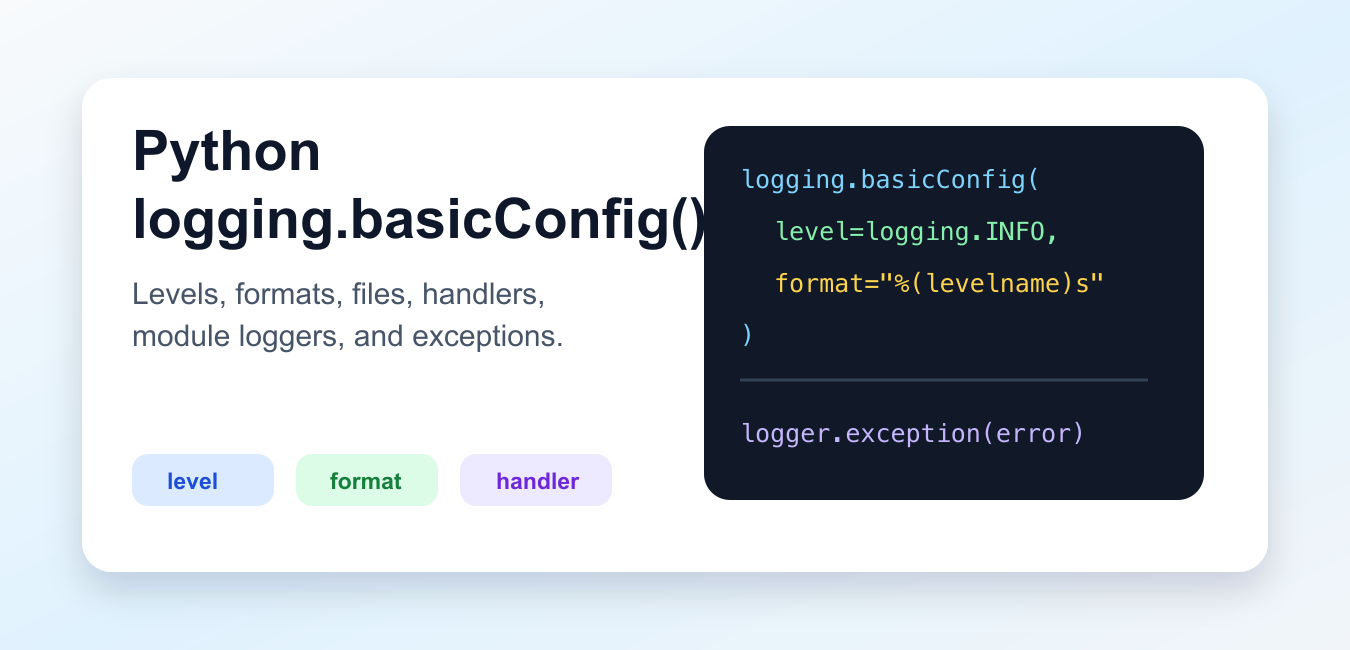
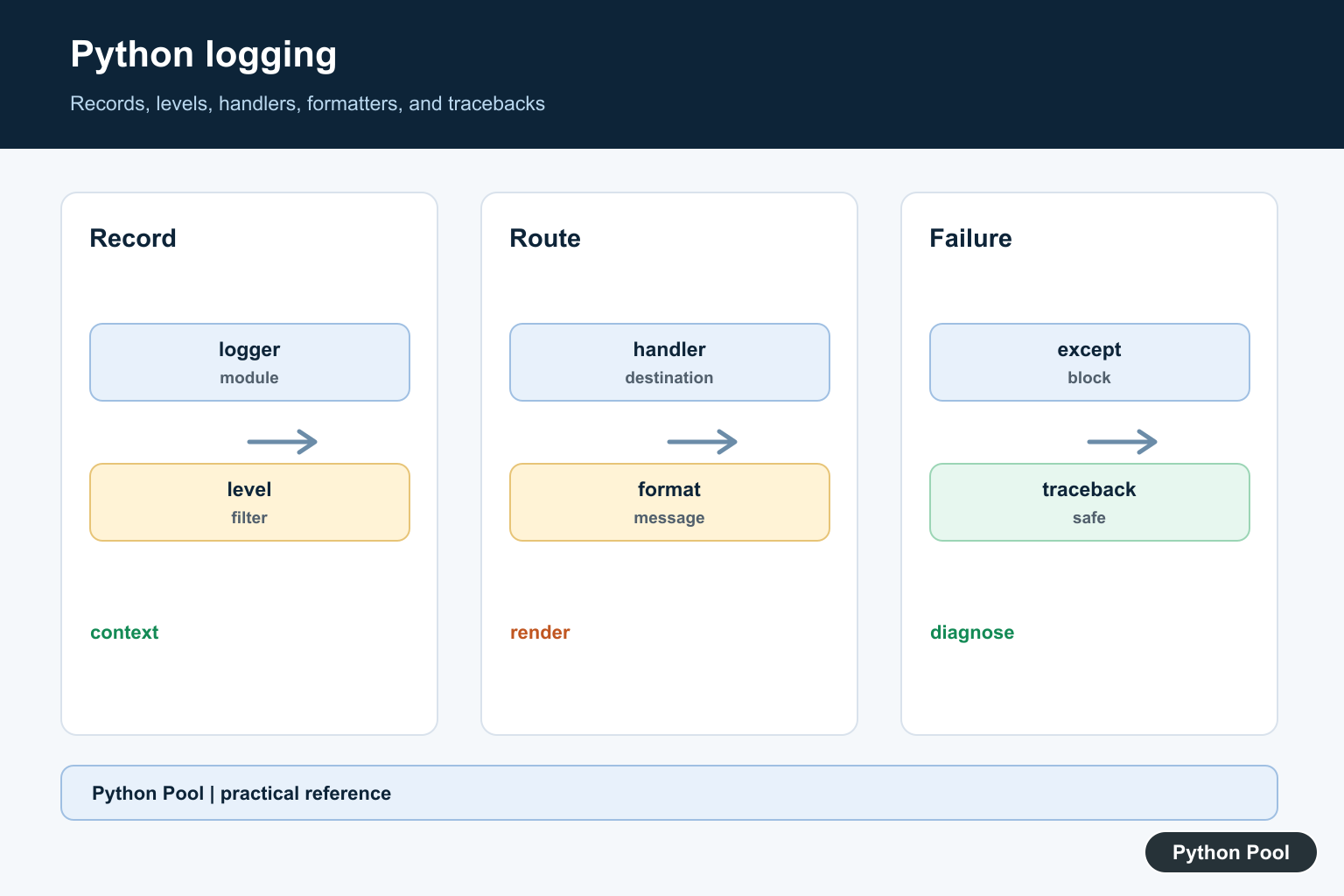
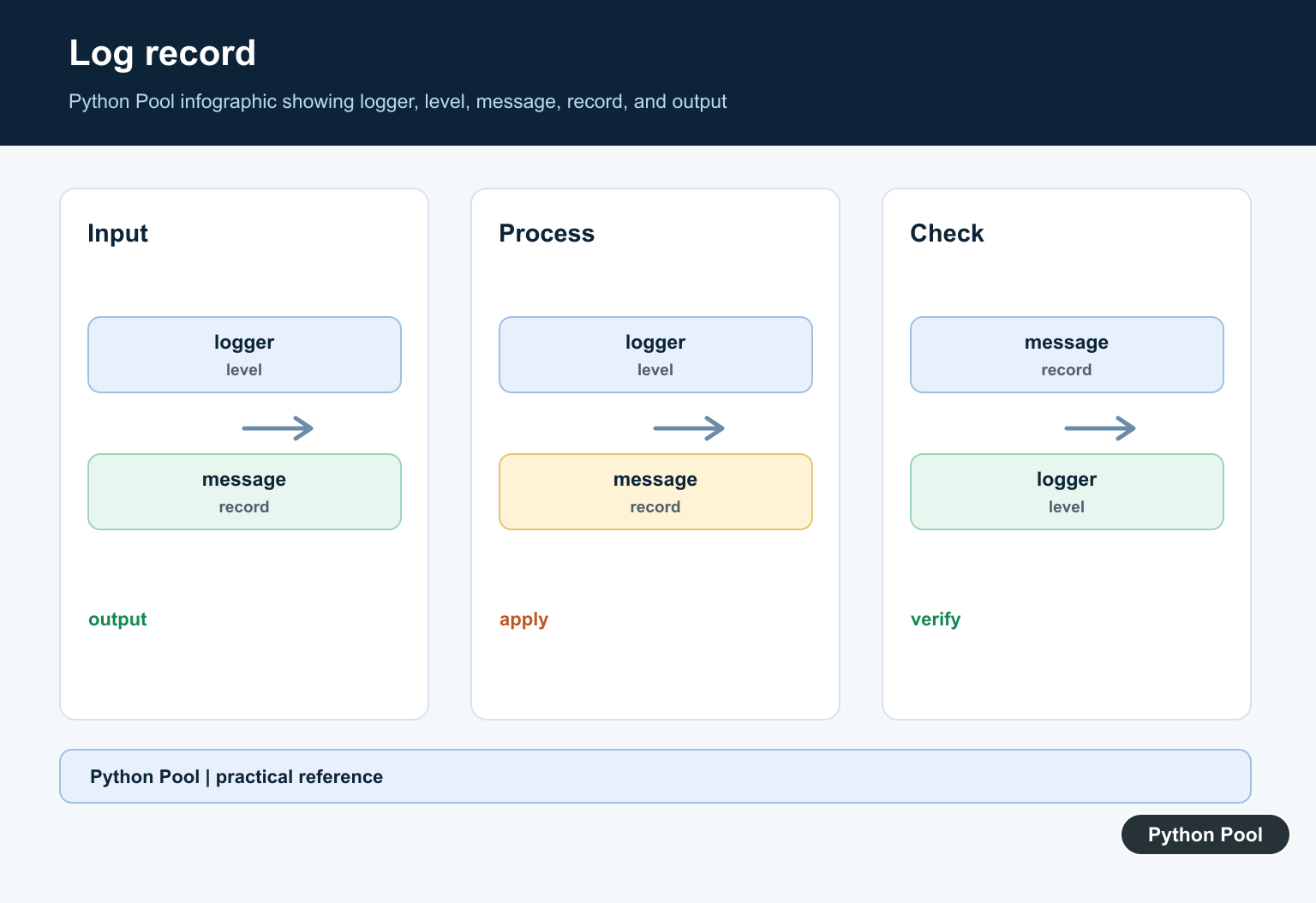
Quick answer: Python logging is a pipeline: a named logger creates a record, levels filter it, handlers route it, and formatters render it. Configure that pipeline at the application boundary, use module names for context, and record exceptions with logger.exception() instead of relying on print statements.
logging.basicConfig() is the quickest way to configure Python’s standard logging package for a script. It sets the root logger level, output format, destination, and optional handlers.
Use logging instead of scattered print() calls when messages need levels, timestamps, module names, file output, or clean control across development and production runs. A good logging setup helps you understand what happened without changing code after every failure. For Unix services that should send records to the system log rather than a local stream, Python syslog Logging Guide covers syslog facilities, priorities, and handlers.
The official Python logging documentation describes logger objects, handlers, formatters, levels, and basicConfig(). The official Logging HOWTO gives practical setup guidance.
Start With basicConfig
A simple configuration sets the minimum level that should be emitted. Messages below that level are ignored.
import logging

logging.basicConfig(level=logging.INFO)

logging.debug("debug details")
logging.info("service started")
logging.warning("cache is empty")
In this example, the debug message is hidden because the configured level is INFO. The info and warning messages are emitted.
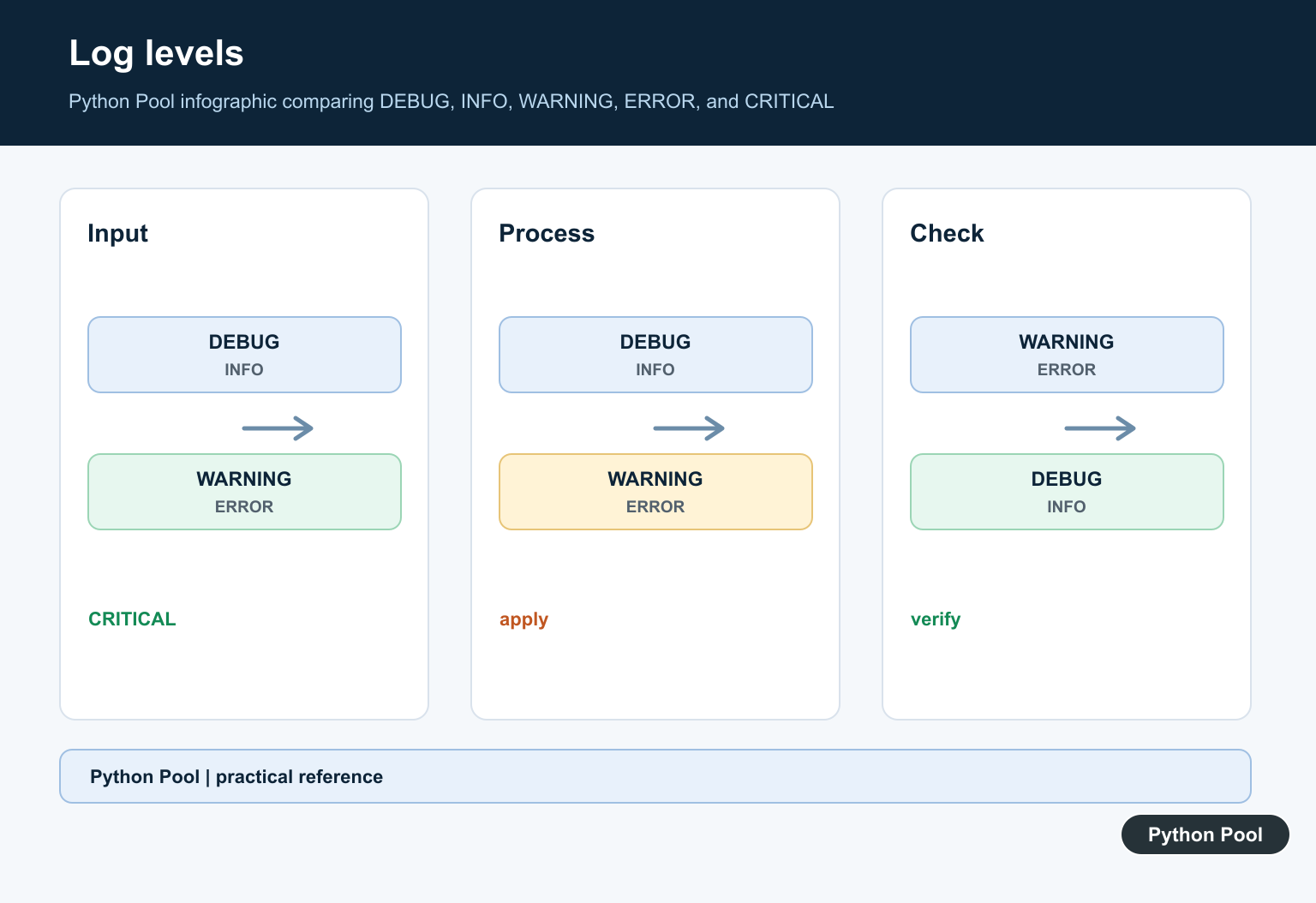
Common levels are DEBUG, INFO, WARNING, ERROR, and CRITICAL. Use debug for detailed diagnostics, info for normal milestones, warning for unexpected but recoverable events, and error for failed work.
Set A Useful Format
The default output is short. A custom format can add time, level, logger name, and the message.
import logging

logging.basicConfig(
    level=logging.INFO,
    format="%(asctime)s %(levelname)s %(name)s: %(message)s",
    datefmt="%Y-%m-%d %H:%M:%S",
)

logging.info("ready")
The format string uses logging record attributes such as asctime, levelname, name, and message. This is percent-style formatting handled by the logging package, not by the caller.
Keep formats consistent across scripts. Consistent logs are easier to scan, filter, and compare when troubleshooting.
Write Logs To A File
For command-line tools and scheduled jobs, file output can preserve logs after the terminal closes.
import logging

logging.basicConfig(
    filename="app.log",
    filemode="a",
    encoding="utf-8",
    level=logging.INFO,
    format="%(levelname)s:%(message)s",
)

logging.info("saved to file")
filemode="a" appends to an existing file. Use filemode="w" only when replacing the file on each run is intended.
File logs are useful for local jobs, but long-running services usually need rotation or a platform log collector. basicConfig() is a starting point, not a complete production logging design.
Use Module Loggers
Libraries and multi-file applications should create named loggers with getLogger(__name__). The main program can still configure output once.
import logging

logger = logging.getLogger(__name__)

def load_user(user_id):
    logger.info("loading user %s", user_id)
    return {"id": user_id}

logging.basicConfig(level=logging.INFO, format="%(name)s:%(message)s")

print(load_user(7))
Passing arguments separately, as in logger.info("loading user %s", user_id), lets logging perform formatting only when the message is actually emitted.
This pattern is better than configuring logging inside every module. Configure once near program startup, then let modules obtain named loggers.
Log Exceptions With Tracebacks
Inside an except block, logging.exception() records the message and includes the traceback automatically.
import logging

logging.basicConfig(level=logging.ERROR)

try:
    int("not-a-number")
except ValueError:
    logging.exception("conversion failed")
This is more useful than logging only the exception message because the traceback shows where the error happened.
Use exception() only while handling an active exception. Outside an except block, use error(..., exc_info=True) if traceback data is still needed.
Configure Multiple Handlers
basicConfig() can accept handlers when output should go to more than one destination.
import logging

console = logging.StreamHandler()
file_log = logging.FileHandler("service.log", encoding="utf-8")

logging.basicConfig(
    level=logging.INFO,
    format="%(levelname)s:%(message)s",
    handlers=[console, file_log],
)

logging.info("sent to console and file")
Handlers decide where records go. Formatters decide how records look. Loggers decide which records are created and which level they must meet.
If basicConfig() seems to do nothing, the root logger may already have handlers. In scripts and notebooks, force=True can replace existing root handlers, but use it carefully in applications that share logging with other libraries.
Place Configuration At Startup
The best place for basicConfig() is near the entry point of a script or application. Configure logging before work begins, then import or call the rest of the program after the logging policy is known. Logging is appropriate for structured diagnostics; Print to stderr in Python Scripts shows the simpler stderr path for command-line errors and one-off scripts.
Avoid calling basicConfig() inside library modules. A library should create a logger with getLogger(__name__) and emit records, but it should not decide where the host application writes logs. That separation keeps shared code reusable.
Pick the level based on the audience. During development, DEBUG can expose detailed flow. For routine command-line runs, INFO is often enough. In quiet production jobs, WARNING or ERROR may be better when only unusual events should appear.
Be careful with sensitive data. Logs often persist longer than terminal output and may be copied into monitoring systems. Do not log passwords, API keys, access tokens, personal records, or full request payloads unless the system is designed to protect that data.
For repeated scripts, add enough context to each message to make it useful later. A log line such as “failed” is weak. A line that includes the task name, record identifier, and exception traceback is much easier to debug.
The practical setup is to configure logging once at program startup, choose a level, use a clear format, and create named loggers in modules. That gives you controlled runtime messages without scattering temporary print calls through the code.
Create Named Loggers
Use logging.getLogger(__name__) in each module so records identify their source and applications can tune a package or subsystem independently. Library code should generally create log records but leave handler policy to the application that imports it.
Choose Levels Intentionally
DEBUG is for detailed diagnosis, INFO for normal milestones, WARNING for recoverable unexpected conditions, ERROR for failed operations, and CRITICAL for a severe failure that may stop the service. A high level hides lower-severity records; it does not make the lower-severity event less important.
Separate Handlers And Formatters
A handler decides where a record goes, such as stderr, a rotating file, or a central collector. A formatter decides what context appears in the message. Keep routing and formatting separate so a command-line view and a structured service log can use different presentations.
Log Exceptions Without Losing Tracebacks
Inside an except block, logger.exception(“operation failed”) includes the current traceback. Avoid logging secrets, tokens, or full user payloads. Add stable identifiers and safe context that lets an operator connect the failure to a request or job.
Configure Once And Test It
basicConfig() is convenient for a small script but does nothing once the root logger already has handlers. Larger applications should configure explicitly, prevent accidental duplicate handlers, and test that records reach the intended destination without leaking sensitive data.
The official logging documentation covers logger hierarchy, levels, handlers, formatters, and exception information. The logging HOWTO provides configuration examples. Related guidance includes testing logging behavior.
For related operational patterns, compare syslog integration, subprocess boundaries, and logging tests when making diagnostics reliable.
Frequently Asked Questions
What is the recommended way to log in Python?
Create a module-level logger with logging.getLogger(__name__), then configure handlers and levels at the application boundary.
What are the main Python logging levels?
DEBUG, INFO, WARNING, ERROR, and CRITICAL describe increasing severity; NOTSET is used for delegation and is not usually an application message level.
How do I include an exception traceback?
Call logger.exception() inside an except block or pass exc_info=True to a log method when the traceback is required.
Why does basicConfig() appear to do nothing?
It only configures the root logger when no handlers are already present, so an earlier configuration or framework may have taken control.
