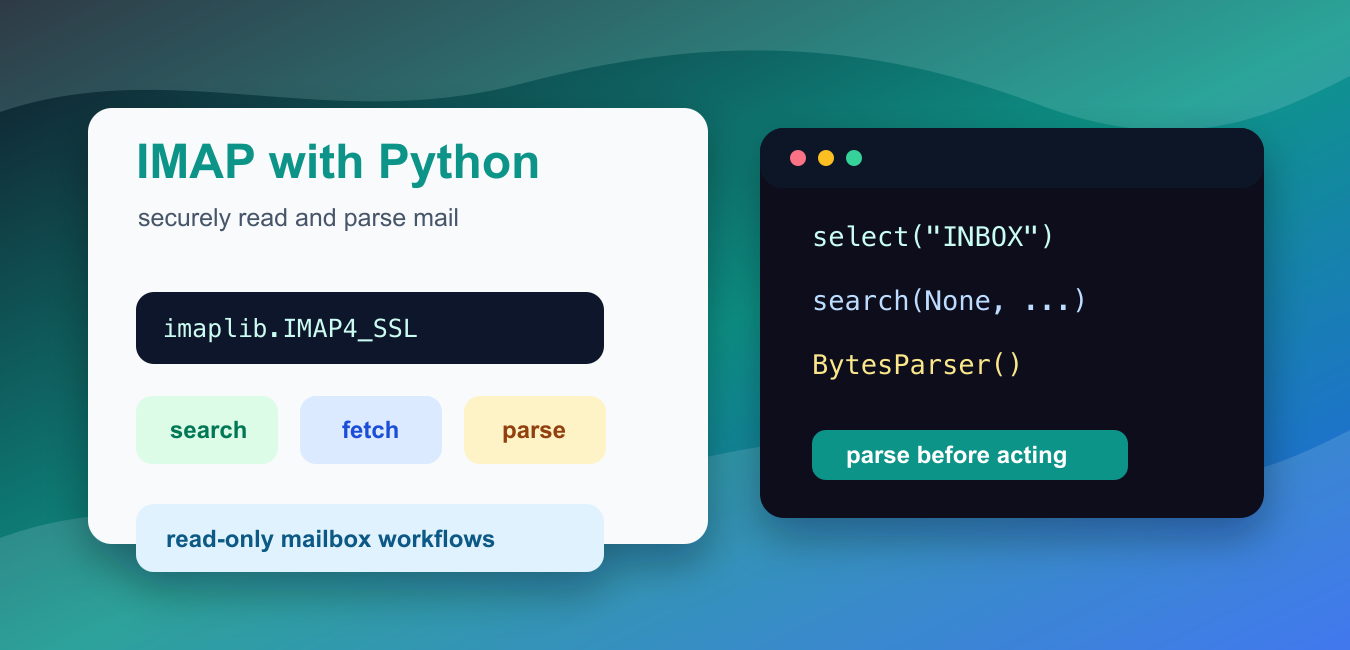
Quick answer: Use imaplib.IMAP4_SSL with provider-approved authentication, select a mailbox read-only when possible, search narrowly, fetch only needed message bytes, parse them with email, and close the mailbox in finally cleanup. IMAP reads server mail; it is not a sending protocol.
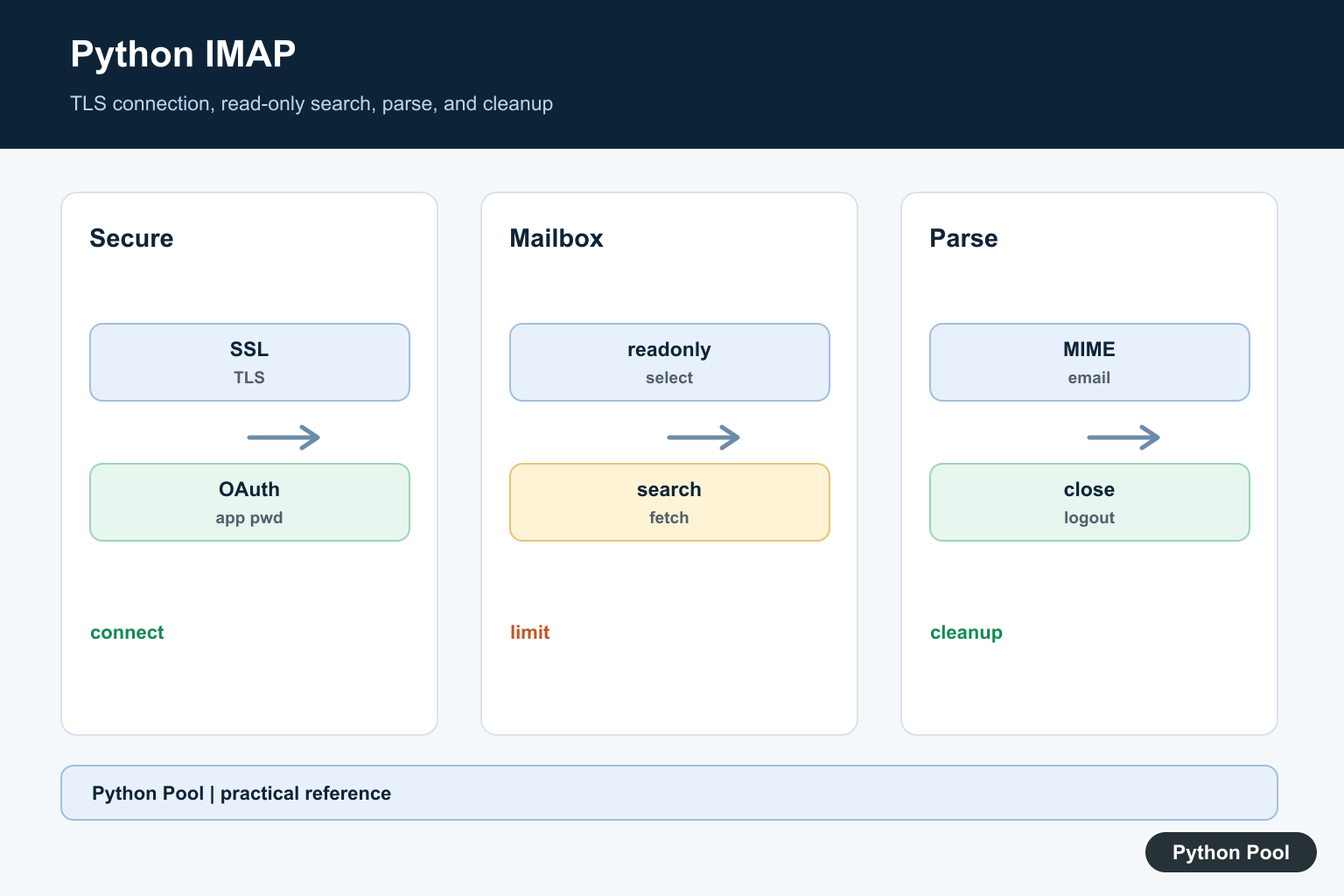
Python’s imaplib module lets a program talk to an IMAP mail server, select mailboxes, search for messages, fetch message data, and mark messages when needed. IMAP is for reading and managing mail that already exists on a server. It is not the protocol for sending mail.
Use IMAP carefully. Email accounts contain private data, so scripts should use TLS, app-specific passwords or OAuth where the provider requires it, read-only mailbox selection when possible, and narrow search criteria. Do not test against a real inbox until the parsing logic works with sample messages.
The official Python documentation covers imaplib, email.parser, and ssl.
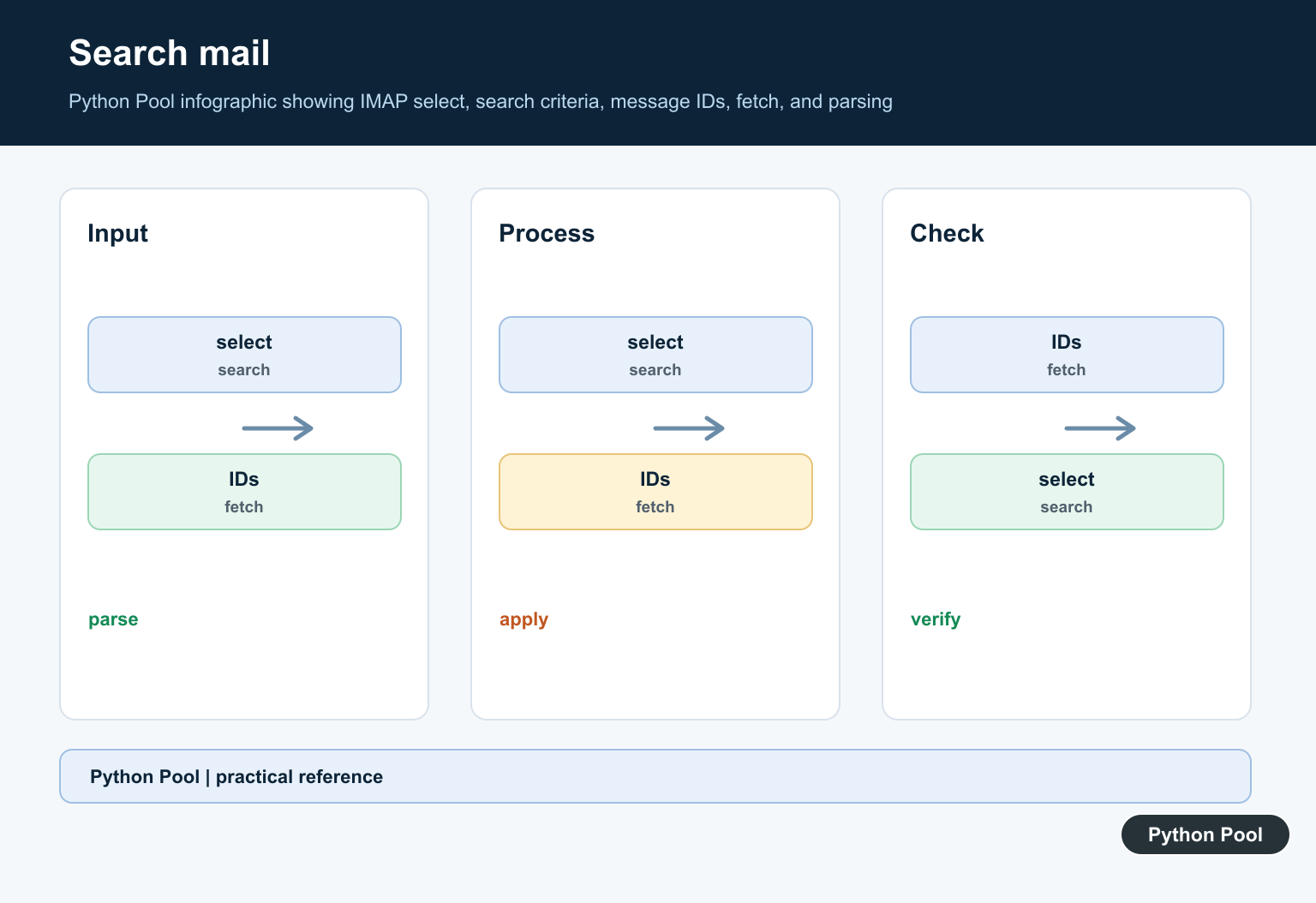
A typical IMAP workflow is: open a secure connection, log in, select a mailbox, search for message ids, fetch selected messages, parse the RFC 5322 message bytes, then close and logout. Keep those steps separate so failures are easier to diagnose.
IMAP commands also have side effects depending on how the mailbox is selected. Fetching a body can mark a message as seen on some servers unless you use the right command and mailbox mode. Start with a dedicated test mailbox, read-only selection, and a narrow date or sender filter before running against a real inbox.
Authentication differs by provider. Some mail servers still accept an app-specific password. Others require OAuth or an organization-managed access token. If plain password login fails, check the provider’s current IMAP policy before weakening account security or enabling broad account access.
Inspect imaplib Basics
imaplib exposes client classes for plain and TLS-protected connections. Most modern scripts should use IMAP4_SSL.
import imaplib

print(imaplib.IMAP4.__name__)
print(imaplib.IMAP4_SSL.__name__)
print(imaplib.Internaldate2tuple is not None)
This does not open a network connection. It only confirms that the standard module is available in the current Python interpreter.
If importing imaplib fails because SSL support is missing, repair the Python build before debugging mailbox code.
Also confirm the script is running in the same Python environment as your scheduler or application. A local terminal test does not prove that a background worker has the same SSL support, dependencies, or configuration.
Create A TLS Context
Use the default SSL context unless your organization has a specific certificate policy. It enables modern certificate verification defaults.
import ssl

context = ssl.create_default_context()

print(context.check_hostname)
print(context.verify_mode == ssl.CERT_REQUIRED)
Pass this context when opening imaplib.IMAP4_SSL(host, port, ssl_context=context). Keep host names and credentials outside source code.
Many providers require app passwords or OAuth instead of the account’s normal login password. Follow the provider’s security model rather than weakening the connection.
Build A Read-Only Flow
When you only need to inspect messages, select the mailbox in read-only mode. This reduces accidental state changes.
steps = [
    "connect with IMAP4_SSL",
    "login with provider-approved credentials",
    "select INBOX readonly",
    "search for UNSEEN messages",
    "fetch RFC822 bytes",
    "close and logout",
]

for number, step in enumerate(steps, start=1):
    print(number, step)
In real code, the corresponding call is client.select("INBOX", readonly=True). Use write mode only when your script intentionally marks, moves, deletes, or flags messages.
Close the selected mailbox before logging out. In scripts that may fail halfway through, put cleanup in a finally block so the connection is closed even when parsing fails.
Build Search Criteria
IMAP search criteria are strings passed to the server. Keep them narrow so the script does not fetch more mail than it needs.
from datetime import date

since = date(2026, 7, 1).strftime("%d-%b-%Y")
criteria = ["UNSEEN", f'SINCE "{since}"', 'FROM "[email protected]"']

print(" ".join(criteria))
Common criteria include UNSEEN, SEEN, FROM, SUBJECT, SINCE, and BEFORE. Server support can differ, so start with a simple search and expand carefully.
Large mailbox searches can be slow. Prefer criteria that limit both date range and sender when possible, then fetch only the ids you intend to process. Keep a record of processed message ids if the job runs repeatedly.
Parse A Raw Email Message
After fetching message bytes, use the email package to parse headers and body content.
from email import policy
from email.parser import BytesParser

raw_message = b"Subject: Test message\nFrom: [email protected]\n\nHello from IMAP"
message = BytesParser(policy=policy.default).parsebytes(raw_message)

print(message["Subject"])
print(message["From"])
print(message.get_body(preferencelist=("plain",)).get_content().strip())
This example uses local bytes instead of a live mailbox. The same parser works with bytes returned by client.fetch().
Prefer the modern policy.default behavior for new scripts because it returns convenient email message objects.
Extract Attachment Names Safely
Attachments should be inspected before saving. Check the filename, size, and content type, and never trust a filename as a safe filesystem path.
from email.message import EmailMessage

message = EmailMessage()
message["Subject"] = "Report"
message.set_content("See attached data.")
message.add_attachment("a,b\n1,2\n", filename="report.csv")

for part in message.iter_attachments():
    print(part.get_filename())
    print(part.get_content_type())
When saving attachments in real code, create a controlled output directory and sanitize names. Do not let mailbox data choose arbitrary paths.
For production scripts, add retries around temporary network failures, structured logging, and provider-specific limits. Also test with a dedicated mailbox before using a personal or customer inbox.
In short, use IMAP4_SSL, keep credentials out of source code, select mailboxes read-only unless writing is intentional, fetch only the messages you need, and parse message bytes with the email package.
Keep Credentials Out Of Source
Use environment-backed configuration, an app password where the provider supports it, or OAuth when required. Do not print credentials or store them in a notebook, repository, URL, or exception message.
Prefer TLS And Certificate Checks
IMAP4_SSL with the default SSL context protects the connection and verifies certificates. Avoid disabling hostname or certificate checks to make a connection appear to work; repair the environment or provider configuration instead.
Start With Read-Only Mailboxes
A read-only selection reduces accidental seen flags or mailbox changes while parsing. Use write mode only when the application deliberately marks, moves, or deletes messages and has a tested recovery policy.
Search Before Fetching
Limit by mailbox, sender, subject, date, and unread state where the server supports them. Fetch only selected message ids and avoid loading an entire mailbox into memory when a scheduled job can process a bounded page.
Parse MIME Structure Safely
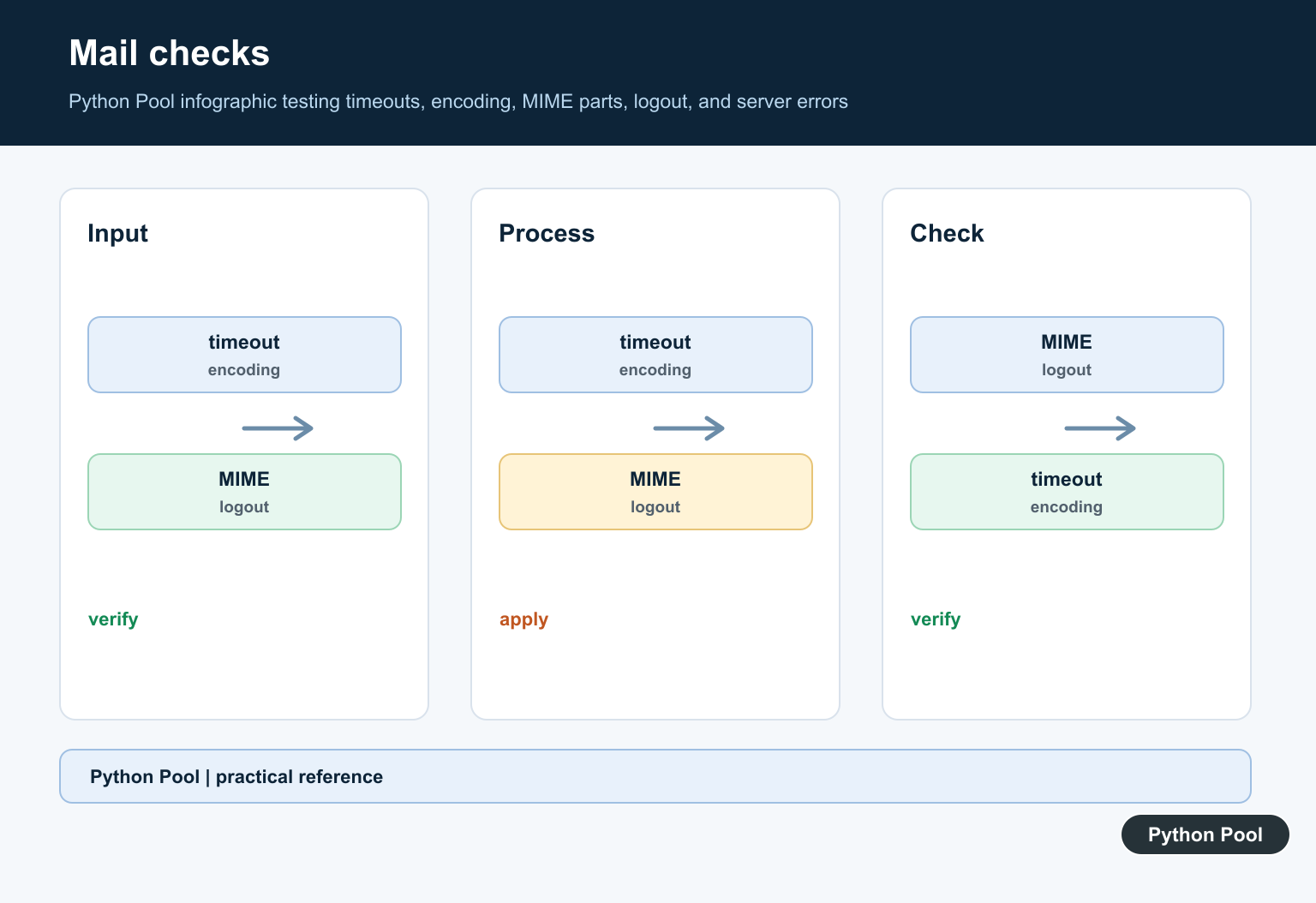
Messages can be plain text, HTML, multipart, encoded, or attachment-heavy. Use the email package, inspect content types, bound attachment sizes, sanitize filenames, and never let a message choose an arbitrary output path.
Handle Network And State Cleanup
Use timeouts, narrow retries, structured logs, and a finally block that closes the selected mailbox and logs out. Test with synthetic RFC 5322 bytes and a dedicated mailbox before touching a personal or customer inbox.
Respect Provider Policy
IMAP support, OAuth scopes, rate limits, and folder names vary. Follow the current provider documentation and use an API or export path when it is more appropriate than repeated mailbox polling.
The official imaplib documentation, email parser reference, and SSL documentation define the standard-library pieces. Related guidance includes logging and test isolation.
For related email automation hygiene, compare safe diagnostics, parser tests, and environment configuration before connecting a real mailbox.
Frequently Asked Questions
What is imaplib used for in Python?
imaplib connects to an IMAP mail server so Python can select mailboxes, search for messages, fetch data, and manage mailbox state.
How should Python connect to IMAP securely?
Use IMAP4_SSL with certificate verification, provider-approved authentication such as OAuth or an app password, and keep credentials outside source code.
How do I parse an email fetched with IMAP?
Parse the RFC 5322 bytes returned by fetch() with the email package, then read headers, body parts, and attachments through the message API.
How can I avoid changing messages while reading them?
Select the mailbox with readonly=True, use narrow search criteria, and test against a dedicated mailbox before enabling flags, moves, or deletes.
