KeyboardInterrupt is Python’s normal response to an interactive interrupt such as Ctrl+C. It is not usually a bug in the loop that was running. The exception gives your program a chance to stop work, close resources, and exit in a controlled way.
Quick Answer
Catch KeyboardInterrupt only around the work that should be interrupted, put resource cleanup in finally or a context manager, and avoid catching BaseException broadly. If no special cleanup is needed, allow the exception to propagate.
The official Python exceptions documentation places KeyboardInterrupt under BaseException. The signal module documentation explains the related signal-handling rules.
Why Ctrl+C Raises KeyboardInterrupt
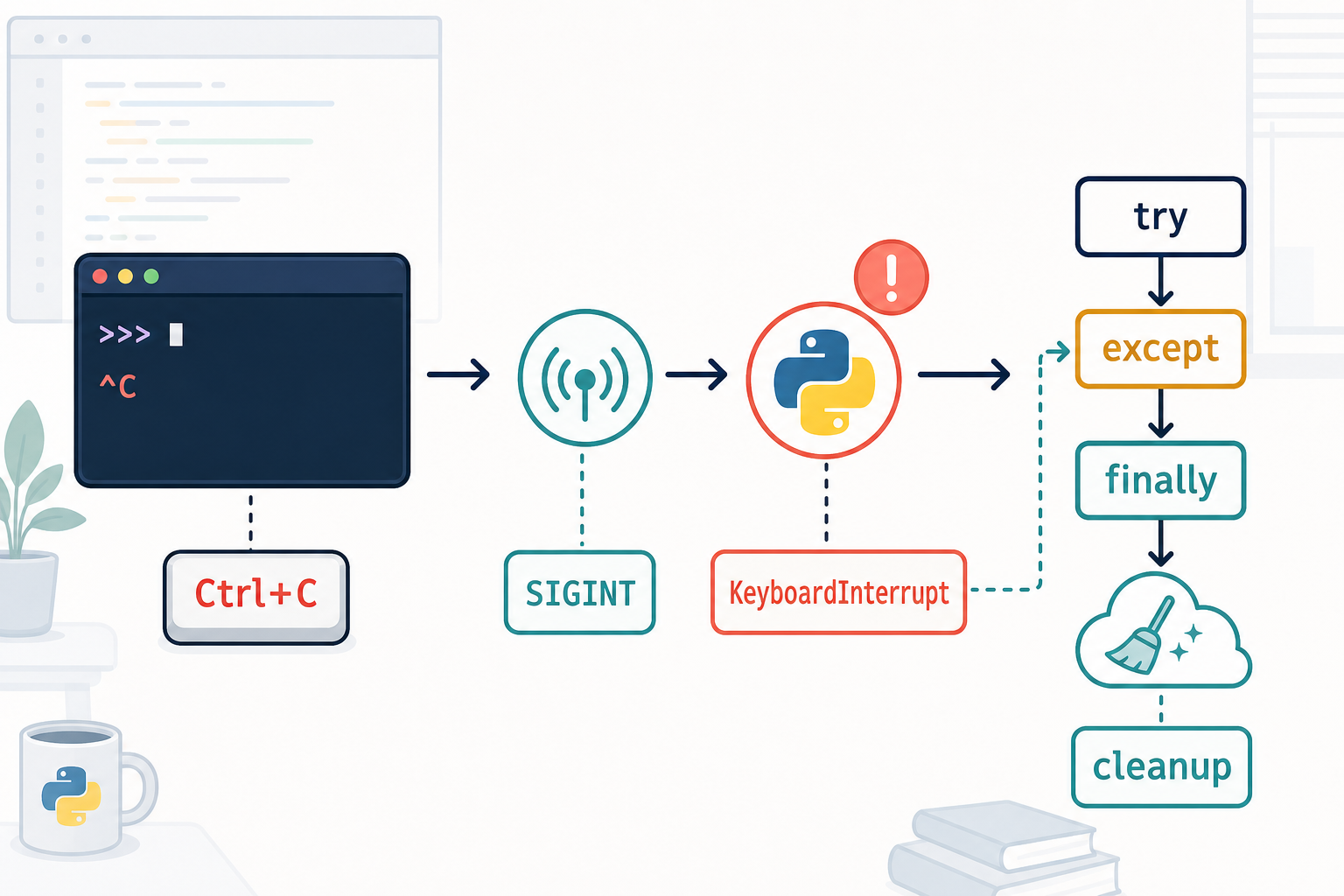
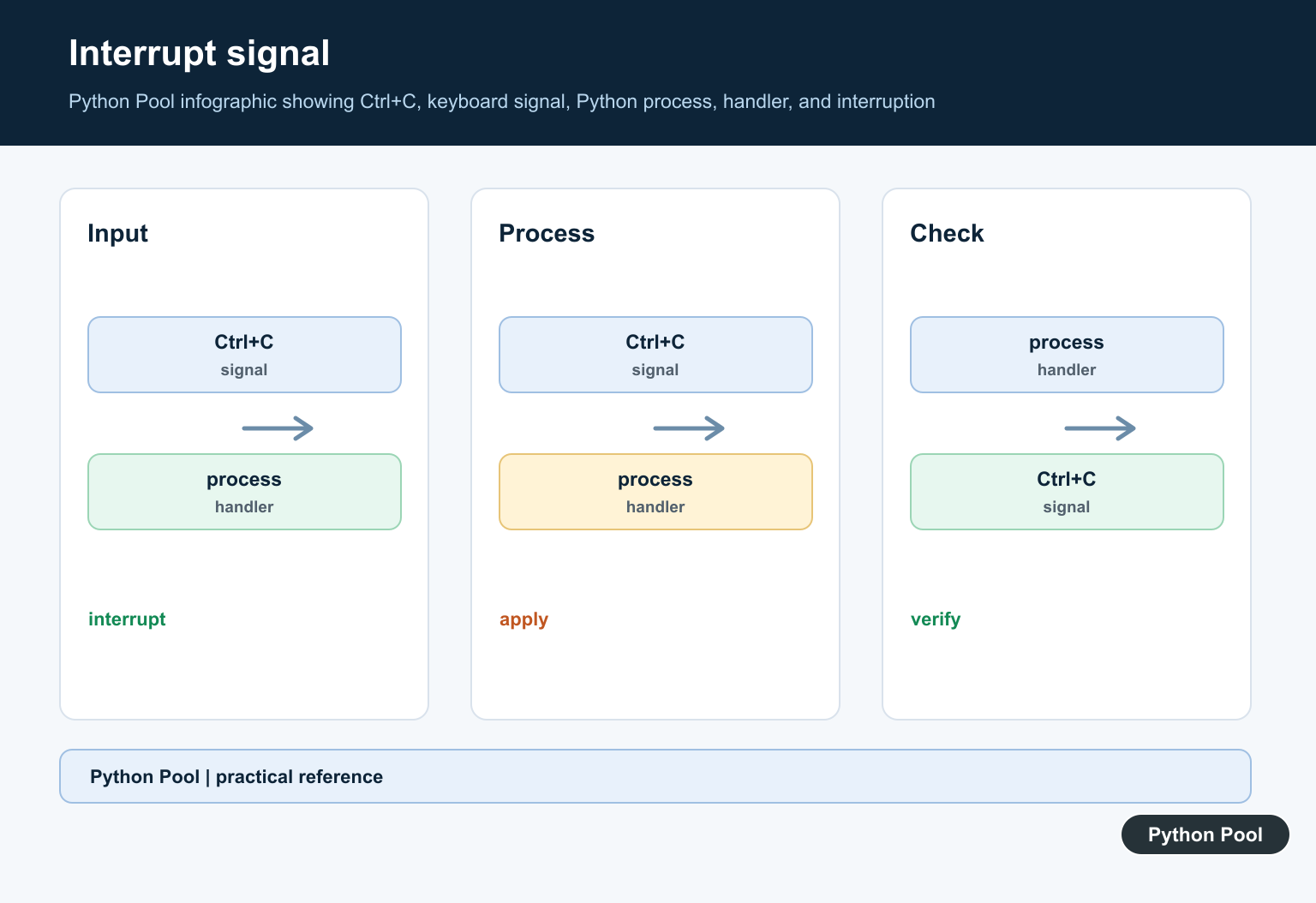
In a terminal, Ctrl+C normally causes the operating system to deliver SIGINT to the foreground process group. Python’s default handling turns that interrupt into KeyboardInterrupt. The exact delivery path can differ for an IDE, notebook, service, or child process, but the user-facing idea is the same: request a stop without killing the process silently.
The exception inherits from BaseException, not Exception. That design keeps common code such as except Exception from swallowing an intentional stop. A handler that catches every BaseException can also intercept SystemExit and other control-flow exceptions, so it should be avoided in ordinary application code.
Catch The Interrupt And Run Cleanup
Use a narrow handler when you need to tell the user that the operation stopped or when you must release a resource.
try:
    raise KeyboardInterrupt
except KeyboardInterrupt:
    print('interrupted')
finally:
    print('cleanup runs')
The finally block runs whether the protected code completes, raises an ordinary exception, or is interrupted. For files, locks, and network resources, a context manager is usually clearer than hand-written cleanup.
Stop A Long-Running Loop Cleanly
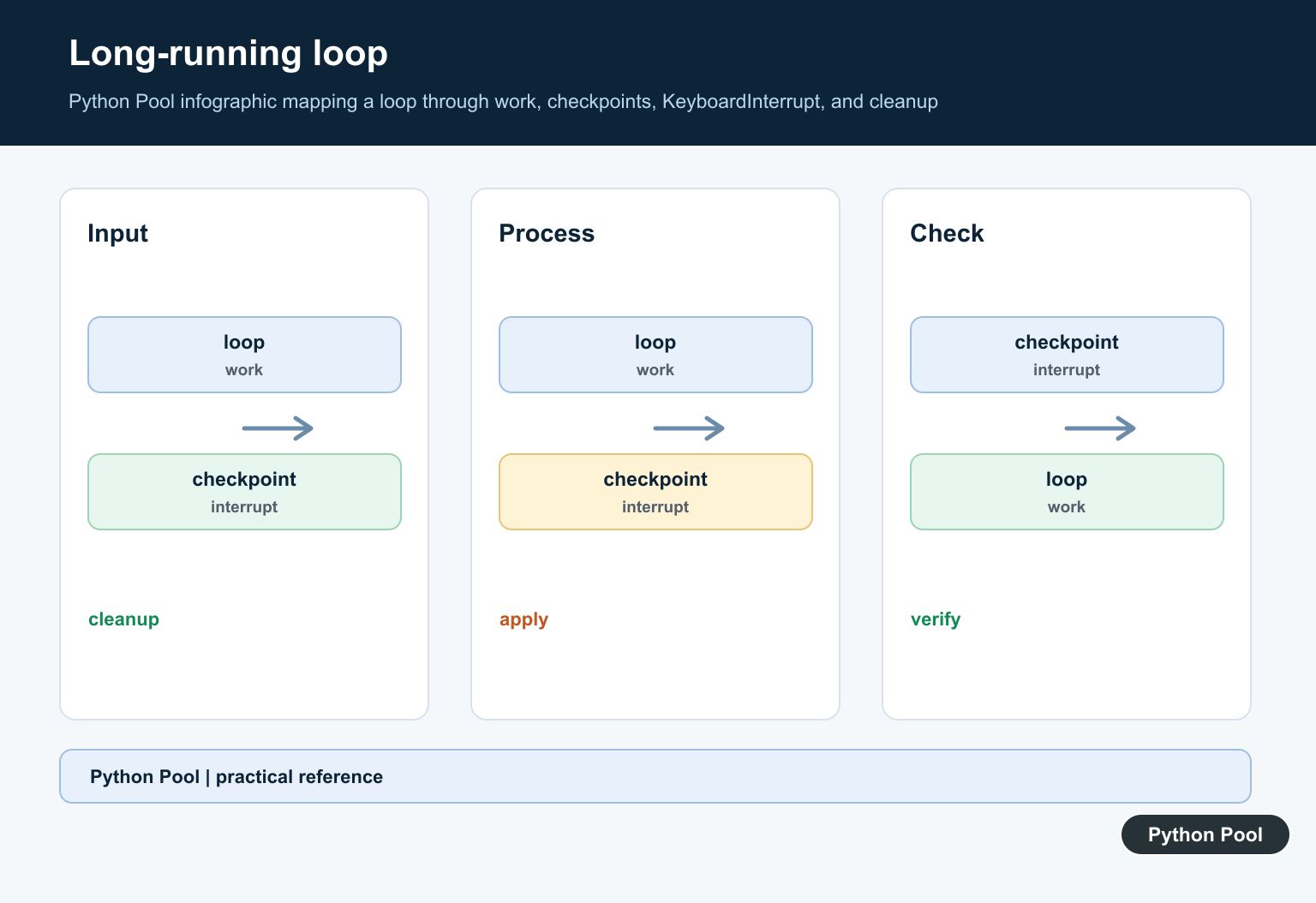
An interruptible loop should do a small unit of work, then return to Python regularly. A blocking native call may not respond immediately on every platform, so test the exact library and runtime combination used by your program.
import time

try:
    while True:
        print('working')
        time.sleep(1)
except KeyboardInterrupt:
    print('stopping cleanly')
Do not print an unbounded stream after catching the exception. Stop the loop, flush any important progress, and return a useful exit status if the script is part of automation.
KeyboardInterrupt And signal.signal()
Use a custom signal handler only when the application needs a distinct shutdown policy. A handler should be short and should coordinate with the main program rather than performing complicated blocking work inside the signal callback.
import signal
import sys

def stop(signum, frame):
    print('SIGINT received')
    sys.exit(0)

signal.signal(signal.SIGINT, stop)
Python signal handlers are executed in the main Python thread. Worker threads should communicate a stop request to the main thread with an event or another thread-safe mechanism. A signal handler is not a replacement for cancellation design in a multi-threaded application.
When To Use A Context Manager
For resources with a defined lifetime, context managers make interruption-safe cleanup automatic.
from contextlib import suppress

with suppress(KeyboardInterrupt):
    run_long_task()
This pattern is useful for files, locks, temporary directories, database connections, and other objects that implement the context manager protocol. The context manager still needs to be designed correctly: cleanup that itself raises can hide the original interrupt.
KeyboardInterrupt In Jupyter, IDEs, And Services
Not every stop button sends the same signal as a terminal Ctrl+C. A notebook may interrupt or restart a kernel, while an IDE may request a debugger stop. If a cell does not respond, first check whether it is waiting inside native code, a network call, or an external process.
For a service, prefer the service manager’s graceful-shutdown mechanism and coordinate it with application cancellation. A command-line handler should not assume that a terminal is attached, and a background process should not depend on a user pressing Ctrl+C.
Interrupts And Subprocesses
An interrupt received by a parent process does not automatically give you a complete cleanup policy for its children. Decide whether the child should finish, receive a terminate request, or be placed in a process group that can be stopped together.
try:
    process.wait()
except KeyboardInterrupt:
    process.terminate()
    process.wait()
When the child owns files, sockets, or temporary data, give it its own cleanup path as well. The related Python subprocess termination guide covers the process-control side in more detail.
Common Mistakes
- Catching
Exceptionand expecting it to handle KeyboardInterrupt. - Catching
BaseExceptionaround an entire application and hiding exit signals. - Putting cleanup after a loop without a
finallyblock. - Assuming a notebook stop button behaves exactly like terminal Ctrl+C.
- Terminating a parent process without deciding what happens to child processes.
The practical rule is simple: treat KeyboardInterrupt as a user cancellation request. Keep the handler narrow, make cleanup deterministic, and preserve enough information for the caller or service manager to know that the work was interrupted.
Use try, except, else, And finally Deliberately
Each clause has a different job. Put code that may be interrupted in try. Use except KeyboardInterrupt for the cancellation path. Use else for work that should run only when no exception occurred, and use finally for cleanup that must run in either case.
Keeping those responsibilities separate prevents a common bug: reporting success after a loop was interrupted. Set a completed flag, return a status object, or raise a domain-specific cancellation error only after cleanup has finished.
Test An Interruptible Program
Cancellation is easier to test when the long-running operation is injected rather than hard-coded into an infinite loop. A test can replace the operation with a small function that raises KeyboardInterrupt, then assert that cleanup and logging occurred.
Also test the boundary around external resources. A file should be closed, a temporary directory should be removed, and a subprocess should not remain orphaned. The exact cleanup contract belongs to the application, not to the exception type itself.
Logging And Exit Status
Interactive scripts often need a short message rather than a full traceback. Log at the appropriate level, avoid printing the same cancellation twice, and return a non-success status when automation needs to distinguish cancellation from normal completion.
Do not turn every cancellation into a generic “failed” message. A user-requested stop is operationally different from a defect, and the distinction helps monitoring systems and people decide what to do next.
Threads And Async Work
A signal is delivered to the process, while a worker may be blocked elsewhere. Use a shared event, an async cancellation task, or the concurrency library’s cancellation method to propagate the request to workers. Do not assume that raising KeyboardInterrupt in the main thread automatically stops every worker.
For asynchronous code, let the event loop’s cancellation mechanism do its work and use try/finally around awaited resources. For thread pools, shut down the executor according to the work’s cancellation policy and wait for resources that must be released.
Frequently Asked Questions
What causes KeyboardInterrupt in Python?
Python normally raises KeyboardInterrupt when the user interrupts a running program, commonly by pressing Ctrl+C in a terminal. The terminal sends SIGINT and Python turns it into the exception.
Should I catch KeyboardInterrupt or let it propagate?
Catch it when you need a short user-facing message or deterministic cleanup. Otherwise, letting it propagate preserves the normal interrupt behavior and traceback-free exit used by many command-line tools.
Why does except Exception not catch KeyboardInterrupt?
KeyboardInterrupt inherits from BaseException rather than Exception so a broad application error handler does not accidentally swallow a user request to stop the program.
How do I clean up after Ctrl+C?
Put cleanup in a finally block or use a context manager. For child processes, terminate the child deliberately and wait for it so the parent does not leave work behind.
