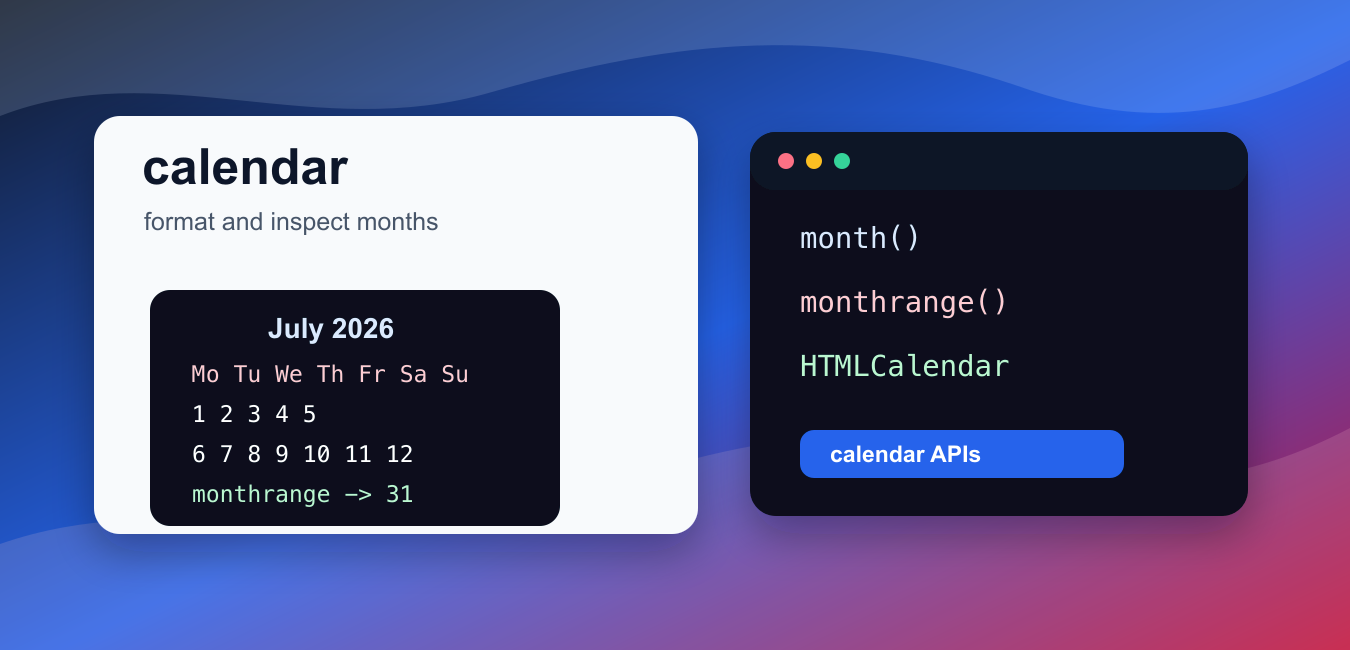
Quick answer: Python’s calendar module renders month and year layouts and provides weekday helpers. Use calendar.month() or a Calendar object when the output is a recurring calendar view, remember that the default weekday numbering starts with Monday at zero, and use datetime when you need to represent or calculate one specific date.
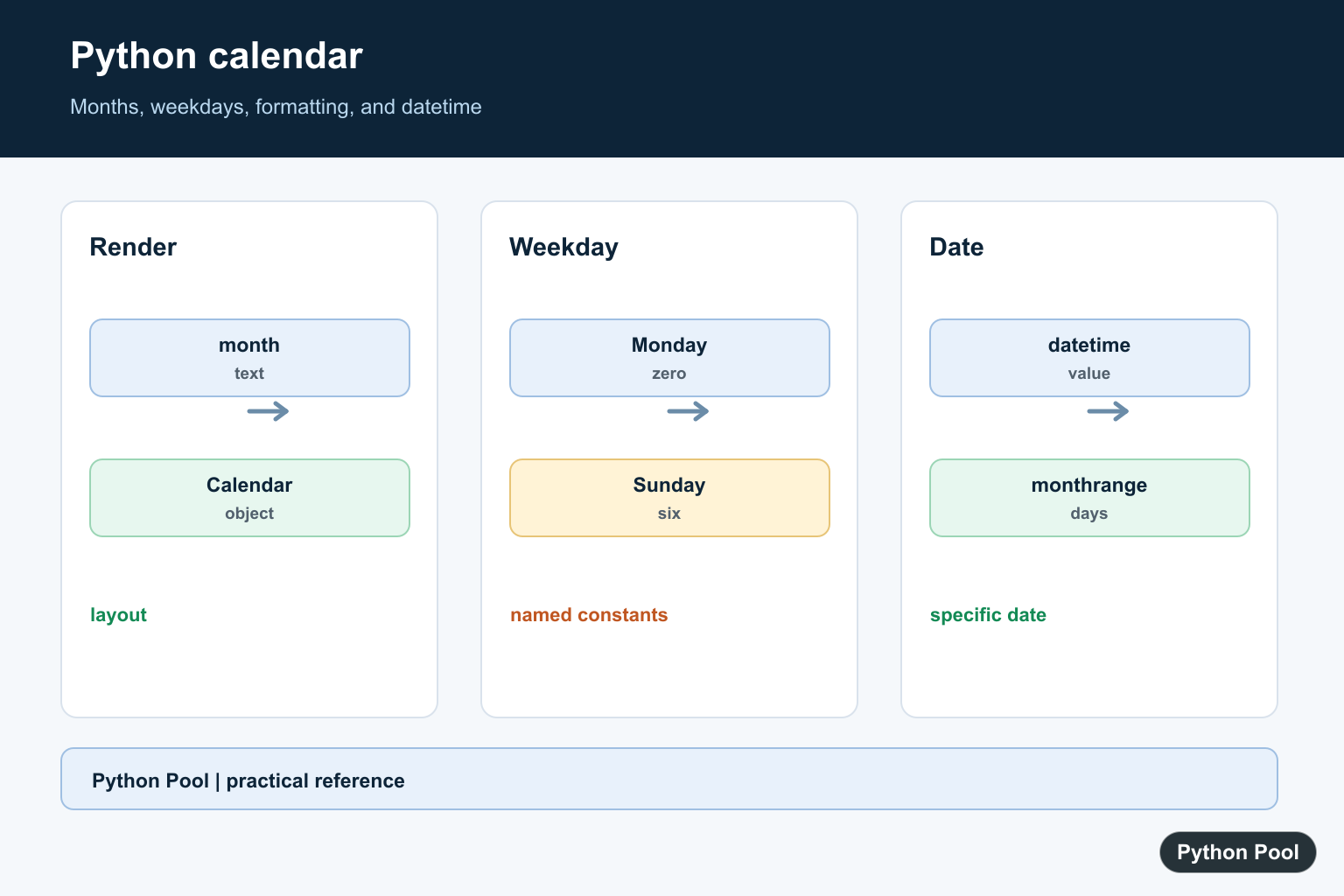
Python’s calendar module formats calendars and answers calendar-related questions such as the number of days in a month, whether a year is a leap year, and which weekday a date falls on.
The official Python documentation covers the calendar module and the related datetime module.
Use calendar when you need calendar layout, weekday names, month grids, leap-year helpers, or text and HTML calendar output. Use datetime when you need date arithmetic, timestamps, timedeltas, or time-zone-aware application logic.
The module uses Monday as the default first weekday in many places. You can change the first weekday when creating Calendar, TextCalendar, or HTMLCalendar objects.
Calendar output is formatting-oriented. If you plan to calculate intervals, compare instants, or store event times, pair it with datetime.date, datetime.datetime, or a database date type.
A good way to think about the module is that it answers questions about calendar structure. It can tell you how a month is arranged into weeks, whether a year follows leap-year rules, and how to render a month for people to read. It is not meant to replace scheduling libraries or time-zone logic.
For user-facing calendars, decide whether the first weekday should be Monday or Sunday before generating output. That choice changes the shape of the displayed weeks and can affect user expectations.
Also decide whether your application needs dates outside the selected month. Calendar grids often include trailing dates from the previous or next month so every row has seven cells. That is helpful for consistent UI layout, but those extra dates should usually be styled or filtered differently.
The examples below avoid screenshot-style output and focus on values you can test in code.
Print A Month Calendar
calendar.month() returns a text calendar for one month.
import calendar

text = calendar.month(2026, 7)
print(text.splitlines()[0])
print(text.splitlines()[2])
The first printed line is the month heading.
The later line shows part of the week layout.
Use this for quick terminal output, logs, or simple reports where plain text is enough.
The returned value is a normal string, so you can write it to a file, include it in command-line output, or split it into lines for testing. For anything more complex than plain text, prefer one of the class-based formatters shown later.
Get Month Metadata
monthrange() returns the first weekday and the number of days.
import calendar

first_weekday, days = calendar.monthrange(2026, 7)

print(first_weekday)
print(days)
The weekday is returned as an integer using Python’s weekday numbering.
The day count tells you how many valid days the month contains.
This is useful for validation, month pickers, reports, and date-grid generation.
For example, a booking form can use the day count to reject impossible dates such as February 30 before passing data deeper into the application. A reporting script can use the first weekday to align day numbers under the correct column.
Check Leap Years
The module includes helpers for leap-year logic.
import calendar

print(calendar.isleap(2028))
print(calendar.leapdays(2020, 2030))
isleap() checks one year.
leapdays() counts leap years in a range.
The end year is not included in that range, matching Python’s usual half-open range style.
This makes leapdays(start, end) convenient for summary ranges. If the range comes from user input, name the boundaries clearly in your code so it is obvious that the final year is excluded.
Create Date Grids
Calendar.monthdatescalendar() returns weeks made of date objects.
import calendar

cal = calendar.Calendar(firstweekday=calendar.SUNDAY)
weeks = cal.monthdatescalendar(2026, 7)

print(weeks[0][0].isoformat())
print(weeks[0][-1].isoformat())
The first week can include dates from the previous month.
That makes it suitable for calendar grids where every week has seven date cells.
Because the values are real date objects, you can compare, format, or filter them later.
This form is often the best starting point for web and desktop calendar widgets. You get a stable list of weeks while keeping enough date information to mark today, disable past dates, group events, or highlight dates that belong to adjacent months.
Use TextCalendar
TextCalendar lets you control the first weekday for text output.
import calendar

cal = calendar.TextCalendar(firstweekday=calendar.MONDAY)
text = cal.formatmonth(2026, 7)

print(text.splitlines()[1])
The weekday header starts with Monday.
Change firstweekday when the target audience expects a different calendar layout.
This class is useful when text output should be generated more than once with the same layout settings.
Creating a formatter object also keeps layout choices close to the code that renders the calendar. That reduces surprises when a script later needs both Monday-first and Sunday-first output in different places.
Generate HTML Calendar Output
HTMLCalendar creates table markup for a month.
import calendar

html = calendar.HTMLCalendar().formatmonth(2026, 7)

print(html.startswith("<table"))
print("July" in html)
The result is an HTML table string.
It can be useful for simple internal reports or a starting point for custom rendering.
For production web interfaces, review the generated markup and apply your own accessibility, styling, and localization requirements.
The generated HTML is useful, but it is intentionally generic. Before exposing it to end users, check table captions, keyboard navigation, color contrast, and whether your app needs translated month and weekday names.
In short, use calendar.month() for quick text output, monthrange() for month metadata, leap-year helpers for calendar rules, Calendar for date grids, TextCalendar for configurable text output, and HTMLCalendar when table markup is useful.
Render A Month As Text
calendar.month returns a formatted string with a title and week rows. It is convenient for command-line output, logs, and tests where a stable text representation is useful.
import calendar

print(calendar.month(2026, 7))
Use A Calendar Object
TextCalendar and HTMLCalendar let you select a first weekday and produce a reusable rendering. Set firstweekday explicitly when the audience expects Sunday-first rather than relying on a process-wide default.
import calendar

renderer = calendar.TextCalendar(firstweekday=calendar.SUNDAY)
print(renderer.formatmonth(2026, 7))
Find A Weekday Correctly
The weekday helper returns an integer using the module’s Monday-zero convention. Convert it with day_name or compare against named constants instead of scattering unexplained numbers through application code.
import calendar

weekday_index = calendar.weekday(2026, 7, 11)
print(weekday_index)
print(calendar.day_name[weekday_index])
print(calendar.MONDAY, calendar.SUNDAY)
Separate Calendar Layout From Dates
calendar answers layout and recurring-week questions, while datetime represents a date and supports arithmetic. Combining them is normal, but keep the distinction clear when a timezone or a specific instant matters.
import calendar
from datetime import date

selected = date(2026, 7, 11)
print(selected.isoformat())
print(calendar.monthrange(selected.year, selected.month))
Python’s official calendar module documentation covers month formatting, Calendar objects, weekday constants, and firstweekday. Use datetime for date values and calculations. Related references include strftime formatting, datetime.now(), and dateutil.
For related date workflows, compare strftime formatting, datetime.now(), and dateutil when a calendar layout is not enough.
Frequently Asked Questions
How do I print a month in Python?
Create a calendar.TextCalendar or call calendar.month(year, month) to return a formatted month string.
What weekday index does calendar use?
The default constants use Monday as 0 and Sunday as 6.
Should I use calendar or datetime?
Use calendar for recurring layouts and weekday utilities, and datetime for representing and calculating specific dates.
How do I start a calendar on Sunday?
Pass firstweekday=calendar.SUNDAY to a Calendar or set the first weekday deliberately for the rendering workflow.
