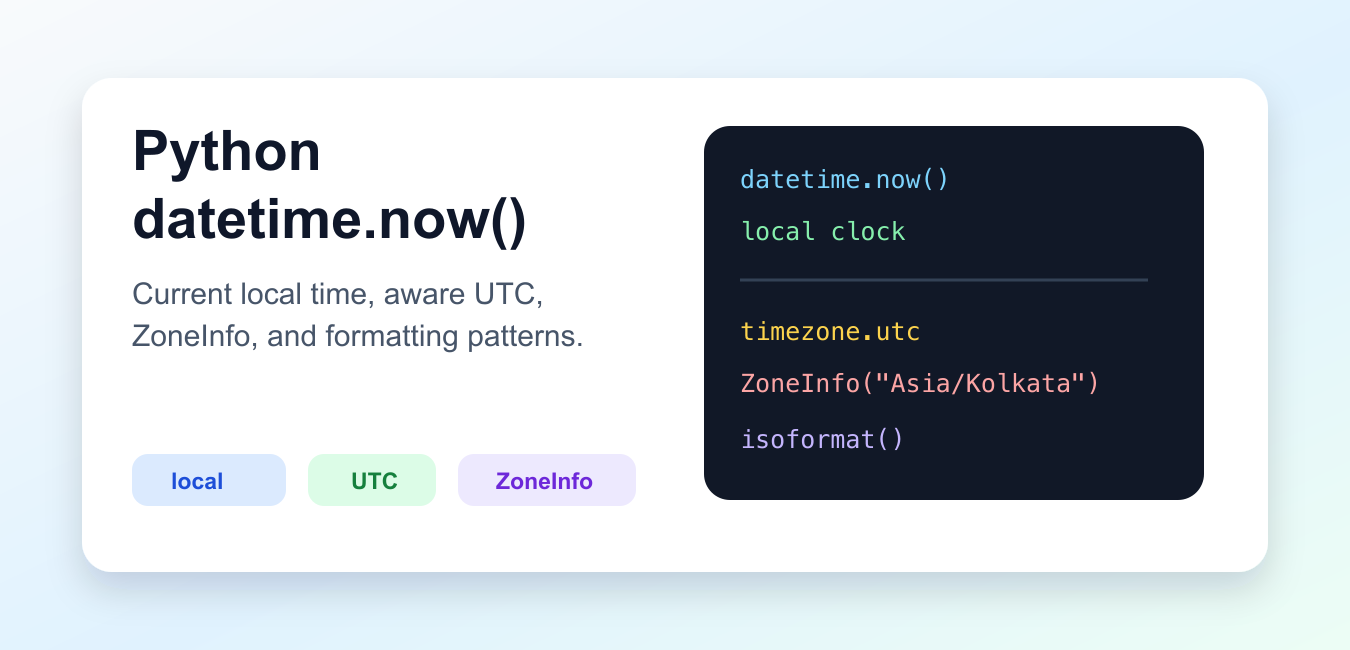
Quick answer: datetime.now() returns the current local time as a naive datetime by default. For timestamps that cross machines, regions, or services, prefer datetime.now(timezone.utc), keep the value timezone-aware, and convert only at the presentation boundary.
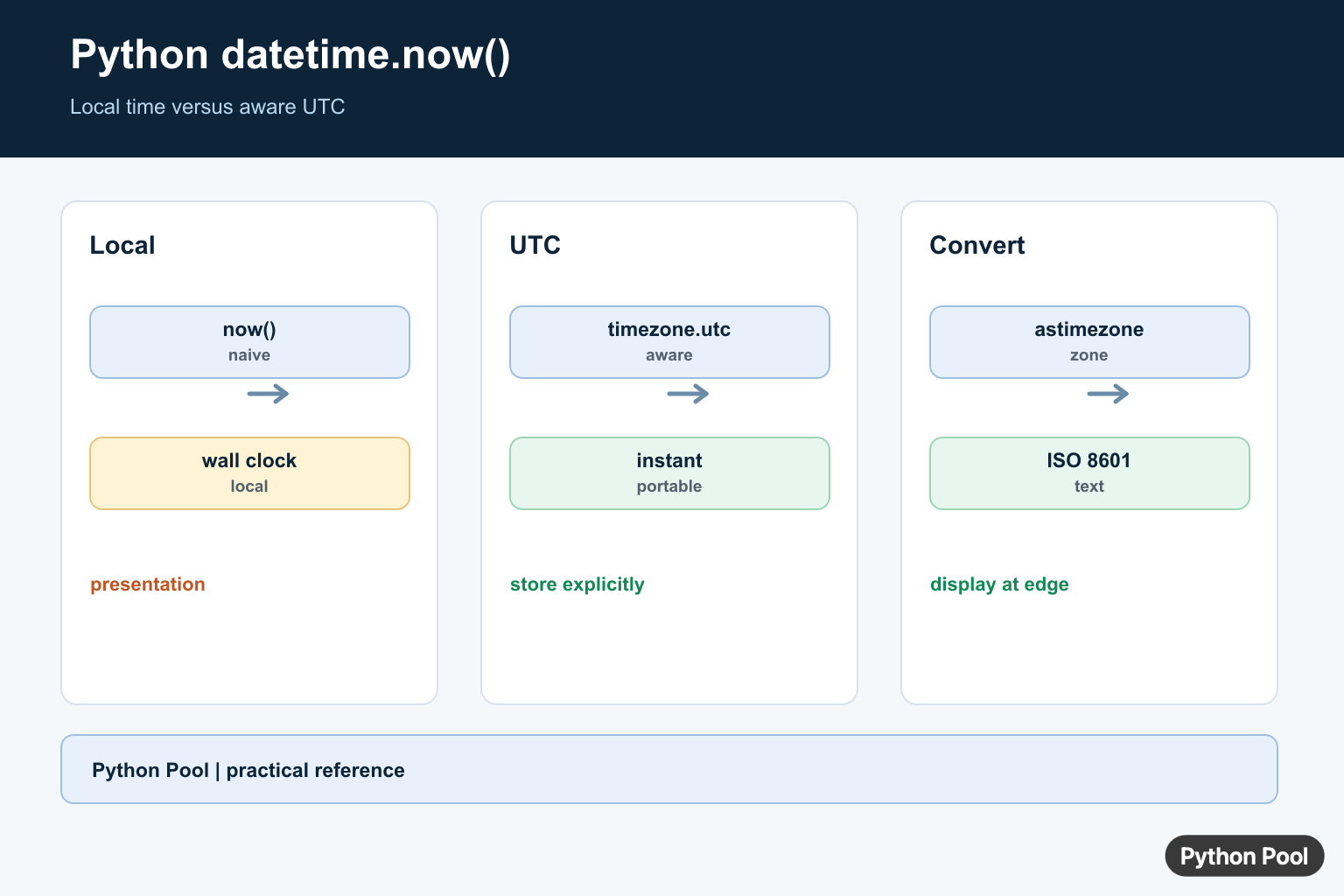
datetime.now() returns a datetime object for the current date and time. Called with no argument, it uses the computer’s local clock and returns a naive datetime object. Called with a time zone, it returns an aware object that includes offset information. A ULID embeds a millisecond timestamp in a sortable identifier; Python ULID Module Usage Guide connects that time component with Python generation and parsing.
That difference matters. Naive values are fine for display-only local tasks, quick scripts, and logs that never leave one machine. For stored records, APIs, databases, schedulers, and cross-region systems, prefer aware values so the timestamp carries enough context.
The official Python datetime documentation describes naive and aware datetime objects, the timezone.utc helper, and the datetime.now() constructor. For named regions such as Asia/Kolkata or America/New_York, the official zoneinfo documentation covers IANA time zone support.
Get The Current Local Date And Time
Use datetime.now() when you want the current date and time according to the environment running the script.
from datetime import datetime

local_time = datetime.now()

print(local_time)
print(local_time.year)
print(local_time.hour)
The result includes year, month, day, hour, minute, second, and microsecond fields. It does not include time zone data unless you pass a time zone object.
This form is useful for local filenames, short command-line tools, and one-machine scripts. It becomes risky when values are stored for later comparison across systems because the same wall-clock text can mean different moments in different places.
Prefer Aware UTC For Stored Timestamps
For storage and APIs, call datetime.now(timezone.utc). This creates an aware datetime object with a UTC offset.
from datetime import datetime, timezone

created_at = datetime.now(timezone.utc)

print(created_at)
print(created_at.tzinfo)
print(created_at.isoformat())
UTC is a good default for durable records because it avoids daylight saving changes and local clock assumptions. You can still convert the timestamp to a user’s preferred zone when displaying it.
Older code often uses datetime.utcnow(). New code should avoid that pattern because it returns a naive object and the Python documentation now marks it as deprecated. Use datetime.now(timezone.utc) instead.
Use ZoneInfo For Named Time Zones
Use ZoneInfo when the clock must follow a named IANA region instead of a fixed offset. This lets Python handle daylight saving transitions and regional offset rules.
from datetime import datetime
from zoneinfo import ZoneInfo

kolkata_time = datetime.now(ZoneInfo("Asia/Kolkata"))
new_york_time = datetime.now(ZoneInfo("America/New_York"))

print(kolkata_time)
print(new_york_time)
Named zones are better than hardcoded offsets for user-facing times. A fixed offset such as +05:30 may be fine for one case, but many regions change offset during the year or have changed rules over time.
On platforms that do not ship IANA data, projects may need the tzdata package. That is most relevant for cross-platform applications and deployments where time zone files are not installed by the operating system.
Format datetime.now() Output
A datetime object is not the same thing as a formatted string. Keep the object while doing comparisons or arithmetic, then format it at the edge of your program.
from datetime import datetime, timezone

stamp = datetime.now(timezone.utc)

print(stamp.isoformat())
print(stamp.strftime("%Y-%m-%d %H:%M:%S %Z"))
print(stamp.strftime("%A, %B %d, %Y"))
isoformat() is usually the cleanest choice for machine-readable output. strftime() is better when you need a custom human-readable layout.
Do not format too early. A string cannot safely participate in datetime arithmetic until you parse it back into a datetime object. Keeping the object intact makes the code easier to reason about and test.
Compare Times With timedelta
Because datetime.now() returns a datetime object, you can subtract another datetime object and get a timedelta.
from datetime import datetime, timedelta, timezone

started_at = datetime.now(timezone.utc) - timedelta(minutes=7)
finished_at = datetime.now(timezone.utc)

elapsed = finished_at - started_at

print(elapsed)
print(elapsed.total_seconds())
Always compare values that are both naive or both aware. Mixing a naive local timestamp with an aware UTC timestamp raises errors or leads to unclear logic.
For timers, use time.monotonic() when you only need elapsed seconds. Use datetime objects when you need calendar dates, timestamps, or output that people will read.
Make Code Easier To Test
Calling datetime.now() deep inside business logic makes tests brittle because the clock changes on every run. A simple approach is to pass in a clock function.
from datetime import datetime, timezone

def build_event(clock=None):
    if clock is None:
        clock = lambda: datetime.now(timezone.utc)

    return {"created_at": clock().isoformat()}

print(build_event())
print(build_event(lambda: datetime(2026, 7, 9, tzinfo=timezone.utc)))
This keeps production code simple while letting tests supply a fixed time. It also makes the time zone decision explicit at the boundary where the timestamp is created.
Use datetime.now() for current local wall-clock time, datetime.now(timezone.utc) for durable UTC timestamps, and datetime.now(ZoneInfo("Region/City")) for named local time. Format with isoformat() for data exchange and strftime() for custom display text.
The key rule is to decide whether the timestamp is local display data or a durable record. Once that choice is clear, the right form of datetime.now() is straightforward.
Get Local Time With datetime.now()
The class method datetime.now() returns a datetime representing the current local clock. Without a tz argument, the result has no attached time-zone information, so it should not be compared casually with aware datetimes from another source.
from datetime import datetime

local_now = datetime.now()
print(local_now)
print(local_now.tzinfo)
Prefer An Aware UTC Timestamp
Use datetime.now(timezone.utc) when the value is an event timestamp or will be stored, compared, or sent to another system. The timezone object makes the UTC relationship explicit and avoids treating local wall-clock time as universal time.
from datetime import datetime, timezone

now_utc = datetime.now(timezone.utc)
print(now_utc)
print(now_utc.isoformat())
Convert At The Boundary
An aware datetime can be converted to another zone with astimezone(). Keep storage and internal comparisons in UTC where possible, then convert to a user’s zone for display. A conversion changes the representation of the same instant; replacing tzinfo without conversion does not.
from datetime import datetime, timezone
from zoneinfo import ZoneInfo

instant = datetime.now(timezone.utc)
india_time = instant.astimezone(ZoneInfo("Asia/Kolkata"))
print(india_time.isoformat())
Format And Parse Explicitly
Use isoformat() for a machine-readable representation that retains the offset. For a fixed display contract, strftime() makes the layout explicit, but it is presentation text and should not replace an unambiguous stored timestamp.
from datetime import datetime, timezone

value = datetime.now(timezone.utc)
print(value.strftime("%Y-%m-%d %H:%M:%S %z"))
print(value.isoformat(timespec="seconds"))
Python’s official datetime documentation defines now(), aware and naive values, timezone conversion, and ISO formatting. The zoneinfo module supplies IANA time-zone data.
For related time conversions, compare Unix timestamps, Python time zones, and fromtimestamp() before choosing a storage or display representation.
Frequently Asked Questions
How do I get the current time in Python?
Call datetime.now() for a naive local datetime, or datetime.now(timezone.utc) for an aware UTC datetime.
How do I get the current UTC time in Python?
Use datetime.now(timezone.utc) rather than the deprecated-looking pattern of taking a naive local time and labeling it UTC.
What is a timezone-aware datetime?
An aware datetime carries a tzinfo object that identifies its relationship to UTC, making comparisons and conversions safer across time zones.
How should I store a current timestamp?
Store an aware UTC timestamp in a format such as ISO 8601, and convert it to local time only at the presentation boundary.
