
Quick answer: Use aware datetime objects with zoneinfo for named IANA regions, store or exchange UTC instants where practical, and convert only at the display or input boundary. Keep the region name when local calendar meaning matters, because a fixed offset cannot describe daylight-saving or historical rules.
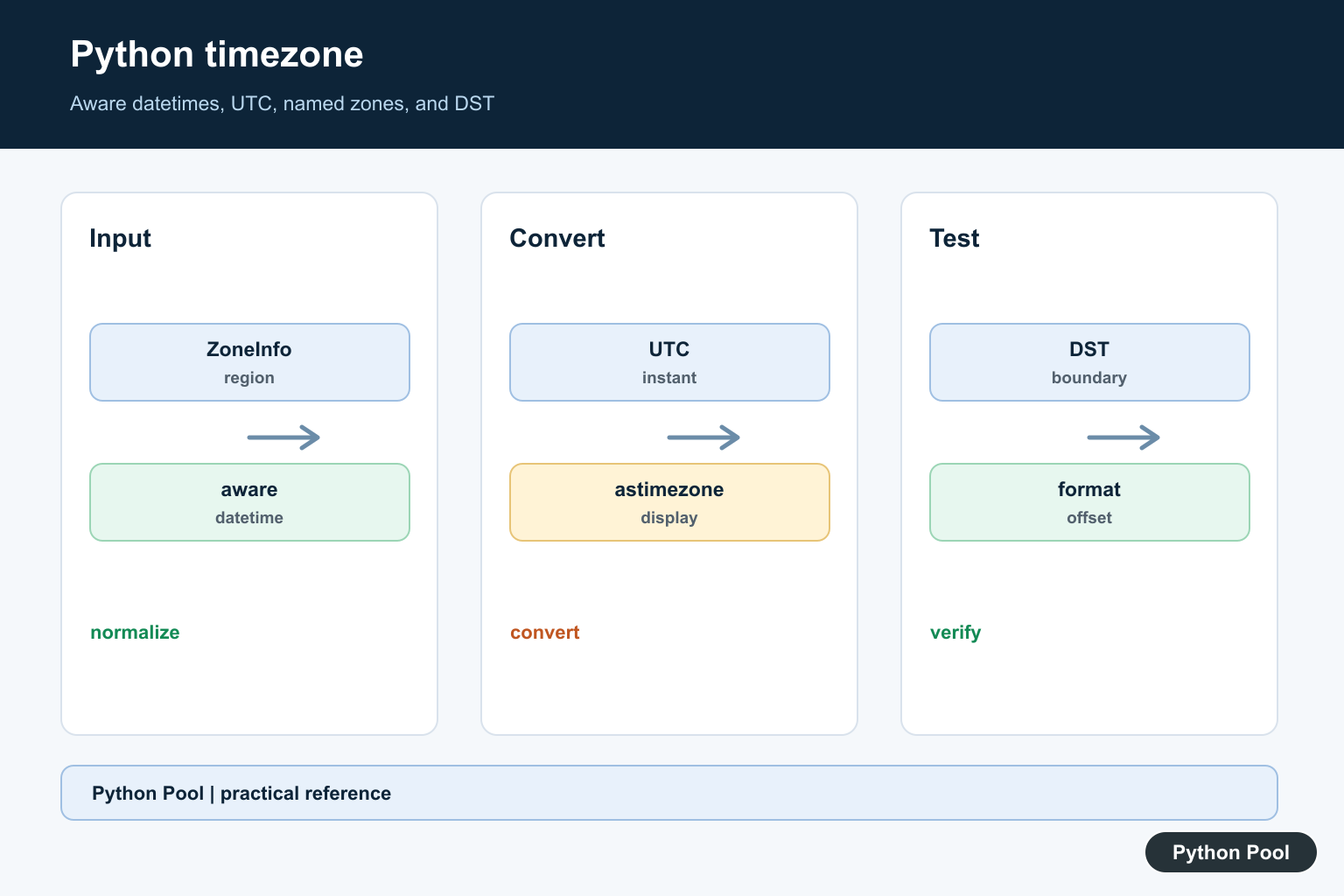
Modern Python timezone handling should start with zoneinfo, which is part of the standard library. It lets datetime objects carry real IANA time zone rules such as UTC, America/New_York, and Asia/Kolkata.
The primary references are the Python docs for zoneinfo and datetime. Legacy projects may still use pytz, but new code on current Python versions should usually prefer zoneinfo.
The most important rule is to work with aware datetimes when an instant must be compared, stored, converted, or sent across systems. A naive datetime has no attached time zone, so Python cannot know which real-world instant it represents.
Timezone mistakes usually appear at the edges of an application: reading user input, saving timestamps, showing reports, scheduling jobs, and comparing events from different regions. Pick a single internal rule early, such as storing UTC instants and converting only for display.
Daylight saving transitions are the reason named zones matter. A fixed offset can describe one clock reading, but it cannot describe all historical and future rules for a place.
Create An Aware datetime
Use datetime.now() with a ZoneInfo object when you need the current time in a named zone.
from datetime import datetime
from zoneinfo import ZoneInfo

kolkata = ZoneInfo("Asia/Kolkata")
now = datetime.now(kolkata)

print(now)
print(now.tzname())
print(now.utcoffset())
The result includes timezone information, so it can be converted safely to another zone. This is different from calling datetime.now() with no argument.
Use named zones instead of fixed offsets when daylight saving time or historical rules matter.
If a user chooses a region in settings, store the region name such as Europe/London, not only the current offset. The offset can change later while the region name stays meaningful.
Convert UTC To Local Time
UTC is a good storage and exchange format. Convert to a local zone only at the display boundary.
from datetime import datetime, timezone
from zoneinfo import ZoneInfo

created_at = datetime(2026, 7, 9, 6, 30, tzinfo=timezone.utc)

new_york = created_at.astimezone(ZoneInfo("America/New_York"))
london = created_at.astimezone(ZoneInfo("Europe/London"))

print(new_york.isoformat())
print(london.isoformat())
astimezone() keeps the same instant and changes only the displayed local clock time and offset.
This is the right approach for database timestamps, API payloads, and event logs that must be shown to users in different regions.
For distributed systems, UTC also makes sorting and comparison easier. Local display can be added after the data has already been stored and exchanged consistently.
Use fromtimestamp With A Zone
Unix timestamps represent an instant. Pass a zone to fromtimestamp() to get an aware datetime directly.
from datetime import datetime
from zoneinfo import ZoneInfo

timestamp = 1783575000

utc_time = datetime.fromtimestamp(timestamp, ZoneInfo("UTC"))
local_time = datetime.fromtimestamp(timestamp, ZoneInfo("Asia/Kolkata"))

print(utc_time.isoformat())
print(local_time.isoformat())
This avoids creating a naive datetime by accident. It also makes the conversion rule visible at the point where the timestamp is read.
When storing timestamps, keep the raw instant and the user’s preferred zone separately if you need to reproduce local display later.
A timestamp alone tells you when something happened. It does not tell you which local clock the user expected to see, so applications often store both the instant and a preferred zone name.
Compare Aware Datetimes
Python can compare aware datetimes that point to different zones because each object maps to a real instant.
from datetime import datetime, timezone
from zoneinfo import ZoneInfo

start = datetime(2026, 7, 9, 9, 0, tzinfo=ZoneInfo("Asia/Kolkata"))
finish = datetime(2026, 7, 9, 4, 0, tzinfo=timezone.utc)

print(start == finish)
print((finish - start).total_seconds())
The example shows two clock readings that describe the same instant. The difference is zero seconds because the offsets are considered.
Avoid mixing naive and aware datetimes in comparisons. Normalize data at input boundaries so the rest of the program has one clear rule.
If old data already contains naive values, document the assumption before converting them. For example, decide whether the old values were intended to be UTC, server local time, or user local time.
Format Timezone Output
Use strftime() when you need a human-readable label that includes the zone name or numeric offset.
from datetime import datetime
from zoneinfo import ZoneInfo

meeting = datetime(2026, 7, 9, 14, 45, tzinfo=ZoneInfo("Europe/London"))

print(meeting.strftime("%Y-%m-%d %H:%M %Z"))
print(meeting.strftime("%Y-%m-%d %H:%M %z"))
%Z displays the timezone abbreviation, while %z displays the numeric offset. Numeric offsets are often clearer in logs and API output.
For machine-readable output, prefer isoformat() because it keeps the date, time, and offset in one standard string.
Read Legacy pytz Code
Some older projects still use pytz. The common pattern is to create a timezone object, localize a naive datetime, and then convert with astimezone(). For Pandas timezone localization, Fix Index Has No Attribute tz_localize shows why a plain Index must first become a datetime-aware object.
from datetime import datetime
import pytz

eastern = pytz.timezone("US/Eastern")
kolkata = pytz.timezone("Asia/Kolkata")

created = eastern.localize(datetime(2026, 7, 9, 9, 30))
converted = created.astimezone(kolkata)

print(converted.isoformat())
When maintaining legacy code, keep pytz behavior consistent until you can test a migration. For new code, zoneinfo removes the extra dependency and matches the standard-library datetime model.
The practical workflow is to store instants in UTC, use aware datetimes, convert with astimezone(), format only at the display boundary, and reserve pytz for older code that already depends on it.
Test timezone code around real transition dates, not only around today’s date. Boundary tests catch the errors that simple examples miss.
Choose A Timezone Policy
Decide whether timestamps represent an instant, a local calendar value, or a recurring wall-clock rule. Store instants consistently and preserve a user or event zone separately when later display or scheduling depends on the original region.
Prefer zoneinfo For New Code
zoneinfo uses the system or available IANA timezone database and is part of the standard library on supported Python versions. It follows the aware datetime model without the extra localization step used by older pytz code.
Handle DST Boundaries Explicitly
A local clock can skip forward or repeat an hour. Test scheduling, ordering, and display around real transition dates, and decide how ambiguous or nonexistent local input should be reported to the user.
Keep Naive Values At A Boundary
Naive datetimes can be valid for a local calendar concept, but they are unsafe for cross-system comparison until their interpretation is known. Normalize incoming values early and do not silently guess the server timezone.
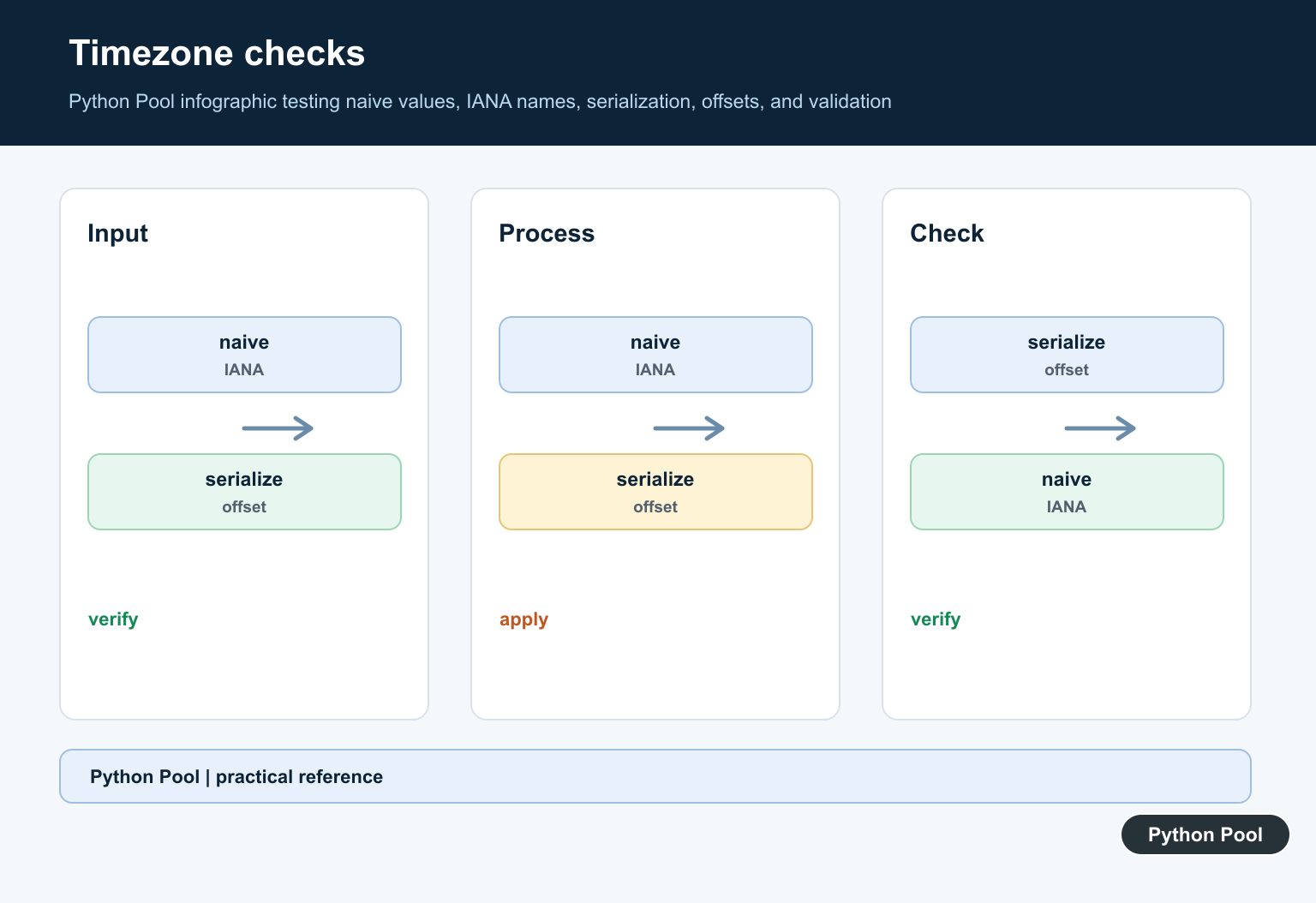
Format For People And Systems
Use isoformat() or an explicit offset for machine-readable output. Use a named zone and localized formatting for people, and avoid relying on a short abbreviation that can be ambiguous across regions.
Test Equality And Conversion
Test UTC conversion, two zones describing one instant, sorting, subtraction, DST transitions, invalid zone names, timestamps, and legacy data. Assert both the instant and the displayed local representation where both are part of the contract.
The official zoneinfo documentation and datetime reference define aware conversions. Related guidance includes time differences and timezone tests.
For related time calculations, compare duration conversion, timestamp logging, and boundary tests when making timezone behavior explicit.
Frequently Asked Questions
What is the best way to handle timezones in Python?
Use aware datetime objects with zoneinfo for named IANA regions, store or exchange UTC instants where practical, and convert for display at the boundary.
What is the difference between naive and aware datetime objects?
A naive datetime has no timezone information, while an aware datetime carries enough information to identify and compare a real instant.
How do I convert UTC to a local timezone in Python?
Create an aware UTC datetime and call astimezone(ZoneInfo(‘Region/City’)) to preserve the instant while changing its local representation.
Should new Python code use zoneinfo or pytz?
New code on supported Python versions should generally prefer the standard-library zoneinfo module; maintain pytz consistently in legacy code until a tested migration is possible.
