
Quick answer: datetime.fromtimestamp() turns Unix seconds into a datetime. The reliable pattern is to decide whether the input is seconds or milliseconds, pass an explicit timezone such as timezone.utc, and keep the result aware when it will cross machine or daylight-saving boundaries.
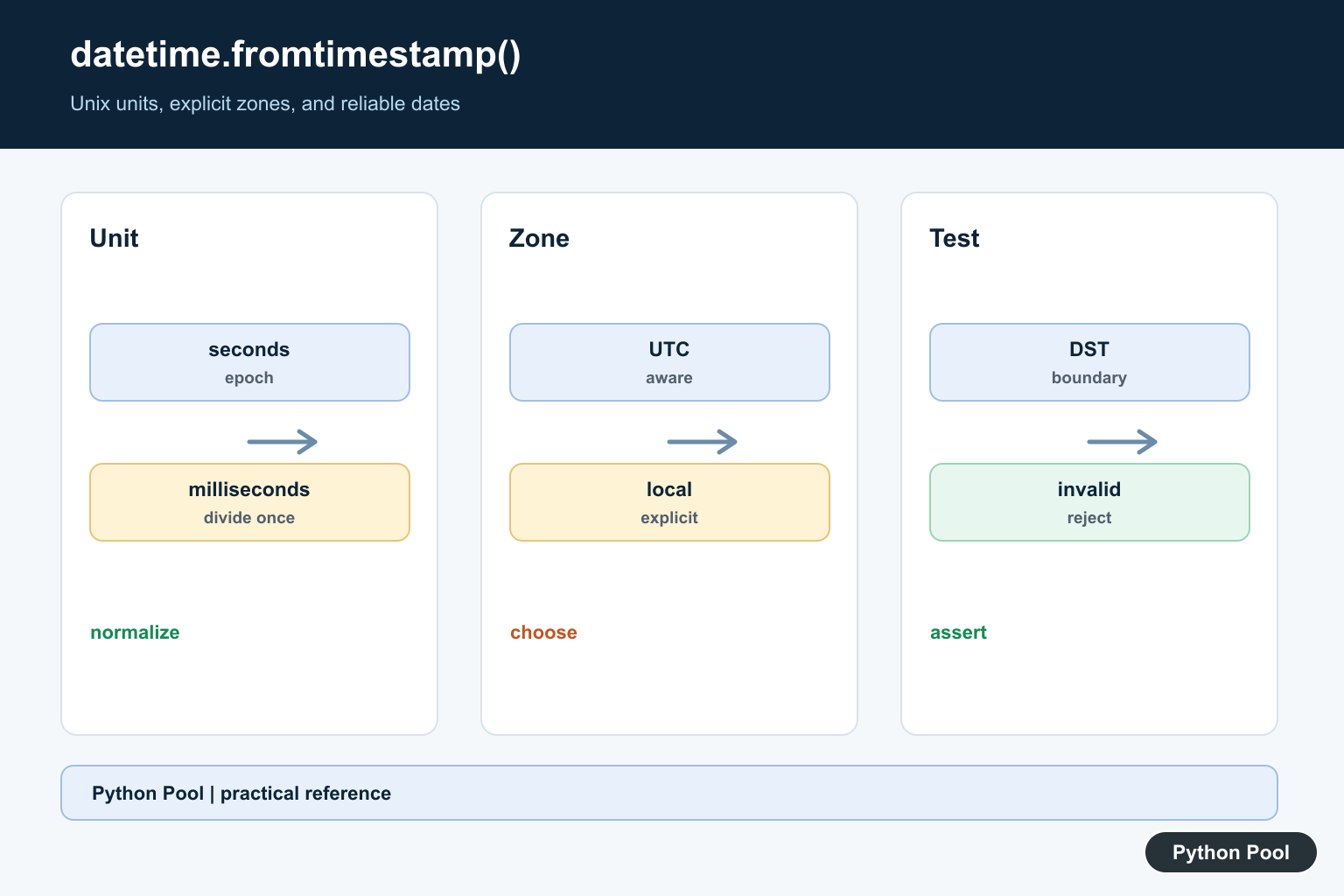
datetime.fromtimestamp() converts a Unix timestamp into a Python datetime object. A Unix timestamp counts seconds from the Unix epoch, which is 1970-01-01 00:00:00 UTC. The value can come from an API, a database, a log file, a message queue, or the time module.
The most important detail is timezone handling. If you call datetime.fromtimestamp(timestamp) without a timezone, Python returns a naive datetime in the system’s local timezone. For repeatable code, pass a timezone explicitly, especially when storing values or comparing timestamps across systems. The official Python datetime.fromtimestamp documentation covers the method and its timezone argument.
A naive datetime does not carry timezone information. An aware datetime does. When timestamps move between servers, users, APIs, and databases, aware datetimes prevent many silent mistakes. The safest backend habit is to convert timestamps to UTC-aware datetimes first, then format them for a user’s timezone only when displaying the value.
Convert a Timestamp to Local Datetime
The basic call converts seconds into a local datetime. This is fine for quick scripts, but the output depends on the machine’s configured timezone. The same timestamp can print differently on two computers in different regions.
from datetime import datetime

timestamp = 1712325600
local_datetime = datetime.fromtimestamp(timestamp)

print(local_datetime)
print(type(local_datetime))
Use this form only when local time is exactly what you want. For logs, scheduled jobs, and API data, a timezone-aware datetime is usually safer. If you only need the calendar date, call local_datetime.date() after conversion instead of trying to manually slice a formatted string.
Convert a Timestamp to UTC
For portable code, pass timezone.utc. This creates an aware datetime whose timezone is included in the object. It also makes comparisons clearer because every value uses the same reference zone.
from datetime import datetime, timezone

timestamp = 1712325600
utc_datetime = datetime.fromtimestamp(timestamp, tz=timezone.utc)

print(utc_datetime)
print(utc_datetime.tzinfo)
This is preferred over creating a naive UTC datetime because downstream code can see that the value is UTC. The official datetime.timezone documentation explains the built-in fixed-offset timezone class. Store UTC, then convert for display when needed.
Convert a Timestamp to a Named Time Zone
Use zoneinfo.ZoneInfo when you need an IANA time zone such as America/New_York, Europe/London, or Asia/Kolkata. This handles daylight saving rules for the selected zone, which fixed offsets cannot do reliably over long time ranges.
from datetime import datetime
from zoneinfo import ZoneInfo

timestamp = 1712325600
new_york_time = datetime.fromtimestamp(
    timestamp,
    tz=ZoneInfo("America/New_York")
)

print(new_york_time)
The zoneinfo module is part of the standard library. On some systems, you may need the tzdata package if timezone data is not available from the operating system. For broader timezone workflows, see the Python timezone guide.
Convert Milliseconds to Datetime
Many JavaScript APIs and event systems store Unix time in milliseconds. Python’s fromtimestamp() expects seconds, so divide by 1000 first. Keep the variable names explicit so future readers can see the unit immediately.
from datetime import datetime, timezone

timestamp_ms = 1712325600000
timestamp_seconds = timestamp_ms / 1000

result = datetime.fromtimestamp(timestamp_seconds, tz=timezone.utc)

print(result)
If the resulting year looks far in the future, you probably passed milliseconds directly. If the resulting date is around 1970, you may have divided seconds by 1000 by mistake. This unit mismatch is one of the most common causes of wrong timestamp conversions.
Convert Datetime Back to Timestamp
Use datetime.timestamp() to go from a datetime object back to Unix seconds. Use aware datetimes when possible so the conversion is unambiguous. This keeps your data consistent when saving timestamps back to JSON, a cache, or a database.
from datetime import datetime, timezone

date_value = datetime(2024, 4, 5, 14, 0, tzinfo=timezone.utc)
timestamp = date_value.timestamp()

print(timestamp)
This is useful when you need to round-trip values between Python, databases, and JSON APIs. The official datetime.timestamp documentation covers the reverse conversion. If you are calculating elapsed time, the timedelta to seconds guide is usually the better fit.
Handle Invalid Timestamp Values
Very large or very small timestamps can fail depending on the platform date range. Wrap untrusted input in a small conversion function and handle the documented exceptions. This is better than letting a user-provided value crash a request handler or data import job.
from datetime import datetime, timezone


def safe_fromtimestamp(value):
    try:
        return datetime.fromtimestamp(value, tz=timezone.utc)
    except (OverflowError, OSError, ValueError) as error:
        return f"Invalid timestamp: {error}"


print(safe_fromtimestamp(1712325600))
This is more reliable than assuming every numeric value is valid Unix time. The Python time module can create current timestamps, but validation still matters when values come from outside your program. Also validate whether the source sends seconds, milliseconds, microseconds, or nanoseconds.
Best Practice
Use datetime.fromtimestamp(timestamp, tz=timezone.utc) as the default pattern for backend code. Convert to a user’s local timezone only at the display boundary. Keep milliseconds and seconds clearly named, and avoid mixing naive and aware datetime objects. If your code needs parsing, recurrence rules, or more timezone helpers, the Python dateutil guide covers related tools. For current date and time basics, see Python datetime now.
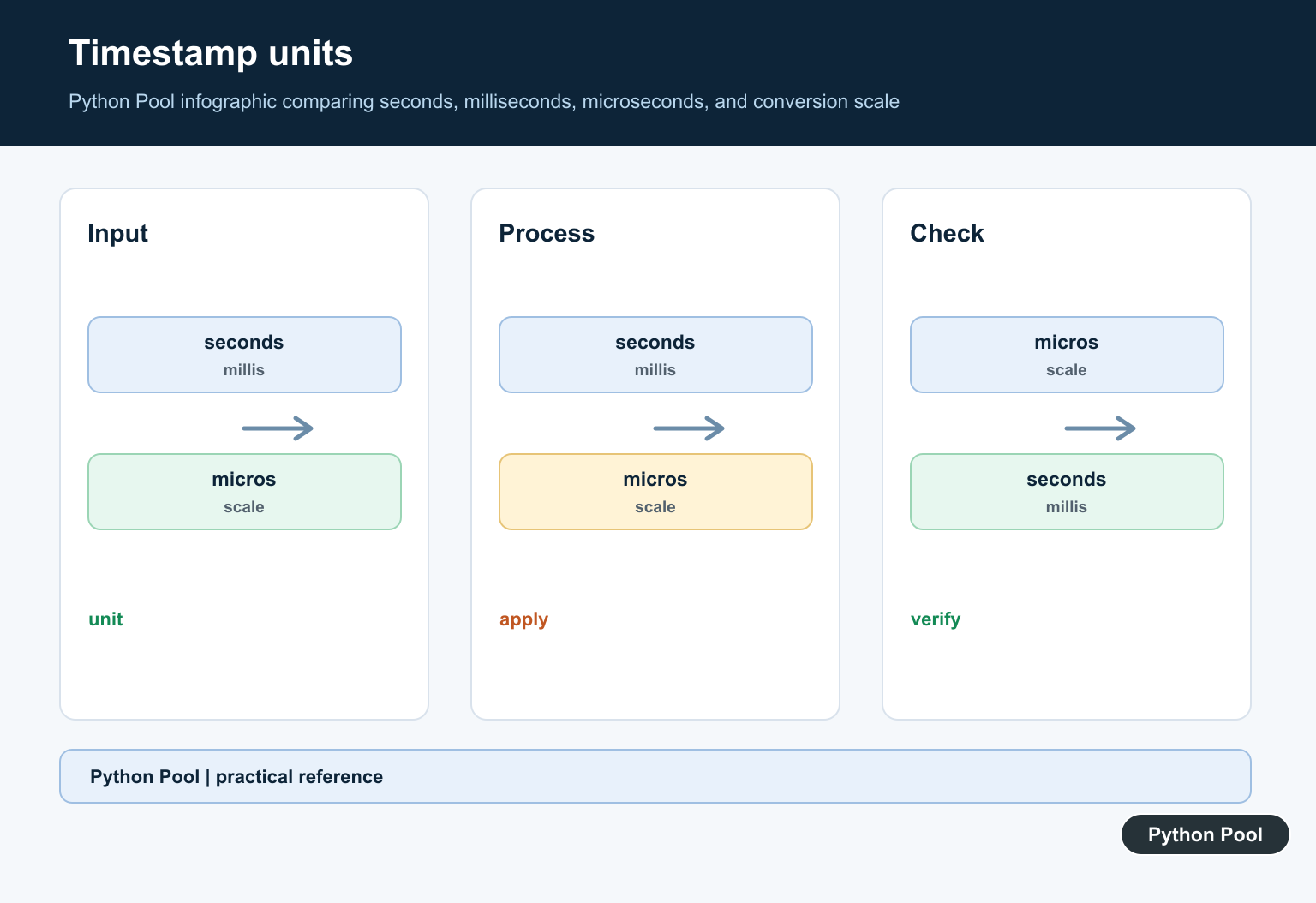
Start With The Timestamp Unit
A Unix timestamp is normally seconds since the epoch, while browser APIs, databases, and telemetry systems often provide milliseconds. A value that is about 1,700,000,000 is plausible seconds for a recent date; a value around 1,700,000,000,000 is likely milliseconds. Convert the unit once at the boundary and document it instead of dividing in several downstream functions.
Prefer Explicit Timezones
datetime.fromtimestamp(value, tz=timezone.utc) returns an aware UTC datetime. That makes the conversion’s meaning visible and avoids silently using the timezone configured on the server, laptop, container, or CI runner. Convert to a display timezone only at the presentation boundary.
Understand Local-Time Behavior
Without tz, fromtimestamp() uses the local timezone and returns a naive datetime. That can appear correct during development and change after deployment. Naive values also make comparisons with aware datetimes fail, so choose one policy for stored and exchanged timestamps.
Handle Invalid And Extreme Values
Validate the input type and range before conversion. Some platforms cannot represent every timestamp supported by the mathematical Unix range, and a malformed string should be rejected or parsed explicitly rather than passed to a numeric conversion by accident.
Test Around Boundaries
Test seconds and milliseconds, UTC and the intended display timezone, the epoch, dates around daylight-saving transitions, negative timestamps when supported, and invalid input. Assert the timezone awareness and the instant, not only the formatted clock text.
Python’s datetime.fromtimestamp() reference defines the conversion. The UTC timezone and zoneinfo references explain explicit timezone handling. Related guidance includes Python testing for boundary cases.
For related date handling, compare Unix-time conversion, timezones, and boundary tests when making timestamp behavior explicit.
Frequently Asked Questions
What does datetime.fromtimestamp() do?
It converts a Unix timestamp into a datetime using the local timezone by default, or a timezone supplied through the tz argument.
How do I convert a timestamp to UTC?
Use datetime.fromtimestamp(value, tz=timezone.utc) and keep the resulting aware datetime instead of silently treating it as local time.
Why is my fromtimestamp date wrong?
The value may be in milliseconds rather than seconds, or the conversion may be using the machine’s local timezone.
What is the difference between fromtimestamp() and utcfromtimestamp()?
fromtimestamp() can return an aware datetime with an explicit timezone, while utcfromtimestamp() returns a naive UTC datetime and is easier to misuse in modern code.
