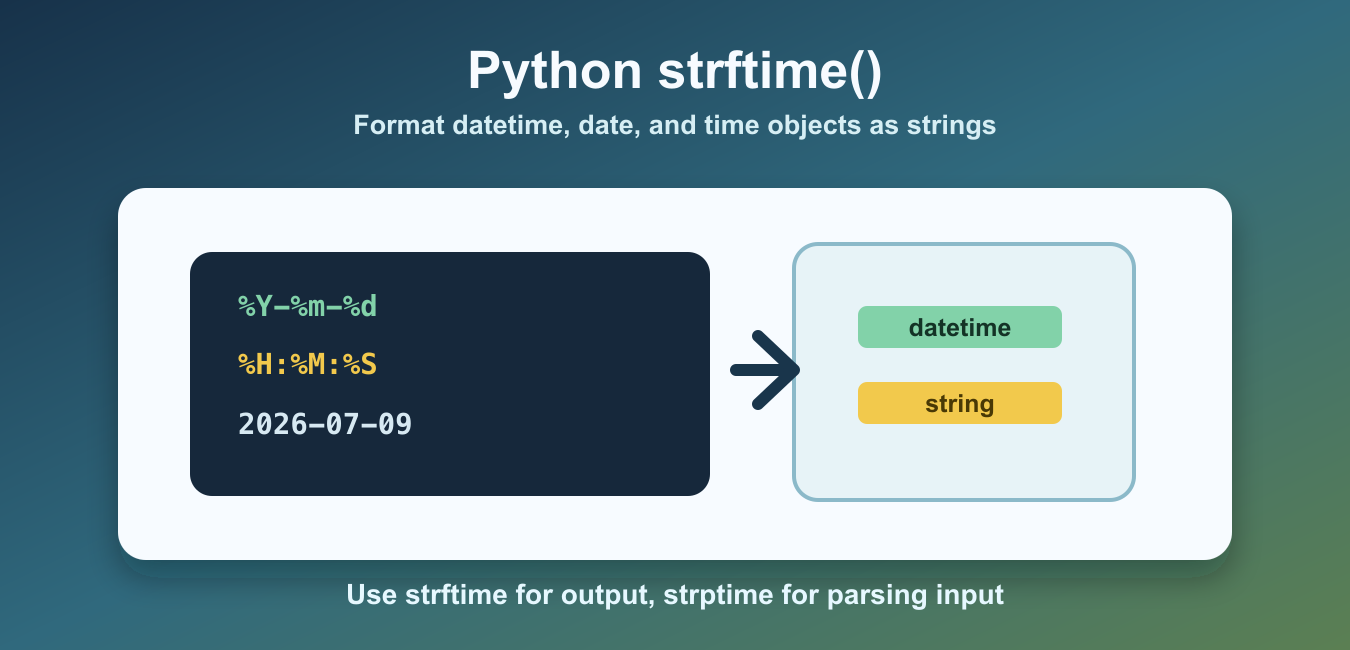
Quick answer: Use datetime.strftime(format) to turn a Python date or datetime into a formatted string. Use strptime() for parsing, keep the format directives explicit, and handle timezone and locale assumptions at the boundary.
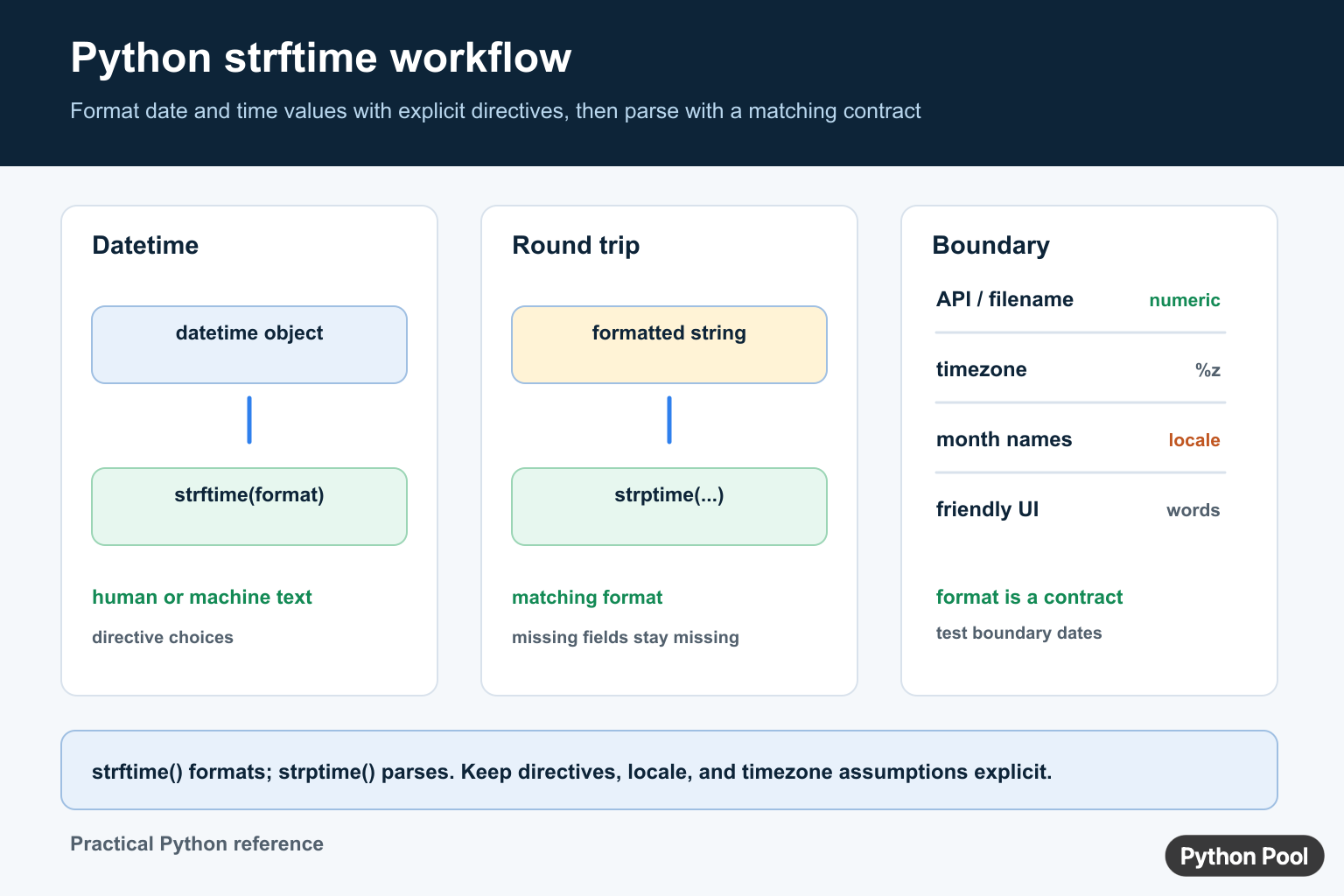
Python strftime() formats date and time objects as strings. It is useful when you need readable dates in logs, reports, filenames, user interfaces, or exported data.
The method is available on datetime, date, and time objects. You provide a format string that contains directives such as %Y for year, %m for month, and %d for day.
The main benefit of strftime() is control. Python already has default string output for date objects, but production code usually needs a specific shape. A web page might need Jul 09, 2026, an audit log might need 2026-07-09 14:30:05, and a generated file name might need a compact timestamp that sorts correctly.
Think of the format string as a small template. Ordinary characters are copied into the result, while percent directives are replaced with values from the date or time object. This means you can mix separators, spaces, month names, weekday names, and numeric fields in one clear expression.
The official Python strftime format code documentation lists available directives. For related conversion topics, see the Python float to string guide and the time difference in seconds guide.
Format A datetime Object
Call strftime() on a datetime object and pass the output pattern you want.
from datetime import datetime

created_at = datetime(2026, 7, 9, 14, 30, 5)
formatted = created_at.strftime("%Y-%m-%d %H:%M:%S")

print(formatted)
This returns a string such as 2026-07-09 14:30:05. The original datetime object is not changed.
That last point matters when formatting values for display. strftime() returns a new string, so the original object can still be compared, sorted, stored, or used in later calculations. Keep the date object for logic and create formatted strings only at the boundary where people or external systems need to read them.
Common strftime Codes
These directives cover many everyday formatting tasks: %Y for four-digit year, %m for month number, %d for day, %H for 24-hour hour, %M for minute, and %S for second.
from datetime import datetime

value = datetime(2026, 7, 9, 14, 30, 5)

print(value.strftime("%Y-%m-%d"))
print(value.strftime("%H:%M"))
print(value.strftime("%A, %B %d, %Y"))
Use numeric formats for data exchange and longer names for user-facing output.
For APIs, CSV files, and databases, numeric forms are usually easier to parse and compare. For labels, reports, emails, and dashboards, names such as Thursday or July can make the result easier to scan. The same object can be formatted both ways depending on the audience.
Format date Objects
A date object contains year, month, and day without a clock time.
from datetime import date

today = date(2026, 7, 9)

print(today.strftime("%d/%m/%Y"))
print(today.strftime("%b %d, %Y"))
This is a good fit for birthdays, report days, and schedule dates where time is not relevant.
When there is no time component, avoid adding fake clock values just to match a display requirement. Formatting the date object directly keeps the intent obvious and reduces the chance that someone later treats midnight as meaningful data.
Format time Objects
A time object contains clock time without a calendar date.
from datetime import time

starts_at = time(9, 5, 30)

print(starts_at.strftime("%H:%M:%S"))
print(starts_at.strftime("%I:%M %p"))
%I gives a 12-hour clock and %p adds AM or PM text in locales that support it.
Use 24-hour output for logs and operations screens because it avoids ambiguity. Use 12-hour output only when it matches the product style or user expectation. If the value will be parsed by software later, document the exact format and keep it consistent.
Create Safe Date-Based Filenames
strftime() is often used for filenames. Prefer formats that sort correctly and avoid characters that are awkward in file paths.
from datetime import datetime

stamp = datetime.now().strftime("%Y%m%d-%H%M%S")
filename = f"report-{stamp}.txt"

print(filename)
The compact year-month-day order sorts naturally and avoids slashes or colons.
This pattern works well for exports, reports, and backups because alphabetical order matches chronological order. It also keeps filenames short while still including enough detail to distinguish several generated files from the same day.
Do Not Confuse strftime And strptime
strftime() turns date and time objects into strings. strptime() parses strings into datetime objects.
from datetime import datetime

text = "2026-07-09"
value = datetime.strptime(text, "%Y-%m-%d")
back_to_text = value.strftime("%d %b %Y")

print(back_to_text)
Use strftime() for output. Use strptime() for input that must be parsed from text.
Common Mistakes
The first mistake is using the wrong case. %m means month number, while %M means minute. %Y is a four-digit year, while %y is a two-digit year.
The second mistake is expecting the same names in every environment. Month names, weekday names, and AM/PM markers can depend on locale settings. Numeric formats are safer for data files and APIs.
The third mistake is using date separators in filenames. Slashes can mean folders, and colons can be awkward on some systems. Use compact formats such as %Y%m%d-%H%M%S for filenames.
A fourth mistake is formatting too early. If you turn a date into text at the start of a workflow, later code may need to parse it back before doing comparisons or arithmetic. Keep values as datetime, date, or time objects until the final output step.
Another issue appears in tests. Tests that compare the exact output of datetime.now().strftime(...) can fail because the current time keeps changing. Prefer fixed sample objects in examples and unit tests so the expected string is stable.
The reliable pattern is to keep storage and exchange formats simple, use readable formats only for display, and choose strftime() when you already have a date or time object that needs to become text.
Keep Formatting And Parsing Paired
strftime() is for formatting an existing date or time object. strptime() parses text using a matching format. A format string is a contract: if it omits seconds, timezone, or a day component, the output cannot preserve information that was never included.
from datetime import datetime

stamp = datetime(2026, 7, 11, 9, 30)
formatted = stamp.strftime("%Y-%m-%d %H:%M")
parsed = datetime.strptime(formatted, "%Y-%m-%d %H:%M")
print(formatted, parsed)
Timezone And Locale Are Part Of The Output
A naive datetime does not identify a timezone. An aware datetime can include an offset, but the format must include a directive such as %z when that offset needs to travel with the text. Names such as weekday and month can also depend on the process locale, so numeric formats are usually safer for machine-readable filenames and APIs.
Use ISO-oriented formats for interchange when possible, and reserve friendly month names for human-facing output. Validate the format with representative dates around midnight, month boundaries, daylight-saving transitions, and leap days.
Frequently Asked Questions
What does strftime() do in Python?
strftime() formats a date or datetime object into a string using percent-based format directives.
What is the difference between strftime() and strptime()?
strftime() creates text from a date or time object, while strptime() parses text into a date or time object using a matching format.
How do I include a timezone in strftime output?
Use an aware datetime and include an appropriate directive such as %z when the UTC offset must be represented in the formatted text.
Are month and weekday names locale-dependent?
Yes. Textual names can depend on the process locale, so numeric directives are generally safer for machine-readable APIs and filenames.
