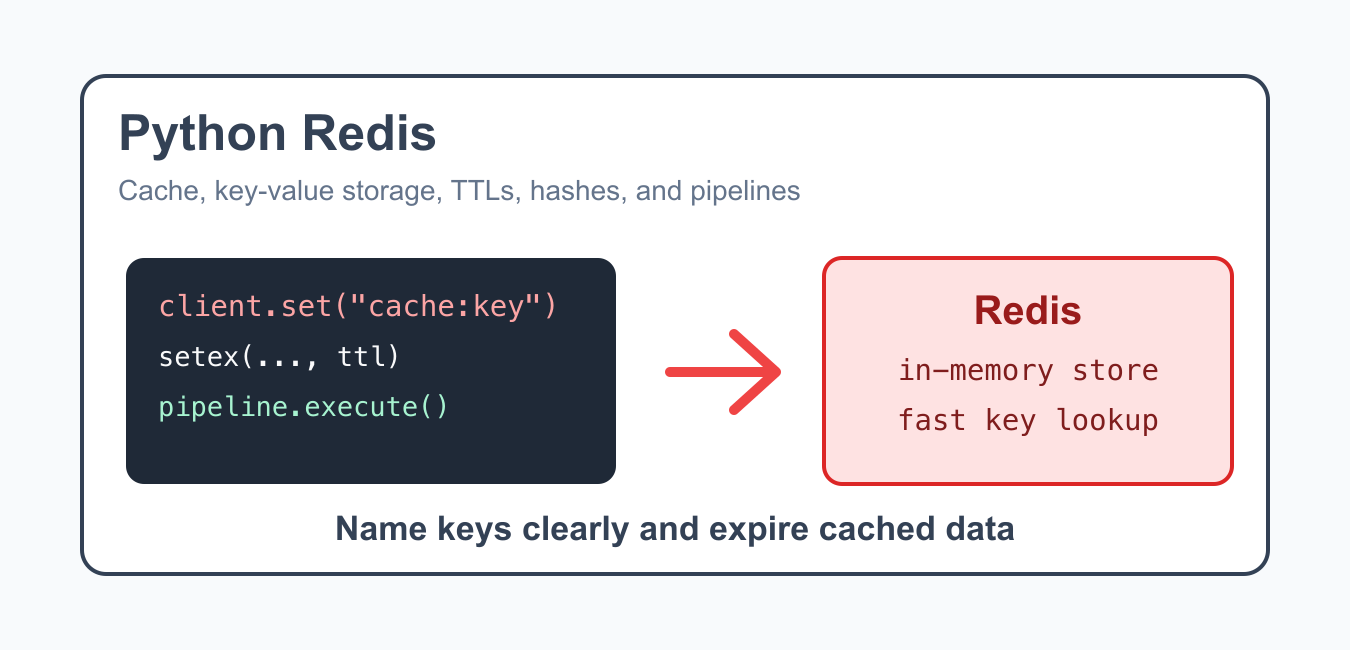
Quick answer: Use redis-py with an explicit connection configuration, a deliberate serialization format, and expiration for temporary cache entries. Pipelines reduce round trips, but they do not automatically make every application workflow transactional or idempotent.
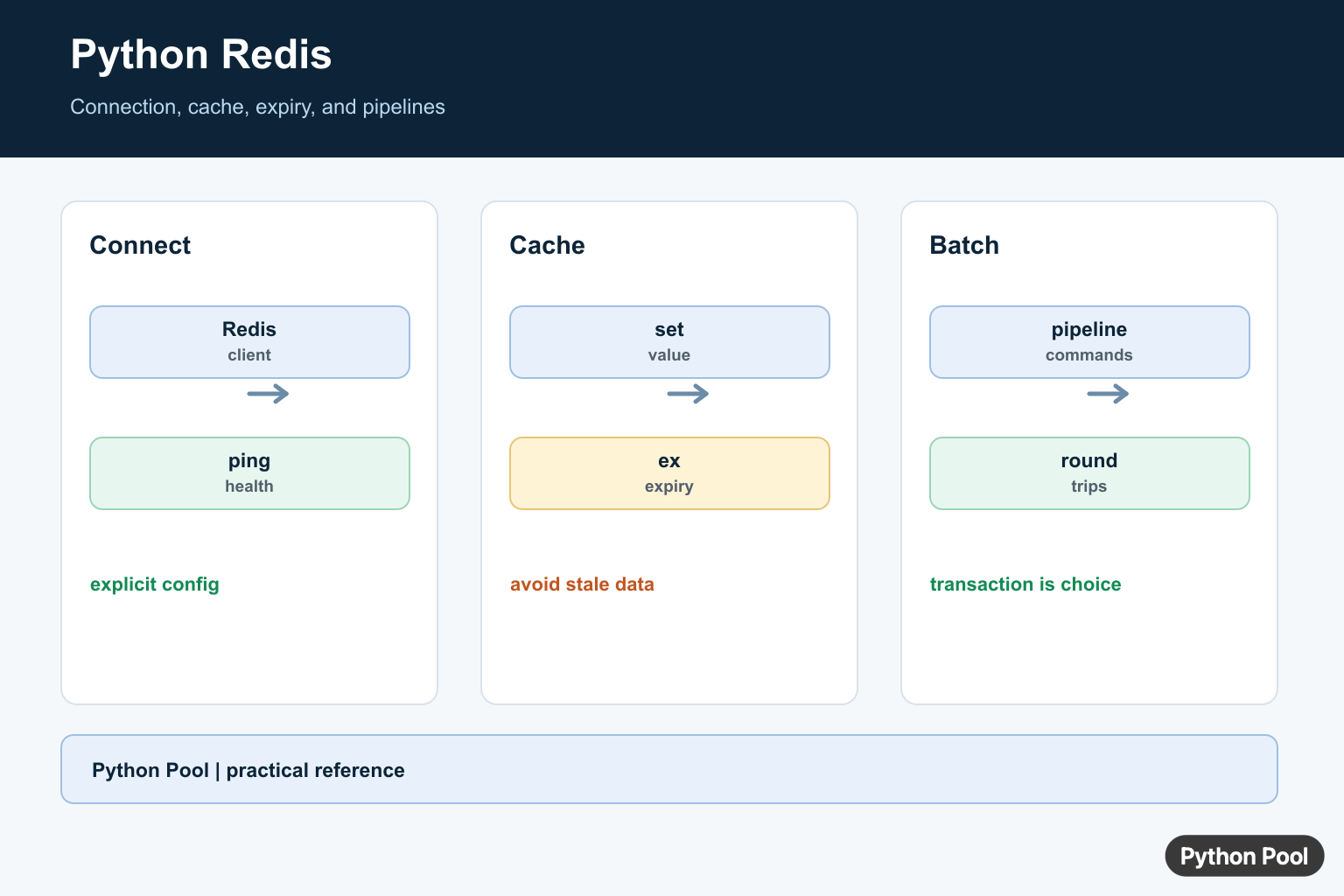
Redis is an in-memory data store often used for caching, counters, queues, rate limits, session data, and fast key-value lookups. In Python, the common client library is redis-py, imported as redis.
Redis is fast because it keeps data in memory, but that also means you should be intentional about key names, expiration, memory use, and persistence settings. Use it for data that benefits from quick access, not as a replacement for every database table.
The Redis documentation and redis-py documentation are the primary references. For related Python data structures, see adding keys to a dictionary and the Python 2D list guide.
Connect To Redis
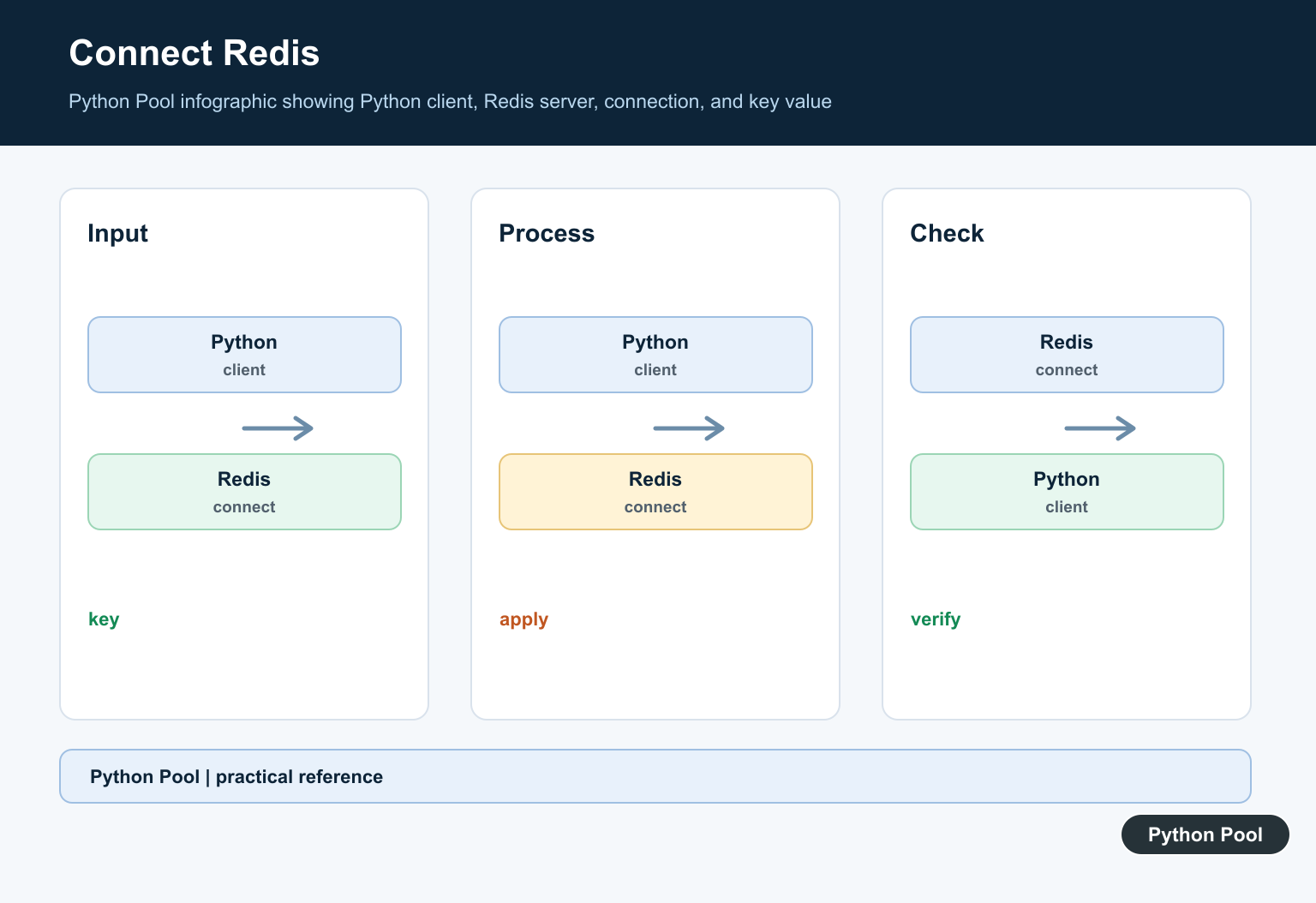
Create a Redis client with host, port, and response decoding. Decoding makes string values come back as Python strings instead of bytes.
A typical local connection uses host localhost, port 6379, and decode_responses=True. For production, keep host, password, TLS, and database settings in environment-specific configuration rather than hard-coding them in source files.
If a connection test fails, check whether the Redis server is running, whether the port is reachable, and whether authentication or TLS is required. Confirm this before debugging application logic.
Set And Get String Values
Redis string keys are useful for simple cached values, tokens, counters, and status flags.
import redis

client = redis.Redis(decode_responses=True)

client.set("app:name", "PythonPool")
value = client.get("app:name")

print(value)
Use consistent key prefixes such as app:, user:, or cache:. Good names make Redis easier to inspect and clean up.
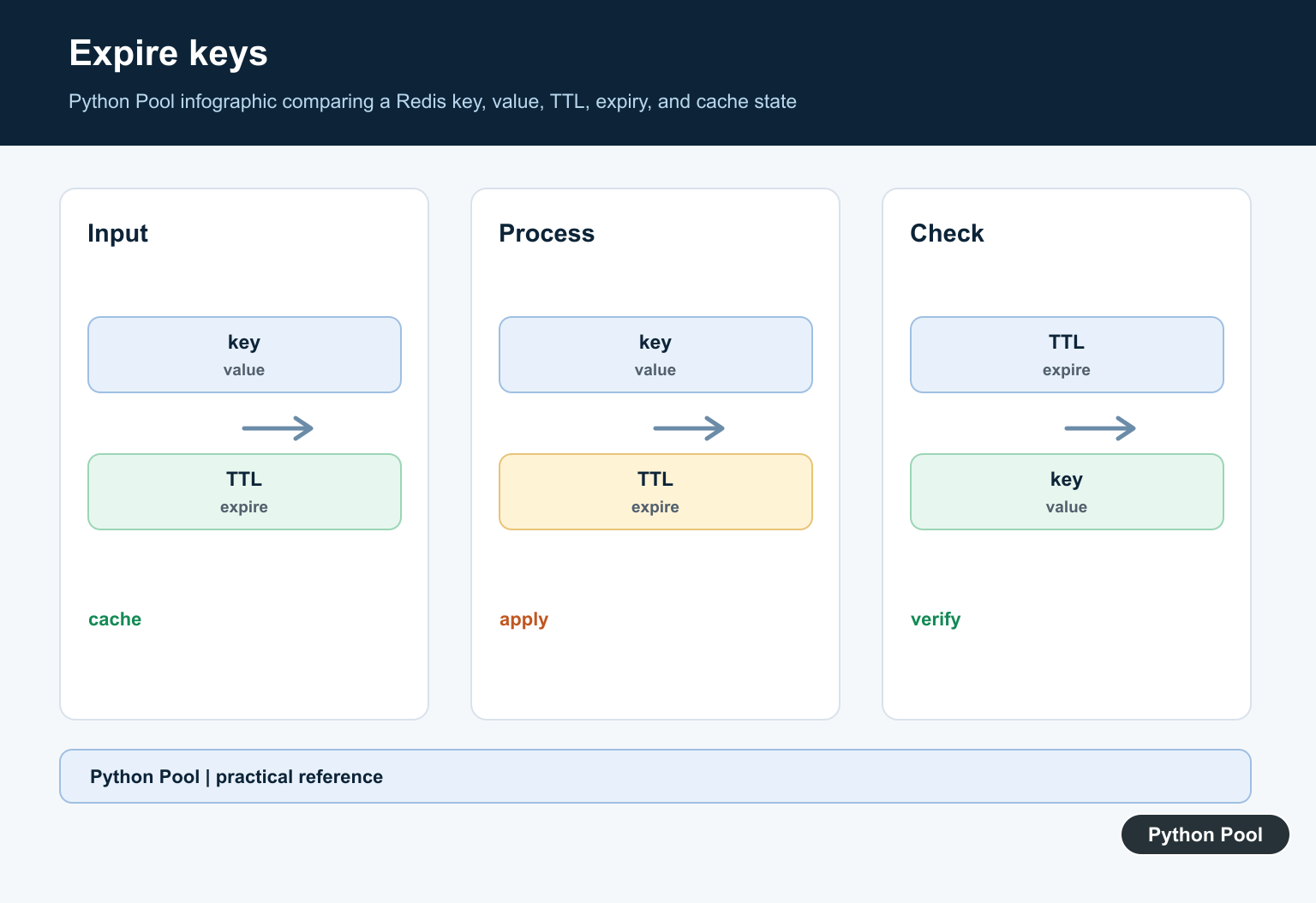
Set Expiring Cache Values
Use expiration for cached data so old entries do not stay forever.
import redis

client = redis.Redis(decode_responses=True)

client.setex("weather:delhi", 300, "clear")

print(client.get("weather:delhi"))
print(client.ttl("weather:delhi"))
The TTL is measured in seconds. Pick a duration based on how stale the data is allowed to become.
Expiring keys are one of the safest cache habits. They limit memory growth and reduce the chance that old data stays visible long after the source data changed.
Store Dictionaries As Hashes
Redis hashes store field-value pairs under one key. They are useful for small objects such as profiles, settings, and metadata.
import redis

client = redis.Redis(decode_responses=True)

client.hset(
    "user:100",
    mapping={"name": "Ada", "role": "admin"},
)

print(client.hget("user:100", "name"))
print(client.hgetall("user:100"))
Hashes are not a full relational model, but they are convenient for compact objects that are read and updated by key.
Store JSON When Needed
When the value is nested, serialize it explicitly so the format is clear.
import json
import redis

client = redis.Redis(decode_responses=True)

payload = {"items": ["book", "pen"], "total": 2}
client.set("cart:42", json.dumps(payload))

loaded = json.loads(client.get("cart:42"))
print(loaded["items"])
JSON keeps the stored value portable and readable. For frequent partial updates to complex documents, evaluate Redis modules or a different primary data store.
Use Pipelines For Batches
Pipelines send several commands together, reducing network round trips.
import redis

client = redis.Redis(decode_responses=True)

with client.pipeline() as pipe:
    pipe.incr("counter:pageviews")
    pipe.expire("counter:pageviews", 3600)
    results = pipe.execute()

print(results)
Pipelines are useful for related operations that should be sent efficiently. For strict atomic behavior, learn when to use transactions, Lua scripts, or Redis commands designed for the operation.
Handle Connection Errors
Production code should catch Redis connection errors and decide whether to retry, fall back, or fail clearly.
import redis

client = redis.Redis(host="localhost", port=6379, socket_timeout=2)

try:
    client.ping()
except redis.exceptions.RedisError as error:
    print("Redis unavailable:", error)
else:
    print("Redis is ready")
For cache use cases, a fallback may be acceptable. For queues, locks, or rate limits, a Redis failure may need to stop the operation to avoid inconsistent behavior.
Log Redis failures with enough context to identify the command and key pattern, but do not print secrets. Short timeouts and clear fallback behavior make outages easier to handle.
Best Practices
Use Redis for data that benefits from fast access and simple key-based lookup. Add expirations to cache keys, namespace keys clearly, and monitor memory usage. Keep connection settings outside source code and use environment-specific configuration.
Do not store large unbounded objects without a cleanup plan. Redis can be persistent, but many deployments treat it as a cache or fast coordination layer rather than the system of record.
Choose key names that explain ownership and purpose. A key such as cache:user:42 is easier to understand and delete safely than a short unclear key. Good naming also helps dashboards, scripts, and incident response.
When Redis is used as a cache, design the application to recover from cache misses. The database or upstream service should still be the source of truth unless Redis is intentionally part of the primary storage design.
Monitor hit rate, memory, connection count, and evicted keys. Those metrics show whether Redis is actually helping the application or hiding slow queries behind a fragile cache layer.
The reliable pattern is to start with clear key names, simple values, explicit expiration, and measured use of pipelines. That gives Python applications a fast Redis integration without turning the cache into a hidden database.
Create A Redis Client
A Redis client holds connection settings and manages connections as commands are used. Keep the URL or host, port, credentials, TLS setting, and decode policy in configuration rather than embedding secrets in source code.
import os
import redis

client = redis.Redis.from_url(
    os.environ["REDIS_URL"],
    decode_responses=True,
)
print(client.ping())
Set, Get, And Expire Cache Values
Redis stores bytes by default; decode_responses=True makes text responses convenient, while JSON or another explicit serializer is better for structured values. Set an expiration as part of the write so a failed follow-up expire call cannot leave stale cache data forever.
import json

value = {"name": "Python", "version": 3}
client.set("guide:python", json.dumps(value), ex=300)
raw = client.get("guide:python")
print(json.loads(raw) if raw else None)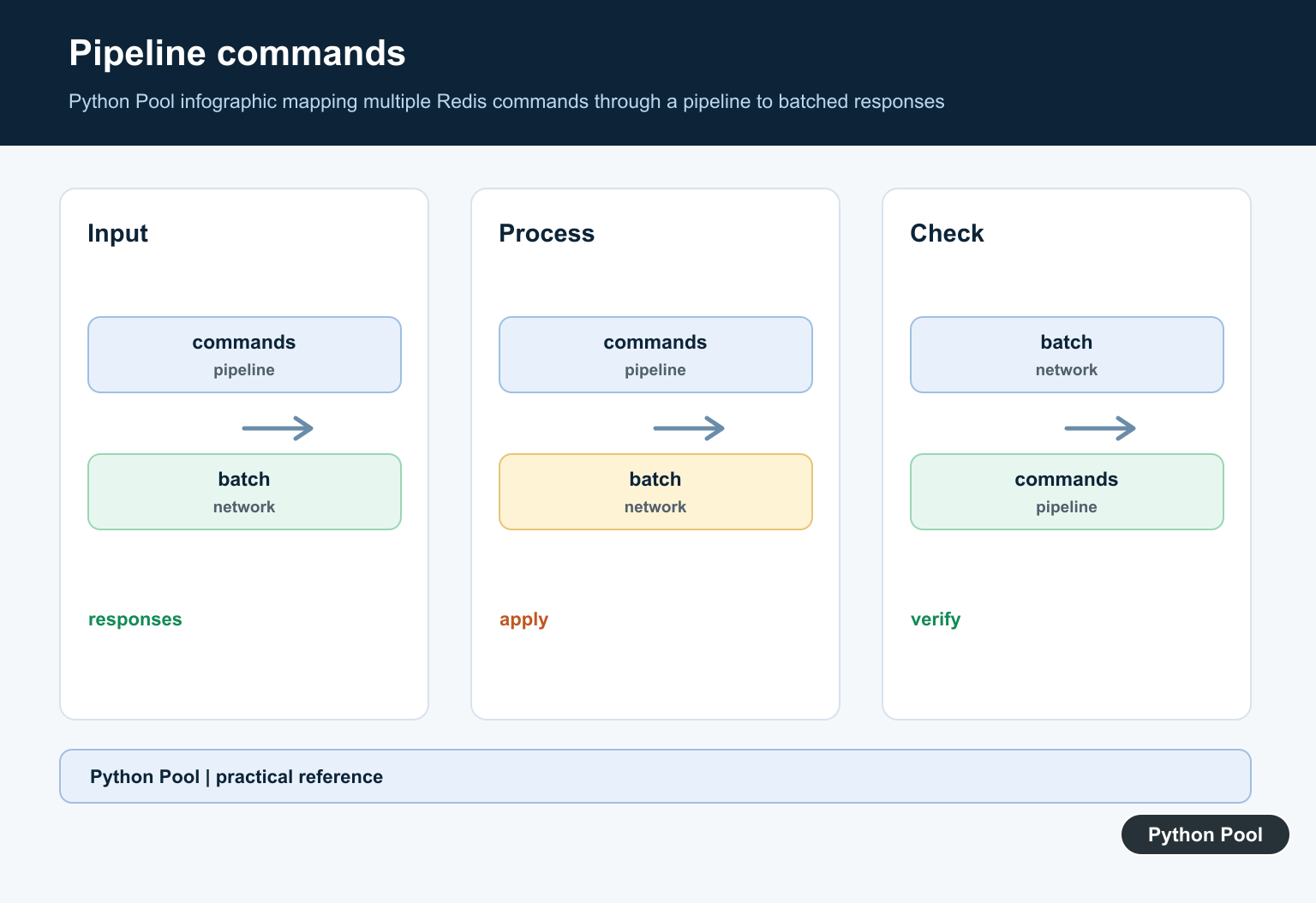
Avoid Cache Stampedes
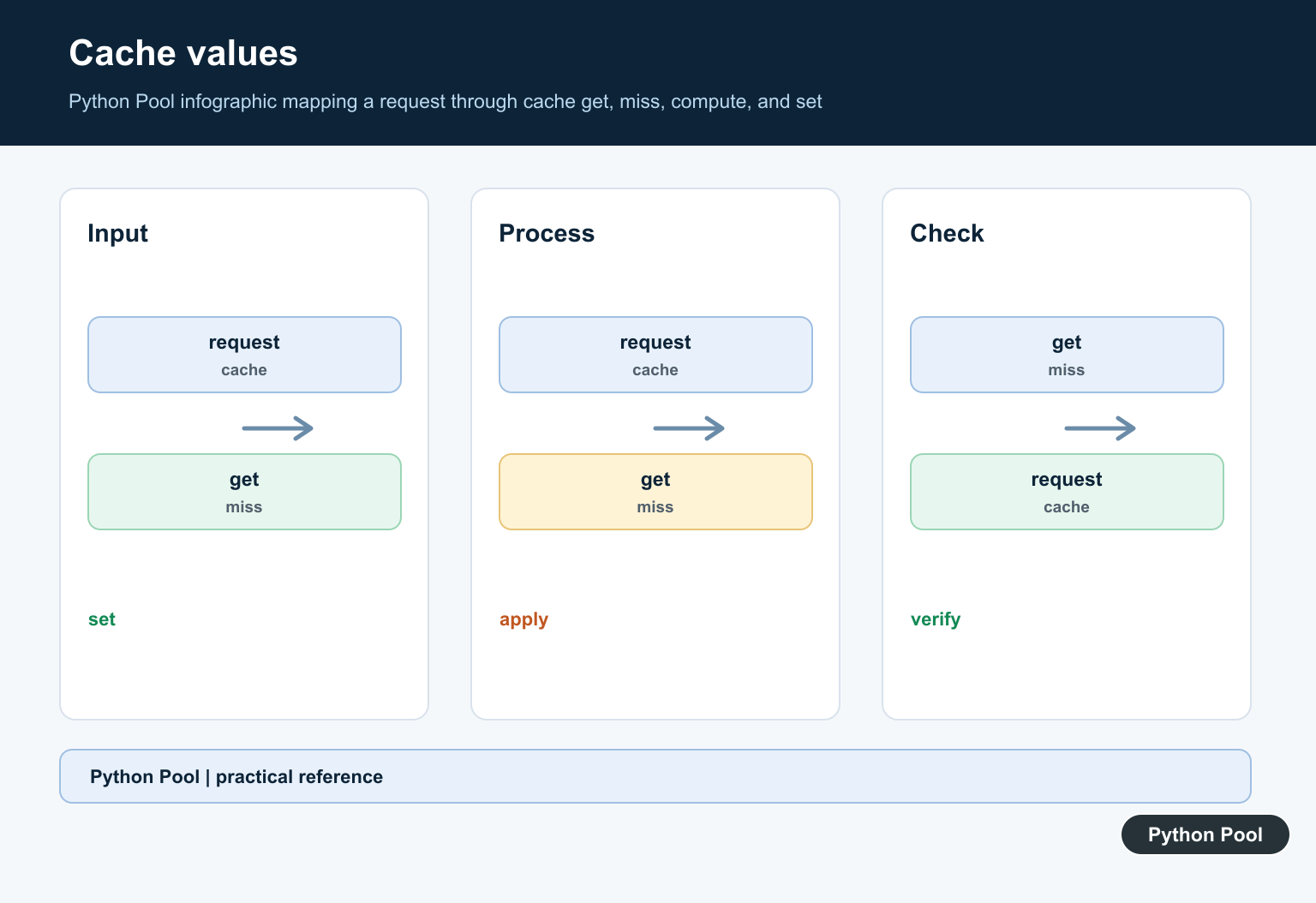
A cache miss can cause many workers to rebuild the same expensive value. Use a short lock, request coalescing, or a stale-while-revalidate policy when the workload requires it. Always keep the fallback source authoritative because cache data can expire or be evicted.
import json

key = "guide:python"
raw = client.get(key)
if raw is None:
    value = {"name": "Python"}
    client.set(key, json.dumps(value), ex=300)
else:
    value = json.loads(raw)
print(value)
Group Commands In A Pipeline
A pipeline queues multiple commands and sends them together, which reduces network round trips. Use transaction=True only when the grouped operation needs Redis transaction semantics; a pipeline by itself is not a replacement for a database transaction or an application-level invariant.
pipe = client.pipeline(transaction=False)
pipe.set("counter", 1)
pipe.expire("counter", 60)
print(pipe.execute())
The official redis-py examples cover connection, set/get, expiration, pipelines, SSL, and asyncio workflows. Keep timeouts and retry policy explicit for production services.
For persistence and application data choices, compare Python shelve for local storage, CRUD operations for database-backed workflows, and JSON handling with Requests when deciding what belongs in Redis.
Frequently Asked Questions
How do I connect to Redis in Python?
Create a redis.Redis client with the host, port, credentials, and decode response policy that match the server configuration.
How do I cache a value with Redis?
Use set() or setex() with a deliberate key, serialized value, and expiration when the data is temporary.
How do I set an expiration on a Redis key?
Pass ex seconds to set() or call expire(key, seconds) after writing the value.
When should I use a Redis pipeline?
Use a pipeline to group multiple commands and reduce network round trips, while checking whether transactional behavior is actually required.
